
TL;DR: Version History is a time-travel log of every change to a project. Open it, pick a snapshot, and restore it in one click. Every plan keeps history, and paid plans keep it for much longer. Pair it with the Activity Feed to see who changed what before a bulk edit.
Overview
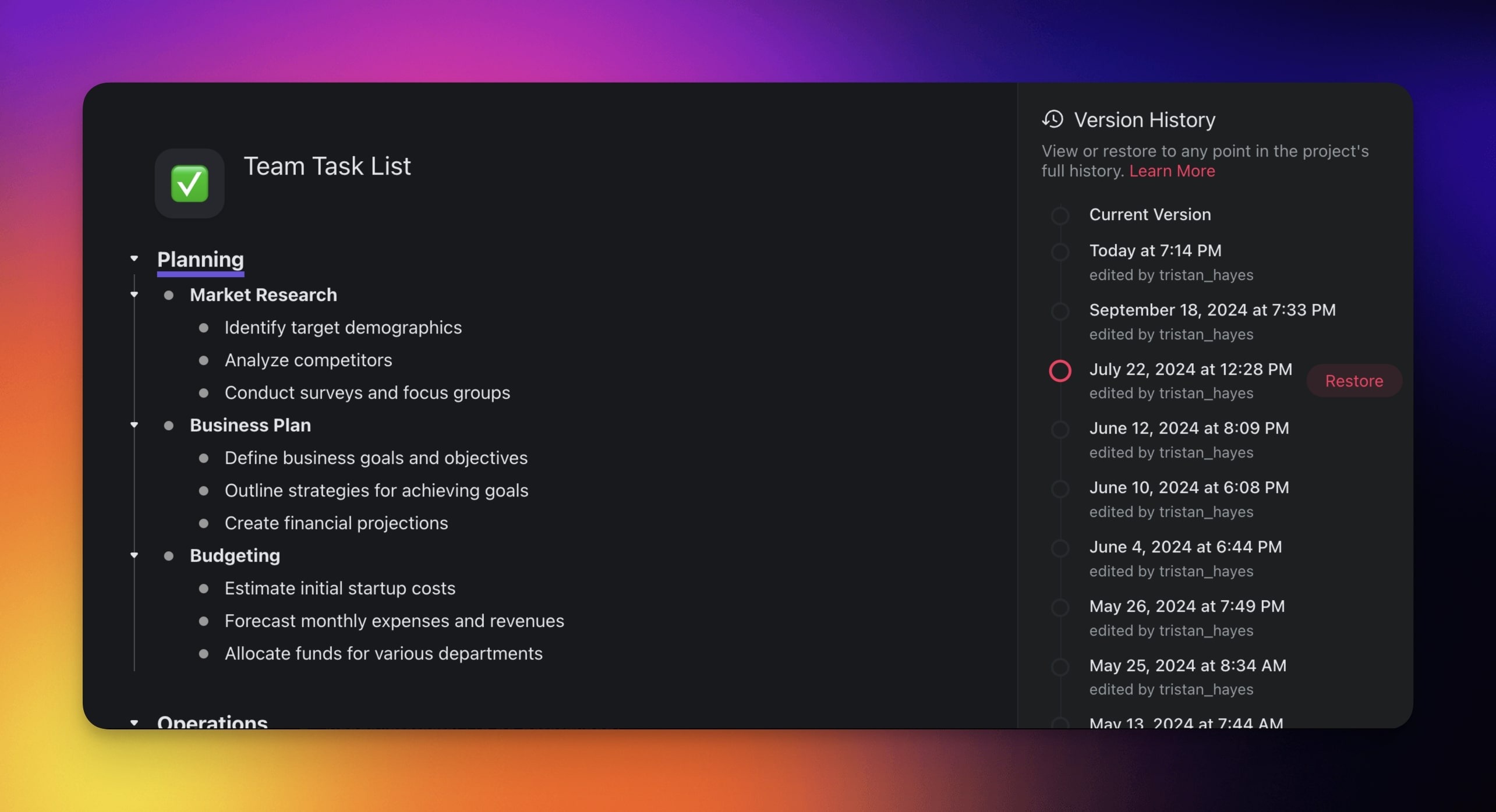
Version History tracks changes and edits in a project and lets you restore project snapshots with a single click. On top of text edits, Version History includes edits to #tags and @mentions as well as any actions and edits made by your AI agents. This means you can safely experiment with your projects knowing that any previous state can be recovered.
💡 Note: Every plan records Version History. The Free plan keeps the last week of snapshots. Paid plans keep months or years of them, so upgrade if you need to reach further back.
How to Restore a Version
- Open a Project you want to restore.
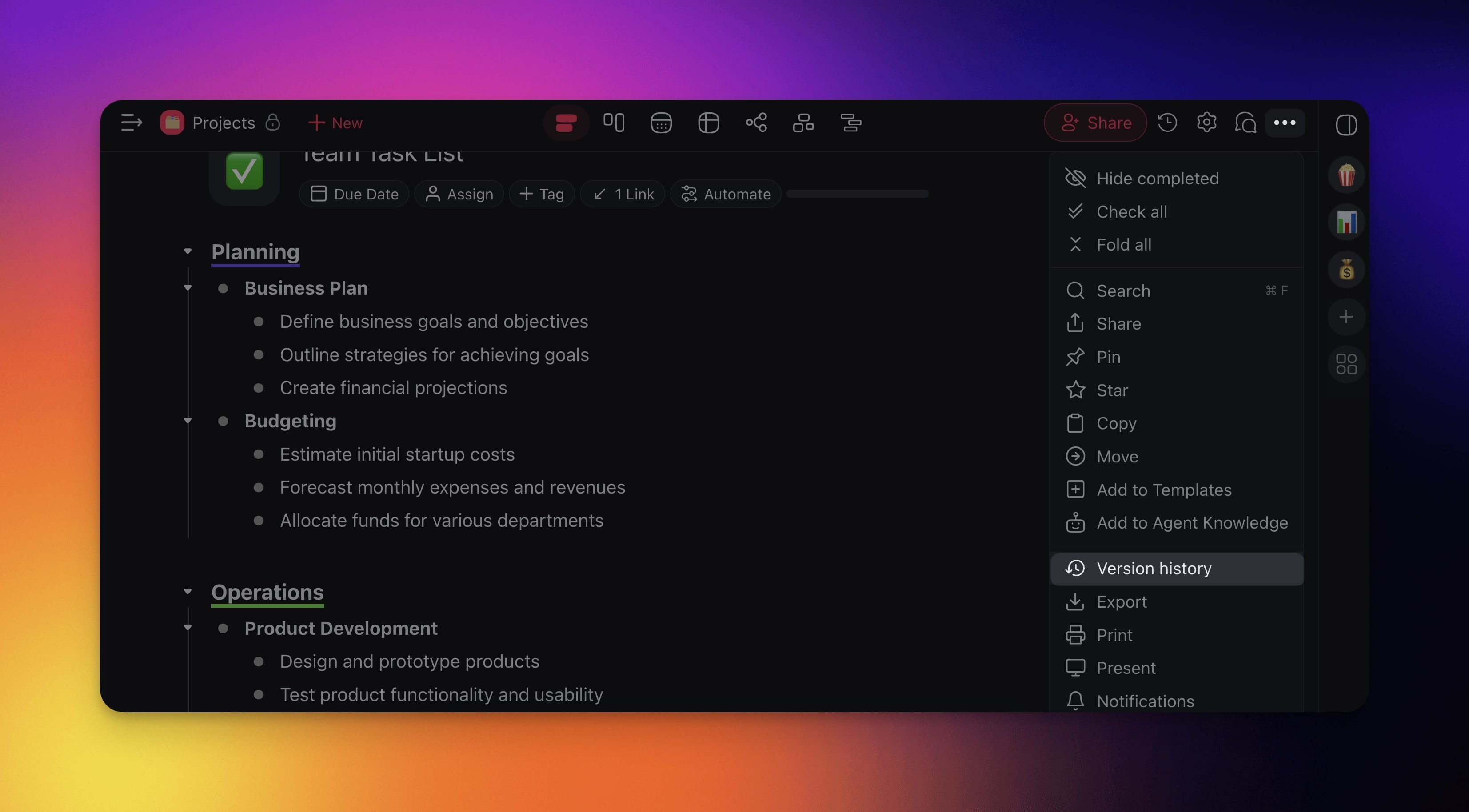
- Click ··· at the top right-hand corner of the project.
- Choose ↺ Version History and pick one of the available snapshots.
- Click Restore.
💡 Note: Visit Project History to track Project changes in real-time!
AI Agent History
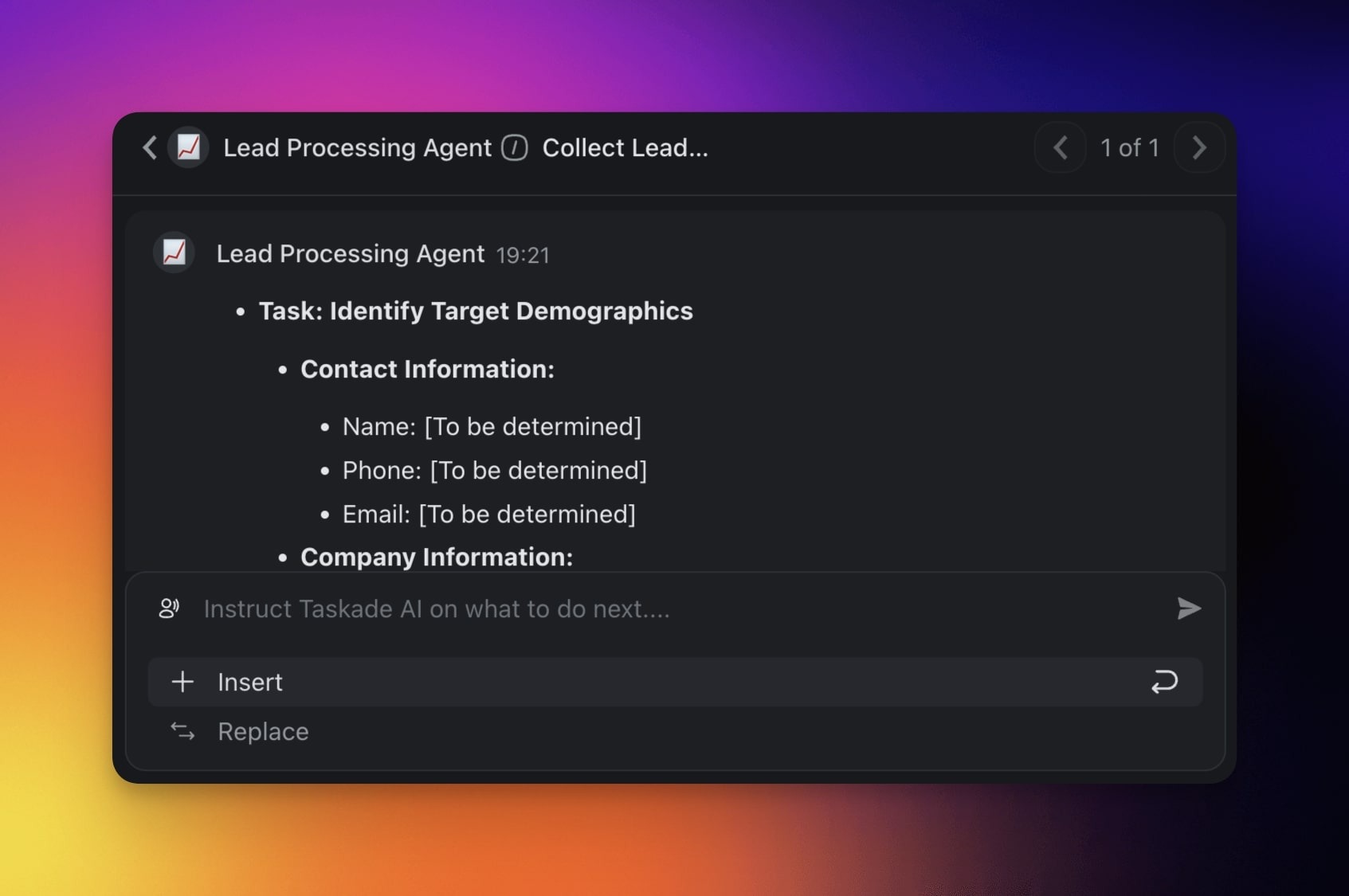
Version history also tracks any edits made by your custom AI agents. Every time an agent modifies tasks, adds content, or reorganizes your project, a new snapshot is created automatically.
💡 Note: History of chats with AI agents is tracked separately.
Tips
- Use Version History as an undo safety net when running bulk operations like sorting or reformatting tasks.
- Each snapshot includes a timestamp and the name of the user (or agent) who made the change, so you can trace edits back to their source.
- Restoring a version does not delete newer snapshots. You can always switch back to a more recent version if needed.
- Combine Version History with Project Comments to document why a particular change was made.
- How far back you can travel depends on your plan. Free keeps the last week. Paid plans extend the window, and the top plans keep years of snapshots. Older snapshots reappear as soon as you upgrade.