
TL;DR: Taskade's real-time collaboration lets everyone on your plan edit the same project simultaneously with live cursors, presence avatars, chat, video, and a full activity feed. Roles from Owner through Viewer govern every action, with no per-seat charges up to each plan's user cap.
How real-time editing works
Every edit syncs in real time across web, desktop, and mobile. Roles from the permission model decide who can edit, comment, or only view, and the full Activity Feed keeps an audit trail of every change.
Overview
Taskade lets you collaborate in real time with your team or clients. You can edit Projects, manage tasks, and write documents on any of your devices. Your collaborators see each edit instantly, so everyone stays on the same page. Real-time collaboration works across all project views and devices.
Note: Want to work at your own pace? Read Project Comments for asynchronous collaboration options.
Start a Team Chat
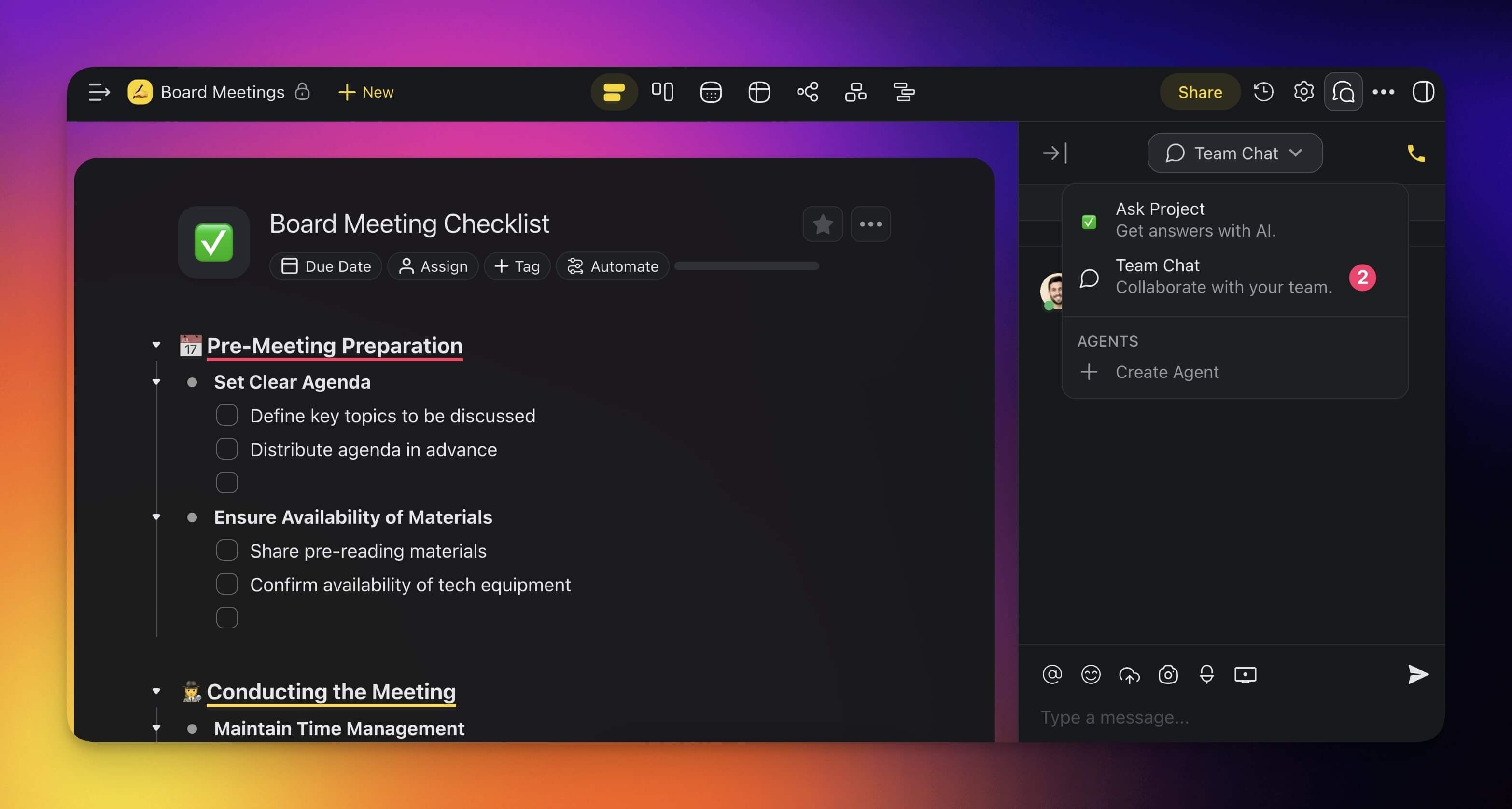
The chat box is located in the right-hand section of every project. To start a chat:
- Open a project and click the chat balloon icon 💬 in the top-right corner.
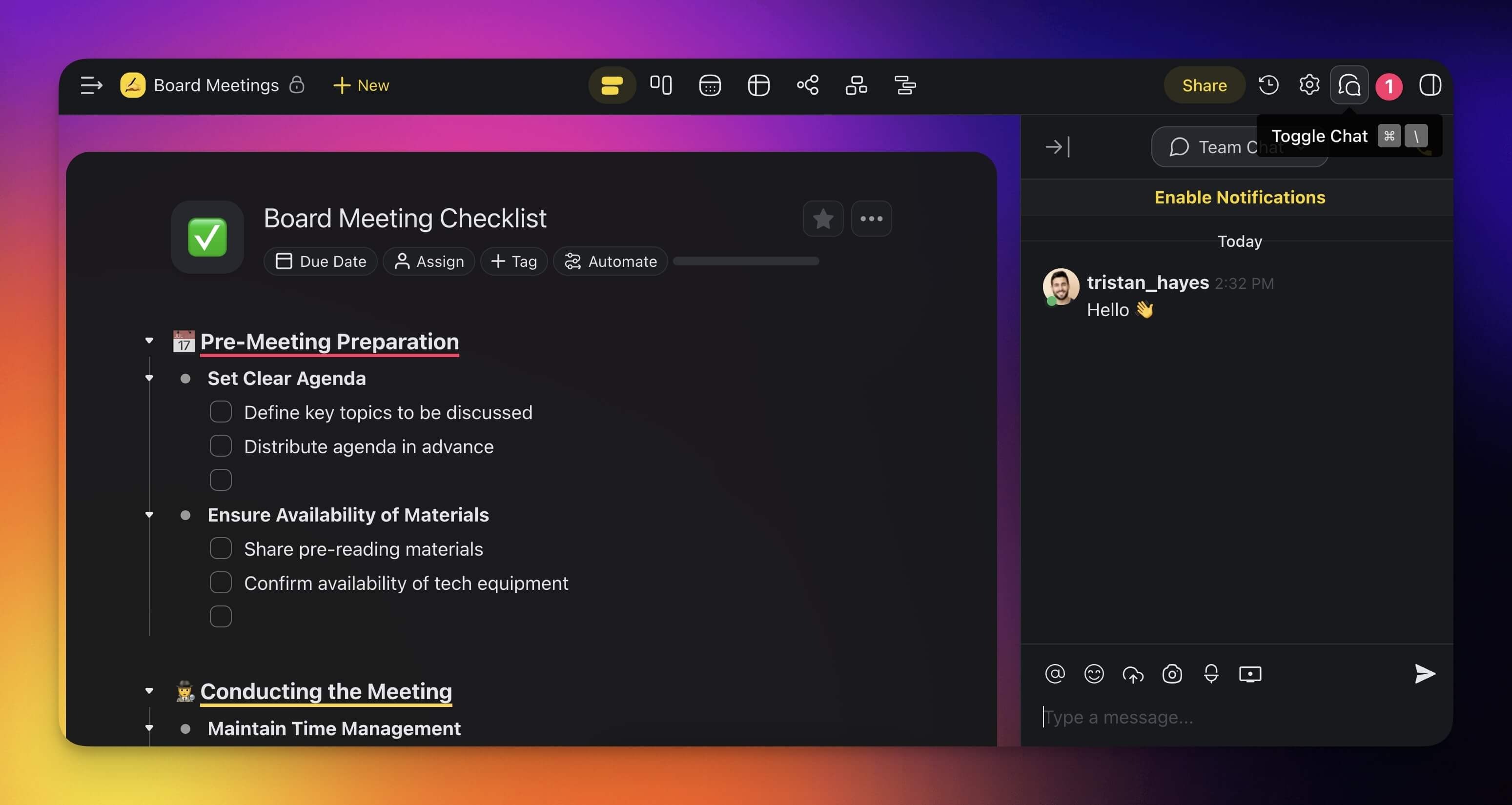
- Choose 💬 Team Chat using the drop-down at the top of the chat box.
- Type your message and press ⌨️ Enter or click the arrow button to send it.
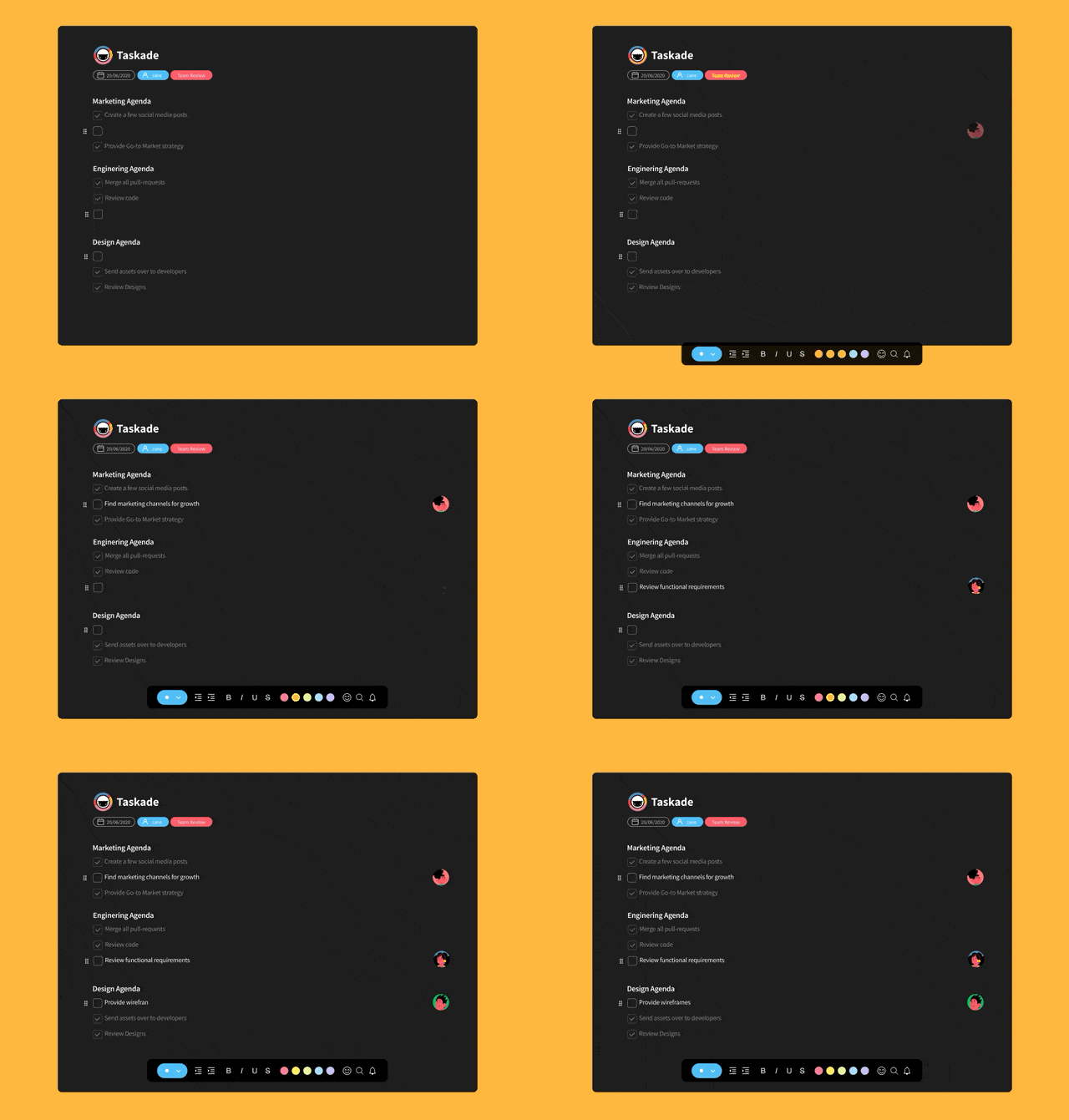
Real-Time Typing Indicator
When more than one person types in the same Project, you see their Profile Pictures next to the task they edit.
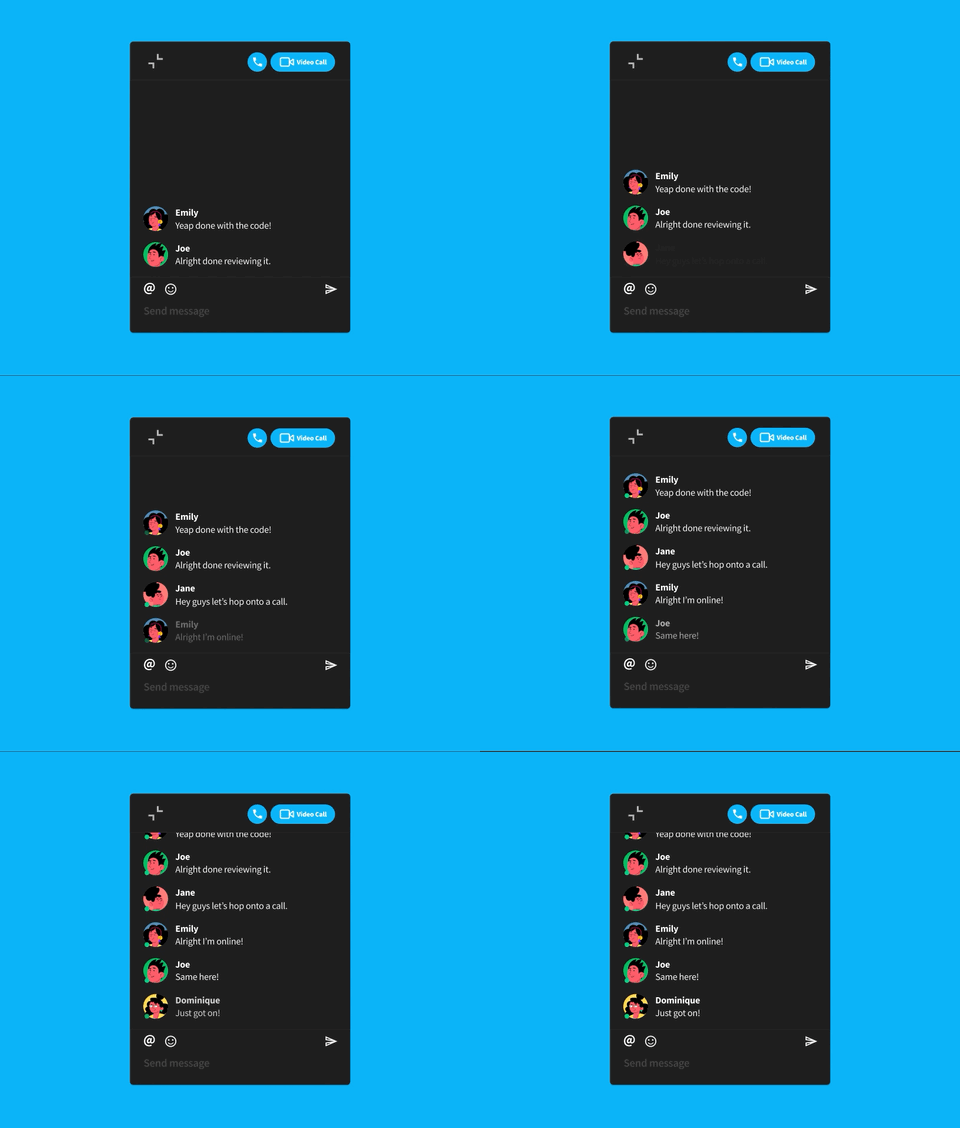
Real-Time Online Indicator
Want to start a chat in a Project but do not know who is online? Taskade shows a 🟢 presence icon next to each profile picture.
Local Time Indicator
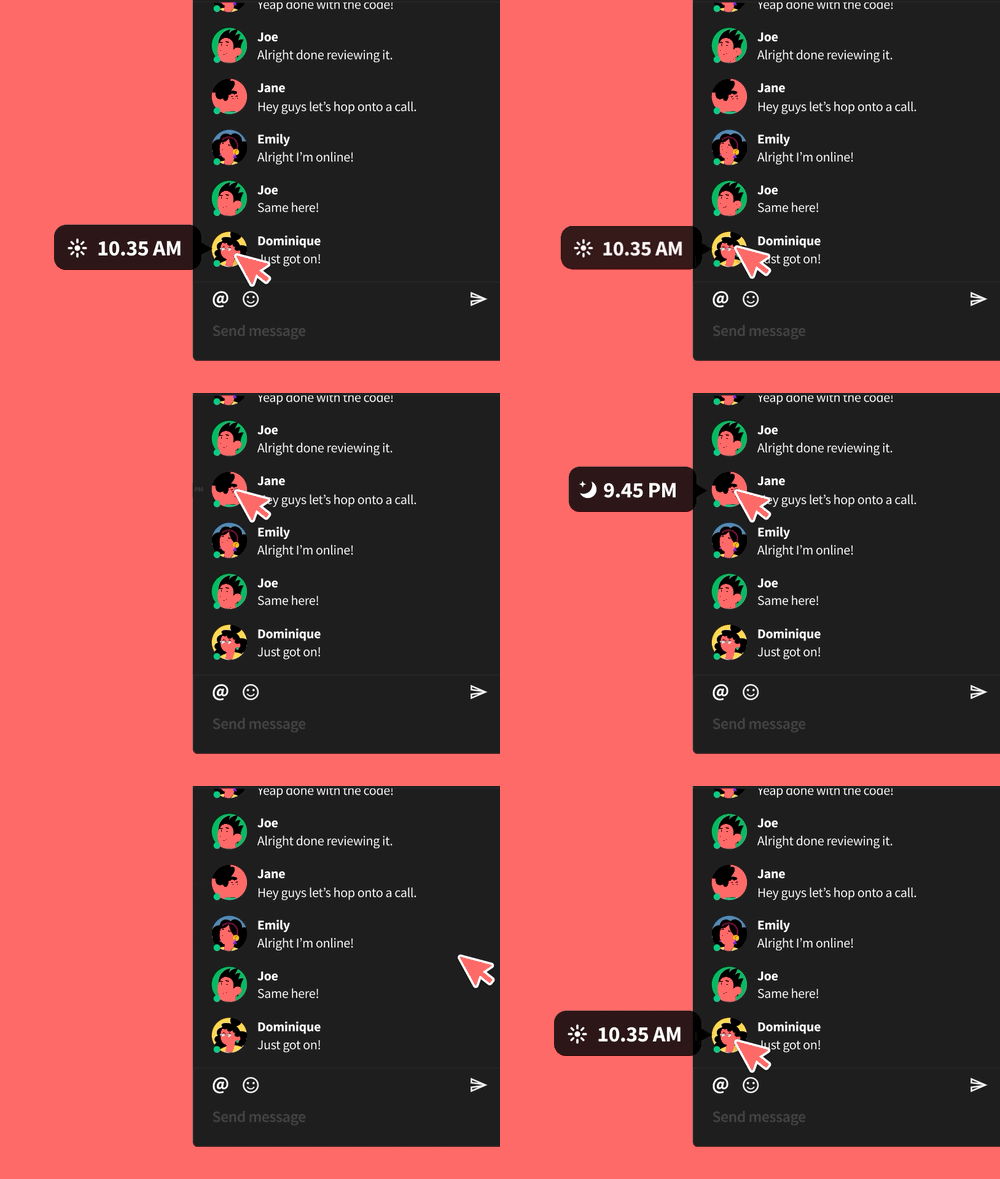
To check a teammate's local time before you write, hover over their profile picture in the chat box.
Tips
- Use Version History to review or restore earlier project states if concurrent edits lead to unexpected changes.
- Assign tasks to specific team members during live editing sessions to distribute work clearly.
- Enable video calls for face-to-face discussions while collaborating in the same project.
- Set user roles and permissions to control who can edit, comment, or only view a project.