Free
Sort video comments each week into questions, requests, praise and complaints, list the ones to answer, and take viewer questions.
Automate YouTube with Taskade: a new video on a channel or playlist starts a workflow that transcribes it and turns it into tasks, notes and posts.
34 automations available
Easily monitor YouTube videos for specific keywords, receive email alerts, and streamline content discovery with this automation.


 YouTube → Media → Taskade AI → Taskade · 4 steps
Transform your content accessibility and boost engagement effortlessly with our cutting-edge YouTube Video Transcription Automation!
YouTube → Media → Taskade · 3 stepsUnleash the power of instant content comprehension with our YouTube Video Summary Generator Automation, transforming lengthy videos into concise, impa...
YouTube → Media → Taskade AI → Taskade · 4 stepsTransform your content strategy with our YouTube Video Comparison Automation - a powerful tool that effortlessly analyzes and compares video performan...
YouTube → Taskade AI → Taskade · Content Editor agent · 3 stepsTurn your YouTube inspirations into actionable tasks effortlessly with our YouTube Video to Task List Automation, transforming every “aha” moment into...
YouTube → Taskade AI → Taskade · 3 stepsTransform your YouTube videos into an infinite stream of dynamic content with our powerful repurposing automation, amplifying your reach effortlessly!
YouTube → Media → Taskade AI → Taskade · Content Editor agent · 4 stepsUnleash the potential of your creativity with our YouTube Video Content Idea Generator - where cutting-edge automation transforms video insights into ...
YouTube → Taskade AI → Taskade · 3 stepsNew YouTube upload → social posts, newsletter, blog excerpt - all drafted.
 YouTube → Taskade AI → X (Twitter) → Taskade · 4 steps
A named agent reads the top comments on each new video and files the ones that need a reply as tasks.
YouTube → Taskade AI → Taskade · Comment Reviewer agent · 4 stepsYouTube transcript → SEO blog post with structure and CTA.
YouTube → Media → Taskade AI → Taskade · 4 stepsEach new video is logged in one channel project with its details and statistics.
YouTube → Taskade · 3 stepsPlan every video on one calendar - ideas move through scripting, filming, and editing on schedule while AI drafts titles before you record.
 YouTube → Taskade AI → Google Sheets → Taskade · Content Editor agent · 4 steps
Track every brand deal from first email to paid invoice - sponsor inquiries land in one pipeline so deals stop dying in your inbox.
YouTube → Taskade AI → Taskade · Deal Reviewer agent · 3 stepsEach new video opens a test record. A named agent reads the published title and description, drafts alternative titles and thumbnail ideas, and files ...
YouTube → Taskade AI → Taskade · Packaging Coach agent · 4 stepsGenerate keyword-rich tags for each video, score relevance against your target topic, and keep a tidy tag library so every upload is discoverable in s...
YouTube → Taskade AI → Taskade · SEO Strategist agent · 3 stepsApp kits
Each app below has its automations built in. Clone one, connect your own account, and the flows run in your workspace.
Sort video comments each week into questions, requests, praise and complaints, list the ones to answer, and take viewer questions.
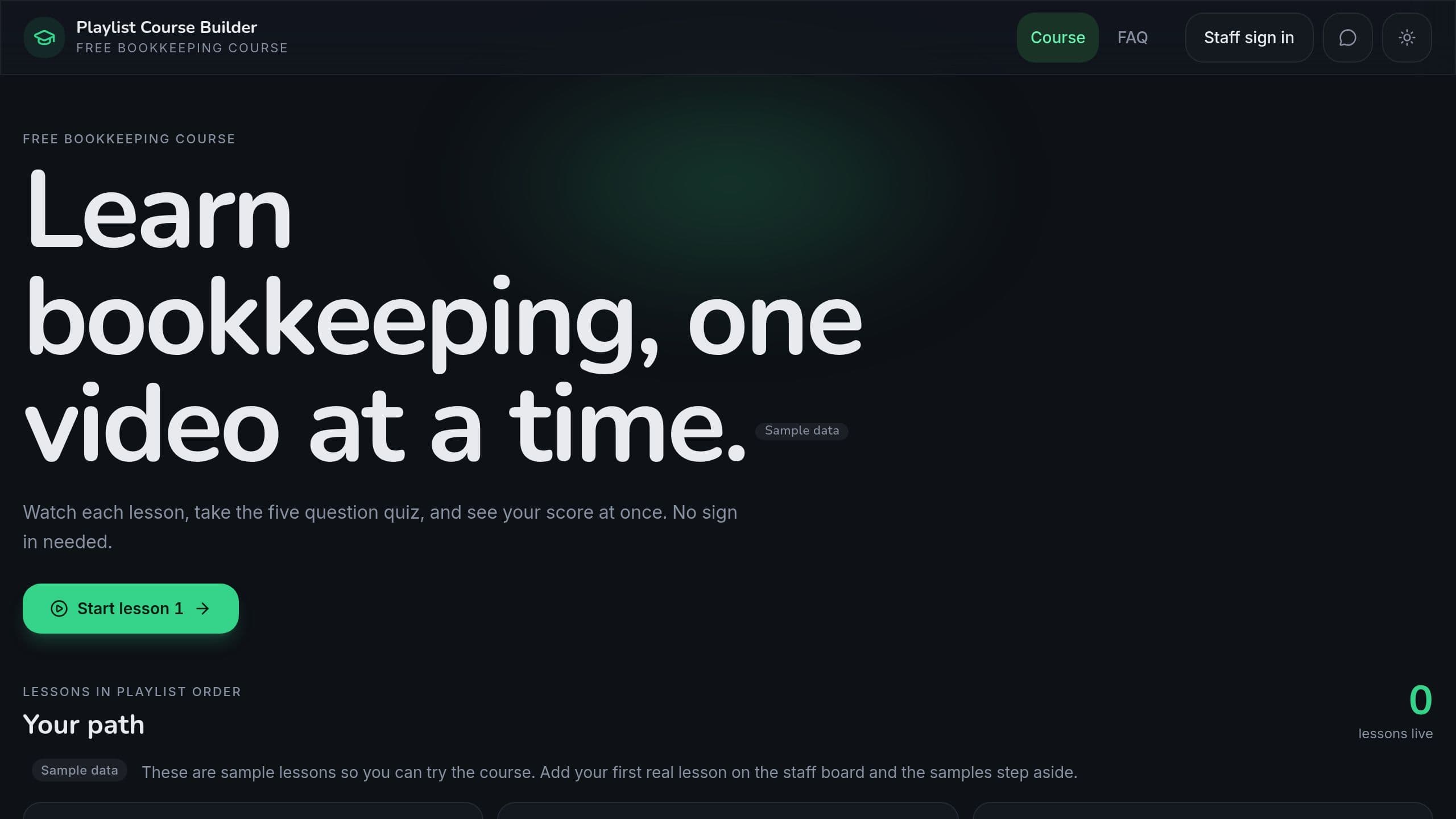
Turn each video of a YouTube playlist into a lesson with a summary, a 5 question quiz and a tutor chat that knows the lessons.
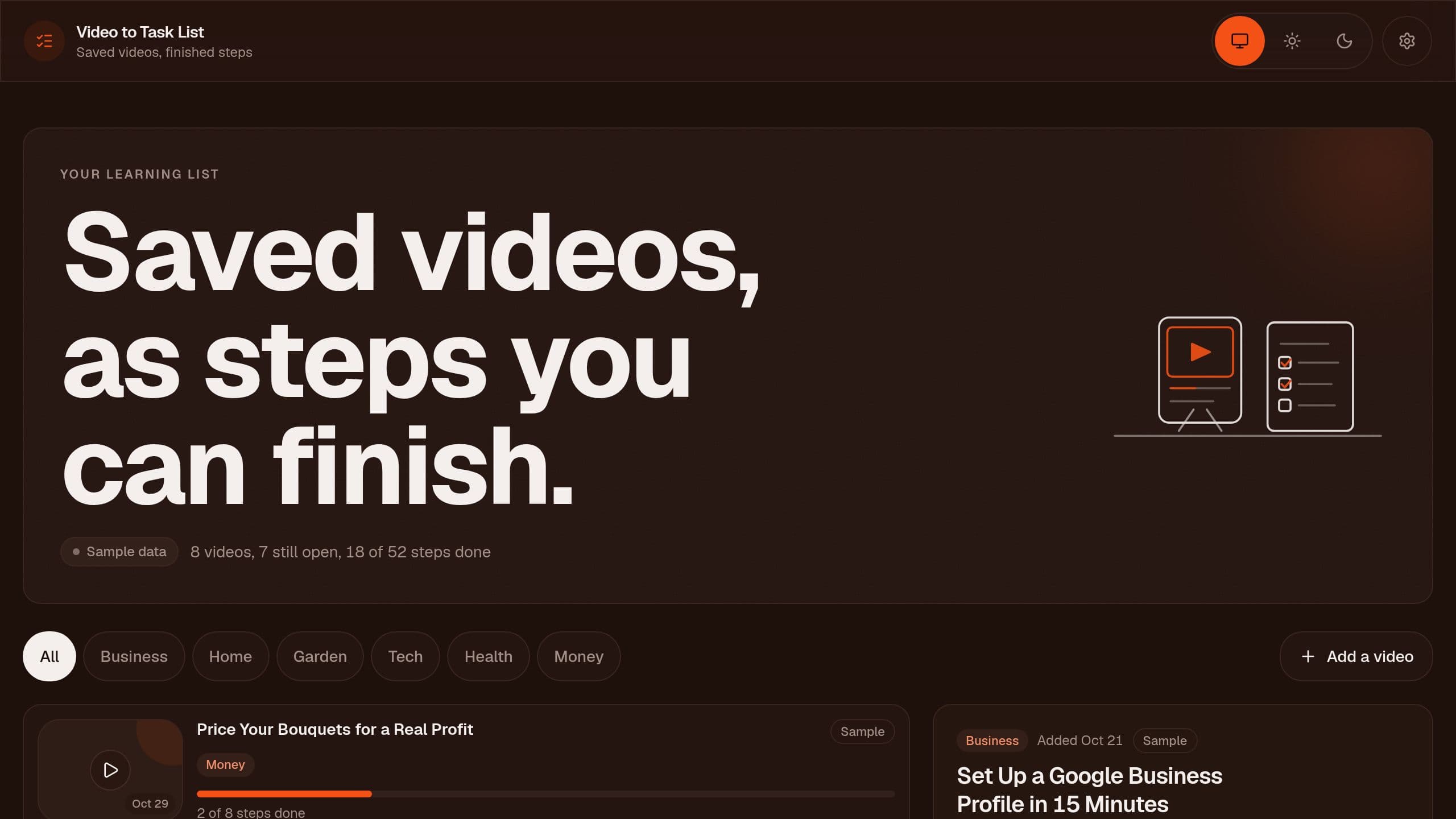
YouTube Video to Task List: turn videos into action steps. Save a how-to video to your playlist and it becomes a checklist of action steps with a short summary. The playlist trigger needs Starter or higher. Writing the summary and the steps uses AI credits. Only an app Admin sees videos and steps.
Or describe your own
Describe what should happen and Taskade wires the trigger, the steps and the connections for you. Or start from one of the 34 workflows in this category.
YouTube automation in Taskade starts a workflow when a new video appears on a channel you watch or in a playlist. The flow can transcribe the video, read its details, statistics and top comments, and turn what it finds into tasks, projects, posts or emails. Start with YouTube Video to Task List Automation or YouTube Video Content Repurposing Automation.
The YouTube connector has two triggers and one action. New Video starts a flow when any channel on your list publishes, and New Video in Playlist starts one when a playlist gets a new video. Get Video Details returns the title, description, statistics and top comments of a public or unlisted video. The built-in Transcribe a YouTube video step turns the video into text. The connector does not upload videos or post comments.
YouTube is a premium connector, so it runs on every paid plan, Starter included. Automations themselves run on every plan, Free included.
No. The YouTube triggers and Get Video Details read public data. You paste a channel, a handle or a playlist, and you connect no account.