
TL;DR: Taskade search finds a task by the exact phrase, a synonym, or a word inside an uploaded PDF. It combines full-text matching, semantic search that understands meaning, and reading text inside your files. Press
Cmd/Ctrl + Kto search the whole workspace,Cmd/Ctrl + Fwithin a project, or jump straight there with Quick Add.
One query runs through every search layer at once, then returns results you can click straight to.
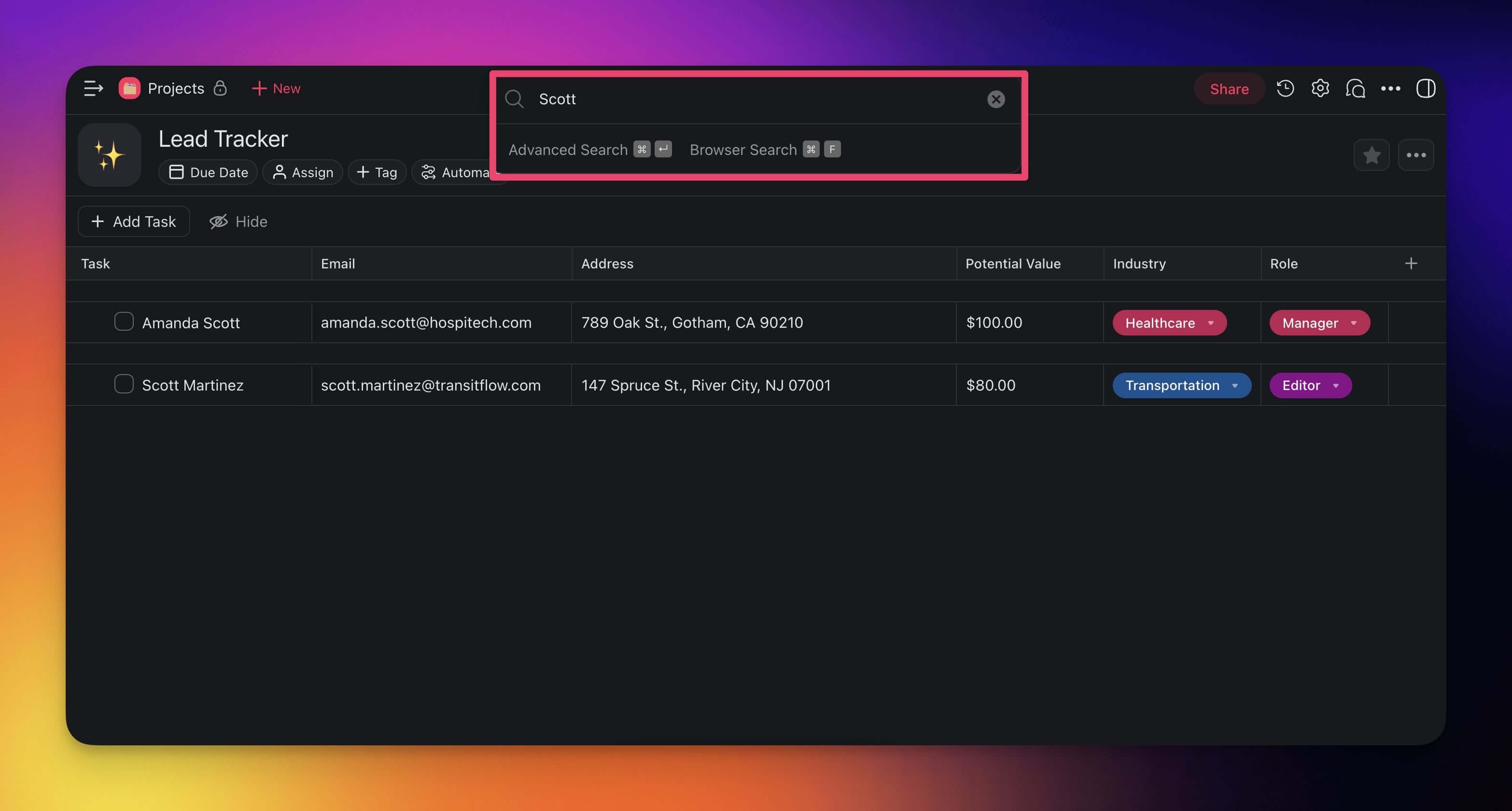
Search Within Projects
Search lets you find blocks and tasks containing keywords and search terms.
- Search within a project with the ⌨️ CTRL + F / ⌘ + F shortcut.
- (optional) You can also search for #mentions, #tags, and usernames.
💡 Note: Taskade highlights search terms with the selected theme color.
Search Across Workspaces
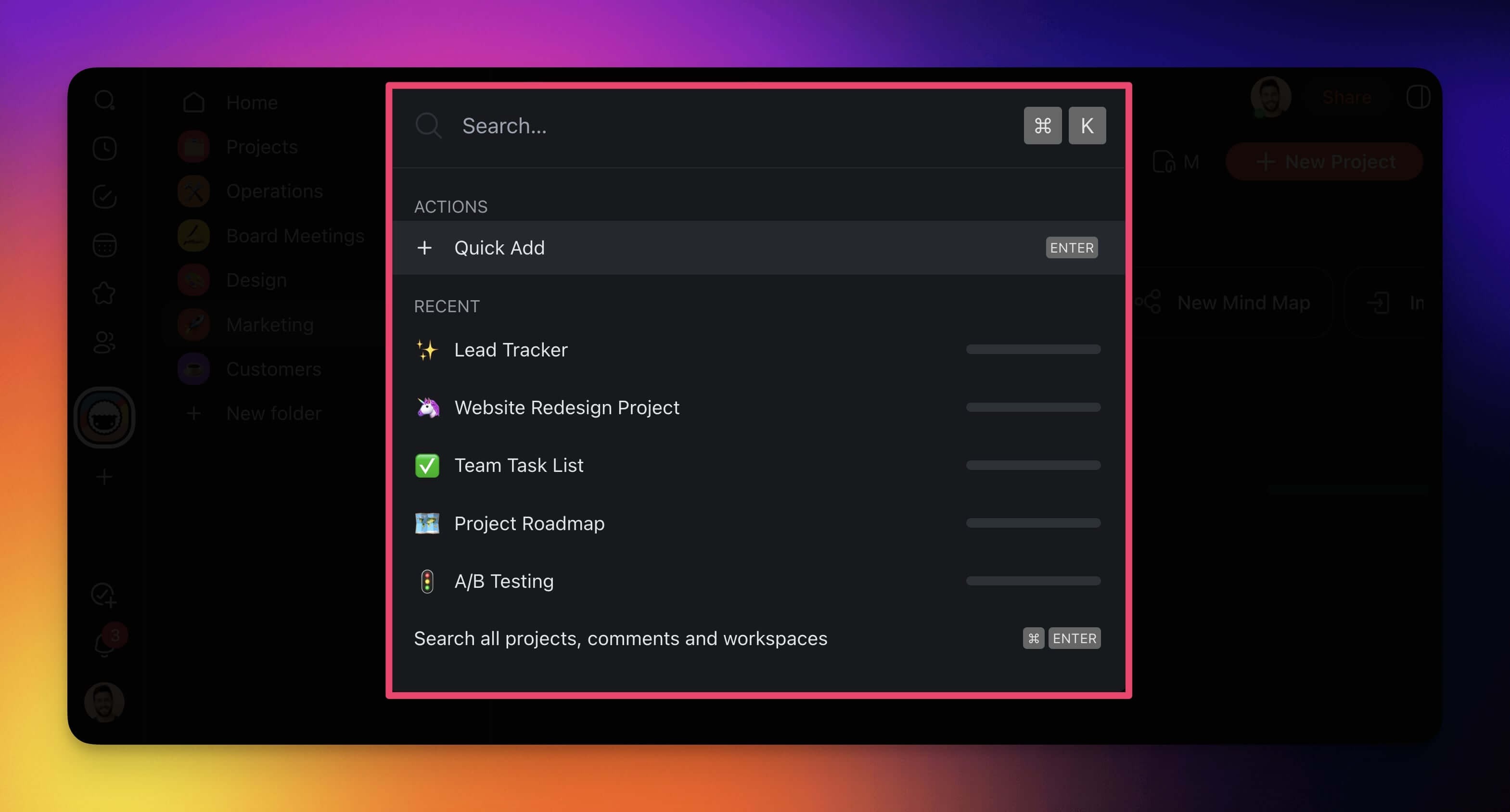
You can search from anywhere inside Taskade with Quick Add shortcut:
- Press ⌨️ CTRL + K / ⌘ + K.
- Type your phrase in the pop-up window.
- Click any of the results to navigate to target projects.
💡 Note: Visit ⚡️Quick Add Shortcut (Tasks, Notes) to learn more.
Global Search
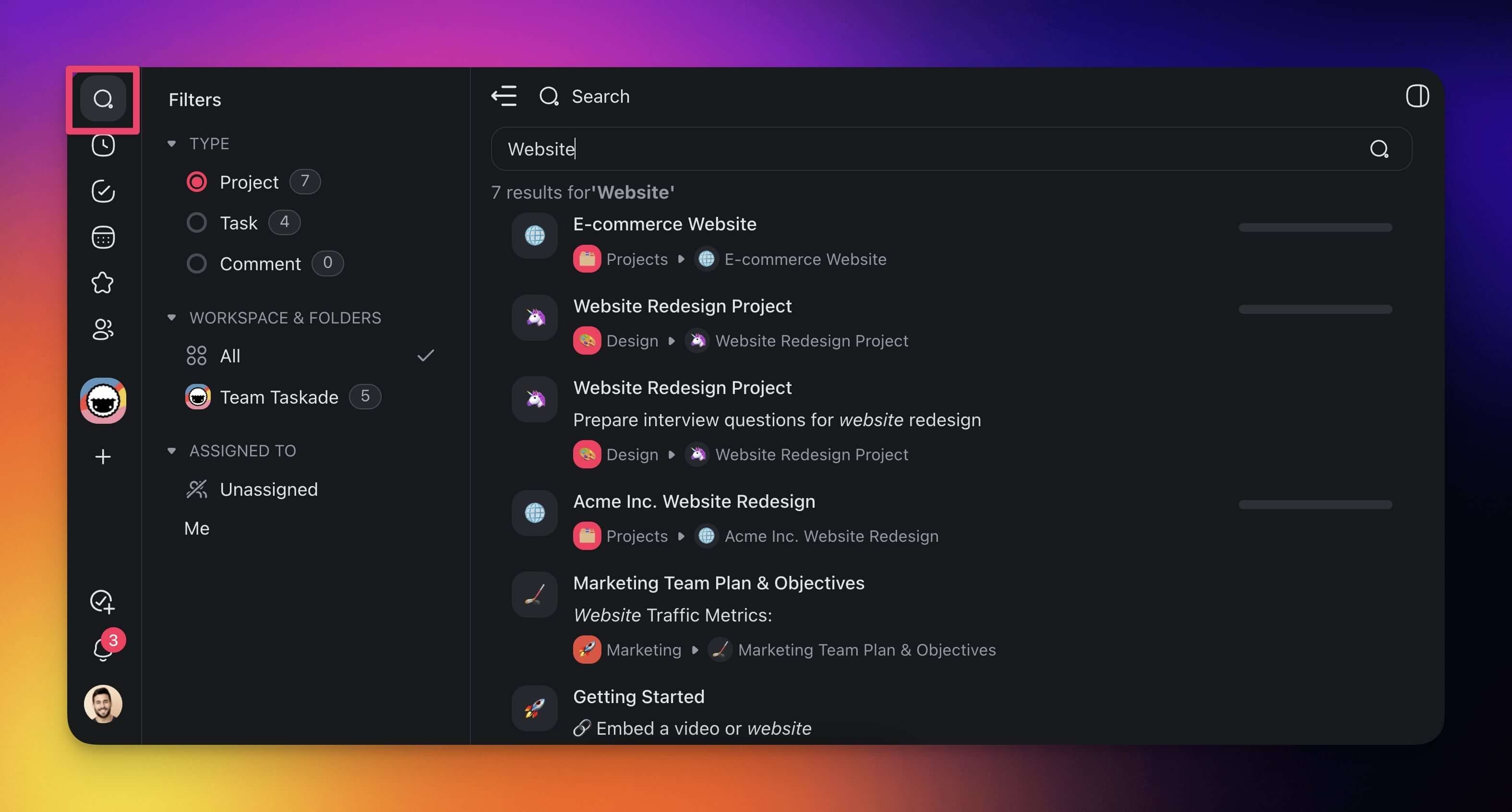
Use the Global Search feature to search across workspaces, folders, and projects.
- Click the 🔍 Search button at the top of the left navigation pane.
- Type the phrase you need and press ⌨️ Enter.
- Pick a tab to narrow the results: Apps, All, Projects, Tasks, or Comments.
- (optional) Click Show filters for more ways to narrow the list, and Hide filters to collapse them again.
- Click any of the search results to jump to tasks/notes.
Apps is selected by default, so your first results are the apps in your workspace. Switch tabs to look somewhere else:
| Tab | What it returns |
|---|---|
| Apps | Apps in your workspace (the default) |
| All | Every match, across every type |
| Projects | Project names and project content |
| Tasks | Individual tasks and subtasks |
| Comments | Comments left on tasks and projects |
┌──────────────────────────────────────────────────────────┐
│  🔍  quarterly report                                    │
├──────────────────────────────────────────────────────────┤
│  ▸[ Apps ]  All   Projects   Tasks   Comments            │
│                                        ⌄ Show filters    │
├──────────────────────────────────────────────────────────┤
│  📦  Q3 Reporting App                                    │
│  📦  Finance Dashboard                                   │
└──────────────────────────────────────────────────────────┘
Narrow a Search with Hashtag Chips
Under the search box, Taskade shows a row of hashtag chips for the hashtags that appear in your current results. Each chip carries the tag and the number of matches behind it.
- Run a search.
- Look at the chip row under the tabs.
- Click a chip to add that hashtag to your query.
- Click a second chip to narrow the results further.
A chip you already applied turns solid and stops responding, so you cannot add the same tag twice. Your workspace, project, and assignee filters stay in place while you refine. Taskade writes the query and the active tab into the page address, so you can bookmark a refined search or send it to a teammate.
Smarter Search Indexing
Taskade search now features enhanced indexing that understands context and meaning:
- Semantic search: Find results by meaning, not only keywords
- Cross-project search: Search across all projects, agents, and automations in your workspace
- Agent knowledge search: Search within agent training data and knowledge sources
- Instant indexing: New content is searchable immediately after creation
Tips
- Use ⌨️ Ctrl/⌘ + F for quick in-project searches and ⌨️ Ctrl/⌘ + K for cross-workspace searches.
- Switch tabs in Global Search (Apps, All, Projects, Tasks, Comments) and click Show filters to narrow results further.
- Click a hashtag chip instead of retyping a tag. The address bar keeps your refined search, so you can bookmark it or paste it to a teammate.
- Search works across all project views, so results link directly to the matching task regardless of the view you are in.