Free
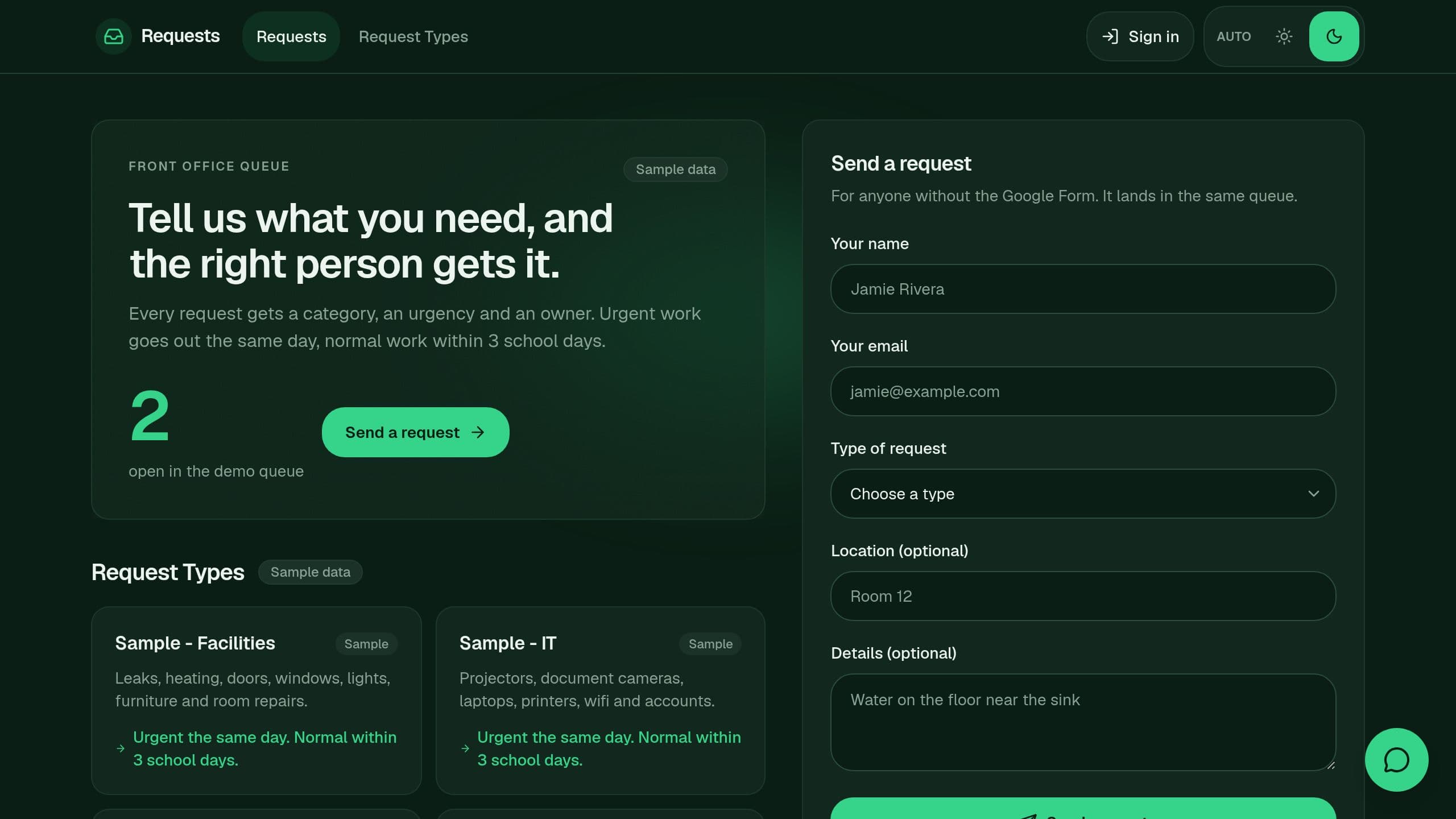
Google Forms Requests is a free Taskade Genesis kit that turns each request into a queue row with a category, an urgency and an owner, with an optional Google Forms connection and a Friday email of open requests. Clone it and make it yours.
Task automation in Taskade: turn new email, form responses, sheet rows and chat messages into tasks with an owner and a due date.
32 automations available
Unlock the future of productivity with our groundbreaking automation that generates tasks directly from new rows in Google Sheets.

 Google Sheets → Taskade AI → Taskade · 3 steps
Revolutionize your productivity with our cutting-edge automation that instantly logs completed tasks in Google Sheets.
Google Sheets → Taskade AI → Taskade · 3 stepsUse AI to summarize new comments.
 Taskade → Media → Taskade AI · 4 steps
Unlock the full potential of your productivity by automatically generating concise summaries of completed tasks.
Automatically create follow-up tasks with every new comment.
 GitHub → Taskade · 2 steps
This automation effortlessly generates review tasks the moment your projects cross the finish line.
Taskade → Taskade AI · Project Watch agent · 3 stepsTransform your inbox into a powerhouse of productivity with this task from email automation that effortlessly converts emails into tasks. What Can You...
Automatically create and assign recurring tasks on any schedule so nothing slips through the cracks.

 Schedule → Taskade AI → Slack → Taskade · Project Watch agent · 4 steps
Automatically re-rank and flag tasks by urgency so your team always works on what matters most.
Slack → Taskade AI → Taskade · Project Watch agent · 3 stepsAutomatically route new tasks to the right team member based on workload, skill, or project rules.
Slack → Taskade AI → Taskade · Project Watch agent · 3 stepsAutomatically set, shift, and escalate task deadlines so due dates stay realistic without manual updates.

 Google Calendar → Taskade AI → Microsoft Outlook → Taskade · Project Watch agent · 4 steps
Automatically move tasks through workflow stages and notify stakeholders the moment status changes.
Automate the full approval chain so tasks get reviewed, approved, or rejected without email back-and-forth.
Slack → Taskade AI → Taskade · Approvals Reviewer agent · 3 stepsSend smart, timely reminders for upcoming and overdue tasks so no one needs to be nagged manually.
Automatically compile and distribute task progress reports so stakeholders are always informed.
App kits
Each app below has its automations built in. Clone one, connect your own account, and the flows run in your workspace.
Google Forms Requests is a free Taskade Genesis kit that turns each request into a queue row with a category, an urgency and an owner, with an optional Google Forms connection and a Friday email of open requests. Clone it and make it yours.


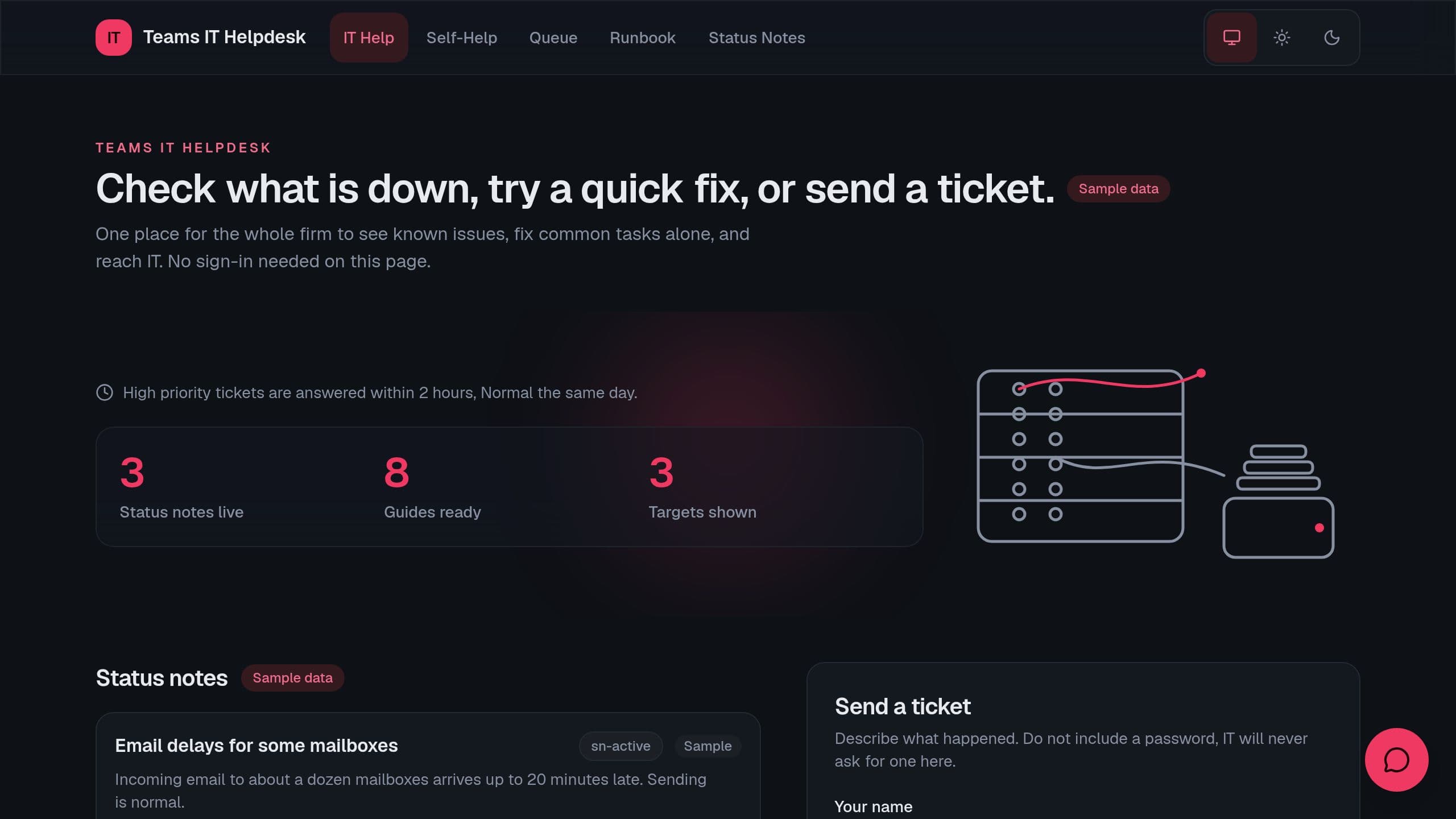
Slack Bug Desk is a free Taskade Genesis kit that turns each bug report into a row with a severity and a likely duplicate, keeps a public known issues page, and drafts a customer note when a bug is fixed, with an optional Slack connection. Clone it and make it yours.
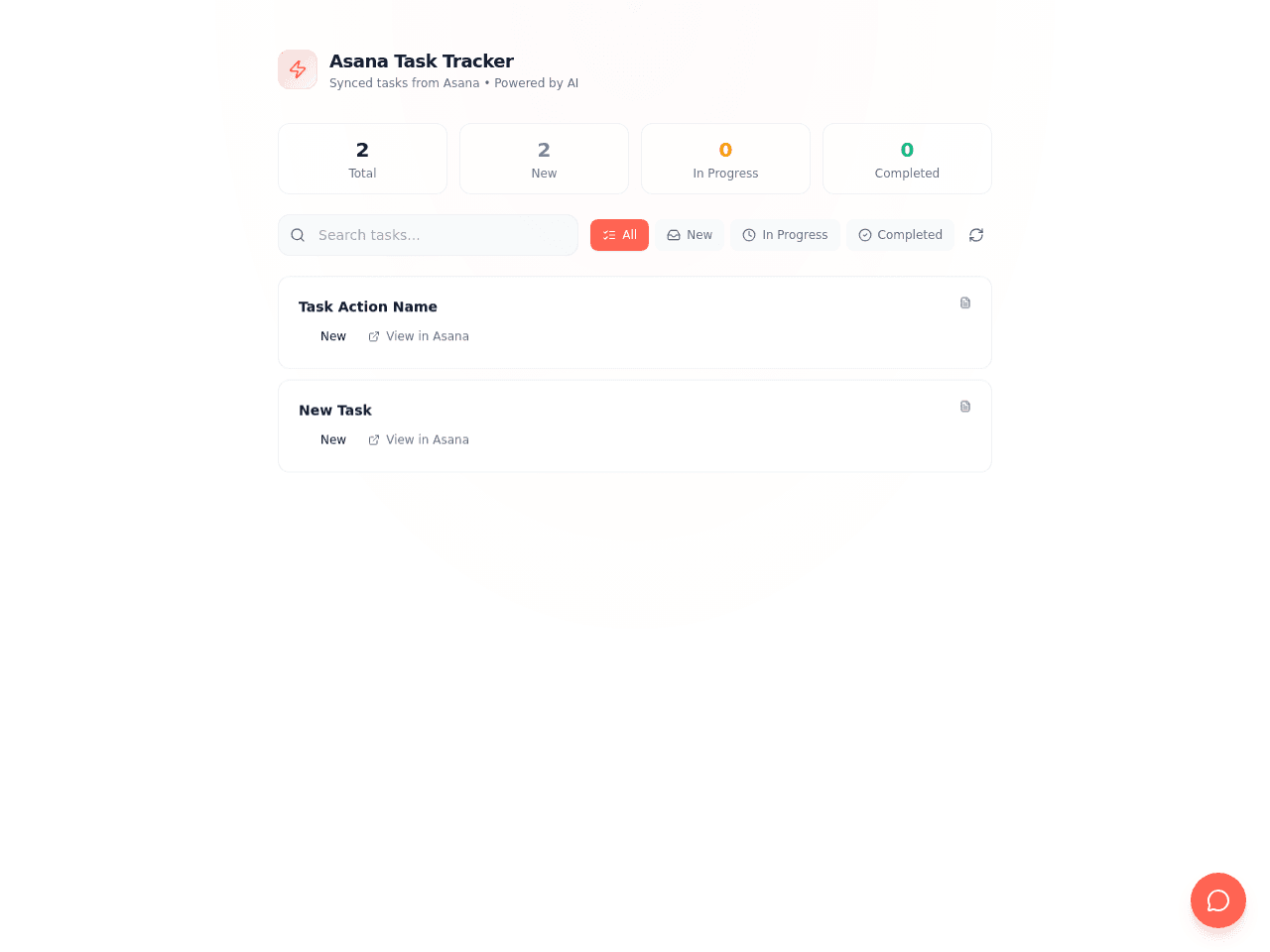
It replaces opening Asana and scrolling to see what needs attention. New tasks land in a Tracked Tasks project, and the summary posts back to the Asana task as a comment. Filter by New, In Progress and Completed, search, and ask the built-in AI assistant what to start first. Clone it free, connect your own account and switch on the automation.
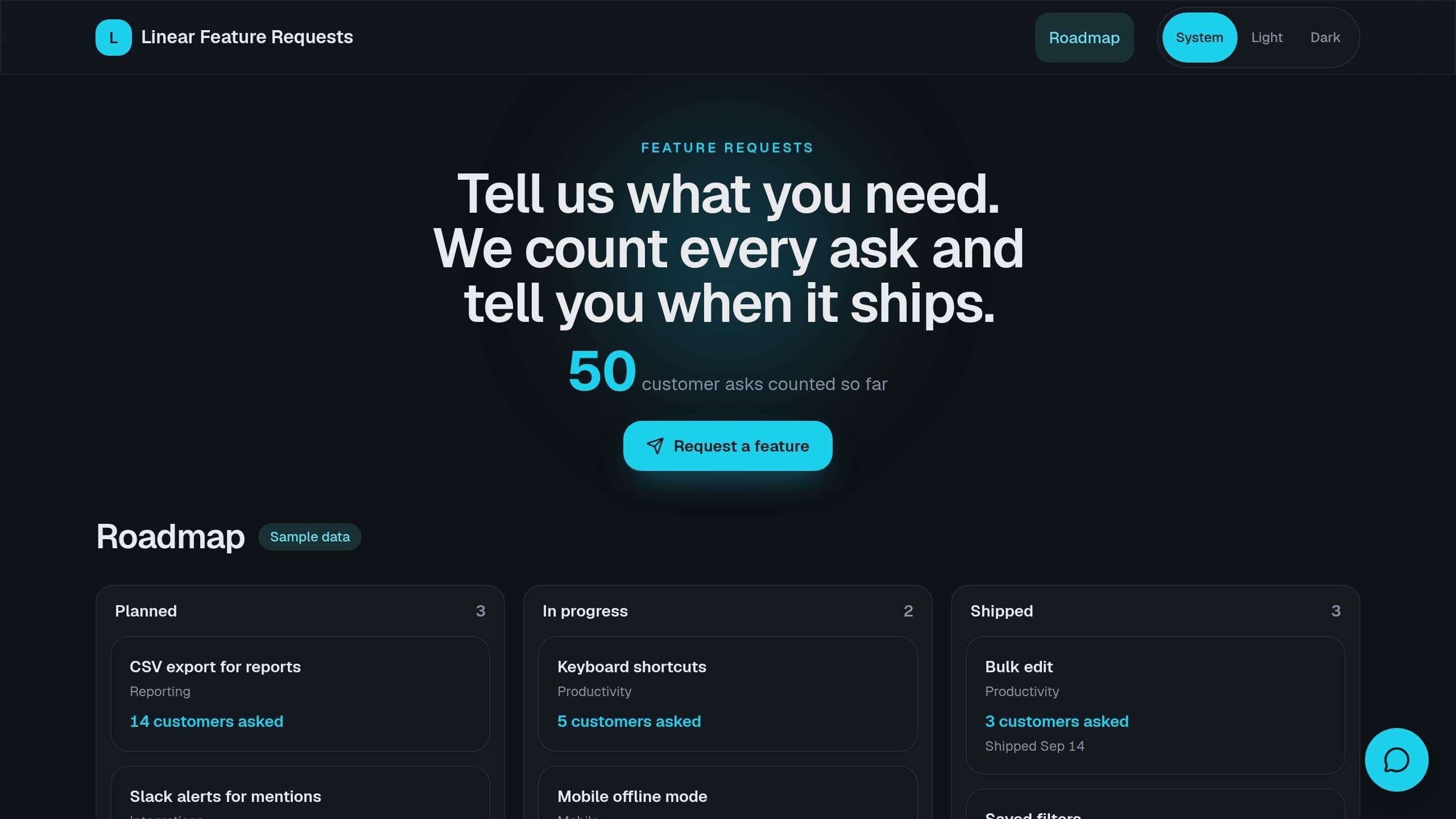
Linear Feature Requests is a free Taskade Genesis kit that collects feature requests, merges duplicates and counts customers, sends accepted ideas to Linear with the count, and lists the customers to tell when the issue is done. Clone it and make it yours.
Or describe your own
Describe what should happen and Taskade wires the trigger, the steps and the connections for you. Or start from one of the 32 workflows in this category.
Task automation in Taskade creates, assigns and moves tasks when work arrives, so a request never waits in an inbox or a chat. A new email, form response, sheet row or chat message becomes a task with an owner and a due date. Start with create tasks from email or route form requests to an owner.
Taskade's own triggers and steps are built in, so they need no connection.
Taskade's own task triggers and steps run on every plan, Free included, within the monthly run limit of the plan. Connectors such as Gmail, Slack and Asana are premium integrations, so a flow that uses them needs a paid plan. Typeform starts a flow through a webhook, which needs the Pro plan or higher. AI steps use AI credits. See pricing for the limits of each plan.
Yes. The app kits on this page turn requests into tasks. Clone one, connect your inbox or chat, and rename the fields to your own. Browse more in the project app kits.