
TL;DR: Manage tasks by assigning, tagging, due-dating, prioritizing, and adding custom fields, all from the inline toolbar or Add-Ons menu. Multi-select with
Shift+Clickto batch-edit assignees, dates, or tags across dozens of tasks at once. Every change syncs to your team in real time.
Overview
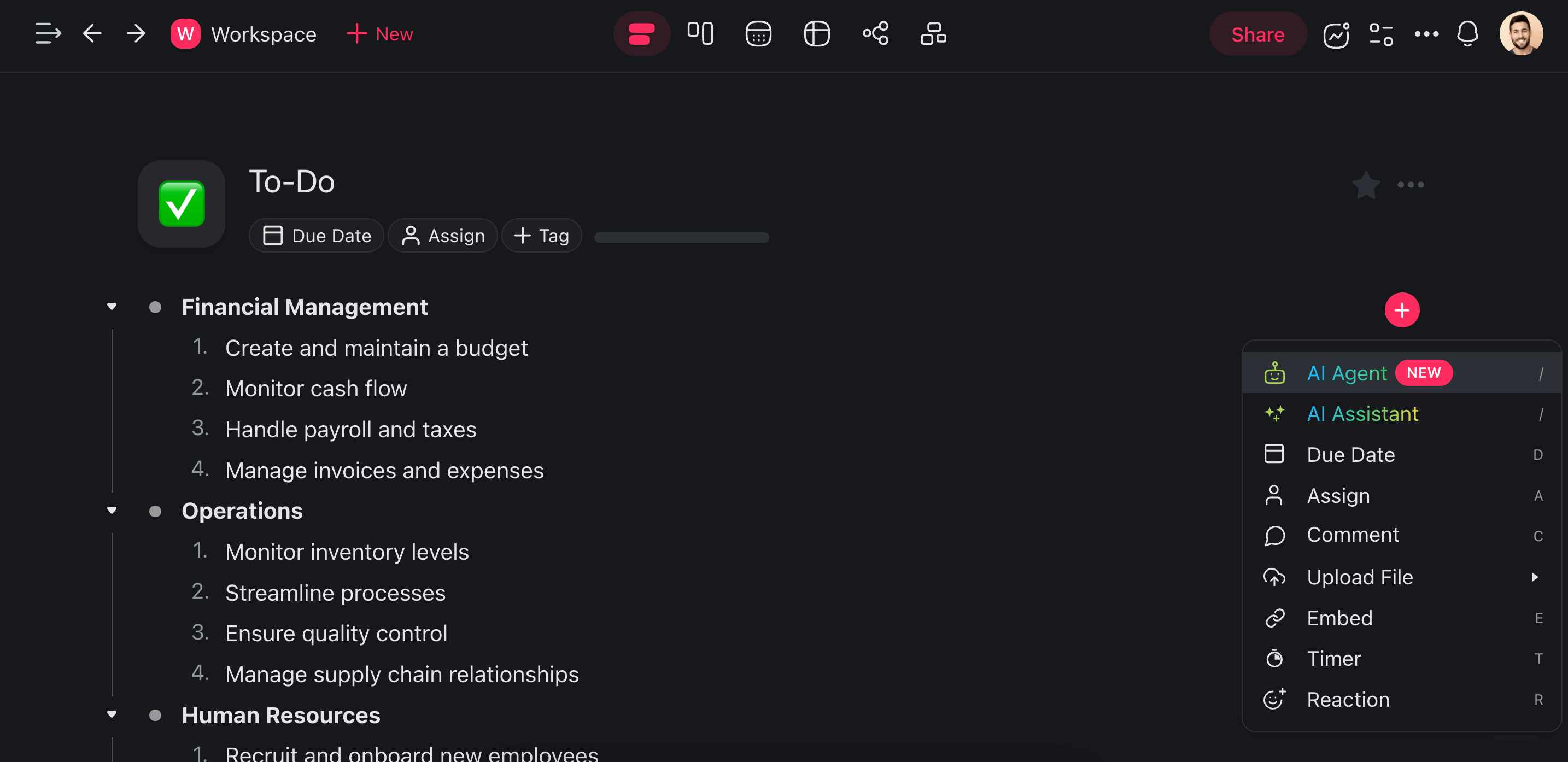
Every task you add to a project comes with a set of Add-ons that enable advanced task features like comments, file uploads, media embedding, and more.
| ➕ Add-On | ➡️ Action |
|---|---|
| 🤖 AI Agent | Create and deploy autonomous AI agents to automate tasks. |
| 🤖 AI Assistant | Use the power of AI to brainstorm, write, edit, and organize. |
| 🗓️ Due Date | Set and track deadlines for tasks. |
| 👤 Assign | Assign tasks to yourself or other project members. |
| 💬 Comment | Engage in discussions, provide feedback, or clarify details. |
| 📤 Upload File | Attach and share documents, images, or other files. |
| 🔗 Embed | Integrate external links, videos, or other resources. |
| ⏱️ Timer | Track time spent on tasks with a built-in timer. |
| 😄 Reaction | Give feedback or vote. |
Use Task Add-Ons
There are two ways to access the Add-ons menu inside projects:
Method #1
Select a task and click the ➕ plus icon on the right to show Add-ons.
Select one of the available options.
Method #2
- Type / + the name of the add-on you want to use.
- Press ⌨️ Enter to use the suggested add-on.
💡 Note: Visit Slash Commands to learn more.
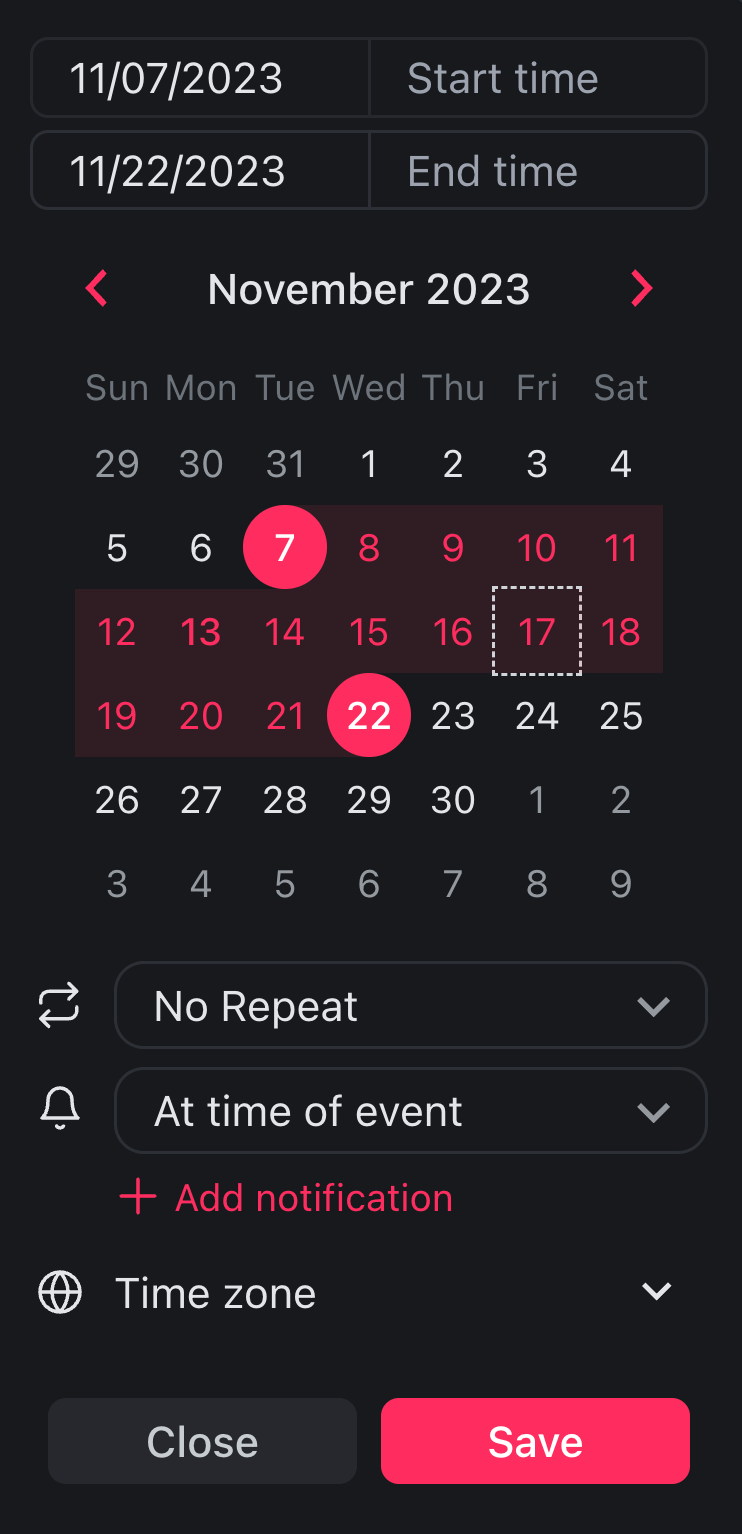
Set Due Dates
Add due dates or date ranges to schedule your tasks.
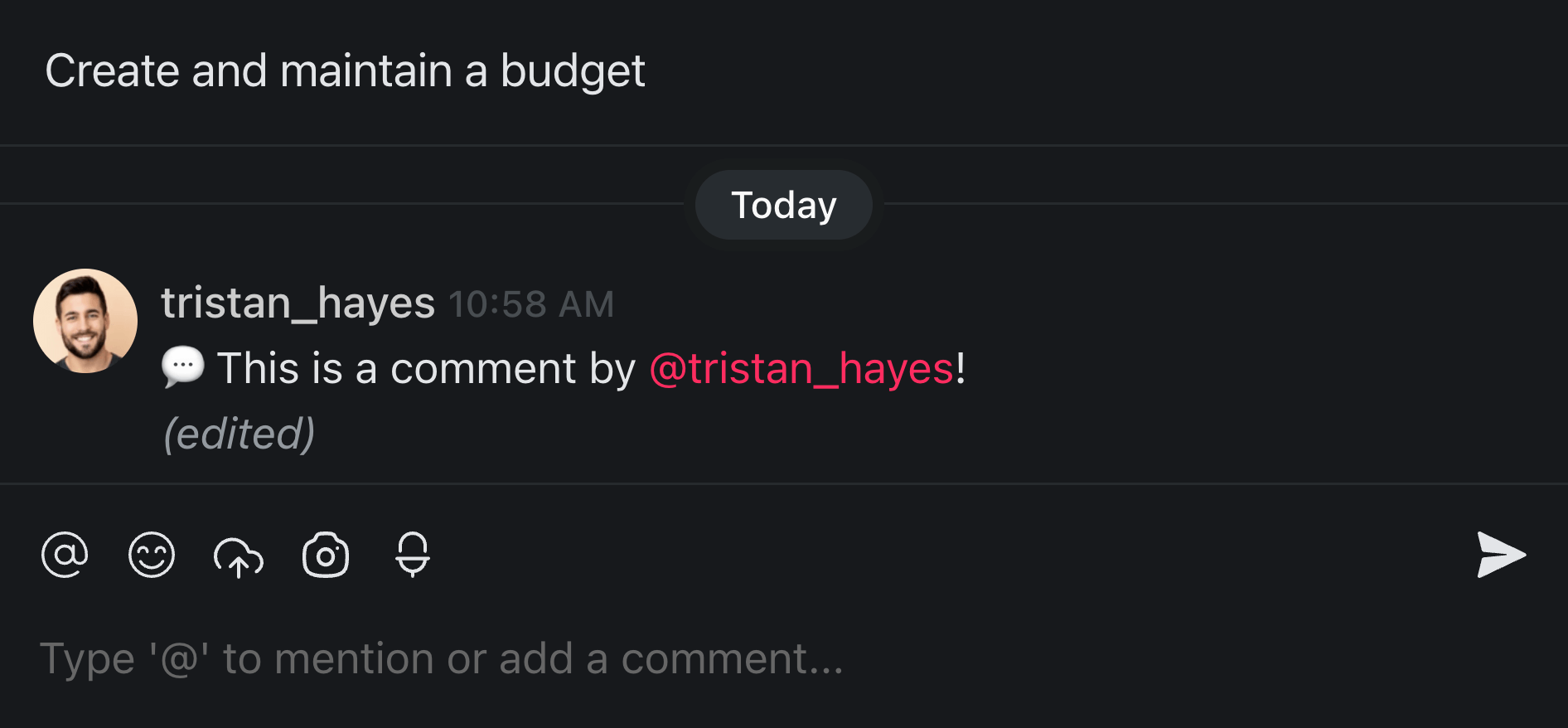
Add Comments
Give your team feedback or add a note a note for yourself with comments.
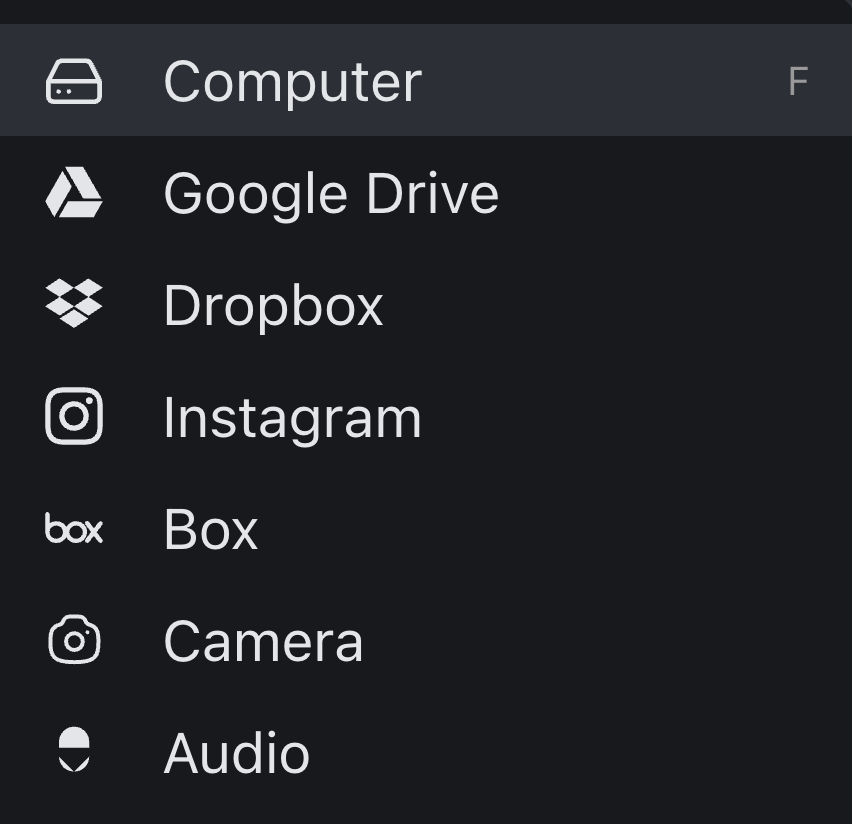
Upload Attachments
Upload all kinds of files and attachments.
Embed Media
Embed online resources or content from services like YouTube and Figma.

Tasks 101: Add, Assign, Complete
Manage tasks in five plain steps. Add the task, give it an owner, set a deadline, check it off when it is done, then move it to where it belongs. Every step works with the mouse or the keyboard. New to Taskade? This is the path to follow before anything else.
- Add a task. Open a project and press Enter to start a new line. Type the task name. Press Enter again to add the next one. To capture a task from anywhere on your computer, use Quick Add.
- Assign an owner. Select the task, click the plus icon, then pick Assign. Choose yourself or a teammate. Now everyone knows who owns it. See Assign Tasks for the full walkthrough.
- Set a due date. Click the plus icon again, pick Due Date, then choose a day or a date range. The task now shows up on the Calendar view and in My Tasks. For repeating work, turn on Recurring Tasks.
- Complete a task. Click the checkbox, or press Cmd/Ctrl + Enter while the task is selected. Done tasks stay searchable. You can hide completed tasks to keep the list clean.
- Move a task. Drag it up or down to reorder. Press Tab to nest it under another task, or Shift + Tab to pull it back out. To send it to another project, use Copy and Move.
💡 Tip: Hold Shift and click two tasks to select everything between them. Then assign, due-date, or tag the whole group at once. This is the fastest way to clean up a long list. See Bulk Actions.
Edit Many Tasks at Once
Edit tasks in bulk when you have a long list to clean up. Multi-select lets you change owners, dates, or tags across dozens of tasks in one move instead of one by one.
| To do this | Use this |
|---|---|
| Select a range of tasks | Hold Shift and click the first and last task |
| Select scattered tasks | Hold Cmd/Ctrl and click each task |
| Assign the whole group | Open Add-Ons, pick Assign, choose an owner. See Bulk Assign |
| Due-date the whole group | Open Add-Ons, pick Due Date, choose a day |
| Tag the whole group | Type # and pick a tag. See Tags |
| Duplicate the group | Press Cmd/Ctrl + D |
| Move the group elsewhere | Use Copy and Move |
Bulk editing keeps every project tidy without the busywork. For the complete reference, see Bulk Actions.
Manage Tasks with the Keyboard
Manage tasks faster by skipping the mouse. These are the everyday shortcuts for adding, completing, moving, and editing tasks. Press Cmd/Ctrl + Shift + / inside any project to see the full cheat sheet. The full list lives in Keyboard Shortcuts.
| Shortcut | What it does |
|---|---|
| Enter | Add a new task on the next line |
| Cmd/Ctrl + Enter | Complete or uncomplete the selected task |
| Tab | Nest the task under the one above it |
| Shift + Tab | Pull the task back out one level |
| Cmd/Ctrl + Up / Down | Collapse or expand a task and its subtasks |
| Shift + Up / Down | Select several tasks at once |
| Cmd/Ctrl + D | Duplicate the selected task |
| Cmd/Ctrl + Shift + Delete | Delete the whole task |
| Cmd/Ctrl + Z | Undo the last change |
| @ | Mention a teammate or link a project |
| # | Add a tag for sorting and filtering |
| Cmd/Ctrl + / | Open the Add-Ons menu, then press A to assign, D to due-date |
💡 Tip: You can remap any of these in Settings. See Changing Default Shortcuts. Prefer typing? Use Slash Commands to add the same Add-Ons by name.
See Tasks in Multiple Project Views
View the same tasks in multiple views without rebuilding anything. Add a task once, then switch the view to match the work. Taskade has multiple project views, and Timeline is part of the Gantt Chart view, not a separate one.
| View | Best for | Guide |
|---|---|---|
| List | A clean checklist with nesting | List View |
| Board | Kanban columns by stage or status | Board View |
| Table | Spreadsheet rows with custom fields | Table View |
| Mind Map | A visual tree of ideas and tasks | Mind Map View |
| Docs (Beta) | Long-form writing over the same tasks | Project Views |
| Gantt Chart | Timelines and dependencies (paid) | Gantt View |
| Calendar | Tasks placed on their due dates | Calendar View |
| Actionsheet | A simple spreadsheet list (paid) | Actionsheet View |
| Org Chart | Top-down hierarchy of who does what (paid) | Org Chart View |
List, Board, Table, and Mind Map are toolbar tabs. Open More Views for the rest, or press Cmd/Ctrl + Shift + > to cycle through them. For the overview, see Project Views.
Automate Repeat Task Work
Automate the task steps you repeat every day. Set a trigger, pick an action, and Taskade does the rest with no clicking. Taskade connects to 100+ bidirectional integrations, so triggers pull events in and actions push updates out. Hand the busywork to an AI agent and free your team for real work.
The diagram shows the task lifecycle. Add a task, assign it, set a deadline, do the work, then complete or move it. Done tasks stay searchable so nothing gets lost.
Want this to run on its own? Use an automation to assign tasks the moment they are created. See Assign a Task automatically and How Automations Run. You can also ask Taskade EVE to set the whole flow up for you in plain English. Every Taskade AI agent ships with a large built-in toolkit and taps 15+ frontier models. It can read your project, create tasks, and route them to the right owner.
Check That Your Task Is Set Up Right
Check each task against this list before you call it done. A well-formed task has an owner, a deadline, and a clear next step. Use the table to spot what is missing.
| Check | What good looks like | Fix it with |
|---|---|---|
| Has an owner | One name is assigned, not zero or three | Assign Tasks |
| Has a deadline | A due date or date range is set | Due Dates |
| Is findable | A tag groups it with related work | Tags |
| Lives in the right place | It sits under the correct project or list | Copy and Move |
| Shows on your radar | It appears in My Tasks and the Calendar | My Tasks |
| Repeats if needed | Recurring is on for routine work | Recurring Tasks |
| Reminds the owner | A reminder is set before the due date | Reminders |
If every row checks out, the task is ready to work. If a row is blank, the linked guide shows you how to fill it.
Common Questions
How do I add a task in Taskade?
Open any project and press Enter to start a new line. Type the task name, then press Enter again to add the next one. You can also click the plus icon at the bottom of a list. To capture a task from anywhere on your computer, use Quick Add.
How do I assign a task?
Select the task, click the plus icon, then pick Assign and choose a name. You can also type @ followed by a teammate's name. To assign many tasks at once, multi-select them first, then assign the whole group. See Bulk Assign.
How do I set a due date?
Click the plus icon on a task, pick Due Date, then choose a day or a date range. The task then appears on the Calendar view and in My Tasks. For deadlines that repeat, turn on Recurring Tasks.
How do I mark a task complete?
Click the checkbox next to the task, or press Cmd/Ctrl + Enter while it is selected. Completed tasks stay in the project and remain searchable. To tidy your list, you can hide completed tasks.
How do I move a task?
Drag the task to reorder it inside the same project. To send it somewhere else, select it and use Copy and Move. You can move one task or a whole multi-selected group at once.
Can I edit many tasks at once?
Yes. Hold Shift and click the first and last task to select a range, or hold Cmd/Ctrl and click scattered tasks. Then assign, due-date, tag, or duplicate the whole group in one move. See Bulk Actions.
Shortcut to complete a task?
Press Cmd/Ctrl + Enter while a task is selected to check or uncheck it. Press Cmd/Ctrl + Shift + / inside any project to see every shortcut. The full reference is in Keyboard Shortcuts.
Can automations edit tasks?
Yes. Use an automation to create, assign, or update tasks when something happens, with no clicking. Taskade connects 100+ bidirectional integrations. You can also ask Taskade EVE to build the flow in plain English. See Assign a Task automatically and How Automations Run.
How many ways to view tasks?
Nine. List, Board, Table, and Mind Map are toolbar tabs. Docs (Beta), Gantt Chart, Calendar, Actionsheet, and Org Chart sit under More Views. Add a task once and switch views to match the work. Timeline is part of the Gantt Chart view, not a separate one. See Project Views.
Is task management free?
Yes. Task management is included on every plan, starting with Free. Paid plans add more workspace and AI usage. See Taskade pricing for the full plan matrix. Start free →
Related guides
- Assign Tasks. Give every task a clear owner.
- Due Dates. Schedule deadlines and date ranges.
- Tags. Group and filter tasks fast.
- Bulk Actions. Edit dozens of tasks at once.
- My Tasks. See everything assigned to you in one place.
- Project Views. See the same tasks as a list, board, table, mind map, and more.
- Assign a Task automatically. Let automations route work for you.