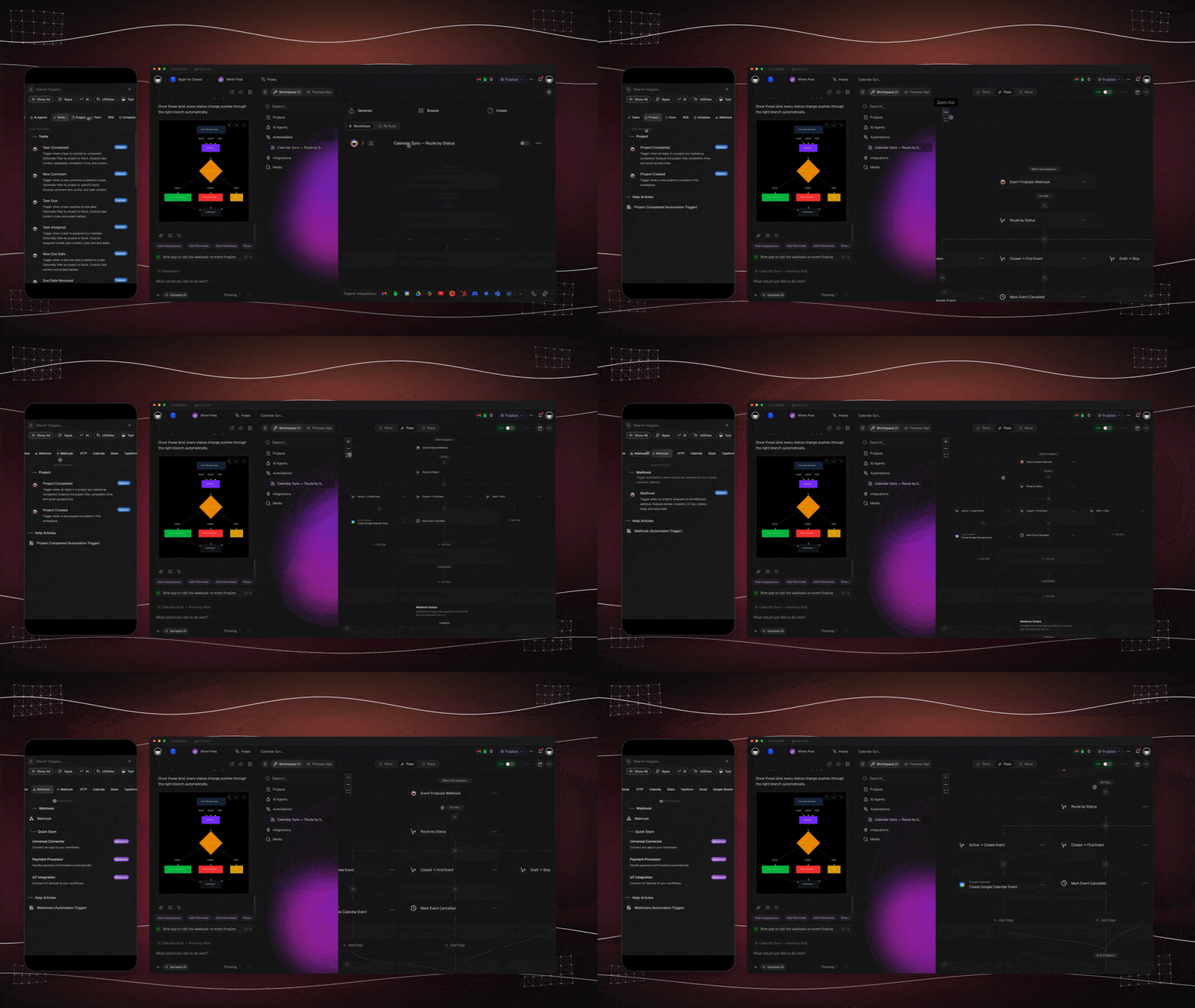
What is a Taskade automation?
Email lands, an automation fires. A task moves, your team gets a Slack ping. New triggers and actions, top to bottom.
Taskade Automations are the Execution layer of Workspace DNA. They turn decisions into action across 100+ integrations in 10 categories, with branching, looping, filtering, and AI agents as steps. Triggers fire on events, actions do the work, and your projects update automatically. Automations run on every plan. The Free plan includes a monthly run allowance, and paid plans raise it.
TL;DR: Build automations three ways: paste a prompt into the Workflow Generator, pick a starter from the Prompt Library, or wire steps by hand. Triggers pull events in: a new email, a new task, a webhook, a schedule. Actions push data out across 100+ integrations, plus an HTTP step for services with no native connector.
Every automation follows the same shape: a trigger fires, optional logic routes it, actions do the work, and your projects update on their own. That loop is the Execution pillar of Workspace DNA in motion.
How do you build an automation?
Build automations three ways: paste a prompt into the Workflow Generator, pick a starter from the Prompt Library, or wire steps by hand. Triggers pull events in: a new email, a new task, a webhook, a schedule. Actions push data out across 100+ integrations, plus an HTTP step for services with no native connector.