
TL;DR: Embed any Taskade project in a website, Notion, Confluence, or blog with a copy-paste iframe. Copy the iframe code from the project's Share menu. Embedded projects stay live and sync in real time. Control visibility with permissions and protect sensitive boards with password sharing.
Here is the path from a Taskade project to a live embed on your page.
Overview
You can embed entire projects on your website or blog and keep everyone on the same page. Any changes you make will be instantly visible to your audience. Embeds are live and interactive, meaning visitors can view, check off tasks, or even edit content depending on the permissions you set.
Embed a Project
- Open a project and change the project view to the one desired.
- Click the Share button in the top-right corner.
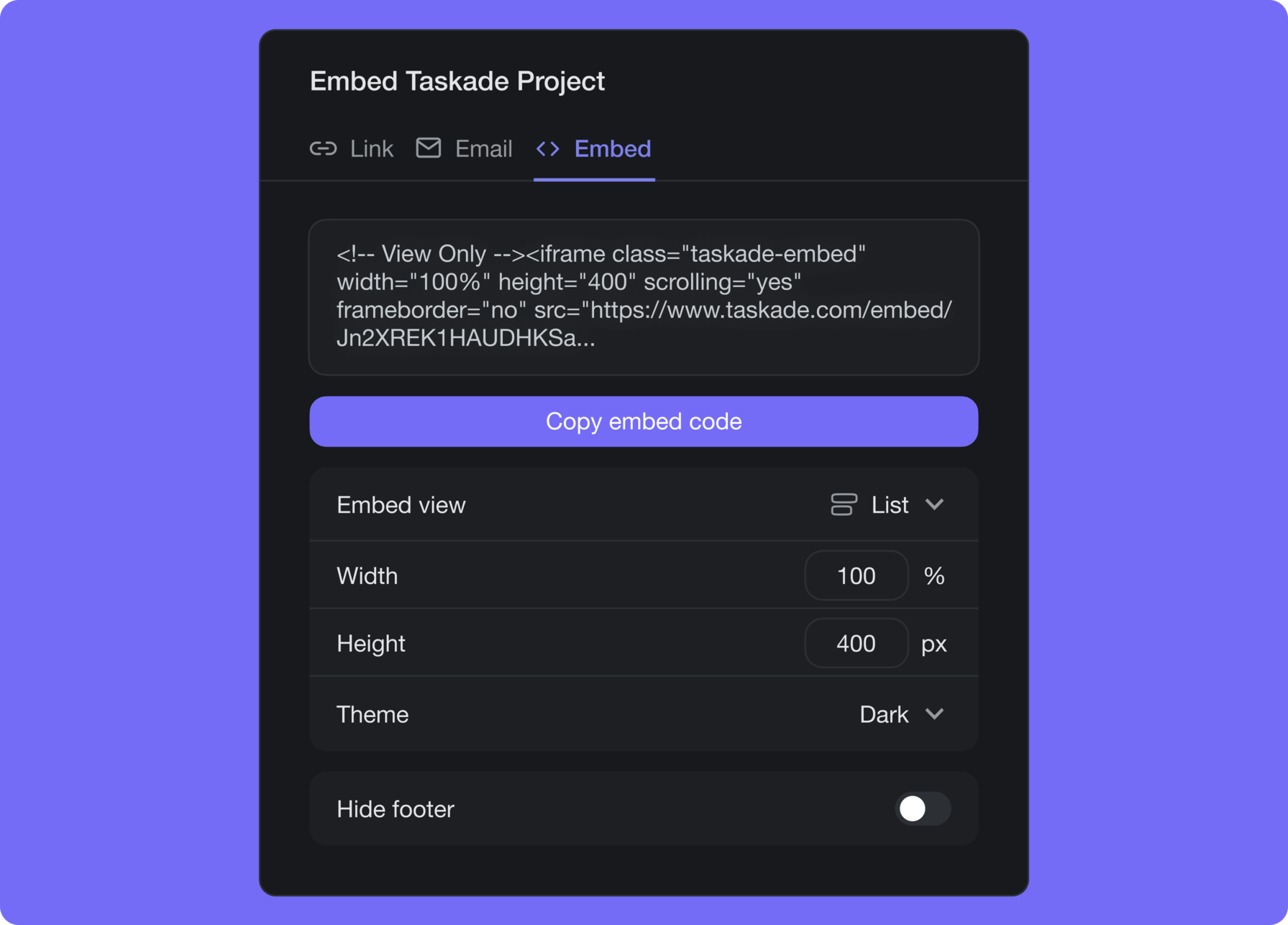
- Select the
< > Embedtab and click Copy. - Paste the embed code into your website or blog.
- (optional) Set the default theme, dimensions, and footer visibility.
Embed Settings
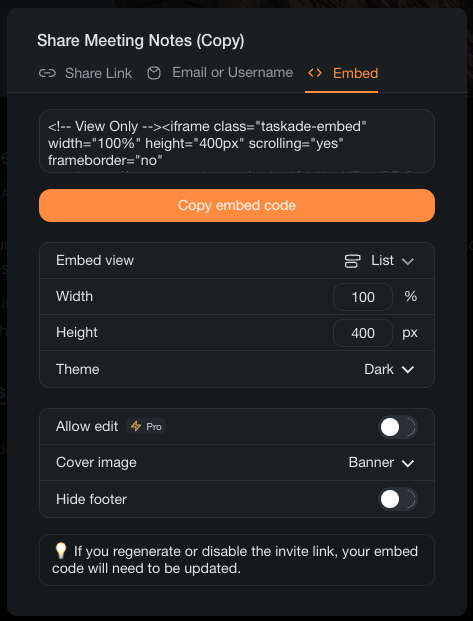
The embed settings control various aspects of shared projects including:
- 🎨 Cover image style
- 🔁 Dimensions
- 🌗 Theme
- ✏️ Editing access
- 👁️ Footer visibility
Where You Can Embed
Taskade embeds work with any platform that supports HTML iframes, including:
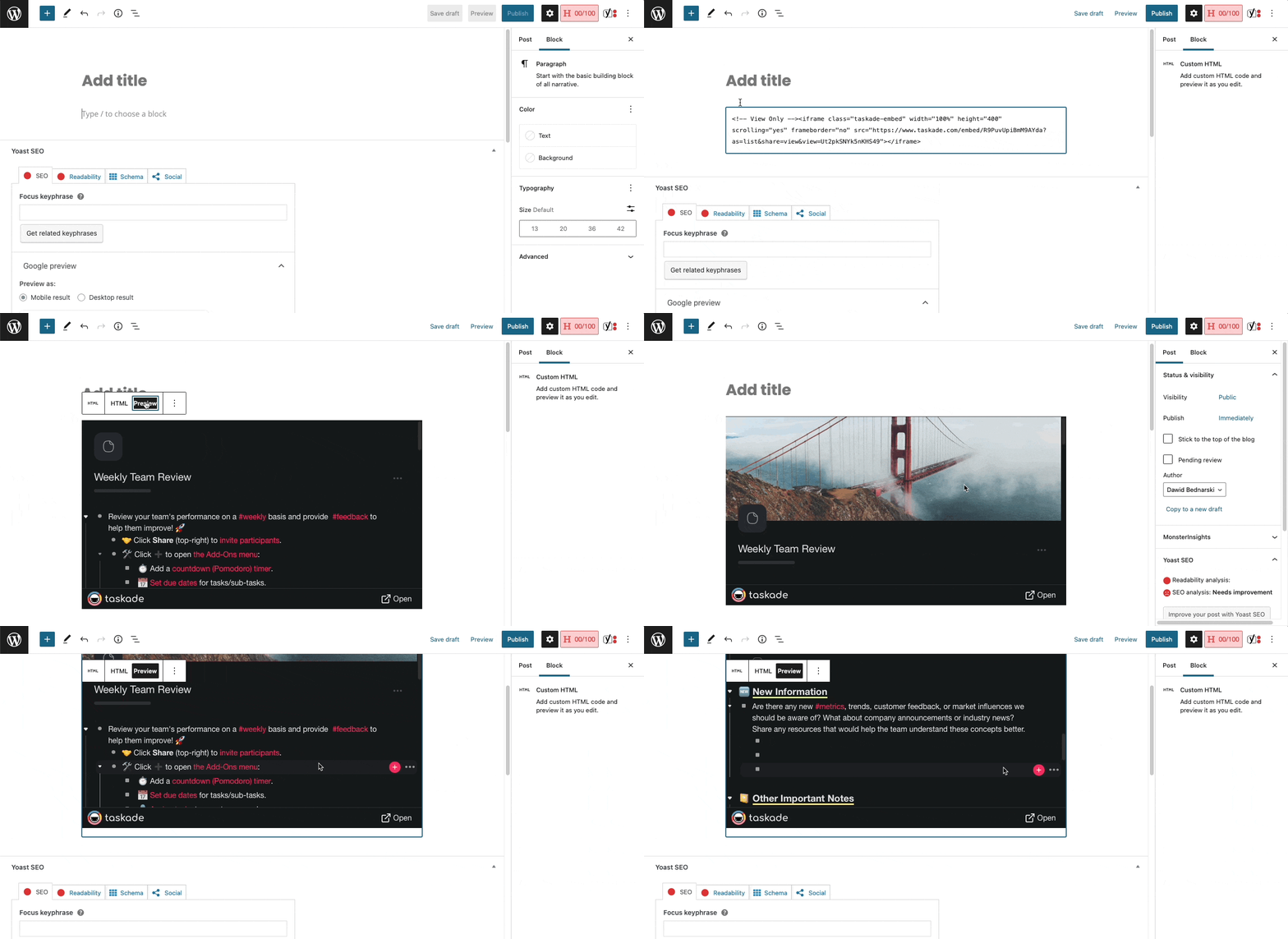
- WordPress: Paste the embed code into a Custom HTML block.
- Notion: Use the Embed block and paste the project URL.
- Confluence, Ghost, Webflow: Insert via HTML embed or code block.
- Personal websites: Add the iframe snippet directly to your HTML.
Tips
- Set the permission to Viewer if you only want visitors to see the project without editing it.
- Adjust the iframe width and height in the embed code to fit your page layout.
- Embedded projects update in real time, so any edits you make in Taskade appear instantly on your site.
- Combine embeds with Share a Template to let visitors clone the project into their own workspace.