# Real-Time Collaboration
> Collaborate in Real-Time Taskade allows you to collaborate in real-time with your team or clients. You can edit Projects, manage tasks, and write documents on...
- Source: https://www.taskade.com/learn/projects/collaboration
- Section: Projects
- Updated: 2026-09-02
- Index of all pages: https://www.taskade.com/learn/llms.txt
> **TL;DR:** Taskade's real-time collaboration lets everyone on your plan edit the same project simultaneously with live cursors, presence avatars, chat, video, and a full [activity feed](https://www.taskade.com/learn/projects/activity-feed). Roles from Owner through Viewer govern every action, with no per-seat charges up to each plan's user cap.
## How real-time editing works
```mermaid
graph LR
A[Editor A] -->|edits| S[Shared project state]
B[Editor B] -->|edits| S
C[Viewer] -->|reads and comments| S
S -->|live cursors
activity feed| A
S -->|live cursors
activity feed| B
S -->|updates| C
style S fill:#2a1225,color:#ff8fa3,stroke:#ff2d60,stroke-width:2px
style A fill:#0d1b2a,color:#7dd3fc,stroke:#38bdf8
style B fill:#0d1b2a,color:#7dd3fc,stroke:#38bdf8
style C fill:#1e1e2e,color:#94a3b8,stroke:#475569
```
Every edit syncs in real time across web, desktop, and mobile. Roles from the [permission model](https://www.taskade.com/learn/projects/permissions) decide who can edit, comment, or only view, and the full [Activity Feed](https://www.taskade.com/learn/projects/activity-feed) keeps an audit trail of every change.
## Overview
Taskade lets you collaborate in real time with your team or clients. You can edit Projects, [manage tasks](https://www.taskade.com/learn/projects/manage-tasks), and write documents on any of your devices. Your collaborators see each edit instantly, so everyone stays on the same page. Real-time collaboration works across all [project views](https://www.taskade.com/learn/projects/project-views) and devices.
> 💡 **Note**: Want to work at your own pace? Read [Project Comments](https://www.taskade.com/learn/projects/project-comments) for asynchronous collaboration options.
---
## Start a Team Chat
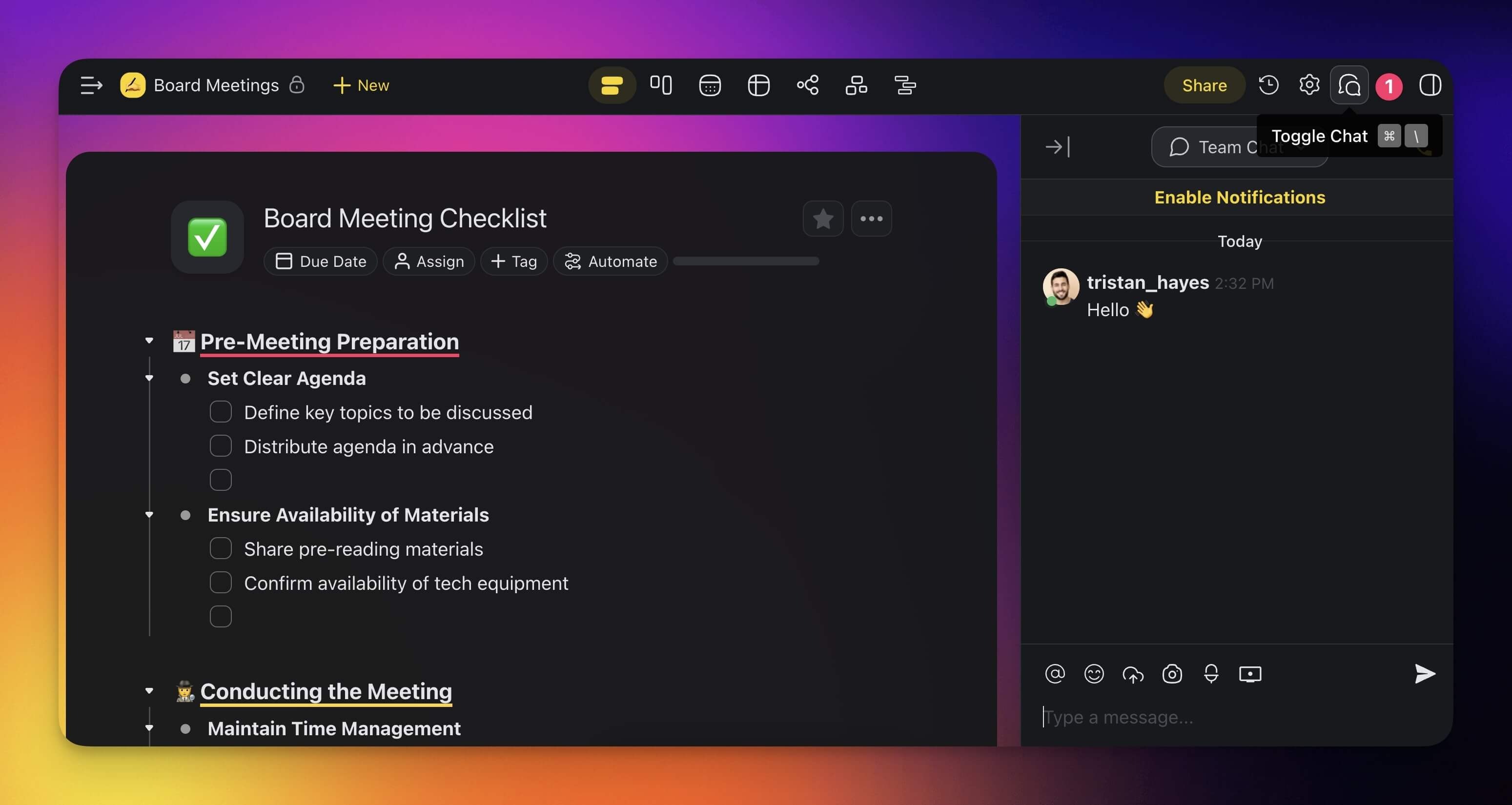
The chat box is located in the right-hand section of every project. To start a chat:
1. Open a project and click the **chat balloon icon 💬** in the top-right corner.
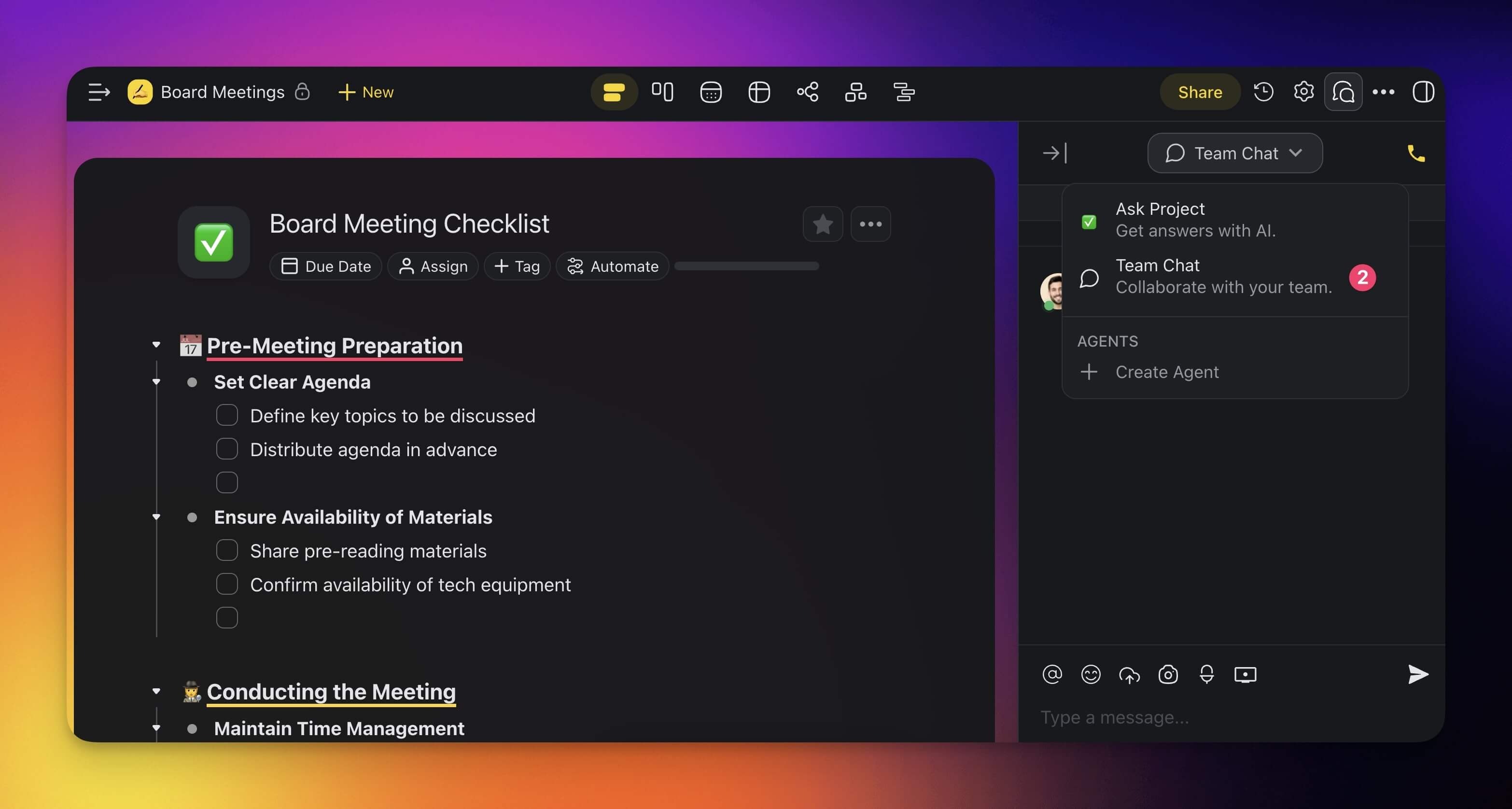
2. Choose 💬 **Team Chat** using the drop-down at the top of the chat box.
3. Type your message and press ⌨️ **Enter** or click the **arrow button** to send it.
---
## Real-Time Typing Indicator
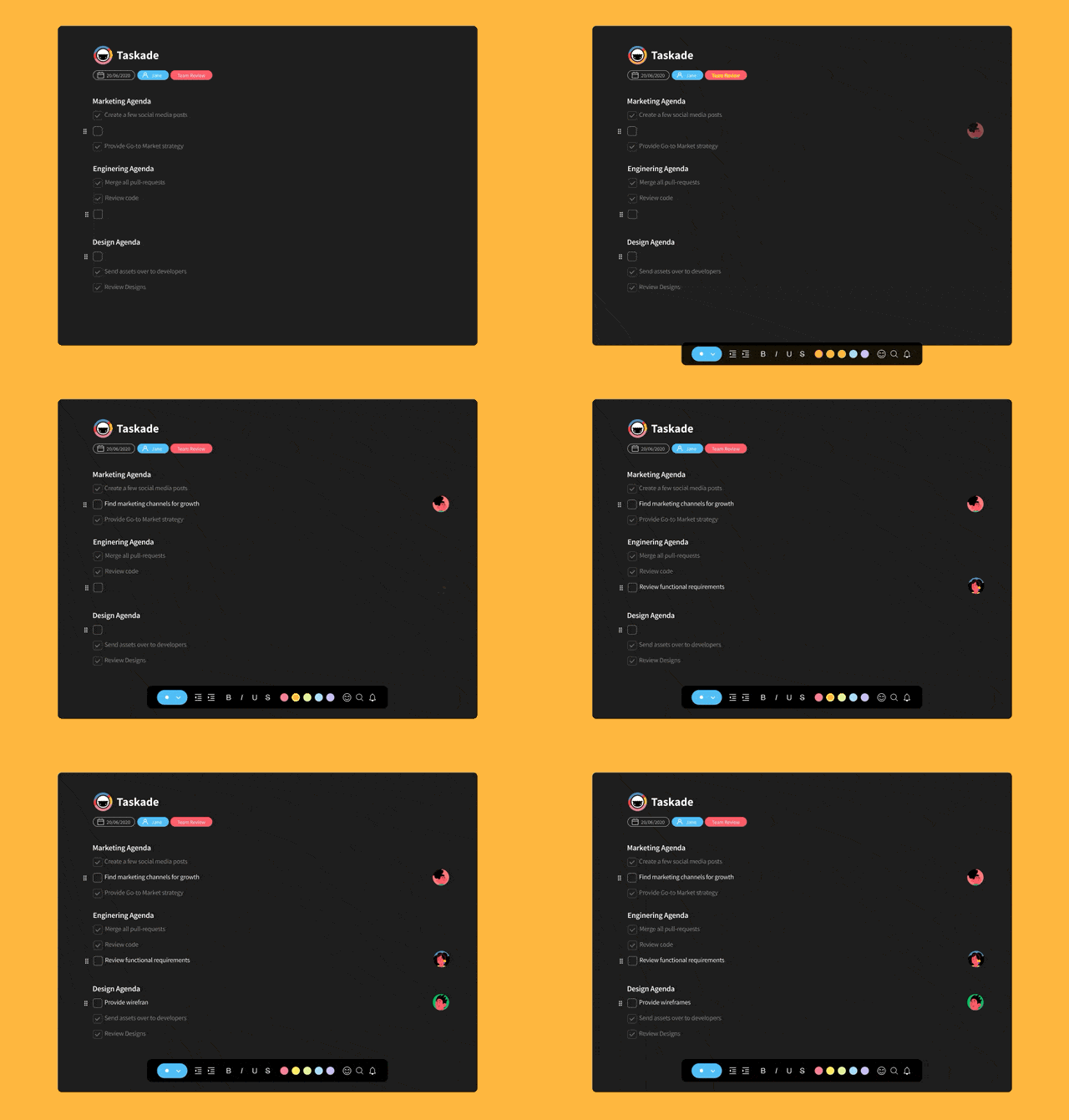
When more than one person types in the same Project, you see their Profile Pictures next to the task they edit.
---
## Real-Time Online Indicator
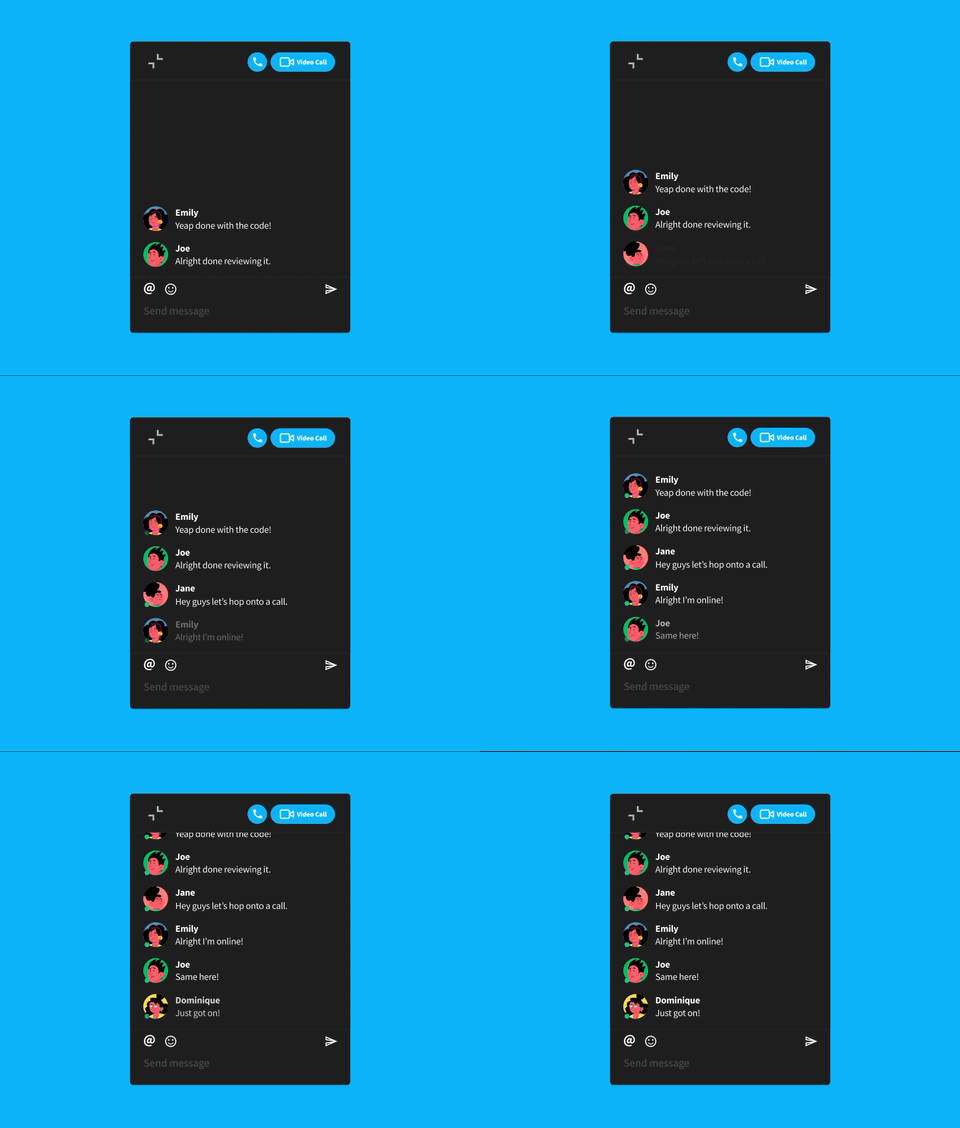
Want to start a chat in a Project but do not know who is online? Taskade shows a 🟢 presence icon next to each profile picture.
---
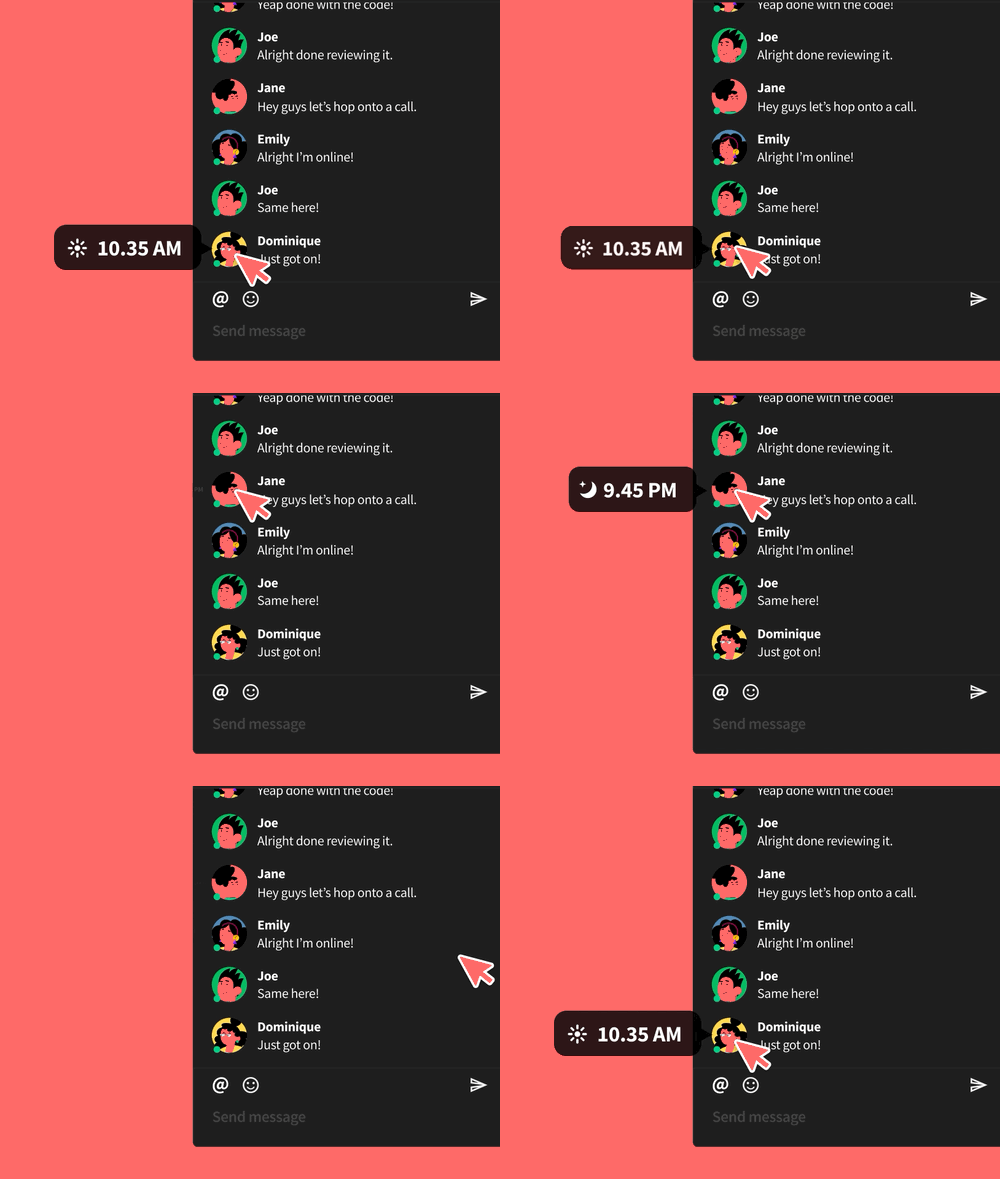
## Local Time Indicator
To check a teammate's local time before you write, hover over their profile picture in the [chat box](https://www.taskade.com/learn/projects/chat).
---
## Tips
- Use [Version History](https://www.taskade.com/learn/projects/version-history) to review or restore earlier project states if concurrent edits lead to unexpected changes.
- [Assign tasks](https://www.taskade.com/learn/projects/assign-task) to specific team members during live editing sessions to distribute work clearly.
- Enable [video calls](https://www.taskade.com/learn/projects/enable-camera) for face-to-face discussions while collaborating in the same project.
- Set [user roles and permissions](https://www.taskade.com/learn/projects/permissions) to control who can edit, comment, or only view a project.
---
### Related guides
- [How to Chat on Taskade](https://www.taskade.com/learn/projects/chat-guide)
- [Project Comments](https://www.taskade.com/learn/projects/project-comments)
- [User Roles & Permissions](https://www.taskade.com/learn/projects/permissions)
- [Enable Your Camera for Video Calls](https://www.taskade.com/learn/projects/enable-camera)