

Overview
Build and scale your Taskade Genesis applications with Stripe integration in Taskade. Automate payment infrastructure, manage customer lifecycles, and handle subscription billing for your SaaS products using automations.
TL;DR: Stripe and Taskade work both ways. A trigger like New Payment or Subscription Updated pulls the event into Taskade. An action like Update Subscription or Create & Send Invoice pushes data back out to Stripe. Build the round-trip with automations, or browse more integrations.
Connect & Configure Stripe
Before you build with Stripe, configure the integration.
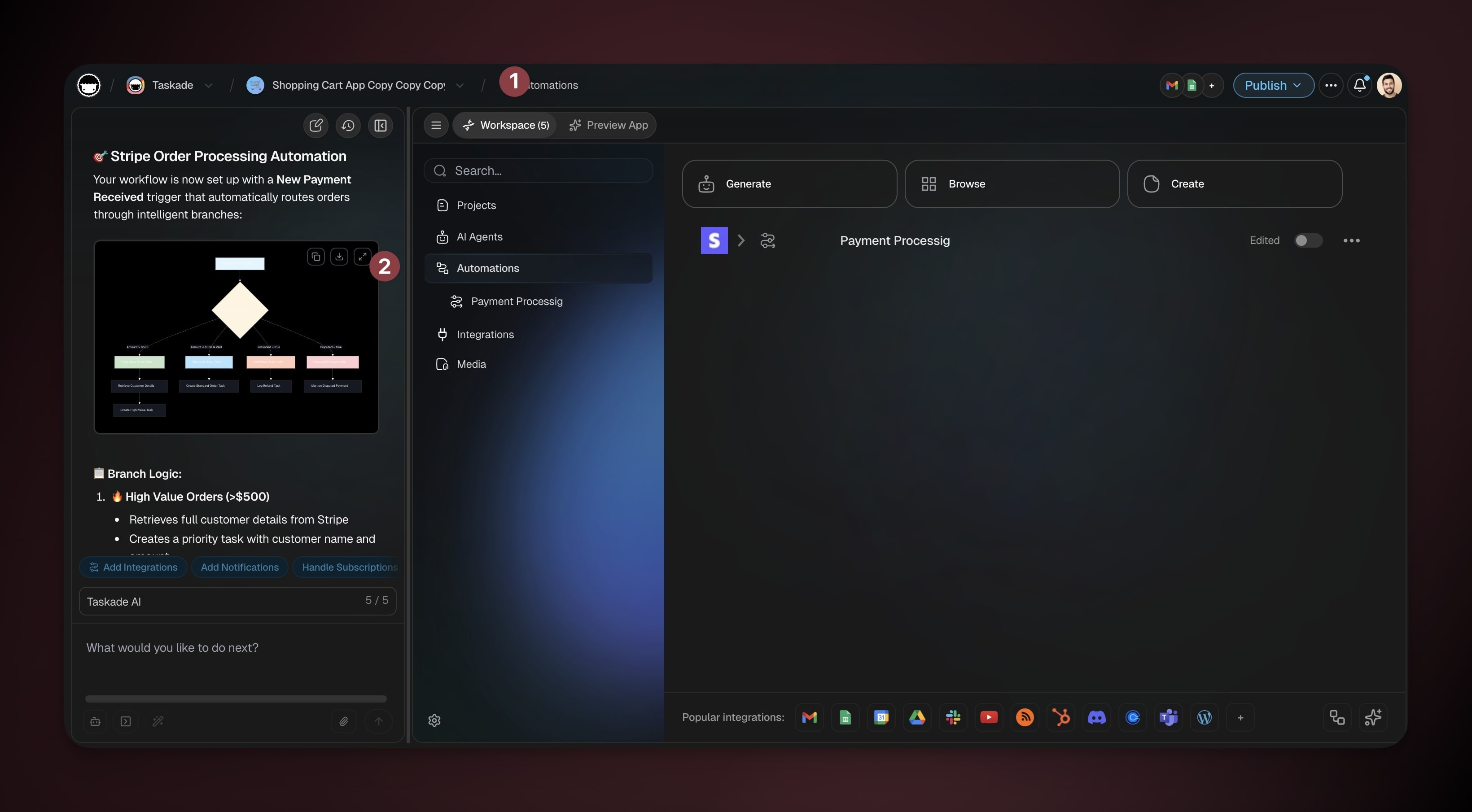
- (option 1) Navigate to Workspace → Automations in your app.
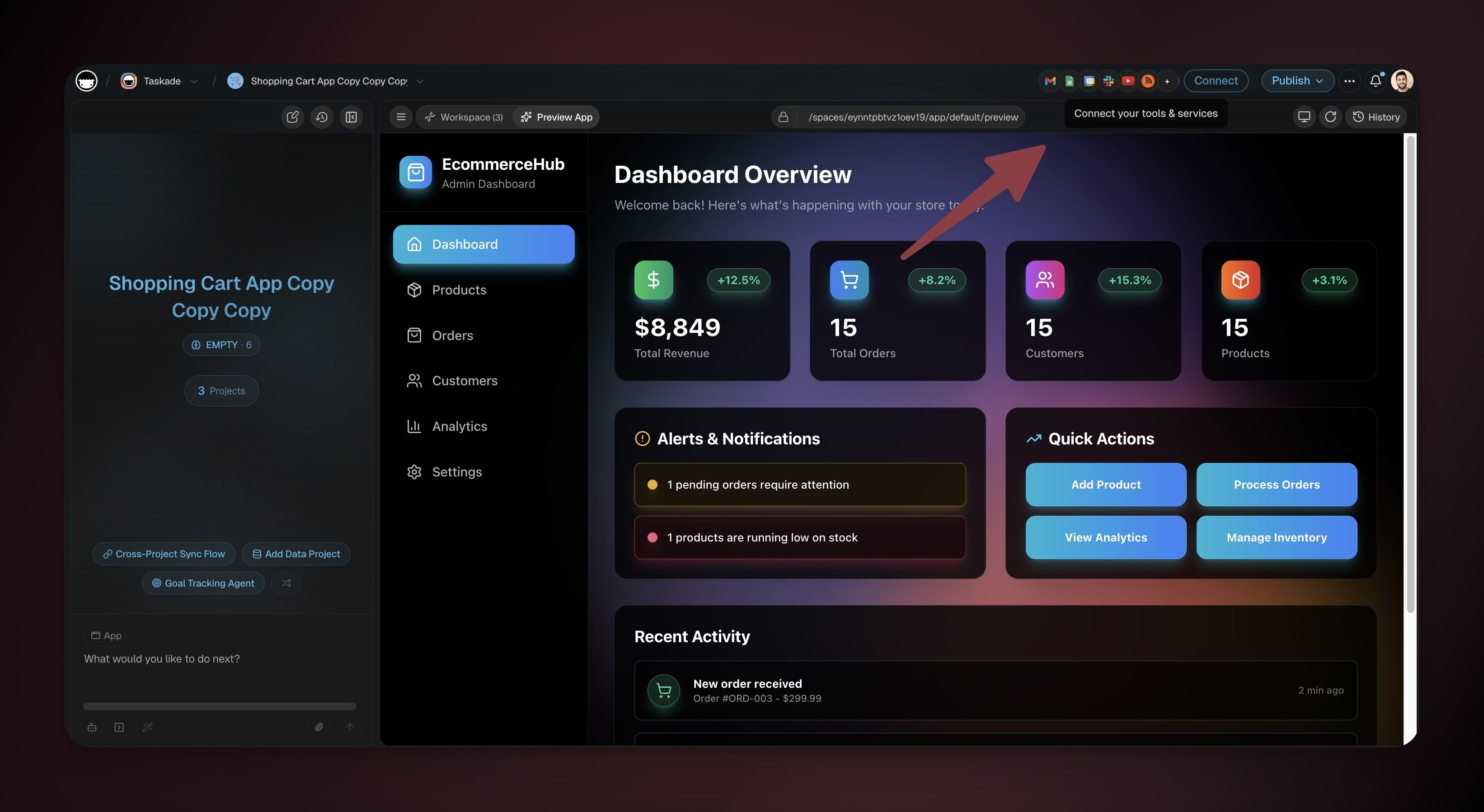
- (option 2) Click Connect at the top of your app.
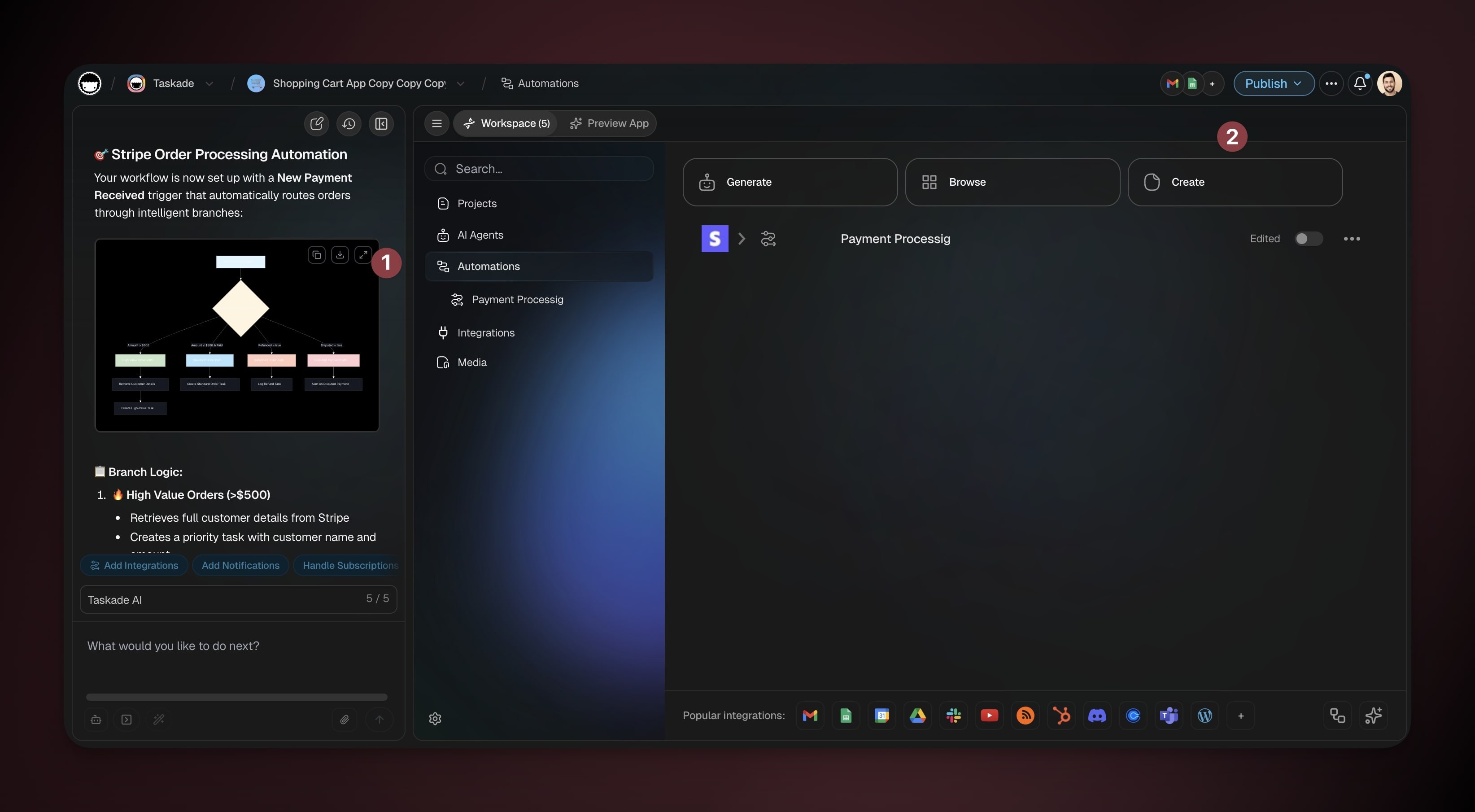
Click Create to build a new automation
You can also prompt Taskade EVE to build the automation for you.
- Add a Stripe trigger.
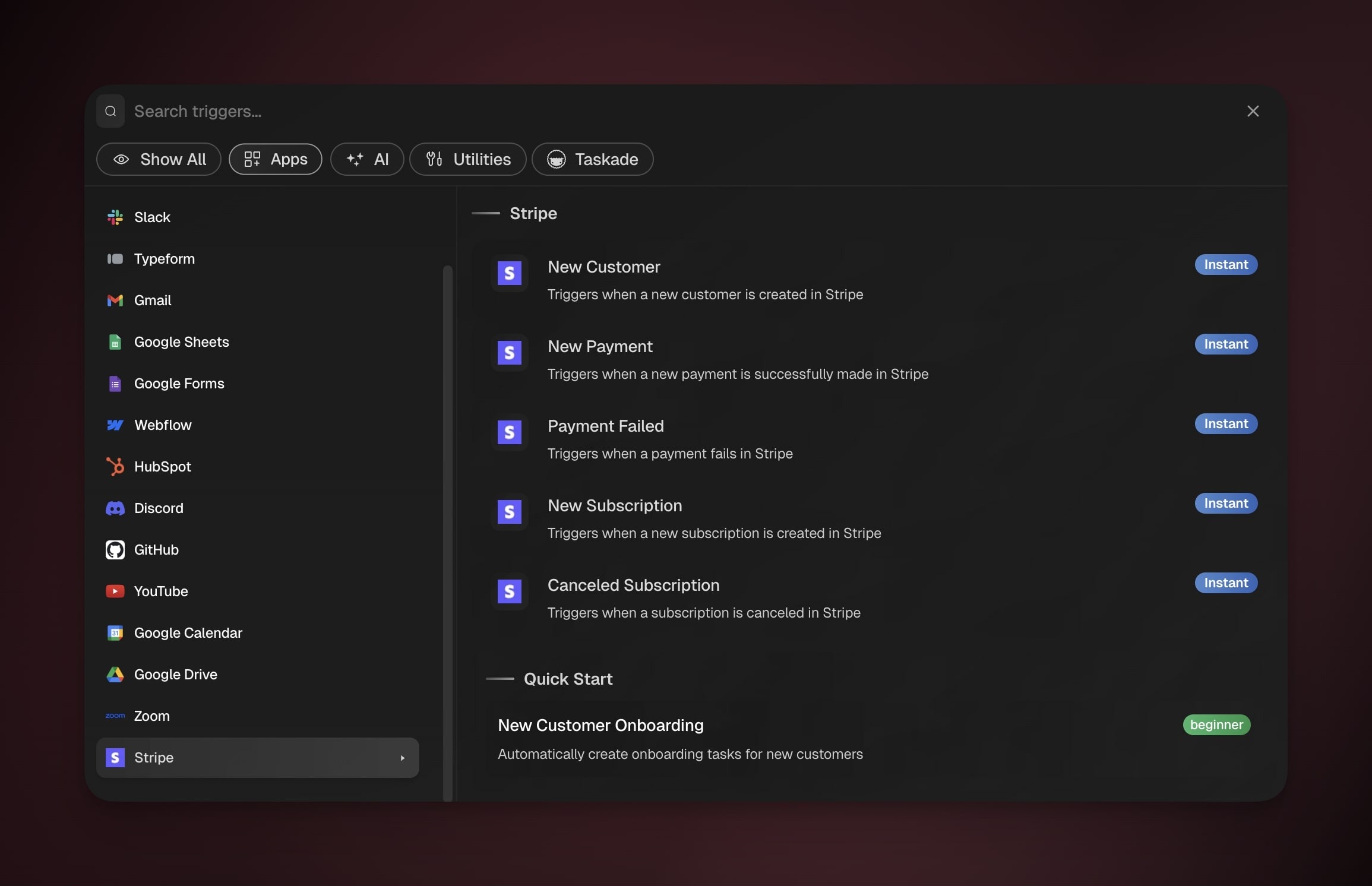
- Add a stripe action/step.
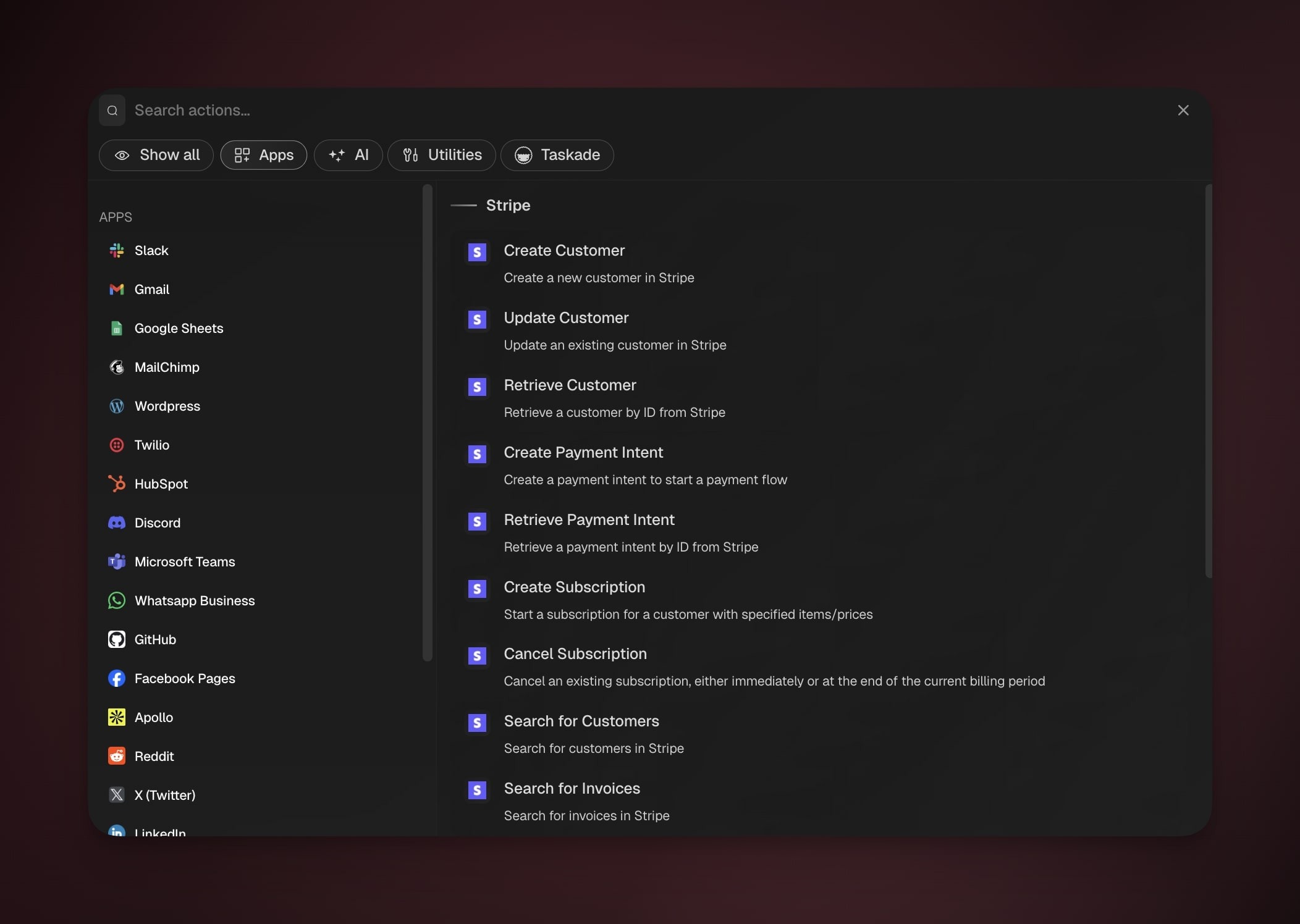
- Click Connect and authorize Taskade to access your Stripe account.
- Enable the automation or continue adding more steps.
Note: Stripe belongs to the premium integration set, so its triggers and actions are available on paid plans. If your plan does not include it yet, the step shows an upgrade prompt.
Stripe Triggers
Use Stripe triggers to automate your app's business logic, provision access, handle failed payments, and give customers a smooth experience.
| Trigger | Fires when |
|---|---|
| New Customer | A new customer is created in Stripe |
| New Payment | A payment succeeds |
| Payment Failed | A payment fails |
| Checkout Completed | Someone completes and pays a hosted Stripe Checkout |
| New Subscription | A new subscription is created |
| Subscription Updated | A subscription changes, such as a plan switch or a renewal |
| Canceled Subscription | A subscription is canceled |
| Invoice Payment Failed | A payment attempt on an invoice fails |
Subscription Updated is the one to reach for on upgrades, downgrades, and renewals. New Subscription only fires on the first sign-up, so a plan switch can otherwise slip past your automation.
Stripe Actions
Build payment infrastructure for your application with Stripe actions. Manage customers, process payments, handle subscriptions, and bill for work.
Customers
| Action | What it does |
|---|---|
| Create Customer | Create a new customer in Stripe |
| Update Customer | Update an existing customer |
| Retrieve Customer | Look up a customer by ID |
| Search for Customers | Find customers matching a query |
Payments and refunds
| Action | What it does |
|---|---|
| Create Checkout Session | Open a hosted checkout for a payment, a subscription, or card setup, and return the checkout link |
| Create Payment Link | Create a shareable payment page URL you can send to anyone. No website needed |
| Create Payment Intent | Start a payment flow |
| Retrieve Payment Intent | Look up a payment by ID |
| Search for Charges | Find charges matching a query |
| Create Refund | Refund a charge |
Subscriptions
| Action | What it does |
|---|---|
| Create Subscription | Start a subscription for a customer |
| Update Subscription | Change the plan or quantity, swap the payment method, adjust billing settings, or update notes |
| Cancel Subscription | Cancel a subscription, either right away or at the end of the current billing period |
| List Subscriptions | List subscriptions, with optional filters |
Invoices
| Action | What it does |
|---|---|
| Create Invoice | Create an invoice for a customer |
| Add Invoice Line Item | Add a billable line to an invoice, or to the customer's next one |
| Finalize Invoice | Close a draft invoice so it is ready to send or pay |
| Send Invoice | Email an invoice to the customer |
| Create & Send Invoice | Do all of the above in one step for a one-off amount, and return the payment link |
| Get Invoice | Look up an invoice with its status, totals, and payment links |
| Search for Invoices | Find invoices matching a query |
Catalog
| Action | What it does |
|---|---|
| Create Product | Create a new product |
| Create Price | Create a one-time or recurring price for a product |
Billing a client for ad-hoc work is the shortest path in the list: Create & Send Invoice creates it, emails it, and hands back the payment link in a single step. If you need several items on one bill, build the invoice line by line.
Shopify (not yet available)
The Shopify connector is on hold because the Shopify App Store listing is on hold, so Stripe and Shopify do not combine yet. Check the Shopify integration status.
Use Stripe with AI Agents
Your AI agents can invoke Stripe actions as tools during conversations. Users ask questions in natural language and the agent calls Stripe behind the scenes.
- Connect Stripe to your workspace (see above).
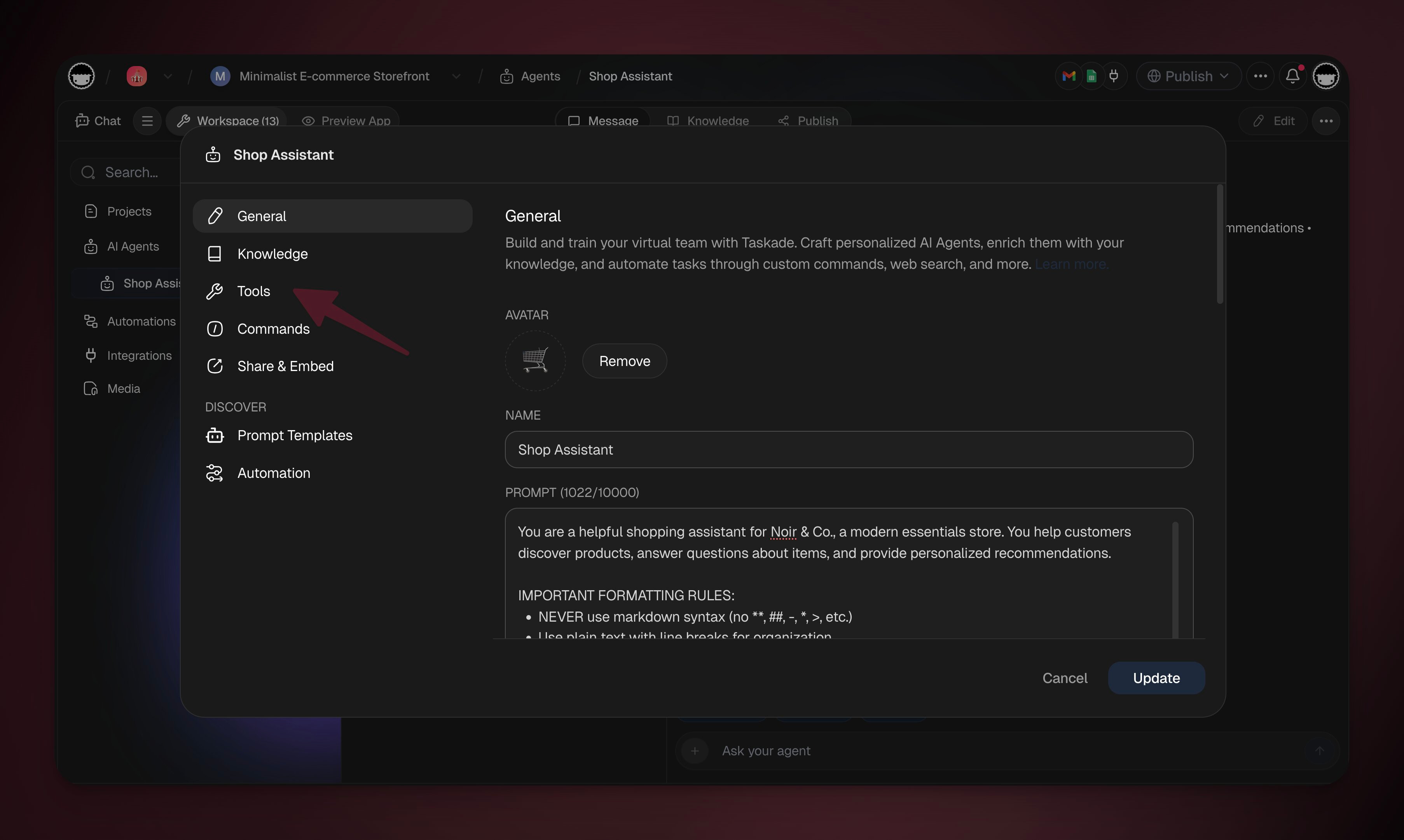
- Open your agent and go to the Tools tab.
- Find the Stripe tool and enable it.
- The agent calls the right Stripe action based on conversation context.
Note: Visit our guide to Custom AI Agents to learn more.
| User Says | Result |
|---|---|
| "Any failed payments this week?" | Lists failed charges with details |
| "Send an invoice to john@acme.com" | Creates and sends invoice |
| "How much revenue this month?" | Returns total from charges |
| "Refund order #1042" | Processes the refund |
| "Check subscription status for jane@corp.io" | Returns subscription details |
📚 Learn More
- Taskade Genesis FAQ. Common questions about Taskade Genesis apps, pricing, and features.
Learn more about automation workflows in Automations: The Execution Pillar.
Use this integration as an AI agent tool. See Tools for AI Agents.
Example: Subscription Lifecycle
Related guides
- HubSpot. Sync billing events to CRM.
- Custom AI Agents. Billing automation agents.
- Webhooks. Alternative Stripe → Taskade via webhooks.