
Overview
Run your Taskade workspace from inside ChatGPT. The Taskade GPT turns plain conversation into real actions, so you can spin up workspaces, projects, and tasks, assign work, and share links without leaving the chat.
TL;DR: The Taskade GPT lets you manage your Taskade account from inside ChatGPT using plain conversation. Once you connect it, you can create workspaces, folders, projects, and tasks, assign work, set dates, build AI agents, and turn on sharing. See the Public API for direct REST access.
The Taskade GPT, Explained
The Taskade GPT lets you manage workspaces, projects, and tasks within your Taskade account using ChatGPT's conversational interface. Here is everything you need to know.
Note: You can access the GPT directly here.
Enable the GPT
- Go to https://chat.openai.com/auth/login.
- If you already have an OpenAI account, log in. If not, sign up.
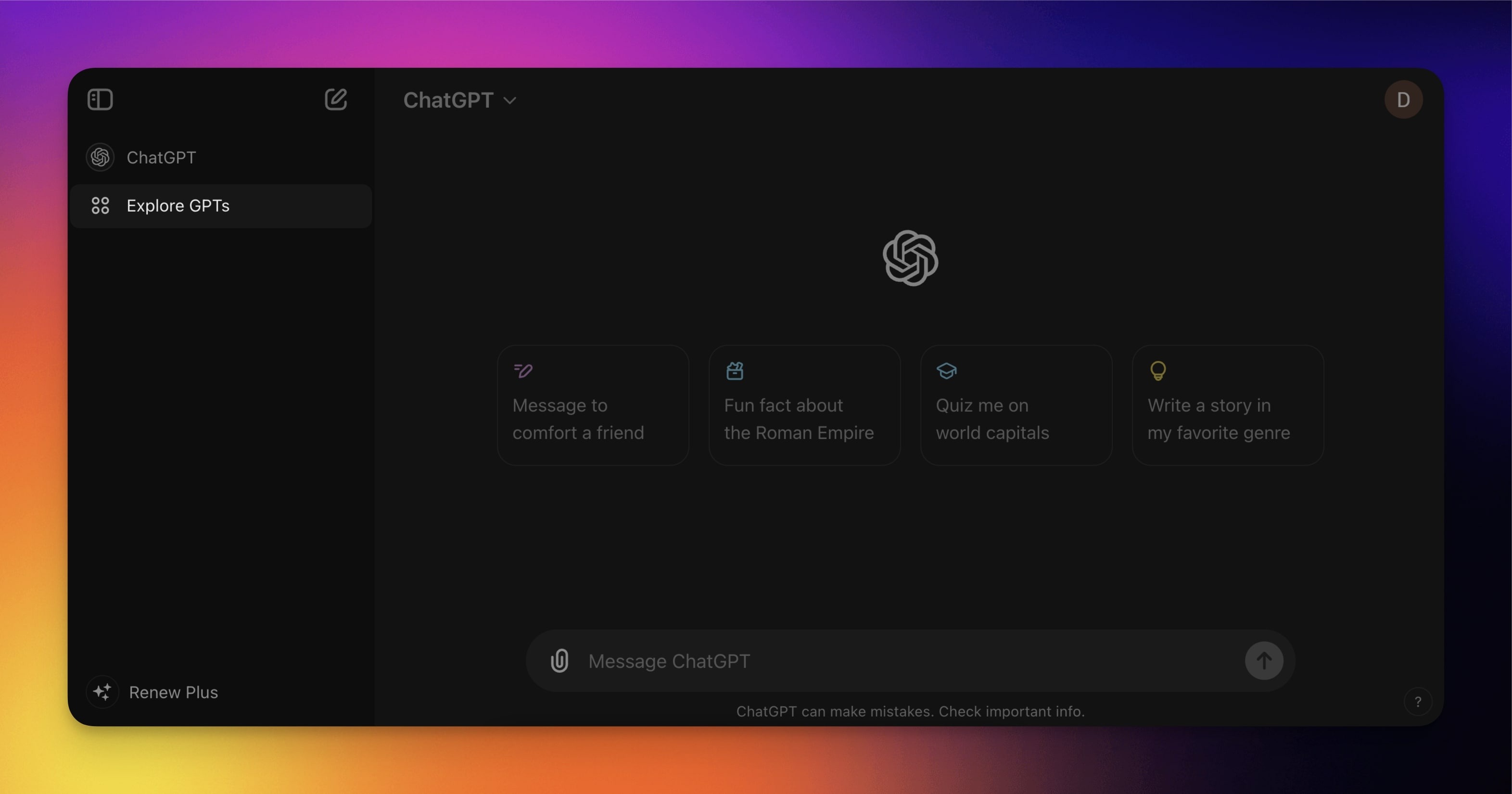
- Choose Explore GPTs in the sidebar on the left.
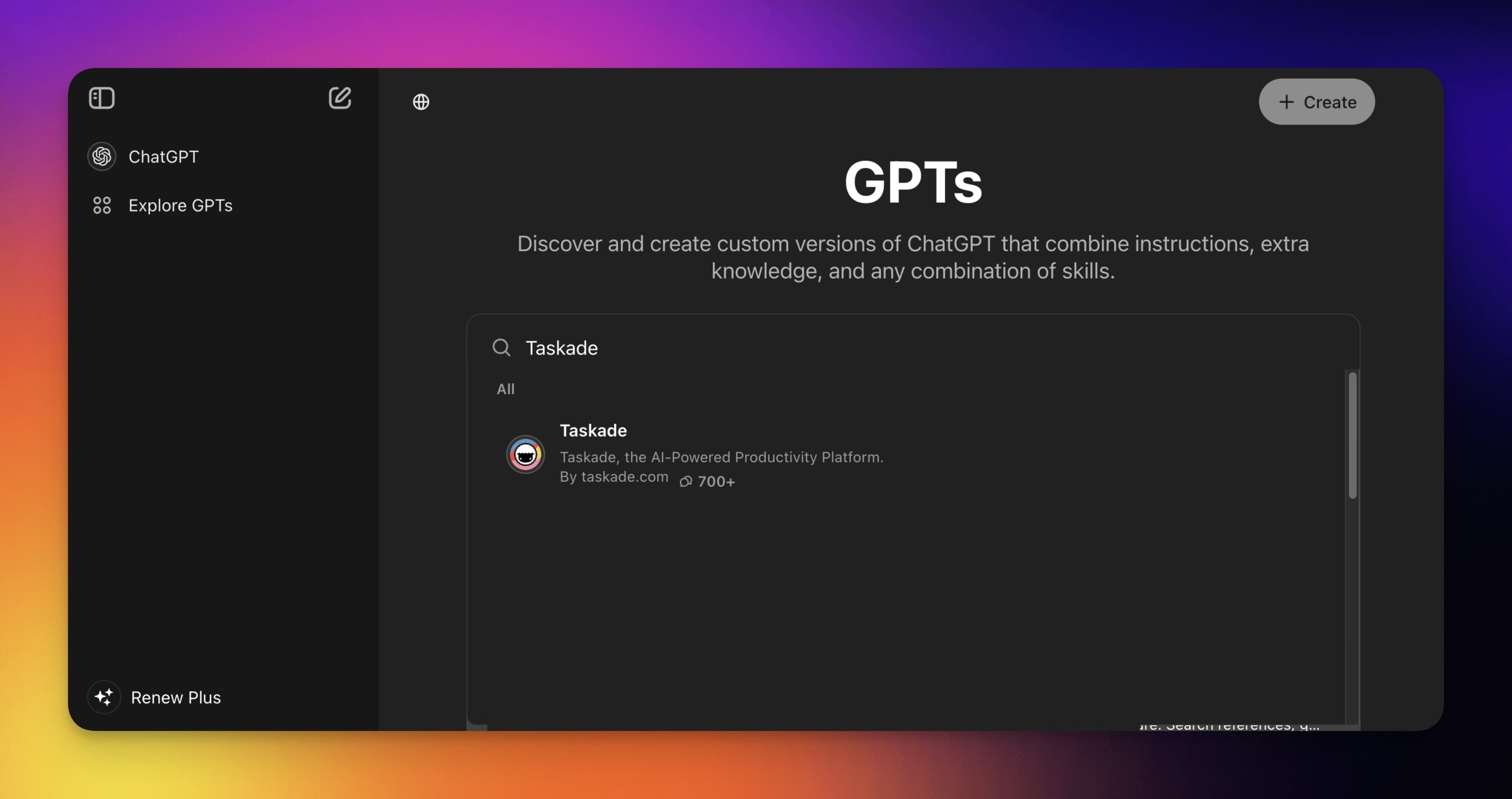
- Use the search bar to find the Taskade GPT.
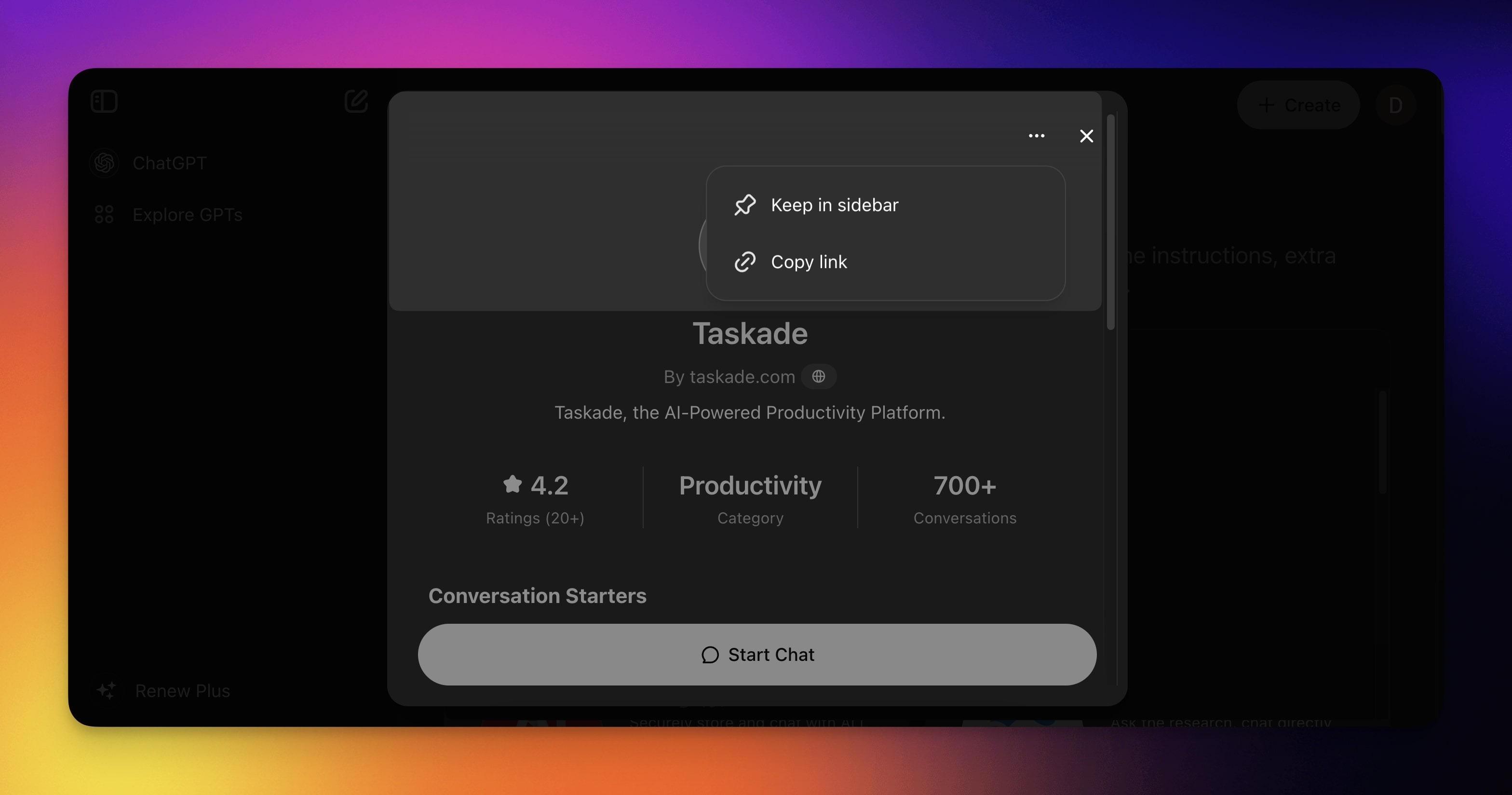
Click the three dots in the top-right corner.
Choose 📌 Keep in sidebar to save the GPT.
Click 💬 Start Chat to create a new chat.
Use the Plugin
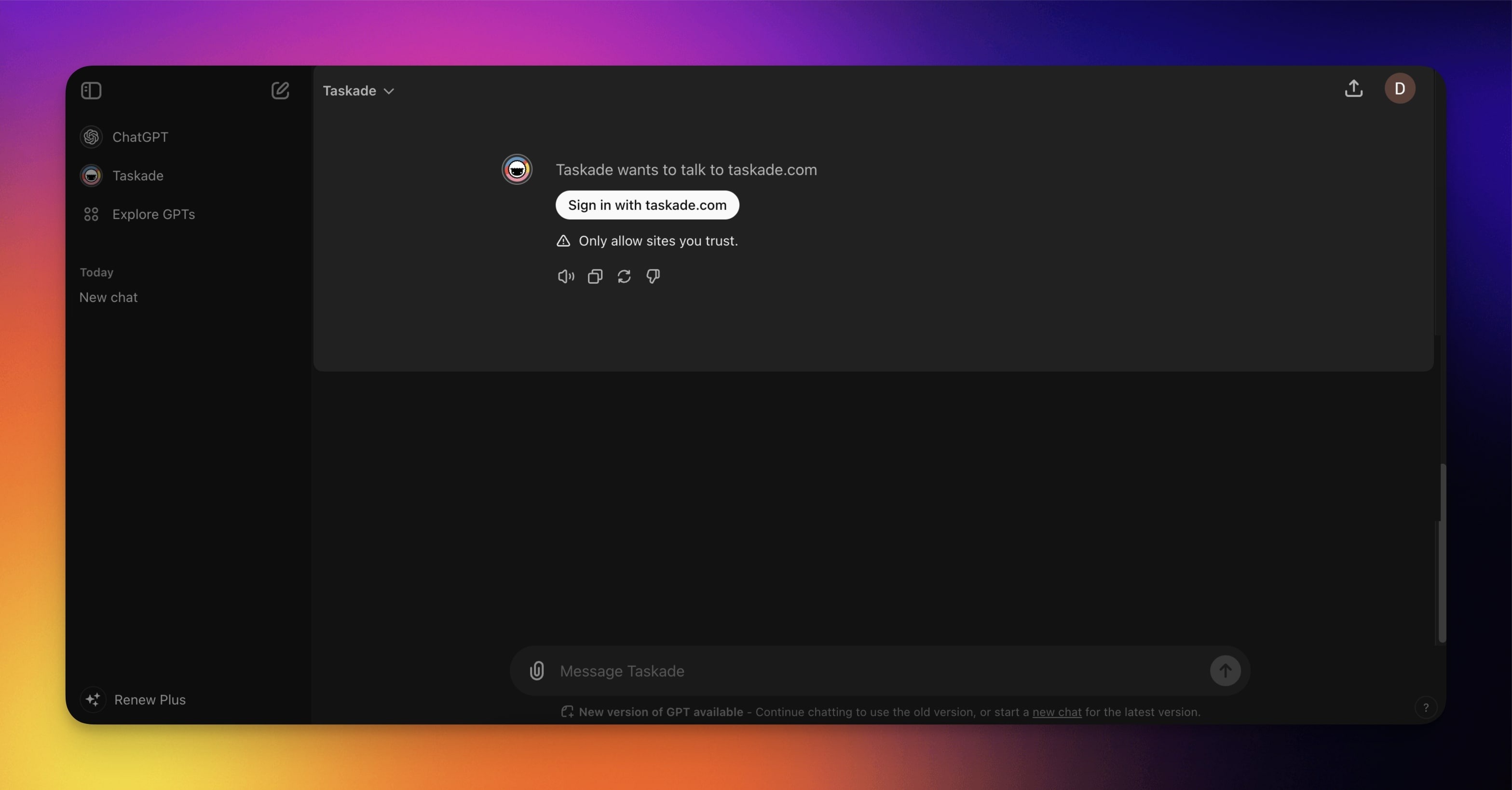
Start a conversation with the GPT as usual.
Check the list of available actions at the bottom of this page.
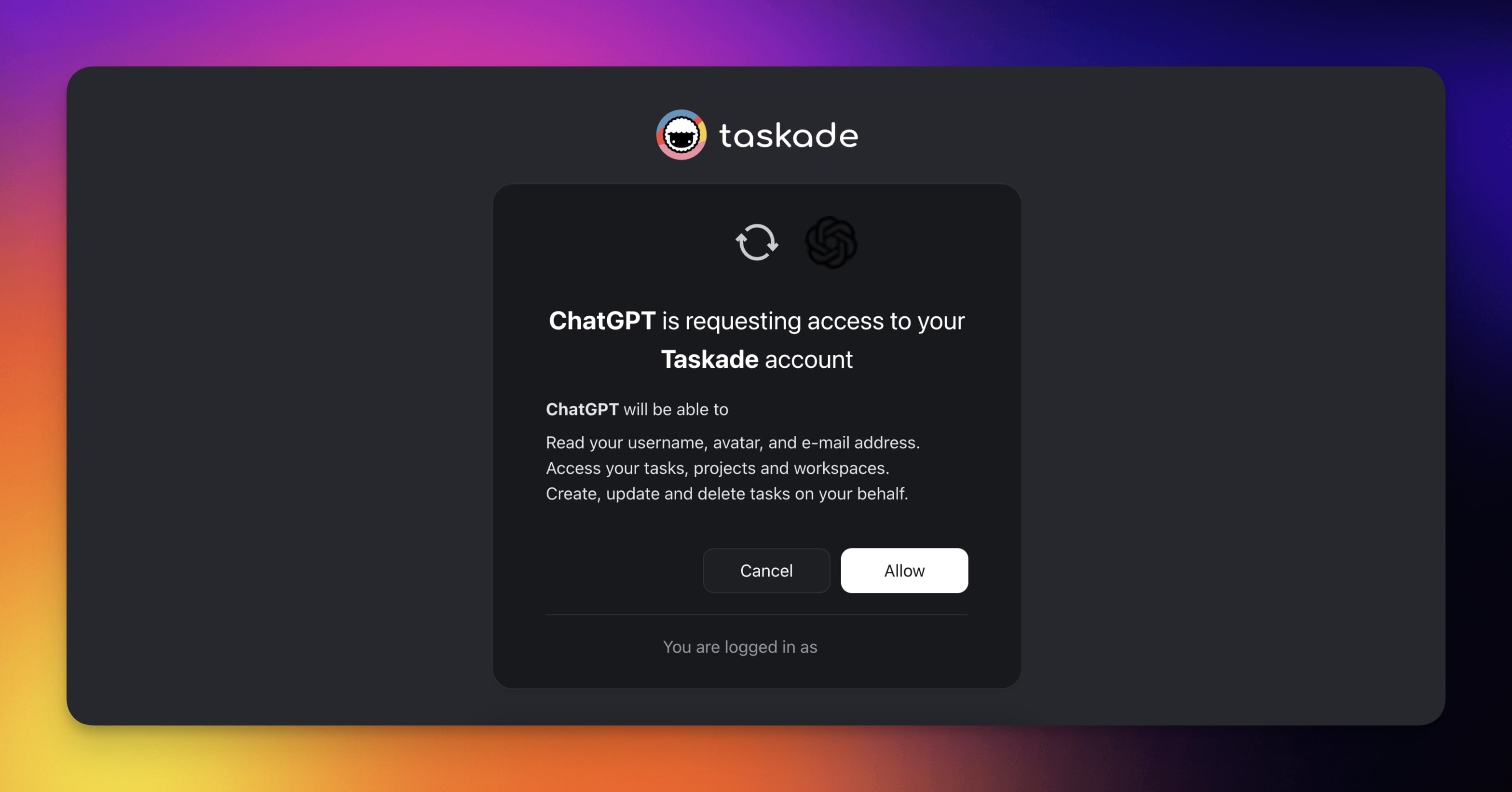
When prompted, click Sign in with taskade.com to authorize the GPT.
- In the last step, click Allow to connect the GPT to your Taskade account.
Available Actions
There are many creative ways to use the GPT. Here are a few ideas:
| Feature | Function | Description |
|---|---|---|
| Workspaces | Create workspaces | Set up new workspaces for different teams or projects. |
| List workspaces | Get a list of all your workspaces. | |
| Folders | Create folders | Organize your work by creating folders within a workspace. |
| List folders | Retrieve a list of folders in a specific workspace. | |
| Projects | Create projects | Initiate new projects within a folder or workspace. |
| List projects | Get an overview of all projects within a workspace or folder. | |
| Copy projects | Duplicate existing projects to reuse templates or structures. | |
| Get project links | Enable and retrieve shareable links for projects. | |
| Tasks | Create tasks | Add new tasks to your projects with detailed descriptions. |
| List tasks | View all tasks within a specific project. | |
| Complete tasks | Mark tasks as completed. | |
| Delete tasks | Remove tasks that are no longer needed. | |
| Assign tasks | Assign tasks to team members. | |
| Set task dates | Add or update start and end dates for tasks. | |
| Agents | Create agents | Set up AI agents within a folder to help with specific tasks or roles. |
| Enable public access | Make agents publicly accessible. | |
| General | Enable sharing | Turn on public sharing for projects or agents. |
| Retrieve tasks by ID | Get specific task details by their ID. | |
| Delete assignees / dates | Remove assignees or dates from tasks. |
Related guides
- MCP Connectors. Use Claude Desktop, Cursor, and other MCP clients.
- MCP Server. Underlying MCP endpoint.
- Public API. Direct REST access.
- Taskade EVE Assistant. Native AI assistant in Taskade.