
Overview
Set up a client's folder, copy in the right templates, and share it the moment their project starts. The Google Drive integration lets your automations create folders, upload and duplicate files, set sharing permissions, and archive finished work, so your Drive stays organized without manual filing.
TL;DR: Google Drive works both ways inside Taskade automations. A trigger pulls Drive events in, like New Folder or New File, so your workspace reacts automatically. An action pushes data back out, like Create new file or Duplicate File, so updates happen on their own. One connection covers both directions.
💡 Note: Want to upload files from your Google Drive? Check this guide.
Google Drive Automation
Set up Taskade to automatically sync and update your Google Drive files when specific triggers occur, such as project milestones or task completions.
Note: Visit our Automation Guide to learn more.
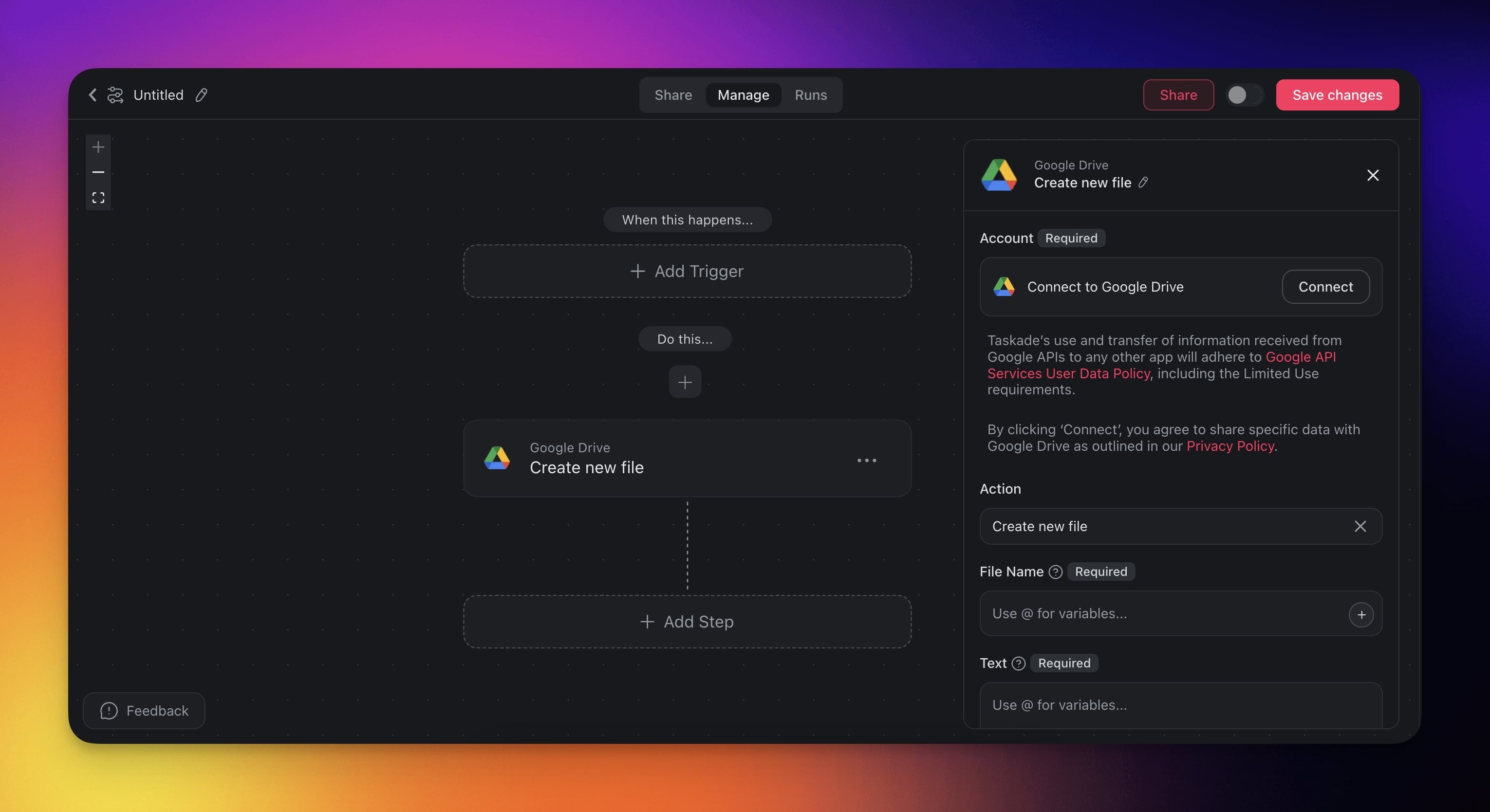
Google Drive Triggers
| Trigger | Description |
|---|---|
| New Folder | Triggers when a new folder is created. Works in My Drive and shared drives. |
| New File | Triggers when a new file is uploaded. Works in My Drive and shared drives. |
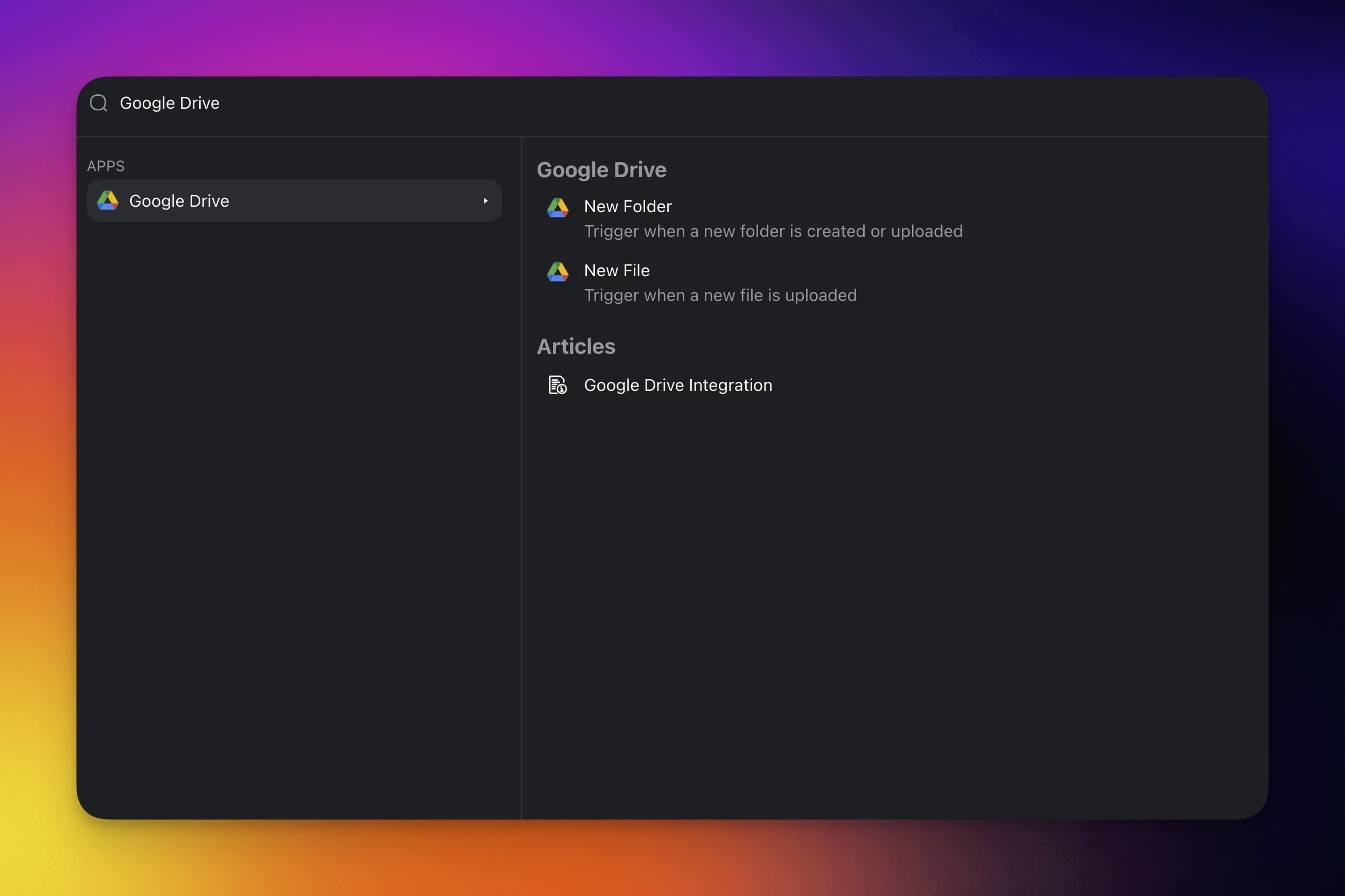
Google Drive Actions
| Action | Description |
|---|---|
| Search For Folder/File | Searches a Drive folder for files and sub-folders. |
| Create New File | Creates a new text file from input text. |
| Create New Folder | Creates a folder in your Google Drive. |
| Upload File | Uploads a file to Drive from a file URL. |
| Duplicate File | Duplicates a file. Returns the ID of the new file. |
| Copy File | Creates a copy of an existing file in Google Drive. |
| Move Folder/File | Moves a file or sub-folder between folders. |
| Trash Folder/File | Moves a file or sub-folder to the trash. |
| Delete Folder/File | Permanently deletes a file or sub-folder. |
| Add Permissions | Adds sharing permissions to a file or folder. |
| Delete Permissions | Removes sharing permissions from a file or folder. |
| List Files | Lists the files inside a Drive folder. |
| Read File | Reads the text content of a file. |
| Get File | Gets a file or folder's details, like name, type, and link. |
| Set Public Access | Makes a file or folder publicly accessible. |
| Save File as PDF | Saves a file as a PDF in a Drive folder. |
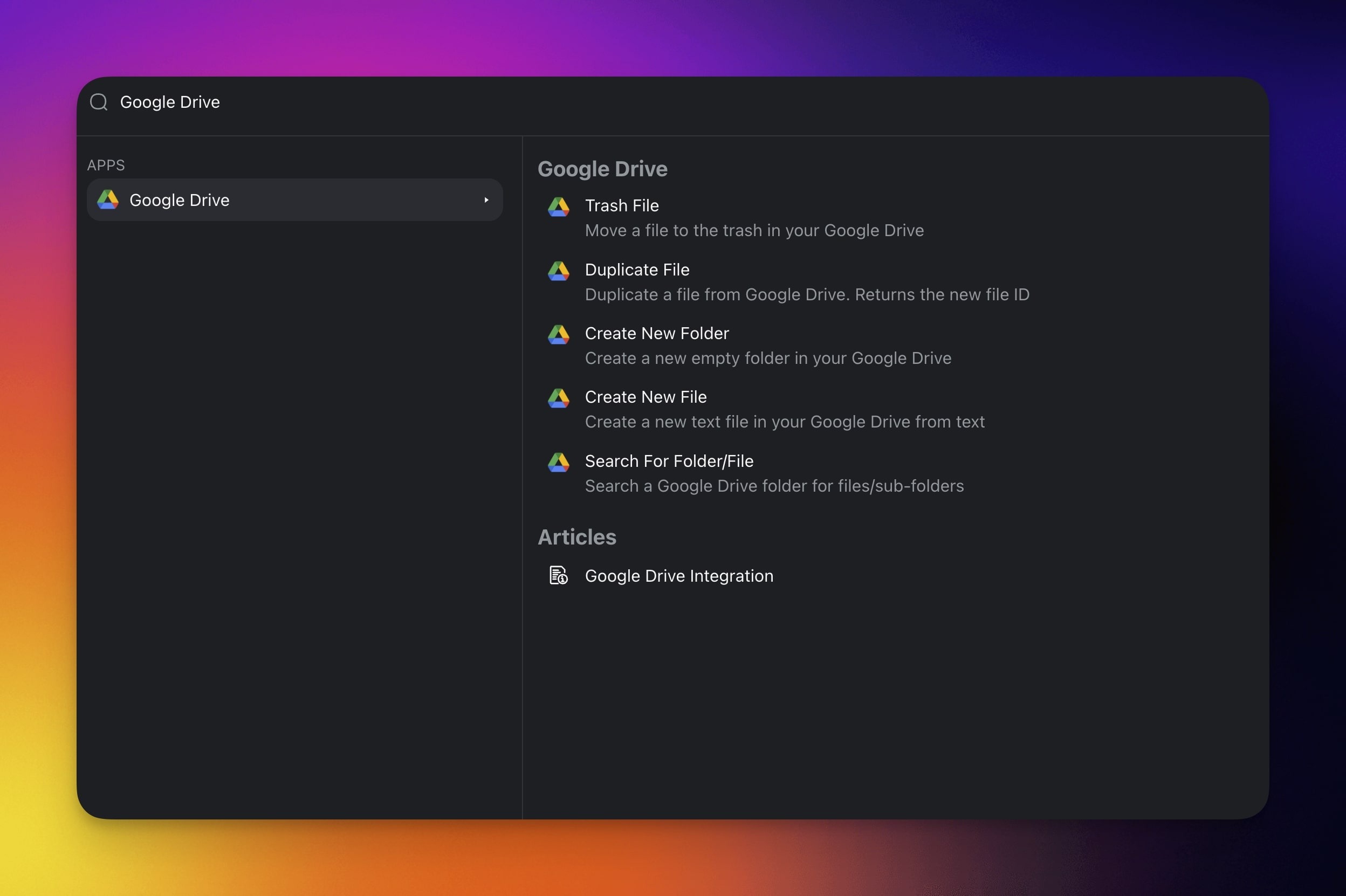
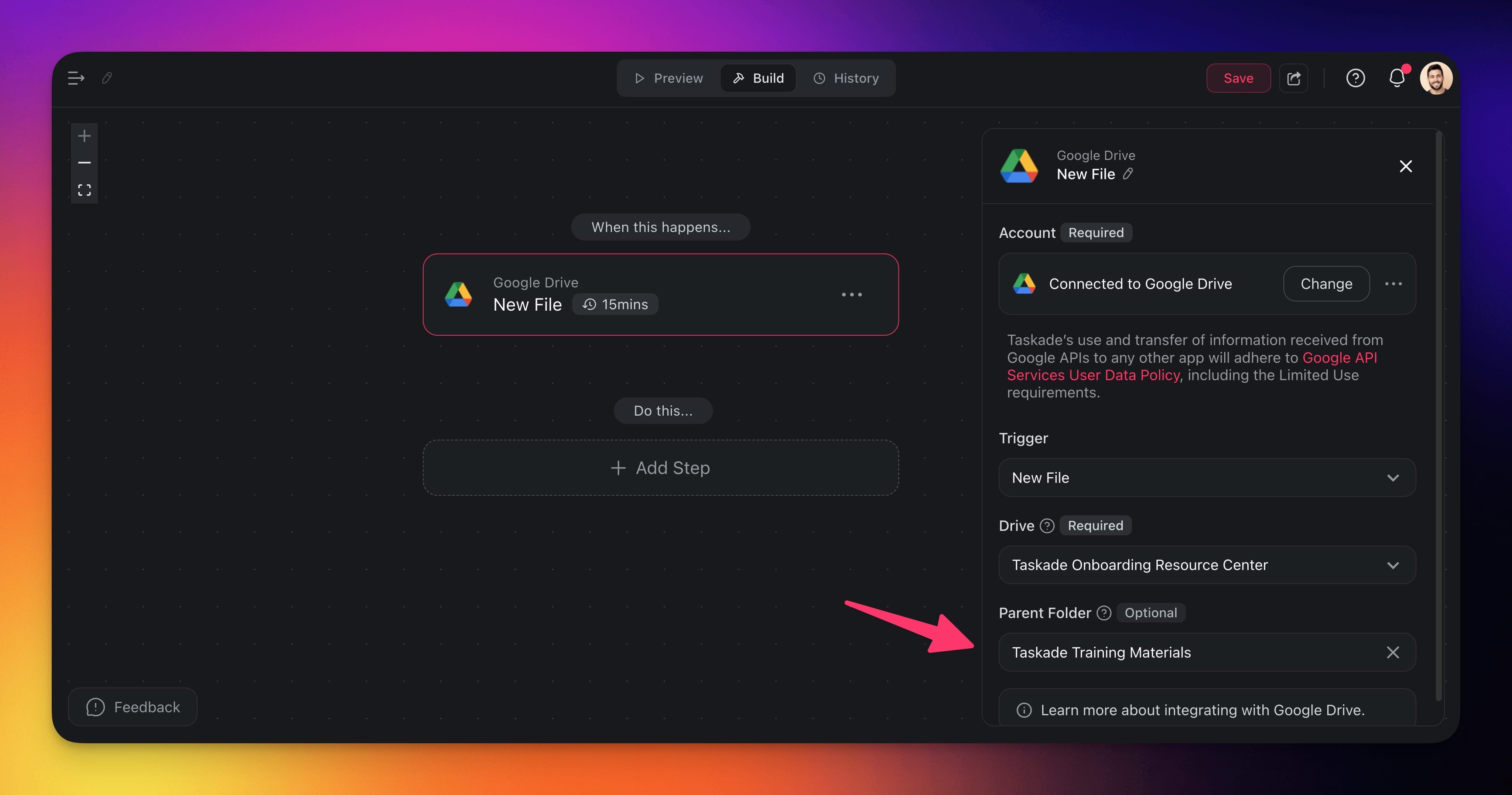
Select a Shared Drive
You can automate Shared Drives you have access to:
Choose a Google Drive action or trigger.
Select a drive under Drive:
Choose My Drive to use your own Google Drive.
Choose a Shared Drives you have access to.
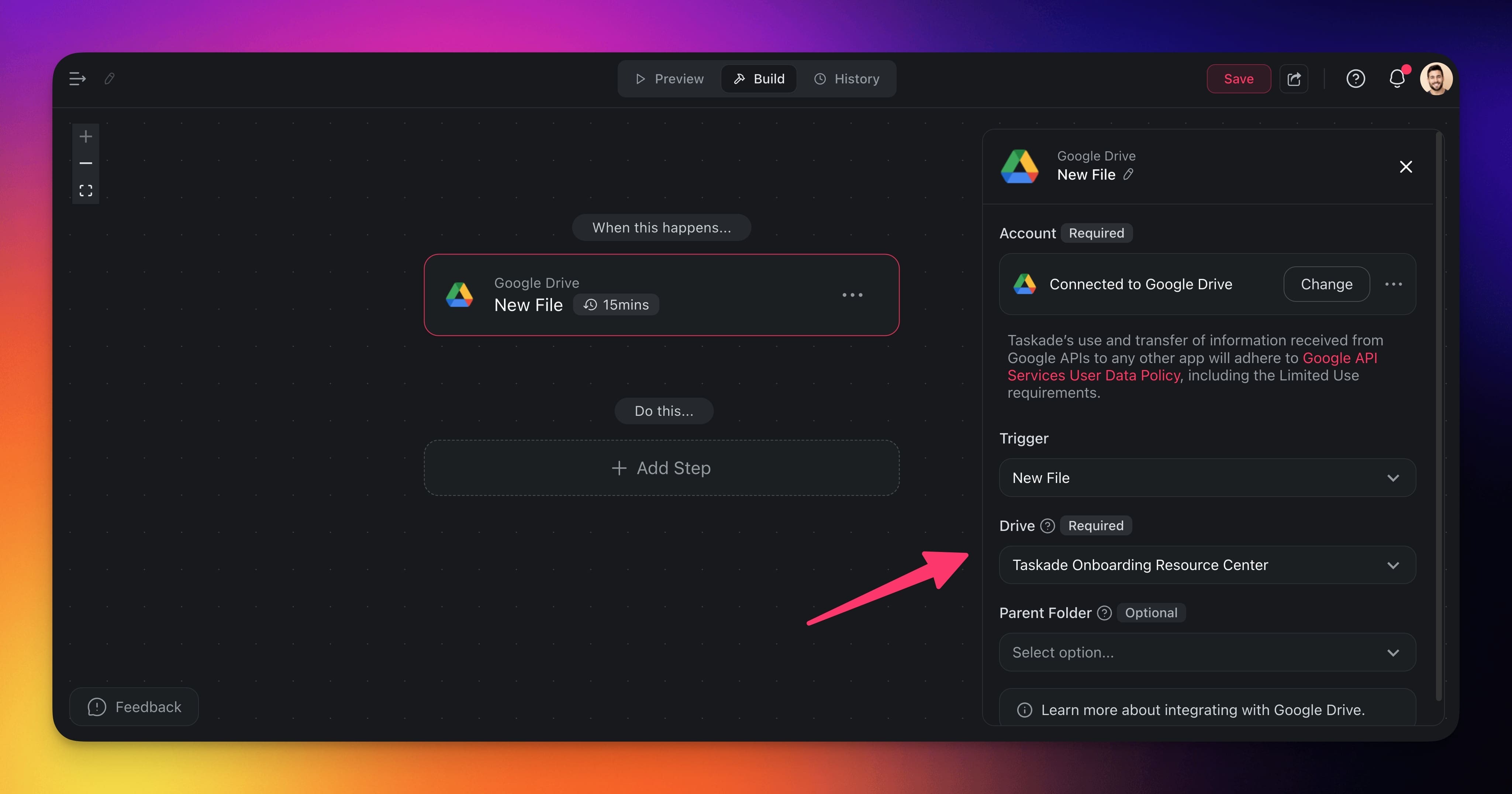
- Choose a parent folder inside the shared drive.
Automation Settings
Connector options give you full control over the Google Drive automation:
| Field | Description |
|---|---|
| (required) ID | The ID of the file. |
| (required) NAME | The name of the new file. |
| (optional) Parent Folder | Select a folder to use as the parent folder. |
| (required) Folder Name | The name of the new folder. |
| (required) File Name | The name of the new file. |
| (required) Text | The text content to be added to a file. |
| (required) Content Type | The format of the new file. |
| (required) Query Term | The type of the search query (file name/full text search/content type). |
| (required) Operator | The search operator (contains/equals). |
| (required) Value | Value of the search field. |
| (required) File Type | The type of items you search for (all/files/folders). |
Use Cases
Not sure how to use the Google Drive connector? Here are a few ideas:
| Use Case | Action Flow |
|---|---|
| Client onboarding document setup | ✅ Trigger: Task Added in “Client Intake” project ➡️ Action: Create new folder /Clients/{ClientName} ➡️ Action: Duplicate File from /Templates/Client_Onboarding_Checklist.docx |
| Start campaign with base documents | ✅ Trigger: Task Added with tag #Campaign ➡️ Action: Create new folder in /Campaigns/{TaskName} ➡️ Action: Branch based on detected tags ➡️ Action: Duplicate File from /Templates/Campaign_Brief_Template.docx |
| Archive final project report | ✅ Trigger: Project Completed ➡️ Action: Search for file /Reports/Active/{ProjectName}_Final_Report.pdf ➡️ Action: Duplicate File into /Archives/ ➡️ Action: Trash File (original report) |
| Distribute latest SOP to teams | ✅ Trigger: New File in /SOP/Updates/Latest_SOP.pdf ➡️ Action: Search for department folders ➡️ Action: Duplicate File into each relevant /Departments/{Team}/SOPs/ (via loop or branch) ➡️ Optional: Trash File source |
| Weekly report generation | ✅ Trigger: Schedule (every Monday at 9 AM) ➡️ Action: Find Task(s) in “Weekly Tracker” project ➡️ Action: Transform Array to String ➡️ Action: Generate with AI (optional summary) ➡️ Action: Create new file in /Reports/Weekly/ |
Use this integration as an AI agent tool. See Tools for AI Agents.
Available Capabilities
| Type | Capability | Description |
|---|---|---|
| ⚡ Trigger | New File | Fires when a new file is uploaded, in My Drive or a shared drive |
| ⚡ Trigger | New Folder | Fires when a new folder is created, in My Drive or a shared drive |
| 🔧 Action | Search For Folder/File | Searches a Drive folder for files and sub-folders |
| 🔧 Action | Create New File | Creates a new text file from input text |
| 🔧 Action | Create New Folder | Creates a folder in your Google Drive |
| 🔧 Action | Upload File | Uploads a file to Drive from a file URL |
| 🔧 Action | Duplicate File | Duplicates a file and returns the new file ID |
| 🔧 Action | Copy File | Creates a copy of an existing file in Google Drive |
| 🔧 Action | Move Folder/File | Moves a file or sub-folder between folders |
| 🔧 Action | Trash Folder/File | Moves a file or sub-folder to the trash |
| 🔧 Action | Delete Folder/File | Permanently deletes a file or sub-folder |
| 🔧 Action | Add Permissions | Adds sharing permissions to a file or folder |
| 🔧 Action | Delete Permissions | Removes sharing permissions from a file or folder |
| 🔧 Action | List Files | Lists the files inside a Drive folder |
| 🔧 Action | Read File | Reads the text content of a file |
| 🔧 Action | Get File | Gets a file or folder's name, type, and link |
| 🔧 Action | Set Public Access | Makes a file or folder publicly accessible |
| 🔧 Action | Save File as PDF | Saves a file as a PDF in a Drive folder |
Related guides
- Drive Upload. Universal upload helper
- Dropbox · Box · OneDrive. Other storage integrations
- Google Docs · Google Sheets · Google Forms. Other Google Workspace
- Agent Knowledge. Drive files as agent knowledge
- Media Files. Where uploaded files live