
Overview
The Google Calendar integration syncs your events with Taskade Projects, so meetings, deadlines, and free-busy windows live in the same place as your tasks and agents. Read your calendar inside automations, write new events from an automation, and check availability before a tool tries to schedule.
TL;DR: One trigger (
New or Updated Event) and six actions (Create Event,Update Event,Create Quick Event,Delete Event,List Events,Get Free/Busy) let your automations read and write Google Calendar.List Eventspulls a time-windowed slice into the flow, andGet Free/Busychecks open slots before booking. Pair with Automations Execution or Custom AI Agents for scheduling.
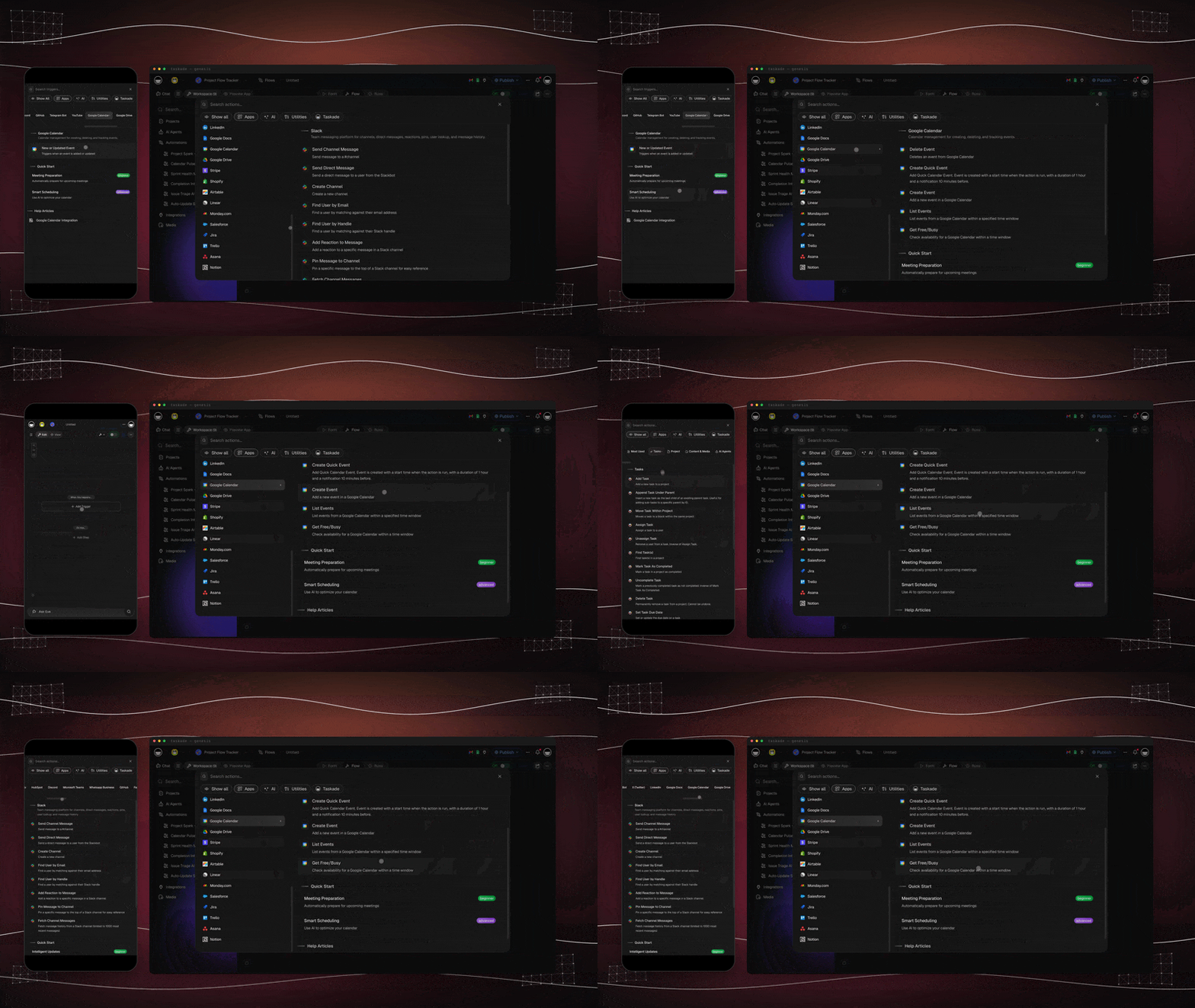
Two flows above. Top: event-driven. Bottom: schedule-driven. Same calendar, different starting points.
Google Calendar Automation
When a trigger occurs, such as a project milestone or a completed task, Taskade syncs and updates your Google Calendar automatically.
Note: Visit our Automation Guide to learn more.
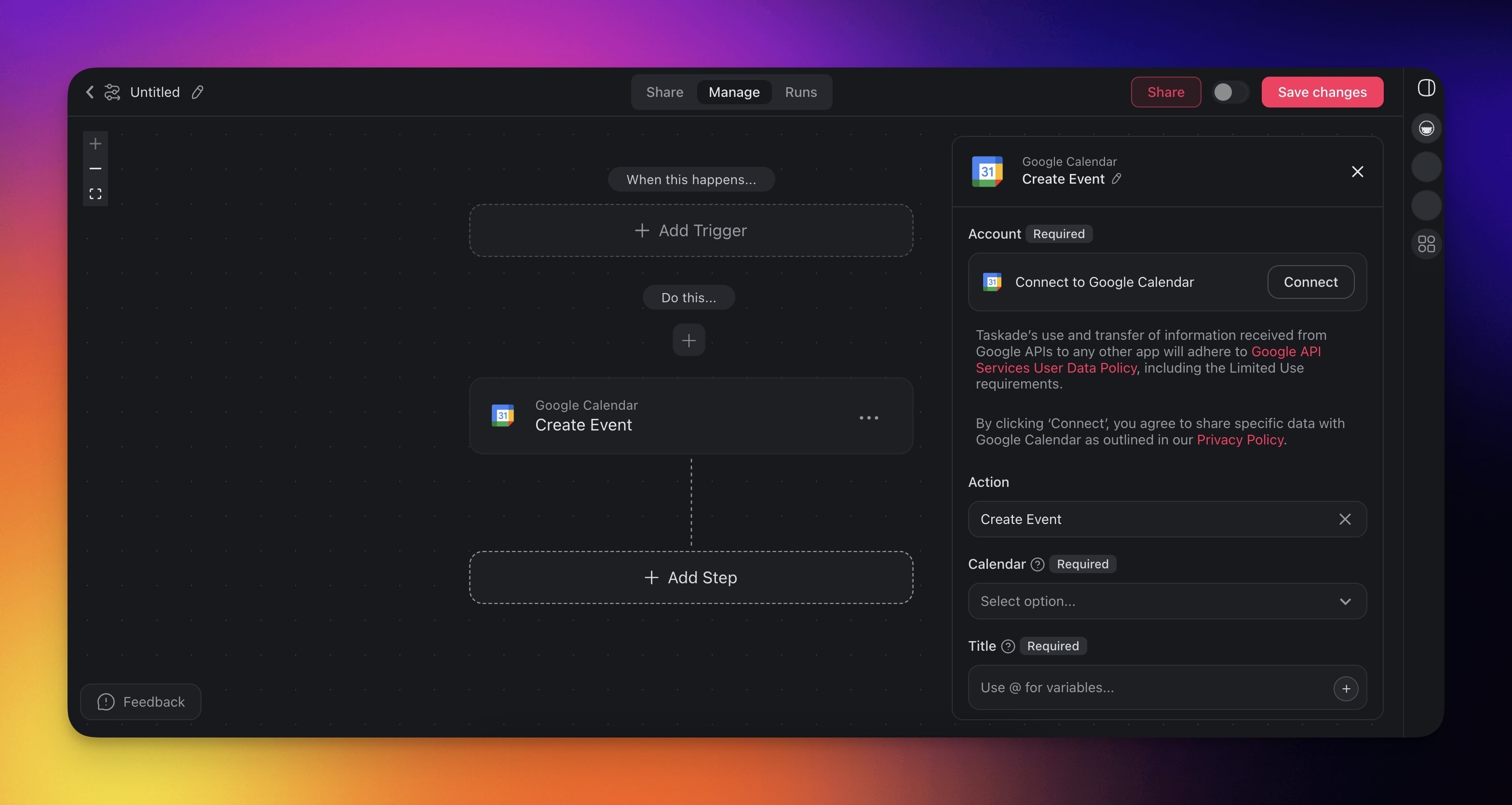
Calendar Triggers & Actions
Here are the triggers & actions you can use in your workflows:
| Type | Description |
|---|---|
| New or Updated Event (Trigger) | Triggers when an event is added or updated. |
| Create Event (Action) | Adds a new event to Google Calendar. |
| Create Quick Event (Action) | Creates a quick event from a natural-language string. |
| Delete Event (Action) | Deletes an event from Google Calendar. |
| List Events (Action) | Lists events within a specified time window. |
| Get Free/Busy (Action) | Checks availability for a calendar. |
Calendar Automation Settings
Connector options give you full control over the Google Calendar automation:
| Field | Description |
|---|---|
| (required) CALENDAR | The calendar to add to. |
| (required) TITLE | Title of the event. |
| (required) START DATE TIME | Start date time of the event. |
| (optional) SUMMARY | Short description of the event. |
| (required) EVENT ID | The ID of the event. |
| (optional) END DATE TIME | End date time of the event. |
| (optional) LOCATION | Location of the event. |
| (optional) DESCRIPTION | Description of the event. |
| (optional) ATTENDEES | Email addresses to invite as guests, on Create Event and Update Event. Each guest can accept or decline from their own calendar. In Update Event, leave it empty to keep the current guest list. |
| (optional) SEND UPDATES | Guests to notify. Set it to All so the guests you add receive the invitation email. |
Calendar Automation Use Cases
Here are a few ways to use the Google Calendar integration:
| Use Case | Automation Flow |
|---|---|
| Auto-schedule project meetings when milestones complete | ✅ Trigger: Task Completed (milestone task) ➡️ Action: Create Event (Google Calendar) for team review ➡️ Action: Send Channel Message (Slack) with details |
| Block calendar time when important tasks are due | ✅ Trigger: Task Due ➡️ Action: Create Quick Event (GCal) ➡️ Action: Update Custom Fields to mark as scheduled |
| Create follow-up meetings from form submissions | ✅ Trigger: New Response (Google Forms) ➡️ Action: Create Event (GCal) with details ➡️ Action: Add Task for meeting preparation |
| Schedule team check-ins when projects start | ✅ Trigger: Project Created ➡️ Action: Create Event (GCal) for kickoff meeting ➡️ Action: Assign Task to project manager |
| Create calendar events from new calendar events | ✅ Trigger: New or Updated Event (Google Calendar) ➡️ Action: Add Task with event details ➡️ Action: Create Document (Google Docs) for minutes |
| Schedule recurring reviews for ongoing projects | ✅ Trigger: Schedule (weekly) ➡️ Action: Create Event (Google Calendar) for review ➡️ Action: Generate with AI to prepare agenda items |
| Auto-schedule client calls when deals progress | ✅ Trigger: New Deal (HubSpot) ➡️ Action: Create Event for discovery call |
Google Calendar Actions
| Action | Description |
|---|---|
| Create Event | Add a new event with date, time, and attendees |
| Update Event | Change the time, attendees, or details of an existing event |
| Create Quick Event | Create an event from a natural-language string (1-hour duration, 10-min reminder) |
| Delete Event | Remove an event from the calendar |
| List Events | List events from a calendar within a time window, optionally filtered by a search query |
| Get Free/Busy | Check availability for a calendar within a time window |
Auto-Schedule Meetings
The List Events and Get Free/Busy actions turn Google Calendar into a real scheduling backend. Pair them with Branch and an AI Agent to schedule meetings into actual gaps instead of double-booking.
| Action | Inputs | Outputs |
|---|---|---|
| List Events | Calendar · Time min · Time max | Array of { id, summary, start, end, attendees[] } |
| Get Free/Busy | Calendar(s) · Time min · Time max | Array of busy blocks: { start, end } |
| 🪄 Use Case | ⏩ Action Flow |
|---|---|
| Smart booking link | ✅ Trigger: New Submission (Typeform) ➡️ Action: Get Free/Busy for next 14 days ➡️ Action: Ask Agent to pick first 30-min slot that respects buffer rules ➡️ Action: Create Event + send confirmation email |
| Daily standup digest | ✅ Trigger: Schedule (weekdays 8:55 AM) ➡️ Action: List Events (today) ➡️ Action: Transform Array to String ➡️ Action: Send Channel Message (Slack) with the day's agenda |
| Conflict-aware reschedules | ✅ Trigger: Event Updated ➡️ Action: Get Free/Busy for new window ➡️ Action: Branch. If conflict, Ask Agent to propose alternatives + Send Email |
Use Calendar with AI Agents
Your AI agents can call Google Calendar actions as tools during conversations. Enable Google Calendar as an agent tool in the Tools tab and your agents can create events, check availability, and list upcoming meetings automatically.
Prompt Examples
- "Create an event called 'Team Standup' tomorrow at 10am"
- "List all events for next week"
- "Check if I am free on Friday afternoon"
Use this integration as an AI agent tool. See Tools for AI Agents.
Available Capabilities
| Type | Capability | Description |
|---|---|---|
| ⚡ Trigger | New or Updated Event | Fires when an event is added or updated |
| 🔧 Action | Create Event | Adds a new event with date, time, and attendees |
| 🔧 Action | Update Event | Changes the time, attendees, or details of an existing event |
| 🔧 Action | Create Quick Event | Creates an event from a natural-language string |
| 🔧 Action | Delete Event | Removes an event from the calendar |
| 🔧 Action | List Events | Lists events within a specified time window |
| 🔧 Action | Get Free/Busy | Checks availability for a calendar |
Related guides
- Calendar Sync. Detailed sync setup
- Calendar Feed. Read-only iCal feed for other clients
- Calendly. Trigger automations from bookings
- Calendar View. Visual calendar inside Taskade
- Schedule Trigger. Cron-style automation scheduling