
Overview
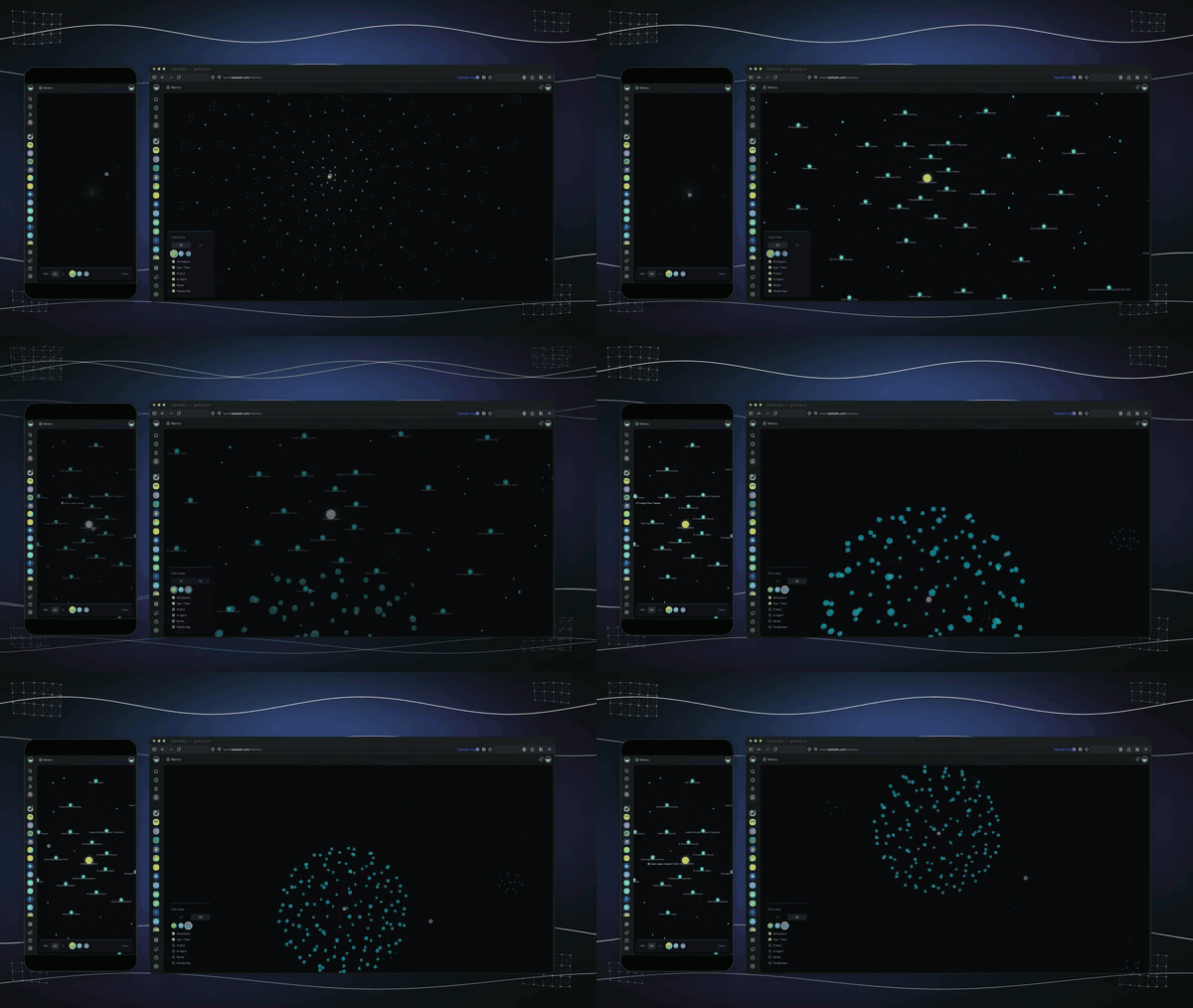
The Memory Graph at /memory visualizes how your workspace's projects, agents, automations, and published apps link together. It is the most direct way to see your Workspace DNA at work and to spot connections you can use in your next build.
TL;DR: The Memory Graph is a workspace-scoped knowledge graph. It shows how the Workspace DNA layers, Memory, Intelligence, and Execution, connect. Audit the projects and agents a published app touches. Onboard a teammate through the map instead of folder trees. Open it from the workspace sidebar at
/memory.
What the graph shows
The graph has three node types that mirror your Workspace DNA:
| Node | What it represents |
|---|---|
| Memory | Projects, documents, and stored knowledge |
| Intelligence | AI agents and Taskade EVE skills |
| Execution | Automations and published Taskade Genesis apps |
Edges connect items that reference, trigger, or feed each other. Selecting a node highlights every direct neighbor.
How to use the graph
- Open Memory from the workspace sidebar.
- Browse the full graph or focus on a single node.
- Click any node to open it in place, or follow an edge to see what depends on it.
- Use the search bar to jump to a known item by name.
Use cases
- Find related context before writing a Taskade EVE prompt or building a new agent.
- Spot orphan nodes that no one references and either retire them or connect them.
- Audit a published app to see exactly which projects and agents it touches.
- Onboard a teammate by walking them through the graph instead of folder trees.
Tips
- Start narrow. Filter to one node type before zooming out.
- Combine with Taskade EVE Mentions. Mention the exact node you want Taskade EVE to use as context.
- Treat orphans gently. Some are personal scratchpads. Archive what is truly stale.
Related guides
- Workspace DNA. Memory, Intelligence, Execution loop.
- Taskade EVE Memory. How Taskade EVE remembers your work.
- Ask Taskade EVE Clarifying Questions. Clarifying questions during a build.
- Taskade EVE Assistant. Full Taskade EVE overview.
- Custom AI Agents. Build agents that draw on the graph.