

Overview
The Community App Gallery showcases Taskade Genesis apps across dashboards, portals, calculators, websites, and internal tools. Creators use Share as kit when they want other people to clone and remix an app.
TL;DR: Browse live Taskade Genesis apps in the Community Gallery. Free and paid App Kits show a Clone action and a receipt. The receipt lists the projects, agents, automations, and app interface that Taskade copies. Browse the gallery →
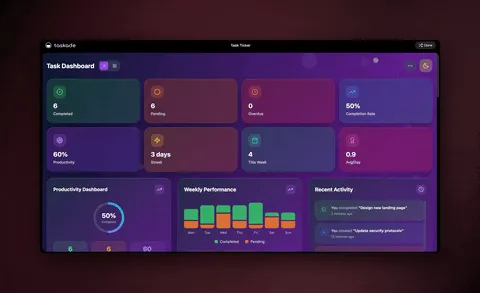
Note: Visit the Taskade Community Gallery to explore the full collection.
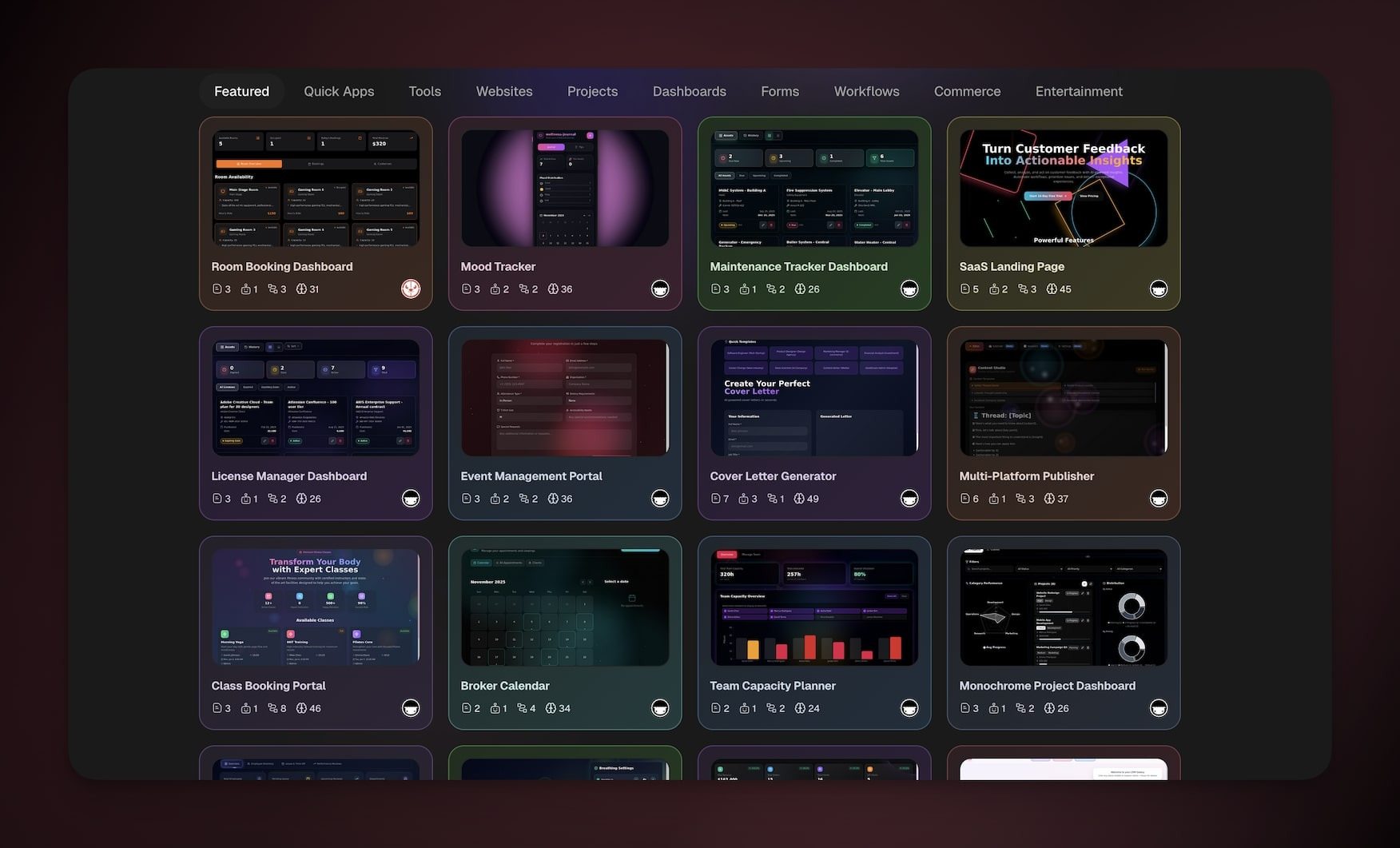
Clone Community Apps
- Open Taskade Genesis → click Community Apps tab below the prompt box.
- Open a free or paid App Kit.
- Review the clone receipt, then click Clone.
- Choose the Workspace where you want to add the app.
Check for a PRO badge. A kit marked PRO clones into a workspace on a paid plan. The plan of the workspace you pick at step 4 decides. See Builder Community & App Kits.
👉 After cloning:
Customize the app with your branding and content
Connect it to your Projects, Agents, and Automations
Modify features to fit your specific needs
Publish when ready
Featured App Templates
Start with an App Kit and customize the cloned copy for your needs. Browse the Community Gallery to explore live apps.
| App template | What it does | Best for |
|---|---|---|
| Team Capacity Dashboard | Real-time workload + availability view | Ops & people leads |
| Appointment Booking | Calendar-driven booking portal | Service businesses |
| Invoice Generator | Branded invoices with line items + totals | Freelancers & small businesses |
| Maintenance Tracker | Asset log + service schedule | Facilities, fleets |
| Real Estate Website | Listings + lead capture site | Brokers & agents |
| License Manager | Software seat tracker | IT admins |
| SaaS Landing Page | Marketing site with waitlist form | Indie hackers |
| Inventory Manager | Stock counts + reorder alerts | Retail, warehouses |
| Meeting Cost Calculator | Live cost ticker for meetings | Managers |
| Support Rating Dashboard | Customer satisfaction scores + ticket analytics | Customer experience teams |
📚 Learn More
- Taskade Genesis FAQ. Common questions about Taskade Genesis apps, pricing, and features
- Create Your First App. Step-by-step guide to building your first Taskade Genesis app
- Publishing Taskade Genesis Apps. Learn how to publish and share your app with the world
Tips
- Search before building. Before starting from scratch, search the Community Gallery for an app that does what you need. App Kits show a Clone action.
- Customize after cloning. Every cloned app is fully editable. Change the layout, swap in your own branding, connect different agents and automations, and adjust the data to fit your workflow.
- Publish your own apps. Built something useful? Publish it so people can discover it. Set Share as kit to Free or Paid if you want others to clone it.
- Stay inspired. New apps are added to the gallery regularly. Check back often to discover fresh templates and creative use cases from the builder community.
🖼️ Connect the dots: Workspace DNA. The Community App Gallery is the public showcase of Workspace DNA in action. Open any listed app to explore it. Template-enabled apps provide a Clone action and a breakdown of everything Taskade copies.
| Gallery action | What it does |
|---|---|
| Browse | Discover apps by category and popularity |
| Clone | Copy an App Kit to your workspace after reviewing what is included |
| Embed | Add the app to your own site |
Related guides
- Community Gallery. Browse public apps and clone App Kits
- Community & App Kits. Shareable bundles of projects + agents + automations
- Publishing Taskade Genesis Apps. Ship your own to the gallery
- Workspace DNA. Why every cloned app still works
- Build your own →