
Overview
Taskade can turn a text prompt into an image in two places. In an automation, add OpenAI's Generate Image step and paste your own API key. The run bills your OpenAI account, uses no Taskade AI credits, and hands the next step a hosted link. In chat and on agents, Taskade-managed image generation needs no key and saves the file to Media.
TL;DR: For a picture inside an automation, add OpenAI Generate Image, connect your key, and type a prompt. Leave the model blank to use the current default. For images with no API key, generate them from Taskade EVE or an agent.
Pick the right path
| Path | Where it lives | Who pays | Best for |
|---|---|---|---|
| OpenAI Generate Image | An automation step | Your OpenAI account. Zero Taskade AI credits | High volume, a model you choose, a URL the next step can reuse |
| Taskade-managed images | Taskade EVE chat and agent image generation | Your Taskade AI credits. No API key | Fast visuals while you build, files that land in Media |
These are different surfaces. The built-in Taskade AI automation steps (Ask AI, Generate with AI, and the rest) write text. They do not generate images. Image files from chat and agents are a separate built-in tool.
Generate an image with your own OpenAI key
Connect OpenAI once, then reuse the connection on every OpenAI step in the workspace.
- Open Automations and click Create, or edit an existing automation.
- Add a trigger, then add a step and pick OpenAI → Generate Image.
- Click Connect and paste an OpenAI API key from platform.openai.com/api-keys. Save. Taskade checks the key before it stores it.
- Type a Prompt. Describe the picture in plain language. You can insert values from earlier steps.
- Leave Model empty to use the current default image model. Optional Size examples include
1024x1024,1536x1024(landscape), and1024x1536(portrait). - Save and turn the automation on.
The step always returns a hosted url. Later steps treat it like any other link. When OpenAI sends raw image data instead of a link, Taskade stores the picture for you and still returns that URL, so you never handle the raw bytes.
You will see two OpenAI entries in the step list. Built-in Taskade AI steps run on workspace credits and do not create images. The OpenAI connector on this page uses your key, includes Generate Image, and bills your OpenAI account. Full setup lives in Bring Your Own AI Key.
OpenAI retired its older DALL-E image models. If you type one of those names in, the step says so up front instead of letting the attempt fail on your account.
Generate images with no API key
Ask Taskade EVE or a custom agent to make the picture. That path uses Taskade-managed image generation, charges Taskade AI credits, and saves the file to Media so you can reuse it in apps, projects, and records.
There is no separate no-key Generate Image row in the automation step list. If an automation needs a picture without an OpenAI key, generate it in chat first. You can also let an agent with image generation tools do the work. Then upload the file or pass it onward.
See Image Generation for chat prompts and how files land in Media.
What the OpenAI step gives you
| Field | What it holds |
|---|---|
url |
A hosted link to the image. Use this in later steps |
revisedPrompt |
The prompt OpenAI actually used, when the model returns one |
Pair Generate Image with Ask Agent when you want the prompt written from a brief, then pass url into email, Slack, or Upload File to Media.
Common patterns
| You want to | Build this |
|---|---|
| Illustrate each new blog title | Trigger on the title → OpenAI Generate Image → save or publish the url |
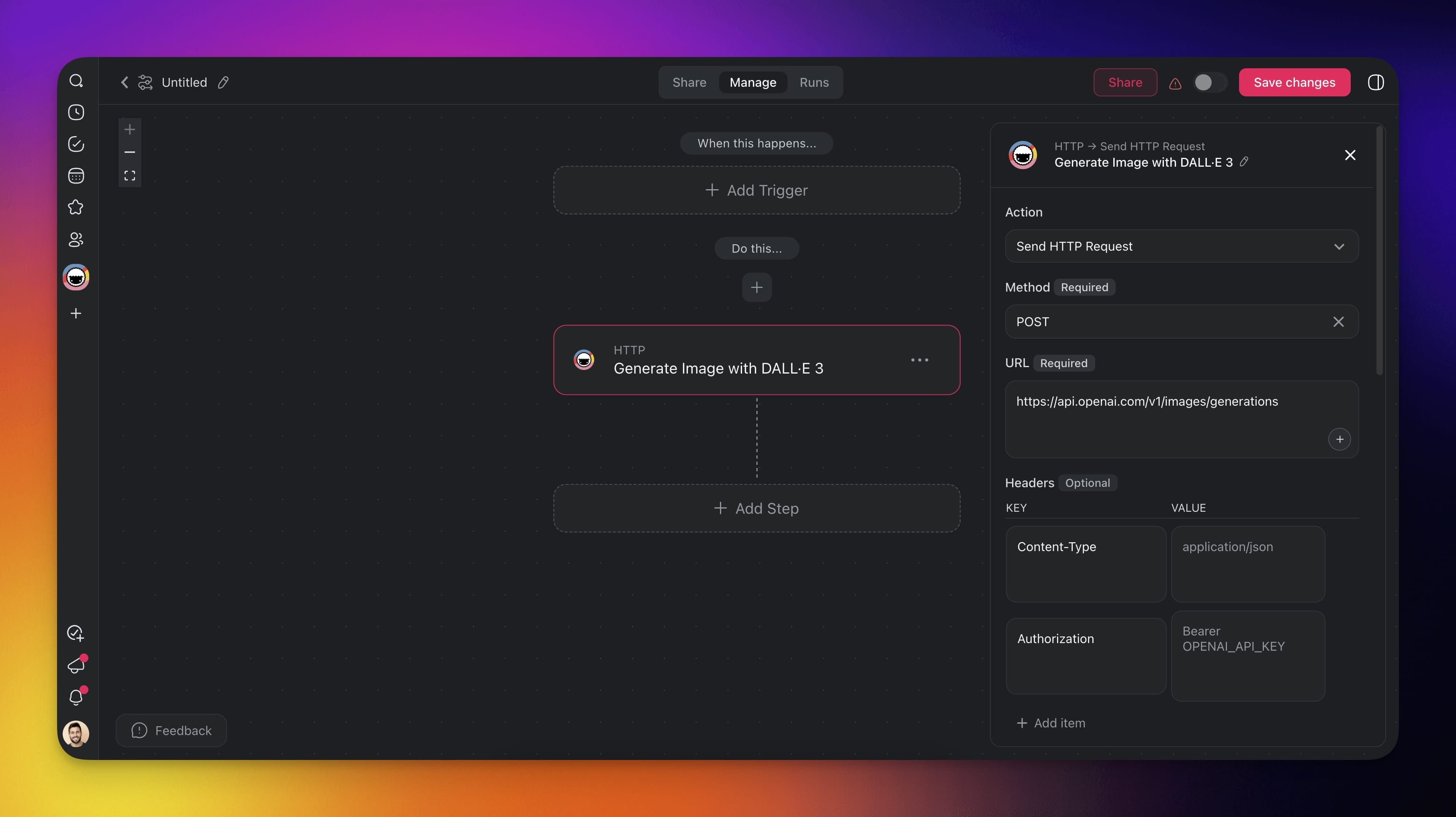
| High-volume images on your OpenAI bill | Swap any one-off HTTP image call for the OpenAI Generate Image step |
| A picture with no API key | Ask Taskade EVE or an agent, then reuse the file from Media |
| A prompt that reads the incoming data | Ask Agent writes the prompt → Generate Image uses it |
Related guides
- Bring Your Own AI Key. Connect OpenAI and the other provider steps.
- Image Generation. Native images in chat and agents, saved to Media.
- Ask Agent. Draft the prompt from a brief.
- Upload File to Media. Store a generated file in the workspace.
- HTTP Request. Custom calls to other image APIs.