
Overview
With the Ask Agent Team action you can send prompts to your existing AI Teams. The action returns a set of varied responses, shaped by how you set it up. You can reference that output in later actions.
TL;DR: Ask Agent Team is an automation action. It sends a prompt to one of your AI Teams. The team's response goes back into your automation, ready for later steps. Pick an execution mode and a processing type to shape the output.
🧬 Connect the dots: An Agent Team puts several AI agents on one prompt together, right inside an automation. Each agent can run a different one of the 15+ frontier models from OpenAI, Anthropic, and open-weight providers. Each agent can also use custom tools and pull from project knowledge. See Custom AI Agents / GPTs to go deeper.
How to Use
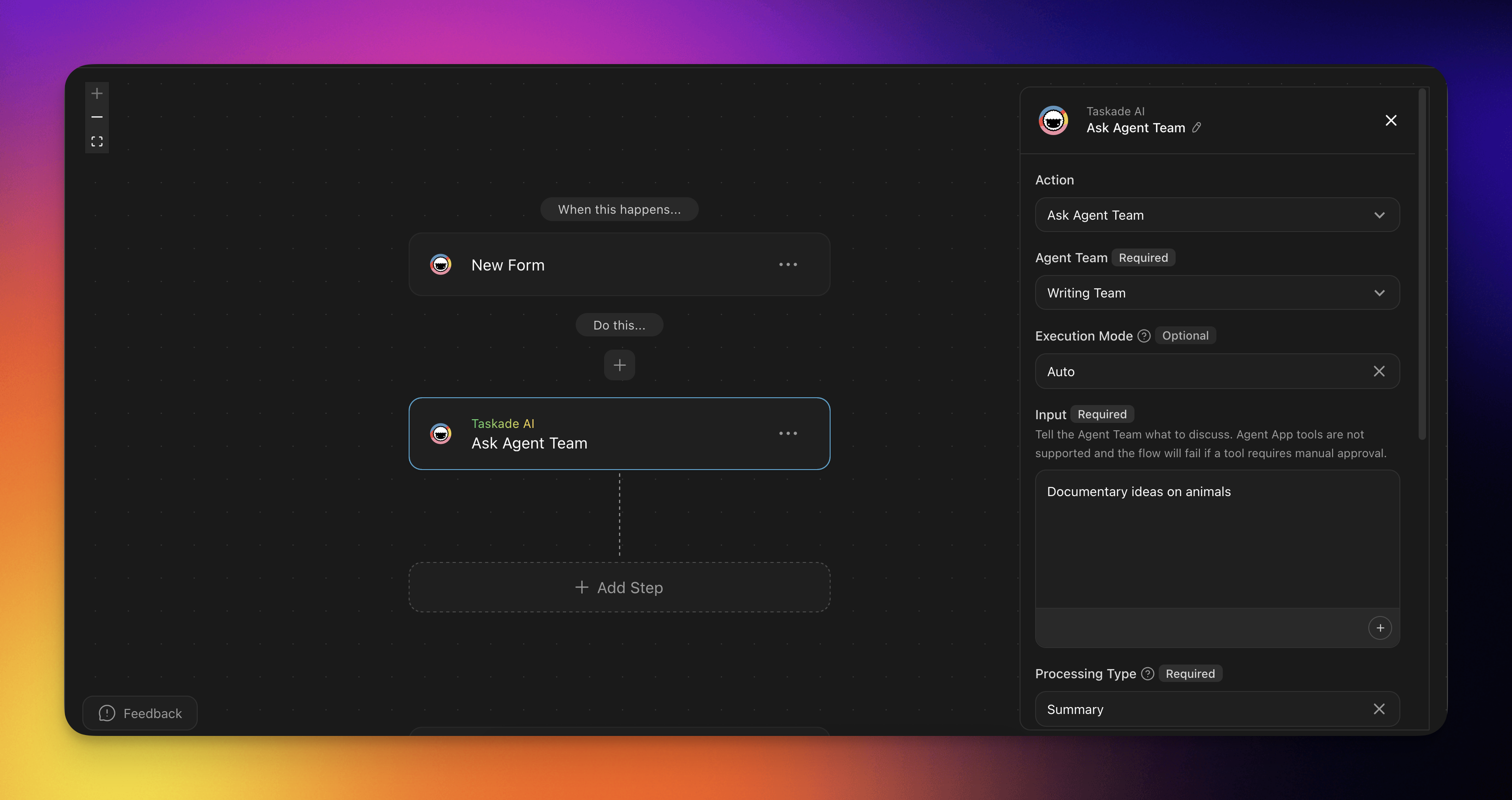
- Click Add Step and choose the Ask Agent Team action.
- Select the Agent Team you want to use.
- Select the Execution Mode.
- Enter the input you want the Agent Team to process.
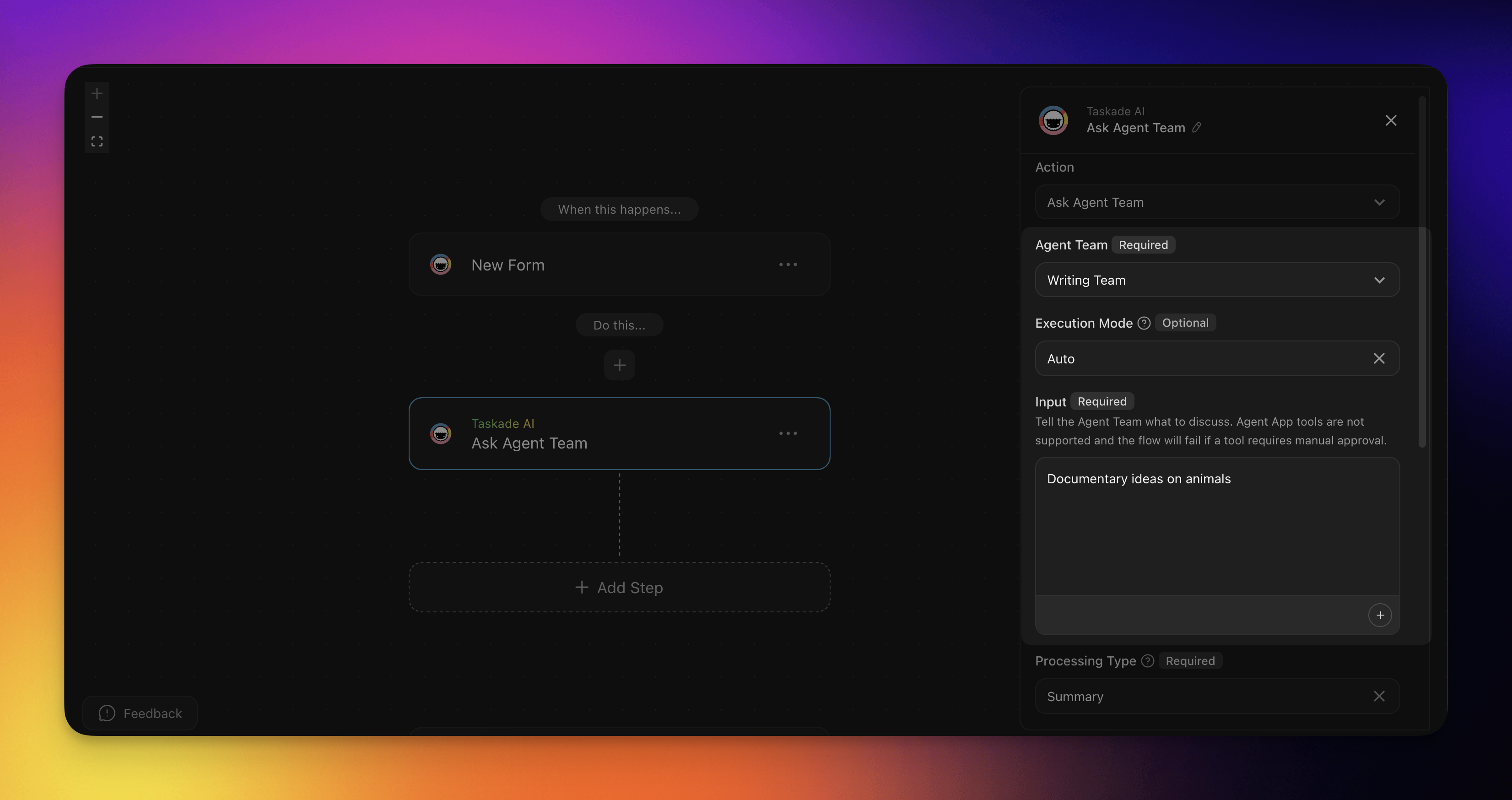
5. Select the Processing Type.
6. Enter the input for the Additional Prompt. (Custom Processing Type)
7. Add the appropriate fields to be extracted from output. (Custom Processing Type)
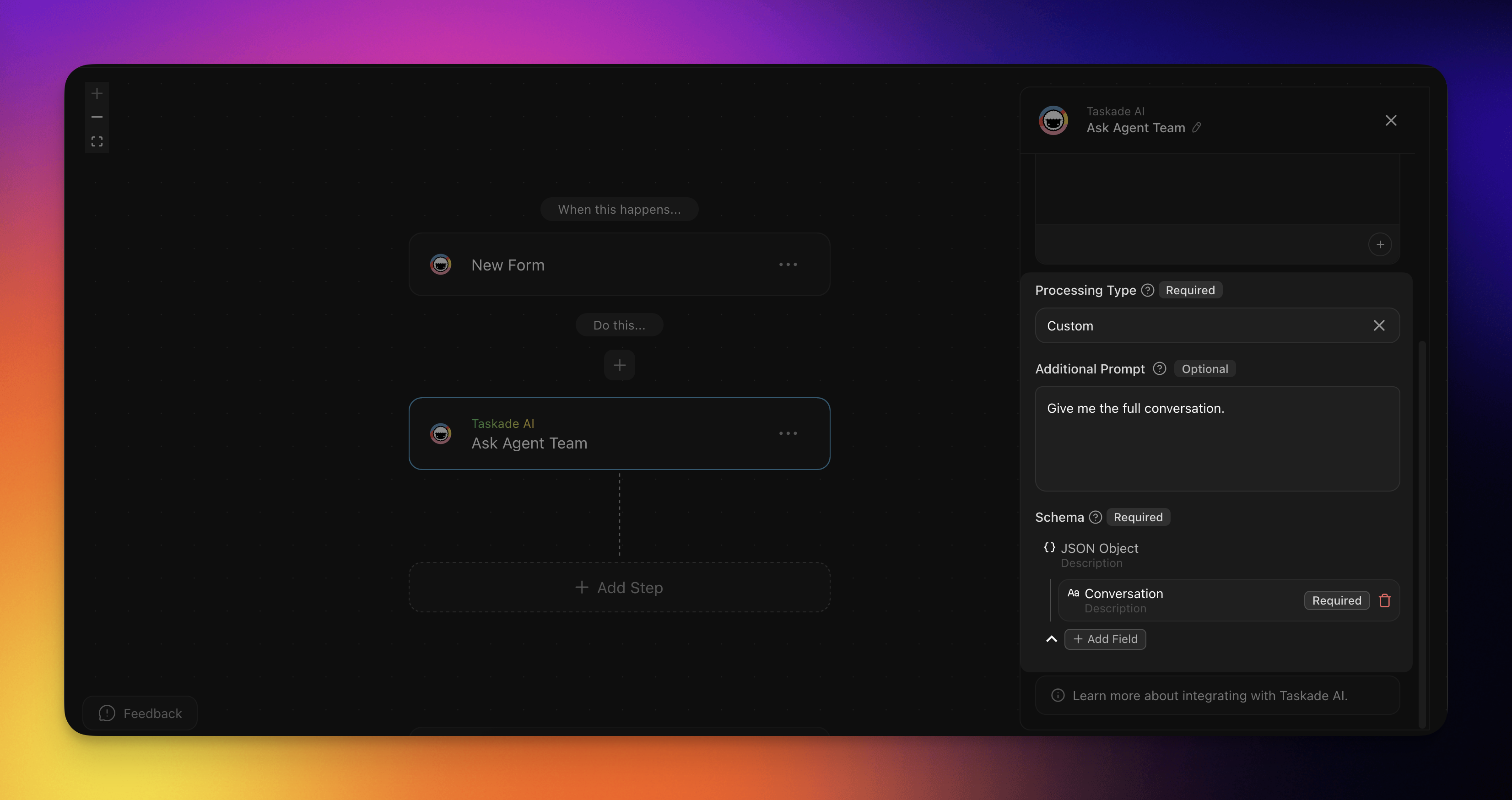
8. The output from this action can then be referenced in the actions after.
Action Settings
Set up these fields for this action.
| 🏷️ Field | 🔤 Description |
|---|---|
| Agent Team | The Agent Team that will process the prompt. |
| Execution Mode | The execution mode the Agent Team will use. |
| Input | The prompt you want the Agent Team to process. |
| Processing Type | Configure what to extract from the conversation. Choose from custom or pre-built types. |
| Additional Prompt (Custom Processing Type) | Give instructions about what you want to be extracted from the Team conversation. |
Execution Modes
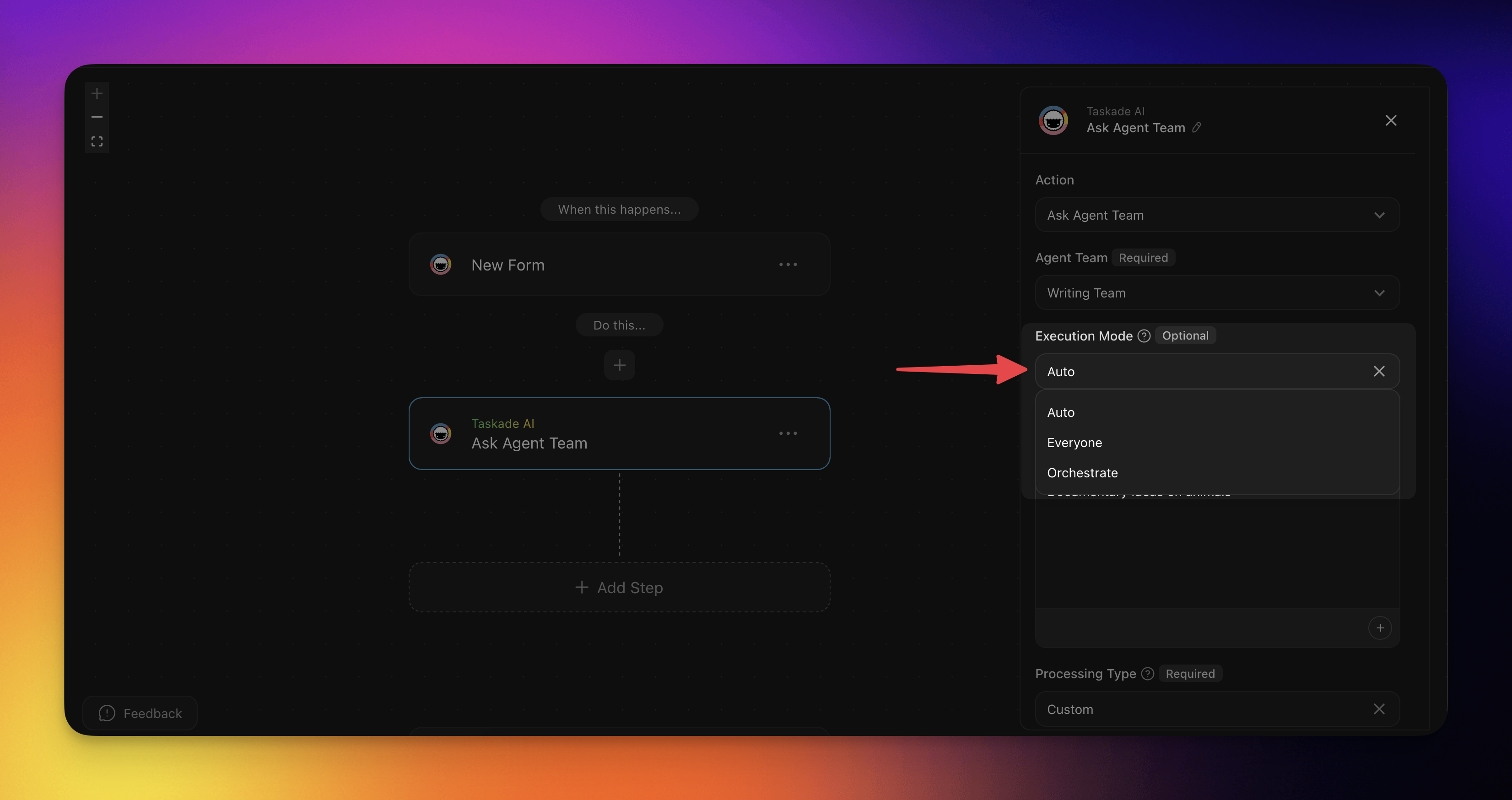
Here are the available Execution Modes in this action. Each one will determine how the Agent Team processes the prompt.
| Execution Mode | Function |
|---|---|
| Auto | The action will automatically choose the most suitable agent(s) to process your prompt. |
| Everyone | All AI agents from your team will process your prompt. |
| Orchestrate | All AI agents from your team will work together to each provide a response. Unlike the other modes, the Agents will build on each other's responses and tools to give a more detailed response. |
Processing Types
Here are the different processing types you can choose from. This will determine what is extracted from the conversation.
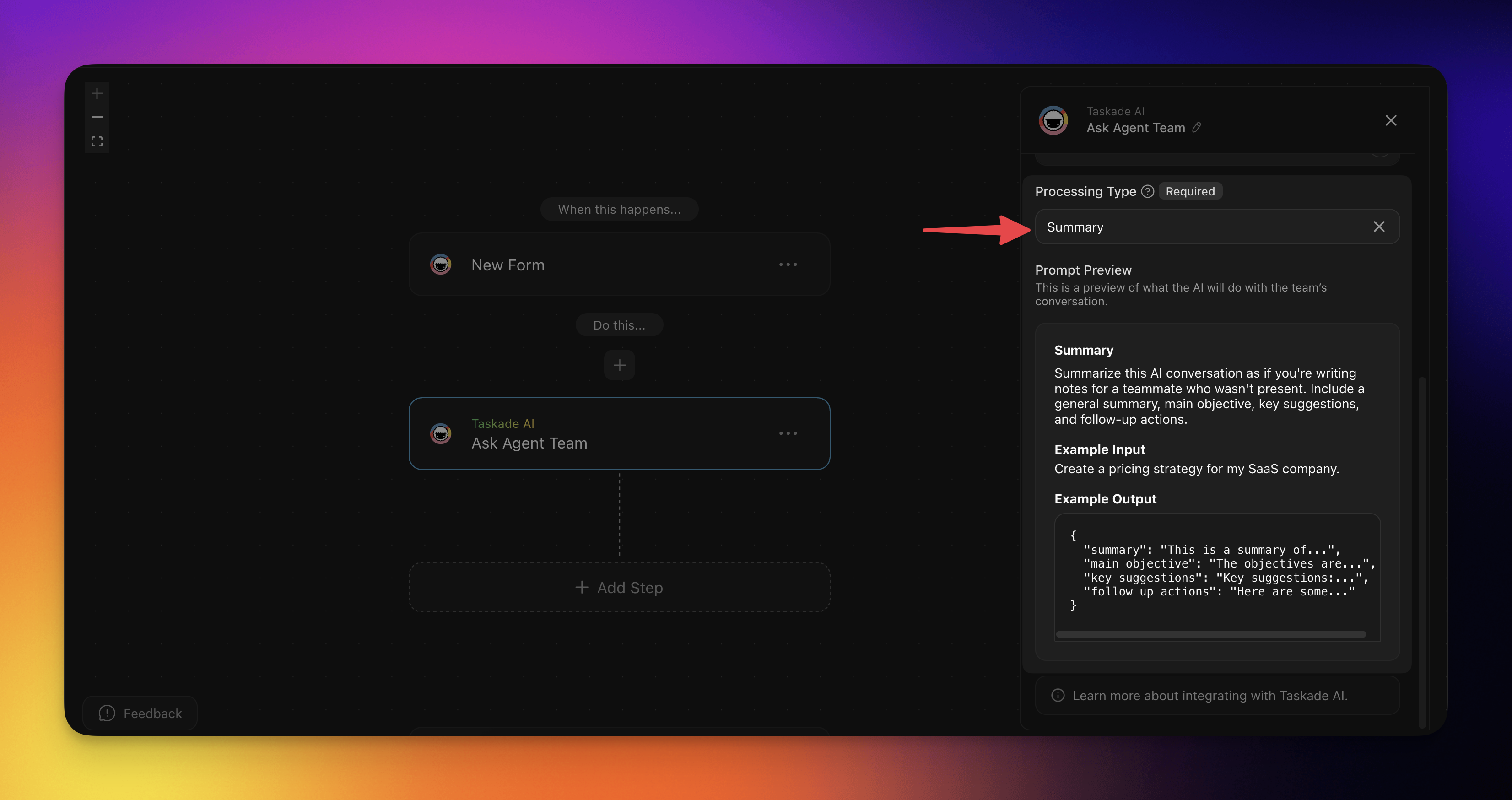
Summary
This summarizes the AI conversation as if it were writing notes for a teammate who was not present. The AI conversation is categorized into: a general summary, main objective, key suggestions and follow up actions.
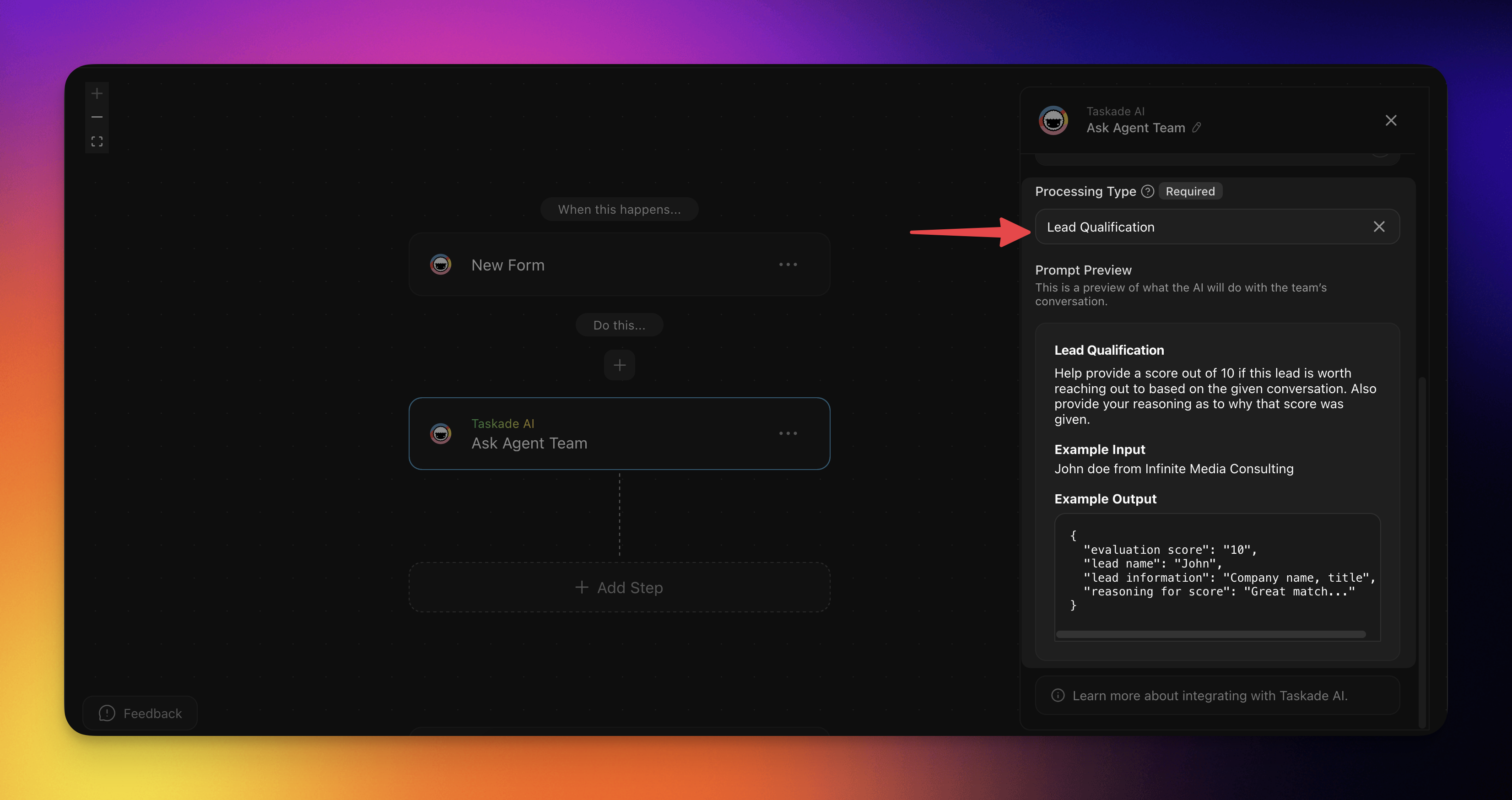
Lead Qualification
This analyzes and scores sales leads based on their potential. The AI conversation is categorized into: Qualification, Fit Score, Budget Match, Timeline, and Next action.
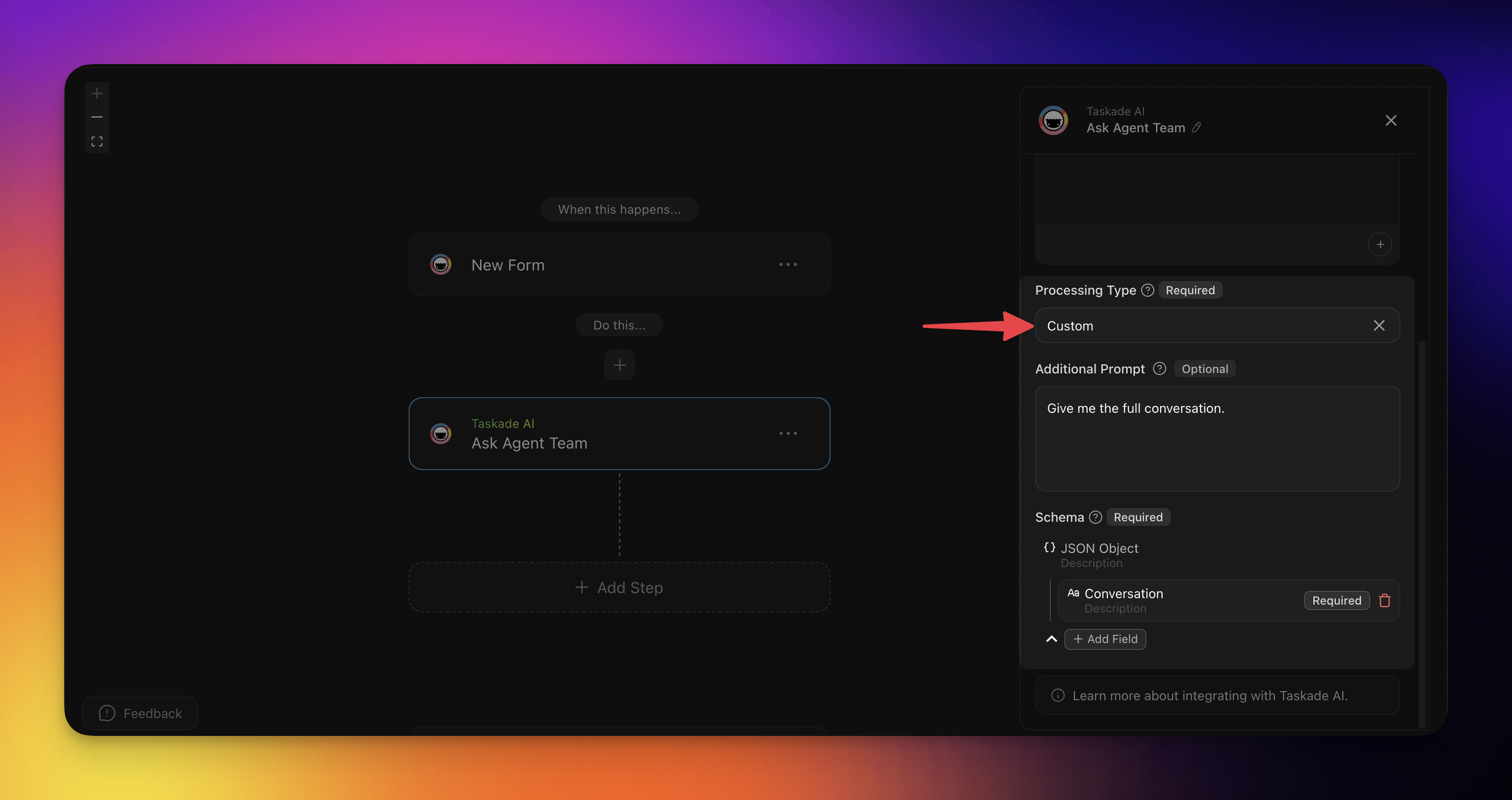
Custom
Add your own prompt to give instructions about what you want to be extracted from the Team conversation. Add the appropriate fields that you want to be extracted.
Related guides
- AI Teams. Create the teams this action calls
- Team Generator. Text-to-team in one step
- Multi-Agents. Multi-agent collaboration patterns
- Agent Action. Single-agent version
- Structured Output. Typed team output
- Branch Action. Route on team response