
Overview
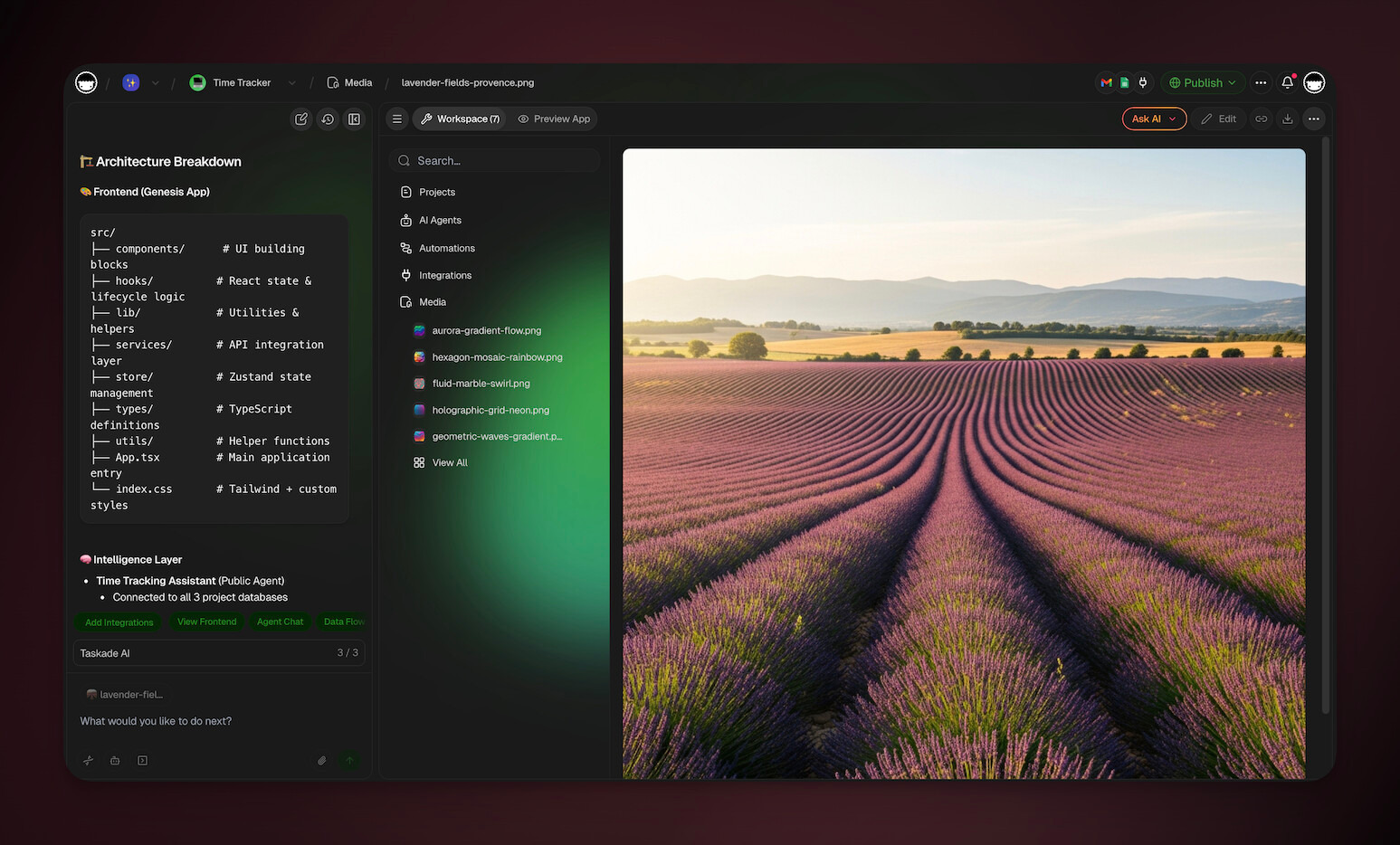
You can generate images for your Taskade Genesis apps natively, without extra tools, then reuse them across your app UI, projects, and Media Files. Image generation is one of the built-in agent tools. Any agent can call it, and generated images auto-save to the Media Files for reuse.
TL;DR: Generate app images straight from the Taskade EVE chat. Describe a headshot, product photo, or background, and the image arrives in seconds. Every image auto-saves to the Media Files, so you can reuse it across your Taskade Genesis app UI, records, dashboards, and docs without any extra design tools.
- Chat-native creation: Describe what you need, generate instantly.
- Auto-save to Media: Every image is stored in your workspace Media.
- Built for Taskade Genesis apps: Use images in websites, tools, dashboards, and more.
💡 Note: Visit our guide to Taskade EVE (Taskade Assistant Agent) to learn more.
Generate Images in the Chat
Taskade Genesis apps move fast, so this is the quickest way to create visuals while you build.
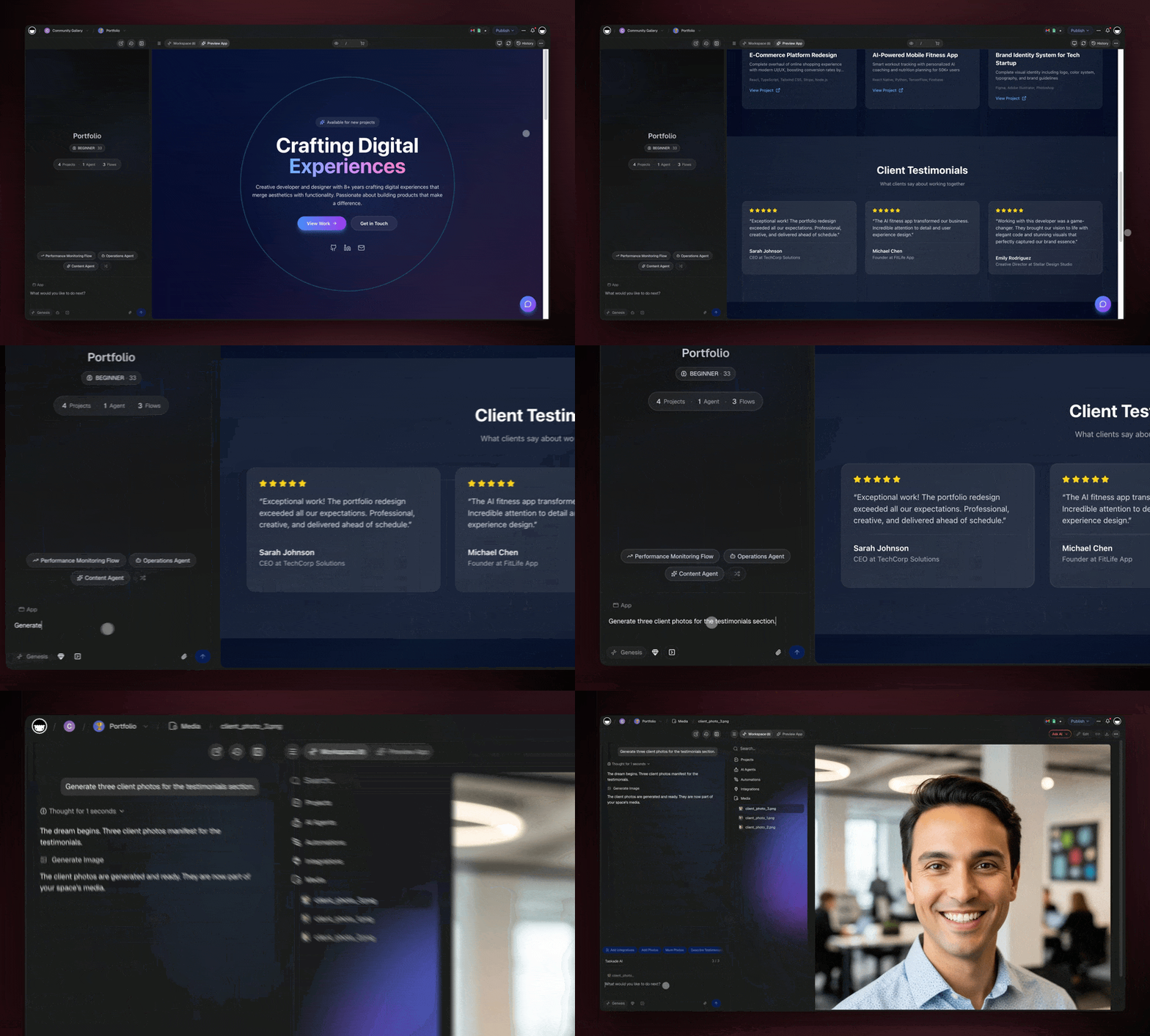
- Open your Taskade Genesis app in Taskade.
- Open Taskade EVE (Taskade Assistant Agent) chat.
- Describe the image you want (examples below).
- Send the message and wait for the image to generate.
- Use it immediately in your app, or grab it anytime from the Media Files.
Note: Images you generate in chat automatically appear in Media.
What to Use Images For
Use generated images to improve clarity, trust, and usability in your app:
- App branding: Cover images, headers, section banners, icons
- Records & databases: Product photos, client logos, listing visuals
- Dashboards: Tiles, category images, visual summaries
- Documentation: How-to visuals, onboarding screens, SOP illustrations
Prompt Templates
Use these copy-ready prompts and swap in your app details.
Profile Photos
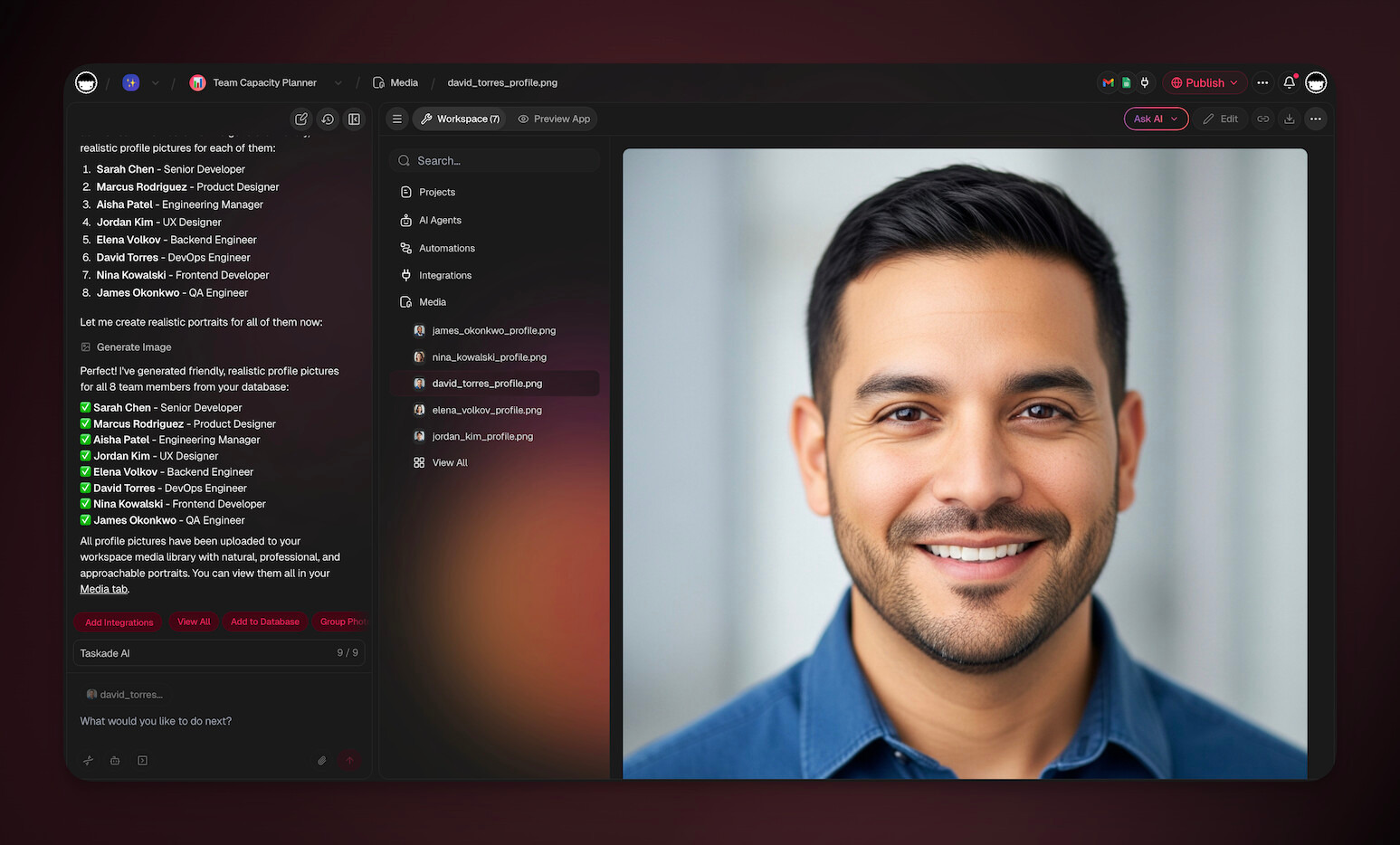
✨ App highlight: Team Capacity Planner
| Prompt | Best for |
|---|---|
| “Generate a 1:1 (square) professional headshot of a friendly customer support manager. Studio lighting, centered framing, shoulders-up, natural skin tones. Solid light-gray background. No text, no logos, no transparent areas.” | Persona avatar |
| “Generate a set of six 1:1 (square) profile photos (diverse people) for a Taskade Genesis app team directory. Keep identical framing, lighting, and style across all images. Solid background colors (light gray, soft blue, soft green). No text, no transparent background.” | Avatar set |
| “Generate a 1:1 (square) profile photo of a professional account manager. Neutral expression, clean wardrobe, centered, studio lighting. Solid pale-blue background. No text, no logos, no transparency.” | Customer/member profile |
Product / Listing Images
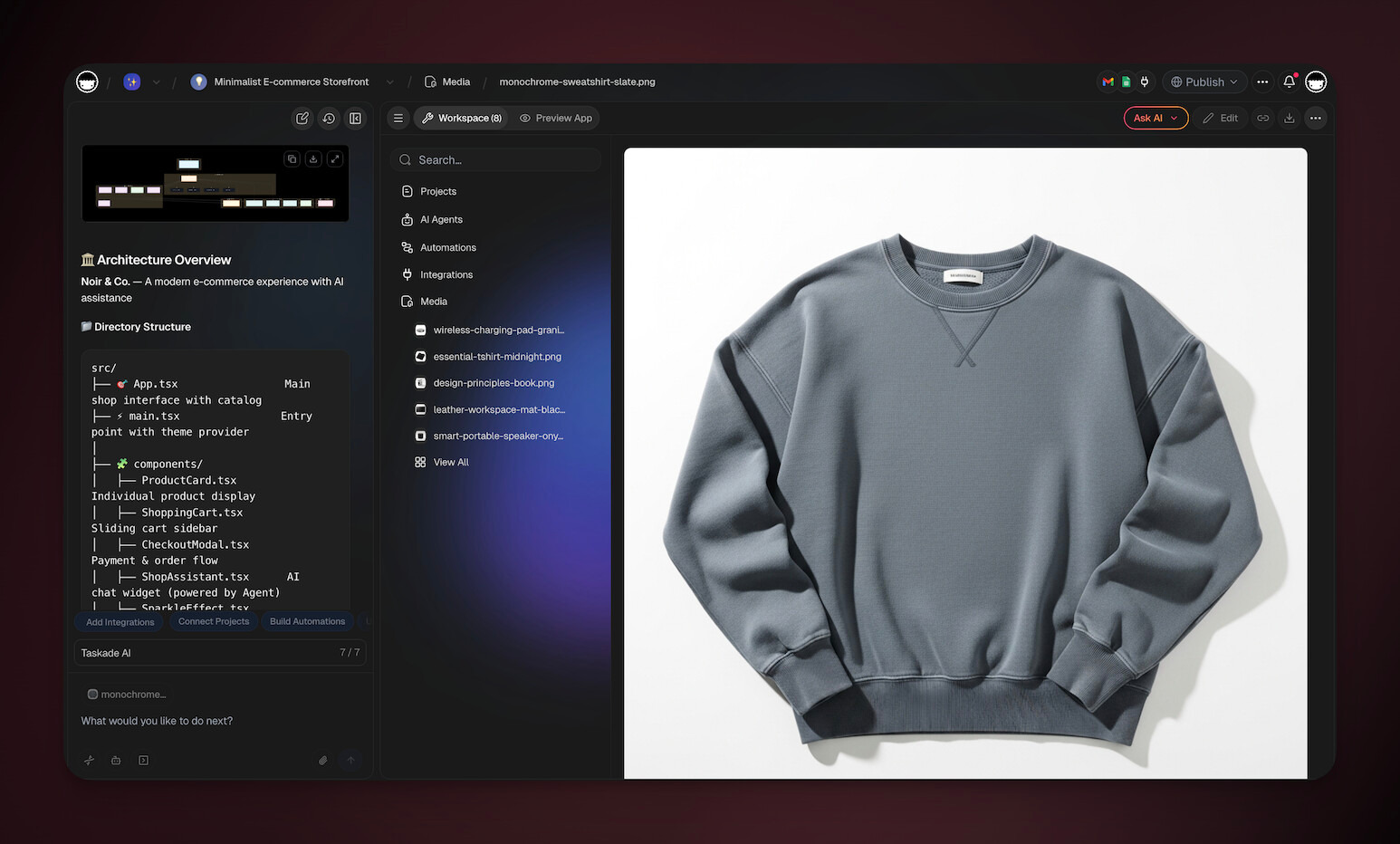
✨ App highlight: Minimalist E-Commerce Storefront
| Prompt | Best for |
|---|---|
| “Generate a 1:1 (square) studio product photo of a reusable stainless-steel water bottle. Centered, soft shadow, clean lighting. Solid white background. No text, no logos, no transparency.” | Product record image |
| “Generate a 16:9 (landscape) hero listing image for a yoga class booking Taskade Genesis app: a minimal, calming scene with a yoga mat and plants. Solid warm-beige background feel (no complex scenery), soft lighting. No text, no logos, no transparent areas.” | Listing/hero image |
| “Generate a set of eight 1:1 (square) consistent listing images of simple office items (notebooks, pen, laptop, coffee mug). Same camera angle and lighting. Solid light background. No text, no logos, no transparency.” | Catalog consistency |
Backgrounds
✨ App highlight: Time Tracker
| Prompt | Best for |
|---|---|
| “Generate a 16:9 (landscape) subtle app page background with a solid deep-indigo base and extremely light paper-grain texture. No text, no icons, no transparent areas.” | App page background |
| “Generate a 16:9 (landscape) dashboard background with a solid charcoal base and faint low-contrast dot pattern. No text, no transparency.” | Dashboard backgrounds |
| “Generate four backgrounds: two 16:9 (landscape) and two 1:1 (square). Use a consistent minimal style with solid-color bases (navy/indigo/teal) and subtle textures. No text, no logos, no transparent background.” | Theme/background pack |
Related guides
- Media Files. Where generated images auto-save.
- Tools for AI Agents. Enable image generation on custom agents.
- Brand Voice. Train agents to generate on-brand visuals.
- App Styles. Visual style families for Taskade Genesis apps.
- Taskade EVE Assistant. Generate images from the Taskade EVE chat.