
Overview
Taskade is a cloud-based platform, so you need an active internet connection to open your Workspaces, Folders, and Projects. If you lose your connection, you see the following message: "Looks like an error occurred processing your request, please try again later."
TL;DR: Taskade needs a live connection, so there is no offline editing mode. When a connection drops, Taskade keeps the changes from the moments just before it in memory and tries to sync them once you reconnect. To recover, check your connection, restart the app, then flush your DNS cache. See Downloads for the current desktop and mobile apps.
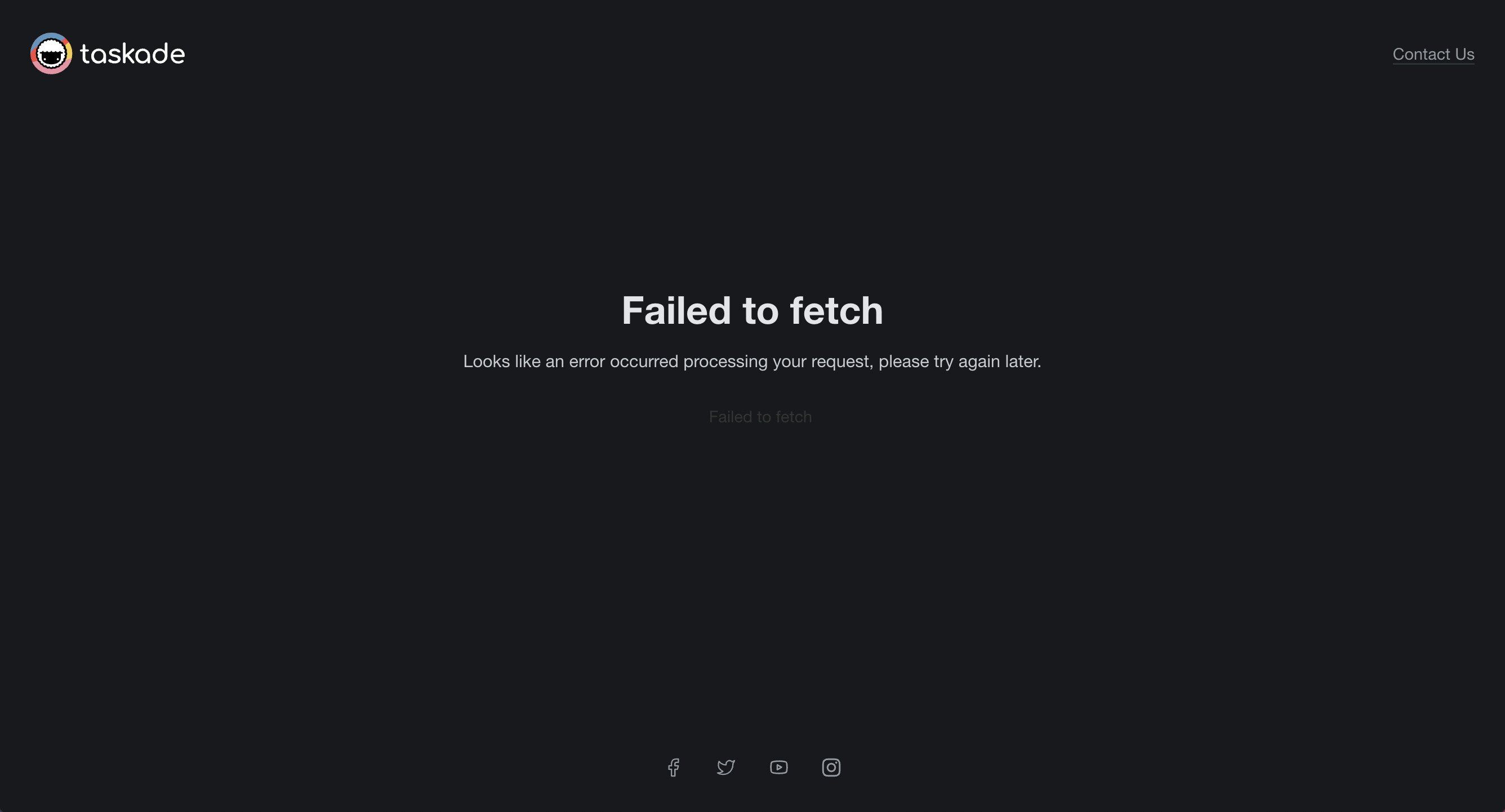
When this happens, Taskade holds any unsaved changes from the moments before the disconnection in memory. When your connection returns, Taskade tries to sync those changes.
How to Fix It
Quick reference for the two platform-specific fixes. The full steps follow.
| Platform | Restart the app | Flush DNS cache |
|---|---|---|
| macOS | Right-click Dock icon, Quit, reopen | sudo dscacheutil -flushcache |
| Windows | Alt + F4, relaunch from Start Menu | ipconfig /flushdns |
| Web browser | Close tab, clear cache, reopen | Restart the browser |
Step 1: Check Your Connection
- Open a new browser tab and load any website. If the page opens, your internet works.
- If other sites also fail, fix your Wi-Fi or Ethernet connection first.
- When your connection is back, return to Taskade and click Retry.
Step 2: Restart the App
If retrying does not help, fully close and reopen Taskade:
- 🔴 macOS: Right-click the Taskade icon in the Dock and select Quit, then reopen the app.
- 🔵 Windows: Click the Taskade window and press Alt + F4 to force quit, then relaunch from the Start Menu.
- 🌐 Web browser: Close the Taskade tab, clear your browser cache, and open a new tab at https://www.taskade.com.
Step 3: Flush DNS Cache
Stale DNS entries can sometimes prevent Taskade from connecting even when the rest of the internet works.
- macOS: Open Terminal and run
sudo dscacheutil -flushcache. - Windows: Open Command Prompt as Administrator and run
ipconfig /flushdns. - Restart your browser after flushing.
Tips
- Save frequently. Taskade auto-saves your work, and a stable connection keeps that work safe.
- Use the mobile app as a fallback. If your desktop connection drops, check or edit tasks from the Taskade iOS or Android app on mobile data.
- Check firewall and VPN settings. Corporate firewalls and VPNs can block Taskade traffic. Ask your IT administrator to whitelist
*.taskade.com.
Related guides
- Taskade is blocked by my ISP: Resolve ISP-level access blocks
- Screen Sharing Setup: Fix display issues during video calls
- Downloads: Get the latest Taskade apps for desktop and mobile
Still need help? Let us know at support@taskade.com!