
Save a Prompt Once
AI prompts are the instructions you give an AI model to generate a response or run a task. A prompt template is one of those instructions, pre-written and saved, so you reuse the wording that works instead of retyping it. Taskade's library ships ready-made templates for drafting, summarizing, analyzing, and brainstorming.
TL;DR: Open the prompt library from your profile avatar or the AI Chat to grab ready-made, optimized prompts for drafting, summarizing, and brainstorming. Run a template as-is, customize it, or attach it to a Custom AI Agent as a one-click slash command across 15+ frontier models.
You already do a version of this. The prompt you keep pasting into a chat, the email opener you reuse, the "summarize this in 5 bullets" you type ten times a week. A template captures that wording once. Each one is pre-written for a specific job, from meeting agendas and document summaries to product brainstorms and code. Run it as-is or edit it to fit your context.
Powered by Taskade Genesis. Taskade is now a full-stack AI productivity platform. Build apps, deploy agents, and automate workflows from a single prompt. Learn more about Taskade Genesis.
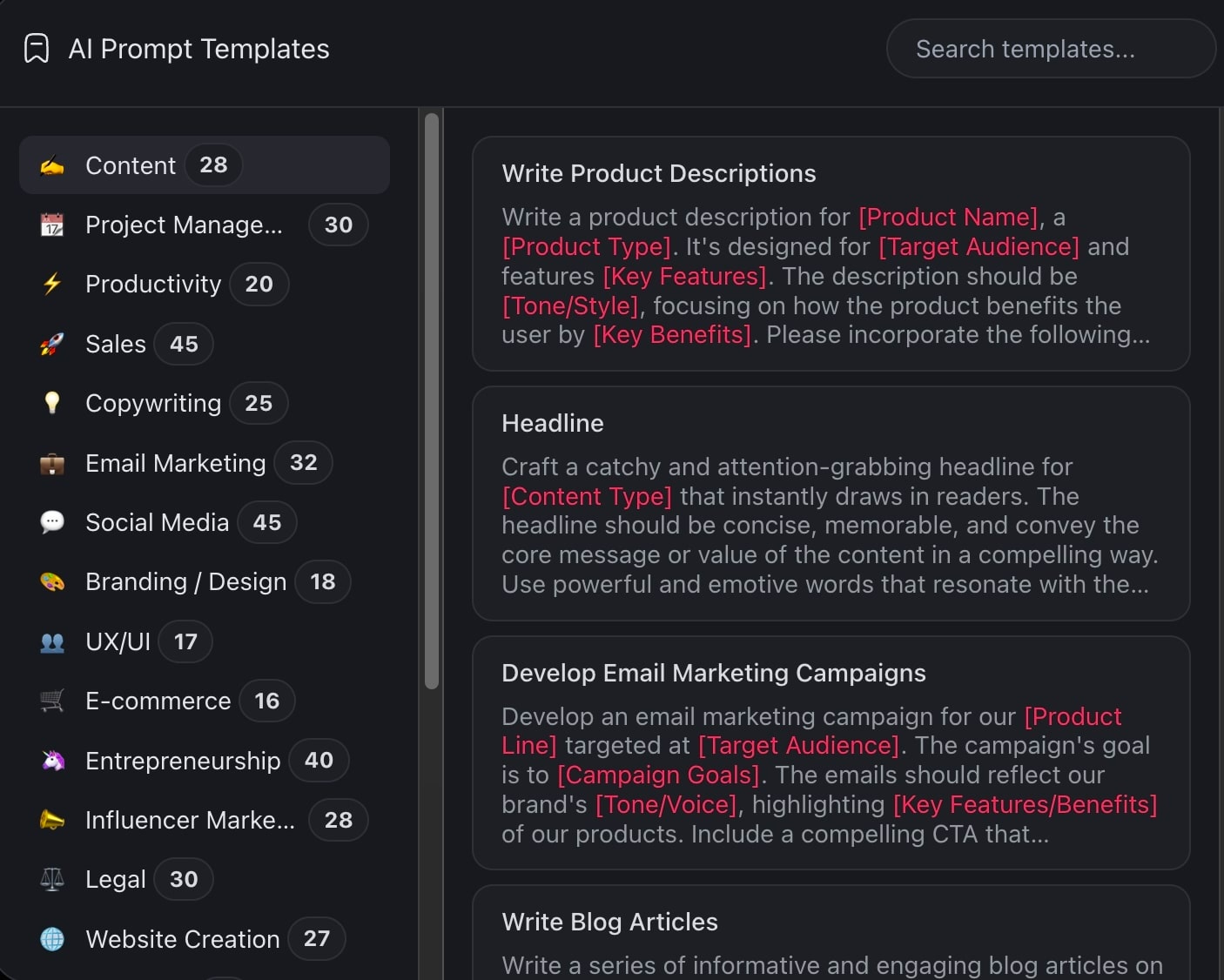
Browse AI Prompt Templates
There are several ways you can access prompt templates in Taskade:
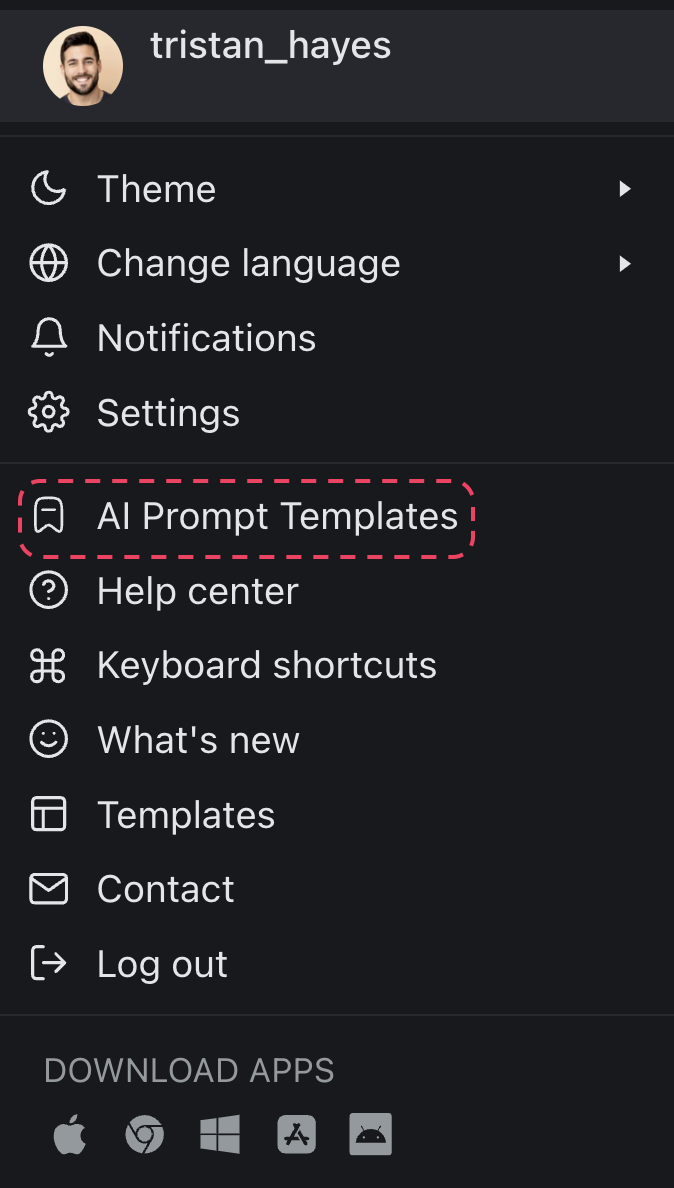
- (method #1) Click your profile avatar (bottom-left) ➡ 🏷️ AI Prompt Templates.
- (method #2) Click the 🏷️ AI Prompts button at the top of the AI Chat.
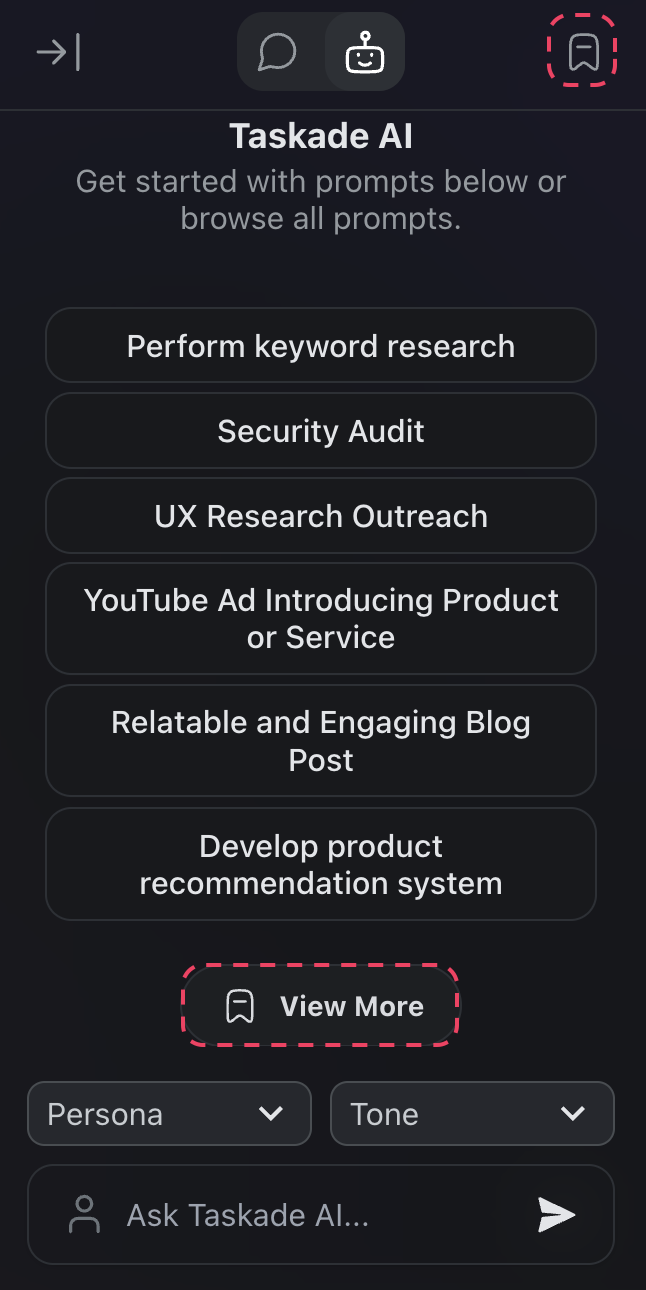
- (method #3) Click 🏷️ View More in the AI Chat.
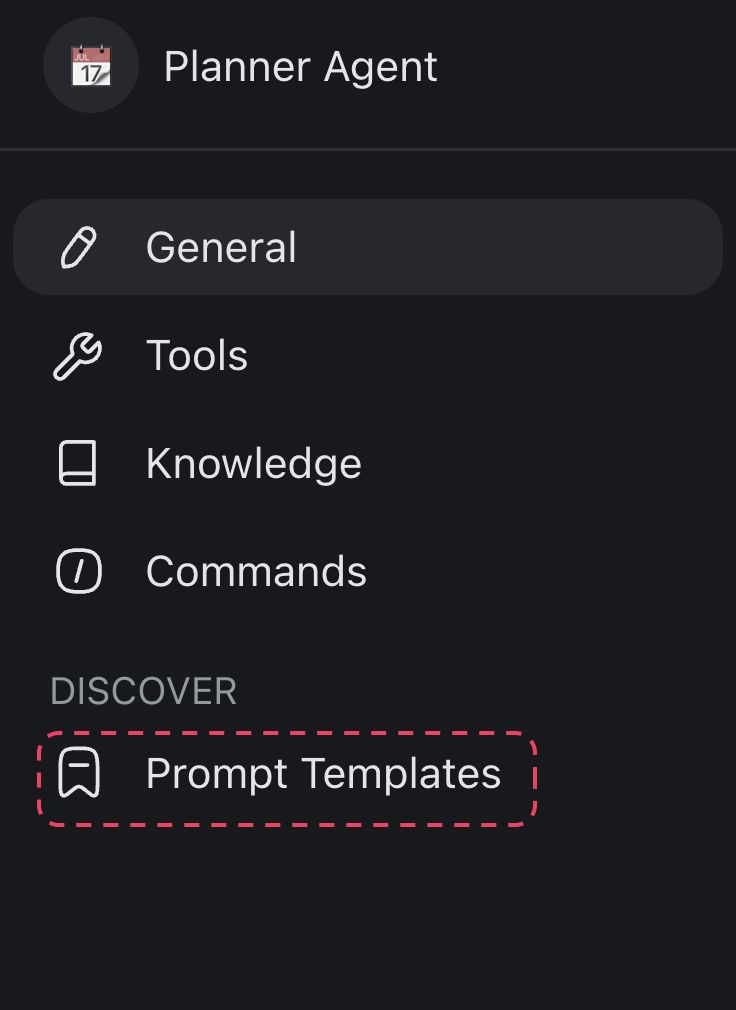
- (method #4) In the Custom GPT Agents creation menu.
How to Use Prompt Templates
- Browse or search. Open the prompt library using any of the methods above and browse by category or search for a keyword.
- Select a template. Click a prompt template to preview it.
- Customize (optional). Edit the prompt text to match your specific context, tone, or requirements.
- Run it. Execute the prompt in AI Chat or assign it to a Custom AI Agent as a default command.
You can also use prompt templates as a starting point when creating Custom AI Agents. Add a template as the agent's system prompt, then layer on custom tools and slash commands for a fully personalized assistant.
The flow is the same whether you run a prompt once in chat or wire it into an agent: pick a template, fill in the parts that change, and let the model do the work.
Useful Prompt Template Types
The library groups templates by the job they do, so you can scan for the one that matches your task. These are the categories operators reach for most.
| Template type | What it does | Where it shines |
|---|---|---|
| Drafting | Writes a first version of emails, agendas, briefs, or posts | Anything you start from a blank page |
| Summarizing | Condenses long documents, threads, or notes into key points | Meeting recaps, research digests, inbox triage |
| Brainstorming | Generates ideas, angles, names, or variations | Product planning, content, naming |
| Analyzing | Pulls patterns, themes, or action items out of raw text or data | Survey responses, feedback, reports |
| Rewriting | Adjusts tone, length, or reading level of existing text | Polishing copy, simplifying jargon |
| Coding | Drafts, explains, or fixes snippets across languages | Quick scripts, debugging, code review |
Pick a type, fill in the specifics, and you have a working prompt in seconds. Save the ones you tune so your whole workspace gets the same head start.
Tips
- Save your favorites. Customize a prompt template and save it as a custom agent command so you can reuse it with one click.
- Combine with automations. Use prompt templates inside the Agent automation action to run prompts automatically as part of a workflow.
- Share with your team. Prompt templates are available to all workspace members, so your entire team benefits from consistent, optimized prompts.
Related guides
- Prompt Library: Browse the full template catalog
- Guide to Writing AI Prompts: General prompting principles
- Agent Prompts: Agent-specific prompt library
- Custom AI Agents: Turn a prompt into a reusable slash command
- Agent Tools: The built-in tools your agent can call
- Agent Automation: Run prompts on triggers
- Agent Action (Automation): Run a prompt as a step in a workflow
Turn Prompts Into a Playbook
Prompt templates save the wording that works. The next step is making that wording work for your whole team without anyone re-pasting it. That is where Taskade Genesis comes in: describe what you want in plain English and it builds a live app around your prompts.
Picture a prompt playbook tracker for your team. Every approved prompt lives in one Table or Board view, tagged by job (drafting, summarizing, analyzing) and owner. A teammate opens the app, picks the prompt they need, and runs it against 15+ frontier models with the right one chosen automatically. New requests come in through a form, and a reliable automation runs the matching prompt and posts the result back, hands-free. Your best prompts stop living in scattered chats and become a system the whole workspace shares.