ServiceTitan Alternative for Small Crews (2026): Own Your Dispatch Board
ServiceTitan fits large shops with dedicated admins. Small crews need a dispatch board they can reshape without enterprise pricing. Here is an honest 2026 comparison.
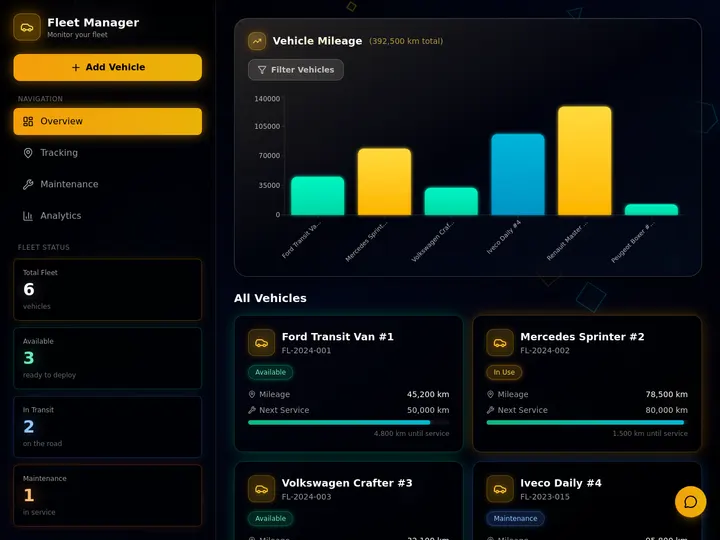
Taskade Genesis gives small field-service crews a dispatch board, customer records, and client portal you own from one prompt, without a ServiceTitan-scale contract or admin team. This guide compares honest alternatives for shops that need jobs on a board this week, not a six-month enterprise rollout.
TL;DR: ServiceTitan wins large shops with call centers and dedicated ops staff. Taskade Genesis wins small crews who want a living dispatch system they can reshape. Jobber wins packaged defaults. Generate a ServiceTitan-style dispatch board →
For the broader ops-dashboard category see our Best AI Ops Dashboard Builders ranking. Here the question is narrower: what replaces ServiceTitan when you have three trucks and one office manager?
Every figure below is a publicly discussed or contractor-reported range as of July 2026. ServiceTitan does not publish a list price, and packaged vendors move tiers often, so treat these as a budget sketch and confirm live quotes before you sign anything.
🚚 Why Small Crews Look for a ServiceTitan Alternative
ServiceTitan earned its reputation with large home-services companies that run marketing, dispatch, and accounting as separate departments. The product depth matches that scale: pricebooks, memberships, marketing attribution, and deep reporting.
Small crews face a different constraint. The owner often dispatches from a phone, techs need clear job notes, and clients want a text when the window moves. A three-truck shop's week is narrow and repetitive:
A homeowner calls, texts, or fills in a form.
The owner triages priority and picks a tech.
The tech shows up, does the work, and leaves notes plus photos.
An estimate goes out, or an invoice does.
Someone chases the unpaid ones before payroll.
That spine is a dispatch board with customer history attached. It is not an enterprise field-service suite. Confusing the two is how shops overbuy.
If your week is the five steps above, you are shopping for ownership of the board. If your week is pricebook governance, membership renewals, and marketing attribution across three branches, stay in an enterprise suite.
📜 Origin of the Per-Technician Seat Tax
Field-service management software, often shortened to FSM, grew up around shops big enough to employ a customer service desk. Per-technician licensing made sense when the vendor funded a deep mobile app, a call-recording stack, a pricebook, and an accounting bridge. The seat fee bought infrastructure a two-truck shop could never build.
Three things shifted for small crews:
Everyone became a data entry point. Homeowners submit forms, techs update statuses, and the owner reads the board at 7 a.m. Paying a full license for every person who occasionally changes a status feels like a tax on visibility, not a payment for capability.
Texting and spreadsheets became the real system of record. Most shops under ten techs already coordinate in group chat plus a shared sheet. What they lack is not a suite. It is one board where a job points at a customer and an invoice points at a closed job.
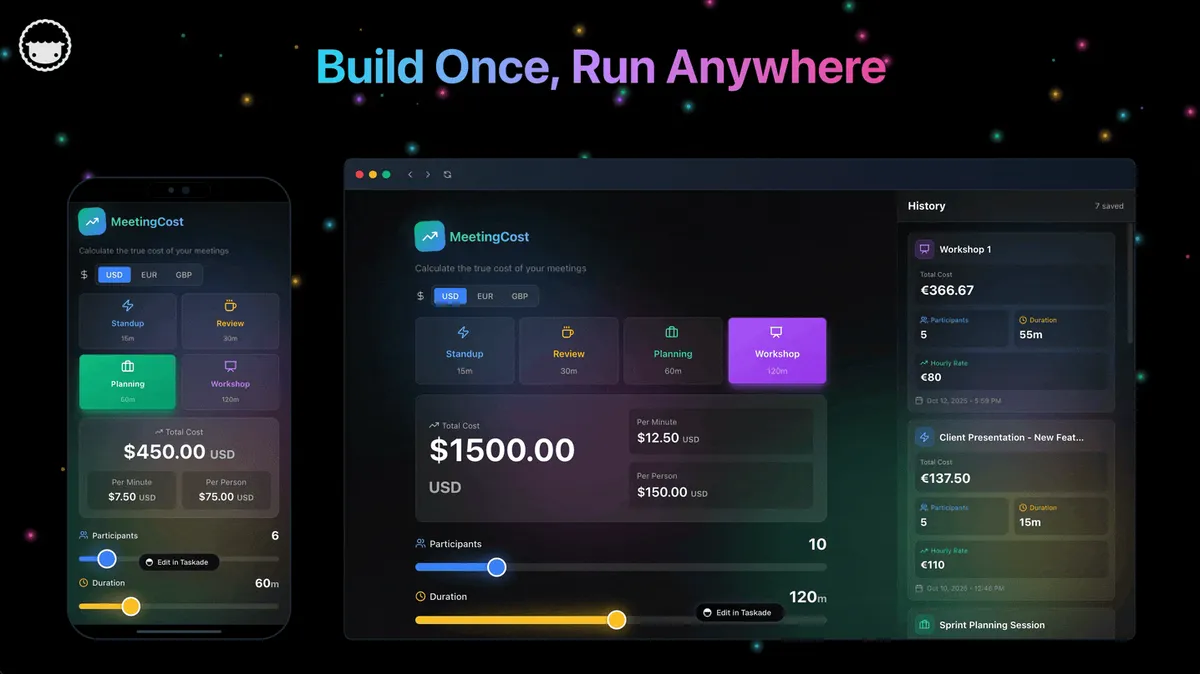
App builders collapsed the cost of a custom board. In 2026 you can generate a work-order app from a prompt, then rename a column because your techs say "waiting on parts" and not "on hold." That moves the decision from "which FSM brand?" to "do we rent a schema or own one?"
None of that makes ServiceTitan wrong. It is a business model matched to packaged depth, and it is honest about who it serves. Small crews feel the mismatch when the modules they open daily are four, and the modules they pay for are forty.
That loop is what an owned board is built to hold. GPS breadcrumbs, card processing, and the general ledger are adjacent systems that stay where they already work.
💵 2026 Pricing Reality: ServiceTitan, Jobber, Housecall Pro, and the Mid-Market
ServiceTitan publishes no price list. Contractor-reported ranges through 2025 and into 2026 land around $245 to $500 or more per technician per month, with small-shop implementation commonly cited at $5,000 to $15,000. Packaged tools publish tier pricing that moves; confirm live before you budget.
Product
How it is priced
Reported range (July 2026)
Practical fit
ServiceTitan
Per technician plus implementation plus modules
~$245-$500+/tech/mo, $5k-$15k+ setup
Shops with a phone desk and office staff
Jobber
Plan tier with user bands
~$39-$249/mo across entry to growth tiers
The default step-down for residential trades
Housecall Pro
Plan tier plus add-ons
~$59-$199+/mo before GPS and price-book extras
Solo operators and review-driven shops
FieldEdge
Quote-based, mid-market
Not publicly listed. Request a quote
Shops with inventory depth needs
Service Fusion
Quote-based, often flat-user framing
Not publicly listed. Request a quote
Shops that hate per-seat math
Spreadsheet plus group chat
Free plus your evenings
$0 sticker, real coordination cost
Works until two techs claim one slot
Taskade Genesis
Workspace plan, not per-truck seats
Free, Pro $10/mo billed annually, Business $25/mo billed annually
Crews that want to own the board
What three trucks actually costs in year one
Using the contractor-reported ServiceTitan band, not a quote you received. Your demo number will differ; the shape rarely does.
Line item
Lean case
Mid case
Heavy case
Per-tech subscription, 3 techs
$245 x 3 = $735/mo
$350 x 3 = $1,050/mo
$500 x 3 = $1,500/mo
Annual subscription
~$8,820
~$12,600
~$18,000
Implementation, small-shop band
$5,000
$10,000
$15,000
Year one before add-ons
~$13,820
~$22,600
~$33,000
Weekly value it must return
~$266
~$435
~$635
That last row is the honest test. If the suite recovers $435 a week in saved callbacks, faster invoice cycles, and recovered billable hours, buy it without guilt. Many shops cannot show that until they employ someone who lives in the tool eight hours a day.
Flat-plan math as the crew grows
Crew size
Per-tech FSM at ~$245/tech
Packaged FSM plan band
Taskade Genesis plan
2 techs
~$490/mo
~$39-$99/mo
Free to start
3 techs
~$735/mo
~$59-$149/mo
Pro $10/mo billed annually
5 techs
~$1,225/mo
~$99-$199/mo
Pro $10/mo billed annually
8 techs
~$1,960/mo
~$149-$249/mo
Pro or Business as needs grow
12 techs
~$2,940/mo
Higher tiers or custom
Business $25/mo billed annually
How Taskade Genesis changes the equation: you are not buying technician licenses. You buy a workspace that holds Projects, AI agents, and automations, then invite the people who run the board. Free is $0. You earn free AI credits with referrals and invites, and you can upgrade any time. Pro is $10 per month billed annually ($20 billed monthly) and Business is $25 per month billed annually ($50 billed monthly). Hiring a fourth tech does not change the plan price.
🧭 Taskade Genesis: Best When You Want to Own the Board
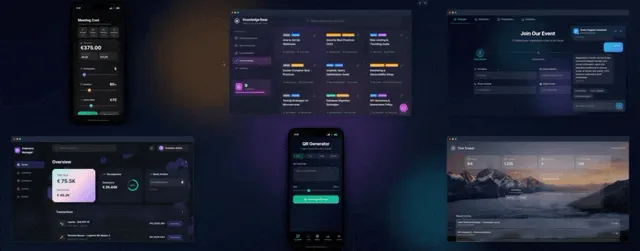
Taskade Genesis turns a plain-language description into a deployed field-service app: Projects hold customers and jobs, AI agents handle follow-ups, and automations chase invoices and status updates.
Why it fits small crews: you are not renting fixed screens. You can rename columns for plumbing vs HVAC, add a custom checklist per job type, and publish a client login without opening a second product.
Switch or dual-run when several of these are true:
You have roughly 1 to 15 people touching jobs, not three branches and a customer service desk.
Your "FSM" today is a sheet plus group chat, and the pain is triage, history, and invoice chase.
Payments and books already work in another tool you have no wish to migrate.
You want custom fields for your trade (gate codes, roof zones, refrigerant charge) without a vendor ticket.
You want AI that reads your board, not a chatbot bolted on top of a schema it cannot see.
Quotes keep climbing faster than any savings you can measure.
Where ServiceTitan still wins: deep pricebook logic, enterprise marketing suites, and mature payment workflows baked into one vendor contract. Taskade Genesis does not match every enterprise module on day one.
Skip Taskade Genesis if: you refuse to customize anything and need native SMS plus payments with zero setup. Jobber is the faster default for that profile.
🛟 When Not to Leave ServiceTitan
Three genuine strengths keep shops there, and they are not marketing:
Pricebook and membership depth. Flat-rate pricing with good-better-best options, tied to memberships and renewals, is a mature system inside ServiceTitan. Rebuilding it is a project, not an afternoon.
One vendor across marketing, phones, and dispatch. When a booked call traces back to the ad that produced it inside a single product, your marketing spend gets accountable. That attribution chain is hard to reassemble from parts.
A field app built for techs who lose signal. Enterprise FSM mobile clients are funded to survive dead zones, barcode scans, and a tech who has never opened a settings menu.
Add the practical reasons:
Onboarding is paid for and the team is finally fluent.
Marketing ROI reports run inside ServiceTitan daily.
A franchise or brokerage mandates the stack.
You rely on native payment plans tied to memberships.
Constraint you refuse to drop
Lean this way
Flat-rate pricebook with membership renewals
ServiceTitan or a comparable enterprise suite
One vendor for marketing attribution plus dispatch
ServiceTitan
Native SMS, card payments, and quoting on day one
Jobber or Housecall Pro
Consumer booking plus review generation
Housecall Pro
Own the schema, the portal, and the automations
Taskade Genesis
ServiceTitan, Jobber, Housecall Pro, FieldEdge, and Service Fusion are not "wrong." They are purpose-built field-service products. Taskade Genesis is a living workspace platform. Honest buyers pick the constraint they refuse to compromise, then buy the tool shaped around it.
🧱 Jobber, Housecall Pro, and the Mid-Market
Jobber remains the default ServiceTitan step-down for residential trades. Scheduling, quoting, and client notifications ship ready to run. The tradeoff is schema rigidity and plan tiers that climb with crew size. If you want a fuller treatment, read the Jobber alternative dispatch board breakdown.
FieldEdge and Service Fusion sit between Jobber and ServiceTitan on complexity. They add inventory and reporting depth without a full enterprise sales cycle. Both are quote-based, so ask for pricing early in the demo rather than at the end.
And the hidden competitor: many small crews still run dispatch in Google Sheets plus a shared calendar. It works until two techs claim the same slot or a client disputes a quote with no audit trail. The upgrade path is not always an enterprise suite. Often it is one board built from the sheet you already keep.
🧬 Workspace DNA: Memory, Intelligence, Execution
Taskade Genesis apps are not static templates. They run on Workspace DNA, a self-reinforcing loop of three pillars:
Pillar
Component
Role on a dispatch board
Memory
Projects
Customers, jobs, estimates, service history
Intelligence
AI agents
Triage requests, draft job briefs, flag unpaid invoices
Execution
Automations
Notify techs, text arrival windows, chase invoices
A request writes Memory. An agent proposes priority. An automation notifies the tech. Completion writes Memory again, so the board gets sharper the more your crew uses it. The full concept lives in the three pillars explainer.
Agents on this board carry built-in tools and read the Projects you already filled, which is why a dispatch triage agent can suggest a priority instead of asking you to restate the job. Add them only after the board holds real data. An agent on sample rows is theater. Set them up with the custom agents guide, and wire the first automation from automation triggers.
🗂️ The Data Model Behind a Small-Crew Dispatch Board
Four nouns carry almost every field-service week. Model them once and the rest of the app is arrangement, not architecture.
Notice what is not in the model: truck coordinates, card tokens, and the general ledger. Those live in the tools you already trust. Notice what is: the gate code, the access note, and the serial number, which are exactly the fields a rigid vendor schema makes you shove into a comments box.
Which of the project views earns its keep here
Taskade ships multiple project views, and Timeline is part of Gantt rather than a separate view. On a dispatch board most crews live in three of them.
Honest boundaries matter more than feature checklists.
Layer
Taskade Genesis
Pair it with
Dispatch board and statuses
Owns it
Nothing needed
Customer and site history
Owns it
Nothing needed
Estimates and approvals
Owns the workflow
Your e-sign tool if you need one
Invoice chase and AR aging
Owns the tracking
QuickBooks or your books for the ledger
Card payments
Not a payments processor
Stripe or your existing processor
Client status portal
Owns it, with app user logins
Custom domain on Pro plans and above
Fleet GPS and telematics
Not available
Samsara, Motive, or your vendor module
Offline rugged field client
No parity today
A vendor mobile app built for dead zones
Payroll and time-to-payroll
Not a payroll engine
Your payroll provider
Honest gaps, stated plainly:
No GPS or fleet tracking. If mapping trucks live is the requirement, do not plan a move around Taskade Genesis.
No enterprise pricebook. Custom fields and linked records handle parts and labor. Good-better-best flat-rate books with membership tiers still favor an enterprise suite.
No certified offline client. Techs who work in basements and rural dead zones are better served by a vendor app funded for it.
Not "ServiceTitan with cheaper seats." It is a different category: a living ops app instead of a packaged suite.
Taskade connects the rest through 100+ bidirectional integrations plus webhooks, and a hosted Taskade MCP server is available on every paid plan when you want an AI client to read your workspace. If a salesperson or an AI summary tells you Taskade Genesis replaces enterprise pricebooks and fleet GPS, that is overselling. Walk away from the pitch no matter who makes it, including us.
📋 Migration Checklist: Sheet or Suite to a Board You Own
Use a two-week parallel run. Do not cut over on a Monday emergency.
Week 0: Decide the nouns
Name the four you cannot lose: customer, job, money, client visibility
Note the optional ones: site, equipment serial, estimate, PM interval
Write down what stays: payroll, processor, books, telematics
Turn on one automation: invoice reminder or morning job summary
Add a triage agent only after statuses are trusted
Freeze the old sheet for new work and keep it read-only for history
Roles matter here. Taskade uses role-based access from Owner to Viewer, so a lead can edit while a subcontractor only reads, and homeowners see a published app surface rather than your internal board. The mechanics are in the app users guide and the publishing guide.
Day
Focus
Done looks like
1
Generate the dispatch board
Columns match how you talk
2
Load open jobs
Every open job has an owner
3
Customer and site records
Two repeat customers show real history
4
Invoice status column
You can name every unpaid job
5
One automation
Overdue invoices ping someone
6-7
Tech feedback
You rename one confusing field
8-10
Client portal
One repeat customer stops calling for status
11-14
Parallel quiet
The old sheet has zero new rows
Cutover rules: new work enters the board only. Emergencies can still page by phone, but the record lands on the board within the hour. Payments and payroll stay in their systems, referenced in job notes when needed.
🆚 Side-by-Side: ServiceTitan vs Jobber vs Housecall Pro vs Taskade Genesis
Use the row that matches your constraint, not the vendor with the longest feature PDF.
🧪 A Day in the Life on a Board You Own
06:50 The owner opens the board on a phone in the truck. Eight jobs today, two flagged waiting on parts, one unpaid invoice at 21 days.
07:30 A homeowner texts about no heat. Intake becomes a work order. The dispatch triage agent tags it urgent, HVAC, Zone 2, and suggests the tech already assigned nearby. A human confirms.
08:15 The tech's phone shows the job brief with the gate code and the equipment serial from the last visit, because those fields live on the site record rather than in someone's memory.
11:40 A repair turns into a replacement quote. The estimate goes out from the board. The estimate follow-up agent schedules a nudge for day three.
13:20 Job closed with photos. An automation texts the homeowner and marks the invoice sendable. The AR aging board picks it up automatically.
16:00 A repeat customer checks the client portal instead of calling the office. That is one fewer interruption during quoting hours.
17:30 The owner reads one board: open count, waiting-on-parts count, unpaid over 30 days. No export, no pivot table, no second login.
None of that day requires GPS breadcrumbs or a pricebook engine. It requires a board people trust and fields that match the trade. Browse live examples in the Community Gallery before you build yours, and see more field-service dispatch patterns if you want a second shape to compare.
🔌 Integration Reality Check
Taskade Genesis connects ops through automations and webhooks across 100+ integrations. QuickBooks, Stripe, and SMS providers typically sit beside the board rather than inside a single vendor contract. Enterprise and packaged FSM tools bundle more natively. Choose bundled when you hate wiring integrations. Choose owned when the integrations are fewer but the fields must match your trade.
Common mistakes when crews switch:
Migrating before the new board holds real jobs. Run parallel for two weeks.
Expecting fleet GPS from a dispatch generator. Taskade Genesis does not do GPS or offline truck apps today. Its strength is the office side: dispatch, customer history, and client portals.
Ignoring invoice chase. A pretty board without AR aging still bleeds cash.
Building for the shop you want in three years. Model the week you actually have. The app changes when the shop does, which is the point of owning it.
What is the best ServiceTitan alternative for small crews?
Taskade Genesis for an owned dispatch board and portal. Jobber for packaged home-services defaults. ServiceTitan when you already run enterprise-scale ops with office staff. Generate the ServiceTitan-style dispatch board and validate it with real open jobs before you cancel anything.
Is ServiceTitan overkill for a three-truck shop?
Often yes. The suite assumes a customer service desk, marketing ops, and a dedicated office manager. A three-truck shop usually needs a clear dispatch list, customer history, quote follow-up, and invoice status. If you do not open the pricebook, membership, and attribution modules weekly, you are paying for depth you never touch.
Can I import ServiceTitan data into Taskade Genesis?
Export customers and jobs to CSV from your current tool, then map columns into Taskade projects using the CSV import guide. There is no one-click ServiceTitan importer. Plan a short parallel run instead.
Does Taskade Genesis replace ServiceTitan pricebooks?
Not one for one. You can build custom fields and linked records for parts and labor, which covers most small-crew quoting. Complex flat-rate books with good-better-best options and membership tiers still favor an enterprise suite.
Do I get fleet GPS if I switch?
No. Taskade Genesis has no GPS or fleet tracking. Keep your telematics and put job status on the board. If live truck mapping is a hard requirement, do not plan a migration around it.
How much does a small-crew dispatch board cost to run?
Start free. On Free, you earn free AI credits with referrals and invites, and you can upgrade any time. Paid plans stay flat: Pro at $10 per month billed annually ($20 billed monthly) and Business at $25 per month billed annually ($50 billed monthly). Three trucks or eight, the plan price is the same. Custom domains are available on Pro plans and above.
Can homeowners log in to see their own jobs?
Yes. Taskade Genesis app users identify each customer, and you match their jobs, files, and messages to that login. Pair the dispatch board with the home services portal when status calls eat office time, and read the app users guide for the permission mechanics.
Can we keep our current tool for payments and use Taskade Genesis for the board?
Yes, and dual-running is normal. Put dispatch, history, and follow-up on the board. Keep card processing and the general ledger where reconciliation already works. Avoid double entry by making one system the authority for each noun: the board owns job status, your books own the ledger.
How do I give the whole crew access without paying per tech?
Invite the people who run the board rather than licensing everyone. Taskade uses role-based access from Owner to Viewer, so leads edit while others read or comment, and homeowners get a published portal instead of your internal board.
Open the ServiceTitan-style dispatch board generator, replace the sample jobs with your real customers, then add invoice reminders. Refine layouts by chatting with Taskade EVE instead of filing tickets with a vendor admin. The first app walkthrough covers the first twenty minutes.
ServiceTitan earned its place by giving large home-services companies one system for marketing, dispatch, and money. Small crews still deserve a second question in 2026: are we buying a field-service suite, or are we renting seats for a board we could own?
If you need flat-rate pricebooks, marketing attribution, and a field app funded for dead zones, stay on an enterprise suite and negotiate with clear eyes. If you need today's jobs, customer history, invoice chase, and a client portal that stops the status calls, generate the board and keep GPS, payments, and payroll in their lanes. Memory ▲ Intelligence ■ Execution ● is the loop that makes the board sharper every week you use it.