Every AI app builder calls its entry plan "free." Most of them mean "free to try."
TL;DR: Taskade Genesis is the only free plan that published a live app with an AI agent, automations, and a database on a shareable URL, no card: 3 apps and 1 agent. Free starts with no AI credits. Pro is $10 a month billed yearly with 50,000 AI credits a month. See plans and prices. Clone the CRM app free.
Taskade Genesis is the best free AI app builder in 2026 because it is the only free plan tested that ships a live app with a built-in AI agent, automations, and a database on a shareable URL, with no credit card. Bolt.new fits developers who want source files and free hosting; Replit fits learning to code. Compare paid tiers in best AI app builders — the full ranked field, free and paid — clone starters from the Community Gallery, or read how to choose an AI app builder if you are still deciding what you need. Build a free app from a prompt to test the full Genesis flow without a card.
Quick answer
Taskade Genesis is the best free AI app builder in 2026 because it is the only free plan tested that publishes a live app with an AI agent, automations, and a database on a shareable URL, with no credit card. Bolt.new fits developers who want source files and free hosting. Replit fits learning to code.
Method: one identical brief, one fresh account per tool, June 2026, for 11 of the 15 tools. Retool and Figma Make have no recorded June result, and Zite and Google AI Studio joined in October, so those four are scored from their plan pages only. On October 19, 2026 we checked each vendor's own pricing page and plan documentation again, and every free-plan number below comes from that check. The list order follows one published six-check score, printed in the scoring section below.
Free plans move fast, and three of the numbers that circulate most widely in this category are now wrong. Softr's free plan does not include a custom domain, despite a 2023 Softr blog post that says otherwise. Replit's free plan allows one published app, not unlimited public projects. Google AppSheet's free tier is for testing with up to 10 users, and deployment requires a paid plan. Those corrections are marked in place below. Four more changed since September: Lovable's free plan now has workspace-private projects and 5 lovable.app domains, Replit's free published app goes offline after 30 days, v0 gives new users a one-time $5 credit, and Appy Pie replaced its free plan with a 7-day trial.
What Is the Best Free AI App Builder in 2026?
Taskade Genesis is the best free AI app builder in 2026 because it is the only free plan tested that passes all four shipping checks and also runs an AI agent and automations inside the app: it deploys a live app rather than handing you code, it needs no credit card, you keep and can move the app and its data, and you get a real shareable URL you can send to a user today. Other free plans that publish, such as Bolt.new, Softr, Lovable, Base44, and Replit, ship the app without a built-in AI agent.
Here is the full field, with the free-plan limit that decides whether you can ship.
| Tool | Free plan (checked Oct 19, 2026) | Publish free? | Custom domain on free | Paid from |
|---|---|---|---|---|
| Taskade Genesis | 3 apps, 1 AI agent, automations (10 runs/mo), free AI credits that you earn as you go | Yes, shareable URL, badged | No (Pro) | $10/mo Pro, billed annually |
| Bolt.new | 1M tokens/mo, 300K daily cap, hosting up to 333K web requests, unlimited databases | Yes, hosted site with Bolt branding | No (Pro) | $25/mo |
| Softr | Unlimited apps, 3 builders, 5 app users, 5,000 records, 500 workflow actions, 5 AI credits/mo | Yes, subdomain, badged | No (correction) | $19/mo Basic billed annually ($25 monthly) |
| Retool | Unlimited apps, up to 5 users, 500 workflow runs, 250 AI credits, 20 agent hours/mo | Internal only, 5 users | No | $10/builder billed annually ($12 monthly) |
| Base44 | Up to 5 apps, 25 message credits/mo (5 a day), 100 integration credits/mo | Yes, badged | No | $16/mo, billed annually |
| Lovable | 5 build credits/day (up to 30/mo), 20 Cloud credits, workspace-private projects | Yes, 5 lovable.app domains, badged | No (Pro) | $25/mo ($21 billed annually) |
| v0 by Vercel | 7 messages/day, one-time $5 credit for new users | Deploys to Vercel | Self-host | $30/user/mo Plus |
| Zite | Unlimited apps and users, 50 credits/mo, 10 messages/day, 5,000 records, 1,000 workflow runs | Yes, Zite branding | No (Pro) | $20/mo, billed annually |
| Google AI Studio | Free AI Studio use, Build mode publishing on the Google Cloud Starter Tier | Yes, up to 2 apps | No | Pay as you go |
| Replit | 1 published app, offline after 30 days, "Made with Replit" badge | Yes, 1 app for 30 days | No | $20/mo Core ($18 annual) |
| FlutterFlow | 2 projects, 5 AI requests for the account lifetime | Web only, 2 subdomains | No | $39/mo Basic |
| Google AppSheet | 10 test users; deployment requires a paid plan | No, deployment is paid | No | $5/user/mo Starter |
| Figma Make | 150 AI credits/day up to 500/mo, shared across Figma AI | Sites on paid Full seats | No | $16/mo Full seat |
| Bubble | Development version only, 50K workload units, 500 AI credits/mo | No, going live is paid | No | $32/mo Starter billed annually (from Oct 20, 2026) |
| Glide | 10 projects, 2 team members, credits, 0 published apps | No, publishing is paid | No | $25/mo Basic |
Two results in that table deserve their own sentence, because rival guides still get them wrong.
No free AI app builder tested includes a custom domain. Softr was the long-standing exception in every roundup on this topic, including earlier versions of this one. Softr's current documentation is explicit that the free plan does not include a custom domain; the widely-copied claim traces back to a 2023 Softr blog post the docs now contradict. If a branded domain is a day-one requirement, budget for a paid plan on any platform.
Three tools that appear on rival "free" lists no longer belong there. Create.xyz has been renamed Anything and no longer offers a free tier at all. Firebase Studio has been closed to new signups since June 22, 2026, with a sunset date of March 22, 2027. Windsurf now ships as Devin Desktop. Any 2026 list still recommending those three as free options has not been re-checked.
Two tools from the June test also left this list on October 19, 2026. Appy Pie's pricing page now offers a 7-day free trial for personal, non-commercial use instead of a free plan, and Cursor, an AI code editor rather than an app builder, sells its plans only through X Subscription. Zite and Google AI Studio, which both publish a live app on a free plan, replaced them.
One tool we could not verify: Canva. Every documented method of reading its current free-tier app-building terms returned a 403, so rather than publish an unverified number, we have left Canva out of the table. That is a data gap, not a verdict.
Is the Free Plan Actually Free, or Just a Trial?
Most free plans now publish something, but the limits differ far more than the label. Of the 15 builders on this list, ten publish a live app at $0 according to their own plan pages on October 19, 2026: Taskade Genesis, Bolt.new, Softr, Base44, Lovable, v0 (through Vercel), Zite, Google AI Studio (2 apps), FlutterFlow (2 web subdomains), and Replit (1 app for 30 days). Retool keeps apps internal to 5 users, and Glide, AppSheet, Bubble, and Figma Make keep publishing on a paid plan.
The distinction that matters is not how many credits you get. It is where the wall sits.
┌──────────────────────────────────────────────────────────┐
│        THE FREE-PLAN RUBRIC — PASS ALL 4 TO COUNT        │
├──────────────────────────────────────────────────────────┤
│                                                          │
│  1. DEPLOYABLE     Ships a live, running app —           │
│                    not just code you host yourself.      │
│                                                          │
│  2. NO CREDIT CARD You can build and publish without     │
│                    entering a card or starting a trial.  │
│                                                          │
│  3. OWN YOUR APP   The app and its data are yours to     │
│                    keep, clone, and move — no lock-in.   │
│                                                          │
│  4. REAL URL       You get a shareable, working URL      │
│                    you can hand to a real user today.    │
│                                                          │
└──────────────────────────────────────────────────────────┘
Sorting the field by that rubric produces three groups, and knowing which group a tool belongs to predicts your experience better than any credit count.
What Every Free Plan Caps Hardest
"Unlimited" marketing almost always hides one hard cap. Each free plan in this guide limits one dimension far harder than the rest, and that dimension tells you exactly when the wall arrives.
| What gets capped | The typical wall | Who caps it this way |
|---|---|---|
| AI credits or messages | A handful per day or month | Lovable (5/day), Base44 (5/day, 25/mo), Softr (5/mo), Zite (10 messages/day), v0 (7 messages/day), FlutterFlow (5 for the account lifetime) |
| Tokens | Monthly meter plus daily throttle | Bolt.new (1M/mo, 300K/day) |
| App or project count | 1 to 3 published apps (Glide builds up to 10, but publishes 0) | Glide (10 build, 0 publish), Replit (1 published, 30 days), Google AI Studio (2), FlutterFlow (2), Taskade Genesis (3) |
| Publishing itself | Build free, ship paid | Glide, Adalo, AppSheet, Bubble, Figma Make (Sites) |
| Data rows or users | Row and seat ceilings | Softr (5 app users, 5,000 records), Zite (5,000 records), AppSheet (10 test users), Retool (5 users), Adalo (500 records) |
A credit cap ends mid-build, before you have anything to show. An app-count cap ends after you have already shipped something real. If you have to accept one, accept the second.
Does the Free App Carry a Watermark?
Yes, on every hosted builder tested, including Taskade. Free apps published from Taskade Genesis carry a small "Powered by Taskade" footer; Lovable, Bolt.new, Glide, Softr, Base44, Zite, and Replit each stamp their own. No hosted free plan in this category ships an unbranded app, and any guide claiming otherwise has not published one.
What differs is the price of removing it: $10/month on Taskade Pro billed annually, $20/month on Zite Pro billed annually, $25/month on Lovable or Bolt.new Pro, and $32/month on Bubble billed annually. The code-export tools sidestep the question entirely by not hosting your app at all.
Three Generations of Builder, One Label
Part of the confusion is that "AI app builder" now covers three different product generations competing in the same search results.
| Generation | Approach | Time to something usable | Examples |
|---|---|---|---|
| Gen 1: Visual no-code | Drag and drop, manual logic | Hours to days | Bubble, Glide, AppSheet |
| Gen 2: AI code export | Prompt to code, deploy it yourself | Minutes plus setup | Bolt.new, Lovable, v0, Google AI Studio |
| Gen 3: Hosted living software | Prompt to a running system | Minutes | Taskade Genesis, Base44, Zite |
The generation gap explains most disappointed reviews in this category. Someone expecting Gen 3 signs up for a Gen 2 tool, receives a folder of React files, and concludes that AI app builders do not work. They work; they just stop at different places.
Code and a Preview, or a Running Business System?
The five builders people compare most, Lovable, Bolt.new, Replit, v0, and Base44, each build one app per project. Most of them host it, and Lovable, Bolt.new, Replit, and Base44 can add a database for that project. Taskade Genesis builds the app on a shared workspace, so the same projects, AI agents, and automations serve the app, your team, and your other apps.
This is the axis that decides most purchases, and it is the same move Anthropic used against ChatGPT: it stopped competing as a better chat box and shipped an agent that does the work (the full story).
| Builder | What you get after the prompt | Where the data lives | Agents and automations after launch | What the build meter counts |
|---|---|---|---|---|
| Lovable | A React app with a preview, on a lovable.app address | A Lovable Cloud backend, billed in Cloud credits | In-app AI features you add, automations through outside tools | Credits: 5 a day free, Pro $25/mo |
| Bolt.new | React code in a browser sandbox, hosted on Bolt Cloud | A database in the project | Code you prompt and keep | Tokens: 1M a month free, Pro $25/mo or $18 billed annually |
| Replit | Code in a cloud IDE, written by Replit Agent | A database in the project | Replit Agent writes code, the app runs what you ship | Credits plus effort-based Agent use, Core $20/mo or $18 billed annually |
| v0 by Vercel | React and shadcn UI, deployed to Vercel | A backend you wire up | Code you add | 7 messages a day free, Plus $30/user/mo |
| Base44 | A hosted app with a built-in database and sign-in | Built-in database | Superagents that act for the builder, beside the app | Message credits, plus integration credits your end users spend, $16 to $160/mo billed annually |
| Taskade Genesis | A live app on the workspace's own projects, agents, and automations | Workspace projects your team already edits | AI agents and automations run inside the app, with 100+ bidirectional integrations | One workspace plan: AI work uses the plan's monthly AI credits (Free starts with 0), Pro $10/mo billed annually |
Competitor prices checked on each vendor's pricing page on October 20, 2026.
Two strengths stay with the code generators. Replit and Bolt.new give a developer the raw code and full control of it, and v0 writes cleaner React than we do. If the app needs to keep a team's records, answer questions with an AI agent, and run automations every day, the running-system column is the one to test. Workspace DNA names the loop: Memory (projects), Intelligence (agents), and Execution (automations).
Runtime Metering: The Free-Tier Cost Nobody Warns You About
Almost every comparison of free AI app builders counts prompts. The meter that actually ends free plans is the one that counts runtime — what your app does after it is built, when you are not looking. Prompt metering is visible and predictable. Runtime metering is neither, and it is where most people's free plans quietly disappear.
Three patterns show up repeatedly across the category.
A schedule is a spend. Automation and cron features are marketed as free-plan perks, but each execution is billed. Set a task to run every 5 seconds and it consumes roughly 1.86 run credits out of a 20-credit monthly allowance — from one small scheduled job you configured once and forgot. Nothing about the builder UI tells you a five-second interval is 12 times more expensive than a one-minute interval. Before you turn on any schedule, work out its executions per month and multiply.
Inactivity is a state your app can be punished for. Several platforms pause static sites and hosted projects when there is no active development, not when there is no traffic. That is a meaningful distinction: an app that works perfectly and needs no changes is exactly the app most likely to be paused. If the app is a client portal or a status page you built once, "no recent edits" is the normal steady state, not a signal of abandonment.
Failures are billed like successes. A documented pattern across credit-metered builders is that generations which fail, error out, or produce unusable output still draw down your balance. On a plan with 5 credits a day, two failed generations is a lost day. Ask the vendor's docs or support one question before you commit: are failed runs refunded? On most platforms tested, the answer is no.
Here is the practical checklist that separates a free plan you can budget for from one that will surprise you:
BEFORE YOU COMMIT TO A FREE PLAN — ASK THE METER FOUR QUESTIONS
────────────────────────────────────────────────────────────────
1. WHAT DOES IT COUNT?     prompts · tokens · runs · seats · rows
2. WHEN DOES IT RESET?     daily · monthly · never (one-time grant)
3. DOES IT RUN WHEN
   I AM NOT LOOKING?       schedules · webhooks · background jobs
4. AM I CHARGED FOR
   FAILURES AND IDLE?      failed runs · paused apps · wake-ups
────────────────────────────────────────────────────────────────
Questions 3 and 4 are the ones nobody asks, and the ones that end free plans.
Taskade's free plan is metered on all four dimensions too, and it is worth being precise about how: 3 apps counted at creation, 1 AI agent, and 10 automation runs a month. Free starts with no AI credits, so the meter that matters is credits: you earn free AI credits with referrals and invites, and you can upgrade any time. Free has no monthly credit refill. A monthly credit allowance starts on paid plans, and the full ladder is on the pricing page.
How Do I Move My App Off? Export and Lock-In Compared
Portability breaks into three very different stories depending on which generation of builder you picked, and almost no comparison covers it before you have already invested a weekend.
| Tool group | What you can take with you | What stays behind | Realistic migration effort |
|---|---|---|---|
| Code export (Bolt.new, v0, Replit, Lovable on Pro) | The complete source files, via GitHub | Nothing: you already hold everything | Low, if you can host and deploy code |
| Data-source (Glide, Softr, AppSheet) | Your data, which never left the sheet or base | The entire interface, logic, and permissions | Rebuild the front end from scratch |
| Hosted platforms (Taskade Genesis, Bubble, Base44, Adalo) | Varies widely — check before you build | Platform-specific logic and UI | Depends entirely on the export path |
Code-export tools have the cleanest exit and the most expensive entry. Because Bolt.new, v0, and Replit produce files rather than a hosted service, migration is a non-event: point your own hosting at your own repository. The cost is that you were always going to do that work, free plan or not.
Data-source builders lose less than people fear and more than they expect. With Glide, Softr, and AppSheet, your records live in a Google Sheet or an Airtable base that you already control, so the data walks out untouched. What does not walk out is everything you actually built: the screens, the filters, the roles, the workflows. Leaving means rebuilding the app while keeping the database.
Hosted platforms are where you have to read carefully. This group varies more than any other, so the question to ask before your first build is simply "what does export produce?" On Taskade, an app can be cloned or exported with its projects, agents, and automations attached, into another workspace or to another account, and the underlying records live in ordinary projects with standard export. Some hosted competitors export data but not logic; some export nothing at all on a free plan.
One free-plan asymmetry worth knowing on any platform that ships automations: building your own automation and running it is usually allowed, while importing a pre-built template bundle that already contains automations is frequently a paid-plan action. On Taskade specifically, you can build and run your own automations on the free plan with a 10-run monthly allowance, but importing a bundle file that already includes automation workflows requires a paid plan. Plan the direction of travel accordingly: build first, import later.
How We Tested 15 Free AI App Builders
In June 2026 we opened a fresh account on 15 platforms and ran one identical brief through each: "Build a client intake portal with a form, a status dashboard, and an automated welcome email." We recorded what shipped, what asked for a credit card, and the exact minute the paywall appeared. On October 19, 2026 we checked every vendor's own pricing page and plan documentation again. Two June tools left the list (Appy Pie and Cursor), and the two that replaced them, Zite and Google AI Studio, are described from their plan pages, not from the June brief. Retool and Figma Make were on the June list but have no recorded result, so they are also described from their plan pages.
Eight tools handed back code to host ourselves. Four stopped at a credit or message wall before the brief was finished. Taskade Genesis published a live, shareable app with an AI agent and an automation attached in under five minutes with no card. That June account started with free AI credits. Taskade Free now starts with 0 AI credits, so the same build from a prompt today needs free AI credits that you earn with referrals and invites, or a paid plan.
Each tool is scored on one published six-check rubric (publishing, card, AI build, agent and automation, data and users, and exit), printed in full under Free-Plan Generosity, Scored. The list order follows that score.
Where each free plan stops
The table reads the June brief tool by tool, in rank order, with the publishing and wall columns updated to the plan terms on October 19, 2026.
| Tool | June brief | Publishes live on free | AI agent or automation on free | Where the free plan stops |
|---|---|---|---|---|
| Taskade Genesis | Built it | Yes, shareable URL with badge | Both | 4th app, a custom domain, or AI credits (Free starts at 0) |
| Bolt.new | Built it | Yes, with Bolt branding | Neither | Daily token cap |
| Softr | Built it | Yes, badged subdomain | Workflows | 6th AI credit in a month, 6th app user |
| Retool | Not in the June grid | Internal, up to 5 users | Both | 6th user, AI credits after 250 a month |
| Base44 | Built it | Yes, badged | Neither | 6th credit in a day |
| Lovable | Built it | Yes, 5 lovable.app domains, badged | Neither | 6th build credit in a day |
| v0 by Vercel | Components only | Deploys to Vercel | Neither | 8th message in a day |
| Zite | Added in October | Yes, Zite branding | Workflows | 11th message in a day |
| Google AI Studio | Added in October | Yes, up to 2 apps | Neither | 3rd published app |
| Replit | Built it | Yes, 1 app for 30 days | Metered Agent | 2nd published app, or day 31 |
| FlutterFlow | Built it | Yes, 2 web subdomains | Neither | 6th AI request, ever |
| Google AppSheet | Built it | No, test users only | Automation | Deployment is paid |
| Figma Make | Not in the June grid | Sites on paid seats | Neither | AI credits after 150 in a day |
| Bubble | Built it | No, development only | Neither | Going live is paid |
| Glide | Built it | No, 0 published apps | Neither | Publishing is paid |
Two honesty notes on method. First, we could not verify Canva's current free app-building terms by any documented route, so it is excluded rather than estimated. Second, free plans in this category change on a scale of weeks, not years: four vendors on this list changed a free-plan number between September and October 2026. Treat the vendor links in the Sources list at the end as the authority, and this guide as the map.
Who publishes this, and what we make from it. Taskade publishes this guide, and Taskade Genesis is ranked first in it. That is a conflict of interest, so here is the basis for the placement instead of an assertion: against the June 2026 brief, it was the only free tier that published a working, shareable app with an AI agent attached and no credit card, and it scores 9 of 10 on the published rubric. It loses a point because Free starts with 0 AI credits. Each vendor limit links to that vendor's own pricing page so you can check it without taking our word for it. Where a competitor's free tier is genuinely better, the entry says so: Bolt.new gives more raw generation headroom on free, Retool puts agents and workflows on its free plan for internal teams, Replit is the better place to learn to code, and v0 produces cleaner React than we do.
1. Taskade Genesis: Best Overall Free AI App Builder
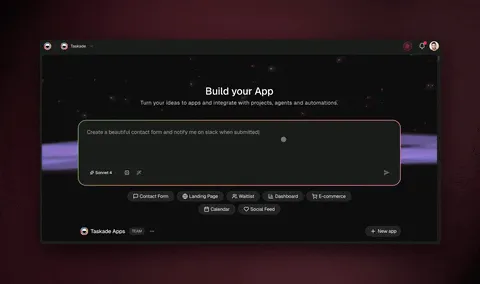
Taskade Genesis turns a plain-English prompt into a live app with a database, an AI agent, and automations, published to a shareable URL. It is a no-code app builder, so nothing is exported for you to host.
Key features: prompt-to-app generation; an AI agent with built-in tools such as web search, code execution, and file analysis; automations with 100+ bidirectional integrations; multiple project views; real-time multiplayer; a Community Gallery of live apps to clone.
Free plan (checked Oct 19, 2026): 3 apps per workspace, counted at creation, 1 AI agent, automations you build yourself with 10 runs a month, and a small "Powered by Taskade" badge on published apps. Free starts with 0 AI credits: earn AI credits with referrals and invites, earn credits when others clone your app, and upgrade any time.
Pros
- The only free plan in the June test that published a live app with an AI agent and automations attached, on a real shareable URL.
- No credit card, and the app clones or exports with its projects, agents, and automations.
- The full database layer is on the free plan, so the main cap is app count, not capability.
Cons
- 3 apps is a hard ceiling, with no monthly credit refill.
- Free apps carry a badge, and custom domains do not arrive until Pro.
- Importing a bundle file that already contains automations requires a paid plan.
Pricing: Free, then Pro at $10/month billed annually ($120/year) for unlimited apps and agents, badge removal, password protection, up to 10 custom domains with automatic SSL, and 10 users. Business at $25/month billed annually adds unlimited custom domains, branded sign-in, white-labeling, and SAML single sign-on.
Bottom line: the free plan to pick if the goal is a working link for a real person this week.
2. Bolt.new: Best Free Plan for Developers
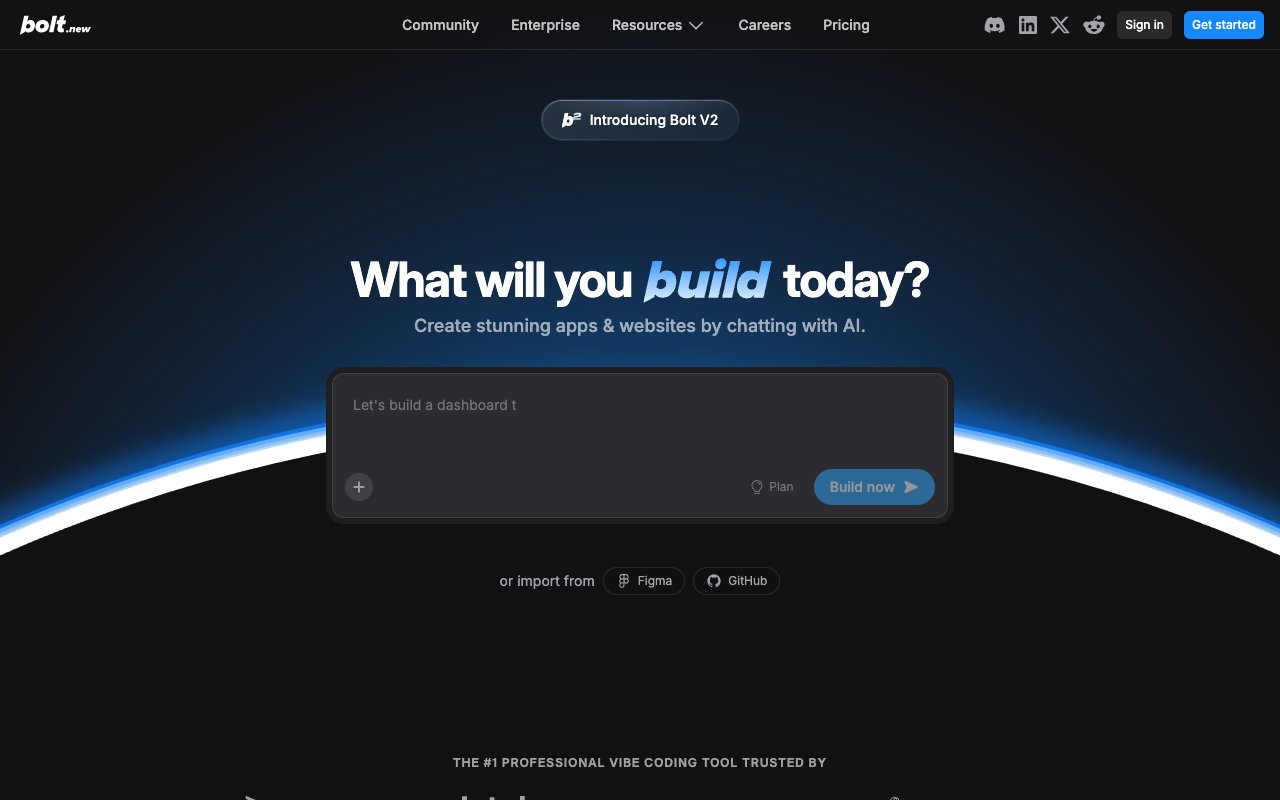
Bolt.new is a browser-based AI code generator from StackBlitz. You prompt it, and a React or Next.js app runs live in a WebContainer in your browser. You can then publish it on Bolt's own hosting, export the code, or deploy it to Netlify.
Key features: prompt-to-code generation in the browser; live preview with hot reload; built-in website hosting and databases; GitHub export; community templates; Netlify deploy integration.
Free plan (checked Oct 19, 2026): 1,000,000 tokens per month with a 300,000-token daily cap, public and private projects, website hosting with Bolt branding for up to 333,000 web requests, and unlimited databases. That is the most generous raw allowance of any AI builder on this list.
Pros
- The largest free token allowance in the category by a wide margin.
- Output is real, exportable source code you fully own from the first generation.
- Genuinely fast: a working frontend preview in a browser tab in under a minute.
Cons
- Tokens go faster than the headline suggests: one complex prompt with a few iterations can burn 100,000+, so the daily cap binds before the monthly one.
- Free hosting carries Bolt branding, and a custom domain needs the paid Pro plan.
- No AI agents, no automations, and single-player editing only.
Pricing: Free, then Pro at $25/month for 10M tokens, no daily cap, no Bolt branding, and custom domain support.
Bottom line: the best free plan here for developers: real source code, free hosting, and the largest token allowance. The app ships without a built-in AI agent or automations, so you write that logic yourself.
3. Softr: Best for Airtable-Backed Client Portals
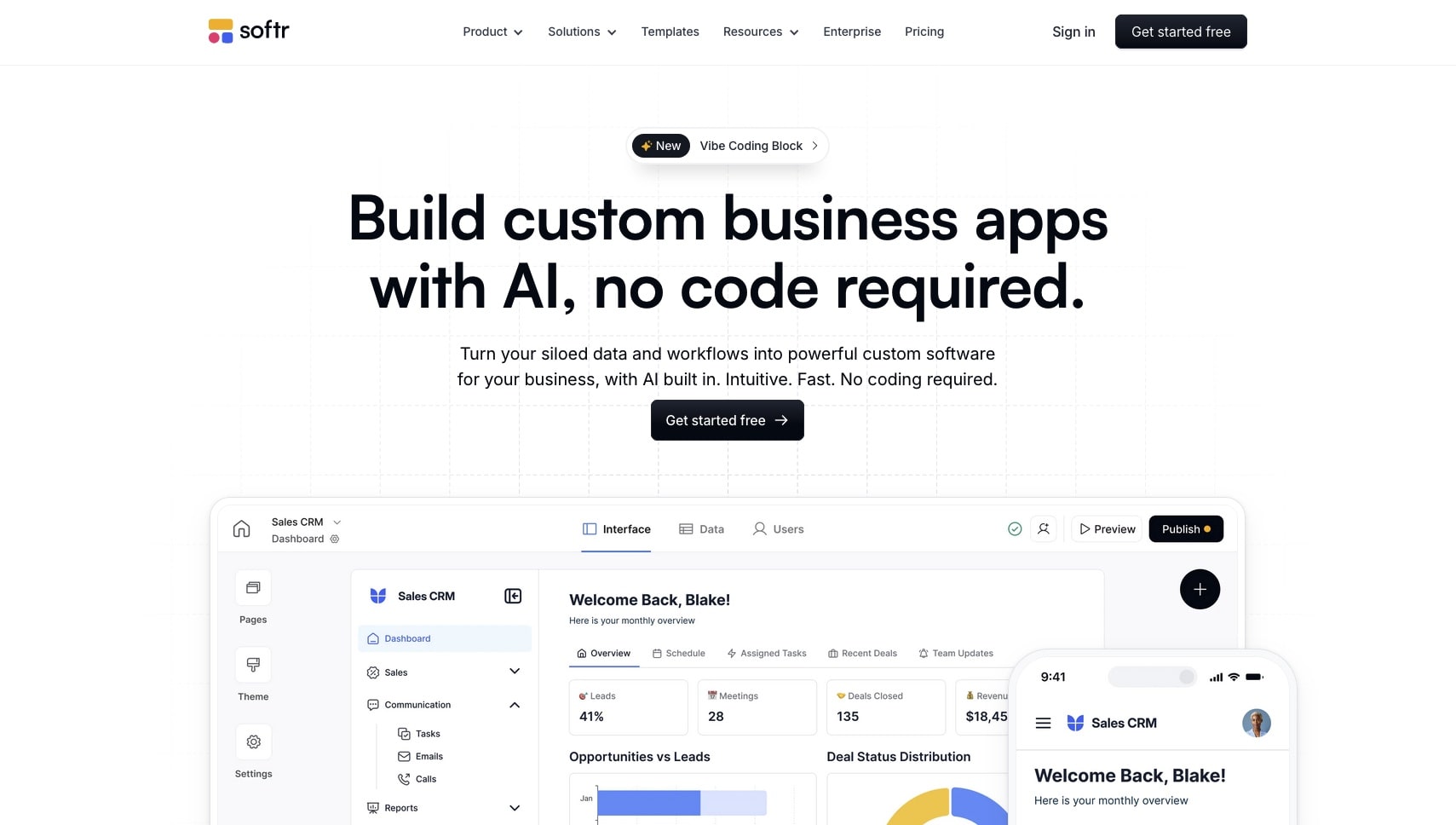
Softr builds web apps and client portals on top of Airtable, Google Sheets, or its own database, using prebuilt blocks for lists, forms, charts, and user authentication.
Key features: Airtable and Google Sheets data sources; prebuilt UI blocks; built-in user authentication; Softr Workflows; unlimited published apps on the free plan.
Free plan (checked Oct 19, 2026): unlimited published apps, 5 app users (Softr's docs say "5 total, combined" across team and client users), up to 3 builders, 5,000 Softr Database records, 500 workflow actions per month, 5 AI credits per month, Softr branding, and a Softr subdomain. The free plan does not include a custom domain. Softr's own documentation states this directly, and the contrary claim in most roundups traces to a 2023 Softr blog post that the current docs contradict.
Pros
- Unlimited published apps on a free plan is genuinely unusual in this field.
- Built-in authentication with 5 free app users makes a small client portal possible at $0.
- If your data is already in Airtable, this is the shortest route to a portal over it.
Cons
- No custom domain on the free plan, contrary to the claim in most guides.
- 5 AI credits a month makes AI generation effectively unavailable at $0.
- No built-in AI agent, and 500 workflow actions a month is a small automation budget.
Pricing: Free, then Basic at $25/month, or $19/month billed annually.
Bottom line: one of the strongest free plans here for Airtable users, just not for the reason everyone repeats. Judge it on unlimited apps and free authentication, not on a domain it does not include.
4. Retool: Best Free Internal Tool Builder
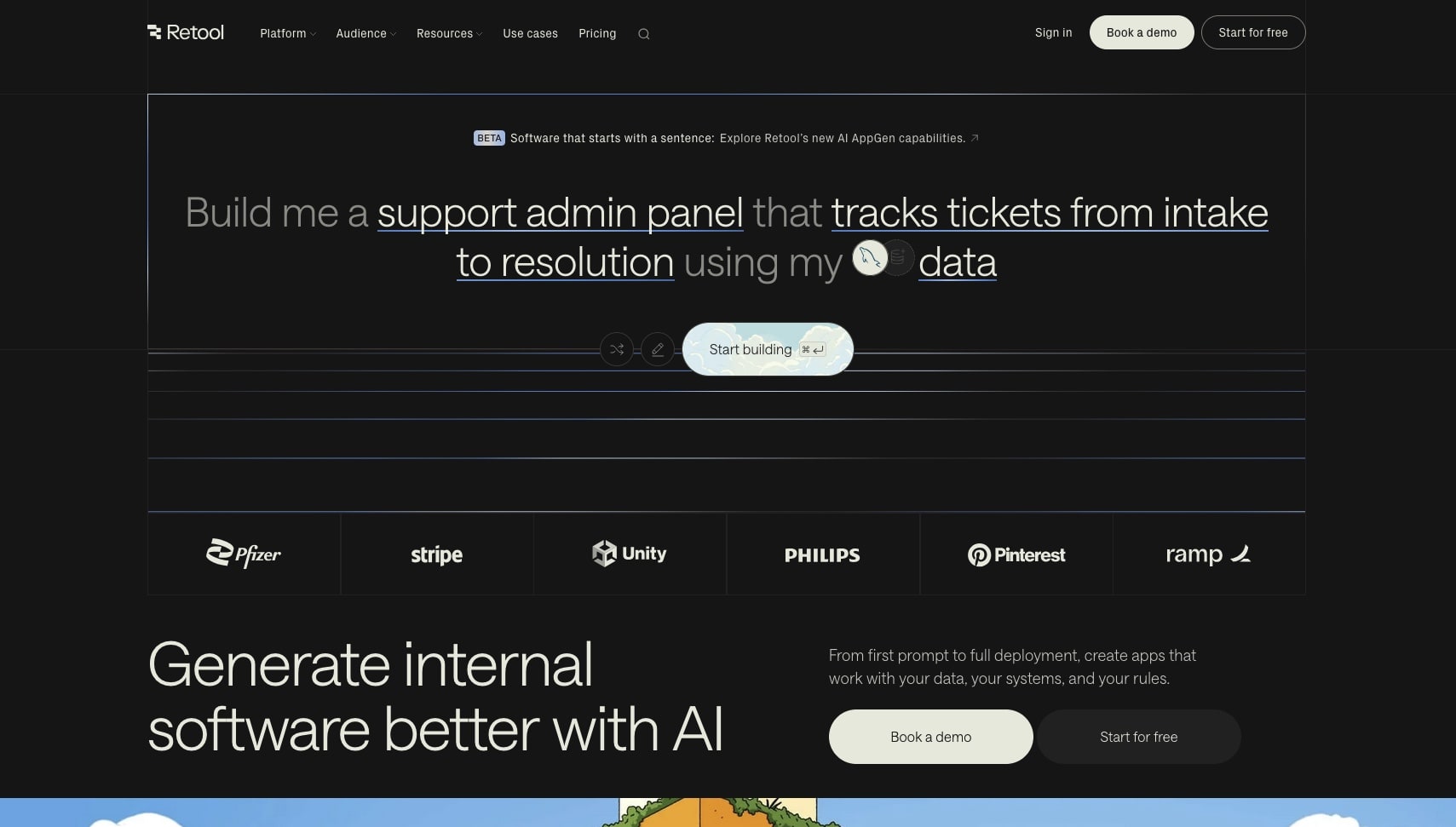
Retool is a developer-oriented platform for internal tools: connect a database or API, describe or drag components onto a canvas, and write queries where the visual layer runs out.
Key features: PostgreSQL, MySQL, and MongoDB connections; REST and GraphQL integration; an app builder that generates a starting point from a description; Retool Agents; workflow runs; code-level control inside a visual builder.
Free plan (checked Oct 19, 2026): unlimited web and mobile apps for up to 5 users, plus 500 workflow runs per month, 5GB of database capacity, 5GB of file storage, 250 AI credits a month that cover app building and AI actions, and up to 20 hours a month of Retool Agents. Cloud-hosted only.
Pros
- Unlimited apps on the free plan, which almost nothing else here offers.
- Agents, workflows, and a real database on the same free plan.
- SQL-level control when the visual builder is not enough.
Cons
- The 5-user ceiling keeps it strictly internal: there is no public app at $0.
- 250 AI credits a month are pooled across the whole account.
- Self-hosting, SSO, and audit logs require paid plans.
Pricing: Free, then Team at $10 per builder a month billed annually ($12 monthly).
Bottom line: the best free plan on this list for admin panels and operations dashboards that a team of five uses, provided someone can write a query when the generated app needs one.
5. Base44: Best Free Plan for Prompt-to-Business-App
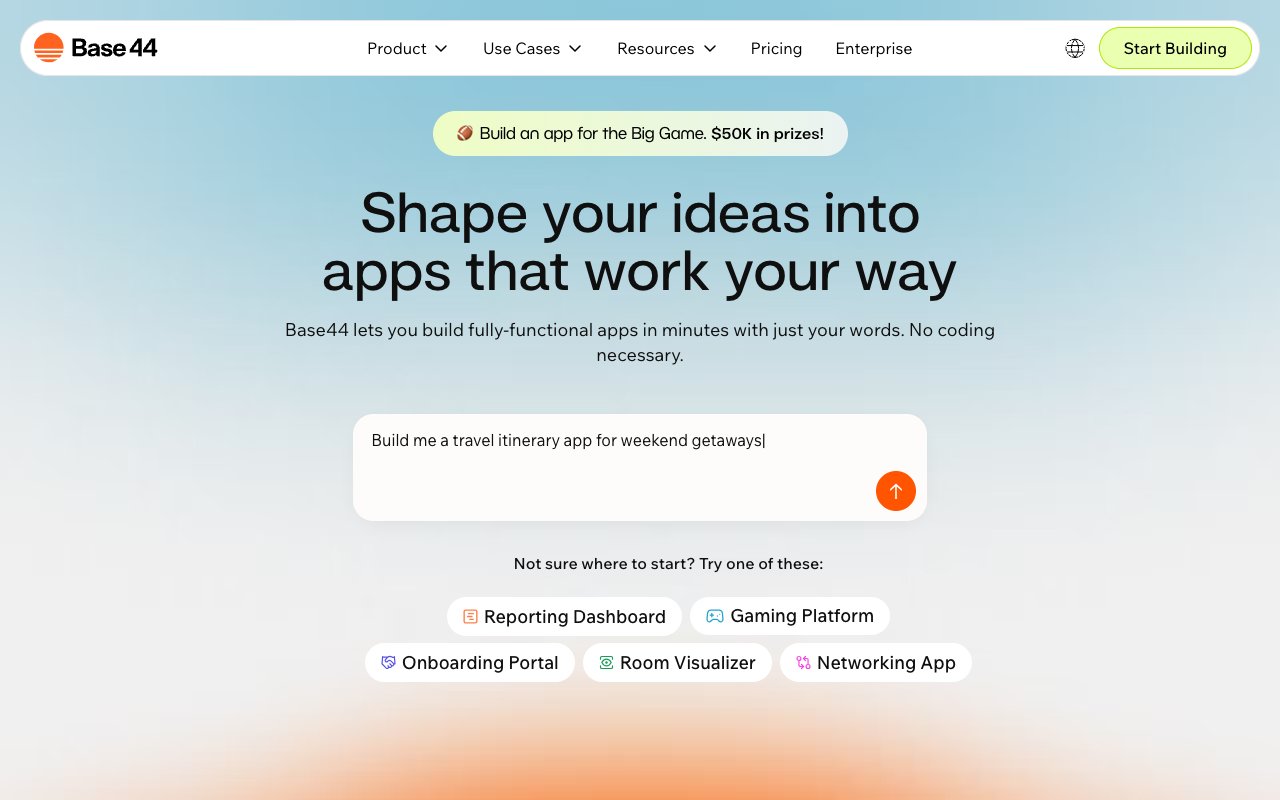
Base44 generates business applications (internal tools, dashboards, CRUD apps) from text prompts, and hosts the result rather than exporting code. Base44 is Wix-owned (Wix acquired it in 2025, and its site footer reads "© 2026 Wix.com Ltd."), which gives it distribution and balance-sheet backing most of the code-export tools on this list do not have.
Key features: prompt-to-app generation; built-in database; hosted output; integration credits; template library.
Free plan (checked Oct 19, 2026): up to 5 apps, 25 message credits a month (spent at most 5 a day), plus 100 integration credits monthly. Unused credits do not roll over. Published apps carry Base44 branding.
Pros
- Hosts what it builds, so you get a working URL rather than a code export.
- Generation quality is solid for straightforward CRUD and dashboard apps.
- Built-in database with no separate backend to wire up.
Cons
- 25 message credits a month is a proof-of-concept budget, and one app typically needs more.
- Base44 branding, no custom domains, and no code export on free.
- No AI agents or automation engine after the build.
Pricing: Free, then Starter at $16/month billed annually.
Bottom line: the closest free competitor to a hosted prompt-to-app experience, throttled by a credit meter that runs out inside a single build session.
6. Lovable: Best Design Quality, Thinnest Free Plan

Lovable generates full-stack web applications with a built-in Cloud backend and has the strongest visual design output in the prompt-to-code group. Apps look finished the moment they generate. Lovable raised $400 million at a $13.3 billion valuation on August 12, 2026, among the largest rounds in this category.
Key features: full-stack React generation; Lovable Cloud database and hosting; strong default design system; workspace-private projects; unlimited collaborators.
Free plan (checked Oct 19, 2026): a daily grant of 5 build credits, up to 30 a month, plus 20 Cloud credits and 4 AI credits a month. Projects are workspace-private, you can publish to 5 lovable.app domains, and published apps carry the Lovable badge.
Pros
- Best-looking default output of any tool on this list, with very little design cleanup needed.
- Full-stack generation including a real database, not just a frontend.
- Private projects and 5 hosted lovable.app addresses on the free plan.
Cons
- 5 credits a day is roughly three meaningful edits, and one app usually needs more than five iterations.
- Custom domains, badge removal, and code download start on Pro.
- No agents or automations after the build.
Pricing: Free, then Pro at $25/month, or $250 a year ($21/month), for 100 credits, custom domains, and badge removal.
Bottom line: enough to publish a small app with a polished look, and not enough daily credit to finish a real one. Excellent for seeing what the paid product does.
7. v0 by Vercel: Best for UI Component Generation

v0 generates React and Next.js UI from text or image prompts. It is closer to an AI design-to-code converter than an app builder, and it is very good at that narrower job.
Key features: component and page generation from text prompts; image-to-code conversion; Design Mode for visual edits; GitHub sync; one-click deploys to Vercel.
Free plan (checked Oct 19, 2026): 7 messages a day, and new users get a one-time $5 credit that does not renew. The free plan lists deploying apps to Vercel and GitHub sync.
Pros
- Best-in-class component output that drops straight into a Next.js codebase.
- Image-to-code conversion is genuinely useful for turning a mockup into markup.
- No credit card to start, and a deploy to Vercel is one click away.
Cons
- Generates the front end: the database and sign-in are yours to add.
- You need developer skills to grow anything it produces past a prototype.
- The 7-message daily cap and a one-time $5 credit end long builds quickly.
Pricing: Free, then Plus at $30/user/month. The old $20/month Premium plan is being sunset and is closed to new users (v0's own pricing docs, October 19, 2026).
Bottom line: excellent at what it does, and not a full app builder. Judge it as a component generator and it is one of the best free tools on this list.
8. Zite: Best Free Plan for Unlimited App Users
Zite builds custom apps, client and internal portals, forms, dashboards, and public pages from a prompt, on top of its own database. It also ships ready-made workspaces for jobs such as CRM, property management, and grant management.
Key features: prompt-to-app generation; a built-in database for app and form data; workflows that run on a schedule and chain database lookups, AI summaries, and email or Slack alerts; authentication and workspace roles; a connection for outside AI tools.
Free plan (checked Oct 19, 2026): "free forever," with unlimited apps and unlimited users, 50 credits a month, 10 messages a day, 5,000 records, 1,000 workflow runs a month, and 1 workspace. Zite branding stays on free apps, and a custom domain starts on Pro. The pricing page does not say whether signup asks for a card.
Pros
- Unlimited app users on the free plan, the most open user cap on this list.
- 1,000 workflow runs a month is a generous automation budget for a free plan.
- Database, forms, and portals live in one product, so nothing needs wiring together.
Cons
- 10 messages a day and 50 credits a month limit how much you can build from prompts.
- Zite branding on every free app, and no custom domain until Pro.
- 5,000 records is a ceiling a busy portal reaches quickly.
Pricing: Free, then Pro at $20/month billed annually ($240 a year), which adds 1 custom domain and badge removal.
Bottom line: a strong free plan for a portal that many people sign in to, as long as the build itself fits inside a small daily message budget.
9. Google AI Studio: Best Free Full-Stack Prototypes on Google Cloud
Google AI Studio is Google's workspace for building with Gemini. Its Build mode turns a prompt into a working web app and can publish it to Google Cloud Run with a live address.
Key features: prompt-to-app generation in Build mode; one-click publishing to Cloud Run; a Starter Tier environment that Google describes with Cloud Firestore, Cloud SQL for PostgreSQL, and Firebase Authentication; an upgrade path to a standard Google Cloud project.
Free plan (checked Oct 19, 2026): AI Studio use is free unless you link a paid API key. Eligible accounts can publish up to 2 full-stack apps on the Google Cloud Starter Tier with no Cloud project and no billing account. A Google Workspace account, or an account with an active or past paid Cloud billing account, is not eligible.
Pros
- Free AI generation with no daily build-credit meter on the studio itself.
- A real backend, database, and sign-in on Google's own cloud at $0.
- Apps run on the same platform a team can scale them on later.
Cons
- Only 2 published apps on the Starter Tier, and you must unpublish one to add a third.
- Work and school Google accounts cannot use the free Starter Tier.
- No AI agent or automation engine inside the app, and the code is yours to maintain.
Pricing: Free, then pay-as-you-go API and Google Cloud usage once you link a billing account.
Bottom line: the best free way to see a full-stack prototype live on real cloud infrastructure, if you have a personal Google account and are ready to read the code it writes.
10. Replit: Best Free Environment for Learning to Code

Replit is a browser IDE supporting 50+ languages, with an AI agent bolted on and hosting included. It remains the default place people learn to code in the browser.
Key features: full cloud IDE in the browser; Replit Agent for prompt-to-app generation; multiplayer editing; large template library; mobile app; hosting integrated with the editor.
Free plan (checked Oct 19, 2026): 1 free published app, carrying a "Made with Replit" badge, and Replit's docs say the free published link "will automatically go down after 30 days." Agent use draws on daily credits up to a monthly cap. The "unlimited public Repls with free hosting" claim that still circulates is no longer the free plan.
Pros
- Hosting and editing live in one place, with no separate deploy step to learn.
- Unmatched as a teaching environment: multiplayer, templates, and 50+ languages.
- You can start from a prompt and then read and fix the code the agent wrote.
Cons
- One published app on the free plan, badged, and offline after 30 days.
- Agent use is credit-metered, so the prompt-to-app path runs out quickly at $0.
- You need to understand code to repair what the agent gets wrong.
Pricing: Free, then Core at $20/month ($18/month billed annually) for more compute, more published apps, badge removal, and full Agent access.
Bottom line: still the best free place to learn, and a fine home for one small project for a month. Not a platform for keeping free apps online.
11. FlutterFlow: Best for Native Mobile Prototyping
FlutterFlow is a visual builder that generates real Flutter code for iOS, Android, web, and desktop. It is the only tool here with a credible native mobile path, and its free plan still publishes web builds.
Key features: visual builder with real Flutter code generation; Firebase and Supabase integration; in-browser preview; web publishing to FlutterFlow subdomains; large template library.
Free plan (checked Oct 19, 2026): up to 2 projects and web publishing to up to 2 FlutterFlow subdomains. AI assistance on the free plan is 5 requests for the lifetime of the account, not a monthly or daily allowance. Code download starts on the paid Basic plan.
Pros
- Generates genuine Flutter source, so a serious native app can start here.
- Free web publishing to 2 subdomains makes validation possible at $0.
- Strong Firebase integration for teams already on Google infrastructure.
Cons
- 5 lifetime AI requests makes the AI features effectively a demo.
- No code or APK export on free, which is the entire point of choosing Flutter.
- No custom-domain web publishing on the free plan.
Pricing: Free, then Basic at $39/month for code export and native app-store deployment.
Bottom line: the right free plan for validating a mobile concept visually, and the wrong one for anything AI-assisted. For native App Store and Google Play publishing across more tools, see the best AI mobile app builders.
12. Google AppSheet: Best for Google Workspace Teams
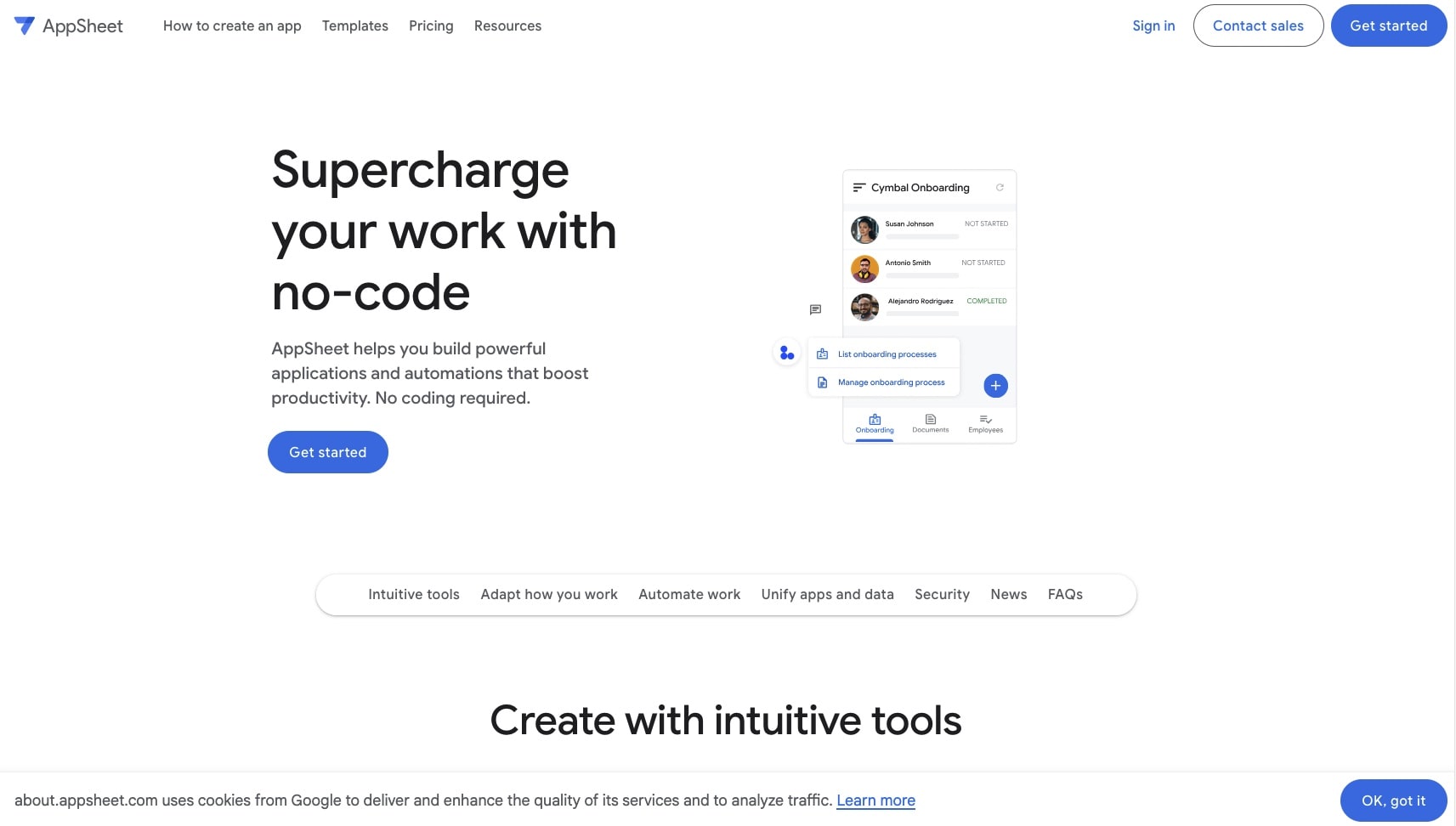
AppSheet is Google's no-code builder, generating apps from Sheets, Drive, and Calendar data with a formula-driven logic layer.
Key features: deep Google Workspace integration; automation over spreadsheet data; PWA output for Android and iOS; formula-expression logic; offline data capture.
Free plan (checked Oct 19, 2026): the free tier is for prototyping: you can test your apps with up to 10 users at no cost, and deploying to the rest of your team requires a paid plan. Paid plans start at Starter, $5/user/month. The older claim that AppSheet offers "free hosting through Google" for unlimited apps does not reflect current terms.
Pros
- Unmatched if your data already lives in Google Sheets, Drive, and Calendar.
- Strong offline and mobile data-capture support for field work.
- Automation over spreadsheet data is genuinely capable for approval flows.
Cons
- Free means testing only: deployment to real users is a paid action.
- No prompt-to-app build on this list's terms, so every screen and rule is set up by hand.
- Complex logic requires learning AppSheet's expression language.
Pricing: Free for prototyping with up to 10 test users, then Starter at $5/user/month to deploy.
Bottom line: a capable builder with a free tier that is explicitly a sandbox. Budget for a paid plan from day one if real users are the point.
13. Figma Make: Best for Design-to-Web
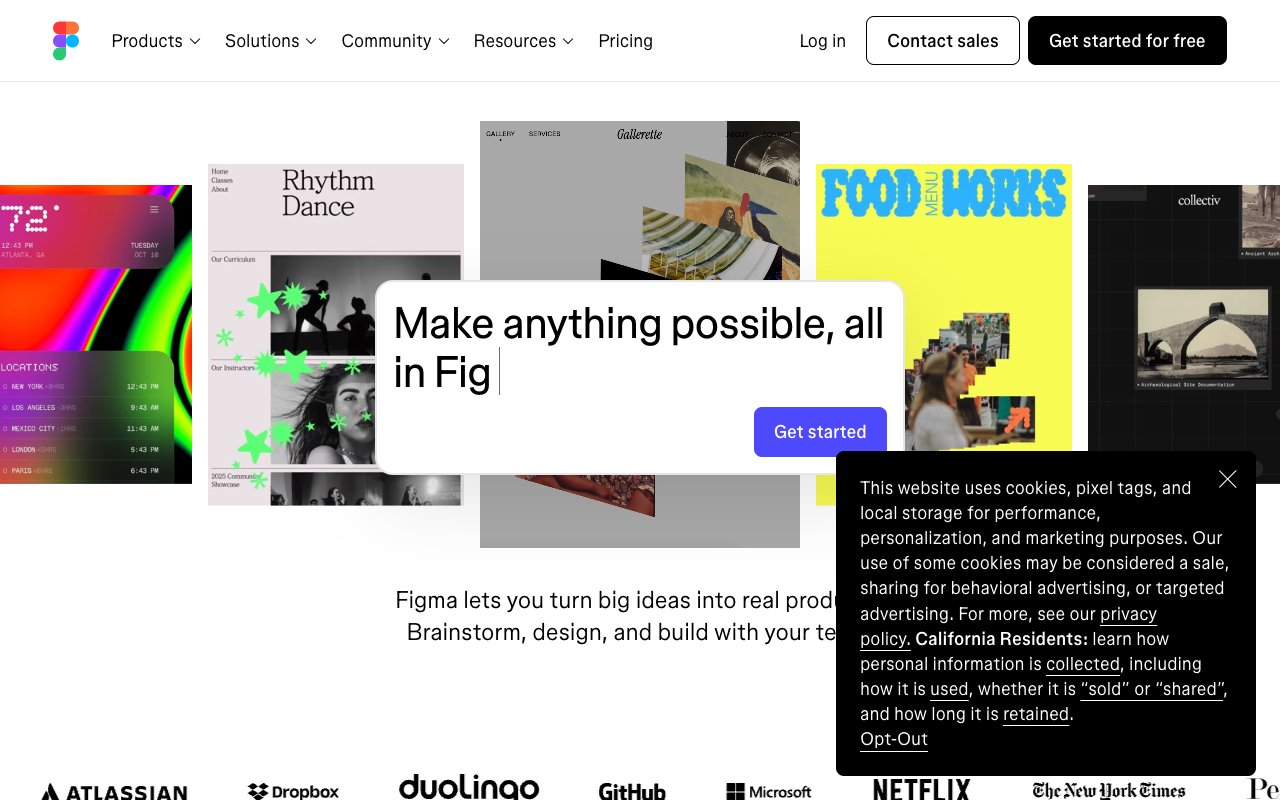
Figma Make is the current name for Figma's AI generation feature, replacing the earlier "Figma AI" and "Make Designs" branding. It turns prompts into designs and working prototypes, and Figma Sites publishes designs as live web pages.
Key features: prompt-to-design and prototype generation; Figma Sites publishing on paid seats; full collaboration on the free plan; prototype sharing; direct handoff into an existing Figma workflow.
Free plan (checked Oct 19, 2026): the Starter plan gives 150 AI credits a day, up to 500 a month, shared across all Figma AI features, with unlimited drafts. Figma's pricing page lists Sites on Full seats, so a published site is a paid step.
Pros
- Best design output of anything on this list, by a wide margin.
- Free collaboration and prototype sharing that designers already know.
- A daily AI credit grant that covers real generation on the free plan.
Cons
- Not an app builder: no database, no logic, no automation, no backend.
- Publishing a site needs a paid Full seat.
- AI credits are shared with every other Figma AI feature you use.
Pricing: Free Starter plan, then a Full seat from $16/month with 3,000 AI credits a month.
Bottom line: the best free tool here for making something look right, and not a tool for making something do anything. Name-check it correctly: "Figma AI" and "Make Designs" are retired labels.
14. Bubble: Best Free Visual Sandbox

Bubble is the original visual no-code builder: drag-and-drop UI, a built-in database, and a visual workflow engine. Its AI can now draft an app from a prompt, and you refine everything in the visual editor.
Key features: visual editor with pixel-level control; built-in database; visual workflow builder; AI app generation; large plugin ecosystem; native mobile editor.
Free plan (checked Oct 19, 2026): the development version only, with 50,000 workload units and 500 AI credits a month. You can build and test on a Bubble development URL, but you cannot launch, and Free users cannot buy extra AI credits.
Pros
- The deepest free sandbox in this guide: genuinely complex apps are buildable in dev mode.
- A mature plugin ecosystem covers integrations most AI builders do not reach.
- Complete control over layout and logic for people who want it.
Cons
- Going live requires a paid Starter plan, and the free plan cannot launch.
- The steepest learning curve of any tool here: what a prompt does in minutes takes hours of refining.
- 500 AI credits a month is the whole AI budget on Free.
Pricing: Free (development only), then Starter Web at $32/month billed annually or $39 month-to-month from October 20, 2026 (it was $29 billed annually before that date). Web and Mobile Starter is $59/month billed annually.
Bottom line: free to learn, paid to ship. Choose it when total visual control matters more than time to launch.
15. Glide: Best for Spreadsheet-Backed Internal Tools
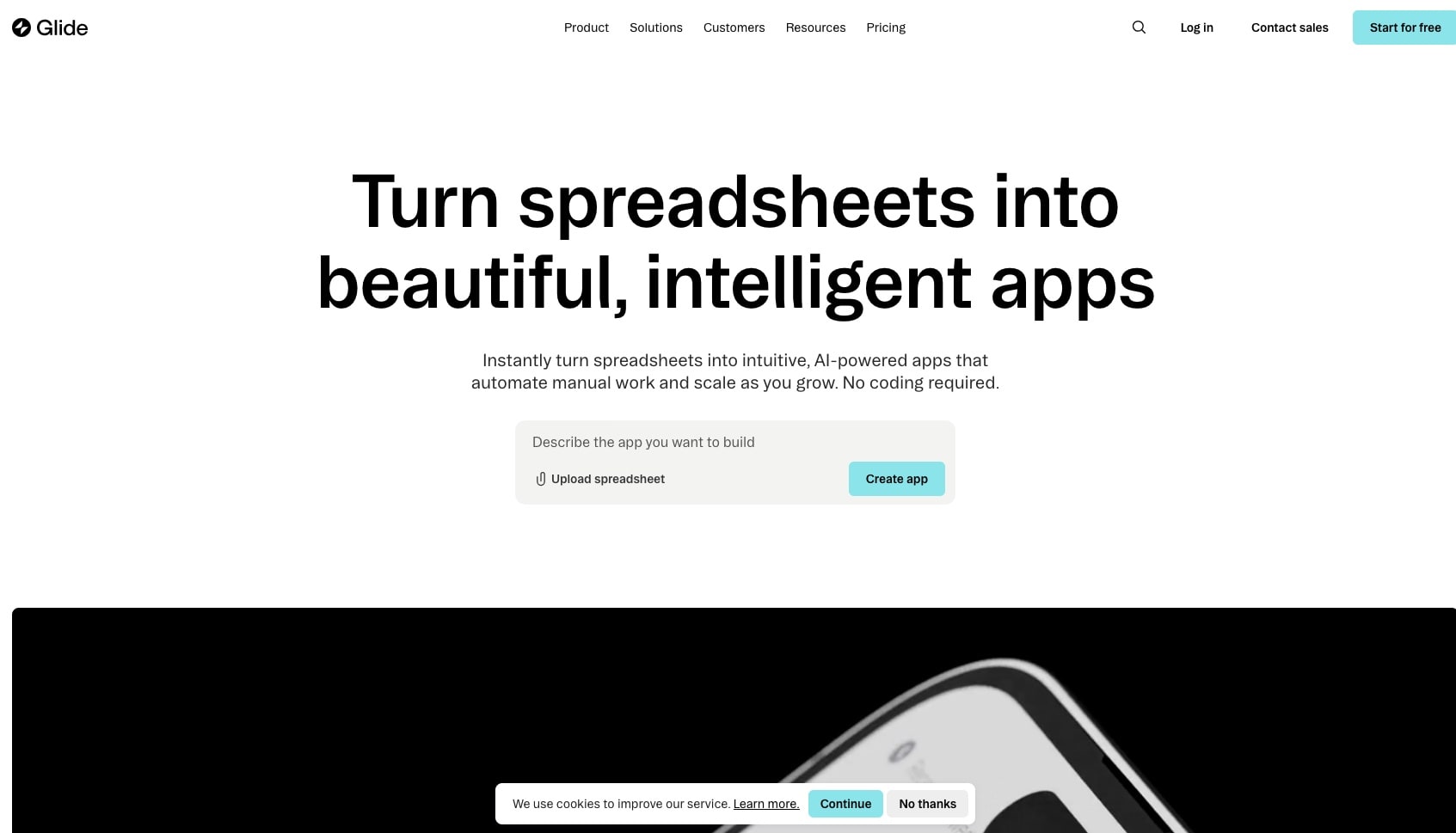
Glide turns Google Sheets and Excel data into mobile-friendly apps, and remains one of the fastest routes from a spreadsheet to something usable on a phone.
Key features: spreadsheet and Airtable data sources; 40+ prebuilt components; mobile-responsive output; row-level permissions on paid tiers; template library.
Free plan (checked Oct 19, 2026): under GlideOS, the free plan is 10 projects, 2 team members, and limited credits, with 0 published apps and 0 enabled workflows. Publishing and automation both sit behind a paid plan, and extra credits are on paid plans only. Earlier guides, including earlier versions of this one, described the retired Classic plan's unlimited drafts and 25,000-row allowance. Those numbers no longer apply.
Pros
- Fastest path from an existing spreadsheet to a phone-ready interface.
- Clean, genuinely mobile-first output with no design work required.
- Data stays in a sheet you already control, so the data side is never locked in.
Cons
- 0 published apps on the free plan: you can build across 10 projects but cannot ship any of them.
- Publishing, Glide AI, and integrations all sit on paid tiers.
- No custom domain and no AI agents.
Pricing: Free, then Basic at $25/month, Plus at $50/month, and Pro at $125/month. These replace the Explorer and Maker names of the retired Classic plan.
Bottom line: a good evaluation plan and a poor shipping plan. The GlideOS free tier is materially tighter than the Classic plan most roundups still describe.
Which Free AI App Builder Fits Your Goal?
Start from what you are shipping, not from the tool. The category splits into two groups that get blended in every ranking: prompt-to-app builders that start from a description, and data-source builders that wrap a spreadsheet or base you already maintain. Picking the wrong branch wastes a free plan.
GOAL                              →  FREE BUILDER THAT FITS
──────────────────────────────────────────────────────────────────
Internal tool over a spreadsheet  →  Glide · AppSheet
Admin panel over a database       →  Retool (up to 5 users)
Client portal over Airtable       →  Softr (5 app users, no domain)
Portal for many signed-in users   →  Zite (unlimited users)
Native mobile app                 →  FlutterFlow (design only on free)
Web MVP with source code          →  Bolt.new · Lovable · v0
Full-stack prototype, free cloud  →  Google AI Studio (2 apps)
Learning to code                  →  Replit (1 app for 30 days)
App with agents + automations     →  Taskade Genesis
──────────────────────────────────────────────────────────────────
Need an agent, not an app? See the best AI agent builders, or start with the free AI agent builder.
Which Free AI App Builders Are Truly No-Code?
Ten of the 15 are genuinely no-code on the free plan: Taskade Genesis, Softr, Retool, Base44, Zite, FlutterFlow, AppSheet, Figma Make, Bubble, and Glide. You never receive a file, and the app runs on the vendor's infrastructure. The other five, Bolt.new, Lovable, v0, Google AI Studio, and Replit, hand you a codebase. That distinction matters more than any feature list, because it decides who can maintain the app after it is built.
"No-code" gets used for two different promises, and free plans are where the gap shows. A no-code runtime means nothing is exported and nothing needs hosting: you describe the app, it runs, you share a link. A code generator means the AI writes React or Next.js for you. There is no code to write, but there is very much code to review, deploy, and maintain. Bolt.new, Lovable, v0, Google AI Studio, and Replit all sit in the second group, and on a free plan you inherit the maintenance work without the paid support that usually cushions it. Three of them carry an asterisk of their own: Lovable, Google AI Studio, and Replit also host the app on their own address, which is why they appear as hosted builders in the free-plan table above. The codebase is still yours, and so is the production deployment.
Three of the hosted ten deserve an asterisk, and it is the same asterisk in three shapes. Retool never hands you a codebase, but it expects someone to write SQL where the visual layer runs out. FlutterFlow generates real Flutter source and then withholds it on free — code and APK download start at $39/month — so at $0 it behaves like a hosted builder. Figma Make publishes pages through Figma Sites rather than applications, so there is no database or logic to maintain in the first place.
| Free builder | You write code? | You maintain code? | Where the app runs |
|---|---|---|---|
| Taskade Genesis | No | No | Hosted, shareable URL |
| Base44 | No | No | Hosted, branded on free |
| Bubble | No | No | Hosted, development mode on free |
| Glide / AppSheet / Softr | No | No | Hosted, over your data source |
| Retool | Queries, yes | No | Hosted on Retool's cloud |
| FlutterFlow | No | No | Hosted on a FlutterFlow subdomain; export is paid |
| Figma Make | No | No | Hosted pages via Figma Sites |
| Zite | No | No | Hosted, Zite branding on free |
| Bolt.new | No | Yes | Hosted on Bolt with branding on free, or deploy it yourself |
| v0 by Vercel | No | Yes | You deploy it to Vercel |
| Lovable | No | Yes | Hosted on lovable.app addresses, badged on free |
| Replit | Sometimes | Yes | Hosted on Replit, 1 free app for 30 days |
| Google AI Studio | Sometimes | Yes | Hosted on Cloud Run, up to 2 apps on the Starter Tier |
No-code, honestly labeled
─────────────────────────────────────────────────────────────
Never touch code, never host      →  Taskade Genesis · Base44 · Zite
Never touch code, over a sheet    →  Glide · AppSheet · Softr
Never touch code, build by hand   →  Bubble
Never touch code, write a query   →  Retool
Never touch code, export is paid  →  FlutterFlow
Never touch code, pages not apps  →  Figma Make
AI writes code, you own it        →  Bolt · Lovable · v0
AI writes code, you learn from it →  Replit · Google AI Studio
─────────────────────────────────────────────────────────────
The practical test is what happens on the day something breaks. On a no-code runtime you describe the fix in the same chat that built the app. With a generated codebase you open an editor, and if nobody on the team can read the file, the app is frozen. Choose the second group only when someone will realistically maintain the output.
Free AI App Builders for Students
Taskade Genesis is the strongest free option for student projects because the free plan includes 3 apps, 1 AI agent with the full built-in toolkit, and automations, and it needs no credit card. On Free, you earn free AI credits to ship a capstone or hackathon demo with a link you can submit, and you can upgrade any time.
Pair it with Replit if the course is teaching you to code: the browser IDE, multiplayer editing, and one free published app (online for 30 days) cover the learning half of the stack. Bolt.new's 1M monthly tokens are the most generous free allowance for coursework that involves reading generated code, and its free plan now includes hosting. Avoid Lovable for assignments: 5 credits a day runs out before one iteration cycle finishes. Glide can prototype a data-driven class project from a sheet across 10 free projects, but its free plan cannot publish any of them, so you cannot hand in a live link.
Free AI App Builders for Small Businesses
Small businesses need three things from a free plan: real output rather than a prototype, a low upgrade price if it works, and enough collaboration for a small team. Taskade Genesis fits all three — free apps publish to real shareable URLs, and Pro is $10/month billed annually with 10 included users if you outgrow it, with custom domains arriving on that same Pro plan.
The three patterns that come up most are client intake portals, lightweight CRMs, and booking systems. Each generates from a single prompt with a database, basic views, and an agent attached, and each can be handed to a customer the same day. One operator, an IT program manager with no engineering team, built a production field-service dashboard this way — four connected projects covering customers, jobs, invoices, and team, tracking 20+ live service jobs — and described the result as work that "would have taken me and a team of 40+ people 18 months or longer" in a previous corporate role.
Strong secondary options: AppSheet if the business already runs on Google Workspace and you accept that deployment is paid, Softr if the data already lives in Airtable, and Retool if there is a real database and someone who can write SQL. Skip the code-export tools for small business use — they produce files a non-technical owner cannot maintain.
Free AI App Builders for Mobile and Android
No tool on this list is free end to end for a native store app, and the app stores add their own fees regardless of builder: Google Play charges a one-time $25 developer registration fee and Apple's Developer Program costs $99 per year.
The free path that works is a mobile-web app. Build in a hosted builder, open the shareable URL in Chrome on Android, and use "Add to Home Screen" to install it with an icon and a full-screen view — no store review, no Play Console fee, and updates ship instantly. Every app Taskade Genesis generates is mobile-responsive by default and works this way at $0.
| Tool | Mobile output on the free plan | Native store publishing | Cost of going native |
|---|---|---|---|
| Taskade Genesis | Mobile-responsive web app on a shareable URL | Not the model — apps run on the web | $0 on free |
| FlutterFlow | Web publishing to 2 free subdomains | Paid — code and APK export at Basic | $39/mo + store fees |
| Adalo | 1 app buildable; the free plan cannot publish at all | Starter and up | $36/mo annual + store fees |
| Glide | 10 projects, publishing is paid | PWA model, no store builds | Paid plan required |
Free AI App Builders With Custom Domains
There are none. This is the single most common upgrade trigger in the category, and on October 19, 2026 not one builder on this list included a custom domain on its free plan. Softr, the exception every roundup names, does not: its documentation states plainly that the free plan does not include a custom domain.
The realistic options are three. Pay for it: Taskade Pro at $10/month billed annually with automatic SSL, Softr Basic at $19/month billed annually, Zite Pro at $20/month billed annually, Lovable Pro at $25/month, or Bubble Starter at $32/month billed annually. Self-host it: take a Bolt.new or v0 export, deploy it to your own hosting, and point any domain at it, accepting the DNS, SSL, and maintenance work as the price. Or ship on a free subdomain first, validate that anyone wants the thing, and buy the domain when there is usage to justify it. The third option is almost always the right one.
Security and Production Readiness on Free Plans
Most free-plan comparisons skip authentication and permissions entirely, which is where the real gap between a toy and a tool sits.
| Tool | Sign-in on free | Role-based access | SSO |
|---|---|---|---|
| Taskade Genesis | Branded sign-in on published apps | Role-based, Owner through Viewer, all plans | Business and up |
| Softr | Built-in, up to 5 app users | Basic permissions | Paid |
| Glide | Built-in | Row-level, paid | Paid |
| Retool | Built-in | Paid tiers | Paid |
| Bubble | Build it yourself | Build it yourself | Paid |
| Code-export tools | You build it | You build it | You build it |
Softr's free authentication with 5 app users is the standout among the data-source builders. On Taskade, role-based access from Owner to Viewer is present from the first free app and SAML single sign-on is included from Business at $25/month billed annually, so the permission model does not have to be rebuilt when the team grows. The code-export tools can be hardened arbitrarily well, but only by teams who already run their own auth.
Free Open-Source AI App Builders
Three names matter in 2026: Dyad, OpenUI, and Bolt.diy, a community fork of Bolt.new. All three run the generation pipeline locally against your own OpenAI, Anthropic, or Google API keys, which makes them the honest answer to "unlimited free" — they are unlimited because you are paying the model bill directly.
The trade-off is that "free" here means free to run if you already know DevOps. You get code and a local runner. You do not get a managed runtime, built-in agents, an automation engine, collaboration, or a gallery to clone from. For teams with an on-premises compliance requirement, Dyad is the most polished option. For everyone else, the setup time exceeds the value of the free plan it replaces.
Free AI App Builders With No Signup
There is no serious AI app builder that lets you build and publish without an account, because running the generation pipeline costs the vendor real money per request. The closest thing is browsing published work: the Taskade community gallery lets you open and use live apps without an account, and Replit lets you browse public projects. v0 allows limited anonymous previews but requires a GitHub login to save anything.
If the concern is privacy rather than friction, the local open-source tools above are the genuine no-cloud-account path.
How to Build Your First Free App in 5 Minutes
On a prompt-to-app builder, describe what you want in specific terms (the purpose, the users, and the key fields), then iterate in chat rather than in a settings panel. On Taskade Genesis Free, a build from a prompt needs free AI credits that you earn as you go, so with no credits yet, clone a ready-made app and edit it first:
Build a project intake form for my freelance design agency.
Include fields for client name, project type, budget range,
timeline, and design references. When a form is submitted,
create a new project in my workspace and send me a notification.
Review the generated app, refine it conversationally ("add a progress tracker", "switch to dark mode"), publish to a shareable URL, then attach an agent that can answer questions about the data it collects. Model choice per agent and automation triggers are both editable after publishing, and the whole loop runs on frontier models from top AI labs.
What to Build First
If the answer is "something, anything, to see whether this works," these are the shapes that succeed most often on a free plan, ordered by how forgiving they are.
| App shape | Why it works on a free plan | Complexity |
|---|---|---|
| Landing page or waitlist | One screen, no logic, instant proof | Low |
| Client intake portal | A form, a status view, one automation | Low–medium |
| Ops or KPI dashboard | Reads data you already have | Medium |
| Booking or scheduling app | Bounded logic, obvious value | Medium |
| Internal directory or inventory | Small dataset, many users | Medium |
| CRM or pipeline | Highest payoff, most fields to get right | High |
Start at the top of that list on a credit-metered plan and at the bottom only on a plan that caps app count instead. A CRM is the most satisfying thing to build and the fastest way to burn a daily credit allowance.
Free vs Paid: When to Upgrade
A free plan is enough for prototyping, internal tools under about 10 users, learning, portfolio work, and MVPs that need to prove demand before they need to look professional. That covers more real projects than most people assume.
Four triggers reliably end the free plan, in roughly this order: you need a custom domain (no free plan in this guide has one), you cross the user or app ceiling, you need the branding removed before showing a client, or you need SSO, granular permissions, or private data handling.
| Platform | Free → paid step | Price | What it unlocks |
|---|---|---|---|
| Taskade | Free → Pro | $10/mo billed annually | Unlimited apps and agents, badge removal, password protection, up to 10 custom domains with SSL, 10 users |
| Taskade | Pro → Business | $25/mo billed annually | Unlimited custom domains, white-label, SAML SSO |
| Bolt.new | Free → Pro | $25/mo | 10M tokens, no daily cap, custom domain |
| Lovable | Free → Pro | $25/mo ($21 annual) | 100 credits, custom domains, badge removal |
| Replit | Free → Core | $20/mo ($18 annual) | More compute, up to 5 collaborators, full Agent |
| Bubble | Free → Starter | $32/mo annual (from Oct 20, 2026) | Launch live, custom domain |
| Glide | Free → Basic/Plus/Pro | $25–125/mo | Publishing at all, AI features |
| Softr | Free → Basic | $19/mo annual ($25 monthly) | More users, records, and AI credits |
| Retool | Free → Team | $10/builder annual ($12 monthly) | More seats and paid-plan controls |
| FlutterFlow | Free → Basic | $39/mo | Code and APK export, store deployment |
The pattern worth noticing: the platforms that paywall publishing (Glide, Adalo, AppSheet, Bubble) charge you before you know whether the app is any good. The platforms that paywall scale let you find out first. That ordering matters more than the headline price.
Free-Plan Generosity, Scored
Taskade Genesis scores 9 of 10 on the rubric below, Bolt.new, Softr, and Retool score 8, and Glide scores 3. Every score comes from each vendor's own plan terms on October 19, 2026, and the ranked list above follows the score. The checks measure what you can ship at $0, not how many credits a plan advertises.
| Check (points) | Rule |
|---|---|
| Publishes live at $0 (0-3) | 3 = hosted URL with no expiry. 2 = hosted with a hard limit (1 or 2 apps, 30 days, or internal users only). 1 = test, development, or design preview only. 0 = no publishing |
| No card (0-1) | The plan page or signup says you can build and publish with no card |
| AI build at $0 (0-2) | 2 = the free allowance covers a build from a prompt. 1 = a small or earned allowance (a few credits a day or month, or credits you earn). 0 = no prompt-to-app build on free |
| Agent and automation (0-2) | 1 point each for an AI agent and for an automation engine that a free app can use |
| Data and users (0-1) | A built-in database and 5 or more end users on free |
| Exit (0-1) | You can take the app code or the data out on free |
Ties go to the higher "Publishes live" score, then to the higher "AI build" score, then to the tool name in A to Z order.
| Tool | Publish + no card (0-4) | AI build + agent and automation (0-4) | Data, users, exit (0-2) | Score /10 |
|---|---|---|---|---|
| Taskade Genesis | 4 | 3 (Free starts with 0 AI credits) | 2 | 9 |
| Bolt.new | 4 | 2 | 2 | 8 |
| Softr | 4 | 2 (workflows) | 2 | 8 |
| Retool | 3 (internal, 5 users) | 4 (agents and workflows) | 1 | 8 |
| Base44 | 4 | 1 | 1 | 6 |
| Lovable | 4 | 1 | 1 | 6 |
| v0 by Vercel | 4 | 1 | 1 | 6 |
| Zite | 3 (card rule not stated) | 2 (workflows) | 1 | 6 |
| Google AI Studio | 3 (2 apps) | 2 | 1 | 6 |
| Replit | 3 (1 app, 30 days) | 1 | 2 | 6 |
| FlutterFlow | 3 (2 subdomains) | 1 | 1 | 5 |
| Google AppSheet | 2 (test users only) | 1 (automation) | 2 | 5 |
| Figma Make | 2 | 2 | 0 | 4 |
| Bubble | 2 (development only) | 1 | 1 | 4 |
| Glide | 1 | 1 | 1 | 3 |
This revision replaced an eight-criteria score with the six-check rubric above, so most scores moved:
- Taskade Genesis stays at 9. It loses the AI build point it held in June, because Free now starts with 0 AI credits.
- Bolt.new rose from 6 to 8, because its free plan now hosts the site and includes unlimited databases.
- Softr rose from 7 to 8, because Softr Workflows count as an automation engine under the new rubric.
- Retool rose from 6 to 8, because its free AI credits now cover app building and Free includes up to 20 hours a month of Retool Agents.
- Lovable rose from 2 to 6, because free projects are now workspace-private and publish to 5 lovable.app domains.
- v0 rose from 4 to 6, because its free plan now lists deploys to Vercel and GitHub sync.
- Base44 and Replit each rose from 5 to 6. Replit gains the code-exit point, even though its free app now goes offline after 30 days.
- FlutterFlow rose from 3 to 5, because 2 free web subdomains count as hosted publishing with a hard limit.
- Bubble fell from 6 to 4, because the free plan stays development-only and cannot launch.
- Glide rose from 2 to 3 and stays last, because it still publishes 0 apps on free.
- Zite and Google AI Studio enter at 6. Cursor and Appy Pie left the list.
Limitations: when Taskade is not the right fit
Taskade Genesis builds running web apps that open in any browser, with data, an AI agent, and automations attached. Four jobs fit a different builder better: a native App Store or Google Play binary, a Vue, Svelte, or Angular codebase, free source-code export, and a free custom domain.
- You need an App Store or Google Play binary. Taskade Genesis publishes web apps that open in any browser, phones included. For a native iOS or Android build that you submit to the stores, FlutterFlow fits better.
- Your team standardizes on Vue, Svelte, or Angular. Taskade Genesis generates React apps only. Bolt.new, or your own editor with Cursor, fits better when the framework is fixed.
- You want to host the source code yourself on the free plan. Exporting app code, including Export to GitHub, starts on Pro. On Free, the app runs on Taskade.
- You need your own domain at no cost. Custom domains for Taskade Genesis apps start on Pro. Free apps publish on a Taskade address.
Where Taskade Genesis fits best: an internal tool, client portal, or dashboard that needs data, an AI agent, and automations working together from one prompt.
Free AI App Builder FAQ
Is there a 100% free AI app builder with no paywall?
No builder is unlimited forever, but ten publish a live app on their free plan as of October 19, 2026. They include Taskade Genesis (3 apps with an agent and automations), Bolt.new (hosted with Bolt branding), Softr (unlimited apps, 5 app users, badged), Lovable (5 lovable.app domains, badged), Base44 (badged, 25 credits a month), and Replit (1 published app for 30 days). Glide, AppSheet, and Bubble keep publishing on a paid plan.
Can I use a custom domain on a free AI app builder?
No, not on any builder on this list as of October 19, 2026. Softr, the exception named in nearly every guide on this topic, does not include a custom domain on its free plan according to its own documentation. Expect to pay from about $19 to $32 a month for a branded domain, or self-host a code export and point your own domain at it.
How do I move my app off a free AI app builder?
It depends on the group. Code generators give you the source files, so migration is just hosting. Data-source builders leave your data in the spreadsheet or base you already own but keep the interface. Hosted platforms vary widely — on Taskade an app can be cloned or exported with its projects, agents, and automations into another workspace, while some competitors export data but not logic. Ask "what does export produce?" before your first build, not after.
What hidden costs do free AI app builders have?
Runtime metering rather than prompt metering. Scheduled jobs bill per execution — a task firing every 5 seconds can consume 1.86 run credits from a 20-credit monthly allowance. Some platforms pause static sites when there is no recent development activity rather than no traffic. And failed generations are commonly charged against your balance anyway. Read what the meter counts, when it resets, and whether failures are refunded.
Can a free AI app builder connect to a real database?
Yes. Taskade Genesis gives every free app a workspace-native database with basic project views, and the full set of project views on any paid plan. Bubble includes a database on its free dev-mode plan, Retool connects to PostgreSQL, MySQL, and MongoDB on free, and Softr and Glide read from Airtable or Sheets. v0 ships no backend, so you wire a database yourself. Bolt.new's free plan includes unlimited databases.
How fast can I build a free app from a prompt?
Under five minutes on a hosted prompt-to-app builder. In the June 2026 test, one brief produced a live client-intake portal with a form, a dashboard, an AI agent, and an automated welcome email on Taskade Genesis, published to a shareable URL with no card. That June account started with free AI credits. Taskade Free now starts with 0 AI credits, so the same build today needs free AI credits that you earn with referrals and invites, or a paid plan. Code-export tools took longer because hosting and a database still had to be set up afterwards.
Do free AI apps keep running after I build them?
On hosted platforms, generally yes, though watch for inactivity policies — several builders pause projects when there is no recent development activity, and some sleep apps between requests. Code-export tools only run as long as you keep paying for the hosting you chose. On Taskade, a free app stays live on its shareable URL for as long as it is one of your 3 apps.
Which free AI app builder is actually unlimited?
None of the hosted builders offers unlimited AI generation for free. Softr allows unlimited published apps within a 5-user, 5,000-record, 5-AI-credit ceiling, and Retool allows unlimited apps for up to 5 users. Open-source Dyad is unlimited because you supply the API keys and hosting. The cheapest unlimited-apps hosted upgrade tested is Taskade Pro at $10/month billed annually.
What is the best free AI app builder and publisher?
Taskade Genesis is the best free AI app builder and publisher for a business app. It builds the app from a prompt and publishes it to a shareable URL with an AI agent and automations attached: 3 apps, no credit card. Free starts with no AI credits, so a prompt build needs free AI credits that you earn with referrals and invites, or a paid plan. You can clone a Community Gallery app and publish it free. Bolt.new is the best free builder and publisher for developers who want the code, with free hosting and Bolt branding. Lovable publishes to up to 5 lovable.app addresses with its badge.
Which free AI app builder works without coding?
Taskade Genesis, Base44, and Zite build and host a working app from a plain-English prompt, with no code to write or maintain, and all three publish on a free plan with their branding. Taskade Genesis is the only one of the three that adds an AI agent on the free plan. Glide, AppSheet, and Softr are also no-code but build over a spreadsheet or base. Bolt.new, Lovable, v0, Google AI Studio, and Replit write code for you, so someone still has to maintain it.
What is the difference between a code generator and a living workspace app builder?
A code generator such as Lovable, Bolt.new, Replit, or v0 writes the code for one project. Most of them also host the app, and Lovable Cloud, Bolt Cloud, and Replit add a database for that project. The data, AI features, and automations stay inside that one app, and you maintain the generated code. A living workspace app builder such as Taskade Genesis builds the app on a shared workspace, so the same projects, AI agents, and automations serve the app, your team, and your other apps. One workspace plan covers all of it, and on paid plans AI work uses the plan's monthly AI credits.
The Verdict
"Best free AI app builder" resolves differently depending on what you mean by free.
If free means free to try before buying, Lovable, Bolt.new, and FlutterFlow show you the paid product convincingly, and Bolt.new's 1M monthly tokens make it the most generous of the three by a distance.
If free means free to learn, Replit and Bubble are the answer. Both give you a deep environment at $0 and charge only when you want to ship.
If free means free to hand a working link to a real person this week, ten builders on this list publish on a free plan, and only Taskade Genesis publishes that link with an AI agent, automations, a database, and basic views attached: 3 apps and no credit card. On Free, you earn free AI credits with referrals and invites, and you can upgrade any time. When you outgrow the 3-app ceiling or want the badge off, Pro is $10/month billed annually.
The wider trend is worth naming. Tools that charged $50 a month two years ago now have free plans; tools that required code last year now accept plain English; and the free plans that used to be the most generous in this category are the ones that tightened hardest this year, which is reshaping how software gets bought and built. The question stopped being "can I afford to build an app" some time ago. It is now "what should I build first, and which meter am I building against."
Build your first app free in Taskade Genesis → — signup takes about 30 seconds, no credit card, and you can clone a working app from the community gallery instead of starting from a blank page.
▲ ■ ● Memory, Intelligence, Execution: every app you build inherits all three.
Further Reading
- 13 Best AI Website Builders for Non-Coders — when the thing you need is a site rather than an app.
- AI Design Tools 2026: 14 Tested, DESIGN.md Checked — the design step that happens before the builder runs, and why a design brief beats a better prompt.
- 17 Best AI App Builders in 2026 — the full ranked field, free and paid
- Best AI Model for Building Apps in 2026 — the model layer under every builder, tested on real apps
- AI App Builder vs Website Builder vs Agent Builder — which category you are actually shopping in
- What Is Vibe Coding? — the philosophy behind prompt-based building
- State of Vibe Coding 2026 — adoption data and where the market is heading
- Best Vibe Coding Tools 2026 — Cursor, Bolt.new, and the rest head to head
- Anatomy of a Taskade Genesis App — how a generated app is put together
- What People Actually Build With AI — a census of 471 real AI-built apps
- The Remix Economy — first-party data on cloning versus building from scratch
- Best AI Dashboard Builders in 2026 — dashboards specifically
- Bolt.new alternatives, Replit alternatives, and v0 alternatives — if you have already picked one and it is not working out
- Windsurf alternatives — including where the Windsurf brand went (it now ships as Devin Desktop)
Head-to-head comparisons: Taskade vs Bolt.new · Taskade vs Lovable · Taskade vs Bubble
Explore the building blocks directly: AI agents, automations, and the pricing ladder.
Sources
Every free-plan figure in this guide was checked against the vendor's own pricing page or documentation on October 19, 2026. Primary sources only:
- Taskade: pricing and plan limits: https://www.taskade.com/pricing
- Bolt.new: pricing and token allowances: https://bolt.new/pricing
- Lovable: pricing and free credits: https://lovable.dev/pricing
- Lovable: plan comparison and credits: https://docs.lovable.dev/introduction/subscription-plans
- Replit: pricing: https://replit.com/pricing
- Replit: free Starter plan and the 30-day published link: https://docs.replit.com/billing/plans/starter-plan
- v0 by Vercel: pricing: https://v0.app/pricing
- v0 by Vercel: plan documentation: https://v0.app/docs/pricing
- Cursor: pricing and X Subscription sales: https://cursor.com/pricing
- Bubble: pricing and launch requirements: https://bubble.io/pricing
- Bubble: Starter price change from October 20, 2026: https://bubble.io/blog/agent-2/
- Glide: GlideOS pricing and free-plan limits: https://www.glideapps.com/pricing
- Google AppSheet: pricing and deployment requirements: https://about.appsheet.com/pricing/
- Softr: pricing: https://www.softr.io/pricing
- Softr: plan documentation and custom domain: https://docs.softr.io/workspace-and-billing/pricing-and-plans
- Base44: pricing and credit allowances: https://base44.com/pricing
- Retool: pricing and free-plan seats: https://retool.com/pricing
- FlutterFlow: pricing and AI request limits: https://www.flutterflow.io/pricing
- Figma: Figma Make pricing and credits: https://www.figma.com/pricing/
- Appy Pie: pricing and 7-day trial: https://www.appypie.com/pricing
- Zite: pricing and free plan: https://www.zite.com/pricing
- Google AI Studio: billing and the Starter Tier: https://ai.google.dev/gemini-api/docs/billing
- Google AI Studio: deploying from Build mode: https://ai.google.dev/gemini-api/docs/aistudio-deploying
- Adalo: pricing and publishing requirements: https://www.adalo.com/pricing
- Dyad: open-source project: https://www.dyad.sh/