
Looking for alternatives to V0?
V0 by Vercel changed the game for React component generation. Type a description or upload a screenshot, and V0 generates polished UI components using shadcn/ui and Tailwind CSS. For frontend developers working in the Next.js ecosystem, it's a genuine time-saver. But here's the catch: V0 generates components, not complete applications. There's no backend, no database, no deployment, and no AI intelligence baked into the output. You copy the code, paste it into your project, and do everything else yourself. See how V0 compares to Taskade Genesis.
The AI building landscape in 2026 goes far beyond component generation. Tools now range from full-stack app generators that deploy in minutes, to AI-native platforms that create living software with embedded agents and automations. Some tools help you write better code. Others eliminate the need to write code at all. The right V0 alternative depends on whether you need UI components, working apps, or intelligent software that thinks and acts on your behalf.
Vibe coding -- the concept Andrej Karpathy coined to describe building software through natural language -- has evolved past one-off component generation. The best tools in 2026 don't just produce code fragments. They deliver complete solutions: apps with backends, databases, hosting, collaboration, and intelligence. If V0's component-first approach leaves you wanting more, this guide will help you find the right fit.
This guide compares the 10 best V0 alternatives across every category: prompt-to-app builders, AI code editors, no-code platforms, visual builders, and full vibe coding environments. Whether you're a developer who needs more than UI snippets, a founder building an MVP, or a non-technical team lead who wants working software, you'll find the right tool here.
Let's get into it. 🚀
📊 Quick Comparison: V0 vs Alternatives
| Platform | Best For | Full Apps | Backend | AI Agents | Pricing |
|---|---|---|---|---|---|
| Taskade Genesis | Complete apps with AI agents | ✅ | ✅ | ✅ | Free / $10/mo |
| V0 by Vercel | React component generation | ❌ | ❌ | ❌ | Free / $20/mo |
| Bolt.new | Browser-based full-stack apps | ✅ | ❌ | ❌ | $20/mo |
| Lovable | Design-first AI app building | ✅ | Via Supabase | ❌ | $25/mo |
| Cursor | AI-assisted code editing | Build yourself | ❌ | ❌ | $20/mo |
| Windsurf | Agentic multi-step coding | Build yourself | ❌ | ❌ | $15/mo |
| Replit | Cloud-native autonomous building | ✅ | ✅ | ❌ | $25/mo |
| Framer | Visual website design | Websites | CMS | ❌ | $15/mo |
| Webflow | Professional no-code websites | Websites | CMS | ❌ | $14/mo |
| Figma AI | Design-to-code workflows | ❌ | ❌ | ❌ | $12/mo |
| Gamma | AI presentations & pages | Pages only | ❌ | ❌ | $10/mo |
🤔 What Is V0?
V0 is Vercel's AI-powered UI generation tool. It creates React components using shadcn/ui and Tailwind CSS from text descriptions or image uploads. Think of it as an AI design assistant that outputs production-ready frontend code for developers working in the React/Next.js ecosystem.
Key features:
- shadcn/ui + Tailwind CSS output that's clean and production-ready
- Text-to-component generation from natural language prompts
- Image-to-code to replicate designs from screenshots or mockups
- Iterative editing to refine generated components through conversation
- Copy-paste workflow to drop components into your existing project
- Vercel integration for seamless deployment within the Vercel ecosystem
Where V0 falls short:
- Components only, not applications. You get UI pieces, not working software. No routing, no state management, no app logic.
- React/Next.js locked. Output targets a single framework. If you work with Vue, Svelte, or anything else, V0 won't help.
- No backend or database. Data persistence, authentication, and API logic are entirely on you.
- No AI agents or automations. Generated components are static code with no built-in intelligence.
- Requires developer knowledge. You need to understand React, package management, and project setup to use V0's output.
- No collaboration features. V0 is a single-user tool with no real-time team editing.
- No deployment. You get code to copy. Hosting, CI/CD, and infrastructure are separate concerns.
V0 Pricing: Free tier with 200 credits/month. Premium plan at $20/month for 5,000 credits and faster generation.
V0 is excellent at what it does -- generating beautiful React components. But if you need complete applications, backend logic, or apps that non-developers can build, you need something different.
Component Generators vs Living System Orchestrators
Before evaluating alternatives, understand the fundamental split in AI UI/app building tools:
Component Generators (V0, Bolt.new, Lovable)
What they give you: React/Next.js/Vue component code that you copy-paste or export
What you still need to do:
- Know how to code (or have a developer integrate components)
- Set up project structure and routing
- Add database infrastructure (Supabase, Firebase, PostgreSQL)
- Deploy to hosting (Vercel, Netlify, configure environment)
- Integrate AI capabilities (OpenAI API keys, token management)
- Build automation workflows (Zapier, Make, webhooks)
- Configure authentication, file storage, email
- Maintain code, dependencies, security patches
Time to production: 15-40 hours (component generation + integration + infrastructure)
Cost: Tool subscription + $50-500/month infrastructure + developer time
Result: Code components you integrate, deploy, and maintain
Living System Orchestrators (Taskade Genesis Apps)
What you get: Fully deployed intelligent system with four connected layers
Taskade Workspace DNA Architecture:
- Memory (Projects): Auto-generated database with custom fields, multiple views (list, board, calendar, table, action, mindmap, org chart, workflow)
- Intelligence (AI Agents): Workspace-aware agents that read YOUR data, learn from your business, make decisions
- Execution (Automations): 100+ integrations with autonomous workflows
- Interface (Custom UI): Professional UI orchestrating all three layers seamlessly
Time to production: 2-15 minutes, fully deployed with shareable link
Cost: $10/month billed annually on Pro, unlimited apps (no infrastructure, no tokens, no developer required)
Result: Living system that thinks, learns, acts, and evolves with your team
Example: Building a Landing Page with Lead Capture
| What You Need | V0 (Component Generator) | Taskade Genesis (Living System) |
|---|---|---|
| UI Components | Hero, form, footer components ✅ | Complete landing page ✅ |
| Form Backend | You add Supabase (4-8 hours) | Built-in forms database (instant) |
| Lead Storage | You setup database (2-4 hours) | Projects database auto-created (instant) |
| AI Lead Scoring | You integrate OpenAI (6-12 hours) | AI Lead Qualifier included (instant) |
| Email Automation | You setup SendGrid + Zapier (4-8 hours) | Email workflows built-in (instant) |
| CRM Integration | You code webhooks (3-6 hours) | 100+ integrations ready (instant) |
| Deployment | You configure Vercel (2-4 hours) | One-click publish with link (instant) |
| Analytics | You integrate PostHog (2-4 hours) | Built-in tracking (instant) |
| Total Time | 25-50 hours | 10 minutes |
| Total Cost | V0 $20/mo + infrastructure $80-300/mo + developer | $10/mo billed annually, unlimited apps |
The Difference: V0 gives you React components to integrate. Taskade Genesis gives you a living landing page with intelligence (AI lead scoring) and reflexes (automation) that captures, qualifies, and routes leads automatically.
💡 The question isn't "which tool generates the best UI components?" It's "do you need components or complete, intelligent applications?"
🔍 Why Look for V0 Alternatives?
V0 fills a specific niche: AI-generated React UI components. Here's why teams look beyond it:
| Limitation | Impact | What Alternatives Offer |
|---|---|---|
| React/Next.js only | Locked to one framework ecosystem | Multi-framework or framework-free output |
| No backend or database | Can't build apps that store or process data | Full-stack generation with built-in data |
| No deployment | Code must be manually integrated and hosted | One-click deploy or instant publishing |
| No AI agents | Static components with no intelligence | Embedded AI that thinks and acts |
| Requires coding knowledge | Non-developers can't use the output | No-code platforms anyone can use |
| Components, not apps | Assembling components into apps is on you | Complete app generation from prompts |
| No collaboration | Single-player workflow, no team features | Real-time multiplayer editing |
| No automations | No workflow logic, triggers, or integrations | Built-in automation with 100+ integrations |
The core issue: V0 generates building blocks. Most people need finished buildings. If you want to go from idea to working application without assembling components, configuring backends, and managing deployment, you need a different tool.
🏆 The 10 Best V0 Alternatives in 2026
#1 Taskade Genesis ⭐ -- Best for AI Agents That Build Complete Apps

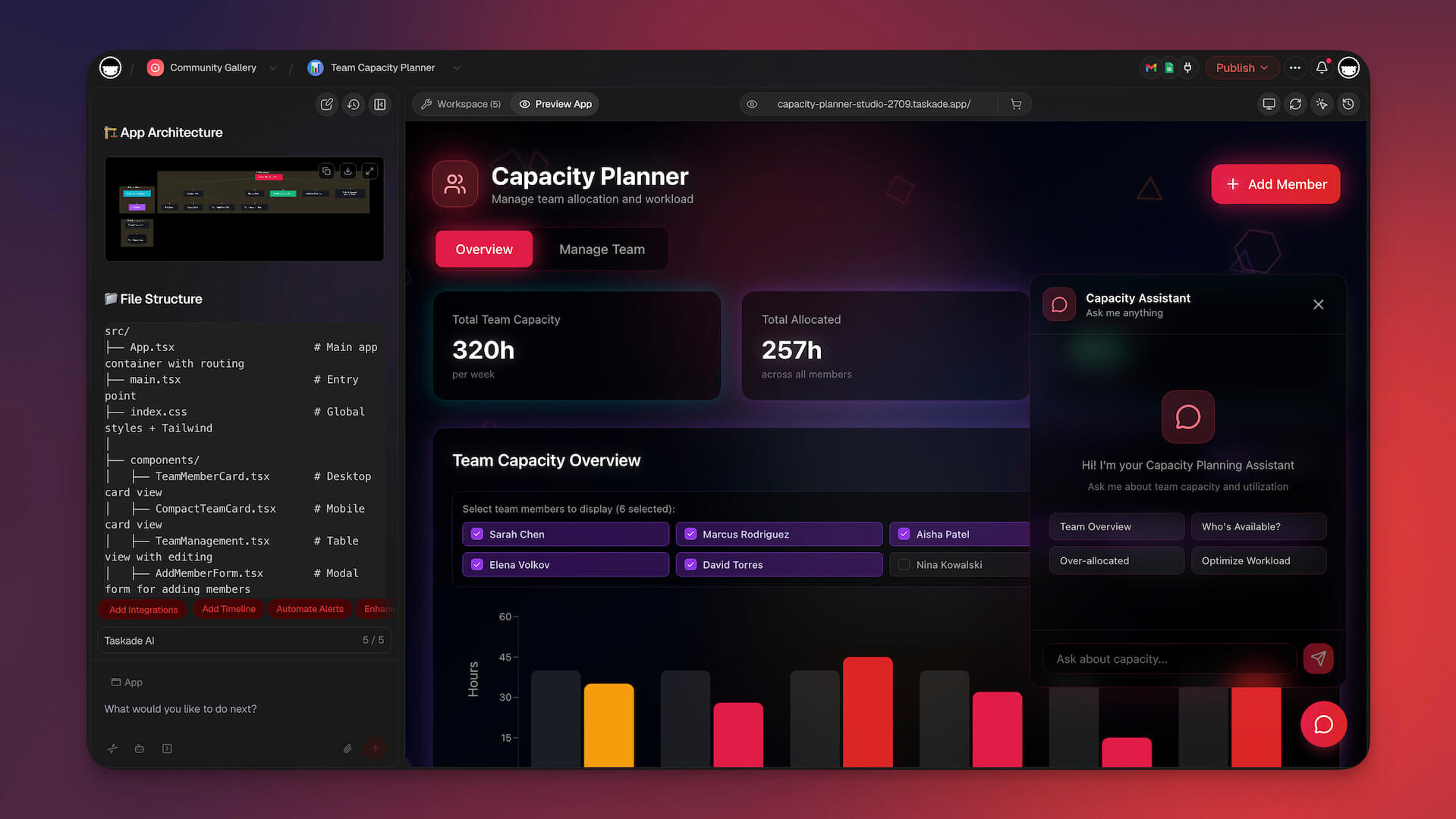
Taskade Genesis doesn't generate components or code. It creates living software -- complete, working applications with AI agents, automations, and real-time collaboration built in from the start. Where V0 gives you a React component to copy into a project, Genesis gives you a functioning business tool the moment you describe it.
This is the fundamental difference. V0 operates within a developer workflow: generate code, paste it, wire it up, deploy it. Genesis operates within an outcome-driven workflow: describe what you need and get a working app. No React knowledge required. No project setup. No deployment pipeline. The app works the moment it's created, and it keeps getting smarter as your team uses it.
Genesis is built on the Build Without Permission philosophy: anyone, regardless of technical background, should be able to describe a problem and get a working solution. Not code fragments. Not components. A complete, intelligent application with data, agents, automations, and collaboration.
Prompt-to-App: From Idea to Working Software
With Genesis, you describe what you need in plain English and receive a complete application. Not component files. Not code to paste. A live, interactive tool your team can use immediately.
Example prompts and what Genesis delivers (browse more in our prompt gallery):
| Prompt | What You Get |
|---|---|
| "Build a client onboarding portal with document uploads and progress tracking" | Full portal with file management, status workflows, and notifications |
| "Create a sales CRM with lead scoring and follow-up reminders" | Complete CRM with AI-scored leads, automated reminders, and pipeline views |
| "Build a content calendar for our marketing team" | Calendar view with content pipeline, assignments, and status tracking |
| "Create a team standup app that collects daily updates and summarizes them" | Standup form, AI-generated summaries, and team dashboard |
| "Build a customer support system with ticket routing and knowledge base" | Ticket management, AI triage, self-service KB, and analytics |
Where V0 generates a styled component for one piece of this puzzle, Genesis delivers the entire solution -- data, logic, intelligence, and interface -- in one prompt.
Living Software: Apps That Think and Evolve
V0 components are static. They do exactly what the code says until someone edits the code. Genesis apps are different. They're living software built on three pillars:
Memory (Your Workspace Data)
Every Genesis app runs on your Taskade workspace. Projects, documents, and team data become the app's backend. No external database required. No data migration. Your app already knows what your team knows.
Intelligence (AI Agents)
Genesis apps include AI agents trained on your specific data. These agents understand context, process information, and take autonomous action:
- Answer customer questions using your knowledge base
- Triage incoming requests and route them to the right team member
- Summarize meeting notes and extract action items
- Monitor data changes and flag anomalies
- Draft responses, reports, and updates in your team's voice
Execution (Automations)
Genesis apps connect to automations that run workflows across 100+ integrations. Triggers fire when conditions are met. Actions execute without manual intervention:
- New form submission sends a Slack notification and creates a project task
- Lead score crosses a threshold and triggers a follow-up email sequence
- Weekly report generates automatically every Monday at 9 AM
- Document upload triggers an AI review, summary, and team notification
Multiple Views: One App, Many Perspectives
V0 generates a single component. Genesis apps support multiple views of the same data:
| View | Best For |
|---|---|
| List | Task management, backlogs, to-dos |
| Board | Kanban workflows, pipelines, sprints |
| Calendar | Scheduling, content planning, deadlines |
| Table | Data-heavy views, CRM records, inventories |
| Mind Map | Brainstorming, planning, information architecture |
| Org Chart | Hierarchies, team structures, reporting lines |
| Chat | Real-time communication with AI agents |
Switch between views instantly. The same underlying data appears in whatever format makes sense for the task at hand.
Real-Time Collaboration: Built for Teams
V0 is a single-user tool. Genesis is built for teams from the ground up:
- Real-time editing with multiple cursors and presence indicators
- Built-in video calls for synchronous collaboration
- Comments and mentions for async feedback
- Role-based permissions to control who sees and edits what
- Shareable links to publish apps to anyone, inside or outside your organization
Workspace DNA: Apps That Get Smarter Over Time
As your team adds data, completes workflows, and trains agents on new knowledge, your Genesis apps improve. Build a CRM today, and the agents you train on customer data become available for the support portal you build tomorrow. Your workspace becomes an ecosystem of interconnected intelligence, not a collection of isolated code snippets.
👍 Taskade Genesis Pros
- Generates complete, working apps from natural language -- not code fragments
- Built-in AI agents trained on your data with autonomous action capabilities
- 100+ integrations with workflow automations and triggers
- Real-time collaboration with video calls, comments, and permissions
- Multiple views (List, Board, Table, Mind Map, Gantt Chart, Calendar, Timeline, Org Chart)
- 150,000+ community apps and templates ready to clone
- No coding knowledge required -- accessible to everyone on the team
👎 Taskade Genesis Cons
- Not designed for custom-coded applications or framework-specific output
- Apps live within the Taskade ecosystem rather than as standalone deployments
💵 Taskade Genesis Pricing
- 🟢 Free: Build up to 3 Taskade Genesis apps with core AI features
- 🟣 Pro ($10/month billed annually): Advanced AI agents, more storage, priority support
- 🟤 Business ($25/month billed annually): Team workspaces, SSO, admin controls
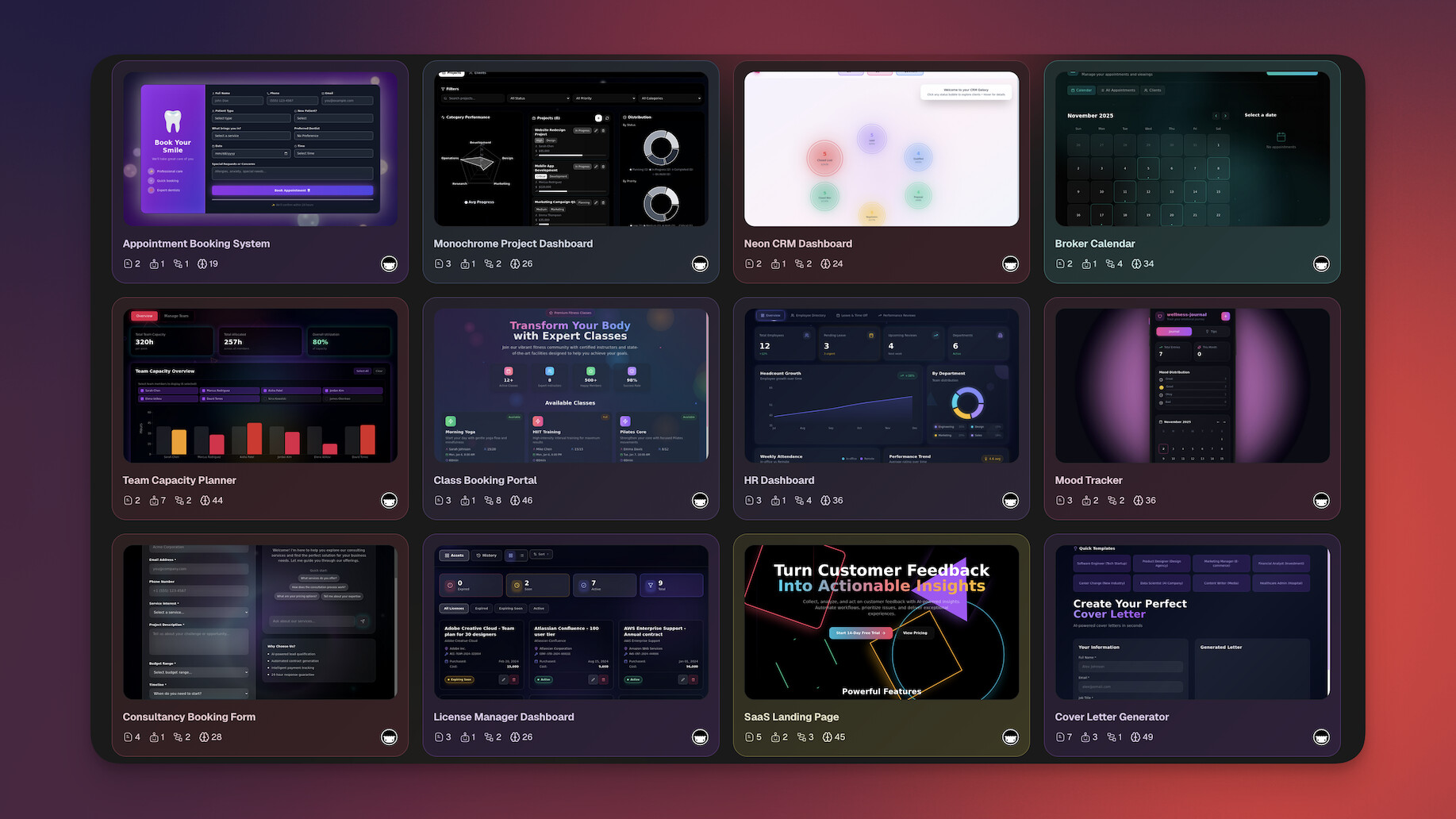
See Taskade Genesis in action:
Key links:
👉 See full Taskade vs V0 comparison →
#2 Bolt.new -- Best for Browser-Based Full-Stack Generation
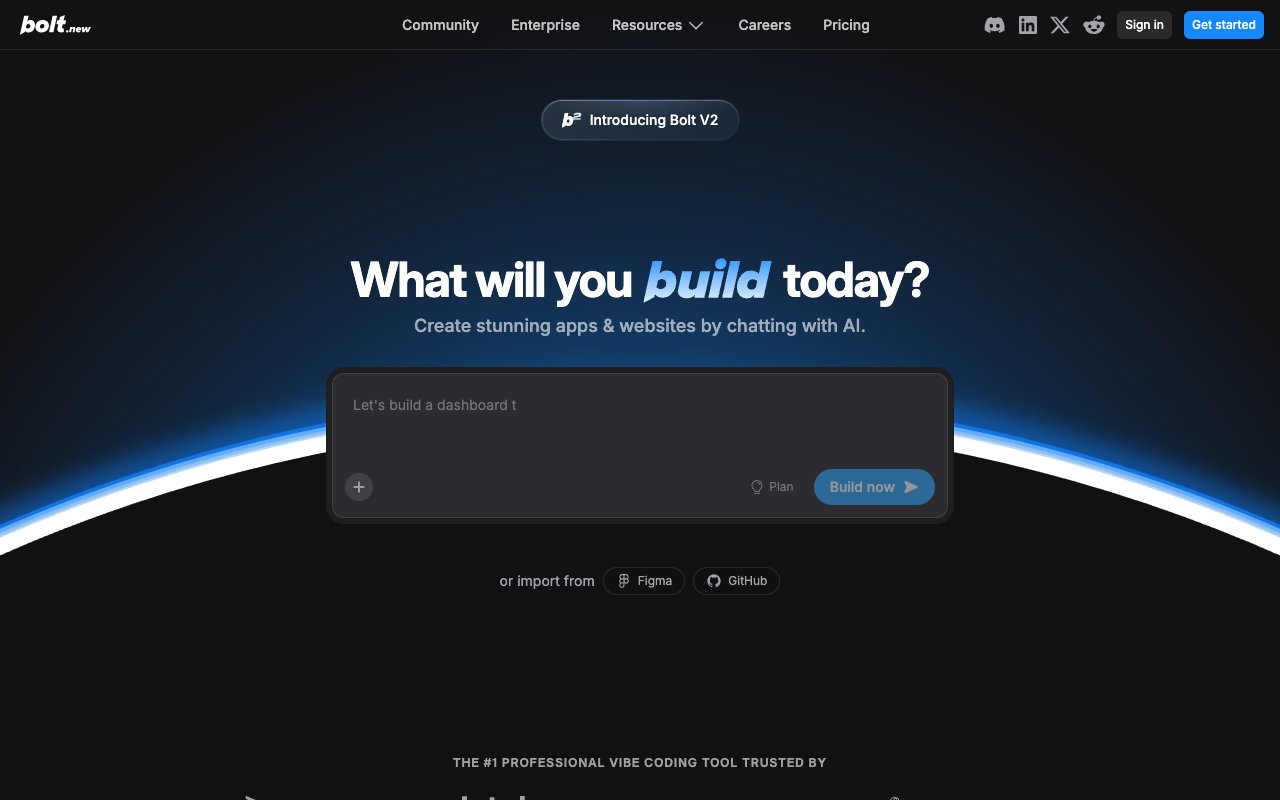
Bolt.new by StackBlitz pioneered browser-based AI app generation. Built on WebContainer technology, it runs a complete development environment inside your browser -- including a file system, terminal, and package manager. You describe an app in plain English, Bolt generates full-stack code in real time, and you can preview and iterate without leaving your tab.
Where V0 generates individual React components, Bolt generates entire applications with routing, multiple pages, and a project structure. The output is significantly more complete: you get a working app preview, not a component snippet. Bolt also supports multiple frameworks (React, Vue, Svelte) rather than being locked to React and shadcn/ui. For developers who want more than V0's component-level output but still want code they can own and deploy, Bolt fills that gap.
However, Bolt still produces code output that requires deployment and maintenance. There's no built-in backend, no database, no AI agents, and no team collaboration. Token limits can be frustrating on complex projects, and you're responsible for hosting, authentication, and everything beyond the generated frontend code.
👍 Bolt.new Pros
- Full application generation in the browser with live preview
- WebContainer technology eliminates local development setup
- Multi-framework support (React, Vue, Svelte, and more)
- Real-time code generation with file system and terminal access
- Portable code you can download, modify, and host anywhere
👎 Bolt.new Cons
- No built-in backend, database, or authentication layer
- Token limits can interrupt complex projects mid-generation
💵 Bolt.new Pricing
- 🟢 Free: Limited tokens for basic generation
- 🔵 Pro ($25/month): No daily token limit, 10M tokens/month, token rollover
👉 See full Taskade vs Bolt.new comparison →
#3 Lovable -- Best for Design-First AI App Building

Lovable (formerly GPT Engineer) generates full-stack React/TypeScript applications from natural language prompts with a strong emphasis on visual polish. It earned a reputation for producing some of the cleanest, most beautiful UI code in the AI app building space. The Supabase integration adds backend capabilities that V0 completely lacks, giving you database, authentication, and real-time data out of the box.
The design-forward approach makes Lovable particularly appealing for teams that care about aesthetics. Where V0 generates individual components with shadcn/ui styling, Lovable generates complete applications with cohesive design language, page layouts, navigation, and visual consistency across the entire project. The design-to-code workflow is more holistic -- you describe an app's look and behavior, and Lovable interprets both.
That said, Lovable's output is still code that needs deployment and ongoing maintenance. The Supabase integration helps with backend, but it's an additional service to configure and pay for separately. There are no AI agents, no automations, and collaboration is limited to GitHub export rather than real-time team editing. For teams that want polished UI code with less manual backend work than V0 requires, Lovable is a strong upgrade. For teams that want working software with no deployment friction, it still leaves gaps.
👍 Lovable Pros
- Generates exceptionally clean, polished React/TypeScript code
- Supabase integration adds backend, database, and auth capabilities
- Strong design interpretation from natural language prompts
- GitHub export for version control and team workflows
- Cohesive full-app design language, not just individual components
👎 Lovable Pros Cons
- Still requires deployment and hosting management
- Supabase backend is an additional service to configure and pay for
💵 Lovable Pricing
- 🟢 Free: Limited messages per day
- 🔵 Pro (from $25/month): More messages, faster generation, Supabase integration
👉 See full Taskade vs Lovable comparison →
#4 Cursor -- Best for AI-Assisted Code Editing

Cursor is an AI-native code editor built as a fork of VS Code. It brought codebase-aware AI assistance to the developer workflow with features like Cmd+K inline editing, Composer for multi-file changes, and chat that understands your entire project structure. For professional developers, Cursor is arguably the most capable AI coding companion available today.
Where V0 generates components in isolation with no knowledge of your project, Cursor operates inside your codebase and understands the full context. It can suggest changes that align with your existing architecture, naming conventions, and patterns. If you're building a React application and want AI to help you write components faster -- with awareness of your existing components, utilities, and data models -- Cursor provides what V0 can't: contextual intelligence within your project.
The tradeoff is that Cursor requires you to know how to code. It's a developer productivity tool, not an app builder. There's no prompt-to-app workflow, no built-in hosting, no database, and no AI agents for end users. If you're looking for a V0 alternative because you want to build apps faster without deep coding knowledge, Cursor moves in the opposite direction. It's best for developers who want to stay in code but want smarter AI assistance while doing it.
👍 Cursor Pros
- Deep codebase awareness for context-sensitive suggestions
- Cmd+K inline editing for rapid code modifications
- Composer mode for coordinated multi-file changes
- Tab completion trained on your project's patterns and conventions
- Chat interface for asking questions about your codebase
👎 Cursor Cons
- Requires strong coding knowledge -- not for non-developers
- No app generation, hosting, or deployment capabilities
💵 Cursor Pricing
- 🟢 Hobby (Free): Limited Agent requests, access to Composer
- 🔵 Pro ($20/month): Extended Agent limits, frontier models, cloud agents
👉 See full Taskade vs Cursor comparison →
#5 Windsurf -- Best for Agentic Multi-Step Coding
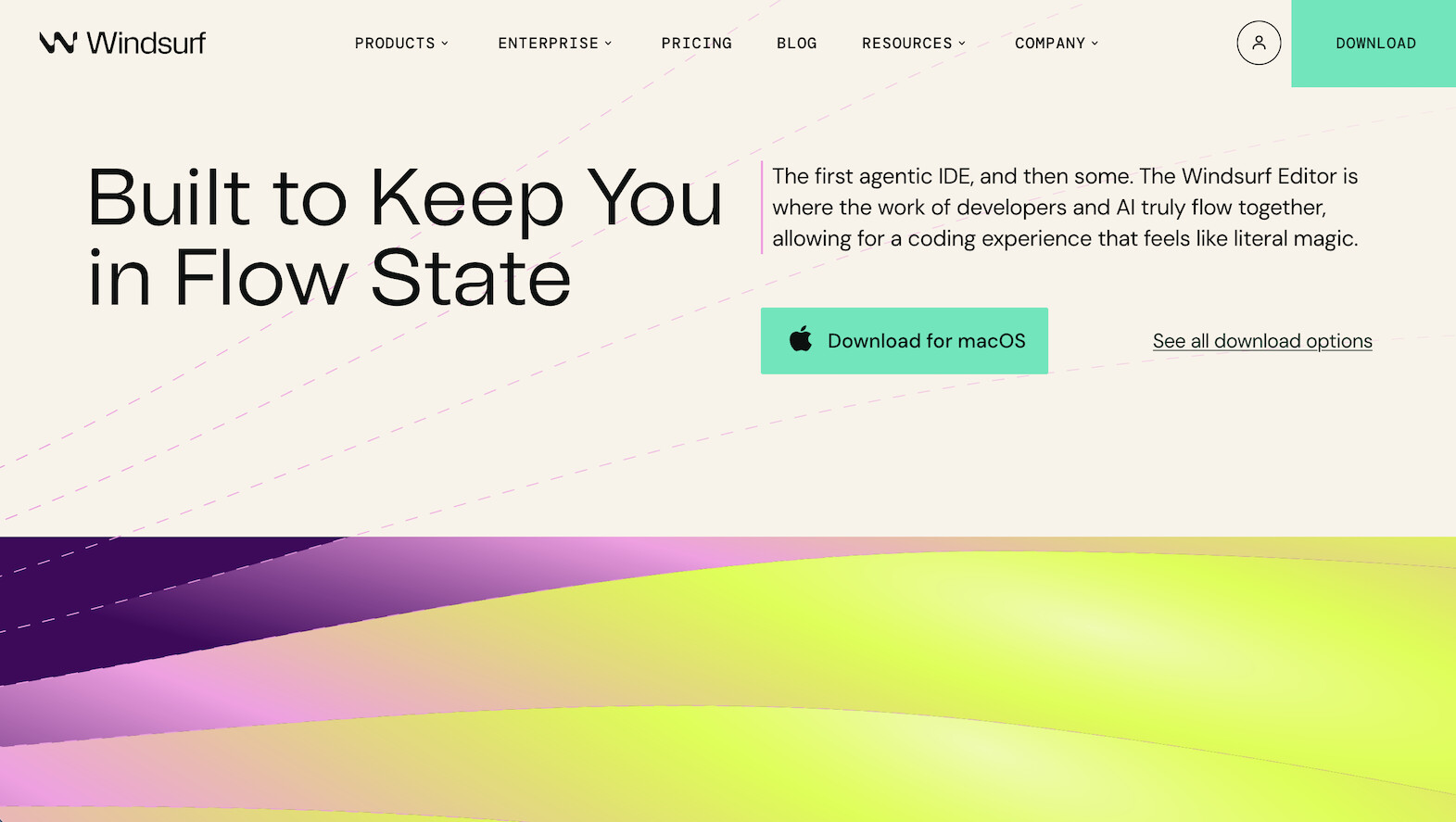
Windsurf (formerly Codeium) is an AI code editor that combines fast autocomplete with a unique "Cascade" feature -- a multi-step agent flow that reasons through complex coding tasks. Rather than single-shot completions, Cascade plans, executes, and validates changes across multiple files, making it feel more like working with an autonomous coding assistant than a traditional autocomplete tool.
The Cascade approach addresses a gap that both V0 and standard AI editors leave open: multi-step reasoning. When you ask V0 to generate a component, it's a one-shot process. When you ask Cascade to refactor a module, it plans the changes, identifies affected files, makes edits sequentially, and validates the results. This agentic behavior is powerful for developers tackling complex coding tasks that span multiple files and require planning.
At $15/month, Windsurf is also more affordable than both Cursor ($20/month) and V0's premium tier ($20/month). The VS Code compatibility means your extensions and keybindings transfer seamlessly. However, like Cursor, Windsurf is fundamentally a code editor for developers. It doesn't generate apps from prompts, doesn't include hosting or deployment, and doesn't offer AI agents or automations for end users.
👍 Windsurf Pros
- Cascade multi-step agent flow for complex coding tasks
- Fast, accurate autocomplete with strong codebase understanding
- Most affordable AI code editor at $15/month
- Full VS Code compatibility with extension support
- Good balance between automated actions and developer control
👎 Windsurf Cons
- Still requires coding knowledge -- developer-only tool
- No app generation, hosting, or built-in backend capabilities
💵 Windsurf Pricing
- 🟢 Free: Basic autocomplete and limited Cascade usage
- 🔵 Pro ($15/month): Full Cascade, advanced models, unlimited autocomplete
👉 See full Taskade vs Windsurf comparison →
#6 Replit -- Best for Cloud-Native Autonomous Building

Replit is a cloud-based development platform with an AI Agent that can generate full-stack applications autonomously. Unlike V0's component-only output, Replit's Agent mode produces complete applications with frontend, backend, database, and deployment -- all within a cloud IDE that includes a terminal, file system, package manager, and live preview.
The biggest advantage over V0 is scope. Replit generates complete, deployable applications with built-in hosting. You describe what you want, the Agent plans the architecture, generates the code, installs dependencies, sets up the database, and deploys the result. One-click deployment with always-on hosting means your app goes from prompt to production URL without leaving the platform. This end-to-end experience is dramatically more complete than V0's copy-paste component workflow.
Replit supports dozens of programming languages and frameworks, and its multiplayer feature enables real-time collaborative coding -- something V0 doesn't offer at all. However, Replit is still developer-oriented. The Agent produces code projects that you manage like traditional software. There are no built-in AI agents for end users, no workflow automations, and the hosting comes with resource limits that can constrain production apps. For developers who want AI-generated full-stack apps in the cloud, Replit is a major step up from V0. For non-technical users, the IDE-first approach adds complexity.
👍 Replit Pros
- Full-stack autonomous app generation with Agent mode
- Built-in hosting and one-click deployment to production
- Cloud IDE with terminal, file system, and live preview
- Multiplayer collaboration for real-time team coding
- Supports 50+ programming languages and frameworks
👎 Replit Cons
- Developer-oriented -- requires comfort with code and IDEs
- Hosting resource limits can constrain production applications
💵 Replit Pricing
- 🟢 Free: Basic features with limited compute resources
- 🔵 Core ($25/month): More AI, better compute, always-on hosting
👉 See full Taskade vs Replit comparison →
#7 Framer -- Best for Visual Website Design

Framer is a visual website builder that combines design freedom with AI-powered content generation. Where V0 outputs React code for developers to integrate, Framer lets you design, build, and publish complete websites visually -- with responsive layouts, animations, scroll effects, and a built-in CMS for dynamic content.
Framer occupies a different niche than V0. It's not a code generation tool; it's a visual design and publishing platform. You design in a Figma-like canvas, and Framer handles the responsive code, hosting, and performance optimization automatically. The AI features help generate page layouts, rewrite copy, and suggest design improvements. For teams that need a polished marketing site, portfolio, or landing page, Framer delivers a finished product rather than code that needs assembly.
The limitation is that Framer is a website builder, not an app builder. It excels at static and content-driven sites but doesn't handle complex application logic, databases beyond its CMS, user authentication, or backend workflows. If you need a beautiful website published quickly, Framer is excellent. If you need a web application with business logic and data processing, you'll need something else.
👍 Framer Pros
- Visual canvas design with Figma-like interface and flexibility
- Built-in responsive design, animations, and scroll effects
- CMS for dynamic, content-driven websites
- Built-in hosting with custom domain support and SSL
- AI-powered layout generation and copy writing assistance
👎 Framer Cons
- Website builder only -- not for web applications with complex logic
- No backend, database (beyond CMS), or user authentication
💵 Framer Pricing
- 🟢 Free: Basic site with Framer subdomain
- 🔵 Mini ($5/month): Custom domain, basic features
- 🟣 Basic ($15/month): CMS, more pages, analytics
👉 See full Taskade vs Framer comparison →
#8 Webflow -- Best for Professional No-Code Websites
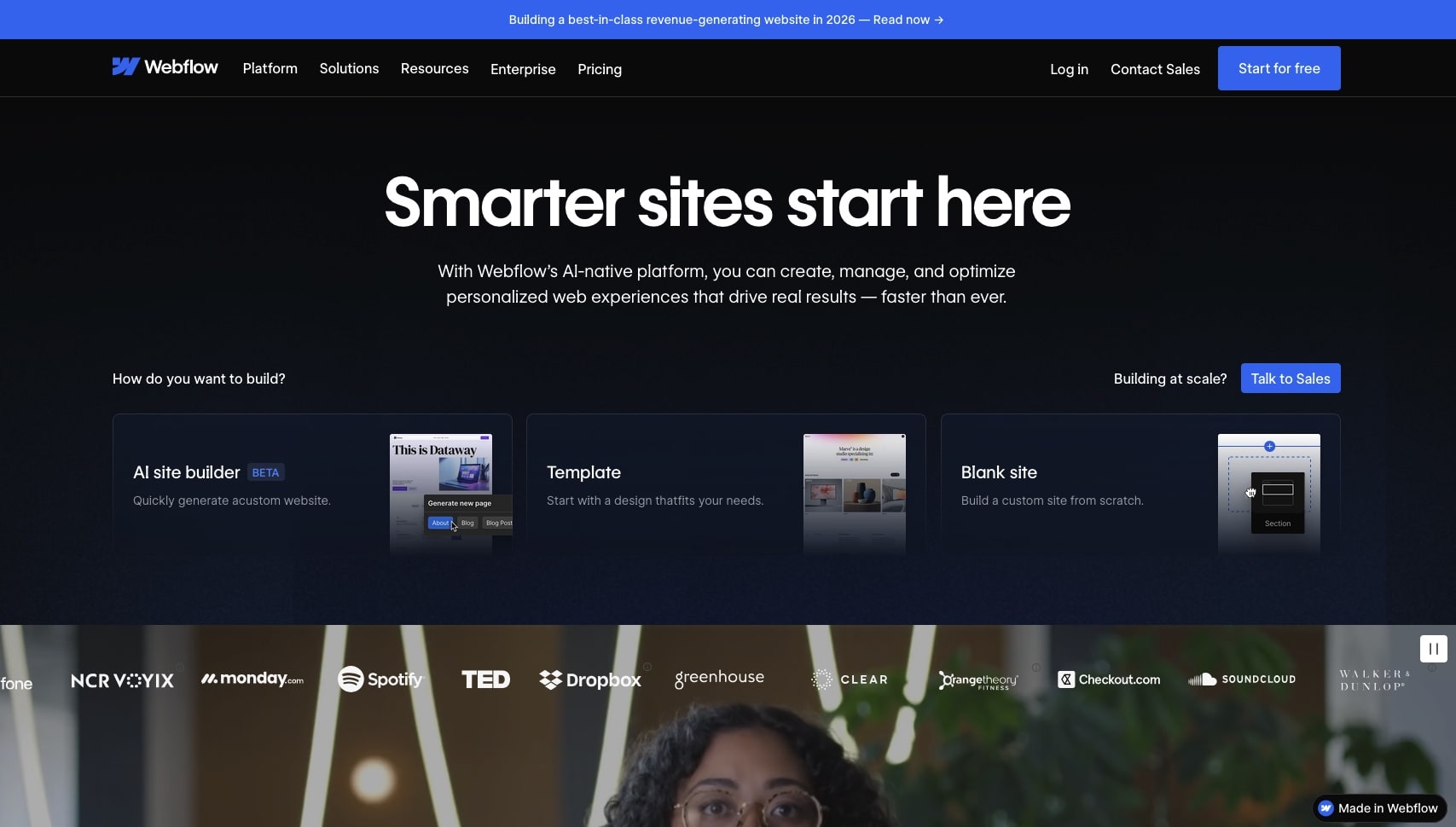
Webflow is a professional-grade visual development platform that generates clean, semantic HTML/CSS from a visual editor. It's the industry standard for no-code website building, offering fine-grained control over responsive design, animations, interactions, CMS collections, and ecommerce -- all without writing code.
Webflow and V0 solve fundamentally different problems. V0 generates React component code for developers. Webflow generates complete, hosted websites for designers and marketers. The visual editor gives you pixel-level control over layout while outputting production-quality code. The CMS handles dynamic content with custom collections, filtering, and pagination. Ecommerce support makes it viable for online stores. And hosting is built in with global CDN, SSL, and automatic optimization.
Where Webflow falls short is in application building. Like Framer, it's a website platform, not an app platform. Complex business logic, user-specific data, real-time features, and AI capabilities are outside its scope. The learning curve is also steeper than many alternatives -- Webflow's power comes with complexity. For professional websites with sophisticated design requirements, Webflow is hard to beat. For applications, you'll need to look elsewhere.
👍 Webflow Pros
- Professional-grade visual editor with pixel-level layout control
- Built-in CMS with custom collections, filtering, and dynamic content
- Ecommerce capabilities for online stores
- Clean HTML/CSS output with responsive design
- Built-in hosting with global CDN and automatic optimization
👎 Webflow Cons
- Steep learning curve compared to simpler builders
- Website platform only -- not designed for web applications
💵 Webflow Pricing
- 🟢 Free: Basic site with Webflow subdomain and limited features
- 🔵 Basic ($14/month): Custom domain, 150 pages, CMS access
👉 See full Taskade vs Webflow comparison →
#9 Figma AI -- Best for Design-to-Code Workflows
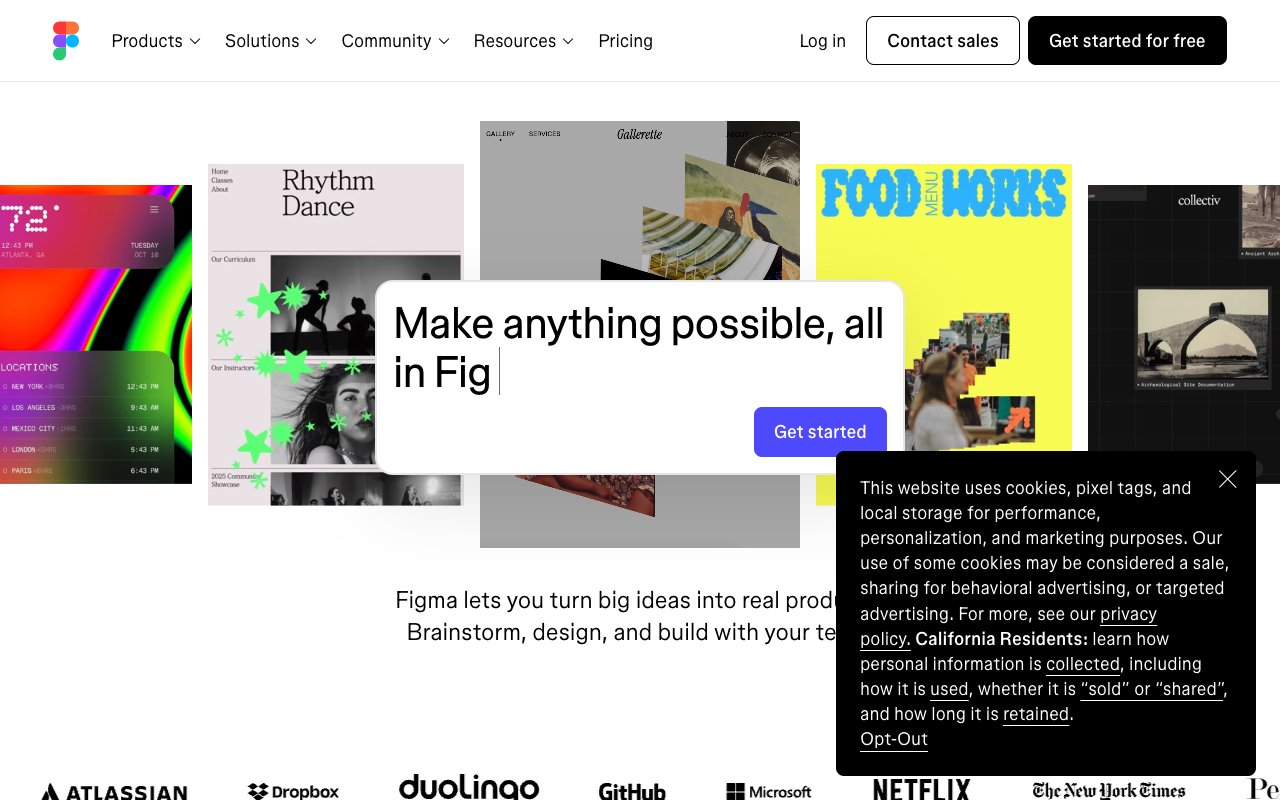
Figma AI brings artificial intelligence directly into the design tool that millions of teams already use. With features like AI-powered auto layout, component generation, copy writing, and design suggestions, Figma AI transforms the design-to-development handoff. Dev Mode translates designs into code specifications that developers can implement, and AI features help designers work faster within their existing workflow.
The comparison with V0 is interesting because they attack the same problem from opposite directions. V0 takes text descriptions and generates UI code. Figma AI takes visual designs and generates specifications, assets, and increasingly, code. For teams that start with design (which is most product teams), Figma AI preserves the visual-first workflow while adding AI acceleration. You design in Figma's familiar canvas, and AI helps with layouts, copy, component suggestions, and developer handoff.
The limitation is that Figma AI is still primarily a design tool. It doesn't generate running applications. The output is design files, specifications, and code snippets -- not deployed software. You still need developers to translate Figma designs into working applications. The AI features enhance the design process but don't replace the development process. For design teams that want AI-enhanced workflows within Figma, it's powerful. For anyone who wants to skip from idea to working app, Figma AI is only one piece of the puzzle.
👍 Figma AI Pros
- AI features integrated into the industry-standard design tool
- Auto layout and component generation accelerate design work
- Dev Mode bridges the design-to-development handoff gap
- Real-time collaboration with team editing and commenting
- Massive plugin ecosystem and community resources
👎 Figma AI Cons
- Design tool, not an app builder -- doesn't produce running software
- Still requires developers to implement designs as working code
💵 Figma AI Pricing
- 🟢 Free: Limited to 3 files with basic features
- 🔵 Professional ($12/month per editor): Unlimited files, advanced AI, Dev Mode
👉 See full Taskade vs Figma AI comparison →
#10 Gamma -- Best for AI Presentation & Page Generation
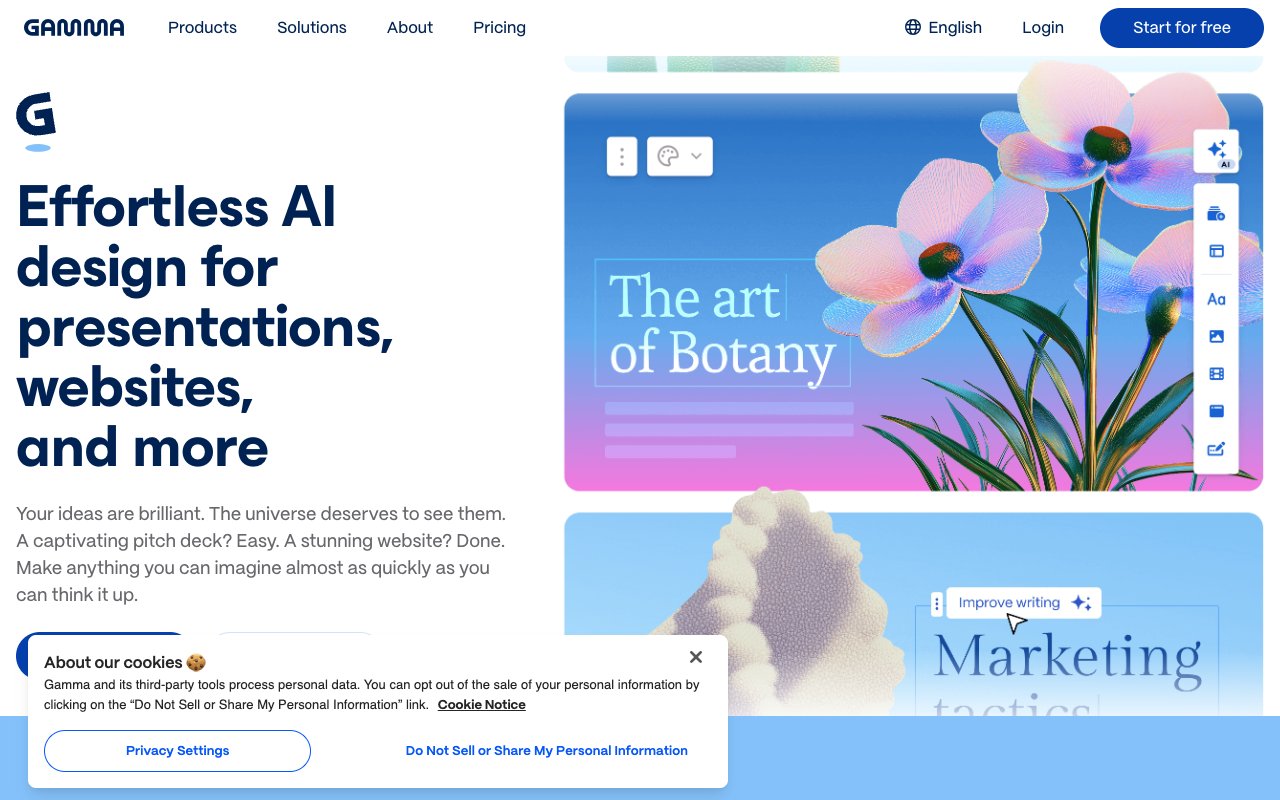
Gamma is an AI-powered platform that generates presentations, documents, and webpages from text prompts. Where V0 generates code components, Gamma generates beautifully designed content pages with layouts, images, charts, and interactive elements. It's designed for knowledge workers who need to communicate ideas visually without learning design tools or writing code.
Gamma's approach is radically different from V0's. Instead of targeting developers, Gamma targets anyone who needs to present information. You describe your topic, Gamma generates a complete presentation or webpage with professional design, logical flow, and relevant visuals. The output is polished and shareable immediately -- no coding, no design skills, no deployment required. For sales decks, project updates, proposals, and internal documentation, Gamma turns hours of PowerPoint work into minutes of AI generation.
The trade-off is scope. Gamma creates content pages and presentations, not applications. There's no database, no user input handling, no business logic, and no AI agents. It's a content creation tool, not a software building tool. For teams that need quick, beautiful presentations and informational pages, Gamma is exceptional. For teams that need interactive applications with data and logic, Gamma solves a different problem than the other tools on this list.
👍 Gamma Pros
- AI-generated presentations, documents, and webpages from prompts
- Beautiful templates with professional design and layout
- Interactive elements including charts, embeds, and media
- Instant sharing with no deployment or hosting setup required
- Accessible to anyone -- no design or coding skills needed
👎 Gamma Cons
- Content pages and presentations only -- not an app builder
- No database, business logic, or interactive application features
💵 Gamma Pricing
- 🟢 Free: Basic features with Gamma branding and limited AI credits
- 🔵 Plus ($10/month): More AI credits, custom branding, analytics
👉 See full Taskade vs Gamma comparison →
📊 Taskade Genesis vs V0: Head-to-Head Comparison
| Feature | V0 by Vercel | Taskade Genesis |
|---|---|---|
| Input | Text prompt or image upload | Natural language prompt |
| Output | React component code (copy/paste) | Live working app |
| Scope | Individual UI components | Complete applications |
| Framework | React + shadcn/ui only | Framework-free (no code) |
| Backend | ❌ None | ✅ Workspace is the backend |
| Database | ❌ None | ✅ Built into projects |
| AI Agents | ❌ | ✅ Train on your data |
| Automations | ❌ | ✅ 100+ integrations |
| Collaboration | ❌ Single-player | ✅ Real-time multiplayer + video calls |
| Hosting | ❌ Copy code to your project | ✅ Instant sharing and publishing |
| Multiple views | ❌ Code output only | ✅ List, Board, Table, Mind Map, Gantt Chart, Calendar, Timeline, Org Chart |
| Video calls | ❌ | ✅ Built-in |
| Living Software | ❌ Static code | ✅ Apps that evolve |
| Community | Component examples | ✅ 150,000+ apps and templates |
| Target user | Frontend developers | Anyone |
| Coding required | ✅ Must know React | ❌ No coding needed |
| Free tier | 200 credits/month | ✅ 3 Taskade Genesis apps |
| Paid pricing | $20/month | $10/month billed annually |
The total cost comparison:
| Cost Category | V0 by Vercel | Taskade Genesis |
|---|---|---|
| Platform subscription | $20/month | Free to start, $10/month billed annually |
| App framework + setup | Your time | ✅ Included |
| Backend (Supabase, Firebase) | $0-25/month | ✅ Included |
| Hosting (Vercel, Netlify) | $0-20/month | ✅ Included |
| Authentication service | $0-15/month | ✅ Included |
| AI agent infrastructure | $20-100/month | ✅ Included |
| Total monthly cost | $40-180/month | Free to start, $10/month billed annually |
V0 generates one piece of the puzzle -- UI components. Everything else (backend, database, hosting, auth, AI, automations) is on you. Genesis includes everything in one platform at a fraction of the cost.
🥇 Final Verdict: Which V0 Alternative Is Right for You?
| If You Are... | Best Choice | Why |
|---|---|---|
| Non-developer who needs working apps | Taskade Genesis | No code, instant apps with AI agents |
| Developer who needs full apps, not components | Bolt.new or Lovable | Full-stack code generation beyond components |
| Developer who wants AI in their editor | Cursor or Windsurf | Codebase-aware AI assistance |
| Developer who needs cloud IDE + hosting | Replit | Full-stack with built-in deployment |
| Designer who needs a polished website | Framer or Webflow | Visual builders with hosting |
| Designer who wants AI in Figma | Figma AI | AI-enhanced design workflow |
| Knowledge worker who needs presentations | Gamma | AI-generated content pages |
| Team that needs collaboration + AI | Taskade Genesis | Real-time editing, agents, automations |
| Founder building an MVP fast | Taskade Genesis | Working app in minutes, not weeks |
| Budget-conscious team | **Taskade Genesis $10/mo unlimited apps |
Our recommendation: If you've been using V0 to generate UI components and want to move to building complete, intelligent applications without managing code, deployment, or infrastructure, Taskade Genesis is the clear choice. It replaces not just V0 but the entire stack of tools you need around V0 to get from component to working product.
For developers who want to stay in code but need more than V0's component output, Bolt.new (full-app generation), Lovable (design-first apps), or Cursor (AI-assisted editing) each solve specific gaps. For website projects, Framer and Webflow deliver polished results without code.
❓ Frequently Asked Questions
Is V0 free to use?
V0 offers a free tier with 200 credits per month. Each component generation uses credits, so you'll hit the limit quickly with active use. The Premium plan at $20/month provides 5,000 credits and faster generation. Taskade Genesis offers a free tier with 3 apps included, and unlimited apps on Pro at $10/month billed annually, making it more accessible for teams that build frequently.
Can V0 build full applications?
No. V0 generates individual React components, not complete applications. You get component code using shadcn/ui and Tailwind CSS that you copy into your project. Building a full application requires your own project setup, routing, state management, backend, database, authentication, and deployment. Alternatives like Bolt.new, Lovable, Replit, and Taskade Genesis generate more complete outputs.
What is the best V0 alternative for non-developers?
Taskade Genesis is the best V0 alternative for non-developers. V0 requires React knowledge to use its output. Genesis requires only a natural language description of what you want. You get a working app immediately without understanding code, frameworks, or deployment. Gamma is also excellent for non-developers who specifically need presentations and content pages.
How does V0 compare to Bolt.new?
V0 generates React components. Bolt.new generates complete applications. V0 gives you a styled button or card that you paste into a project. Bolt gives you an entire app with routing, multiple pages, and a project structure. However, both still produce code output that needs deployment. Neither includes AI agents, automations, or built-in hosting for the final product.
Do I need to know React to use V0?
Yes. V0's output is React component code using shadcn/ui and Tailwind CSS. To use the generated code, you need to understand React, JSX, component props, imports, and how to integrate components into a Next.js or React project. If you don't know React, alternatives like Taskade Genesis, Framer, Webflow, or Gamma let you build without coding knowledge.
Which V0 alternative is cheapest?
**Taskade Genesis $10/mo unlimited apps includes advanced AI agents, automations, and team features. Compare that to V0's $20/month for component generation alone -- without hosting, backend, or database. Gamma ($10/month), Figma ($12/month), and Webflow ($14/month) are also affordable for their respective use cases.
🚀 Start Building with Taskade Genesis
V0 showed what's possible when AI generates UI components from natural language. But the future of building goes beyond component generation. It's about creating software that works immediately, collaborates with your team, thinks with AI agents, and evolves as your needs change.
Taskade Genesis represents that next step. No code to write. No components to assemble. No infrastructure to manage. No deployment to configure. Describe what you need and get a working, intelligent application.
Ready to build apps that work the moment you describe them?
👉 Build your first app with Genesis -- Describe it in plain English and get a working app in minutes.
👉 Explore AI Agents -- Train agents on your data and embed them in your apps.
👉 Browse the Community -- Clone from 150,000+ apps, templates, and workflows.
👉 Explore the Gallery -- See what others have built with Genesis.
👉 Sign up free -- No credit card required.
📚 Related Reading
- Best Free AI App Builders in 2026 — 15 tested, no credit card
- Best Bolt.new Alternatives
- Best Lovable Alternatives
- Best Cursor Alternatives
- Best Vibe Coding Tools
- What Is Vibe Coding?
- Best Windsurf Alternatives
- Taskade vs v0 — Side-by-side comparison
- Taskade vs Bolt — AI app builders compared
- Taskade vs Lovable — App builders compared
Start building:
- Clone a ready-made app template — Customize and deploy instantly
- AI App Builder — Build complete apps from one prompt
- Browse Community Apps — Clone real Genesis apps