






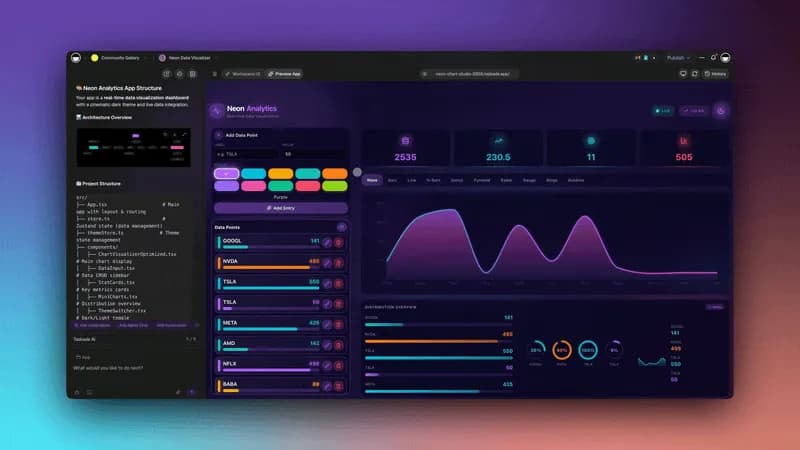
Hey there 👋
Your Taskade Genesis apps are live. Teams are now running internal tools, dashboards, forms, portals, and agent-driven workflows inside Taskade. For many, it's quietly become their business-in-a-box.
TL;DR: Taskade Genesis apps now include built-in analytics, custom domains, encrypted fields, and 100+ integrations including Stripe. Track app performance, brand your apps, and connect your entire tool stack — no code required. Try it free →
This update focuses on what happens after you launch. You can now see how your apps are used, run them on your own domain, connect them to external tools, and manage data, files, agents, and automation in one place.
Here's what's new 👇
📊 Introducing App Analytics
Every app now includes built-in analytics. No setup. No code. Just publish your app and see the data live in real-time. Learn more.
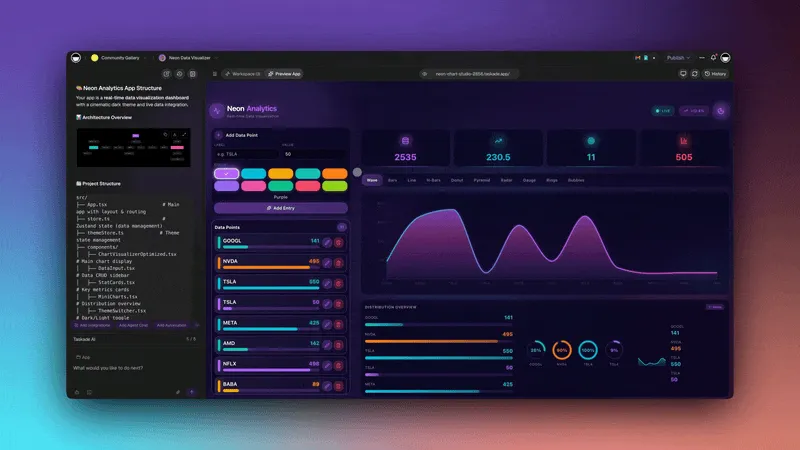
Live visitors and active users
Page views and usage patterns
Which pages get ignored vs. used
Where users come from (country, device, browser)
Analytics replace guesswork with real signals so you can quickly grow your app.
👉 How to use: Open a published app » Click Analytics in App Settings
🌐 Buy Custom Domains
Run and host apps on your own custom domain. Buy it directly in Taskade or connect one you already own. DNS and SSL setup are automatic. Learn more.
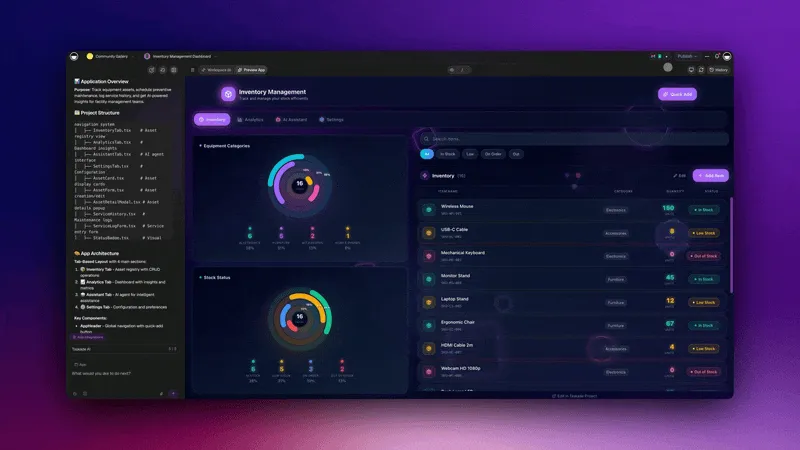
One-click domain purchase inside Taskade
Automatic DNS configuration
Free SSL certificate (https://)
Works with existing domains too
Custom domains can build trust, improve quick sharing and SEO.
👉 How to use: Publish your app > Click Custom Domain > Buy Domain
🔐 Store Encrypted Fields (Coming Soon)
Sensitive data has a proper place. Use encrypted fields to store credentials, tokens, and other private values. Masked by default and managed in Table view. Learn more.
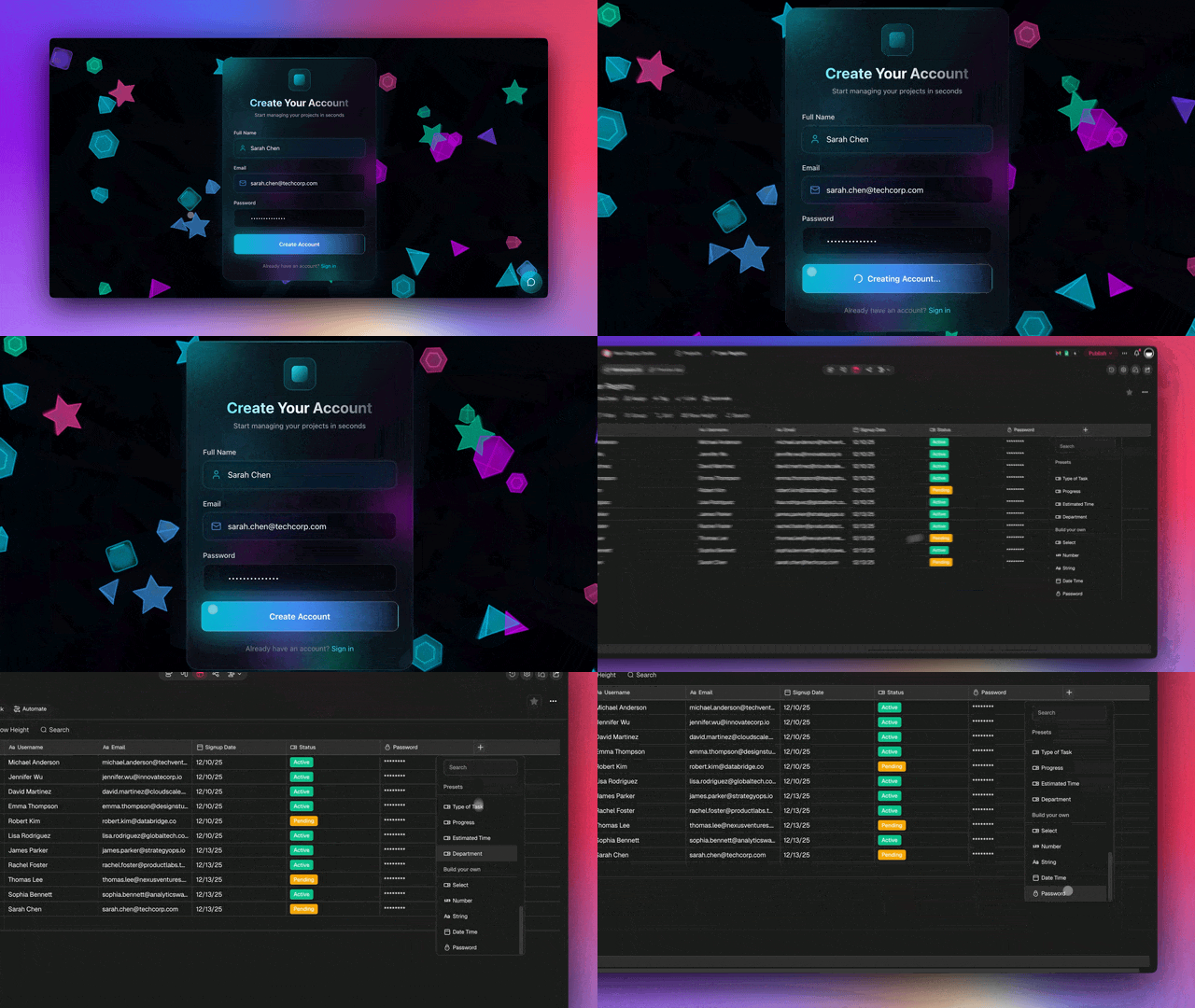
Easy setup and management in Table view
Encrypted storage with masked display
Works across your entire workspace
👉 How to use: Open a project » select Table View » Add Custom Field
📁 Manage Media Files
Files from your apps, projects, agents, and automations now lives in one Media tab. Docs, images, videos, and web links with preview, download, and Ask AI. Learn more.
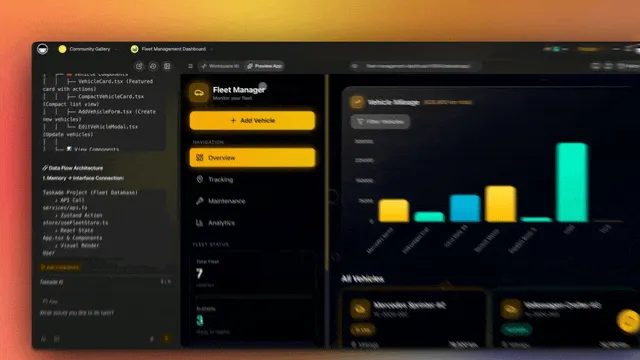
Browse app and workspace files and Ask AI
Preview links, images, videos, and PDFs inline
Download, edit, and manage files with one click
👉 How to use: Workspace » Media in the sidebar » Browse and download files
💳 Connect 100+ Integrations
Your apps now connect directly to Stripe and 100+ integrations including Gmail, Slack, Google Sheets, and more — all inside Taskade's native automation engine. Learn more.
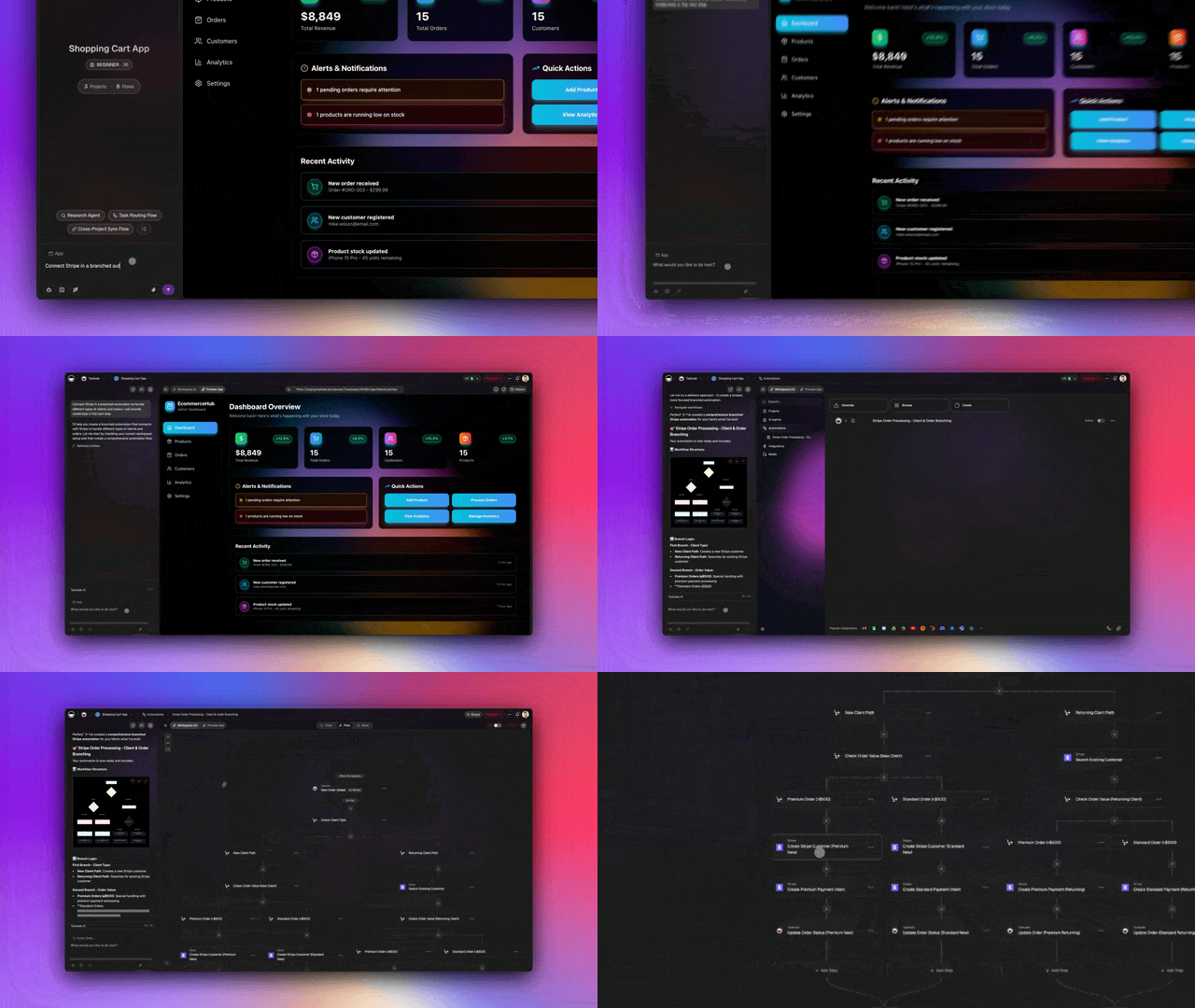
Trigger workflows on payments, submissions, schedules, and more
Ask AI agents mid-workflow to categorize, summarize, or decide
Branch logic based on conditions (if / else paths)
Loop through lists, rows, or records
Schedule and delay workflows on repeat
Filter and transform data before it moves
Search web pages and transcribe YouTube videos
Sync your app and workspace across 100+ built-in integrations
Your app is always running in the background. Workflows can trigger actions. Data stays in sync. Everything keeps running while you sleep.
👉 How to use: Open a flow » Add Stripe action/trigger » Connect Stripe account.
🧩 Other Improvements
-
- New: Analytics Dashboard — Track app performance with real-time visitor data, page views, and user behavior
- New: Domain Purchase — Buy domains directly in Taskade with automatic DNS and SSL setup
- New: Password Fields — Secure credential storage in table views with encryption
- New: Media Page — Centralized file management with preview and download
- New: Stripe Integration — Full payment processing automation in workflows
- Improved app loading and preview performance
- Better mobile responsiveness for published apps
- Enhanced SEO and indexing for public apps
-
- Encrypted field type for secure credential storage (coming soon)
- Improved table view with better field management
- Enhanced data validation and security
-
- New: Stripe Integration — Complete payment processing automation
- Better webhook handling and retry logic
- Improved error messages and debugging
-
- New: Dedicated Media Page — Centralized file management
- Improved file organization and search
- Better media preview and download experience
-
- New: Stripe Integration — Payment processing, subscriptions, invoices
- Enhanced domain management APIs
- Improved integration reliability
Improved security, stability, and overall speed
Various bug fixes and optimizations
Check all updates on the Product Changelog.
🚀 Join the Community
Discover fully connected apps and templates. Clone, remix, and build your own tools, public forms, client portals, dashboards, and more. See how others build forms, dashboards, and portals.
Browse app templates: Community Gallery
Connect and learn: Forum » Reddit » FB Group » Changelog » Tutorials
Your Apps, Fully Connected
Every other AI app builder gives you a shell. Taskade gives you a living system that thinks:
Built-in chat (AI Agents)
Built-in database (Projects)
100+ integrations (Automations)
Analytics. Branding. Security. No code. No setup. Just creation.
Everything you need, connected from the start. Memory, intelligence, execution, and storage, all built-in. Your workspace is the system behind every app you create. Download Taskade on any device.
Start building and exploring now
This is the origin of living software
— John Xie, Co-founder & CEO, Taskade
Frequently Asked Questions
Does Taskade Genesis support custom domains?
Yes. You can connect your own custom domain to any published Genesis app, giving it a professional, branded URL. Custom domains work with SSL certificates for secure access and help your apps look like standalone products rather than hosted pages.
What analytics does Taskade Genesis provide?
Genesis apps include built-in analytics tracking page views, unique visitors, user interactions, form submissions, and session duration. The analytics dashboard provides visual charts and trends so you can understand how your apps are being used and make data-driven improvements.
Is Taskade Genesis secure?
Yes. Taskade provides enterprise-grade security including end-to-end encryption, password protection for published apps, role-based access control from Owner to Viewer, SOC 2 compliance, and custom domain SSL. You control who can view, edit, and interact with your Genesis apps.
Can I password-protect my Genesis apps?
Yes. You can add password protection to any published Genesis app, allowing only authorized users to access it. This is ideal for client portals, internal tools, and premium content. Combined with custom domains and visibility settings (Private, Secret, Public), you have full control over app access.