






Hey there 👋
The details matter.
Smooth animations. Better collaboration. Cleaner interfaces.
Every interaction should feel effortless. Every feature should work beautifully.
That's what this update delivers.
TL;DR: This update brings 60 FPS animated integration hubs, author attribution on public apps, a redesigned media tab, improved mobile responsiveness, and drag-and-drop page management — refining every interaction across Taskade Genesis for a polished, professional experience. Try it free →
⚡ Integration Hub with 60 FPS Animations
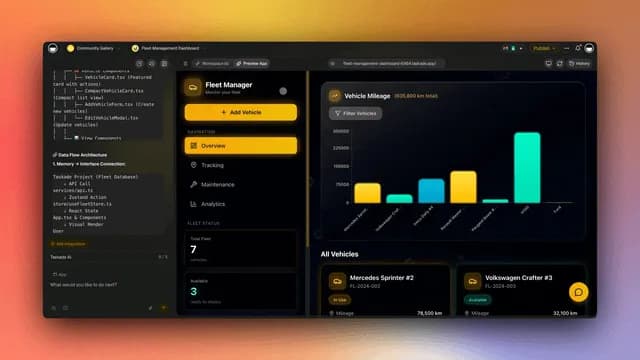
See all your connected integrations at a glance. The new Integration Hub in app headers shows your workspace integrations with buttery-smooth 60 FPS animations.
What you get:
- Beautiful animated integration panel
- Shows 3 main integrations, expands to 6+ on hover
- Visual connection status indicators
- One-click integration setup
- Smooth, professional animations
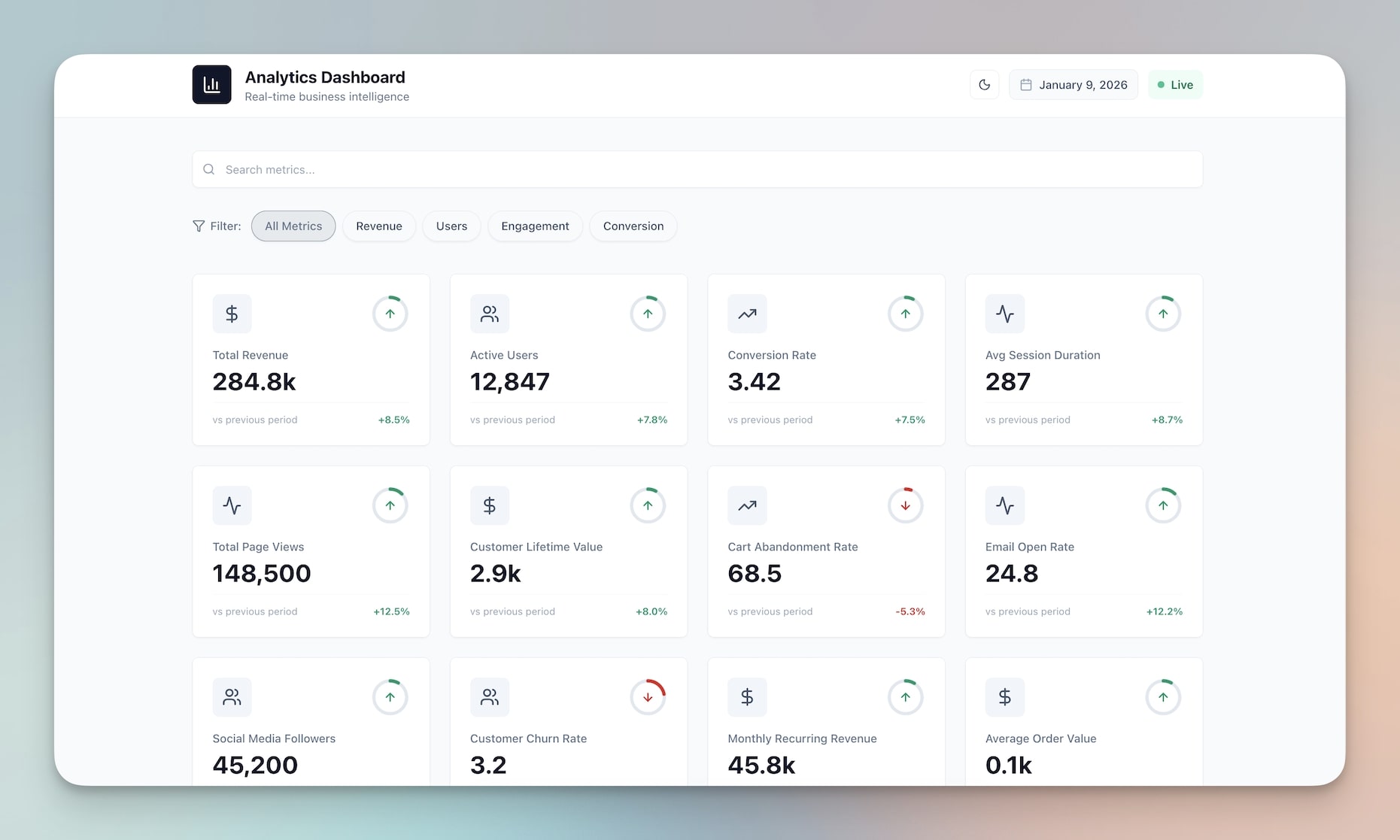
🌟 Example: A Dashboard App where you can see all connected services—Stripe, Slack, Google Calendar—at a glance with beautiful animations.
👉 How to use: View integrations in app header → Hover to see more → Click to manage connections
👤 Author Attribution in Public Apps
Public apps now prominently display the creator's name. Build your reputation as an app builder, get credit for your work, and help users discover more apps from creators they trust.
What you get:
- Creator name in app header
- Links to creator's community profile
- Professional attribution
- Community recognition
- Better app discovery
🌟 Example: A Finance Tracker that shows "by John Doe" in the header, helping users discover more apps from trusted creators.

👉 How to use: Publish any app as Public → Author name appears automatically → Viewers see creator attribution
🎯 Real-Time App Navigation Tracking
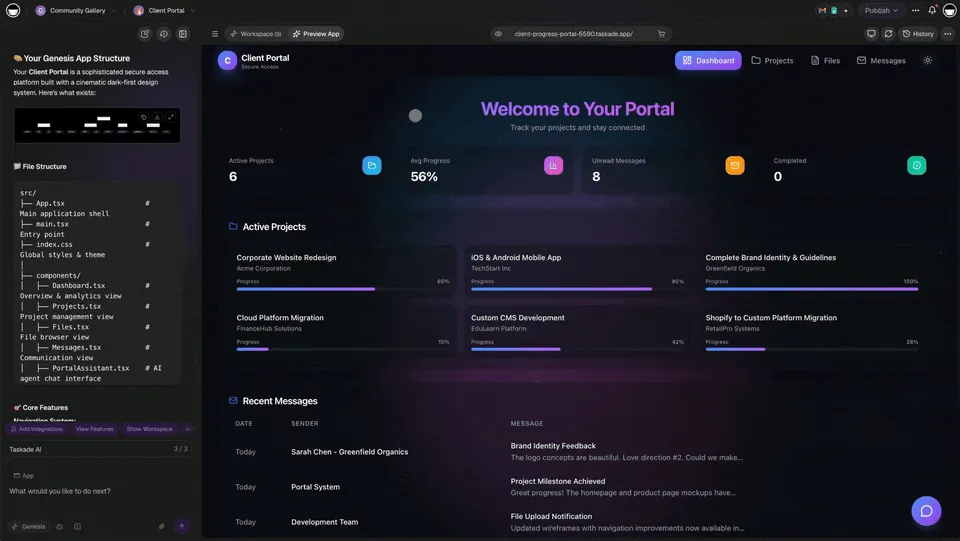
See exactly how users navigate through your apps. The preview URL bar updates in real-time as you move through your app, showing current routes and paths.
What you get:
- Real-time route tracking in preview
- Current path displayed in URL bar
- Navigation debugging tools
- User journey insights
- Better app understanding
🌟 Example: A Client Portal where you can see exactly which routes users take, helping you optimize navigation flow.
👉 How to use: Open app preview → Navigate through app → Watch URL bar update in real-time
🎛️ Flow Controls UI
New flow controls UI component for automation workflows. Better controls for enabling/disabling flows and managing workflow state.
What you get:
- Clearer workflow controls
- Better visual feedback
- Improved error display
- Quick share integration
- Professional interface
🌟 Example: An automation workflow with clearer controls, making it easier to manage complex workflows.

👉 How to use: Open any Automation → See improved Flow Controls → Manage workflows more easily
👁️ Preview Tab for Shared Subspaces
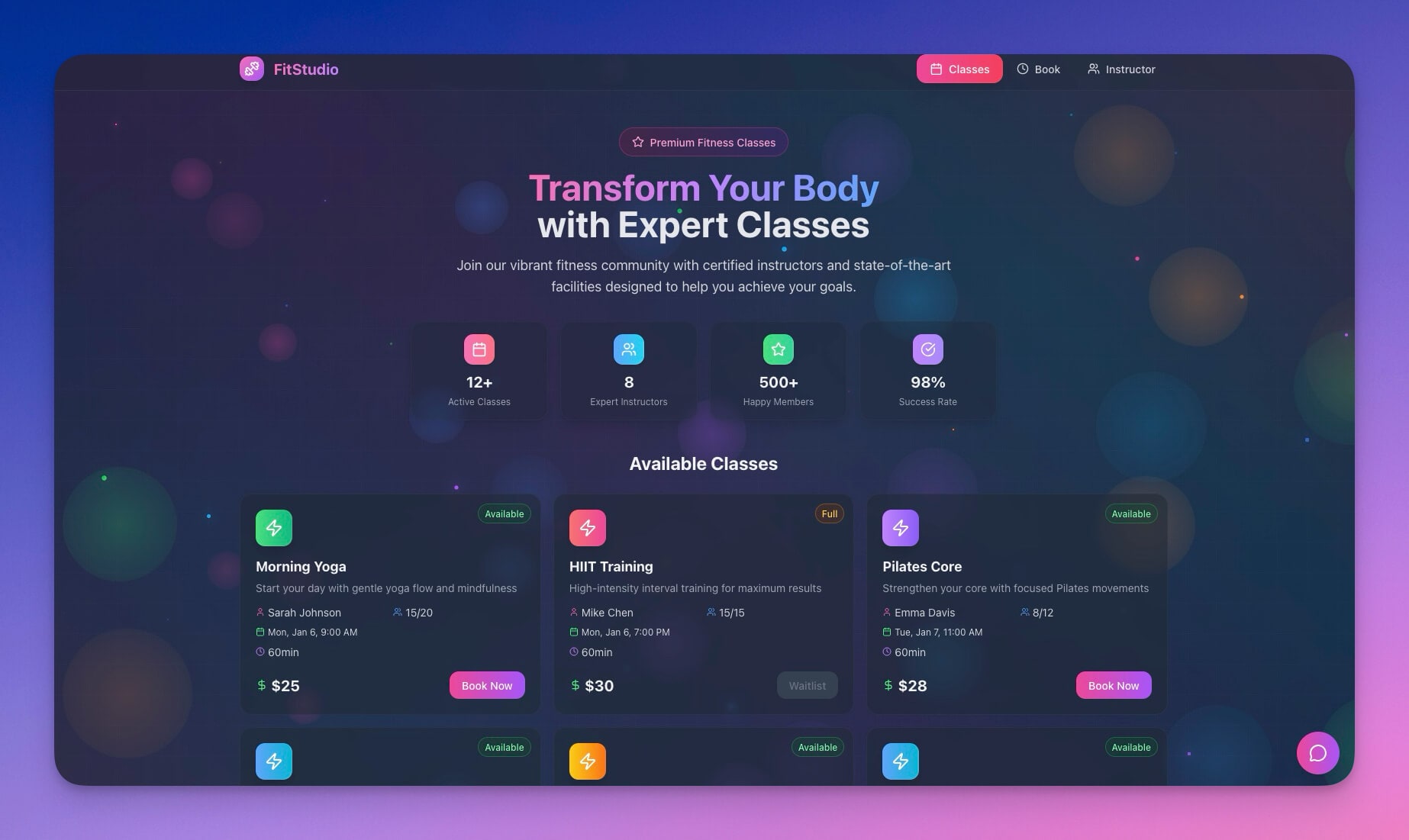
Shared subspaces now include a Preview tab, letting you and your team preview apps before they're published. Test work-in-progress apps, gather feedback, and ensure everything looks perfect before going live.
What you get:
- Preview apps with your team
- Test before publishing
- Gather feedback early
- Seamless toggle between Dashboard and Preview
- Better collaboration workflow
🌟 Example: A Team Dashboard that your team can preview together before making it public, ensuring everything works perfectly.
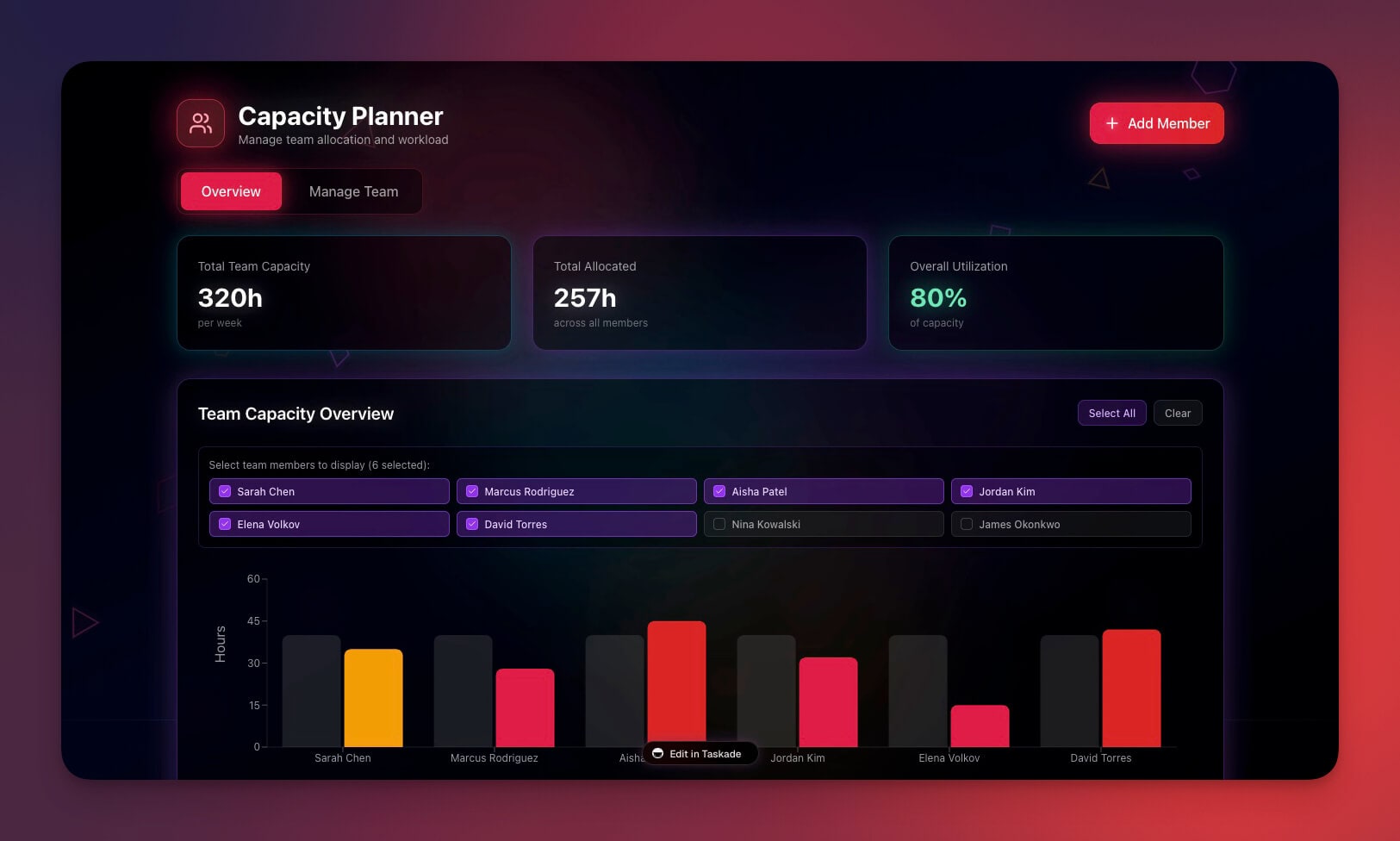
👉 How to use: Open any shared subspace → Click Preview tab → View app preview with team
💰 More AI Credits for Free Users
Free users now get even more value: 50 AI requests per month (up from previous limits). More opportunities to experiment with Taskade AI and build amazing apps.
What you get:
- 50 monthly AI requests
- Same quality AI models
- More experimentation
- Automatically applied
- Better free tier experience
🌟 Example: More requests to build apps, create projects, and automate workflows—all without upgrading.
👉 How to use: No action needed — automatically applied → Check usage in Settings → Usage
🧩 Other Improvements
-
- New: Integration Hub — Beautiful 60 FPS animated integration panel
- New: Author Attribution — Creator names in public app headers
- New: Navigation Tracking — Real-time route tracking in preview
- New: Preview Tab — Preview apps in shared subspaces
- Improved app loading with sleek loading screens
- Better mobile responsiveness
- Enhanced visual polish throughout
-
- Better agent integration in apps
- Improved chat interface
- More reliable responses
-
- New: Flow Controls UI — Better workflow management interface
- Improved automation controls
- Clearer status indicators
- Better error handling
-
- New: Preview Tab for Shared Subspaces — Better collaboration workflow
- Improved navigation and headers
- Better mobile experience
- Enhanced visual consistency
-
- New: Free User Credit Increase — 1,200 credits/month (up from 1,000)
- New: Free User Request Increase — 50 requests/month
- Clearer credit tracking and display
- Better usage insights
Improved security, stability, and overall speed
Various bug fixes and optimizations
Check all updates on the Changelog.
🚀 Join the Community
Great things are built together. Your ideas, feedback, and creations shape the future of Taskade Genesis. Connect, learn, and build with us:
Feedback | Reddit | Facebook Group | Updates | Tutorials | Docs | Community
The Details, Perfected
Before: Features work. But interactions feel rough.
Now: Features work beautifully. Every animation smooth. Every interaction polished.
60 FPS animations. Better collaboration. Cleaner interfaces.
Your apps just became more professional, more collaborative, and more delightful to use.
Start building and exploring now
This is the origin of living software 🌱
— John Xie, Co-founder & CEO, Taskade
Frequently Asked Questions
What collaboration features does Taskade offer?
Taskade provides real-time collaboration across all features: co-edit documents and apps simultaneously, see teammate cursors and changes live, share AI agents and automations, communicate through built-in chat, and manage permissions with role-based access control (Owner to Viewer).
Can multiple people build a Genesis app together?
Yes. Taskade Genesis supports real-time collaborative app building. Multiple team members can edit the same app simultaneously — adding pages, configuring components, setting up automations, and training AI agents. Changes appear instantly for all collaborators, making team-based app development seamless.
How does Taskade handle real-time editing conflicts?
Taskade uses conflict-free replicated data types (CRDTs) for real-time collaboration, meaning multiple users can edit simultaneously without overwriting each other's work. Changes merge automatically, and you can see teammate cursors in real time. Version history is maintained so you can review or revert changes if needed.
What devices does Taskade support?
Taskade works across all devices and platforms: web browsers (Chrome, Firefox, Safari, Edge), desktop apps (macOS, Windows, Linux), mobile apps (iOS, Android), and tablets (iPad, Android tablets). Your workspace syncs in real time across all devices, so you can start work on your laptop and continue on your phone.