






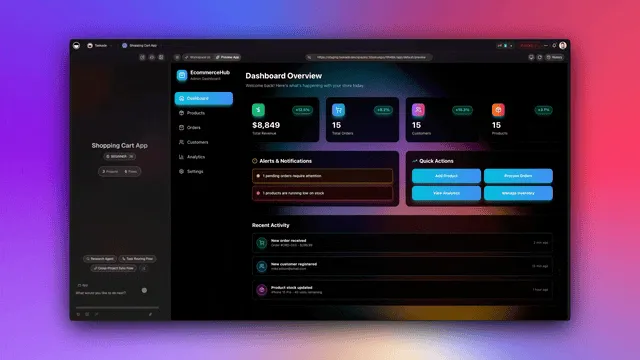
Hey there 👋
Projects aren't just documents. They're memory that evolves.
For years, productivity tools promised memory. They stored data. They organized files. They tracked tasks. But they never understood. They never learned. They never evolved.
That's not memory. That's a filing cabinet.
TL;DR: Taskade projects now function as structured databases with 5 custom field types (string, number, datetime, select, password), table views, unique constraints, and real-time sync. Connected to AI agents and automations through Workspace DNA, your project data becomes living memory that feeds intelligence and drives execution. Start building →
🗄️ Projects as Structured Databases
Perfect for: Operators, builders, businesses needing structured data
What Projects Can Be:
- Databases — Structured data with custom fields
- Tables — Spreadsheet-like views with rows and columns
- Knowledge Bases — Structured information for AI agents
- Automation Sources — Data sources for workflow triggers and actions
The Living Memory:
Projects in Taskade aren't just documents.
They're structured databases with custom fields, table views, and real-time sync.
But more importantly—
they're living memory that feeds intelligence.
When you create a project with custom fields, you're not just organizing data.
You're building a foundation that agents can understand, automations can process, and apps can use.
That's the difference.
🌟 Example: Create "Customers" project → Add custom fields (Name, Email, Status, Value) → Switch to Table view → See database-like interface → Use in automation → Connect to AI agent → Complete living system.
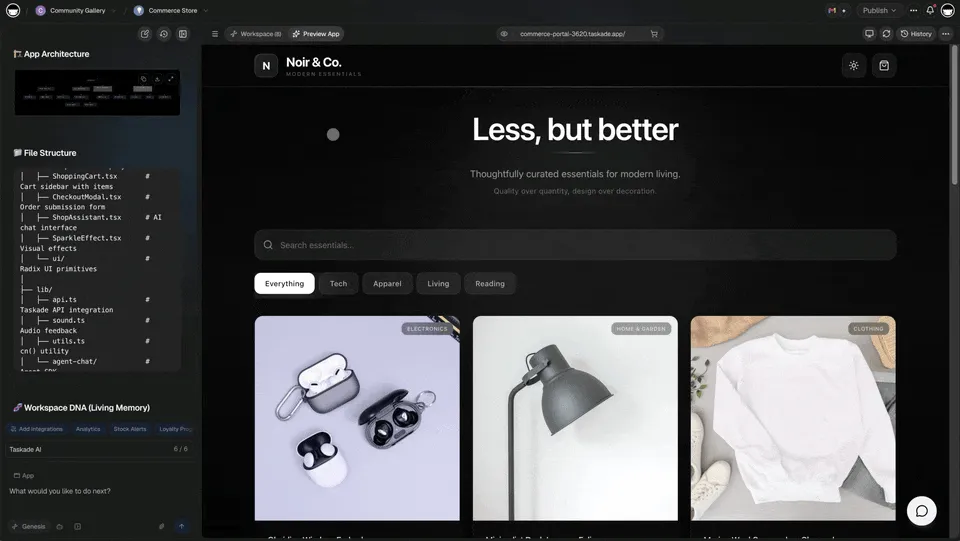
👉 How to use: Create project → Add custom fields → Switch to Table view → Use as database
📊 Custom Fields: Structure Your Data
Define custom fields to structure your project data like a database.
Field Types:
- String — Text fields for names, descriptions, notes
- Number — Numeric fields with decimal, currency, or percent formats
- DateTime — Date and time fields for scheduling
- Select — Dropdown fields with predefined options
- Password — Secure fields for credentials and sensitive data
The Pattern:
At Bronx Science, I learned that abstraction is everything.
Find the pattern or drown in chaos.
Projects as databases are that pattern.
Custom fields structure your data.
Table views give you database-like interfaces.
Unique constraints ensure data integrity.
Automation processes your data automatically.
AI agents understand your structure.
Everything connects.
🌟 Example: Create "Products" project → Add fields: Name (string), Price (number, currency), Category (select), Release Date (datetime) → Table view shows structured database → Each row is a product record → Agents understand structure → Automation processes data → Complete system.
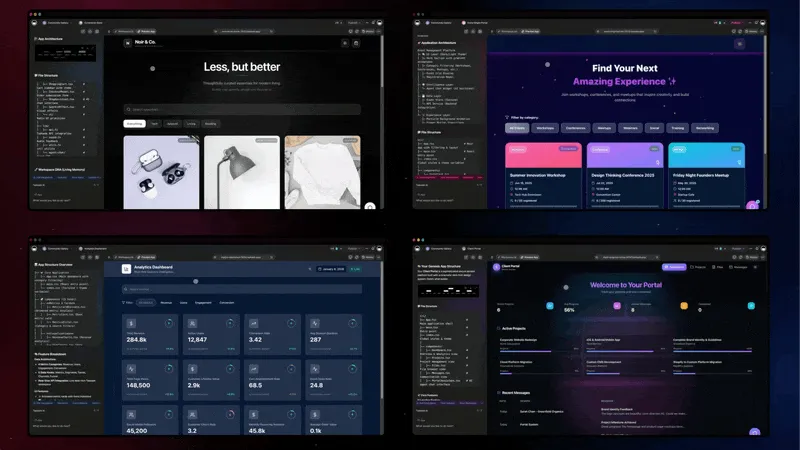
👉 How to use: Project settings → Add custom field → Choose type → Configure → Use in Table view
⚡ Projects as Automation Databases
Use projects as data sources and targets for automation workflows.
Automation Actions:
- Create Task — Add new records to project database
- Update Custom Fields — Update field values automatically
- Find Tasks — Query project database
- Move Task — Reorganize database records
Automation Triggers:
- Task Created — Trigger when new record added
- Task Completed — Trigger when record marked complete
- Custom Field Updated — Trigger when field value changes
- Task Assigned — Trigger when record assigned
The Memory Loop:
Here's what happens when you use projects as databases:
You create structure.
Custom fields define your data types.
Table views show your data clearly.
Unique constraints ensure integrity.
Automation processes it.
Workflows create records.
Workflows update fields.
Workflows sync data.
Agents understand it.
They query your structure.
They retrieve relevant data.
They answer questions accurately.
Apps use it.
Dashboards display your data.
Forms create new records.
Portals show your information.
The loop completes.
Memory feeds intelligence.
Intelligence drives action.
Action creates new memory.
That's living software.
🌟 Example: Form submission → Automation creates task in "Leads" project → Sets custom fields (Name, Email, Source) → Updates "CRM Dashboard" project → Triggers follow-up automation → Complete database workflow → Living system.
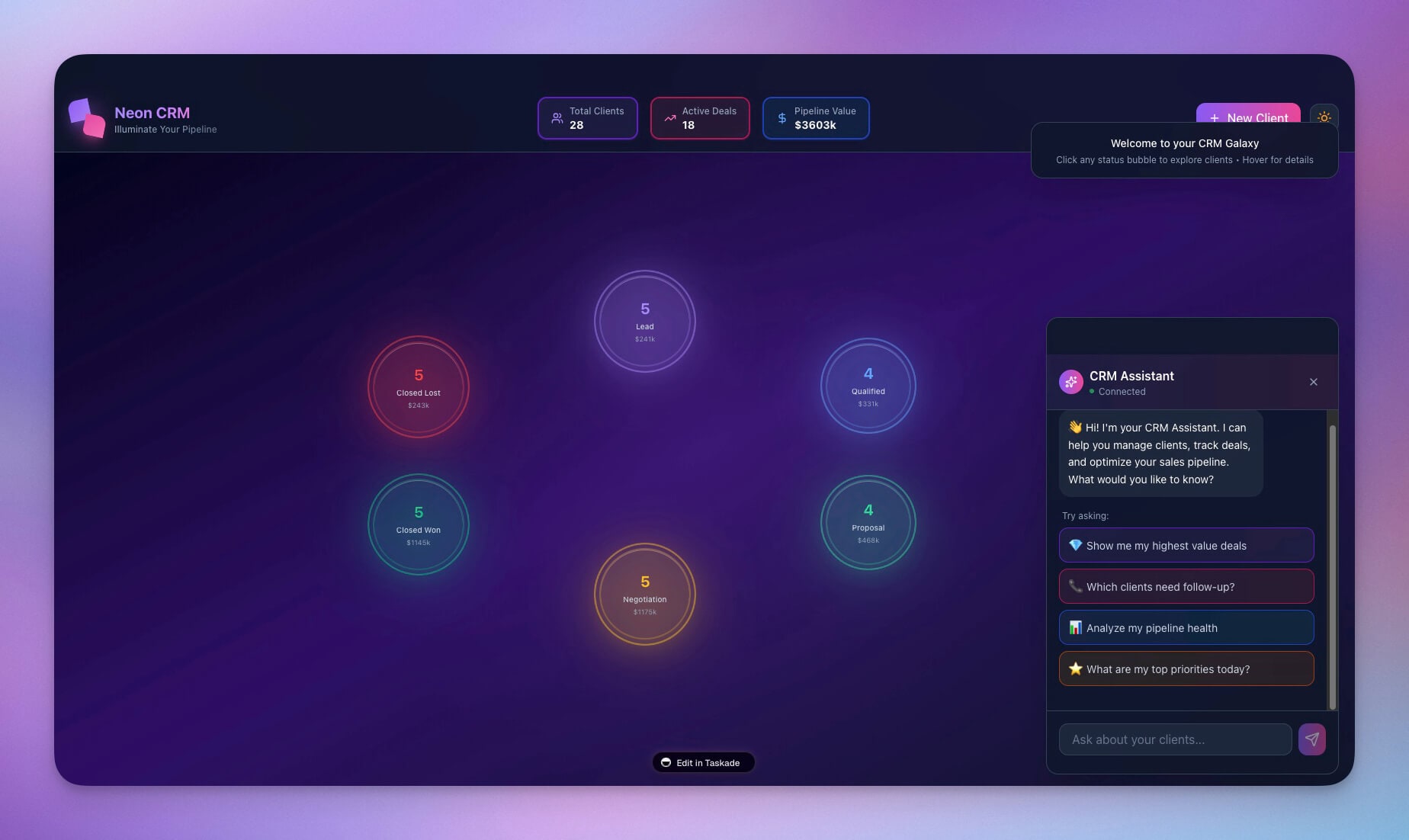
👉 How to use: Create project database → Add custom fields → Create automation → Use "Create Task" / "Update Custom Fields" actions → Watch database update automatically
🤖 Projects as AI Agent Knowledge Bases
Connect projects as structured knowledge for AI agents. Agents can retrieve and understand structured project data.
How Agents Access Projects:
- Project Connection — Connect project to agent as knowledge
- Structured Retrieval — Agent uses
retrieveProjectContexttool - Field Access — Agents understand custom fields and structure
- Data Querying — Agents can query project data intelligently
The Living Trinity:
At the heart of Genesis lie three interconnected systems:
Memory (Projects) feeds Intelligence (Agents).
Intelligence drives Action (Automations).
Action creates new Memory.
That cycle is what makes Genesis alive.
Your projects aren't just storage.
They're the foundation of a living system.
🌟 Example: Connect "Product Catalog" project to agent → Agent understands product structure → Users ask "What products cost over $100?" → Agent queries project → Retrieves relevant products → Answers based on structured data → Complete intelligent system.
👉 How to use: Create project database → Add custom fields → Connect to agent → Agent understands structure → Users ask questions → Agent retrieves structured data → Answers accurately
🔄 Complete Database Workflow Example
CRM System Using Projects as Database:
Step 1: Create Database Project
- Create "Customers" project
- Add custom fields: Name (string), Email (string, unique), Status (select), Value (number, currency)
- Switch to Table view
- See database interface
Step 2: Automation Workflows
- Form Submission → Creates customer record → Sets all fields
- Status Change → Updates customer status → Triggers follow-up
- Value Update → Updates customer value → Updates dashboard
- Scheduled Sync → Syncs with external CRM → Updates project
Step 3: AI Agent Knowledge
- Connect "Customers" project to support agent
- Agent understands customer structure
- Users ask "Who are our top customers?"
- Agent queries project → Retrieves customers sorted by value → Answers with structured data
Step 4: Genesis App Integration
- Build CRM dashboard Genesis app
- App reads from "Customers" project
- Dashboard displays customer data
- Agent embedded in app answers questions — browse examples in the Community Gallery
🌟 Result: Project database → Automation workflows → AI agent knowledge → Genesis app → Complete database system → Living memory that evolves.
👉 Complete System: Database → Automation → AI → App → Everything connected
📈 Why This Matters
The Illusion of Storage:
For years, productivity tools promised memory.
They stored data.
They organized files.
They tracked tasks.
But they never understood.
They never learned.
They never evolved.
That's not memory.
That's a filing cabinet.
What We Actually Built:
Projects in Taskade aren't just documents.
They're structured databases with custom fields, table views, and real-time sync.
But more importantly—
they're living memory that feeds intelligence.
When you create a project with custom fields, you're not just organizing data.
You're building a foundation that agents can understand, automations can process, and apps can use.
That's the difference.
🧩 Other Improvements
Database Features:
- Custom Fields — String, number, datetime, select, password
- Unique Constraints — Ensure data uniqueness
- Table View — Database-like interface
- Multiple Views — Table, board, list, calendar, gantt
- Real-Time Sync — Changes sync instantly
Automation Integration:
- Create Task — Add records with custom fields
- Update Custom Fields — Update field values
- Find Tasks — Query database
- Custom Field Triggers — Trigger on field updates
AI Agent Integration:
Project Knowledge — Connect projects as knowledge
Structured Retrieval — Agents query structured data
Field Awareness — Agents understand custom fields
Contextual Answers — Answers include field values
Improved security, stability, and overall speed
Various bug fixes and optimizations
Check all updates on the Changelog.
🚀 Join the Community
Great things are built together. Your ideas, feedback, and creations shape the future of Taskade Genesis. Connect, learn, and build with us:
Feedback | Reddit | Facebook Group | Updates | Tutorials | Docs | Community | Templates | Integrations
Memory That Never Forgets
Before: Documents. Static data. Manual updates.
Now: Databases. Structured memory. Automated processing.
Projects remember. Agents understand. Automations act.
Your workspace is alive.
Because memory without intelligence is just data.
And intelligence without memory is just prompts.
Together, they're understanding.
Start building and exploring now
This is the origin of living software 🌱
— John Xie, Co-founder & CEO, Taskade
Frequently Asked Questions
What are Projects as Databases in Taskade?
Projects as Databases transforms Taskade projects from simple documents into structured databases with custom fields, filters, and relationships. Each project can store typed data (text, numbers, dates, status, people) and be queried, sorted, and connected to other projects — creating a persistent memory layer for your workspace.
How does Taskade's memory system work?
Taskade's memory system is built on Workspace DNA — the combination of Memory (projects and databases), Intelligence (AI agents trained on your data), and Execution (automations that act on your behalf). Projects store structured data that AI agents can read, learn from, and act upon, creating a living knowledge base that evolves as your team works.
Can Taskade replace a traditional database?
For most team and business use cases, yes. Taskade projects support custom fields, table views, filters, sorting, and relationships between records. Unlike traditional databases, Taskade adds AI that can query, analyze, and take action on your data. It's ideal for CRMs, project trackers, content calendars, and any workflow where structured data meets team collaboration.
What is Workspace DNA in Taskade?
Workspace DNA is the architecture behind Taskade Genesis, composed of three pillars: Memory (projects and databases that store your knowledge), Intelligence (AI agents trained on your specific data and processes), and Execution (automations that carry out tasks autonomously). Together, they create a workspace that remembers, thinks, and acts.