






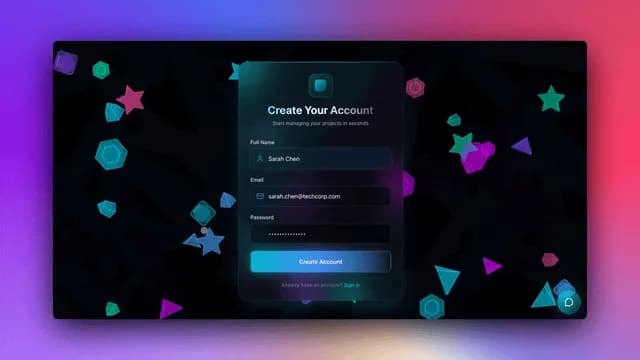
Hey there 👋
Your apps deserve professional URLs. Your data deserves integrity. Your users deserve polish.
Unique constraints. SPA routing. Smart breadcrumbs. Custom landing views.
Every detail refined. Every experience elevated.
TL;DR: Taskade Genesis ships 7 polish updates: unique field constraints, SPA routing on custom domains, smart mobile breadcrumbs, configurable landing views, better agent onboarding, a self-monitoring build system, and smooth no-flash app loading — so your published apps look and behave like production-grade software. Try it free →
🎯 Unique Field Constraints
Enforce unique values for string fields across your projects. Perfect for email addresses, IDs, SKUs, and any data that must be unique.
What you get:
- Document-scoped uniqueness enforcement
- Real-time validation on duplicate entries
- Case-sensitive option for precise matching
- Table view integration
- Clear error messages when duplicates are detected
🌟 Example: A Customer Database where email addresses are automatically validated to prevent duplicates, ensuring data integrity.
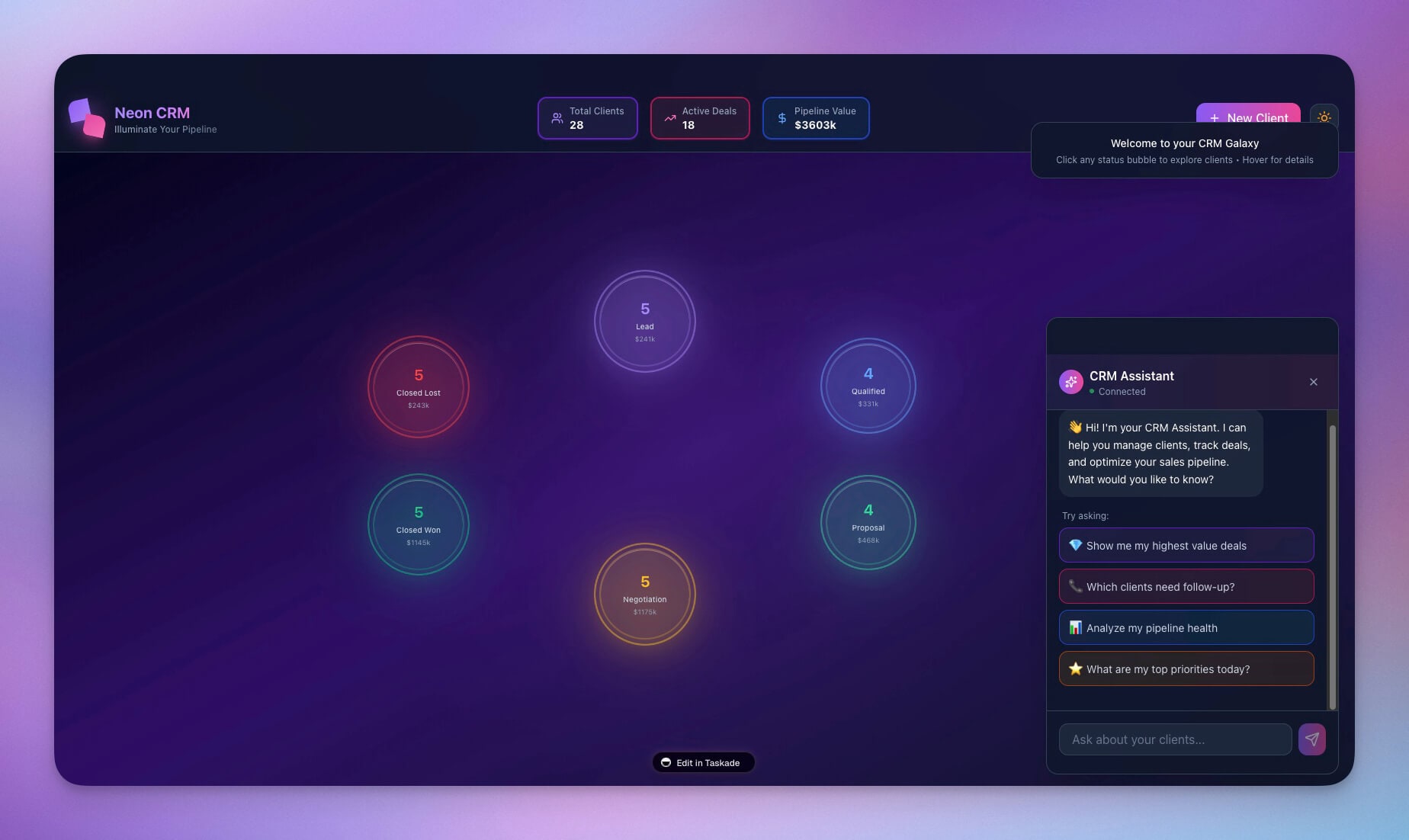
👉 How to use: Add Custom Field → Select "Text" type → Enable "Unique Constraint" → Start enforcing uniqueness
🌐 Custom Domain SPA Routing
Your custom domain apps now support proper Single Page Application (SPA) routing. Professional URLs, smooth navigation, and no page refreshes.
What you get:
- Client-side routing without page reloads
- Professional URLs (e.g.,
/dashboard,/settings) - Deep linking to specific app pages
- Browser history support (back/forward buttons work)
- SEO-friendly routing structure
🌟 Example: A Client Portal at myapp.com with clean URLs like myapp.com/dashboard and myapp.com/settings—navigation feels instant and professional.

👉 How to use: Publish app with custom domain → Use React Router or similar → Routes work seamlessly without page refreshes
📱 Smart Mobile Breadcrumbs
Mobile navigation just got smarter. Breadcrumbs automatically hide less important items on mobile, keeping your interface clean while maintaining navigation context.
What you get:
- Automatic hiding of less critical breadcrumbs on mobile
- Important navigation still visible
- Touch-friendly interface
- More screen space for content
- Context-aware display
🌟 Example: A Project Management App where mobile users see a clean, focused navigation bar without clutter.
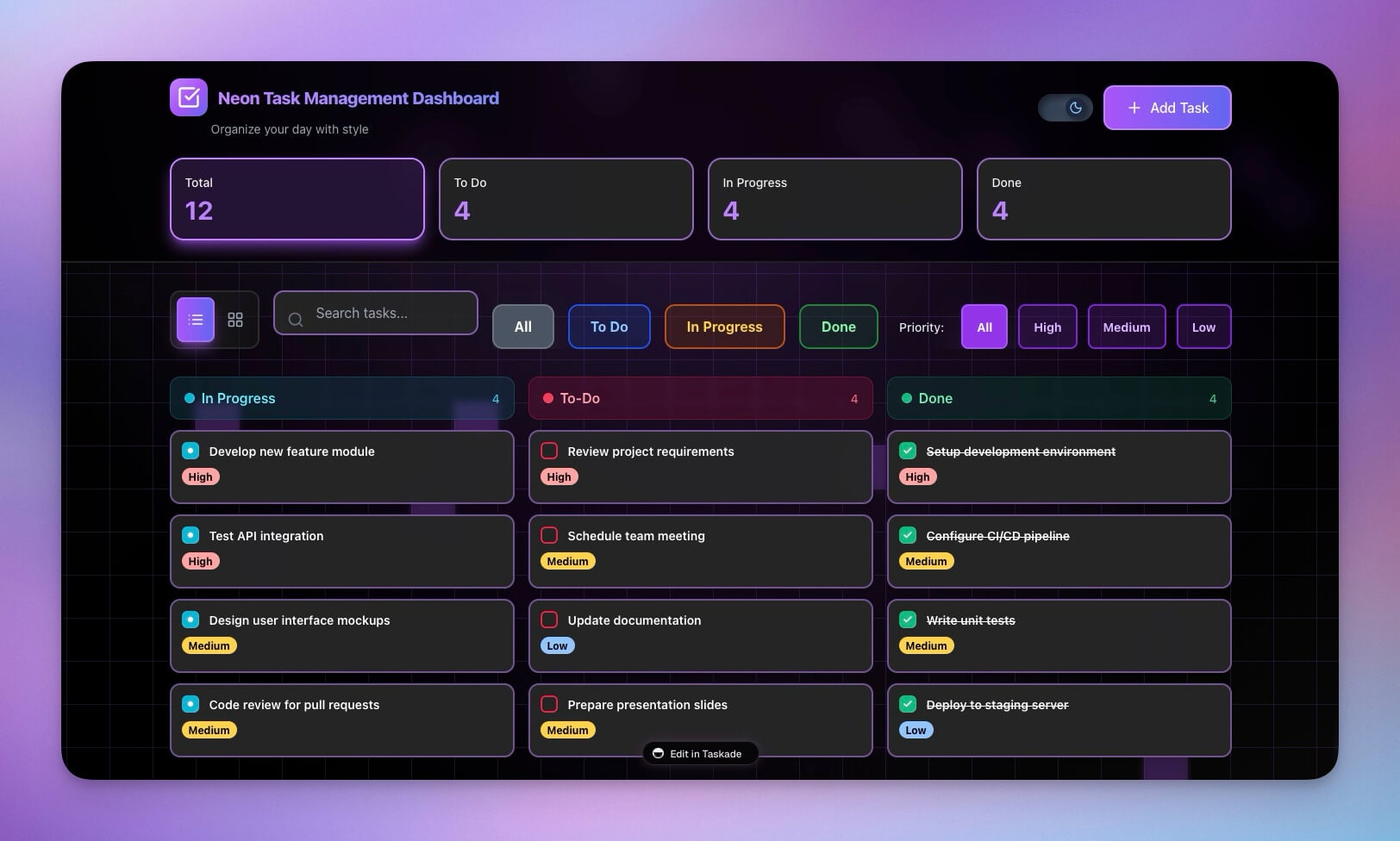
👉 How to use: No action needed — automatically adapts to screen size → Important navigation always visible
🏠 Configurable Landing View
Control what users see when they first visit your workspace or subspace. Customize the default landing experience to guide users to the right content.
What you get:
- Choose default landing view (Projects or App Preview)
- Per-space configuration
- Better onboarding experience
- Customized user journey
- Workspace branding
🌟 Example: A Team Workspace that lands users directly on the app preview, or a Project Workspace that shows projects first.
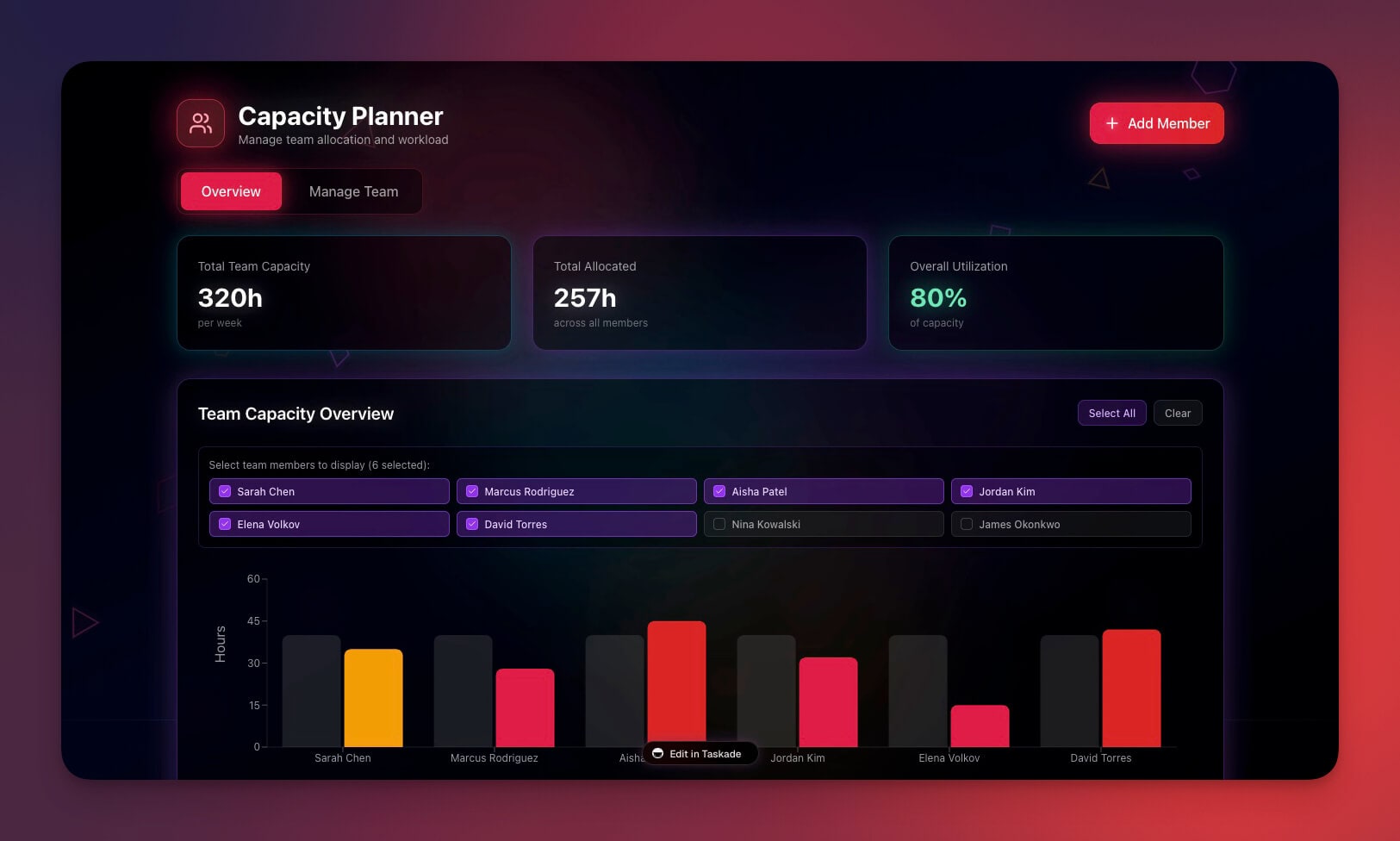
👉 How to use: Open workspace settings → General tab → Choose "Landing view" → Select Projects or App Preview
🤖 Better Agent Onboarding
New to AI agents? The Agent tab now starts with a helpful initial screen that guides you through creating your first agent, shows examples, and helps you understand the power of AI agents in Taskade.
What you get:
- Friendly welcome screen for new users
- Clear guidance on agent creation
- Example agents to inspire you
- Quick action buttons
- Better discoverability
🌟 Example: A Workspace where new users immediately understand how to create and use AI agents, reducing learning curve.

👉 How to use: Navigate to Agents tab → See helpful initial screen → Click "Create Your First AI Agent" → Follow guidance
🔄 Self-Monitoring Build System
Your app builds are now more reliable than ever. Our build service monitors its own health and automatically restarts if issues are detected. Less downtime, more reliable builds, zero manual intervention.
What you get:
- Automatic health monitoring (30-second intervals)
- Build testing during health checks
- Auto-restart after 3 consecutive failures
- Sentry integration for error tracking
- Graceful recovery with cooldown periods
🌟 Example: Your apps build reliably even if the build service encounters issues—automatic recovery ensures your apps stay available.
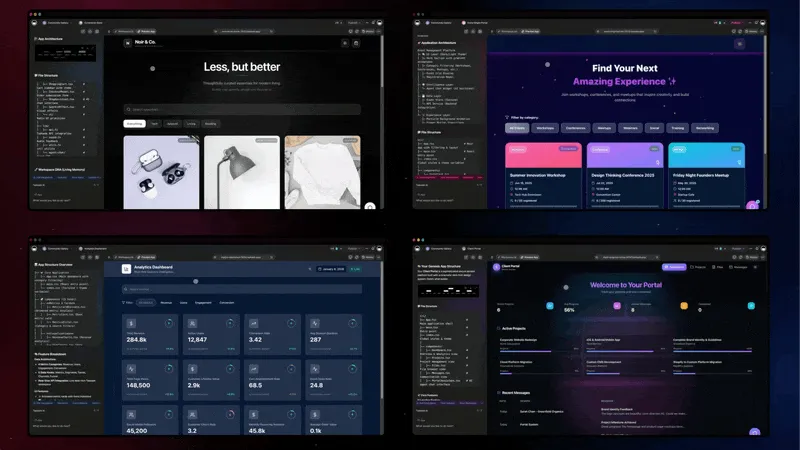
👉 How to use: No action needed — automatic monitoring and recovery → Your apps build reliably
🎬 Smooth App Loading
Apps now load without any flash or flicker. The new loading screen provides smooth, professional transitions that match your app's branding. Polished experience from the moment users arrive.
What you get:
- No flash or flicker during loading
- Smooth transitions
- Consistent branding
- Fast loading optimization
- Professional appearance
🌟 Example: A Dashboard App that loads smoothly without jarring transitions, creating a professional first impression.
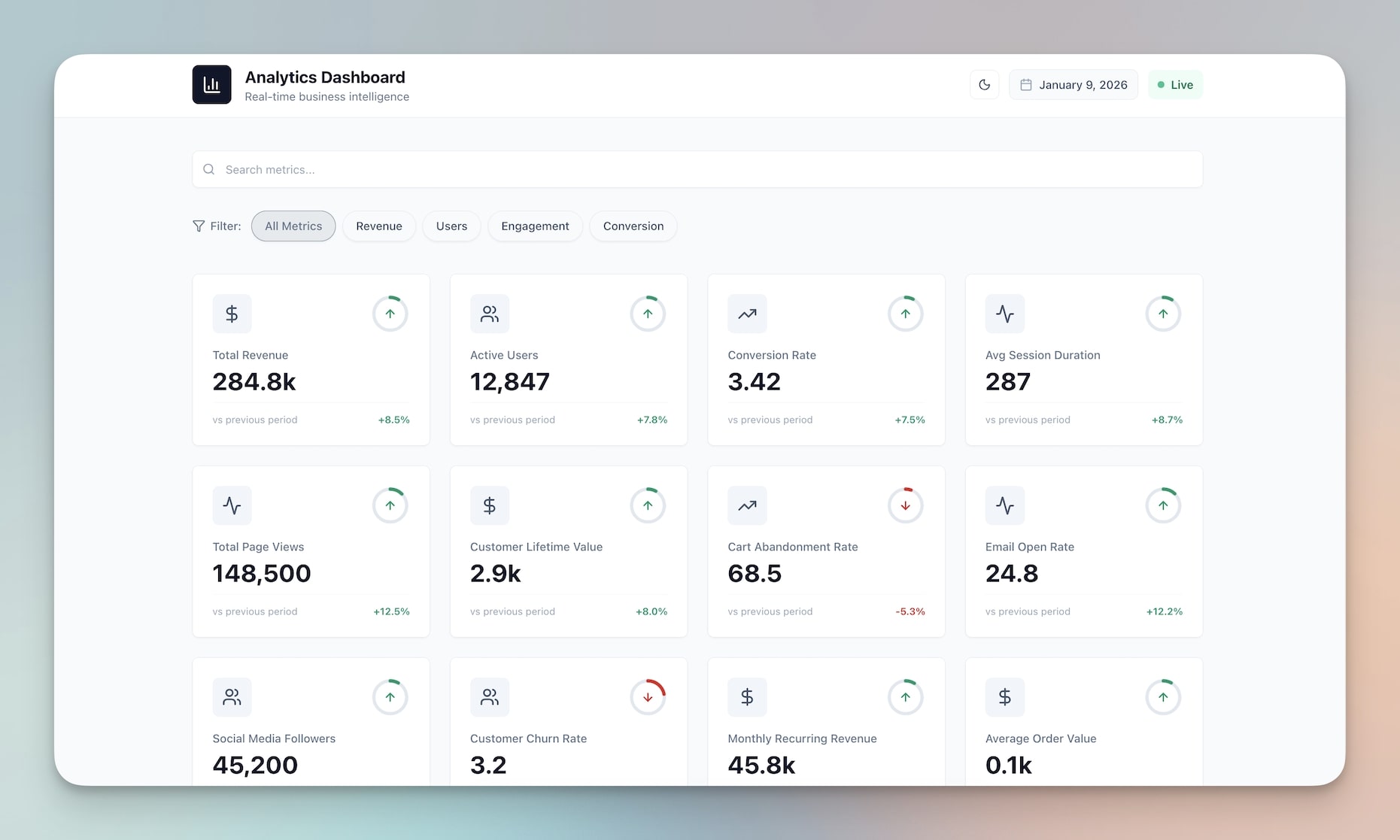
👉 How to use: No action needed — automatically applied → Apps load smoothly with professional transitions
🧩 Other Improvements
-
- New: SPA Routing — Professional client-side routing for custom domains
- New: Configurable Landing View — Customize default workspace view
- New: Build Service Health Check — Self-monitoring build system with auto-restart
- New: Smooth Loading — No-flash app loading experience
- Better mobile navigation and breadcrumbs
- Improved app reliability and uptime
-
- New: Unique Field Constraints — Enforce unique values in string fields
- Better data validation and integrity
- Improved table view with constraint enforcement
- Clear error messages for duplicate entries
-
- New: Agent Tab Initial Screen — Better onboarding for new users
- Improved agent discovery
- Clearer guidance and examples
- Better first-time user experience
-
- New: Configurable Landing View — Customize default workspace experience
- New: Smart Mobile Breadcrumbs — Adaptive navigation for mobile
- Better mobile experience throughout
- Enhanced visual consistency
-
- New: Mobile Breadcrumb Improvements — Smart hiding on mobile devices
- New: Smooth Loading Screens — Professional app loading transitions
- Better responsive design
- Improved touch interactions
Improved security, stability, and overall speed
Various bug fixes and optimizations
Check all updates on the Changelog.
🚀 Join the Community
Great things are built together. Your ideas, feedback, and creations shape the future of Taskade Genesis. Connect, learn, and build with us:
Feedback | Reddit | Facebook Group | Updates | Tutorials | Docs | Community
Professional, Polished, Reliable
Before: Data duplicates. Clunky URLs. Rough loading. Manual recovery.
Now: Data integrity. Professional routing. Smooth loading. Automatic recovery.
Every detail refined. Every experience elevated.
Your apps just became more professional, more reliable, and more polished.
Start building and exploring now
This is the origin of living software 🌱
— John Xie, Co-founder & CEO, Taskade
Frequently Asked Questions
What are unique constraints in Taskade Genesis apps?
Unique constraints ensure data integrity in your Genesis apps by preventing duplicate entries in specified fields. For example, you can enforce unique email addresses in a contact form or unique IDs in an inventory tracker. This database-level validation keeps your app data clean and reliable without manual checking.
Does Taskade Genesis support custom URLs and routing?
Yes. Genesis apps support SPA (Single Page Application) routing with professional URL structures, custom landing views, and smart breadcrumb navigation. You can also connect custom domains to your published apps, giving them a branded, professional appearance that matches your business identity.
What UX improvements are in the latest Taskade update?
Recent UX improvements include smart breadcrumb navigation, customizable landing views for apps, polished animations, better form validation with unique constraints, and enhanced mobile responsiveness. These refinements ensure that both app builders and end users experience a smooth, professional interface.
Can I set a custom landing page for my Taskade Genesis app?
Yes. You can configure which page users see first when they open your Genesis app. Set any page as the landing view — a dashboard, welcome screen, or specific form — ensuring visitors get the right first impression and experience a guided flow through your application.