






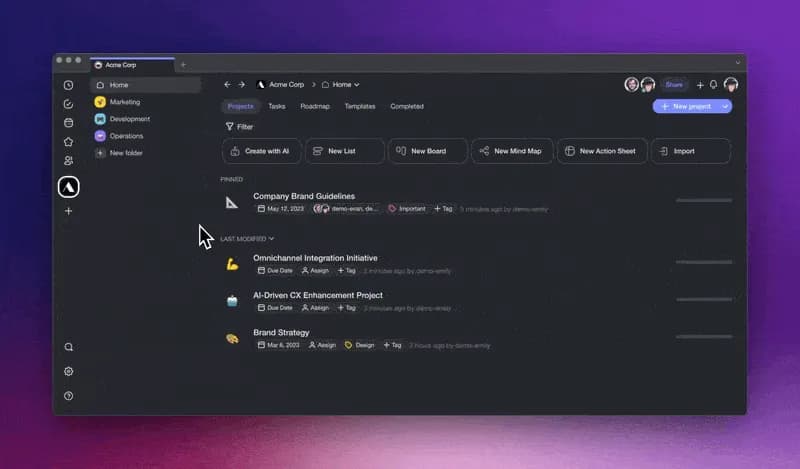
Hi Taskaders!
Welcome to a new era of productivity. We're thrilled to unveil our latest AI-powered features—designed to empower you and redefine your work experience. With Taskade, the future of productivity is in your hands. So, step into the future with us.
TL;DR: The AI Workflow Generator and /subtask command shipped in May 2023 marked the moment AI started building Taskade projects end to end. Today Taskade runs on frontier models from top AI labs, spans multiple project views, and 100+ integrations — and Taskade Genesis turns any prompt into a living app.
Then → Now: AI Workflow Generator + /subtask (2023) → today's frontier models from top AI labs, Automations, and Taskade Genesis.
| Generator | 2023 H1 | Today (2026) |
|---|---|---|
| Engine | GPT-4 workflow generator | Frontier models from top AI labs |
| Decomposition | /subtask command | Agent Generator + Team Generator |
| Notes | Multi-line Notes Add-On | Rich editing & formatting |
| Output views | List + Mind Map | All views incl. Table, Gantt, Board |
⌨️ The /subtask Command, Visualized
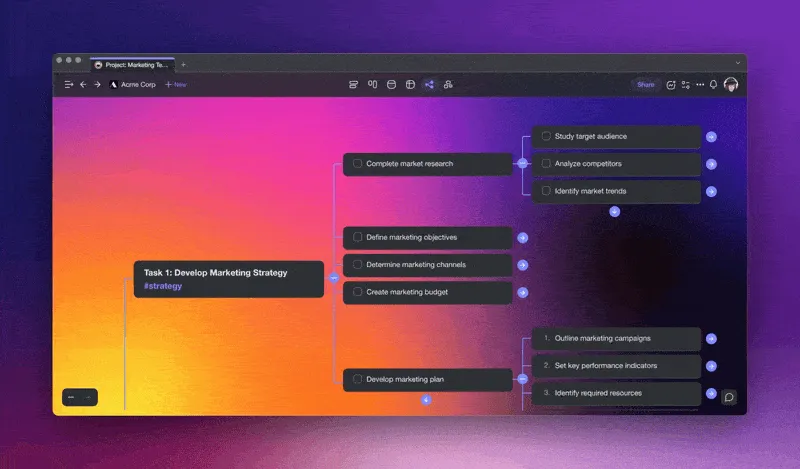
Back in May 2023, breaking a task into sub-tasks meant one /subtask at a time. Today the same keystroke reaches into frontier models, routes through custom agents, and can kick off a full automation.
  ┌─ Project editor ──────────────────────────────────────┐
  │                                                       │
  │  • Launch product X            ◀── selected task      │
  │       └─ /subtask ⏎                                   │
  │            ├─ Draft press release                     │
  │            ├─ Build landing page  ──▶ /agent brand    │
  │            ├─ Schedule demo      ──▶ /automation cal │
  │            └─ Publish changelog                       │
  │                                                       │
  └───────────────────────────────────────────────────────┘
        │                │                   │
        ▼                ▼                   ▼
   List view         Mind Map view       Gantt view
        (1 of multiple project views — see /learn/projects)
The modern map — follow any link to the 2026 equivalent:
- AI Workflow Generator and Taskade Genesis
- Agent Generator and Team Generator
- Multi-agent collaboration for complex decomposition
- All project views: List, Board, Mind Map, Table, Gantt, Calendar, Org Chart, Timeline
- Automations and the Community Gallery
- Templates and Integrations
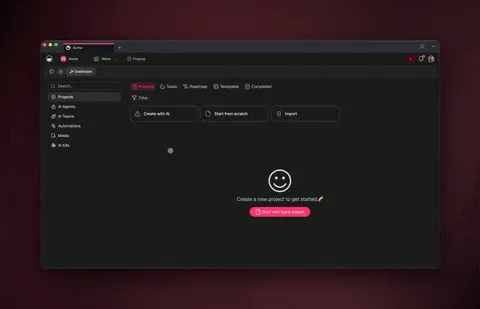
🪄 AI Workflow Generator Is Live!
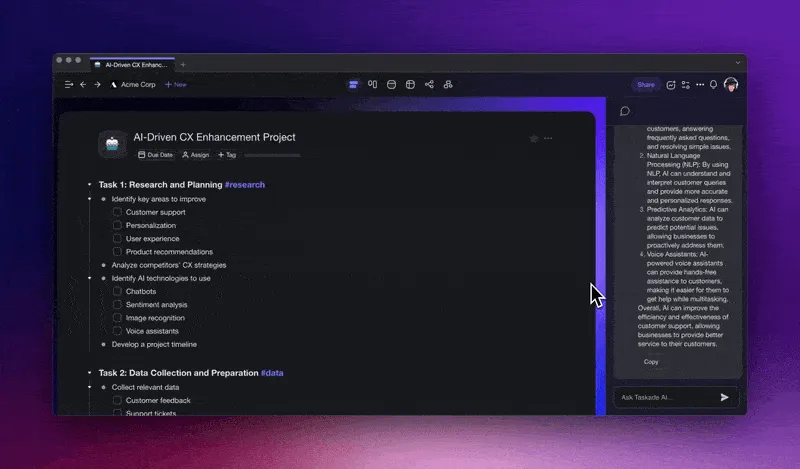
Taskade AI's Workflow Generator, powered by GPT-4, is here! Instantly generate thousands of case-specific workflows, from team agendas to design sprints. The only limit is your imagination. Transform the way you craft and launch new projects, forever. Learn more.
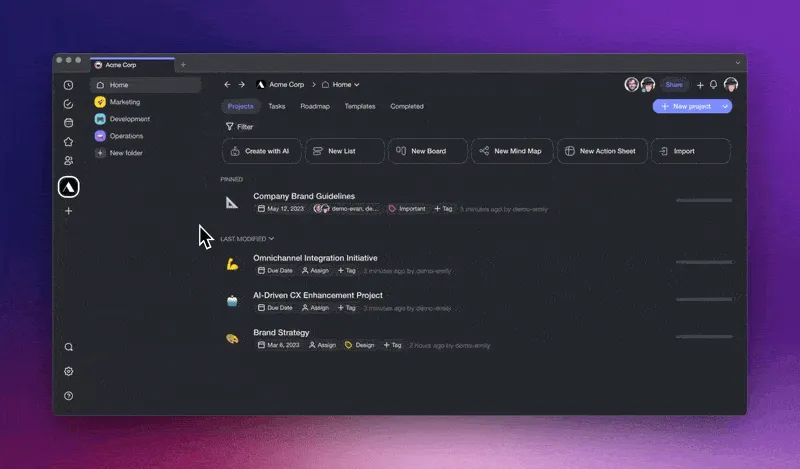
✅ New AI Command: /Subtask
Use /subtask AI command to transform your big ideas into actionable task lists, or break down large tasks into more manageable pieces. This is our new approach to task management, turning ideas into action, one task at a time. Learn more.
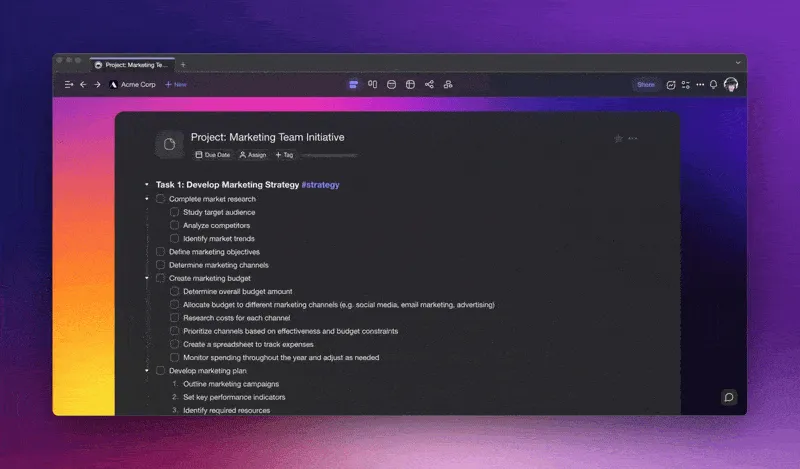
✏️ Multi-Line Notes Add-On
Press ⇧ Shift + ↵ Enter to toggle the new Notes Add-on, now with multi-line support! Whether you are pasting long paragraphs, inserting code snippets, or adding descriptions to tasks, this feature will add depth to every task. Learn more.
⚡️ Other Improvements:
Added shortcuts for creating projects to workspace dashboard
Added AI Generator option to ➕ New project button
Added multi-line support for Notes Add-on
Added markdown support for AI Chat
Improved the performance of the Mind Map and Org Chart views
Improved ⌨️ CTRL + K and F (⌘ + K and F) keyboard shortcuts
Improved consistency in font sizes and spacing for space filter
Various styling improvements for better UI consistency
Fixed filter input when #hashtag or @mention is selected
Backspace no longer deletes tasks if attachments are present
Print view now supports proper bullet points and formatting
Fixed timezone issues in repeating tasks and scheduled templates
Improved in-app localization process and automation
Various bug fixes and performance improvements
Have any questions? Visit our Help Center or let us know. 
— Team Taskade
Frequently Asked Questions
What is the Taskade AI Workflow Generator?
The AI Workflow Generator, powered by GPT-4, creates complete projects from a natural language description. Describe your objective — like running a design sprint or planning a marketing campaign — and the AI generates a tailored workflow with tasks, timelines, and structure.
How does the /subtask command work in Taskade?
Type /subtask after selecting a task in the project editor. The AI breaks the parent task into smaller, actionable sub-tasks. It works in both List and Mind Map views, making it easy to decompose complex objectives into manageable steps.
What is the Multi-Line Notes Add-On in Taskade?
Press Shift + Enter to toggle the Notes Add-On, which supports multi-line text input. Use it to add detailed descriptions, code snippets, long paragraphs, or reference materials to any task without cluttering the main task list.
Can the AI Workflow Generator create mind maps and flowcharts?
Yes. The AI Workflow Generator creates output in any project view — task lists, mind maps, org charts, and boards. Specify your desired format when describing the objective, and the AI structures the content accordingly.