






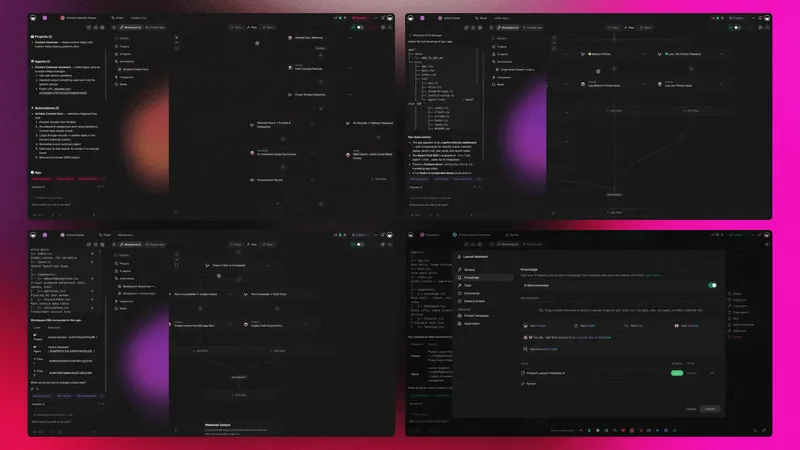
Twenty-four new app kits, five stacks, one click to clone. The Taskade Genesis Community just shipped its biggest drop of the year, every kit is a live, working app, not a static template, and every one of them ships with the same Workspace DNA: Memory · Intelligence · Execution. Read the Genesis Apps Live launch post for the original architecture story, then come back here and pick your stack.
TL;DR: 24 Taskade Genesis app kits across 5 stacks, Ops (4), Founder (6), Marketing (4), Sales (4), Support (4), every kit pre-wired with Workspace DNA: persistent project memory, AI agents with built-in tools, and durable automations across 100+ bidirectional integrations. Clone any one free in 60 seconds, no signup wall.
The Five Stacks at a Glance
The May 2026 drop ships 24 Taskade Genesis app kits across five stacks, Ops (4), Founder (6), Marketing (4), Sales (4), and Support (4), plus 2 cross-cutting kits. Every stack replaces 1–2 hire roles end-to-end, and every kit ships as a live, cloneable Genesis app rather than a static template. The table below maps which roles each stack absorbs and the headline use case to expect inside.
┌──────────────────────────────────────────────────────────────────────────────┐
│  Stack       Kits   Primary roles replaced              Headline use case    │
├──────────────────────────────────────────────────────────────────────────────┤
│  Ops          4     Ops manager · project lead          Capacity + dispatch  │
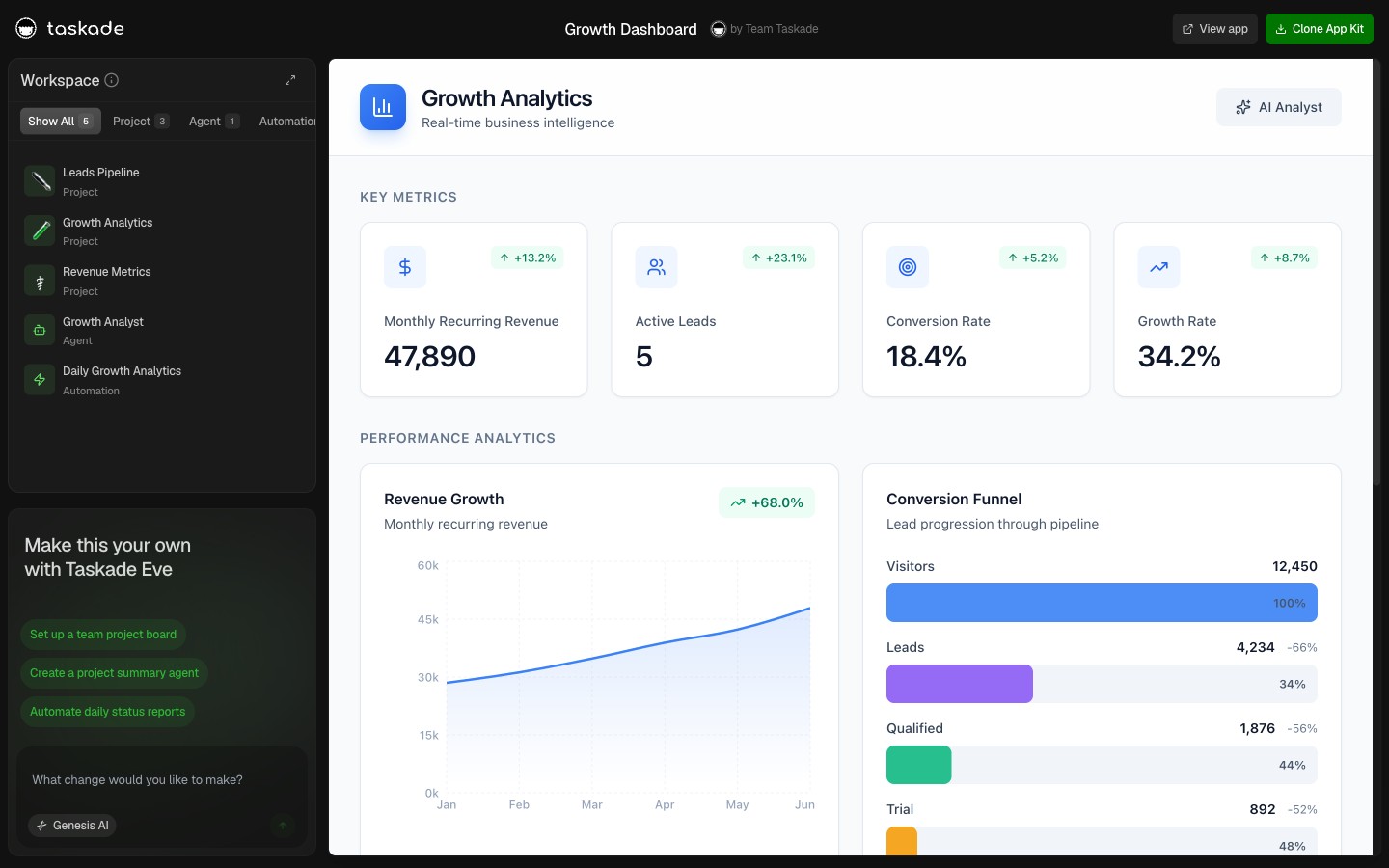
│  Founder      6     CEO ops + analyst                   Growth dashboard     │
│  Marketing    4     Content lead · social manager       Campaign planning    │
│  Sales        4     SDR · CRM · pipeline manager        Lead-to-close flow   │
│  Support      4     Tier-1 + reviewer                   Triage + KB sync     │
└──────────────────────────────────────────────────────────────────────────────┘
        Total: 22 hero kits + 2 cross-cutting (Investor + Recruitment)
How the kits compare to the no-code app builder category in 2026:
| Category | Code required | Hosting | Custom domain | Multi-agent | Cloneable demo | Free tier |
|---|---|---|---|---|---|---|
| Taskade Genesis app kit | No | Bundled | Business+ (GenesisAuth on every plan) | Yes (Agents v2) | Yes — every kit | Yes |
| Lovable / Bolt.new | Generated React | DIY | Manual DNS | No | No | Limited |
| Replit Agent | Generated code | Replit-only | Replit subdomain | No | No | Limited |
| OpenAI AgentKit | Builder UI | OpenAI infra | n/a | Single agent | No | Pro plan |
| Lindy / Dust | Visual builder | Bundled | Per-plan | Single agent | No | Trial |
| Notion + Zapier stitch | No | Multiple SaaS | Notion-only | Plugin chat | No | Limited |
The wedge is the rightmost column the category doesn't have: a public, cloneable, working demo for every single kit. None of Lovable, Bolt, Replit Agent, AgentKit, Lindy, or Dust ships a /share/apps/* permalink you can clone in 60 seconds. Taskade does, and the kit arrives with the agents, automations, and Workspace Memory already wired.
Five Stacks. Twenty-Four Apps. Yours in Minutes.
Across the 24 kits, every workspace runs the same three-layer Workspace DNA loop, Memory (Projects with custom fields), Intelligence (Agents v2 with built-in tools), and Execution (Automations across 100+ integrations), and a cloned kit arrives with all three layers wired before the first sign-in. The diagram below shows the closed loop each cloned kit slots into.
The pattern is the same across every stack: each kit captures a real workflow that real teams run every week, but instead of giving you a blank doc and a "good luck" emoji, the kit arrives with the agents already trained on the workflow, the automations already wired to the tools they need, and the underlying Taskade Projects already structured as memory. You clone the kit, sign in once, and it starts working.
That's the difference between an app kit and a template. Templates are paper. Kits are alive. Every link below opens a live Genesis app on taskade.com/share/apps/*, no signup, no wall, no "request a demo" middle step.
Anatomy of a Single Kit: The Three Layers Inside One Workspace
Every kit on this page is one workspace. Inside that workspace, three layers run continuously: Memory holds the state, Intelligence reads and writes the state, Execution propagates the state outward and pulls fresh state back in. The diagram below zooms into a single kit, Investor Dashboard, and shows where each layer lives.
Three things are doing real work in that diagram. First, the Projects layer is structured memory, not a chat transcript, not a vector dump, but typed rows with custom fields the agents can read deterministically. Second, the Agents v2 layer routes per task: the Briefer Agent gets a long-context model for narrative, the Metrics Agent gets a structured-output model for numbers, the Outreach Agent gets a fast model for short replies. Third, the Automations layer doesn't just fire, every action writes back into Memory so the next agent invocation sees the new state without anyone re-pasting context.
This is the closed loop the Workspace DNA blueprint keeps coming back to. Memory feeds Intelligence. Intelligence chooses Execution. Execution hydrates Memory. The kit ships with all three layers wired, clone the share link and the loop is already turning before you finish editing the system prompt.
If you came from a tool where "agent" meant a chat thread bolted onto a wiki, this is the difference: in a Taskade Genesis kit, the agent is one slice of an integrated workspace, not a sidecar. The Notion alternative and ClickUp alternative comparisons walk through the same contrast on competitor surfaces.
Stack 01: Ops: Run the Backend of the Business
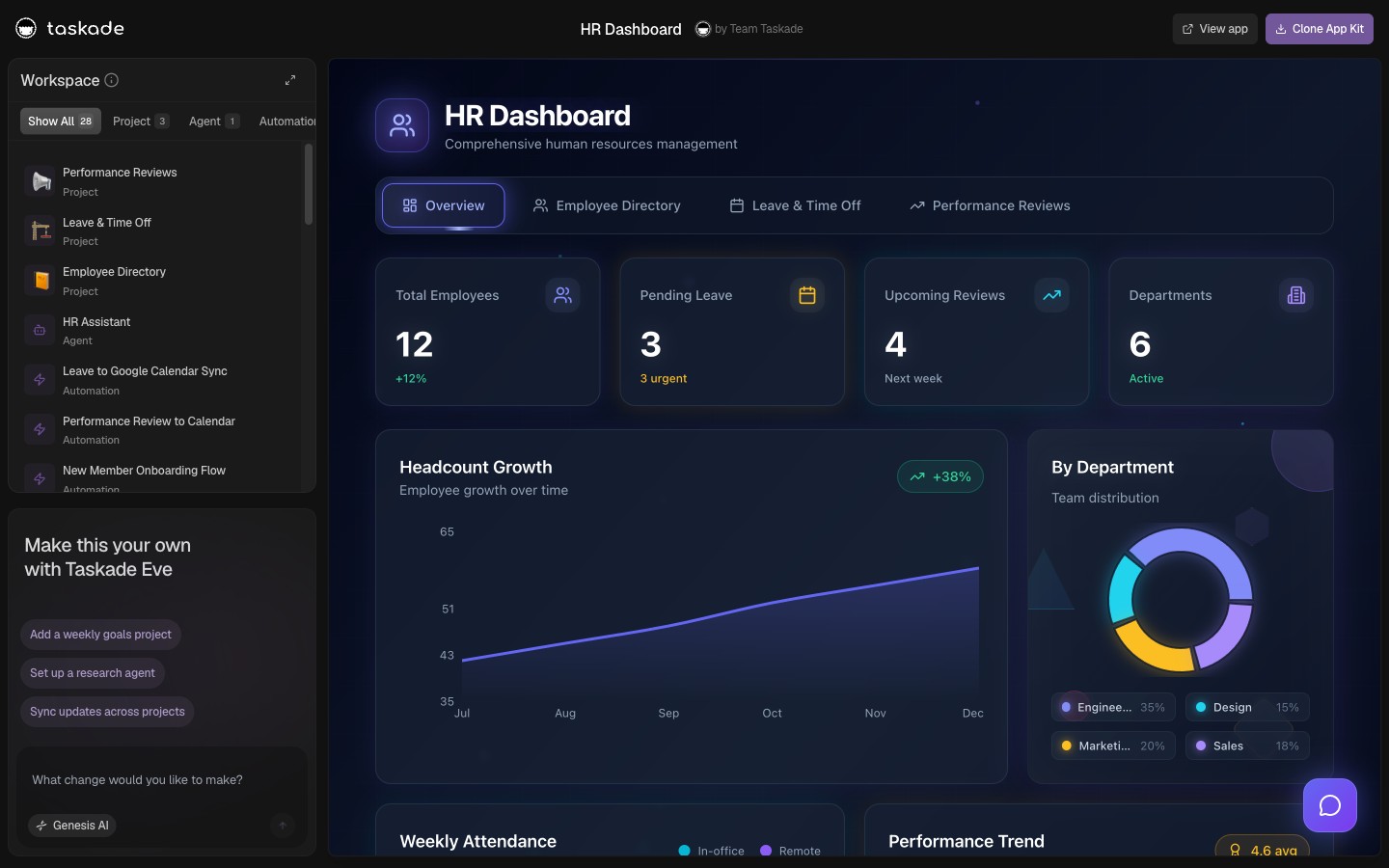
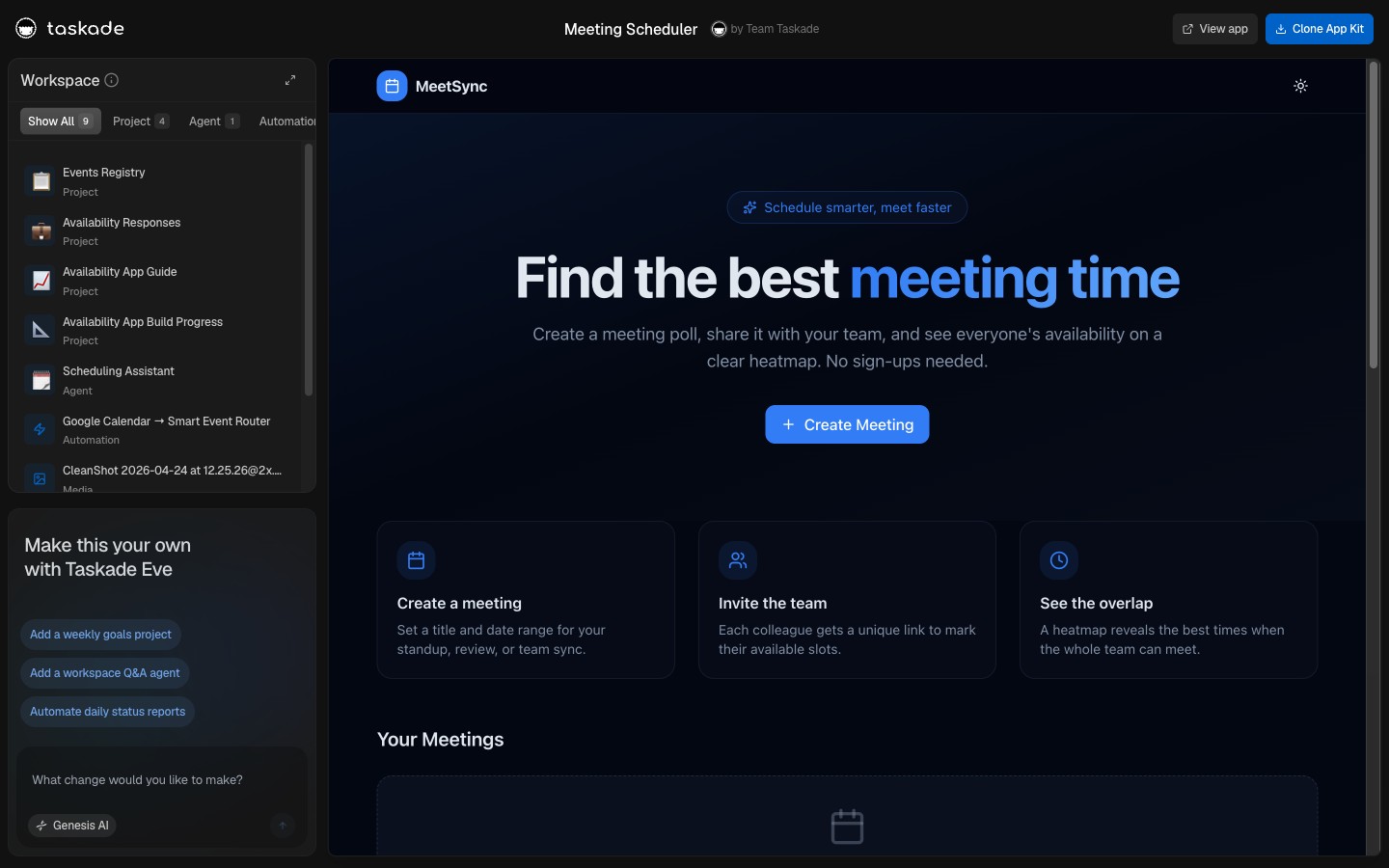
Operations is the stack that holds the company together when nothing else does. These four kits cover the operational surfaces a growing team trips over first: fleet tracking, capacity planning, HR records, and inventory. Each one ships with a default agent that can be addressed from chat, plus automations that fire on a schedule or a trigger.
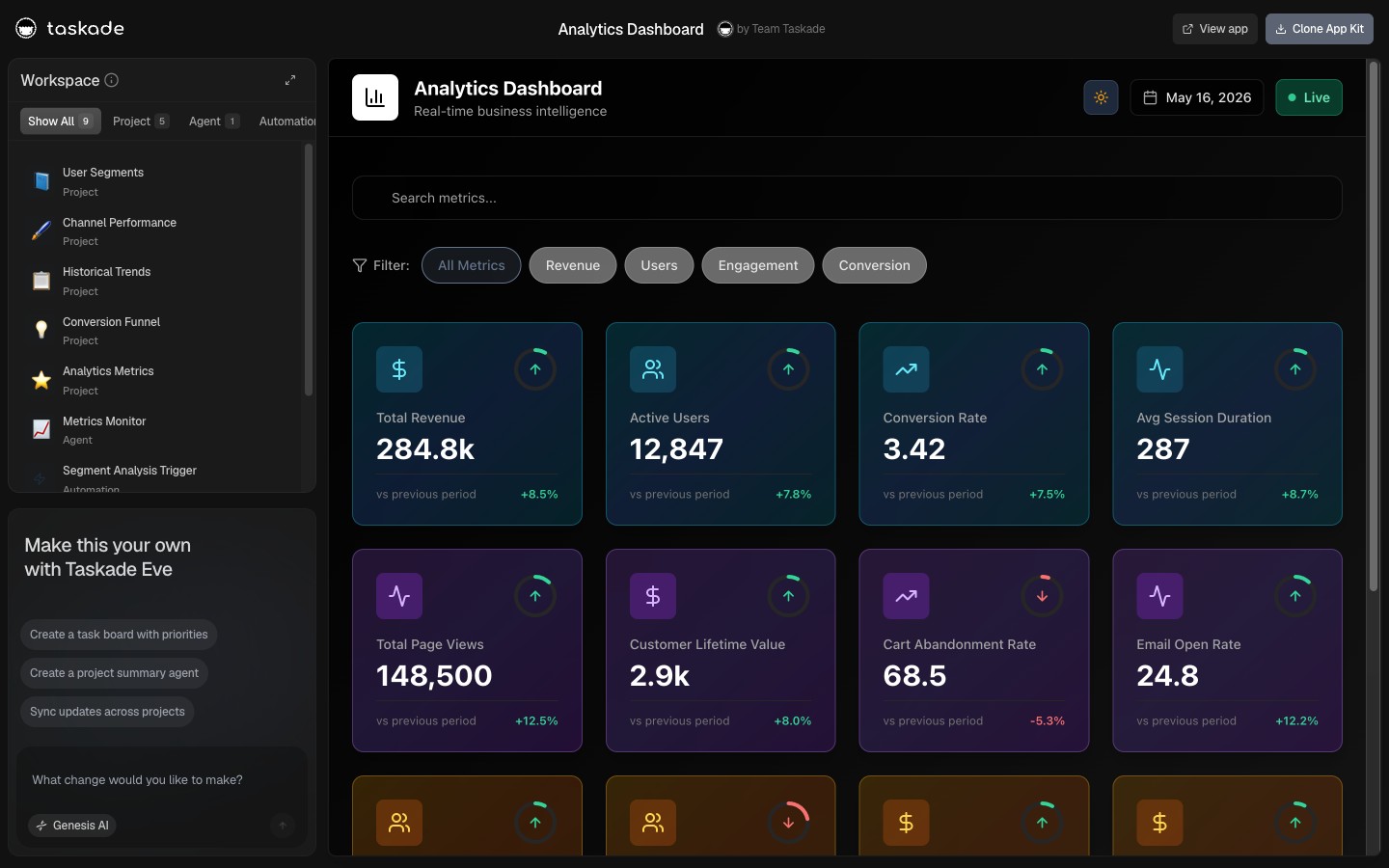
Pair the Ops stack with the Multi-Agent Workspace launch to see how operational data feeds the rest of the company through the shared memory layer.
Stack 02: Founder: Grow, Hire, Brief
The Founder stack is for the person who is doing six jobs and needs all of them in one workspace. Growth dashboard, recruitment workflow, sprint planner, investor dashboard, briefing queue, career chronicle, six kits, one operating cadence. The kits assume you context-switch every fifteen minutes, so the agents are tuned for short, sharp prompts and the automations are wired to the tools founders actually use (Stripe, Gmail, Notion, LinkedIn). See productizing context engineering for the why behind the agent design.
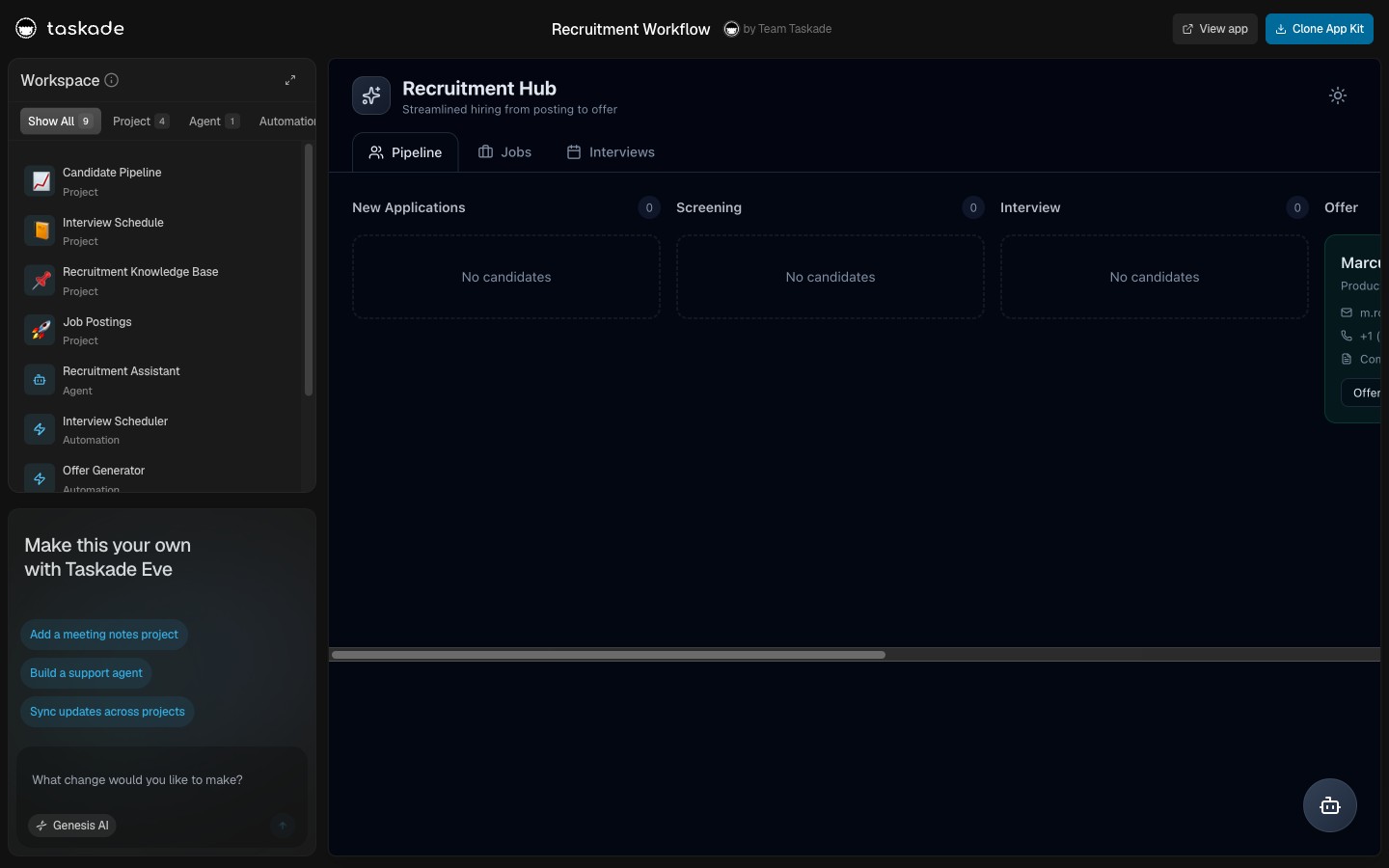
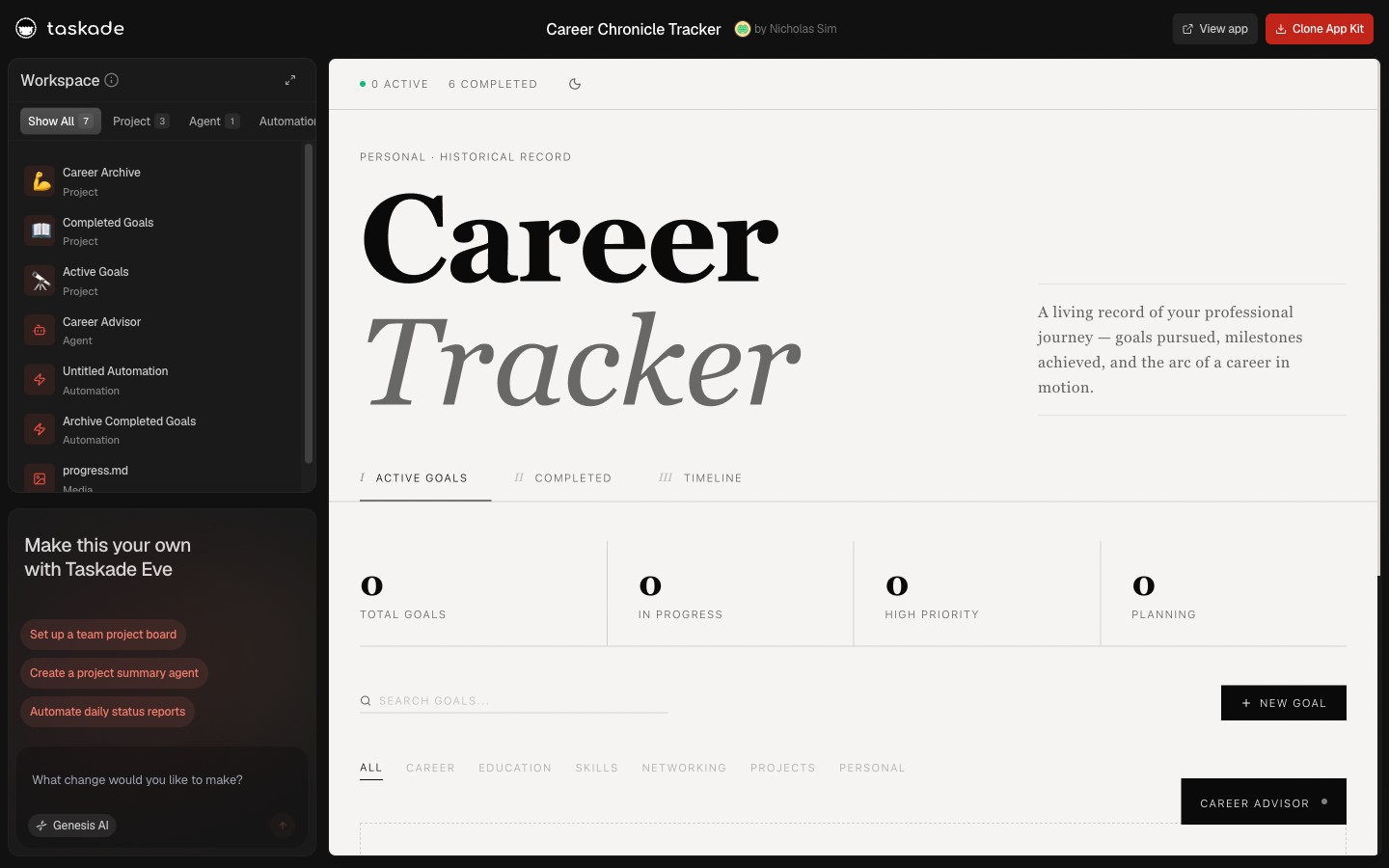
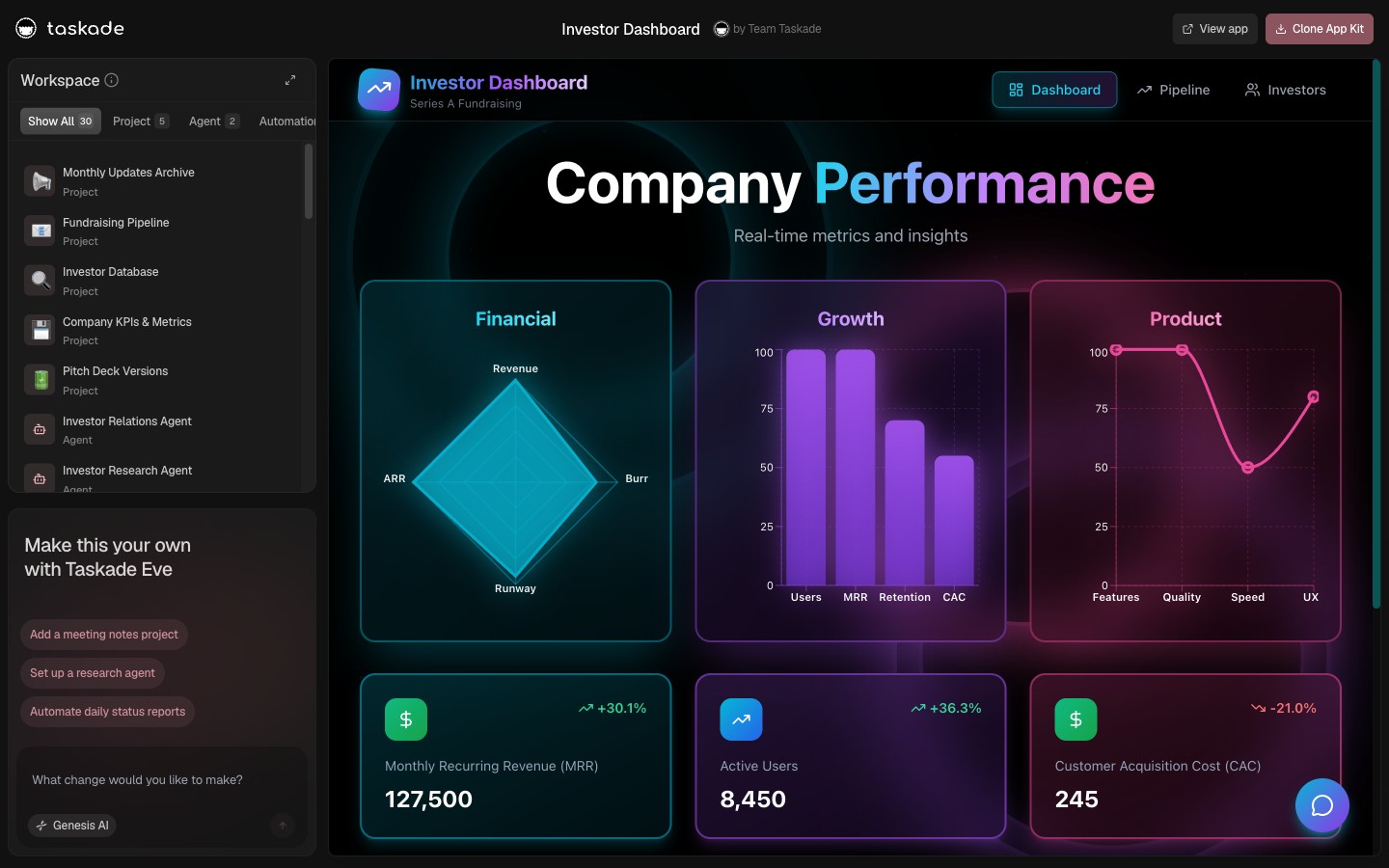
The Founder stack is also the cleanest demonstration of workspace-native AI agents, every agent has access to every other surface in the workspace, so the recruitment kit can ask the investor kit for the latest cap table without leaving the chat.
Stack 03: Marketing: Plan, Draft, Publish
Marketing kits hit the calendar harder than any other stack. Four kits, campaign planner, content workflow, testimonial library, neon-aesthetic data visualization, and the agents are tuned to write in your voice once they've ingested a few of your existing posts into the memory layer. The content workflow kit is wired to publish on a schedule via the same durable automations powering scheduled automations across the rest of Taskade.
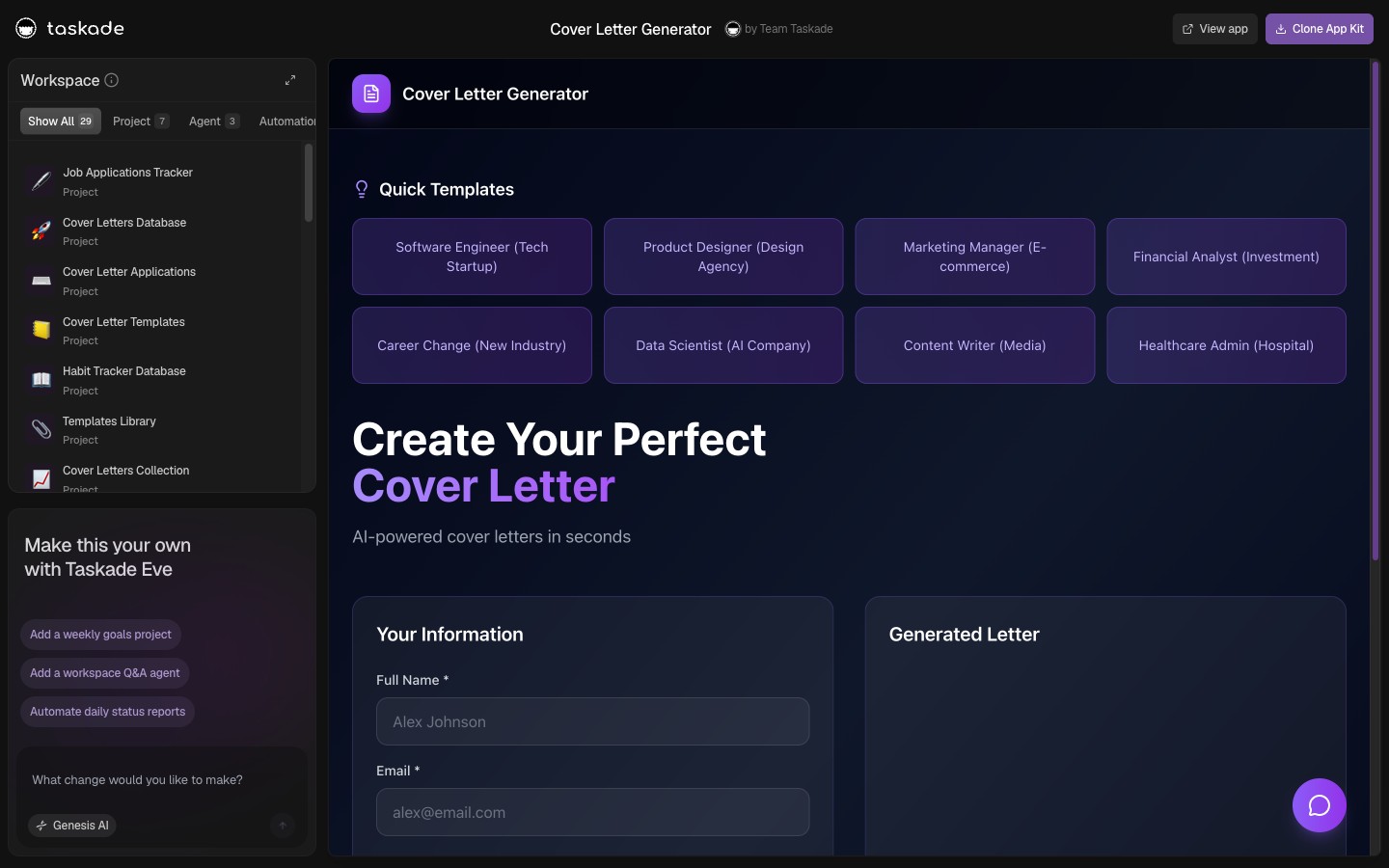
Need more marketing structure than four kits can give you? The full marketing automations playbook covers the patterns these kits are built on, including the citation work researched by the Nielsen Norman Group on AI-assisted content workflows.
Stack 04: Sales: Forecast, Close, Bill
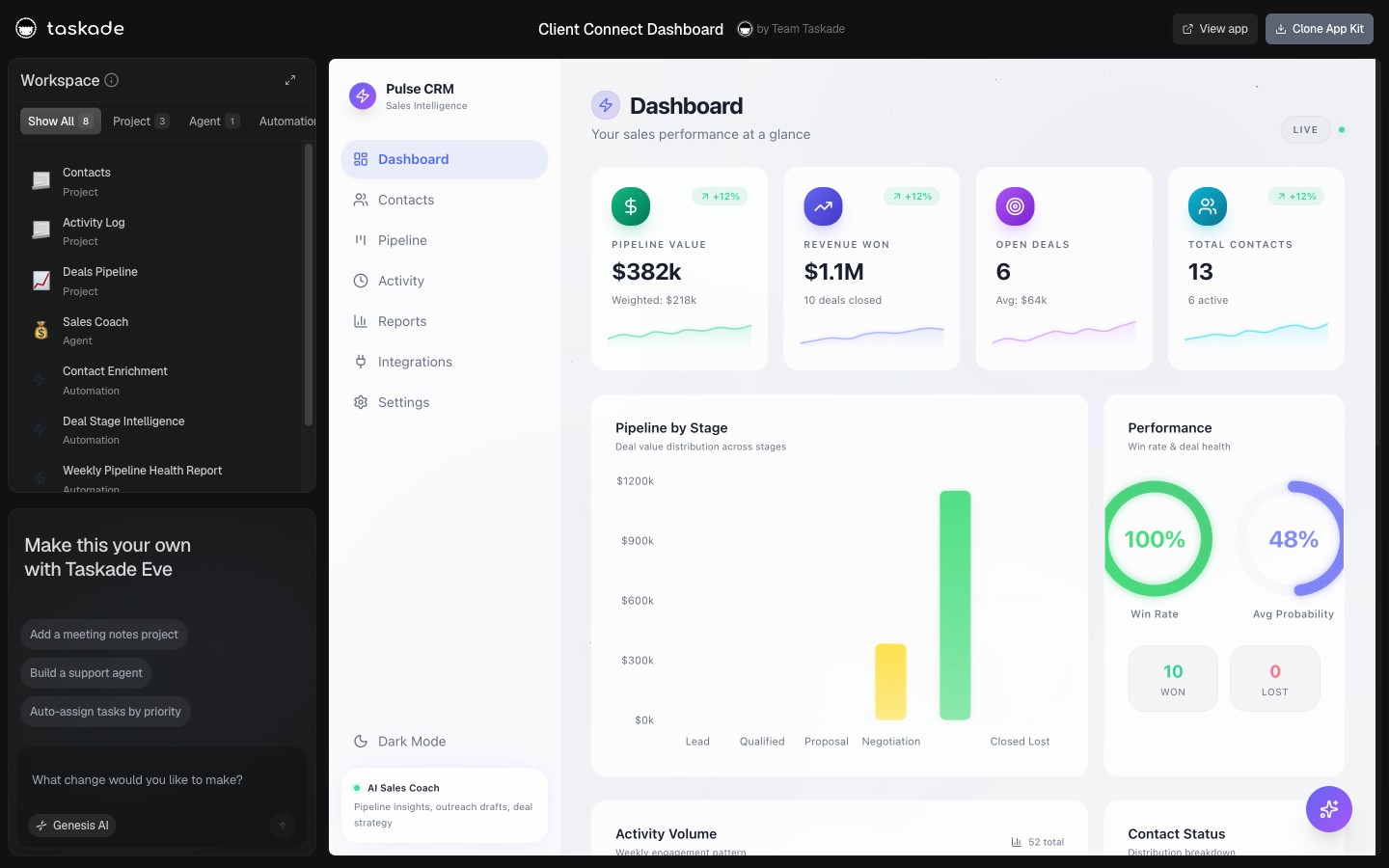
Sales is where automations earn their pixels. Pipeline tracking, sales agent studio, client portal nexus, invoice tracker, every kit either pulls events in from a CRM trigger or pushes data out to a billing or CRM action. The sales agent studio kit ships with three agents pre-tuned for sourcing, qualification, and follow-up, and they pass leads to each other through the shared memory layer. The invoice tracker is the kit that pays for itself the same week you clone it.
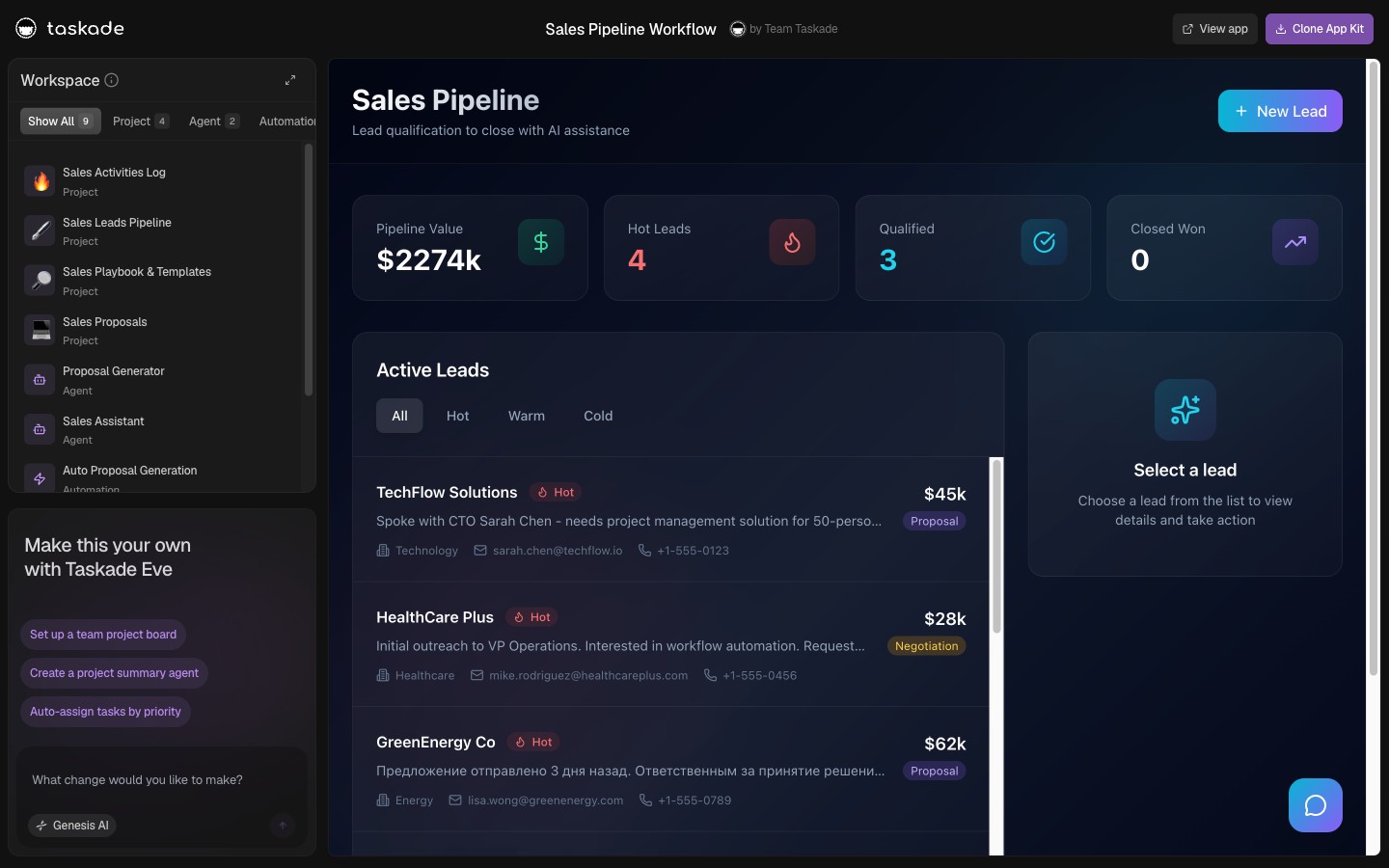
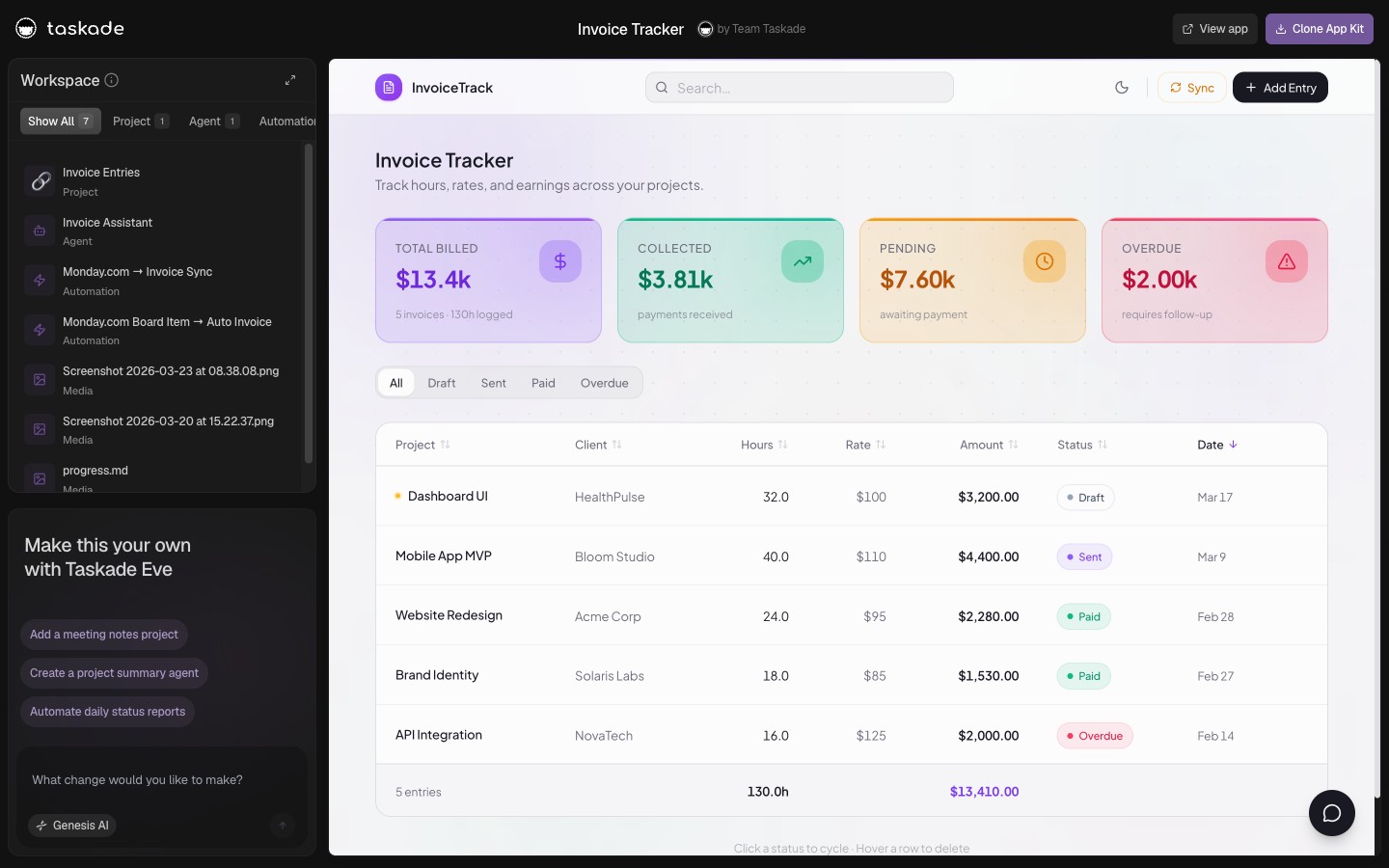
Run these kits alongside the CRM, storefront, and analytics drop for a full revenue stack, or pair with the clone, login, automate flow for the published-app version of the sales pipeline.
Stack 05: Support: Triage, Resolve, Renew
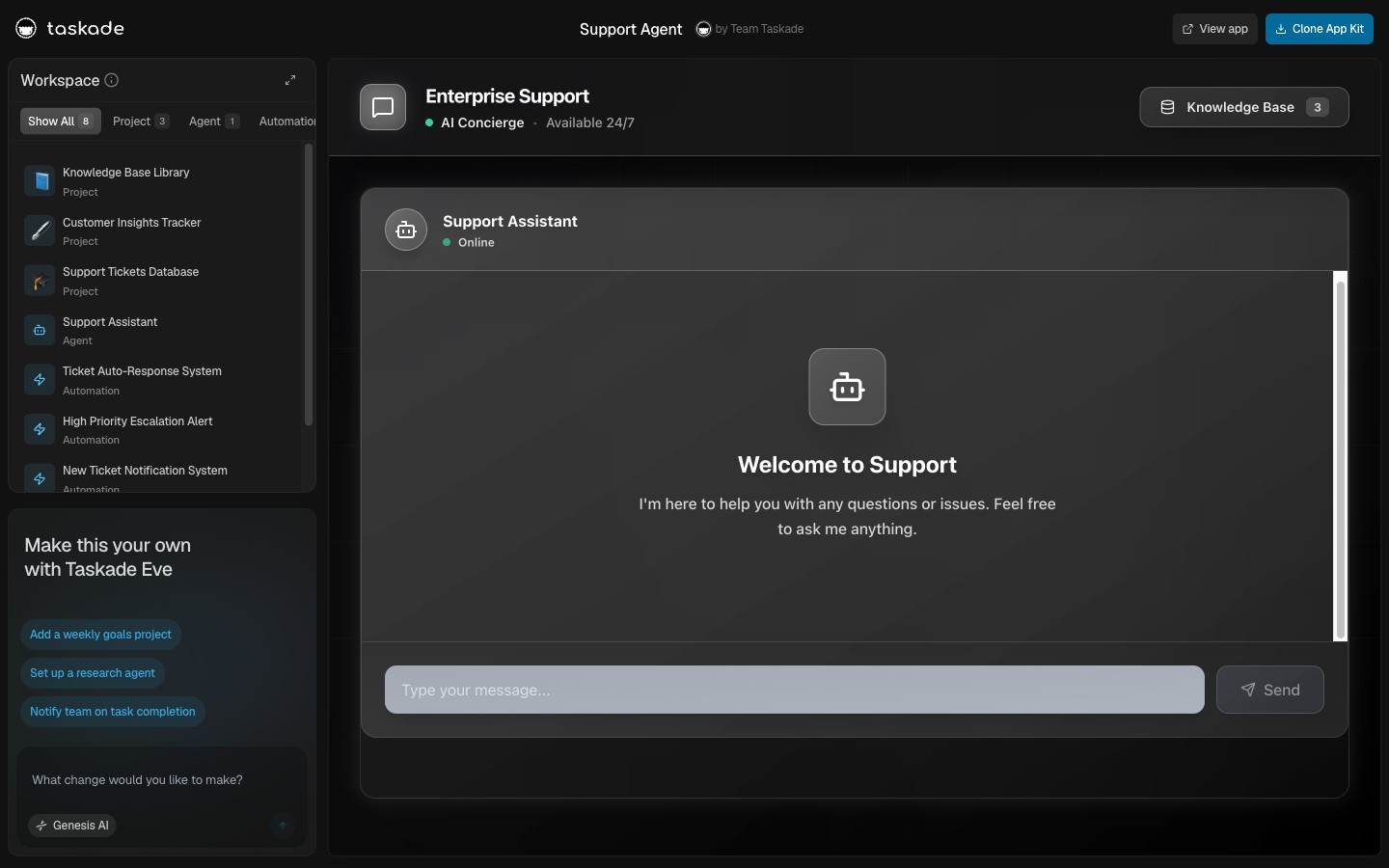
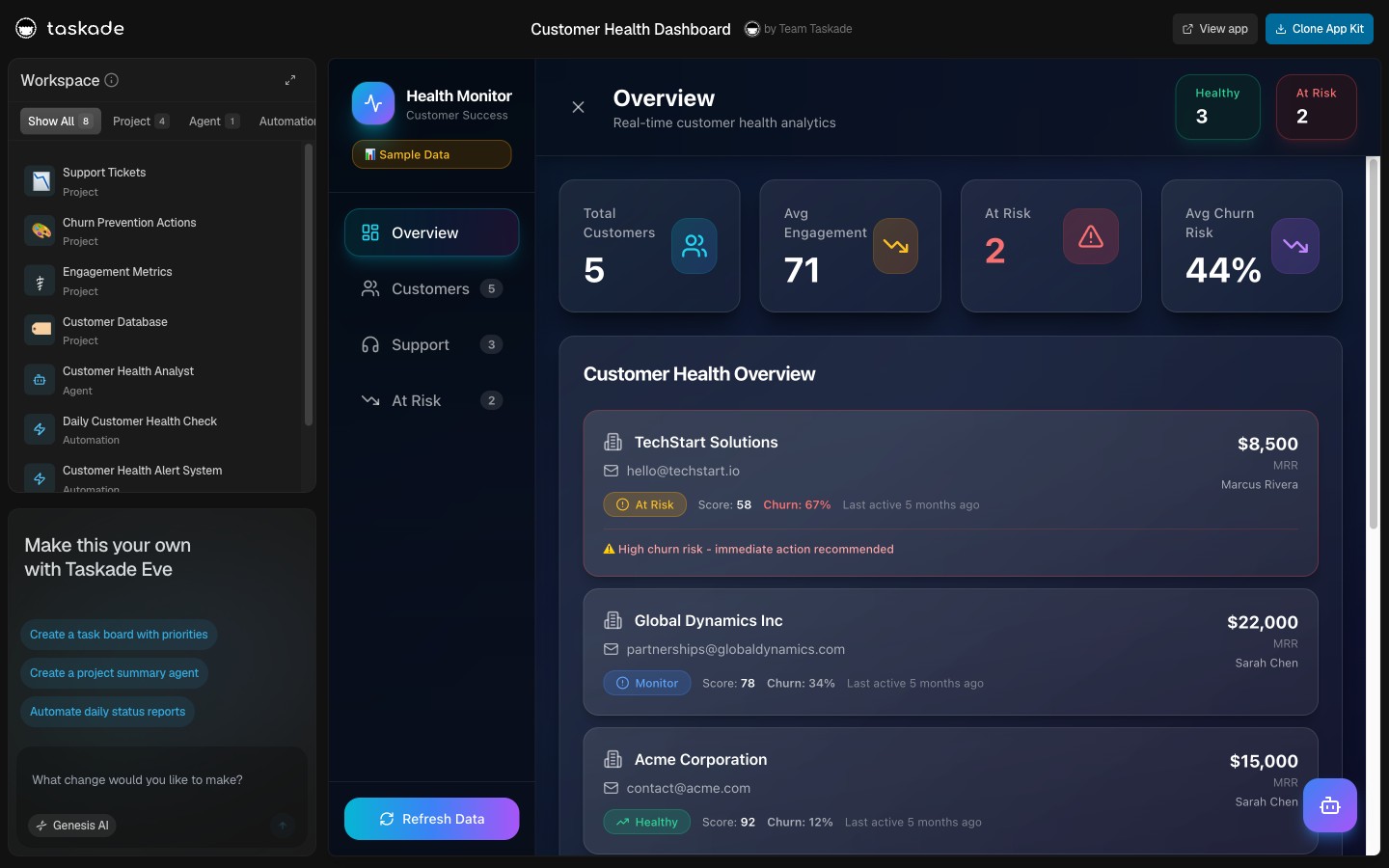
The support stack is the youngest of the five and the most ambitious. Support agent, support workflow manager, customer health dashboard, support rating tracker, four kits that turn the support inbox from a reactive surface into a leading indicator of customer retention. The customer health kit reads ticket sentiment, agent resolution time, and product usage signals together, then surfaces churn risk before the renewal date.
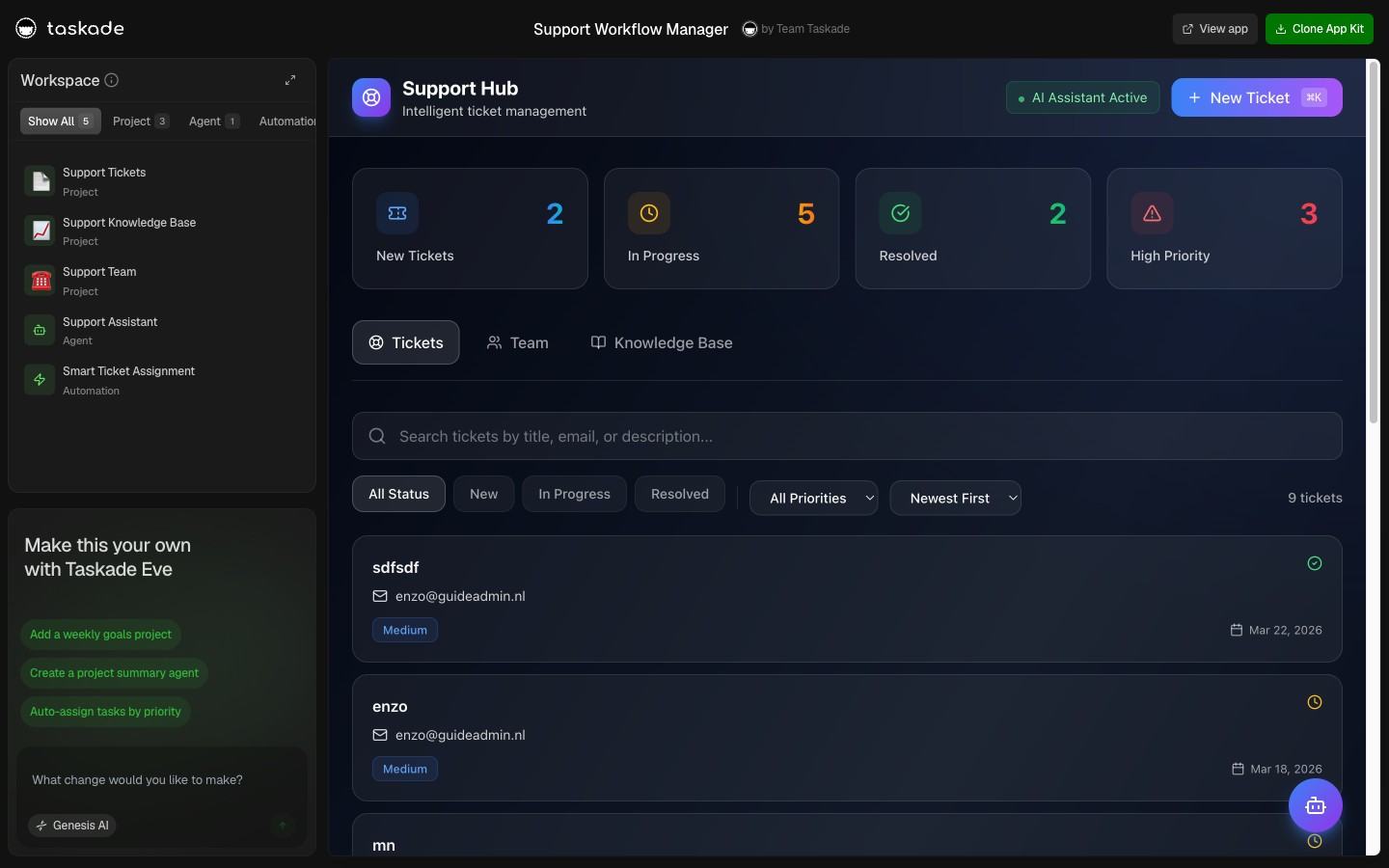
The support stack reads naturally with the agent memory + connected tools update, where the same memory layer turns every resolved ticket into searchable institutional knowledge.
Browse More Kits: Nine Cross-Vertical Apps
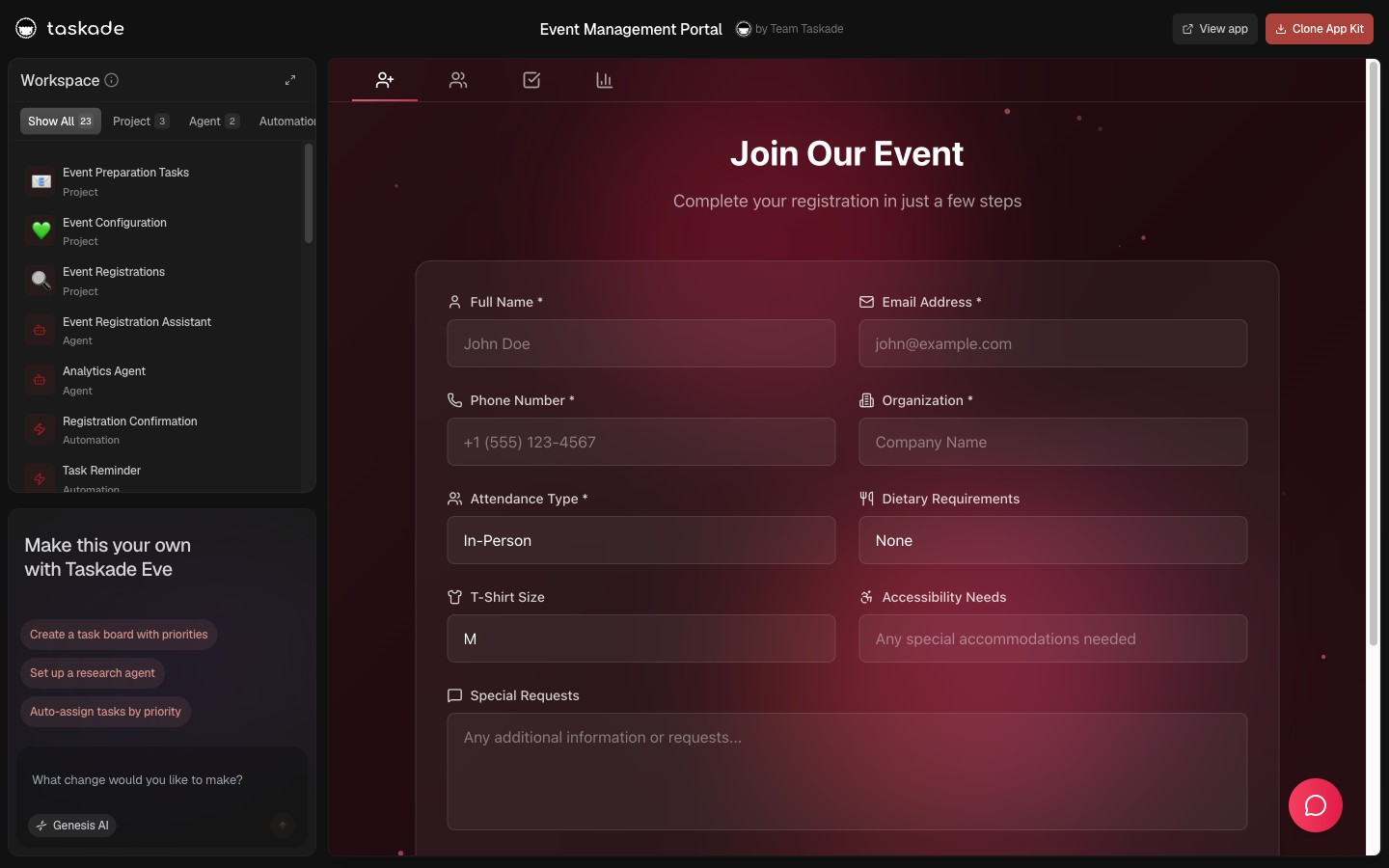
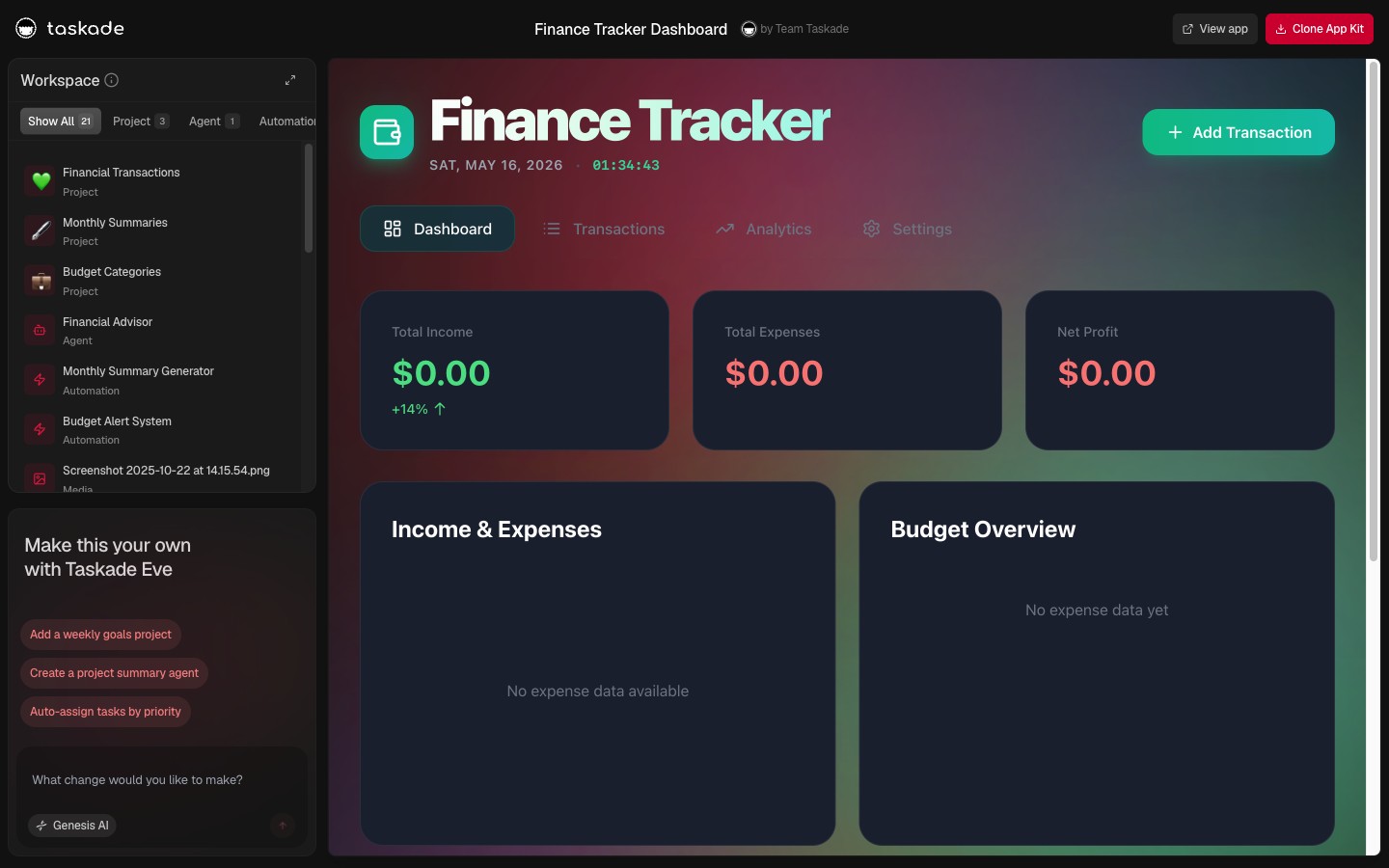
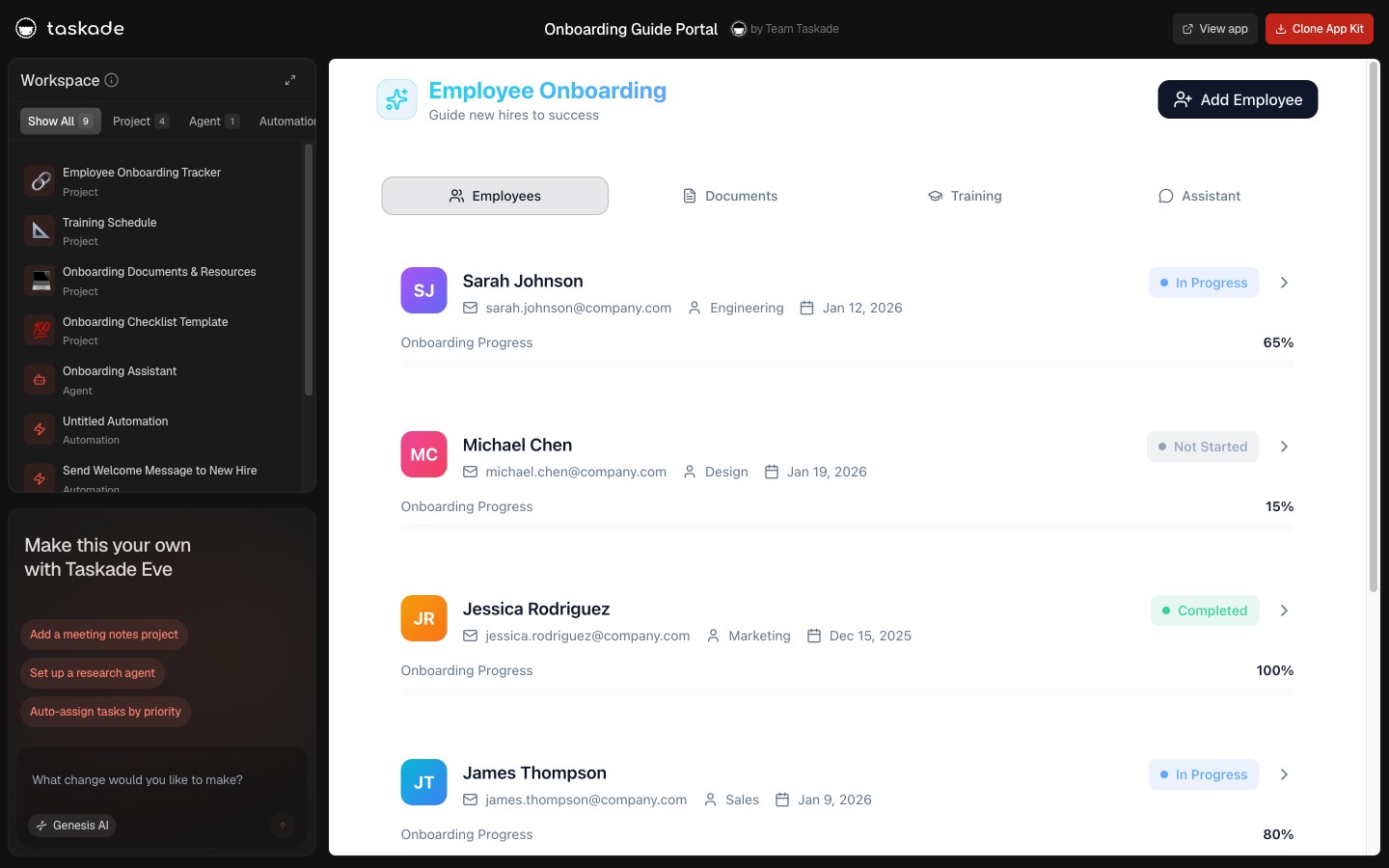
The five stacks are the headline. The fine print is nine more kits that don't fit cleanly into one vertical, broker calendars, finance trackers, event management, onboarding portals, and several others designed for very specific teams. Browse them all in the Taskade Community, or jump straight into the highlighted set below.
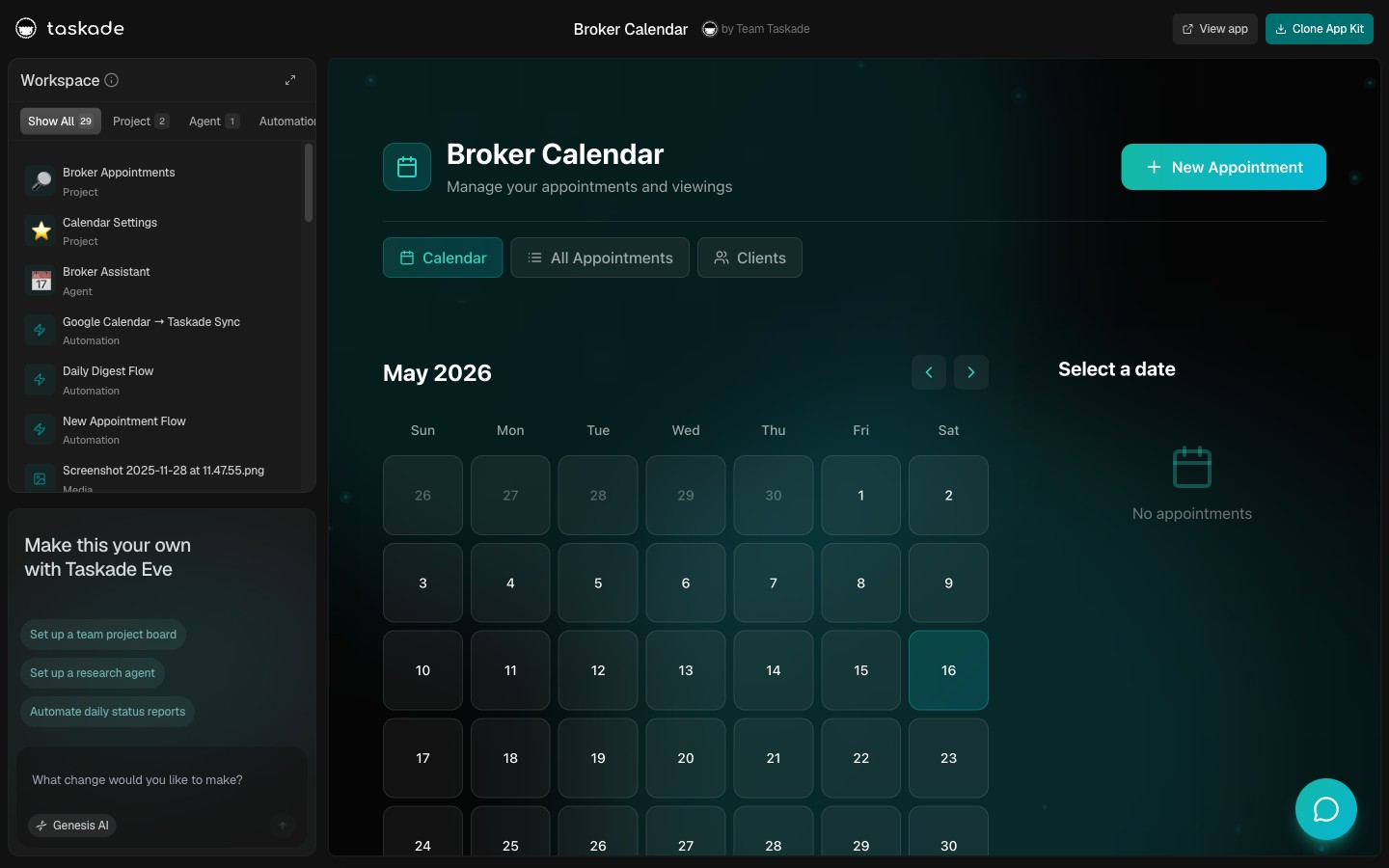
Every kit in the cross-vertical drop uses the same Workspace DNA, so picking one and rewriting the system prompt to fit your team is faster than starting from scratch, the agents and automations carry forward, only the role definition changes.
What Workspace DNA Means
Every kit on this page is built on the same three-layer architecture. Memory is the project layer, Taskade Projects act as a shared knowledge graph, with full-text and semantic search across docs, calls, customers, and tasks. Intelligence is the agent layer, each kit ships with one or more agents that read from memory, choose tools, and route to the best frontier model for the task. Execution is the automation layer, durable workflows that branch, loop, filter, and retry across 100+ bidirectional integrations.
        ▲ Memory
        │
        │ Projects, knowledge graph, semantic search
        │
        ■ Intelligence
        │
        │ Agents, tools, frontier model routing
        │
        ● Execution
        │
        │ Automations, triggers, 100+ integrations
        │
        └──► back to Memory
The loop closes itself. Memory feeds Intelligence. Intelligence triggers Execution. Execution writes back to Memory. Clone a kit and that loop arrives pre-wired, which is the whole point of an app kit versus a template. Read the full Workspace DNA blueprint for the deeper architecture.
Kit ↔ Connector Matrix: Which Kits Use Which Integration Categories
The 24 kits in this wave touch eight integration categories: Payments, Comms, CRM, Email, Storage, Code, AI, and Calendar. The matrix below shows which kit uses which category by default. Every cell marked ● ships pre-wired; every cell marked ○ is a one-click add from the connector library.
| Kit | Payments | Comms | CRM | Storage | Code | AI | Calendar | |
|---|---|---|---|---|---|---|---|---|
| Ops — Capacity Planner | ○ | ● | ○ | ● | ● | ○ | ● | ● |
| Ops — HR Dashboard | ● | ● | ○ | ● | ● | ○ | ● | ● |
| Ops — Fleet Tracker | ○ | ● | ○ | ○ | ● | ○ | ● | ● |
| Ops — Inventory Ledger | ● | ● | ○ | ● | ● | ○ | ● | ○ |
| Founder — Growth Dashboard | ● | ● | ● | ● | ● | ○ | ● | ● |
| Founder — Recruitment Workflow | ○ | ● | ● | ● | ● | ○ | ● | ● |
| Founder — Sprint Planner | ○ | ● | ○ | ● | ● | ● | ● | ● |
| Founder — Investor Dashboard | ● | ● | ● | ● | ● | ○ | ● | ● |
| Founder — Briefing Queue | ○ | ● | ● | ● | ● | ○ | ● | ● |
| Founder — Career Chronicle | ○ | ● | ○ | ● | ● | ○ | ● | ● |
| Marketing — Campaign Planner | ○ | ● | ● | ● | ● | ○ | ● | ● |
| Marketing — Content Workflow Hub | ○ | ● | ○ | ● | ● | ○ | ● | ● |
| Marketing — Testimonial Library | ○ | ● | ● | ● | ● | ○ | ● | ○ |
| Marketing — Neon Data Viz | ○ | ● | ○ | ○ | ● | ○ | ● | ○ |
| Sales — Pipeline | ● | ● | ● | ● | ● | ○ | ● | ● |
| Sales — Sales Agent Studio | ● | ● | ● | ● | ● | ○ | ● | ● |
| Sales — Client Portal Nexus | ● | ● | ● | ● | ● | ○ | ● | ● |
| Sales — Invoice Tracker | ● | ● | ● | ● | ● | ○ | ● | ○ |
| Support — Support Agent | ○ | ● | ● | ● | ● | ○ | ● | ● |
| Support — Workflow Manager | ○ | ● | ● | ● | ● | ○ | ● | ● |
| Support — Customer Health | ● | ● | ● | ● | ● | ○ | ● | ● |
| Support — Rating Tracker | ○ | ● | ● | ● | ● | ○ | ● | ○ |
| Cross — Broker Calendar | ● | ● | ● | ● | ● | ○ | ● | ● |
| Cross — Event Management Portal | ● | ● | ● | ● | ● | ○ | ● | ● |
Legend. ● = pre-wired in the kit out of the box. ○ = available as a one-click add.
Three patterns jump out. First, Comms (Slack/Discord) and Email (Gmail) are universal, every kit ships with both because every workflow eventually needs a human notification or a sent draft. Second, Code (Git/Linear) is uncommon outside the Sprint kit, most kits don't need GitHub triggers, so we ship them off by default to keep the connector surface clean. Third, Payments (Stripe) is wired in every kit where money flows, Sales, Invoice, Investor, Health, and ready to add in every kit where it might in the future.
The full bidirectional integrations library has 100+ connectors across these eight categories; the kits ship pre-wired to the most-used handful per role and leave the rest as one-click adds.
How Bidirectional Automations Actually Fire
Every kit ships with the same automation contract: triggers pull events in from any of 100+ connected tools, actions push data back out across the same surface, and the Workspace Memory layer holds the state in between. Here's a canonical Stripe → Slack → Notion flow that appears in the Sales and Founder stacks.
Notice the loop. Memory updates as a side effect of every action. The next time the revenue agent opens the Project, the new deal is already in context. That's the Workspace DNA loop running through every kit's automations by default.
How the Clone-to-Live Lifecycle Actually Runs
The single highest-leverage moment in the app-builder category is the gap between "clicked clone" and "first automation fires." Most code-generation tools (Lovable, Bolt, Replit Agent) leave that gap at hours. Taskade Genesis kits close it in under 60 seconds because the kit isn't generated code. It's a hydrated workspace.

Automations and Integrations Are Bidirectional
The automations baked into every kit are real automations, not "send an email" macros. They run on a durable execution engine built for long-running flows, retries, branching, looping, filtering, and every step can be a connector that talks to Notion, Stripe, Shopify, Slack, Gmail, Linear, or any of the 100+ bidirectional integrations. Bidirectional means triggers pull events in, actions push data out. You don't have to choose one direction.
Want programmatic access? Every Genesis app supports tokens, webhooks, and trigger registration. See the build from your tools post for the patterns, or the OpenAPI-to-MCP generator for the one-click path from an API spec to a working MCP server that any MCP client can call.
Where the 24 Kits Land in the May 2026 Competitive Landscape
The big AI app builders all shipped fresh capability in the last 90 days. Each one moved in a different direction. Here is where Taskade Genesis Kits sit relative to the competitive set as of May 2026.
| Platform | May 2026 Headline Shipment | What You Get Out | What Genesis Kits Add |
|---|---|---|---|
| Notion 3.4 (Apr 2026) | Lightweight agent models, ~35-50% cheaper credit burn, 21K+ Custom Agents built since Feb 2026 | An AI-augmented wiki with autonomous research agents that crawl pages for 20 minutes | A deployed app with Memory + Intelligence + Execution wired together — not just summaries inside docs |
| ClickUp 4.0 (Dec 2025) + Super Agents (Dec 2025) + Brain MAX desktop (2026) | Full redesign, AI Planner auto-scheduling, 500+ fine-tuned agent skills at $28/seat/mo | The deepest all-in-one PM bundle in the category | A workspace where the kit IS the app, not a board layer that wraps tasks |
| Lovable 2.0 (April 2025) | Chat Mode Agent, Workspaces, $200M ARR, $6.6B valuation (Dec 2025 Series B) | React + Supabase code you deploy on Netlify or Bolt Cloud | Live cloneable apps with agents + automations + 100+ integrations — no deploy step, no credit meter |
| Bolt V2 (Oct 2025) | Bolt Cloud bundle (DB + auth + hosting + Expo mobile) on WebContainers | A browser-native Node.js dev environment with one-click hosting | A workspace where non-engineers ship the same app surface without a token meter |
| Cursor 2.0/3.0 (Oct 2025 + 2026) | In-house Composer model, Background Agents, parallel agents, $2B ARR, 1M+ paying subs | Best-in-class AI IDE for working engineers shipping production code | The dashboards, internal tools, and customer-facing apps that surround the codebase — for the rest of the team |
| Linear Agent (Mar 2026) + Code Intelligence (May 14 2026) | Agentic planning + controlled codebase access + Releases CI/CD integration | The fastest issue tracker with AI tied to your codebase | A general-purpose workspace where the same agents that ship code can run support, ops, and customer flows |
| Notion 3.0 → 3.4 + Airtable Omni + Field Agents (2025-2026) | AI agents that act on knowledge bases and rows | Document-scoped or row-scoped agents | Workspace-scoped agents that act across Projects, files, integrations, and the live app surface — one continuous loop |
The pattern is clear. Every major competitor shipped agents in the last 12 months. Each one bolted agents onto an existing primitive, wiki, board, codebase, base. Taskade Genesis is the only one that ships the entire loop as the primitive. The 24 kits in this wave are not 24 product features. They are 24 ready-made instances of the loop, cloneable in one click, customizable in the same workspace where they live.
Read the cross-post mesh below for the full picture.
What You Ship vs. What You'd Otherwise Hire
The clearest way to read a kit is to ask: if I didn't have this kit, who would I hire to do this work? The table below maps eight of the 24 kits to the equivalent full-time roles a growing team would otherwise post on LinkedIn. The point isn't that the kit replaces those roles, humans still own the calls. But that the kit ships the execution surface those roles need before day one.
| Kit | Equivalent FTE role(s) | Typical loaded cost (US, annual) | What the kit ships day one |
|---|---|---|---|
| Founder — Investor Dashboard | Finance manager + investor-relations associate | $180K–$260K | Cap-table Project, MRR + runway snapshot, LP update drafter, one-click investor digest |
| Sales — Sales Agent Studio | SDR + sales ops + CRM admin | $220K–$340K | Sourcing → Qualification → Follow-up agent chain, HubSpot/Salesforce mirror, outbound drafter with approval gate |
| Marketing — Content Workflow Hub | Editor + writer + social manager | $260K–$380K | Voice-trained Drafter, calendar Project, social repurposer (1 → 8 variants), publish queue with 24h hold |
| Support — Customer Health Dashboard | Customer success manager + RevOps analyst | $200K–$300K | Health Scorer Project, ticket-sentiment ingest, 60-day renewal forecast, at-risk Slack escalation |
| Ops — Capacity Planner | Operations manager + project coordinator | $190K–$280K | Capacity Project, over-allocation detector, calendar sync, cross-kit dispatcher to HR + Fleet |
| Sales — Invoice Tracker | Billing specialist + AR clerk | $130K–$190K | Stripe webhook listener, dunning drafter, paid-win Slack poster, 30/60/90 escalation ladder |
| Founder — Recruitment Workflow | Recruiter + talent ops | $170K–$240K | Resume scorer, screening calendar, candidate Project with custom fields, hiring-manager digest |
| Support — Knowledge Curator | Documentation lead + support enablement | $140K–$200K | Resolution-pattern watcher, KB article drafter, 3-tickets-in-7-days threshold, lead approval gate |
A few honest caveats. The kit does not write the strategy, the founder still chooses which markets to enter, the head of sales still picks the ICP, the support lead still owns the tone. What the kit does is shorten the gap between "we decided this" and "the system is doing it." That's the surface where the solo-operator stack lives, one person, eight kits, the execution capacity of a team that would otherwise take eighteen months and three rounds of hiring to assemble.
The pricing math doesn't need a spreadsheet. One Pro seat at $10/month is less than a single hour of any role in the table above. Eight Pro seats, enough to run all four stacks at once, is less than a single fully-loaded month of any one FTE.
Read Next: The May 2026 Wave
The May 21-28 launch wave ships four interlocking posts that fully communicate Taskade Genesis capabilities. Each one zooms into a different facet of what these 24 kits actually do under the hood.
- Taskade Genesis vs Claude Live Artifacts →, Anthropic shipped Live Artifacts April 20; here's how the 24 kit drop covers all 8 launch-video demos as deployed cloneable apps, not local single-device artifacts.
- The Solo Operator's Stack →, what a Fortune 500 team builds in 18 months, one operator now ships in a few weeks by cloning these kits.
- AI Agent Teams Collaboration →, every kit ships with multi-agent collaboration; the four modes (handoff, parallel, hierarchical, peer review) explained.
Pick Your Stack, Clone in One Click
If you're a founder, start with Stack 02. If you run an ops team, Stack 01. Marketing, Sales, Support, pick the stack that matches the work you'll do tomorrow morning, clone the kit, and the agents and automations are running before your coffee is cold. Every kit is free to clone, free to customize, and free to deploy. GenesisAuth OIDC sign-in works on every plan. You only hit pricing when you want to publish the kit to a custom domain, which lives on Business and up.
Ready to build something of your own from scratch? Start in Genesis and the same kit architecture is what you'll ship, Projects, Agents, Automations, all stitched into one running app. Or browse the full Community Gallery for hundreds more live apps to remix.
▲ ■ ● Memory · Intelligence · Execution
The three-layer architecture behind every Taskade Genesis app kit. Clone any one of the 24 kits above to feel the loop close itself, or build your own on the same primitives.
Frequently Asked Questions
What are the five Taskade Genesis app-kit stacks?
Ops, Founder, Marketing, Sales, and Support. Each stack ships four to six app kits with Workspace DNA built in: persistent project memory, AI agents tuned for the role, and automation workflows that connect to the tools you already use. Twenty-four kits total (the Founder stack ships six; the rest ship four each), every one of them cloneable from a single share link.
Are the new Taskade Genesis app kits free to clone?
Yes. Every share link in this post opens a live Genesis app on the Taskade Community. Press "Use this app" inside the preview and the entire kit, Projects, Agents, and Workflows, is copied into your own free Taskade workspace. No credit card, no setup wizard.
Do the app kits include AI agents and automations, or only templates?
Both, but together. Each kit ships with pre-built AI agents, durable durable automation flows, and connected Projects, not static templates. The agents share memory across the workspace, and the automations are bidirectional: triggers pull events in, actions push data out across 100+ integrations.
Can I customize a Taskade Genesis app kit after cloning?
Yes. Cloned apps are editable like any Taskade project, rewrite the system prompt, swap models from the 15+ frontier options, add new tools to the agent, wire fresh automation steps, change the schema of the underlying project. The kit is a starting point, not a frozen template.
Which app kits can I publish to my own domain?
Any Genesis app on Business and above can be published to a custom domain with built-in OIDC sign-in via GenesisAuth. Clone, edit, hit publish, and your app is live at your-domain.com with authenticated users, shared memory, and the same agents you built it with.
How is a Taskade Genesis app kit different from a Lovable, Bolt, or Replit app?
Lovable, Bolt, and Replit generate static React/Next.js code that you then host, wire to a database, and add auth to yourself. Genesis kits ship as living workspaces, Projects act as the database, Agents v2 share that memory with built-in tools, and Automations execute durably across 100+ integrations. Deploy is the start of the lifecycle, not the end. Cloning a kit takes 60 seconds and the whole stack arrives wired together.
How many integrations do the workflows in these kits support?
100+ bidirectional integrations. Triggers pull events in from Shopify, Stripe, GitHub, Slack, Gmail, Calendar, RSS, Telegram, and 90+ more. Actions push data out to the same set of tools. Every kit's automations are pre-wired to the tools its role actually uses, the Sales Pipeline kit ships with HubSpot and Salesforce mappings, the Support stack ships with Zendesk and Intercom, the Marketing stack ships with Notion and ConvertKit.
Does each kit work with multiple AI models or just one?
15+ frontier models from OpenAI, Anthropic, Google, and open-weight providers, switchable per agent, per workspace, per task. The kits ship with a sensible default per role (research-heavy roles use Claude, structured-output roles use GPT, fast-turn roles use Haiku) but every agent's model is a one-click swap.
Where can I see all 24 kits at once?
Browse the full Community Gallery at the Taskade Community surface. Every kit listed here has a permanent share URL, and Taskade publishes new kits every week. The May 21 2026 drop adds Ops, Founder, Marketing, Sales, and Support stacks; subsequent drops will add Engineering, Customer Success, Finance, and HR.