







Running an agency is a never-ending race. Every minute counts, every detail matters. As your client list grows, so does the need for streamlined operations. The right agency management software eliminates chaos and lets your team focus on delivering exceptional work.
TL;DR: Taskade is the best agency management software for AI-powered teams under 50, with unlimited AI agents, multiple project views, 100+ integrations, and flat pricing at $10/month. Monday.com leads for visual workflow automation at larger agencies. ClickUp offers the most features per dollar. Teamwork excels at client billing. Start free with Taskade

We evaluated 12 tools based on pricing, AI capabilities, multi-client management, integrations, and agency-specific features. Here is what you need to know.
What Is Agency Management Software?
Agency management software is a set of tools that help agencies run day-to-day operations including project management, team collaboration, task scheduling, client communication, and resource allocation. The best platforms consolidate these functions so you can automate workflows, reduce manual errors, and deliver results on time.
In 2026, the defining differentiator is AI. Agencies using AI-powered project management tools report 40% faster content production and 30% fewer missed deadlines according to HubSpot's State of Marketing 2025 report.
Essential Agency Management Features
| Feature Category | Why It Matters | Example Use |
|---|---|---|
| Multi-client workspaces | Prevent data leakage between clients | Separate spaces per client with role-based access |
| Time tracking & billing | Track profitability per project | Log hours, generate invoices, calculate margins |
| Resource planning | Prevent team burnout | Visualize capacity across projects |
| Client collaboration | Share progress without exposing internal work | Guest views with limited permissions |
| Project templates | Standardize repeatable workflows | Campaign launch template used across clients |
| AI content generation | Scale creative output | Generate briefs, drafts, and reports with AI |
| Automation workflows | Eliminate manual admin tasks | Auto-assign tasks, send status updates, sync tools |
| Reporting dashboards | Track KPIs across clients | Revenue, utilization, deadline adherence |
Quick Comparison: Top 6 Agency Tools
| Tool | Best For | Pricing (Annual, /user/mo) | AI | Views | Integrations |
|---|---|---|---|---|---|
| Taskade | AI-powered agencies | $10/mo flat (10 users) | Unlimited AI agents | Multiple views | 100+ |
| Monday.com | Visual workflow automation | $9-19/seat/mo | Limited AI | 8+ views | 200+ |
| ClickUp | Feature-rich all-in-one | $7-12/user/mo | ClickUp AI ($5/user add-on) | 15+ views | 1,000+ |
| Teamwork | Client billing & time tracking | $10.99-19.99/user/mo | Limited | 5 views | 80+ |
| Productive | Resource & profitability | $9-32/user/mo | Limited | 5 views | 50+ |
| Asana | Structured task management | $10.99-24.99/user/mo | Asana Intelligence | 6 views | 200+ |
The 12 Best Agency Management Software Tools
1. Taskade -- Best for AI-Powered Agencies
Taskade is the best agency management software for teams that need AI-powered project management, content generation, and client collaboration in one workspace. With multiple project views (List, Board, Calendar, Table, Mind Map, Gantt, Org Chart), built-in video calls, and a generous monthly AI credit allowance, Taskade replaces multiple tools with a single platform.
What sets Taskade apart for agencies is the implementation of AI agents with built-in tools and persistent memory. Create AI agents trained on client brand guidelines that produce on-brand content, generate creative briefs, and automate status reports across all client projects simultaneously.
Key agency features:
- AI agents with custom training on client brand voice, style guides, and past deliverables
- multiple project views for different work contexts (Board for sprints, Gantt for timelines, Mind Map for strategy)
- Role-based access (Owner to Viewer) for granular client permissions
- 100+ integrations including Gmail, Slack, Salesforce, HubSpot, and Shopify
- Built-in video calls and screen sharing for client presentations
- Automation workflows for status updates, task routing, and cross-tool sync
- 1,000+ project templates for campaign launches, content calendars, and client onboarding
Pricing: Free (2 members), Pro $10/mo flat billed annually (up to 10 users), Business $25/mo flat billed annually (unlimited users)
Best for: Agencies under 50 people needing AI content generation, multi-client management, and flat pricing
Take your agency to the next level with Taskade AI
2. Monday.com -- Best for Visual Workflow Automation
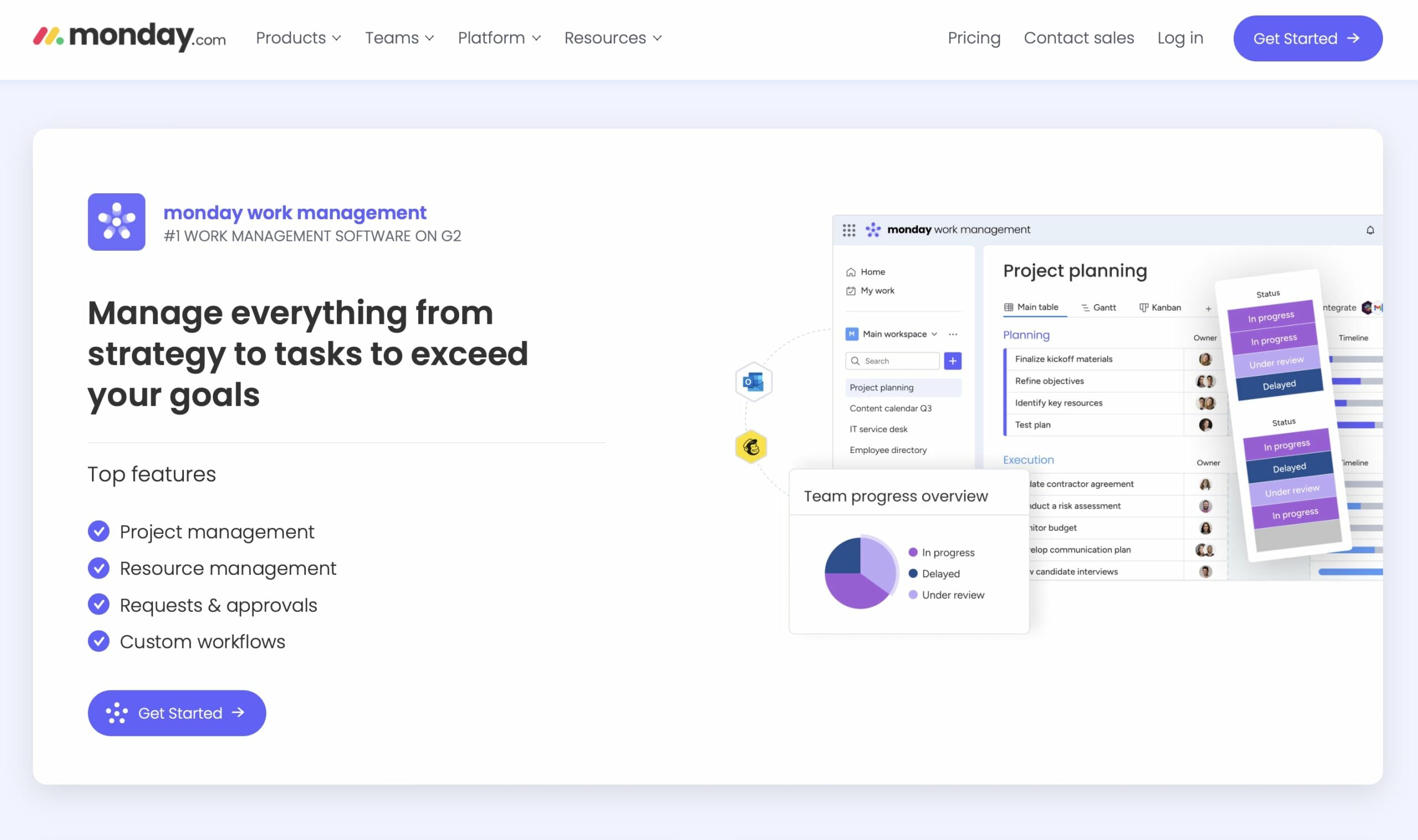
Monday.com is a visual project management platform with highly customizable dashboards, workflow automation, and a wide ecosystem of integrations. Its interface makes it easy to build agency-specific workflows with color-coded statuses, timeline views, and automated notifications.
Key agency features:
- Highly customizable dashboards with drag-and-drop widgets
- Visual automation builder with 200+ integration recipes
- Portfolio-level views across multiple client projects
- Time tracking and workload management
- Client-facing dashboards with guest access
Pricing: Free (2 users), Basic $9/seat/mo, Standard $12/seat/mo, Pro $19/seat/mo, Enterprise custom
Limitations:
- Pricing scales per seat, expensive for larger agencies ($190/month for 10 users on Pro)
- AI features are limited compared to Taskade's unlimited AI agents
- Learning curve for advanced automation setup
Best for: Mid-to-large agencies (20-200 people) with complex visual workflow needs
3. ClickUp -- Best Feature-Rich All-in-One
ClickUp offers the most features per dollar of any project management tool. With 15+ views, docs, whiteboards, goals, time tracking, and extensive customization, ClickUp attempts to be the everything platform for agencies.
Key agency features:
- 15+ project views including Board, Gantt, Timeline, Workload, and Mind Map
- Built-in docs and wikis for knowledge management
- Whiteboards for brainstorming and client presentations
- Time tracking with estimates and billing
- ClickUp AI ($5/user/month add-on) for content generation
Pricing: Free (unlimited), Unlimited $7/user/mo, Business $12/user/mo, Enterprise custom
Limitations:
- Feature density creates a steep learning curve (2-4 weeks to full proficiency)
- Performance can lag with large workspaces
- AI is a paid add-on, not included in base plans
Best for: Agencies wanting maximum features at competitive pricing who can invest in setup time
4. Asana -- Best for Structured Task Management
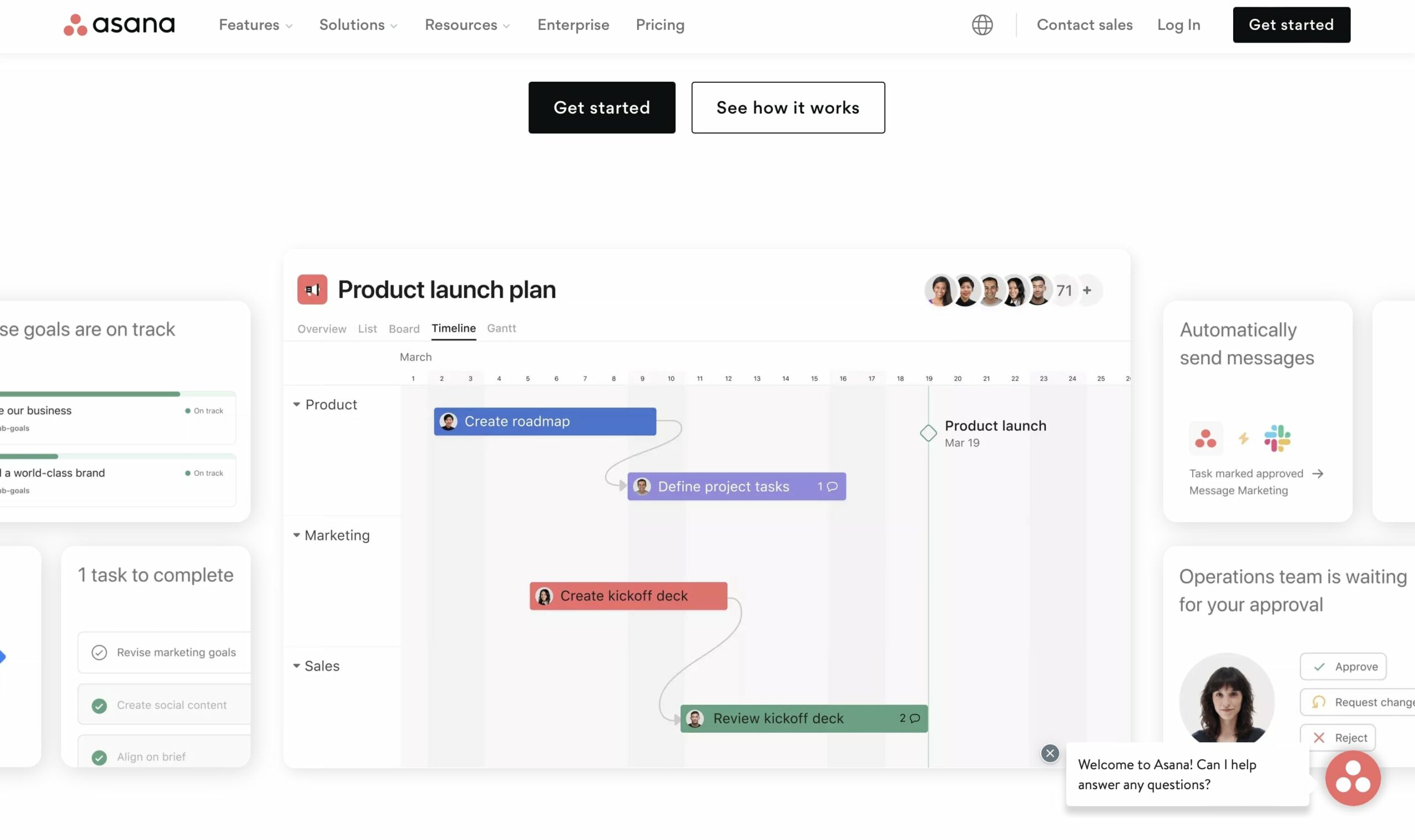
Asana provides structured project management with portfolio views, workload management, and Asana Intelligence for AI-assisted workflows. Its clean interface makes it easy for agencies to organize tasks by client, campaign, or team.
Key agency features:
- Portfolio views for tracking multiple client projects at once
- Workload management to prevent team burnout
- Timeline views for campaign planning
- Asana Intelligence for task recommendations and status updates
- Extensive integration ecosystem (200+ apps)
Pricing: Free (10 users), Starter $10.99/user/mo, Advanced $24.99/user/mo, Enterprise custom
Limitations:
- Limited customization compared to Monday.com or ClickUp
- Reporting features require Advanced plan ($24.99/user/month)
- No built-in time tracking or billing
Best for: Agencies wanting clean, structured task management without feature overwhelm
5. Teamwork -- Best for Client Billing and Time Tracking
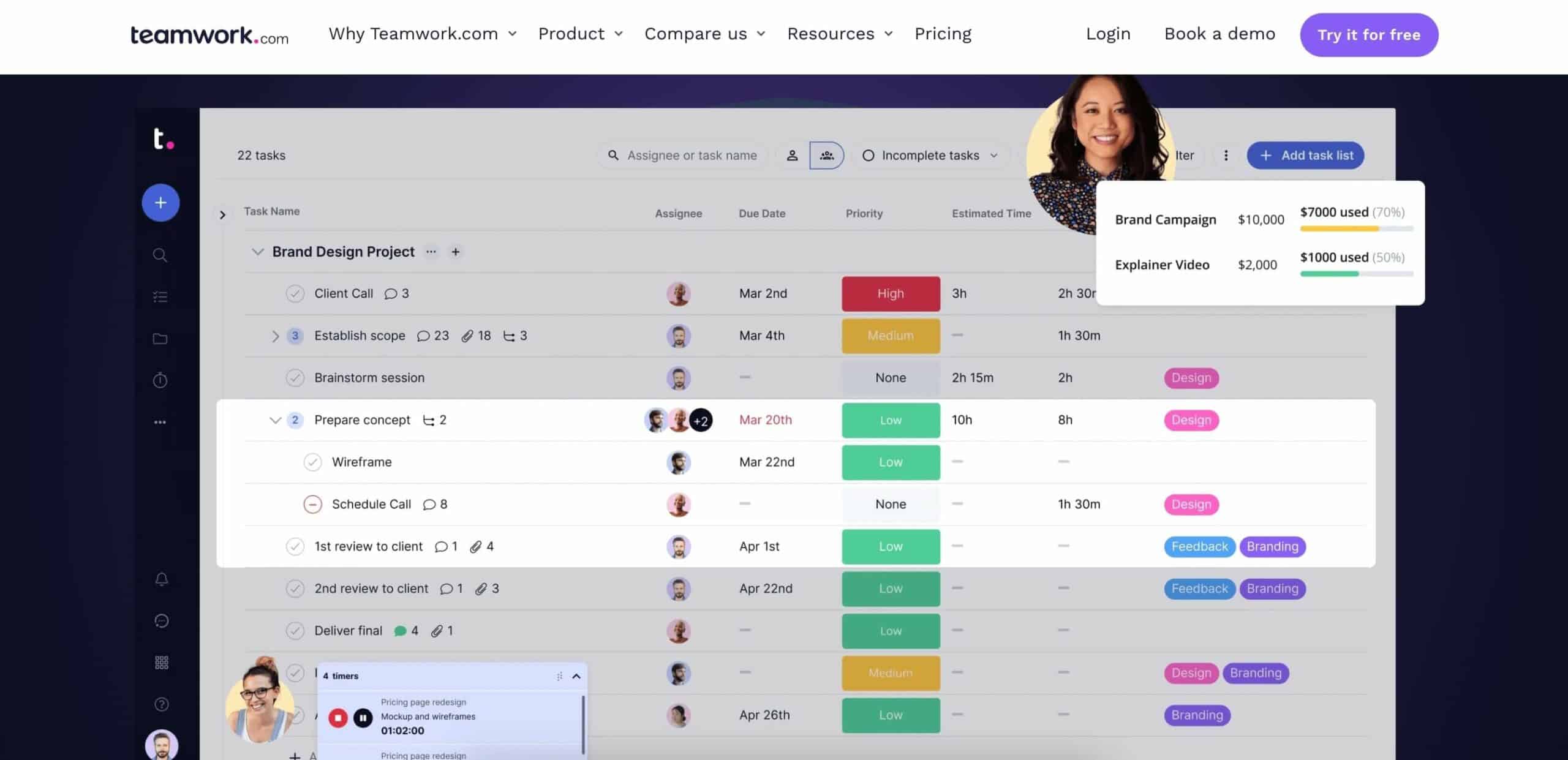
Teamwork is designed specifically for agencies and client service businesses. It includes built-in time tracking, invoicing, client portals, and profitability tracking that other PM tools lack.
Key agency features:
- Client portals for transparent project communication
- Built-in time tracking with billable and non-billable hours
- Invoicing and budget management per project
- Profitability reports per client and project
- Customizable project templates and workflow automation
Pricing: Free (5 users), Deliver $10.99/user/mo, Grow $19.99/user/mo, Scale custom
Limitations:
- Interface can feel dated compared to modern tools
- AI features are limited
- Advanced features locked behind higher tiers
- Fewer integrations than Monday.com or ClickUp
Best for: Agencies prioritizing time tracking, billing, and profitability analysis
6. Productive -- Best for Resource Planning and Profitability
Productive combines resource planning, time tracking, budgeting, and profitability tracking into a single platform designed for agencies and professional services firms.
Key agency features:
- Resource planning with capacity visualization
- Budget tracking with forecasting
- Profitability tracking per project and client
- Time tracking with approval workflows
- Sales pipeline management
Pricing: Essential $9/user/mo, Professional $24/user/mo, Ultimate $32/user/mo
Limitations:
- Smaller integration ecosystem (50+ apps)
- Higher price point for full features
- No built-in AI content generation
- Limited community and template library
Best for: Agencies focused on financial performance and resource optimization
7. Basecamp -- Best for Simple Team Communication
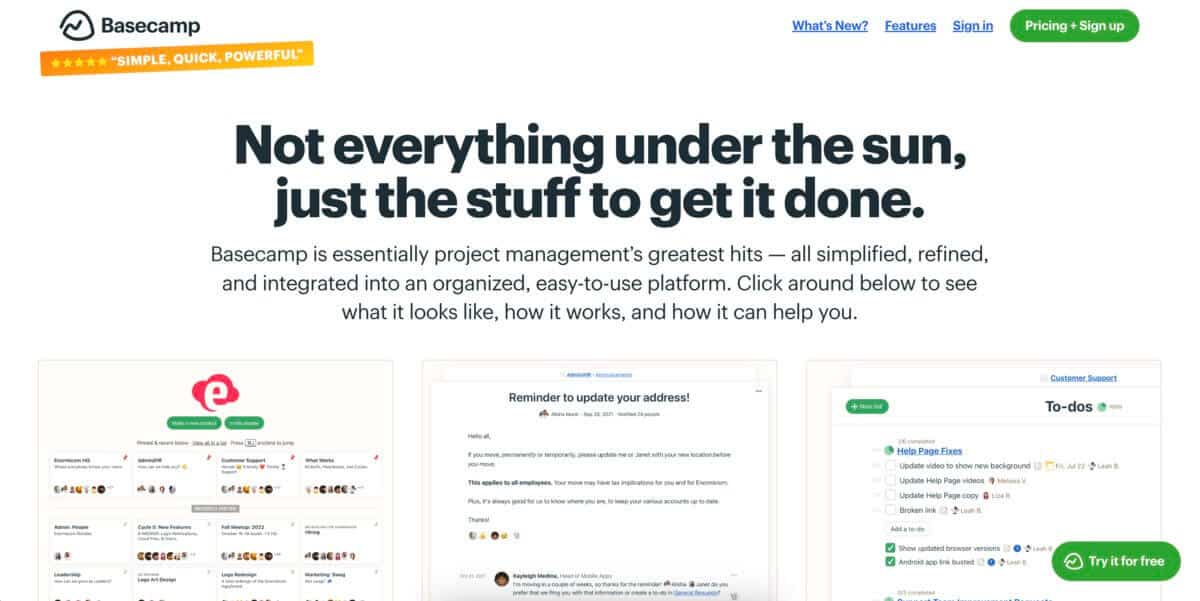
Basecamp combines to-do lists, file storage, message boards, and group chat in one simple platform. Its flat pricing makes it predictable for growing agencies.
Key features: Straightforward interface, centralized communication, flat pricing ($299/month unlimited users)
Limitations: Limited customization, no Gantt charts, no AI features, may not suit complex multi-client projects
8. Trello -- Best for Simple Kanban Workflows
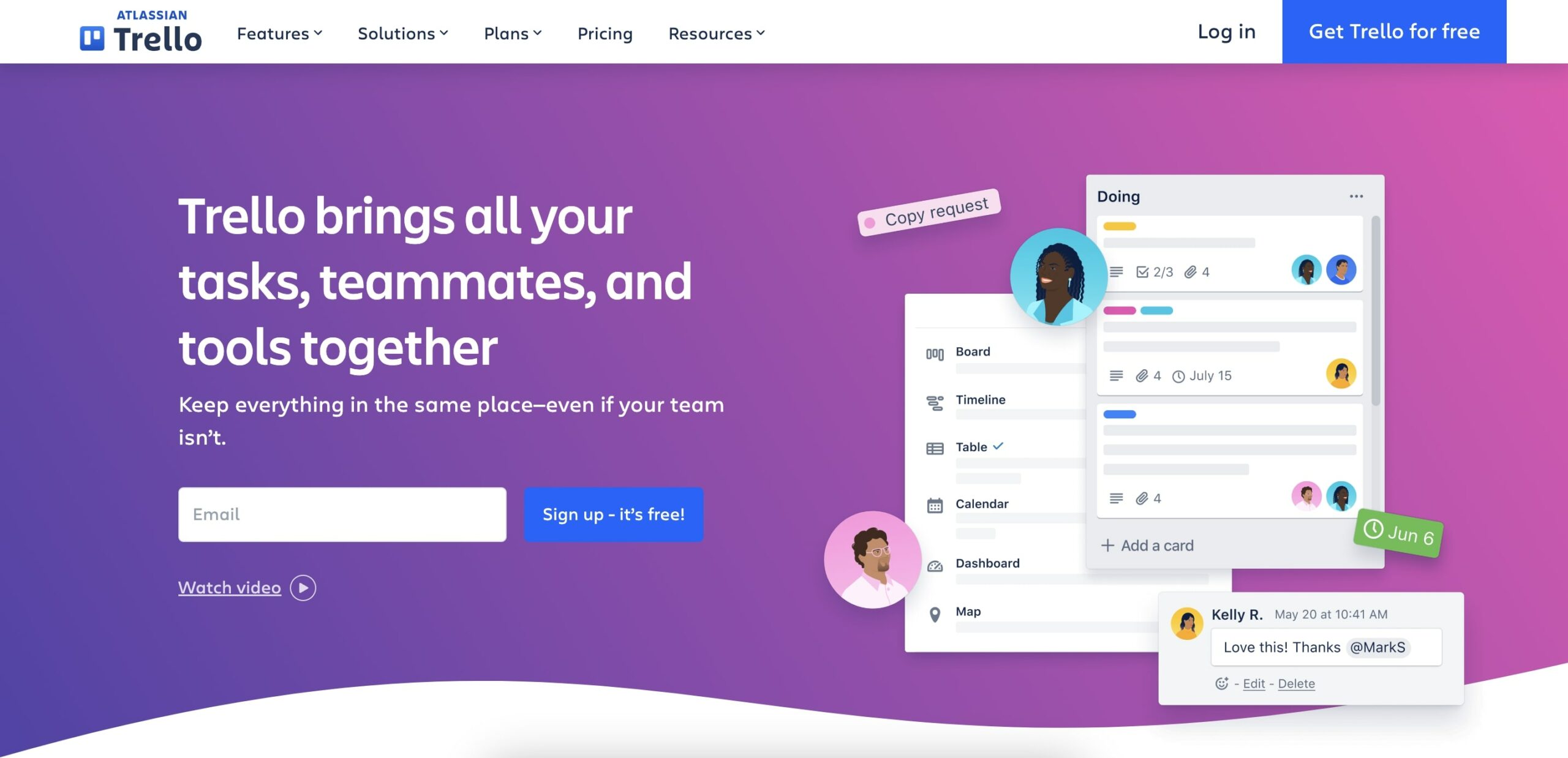
Trello is a visual kanban board tool with drag-and-drop cards. Its simplicity makes it ideal for small agencies with straightforward project tracking needs.
Key features: Intuitive drag-and-drop, customizable boards, 200+ Power-Ups, Butler automation
Limitations: Limited to board-centric views, no native AI, can become cluttered with many boards, advanced features require Premium ($12.50/user/month)
See also: Taskade vs Trello: Complete Comparison
9. Wrike -- Best for Enterprise Agencies
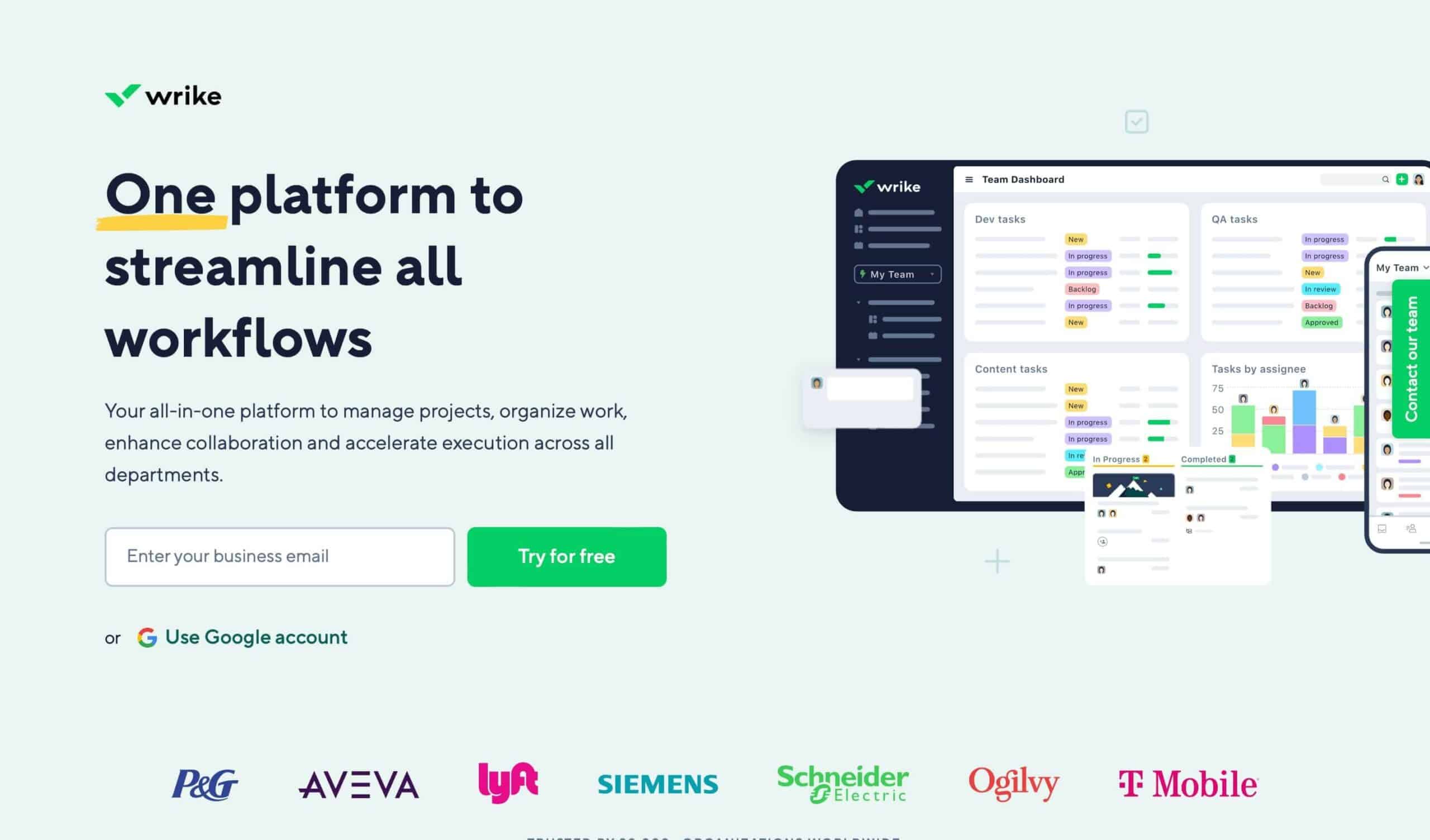
Wrike provides enterprise-grade project management with dynamic request forms, Gantt chart scheduling, and cross-tagging for multi-department visibility.
Key features: Dynamic request forms, visual Gantt charts, tailored workflows, enterprise security
Limitations: Steep learning curve, expensive at scale, interface can feel cluttered
10. Zoho Projects -- Best for Zoho Ecosystem Users
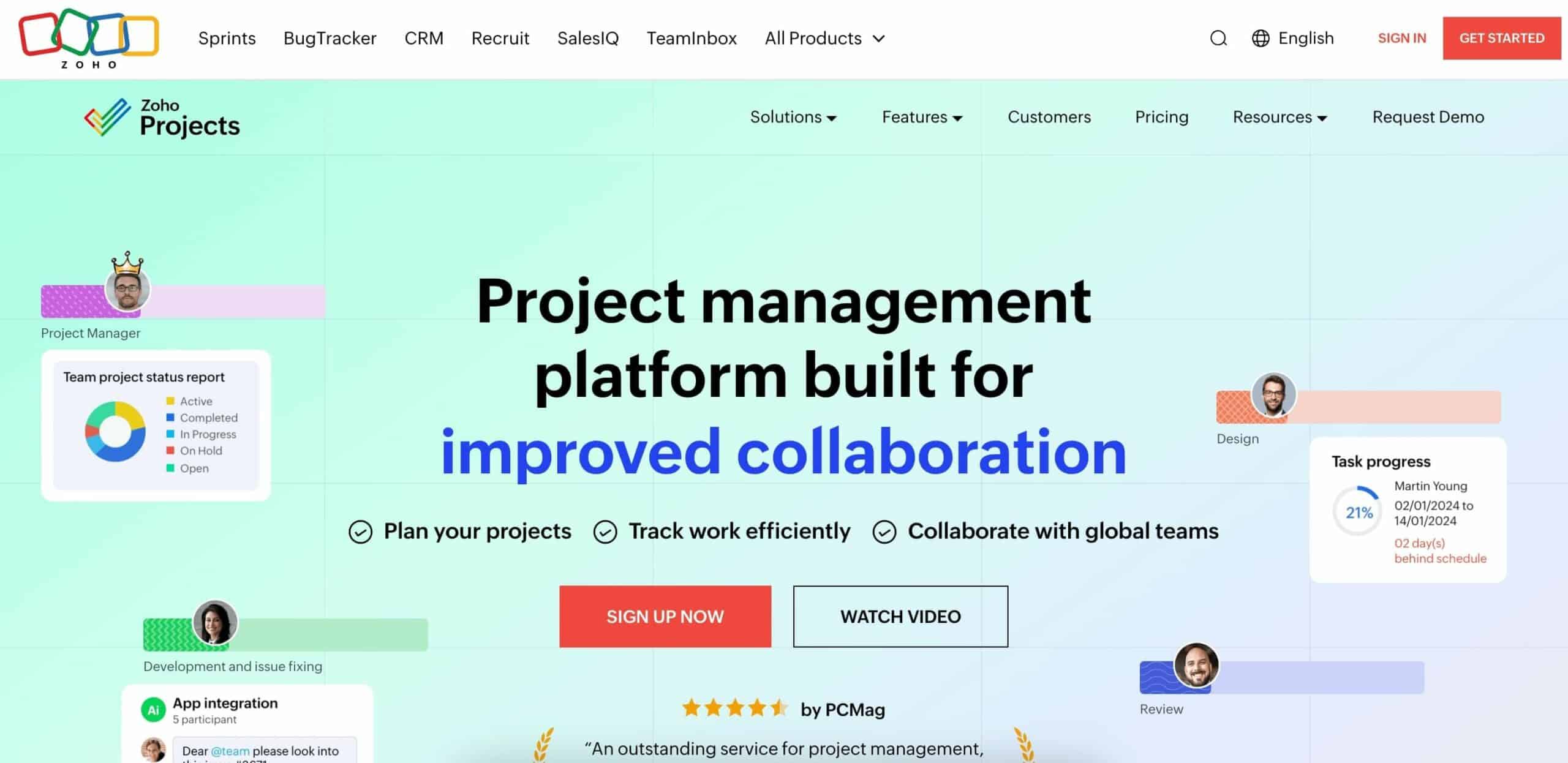
Zoho Projects integrates tightly with the Zoho suite (CRM, Analytics, Invoice) for agencies already using Zoho products.
Key features: Zoho ecosystem integration, time tracking with invoicing, advanced analytics
Limitations: Cluttered interface, steep learning curve, some features require additional Zoho subscriptions
11. Smartsheet -- Best for Spreadsheet-Based Agencies

Smartsheet blends spreadsheet familiarity with project management capabilities for agencies comfortable with grid-based workflows.
Key features: Spreadsheet + PM hybrid, robust automation, scalable for teams of all sizes
Limitations: Not intuitive for non-spreadsheet users, expensive at scale, limited mobile experience
12. Scoro -- Best for Financial Management
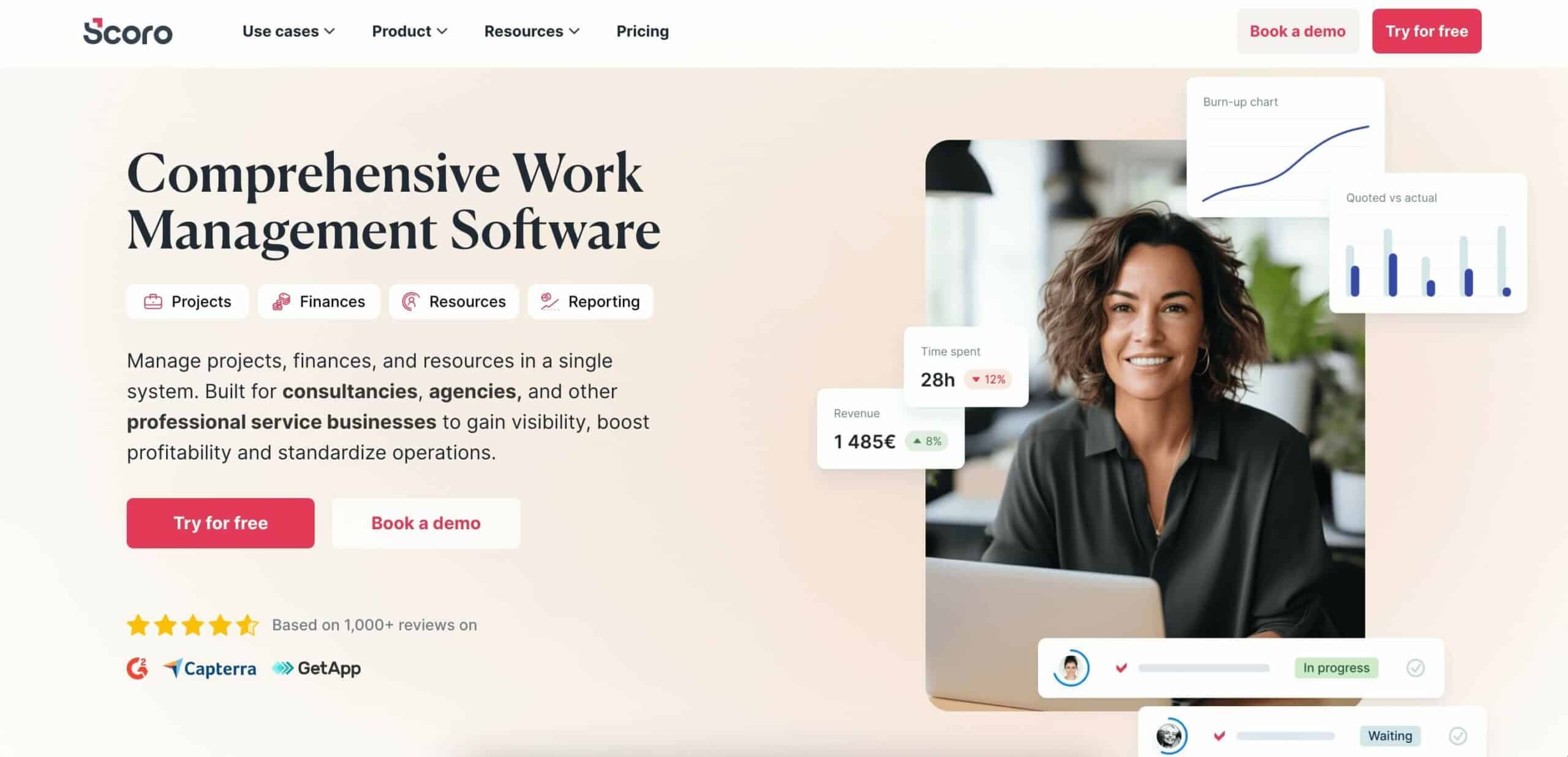
Scoro combines project management with comprehensive billing, invoicing, and financial reporting for professional services firms.
Key features: All-in-one dashboard, detailed billing and financial reports, advanced time tracking
Limitations: Steep learning curve, premium pricing, limited customization options
Agency Management Feature Matrix
| Feature | Taskade | Monday.com | ClickUp | Teamwork | Productive | Asana |
|---|---|---|---|---|---|---|
| AI Agents | Unlimited (built-in tools) | Limited AI | $5/user add-on | None | None | Asana Intelligence |
| Project Views | Multiple | 8+ | 15+ | 5 | 5 | 6 |
| Time Tracking | Via integrations | Built-in | Built-in | Built-in (billing) | Built-in (billing) | Via add-ons |
| Client Portals | Guest access (RBAC) | Guest access | Guest access | Dedicated portals | Client reports | Guest access |
| Invoicing | Via integrations | Via integrations | Via integrations | Built-in | Built-in | Not available |
| Video Calls | Built-in | Not included | Not included | Not included | Not included | Not included |
| Templates | 1,000+ | 200+ | 1,000+ | 100+ | Limited | 100+ |
| Integrations | 100+ | 200+ | 1,000+ | 80+ | 50+ | 200+ |
| Free Plan | 2 users, unlimited projects | 2 users | Unlimited users, limited | 5 users | Not available | 10 users |
Pricing Comparison: 10-Person Agency (Annual Billing)
| Tool | Plan | Monthly Cost | Annual Cost | AI Included |
|---|---|---|---|---|
| Taskade Pro | $10/mo flat | $10 | $120 | Credit allowance included |
| ClickUp Unlimited | $7/user/mo | $70 | $840 | $50/mo add-on |
| Monday.com Standard | $12/seat/mo | $120 | $1,440 | Limited |
| Teamwork Deliver | $10.99/user/mo | $110 | $1,320 | None |
| Productive Essential | $9/user/mo | $90 | $1,080 | None |
| Asana Starter | $10.99/user/mo | $110 | $1,320 | Limited |
Taskade Pro saves $720-$1,320/year compared to alternatives for a 10-person agency, while including an AI credit allowance that competitors charge extra for.
How to Choose the Right Tool for Your Agency
Agency Size Recommendations
| Agency Size | Recommended Tool | Why |
|---|---|---|
| 1-10 people | Taskade Pro ($10/mo) | Flat pricing, AI credits included, fastest setup |
| 10-50 people | Taskade Business ($25/mo) or ClickUp ($84/mo for 12) | Unlimited users, comprehensive features |
| 50-200 people | Monday.com Pro ($950/mo for 50) | Visual dashboards, enterprise reporting |
| 200+ people | Monday.com Enterprise or Wrike | Enterprise security, SSO, advanced compliance |
Agency Workflow Examples
Creative Agency Content Pipeline
- Brief creation: AI agent generates creative brief from client requirements
- Task assignment: Automations assign tasks based on team member skills and capacity
- Content production: Team works across multiple views (Board for sprints, Calendar for deadlines)
- Client review: Share view with guest access (Viewer role)
- Delivery: Automation notifies client and archives deliverables
Digital Marketing Agency Campaign Launch
- Strategy: Mind Map view for campaign brainstorming and strategy planning
- Planning: Gantt view for timeline and dependencies
- Execution: Board view for sprint tasks across channels (SEO, PPC, Social)
- Reporting: AI agent generates weekly performance reports from project data
- Optimization: Automations flag underperforming campaigns and suggest adjustments
Software Development Agency Sprint Management
- Backlog: Table view with custom fields for priority, effort, and client
- Sprint planning: Board view with swimlanes per client project
- Daily standup: Built-in video call with AI meeting notes
- Deployment: Automations sync with GitHub, Jira, or Slack
- Retrospective: Mind Map view for collecting and organizing feedback
Migration Guide: Switching Agency Tools
From Monday.com to Taskade
- Export boards as CSV from Monday.com settings
- Import to Taskade as new projects
- Recreate automations using Taskade's automation builder
- Train AI agents on client brand guidelines and workflows
From ClickUp to Taskade
- Export spaces as CSV from ClickUp
- Import tasks and projects to Taskade
- Map ClickUp views to Taskade's multiple views
- Set up integrations to replace ClickUp native connectors
From Teamwork to Taskade
- Export project data including time entries
- Import projects to Taskade with custom fields
- Connect time tracking integration for billing continuity
- Set up automation workflows for client notifications
FAQs
What is the best agency management software in 2026?
Taskade leads for AI-powered agency management with unlimited AI agents, multiple project views, 100+ integrations, and flat pricing at $10/month. Monday.com excels at visual workflow automation for larger agencies. ClickUp offers the most features per dollar. Teamwork is purpose-built for client billing.
What features should agency management software include?
Essential features include multi-client workspaces, time tracking and billing, resource planning, client collaboration with permission controls, project templates, reporting dashboards, and integrations with creative tools. In 2026, AI capabilities for content generation, automated reporting, and smart task assignment are critical differentiators.
How can AI improve agency project management?
AI improves agency management by generating creative briefs and content drafts at scale, automating status reports for multiple clients, predicting project profitability, and automating admin tasks. Taskade AI agents can be trained on client brand guidelines to produce on-brand content with built-in tools and persistent memory.
How do agencies manage multiple clients effectively?
Effective multi-client management requires dedicated workspaces per client, standardized project templates, clear resource allocation, centralized communication, and automated reporting. Taskade supports this with role-based access (Owner to Viewer) and AI agents that operate independently across different client projects.
How much does agency management software cost?
Pricing ranges from free to $50+/user/month. Taskade Pro costs $10/month flat for up to 10 users. Monday.com starts at $9/seat/month. ClickUp starts at $7/user/month. Teamwork starts at $10.99/user/month. For a 10-person agency, annual costs range from $120 (Taskade) to $2,280 (Monday.com Pro).
Is Monday.com or Taskade better for agencies?
Monday.com offers more visual customization and mature reporting for agencies with 50+ people. Taskade is better for agencies under 50 with flat pricing ($10/month for 10 users vs Monday.com at $120/month), built-in AI agents, and multiple project views. Monday.com has more integrations; Taskade has deeper AI automation.
Can AI agents handle agency client work autonomously?
Taskade AI agents with built-in tools draft creative briefs, generate content from brand guidelines, summarize meeting notes, create status reports, and automate follow-up emails. They operate within role-based access so client data stays secure. Human review is recommended for client-facing deliverables.
What is the best free agency management tool?
Taskade Free offers unlimited projects, basic project views, and limited AI for up to 2 workspace members (owner plus one). ClickUp Free provides unlimited tasks and members with limited storage. Monday.com Free supports up to 2 users. For agencies needing AI and multiple views at no cost, Taskade Free is the strongest option.
How do agencies migrate between project management tools?
Most tools support CSV or JSON export. Import into the new platform, then reconfigure views, automations, and integrations. Taskade supports imports from Trello, Asana, and other platforms. Plan 1-2 weeks for a 10-person team migration. Run both tools in parallel during transition.
Which agency tools include time tracking and billing?
Teamwork and Productive include native time tracking with billing and invoicing. Scoro offers comprehensive financial reporting. Monday.com and ClickUp have time tracking but limited billing. Taskade tracks time via integrations and focuses on AI-powered project execution. Agencies needing deep billing should consider Teamwork alongside Taskade.
Get Started
We have explored 12 of the best agency management tools, each offering unique features for different agency sizes and workflows. The best choice depends on your team size, budget, and whether AI-powered content generation is a priority.
For a comprehensive solution that streamlines project management and harnesses AI, give Taskade a try.
Start your free Taskade workspace
Related Reading
Comparison Posts:
- Taskade vs Monday.com - Simplicity vs visual customization
- Taskade vs Asana - Startups vs enterprises
- Taskade vs Trello - Multi-view vs kanban-only
- Taskade vs Notion - Action-first vs documentation-heavy
- Best Monday Alternatives 2026 - PM tools ranked
Platform Resources:
- AI Agents - Build custom AI agents for your agency
- Automation Workflows - Set up cross-platform automations
- 100+ Integrations - Connect your existing tools
- Project Templates - 1,000+ templates for agency workflows
- Community Gallery - Browse agency project templates
- Learn: Project Views - Guide to all project views
- Learn: Role-Based Access - Set up client permissions
- Learn: Automation Triggers - Step-by-step automation guide
Agency Productivity:
- AI Tools for Automation - Complete automation toolkit
- AI Automation Agents - How AI agents automate routine work
- What Is Agentic Engineering - Architecture behind intelligent agents