







Tired of feeling like you're stuck in a rut, doing the same old tasks over and over? We feel you. But what if we told you there's a way to shake things up and work smarter, not harder? Enter AI-powered automation tools - your new best friends for maximum efficiency! 🤖
These bad boys aren't just about speeding through your to-do list (though they rock at that too). They're all about rethinking how you work from the ground up. It's like having a team of super-smart robot assistants at your beck and call, ready to automate all the boring, repetitive stuff so you can focus on the fun, creative parts of your job.
In today’s article, we’ll discuss what exactly are Automations, and some of our recommended tools when choosing one that fits you best.
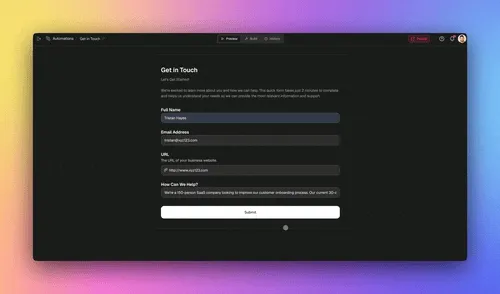
What Is AI Automation?

Let's be real - juggling a million tasks and decisions is no fun. But what if you had a team of robot assistants to handle all the monotonous stuff for you? That's essentially what AI automation is all about!
AI automation uses artificial intelligence technologies to carry out tasks and make decisions that traditionally require human intervention.
From processing vast amounts of data to recognizing patterns and executing repetitive tasks, AI automation can dramatically reduce your workload, allowing you to focus on more complex and creative aspects of your job.
Think of AI Automation as freeing up your brain from boring, monotonous tasks so that you can flex your mental muscles on the decisions that really matter.
How Can AI Automation Transform Your Work?
AI automations bring transformative benefits to businesses and individuals alike, streamlining complex processes and enhancing productivity. Below, we explore several key ways in which AI-driven automations contribute to efficiency and innovation.
Reducing Manual Workload: AI automations excel at handling repetitive tasks with unmatched speed and accuracy. From data entry to scheduling to converting files between formats, these solutions free up valuable time for employees, enabling them to concentrate on creative and analytical tasks that demand human insight.
Enhancing Decision Making: With advanced data analysis capabilities, AI tools provide actionable insights that inform decision-making. By processing vast datasets in real-time, businesses can identify trends, predict outcomes, and make informed decisions swiftly, staying ahead in competitive markets.
Improving Customer Experiences: Automated AI interactions, such as chatbots and personalized recommendations, offer customers timely, relevant, and personalized experiences. These technologies not only enhance satisfaction but also foster loyalty by ensuring that interactions are consistent and responsive to individual needs.
Boosting Operational Efficiency: AI automations optimize workflows, reducing errors and increasing output. By automating complex processes, companies can achieve operational efficiencies, leading to cost savings and improved quality of services or products.
Incorporating AI automation into business strategies not only streamlines operations but also opens up new avenues for growth and innovation. As these technologies continue to evolve, their potential to transform industries grows exponentially, making their adoption a strategic imperative for forward-thinking organizations.
Key Considerations Before Jumping on the AI Bandwagon
While the benefits of AI automation are plentiful, it's important to approach implementation with a thoughtful strategy. Consider the quality of your data, privacy and ethical concerns, the learning curve for new technologies, and the importance of human oversight in ensuring AI tools are used responsibly and effectively.
Alignment with Business Objectives: Ensure AI initiatives align with overarching business goals to prevent resource wastage and ensure contributions to business outcomes such as enhanced customer service, streamlined operations, or innovation.
Data Quality and Availability: High-quality, accurate, and complete data is essential for AI effectiveness, as poor data quality can lead to inaccurate outcomes or insights.
Ethical and Privacy Considerations: Adherence to data protection regulations and ethical standards is crucial, ensuring AI systems are transparent, fair, and respectful of user privacy.
Change Management: Implement effective change management strategies to facilitate smooth AI integration into existing workflows, including employee training and workflow adjustments.
Cost-Benefit Analysis: Conduct a thorough analysis of potential returns against investments in technology, training, and new hires to justify AI projects.
Continuous Learning and Adaptation: Foster a culture of continuous learning and adaptation to keep pace with rapid technological advancements and maintain competitiveness.
Best AI-Powered Tools for Automation
Now, let’s explore some of the best AI tools that can support automation.
Taskade
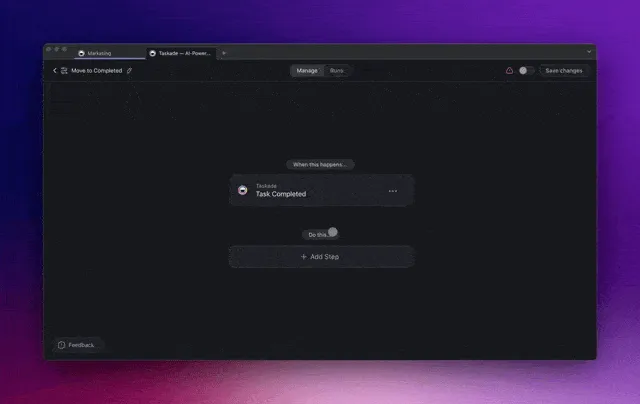
At its core, Taskade is a project management and collaboration tool that blends the simplicity of jotting down ideas with the power of AI-driven organization. It transforms your thoughts into structured plans, making it your digital second brain.
From versatile projects that accommodate lists, mind maps, and boards to embedding multimedia content within a minimalist interface, Taskade offers a canvas for creativity and efficiency.
But, its integration of AI-powered features sets it apart from the competition.
Key AI Features in Taskade for Automation
Taskade offers a range of key AI features for automation that revolutionize task management and workflow efficiency. Here are the key AI features in Taskade for automation:
🔄 Workflow Automation (New!): Automate your workflows so you can focus on getting things done. Set up rules and connect Taskade to WordPress, Mailchimp, and other popular apps in seconds.
🤖 AI-Powered Task Management: Leverage the capabilities of OpenAI GPT (frontier models) on both desktop and mobile devices to create tasks, organize them into subtasks, set priorities, and design comprehensive workflows.
🤖 Custom AI Agents: Customizable AI agents can optimize your workflow by handling task automation, data organization, and boosting your campaign effects. They can be trained with specific materials and adherence to your brand guidelines to craft communications that resonate well with your audience.
💬 AI Chat: Turn to AI Chat for immediate answers, guidance, or even motivational support. It’s your resource for advice on task prioritization or insights for your upcoming team retrospective, offering prompt and helpful assistance
✏️ AI Assistant: Taskade's AI Assistant is designed to support your team in drafting and revising emails, organizing tasks, performing research, creating content for projects, and more, all while being smoothly integrated with your project management tools.
Visit Taskade’s pricing page for a breakdown of AI features and plans.
Use Cases for Taskade
Automating Routine Operations: Taskade's AI agents can take over repetitive tasks like scheduling meetings, sending reminders, or organizing documents. This automation frees up time for more strategic activities.
Enhanced Content Strategy with AI: Leverage Taskade's AI to analyze trends and generate content ideas that align with your audience's interests. It can help craft engaging blog posts, social media updates, or marketing copy, ensuring your content strategy remains dynamic and relevant.
Project Management Across Teams: Taskade serves as a central hub for managing projects, where teams can track progress in real-time. Whether it's developing a marketing strategy or rolling out new software updates, Taskade keeps everyone aligned and informed.
Brainstorming and Idea Development: Utilize Taskade’s mind mapping and AI chat features for brainstorming sessions. It’s ideal for fleshing out new ideas, plotting out storyboards, or strategizing business moves, and facilitating creative thinking and collaboration.
Intelligent Project Templates: Use Taskade's AI-powered templates to kickstart projects. These templates are tailored based on your team's history and project type, ensuring you have a structured plan from the get-go.
Remote Work Coordination: With Taskade, remote teams can collaborate as if they were in the same room. Real-time updates, video calls, and task assignments keep everyone in sync, making remote work seamless and efficient.
Event Planning and Management: Organize events effortlessly with Taskade by setting up timelines, assigning tasks, and tracking completion. Its calendar view and reminder system ensure that every detail is accounted for and every deadline is met.
Educational Projects and Group Studies: Taskade is a powerful tool for educators and students, facilitating group projects, study sessions, and assignment tracking. The platform's collaborative features support learning and make it easier to manage educational activities.
Personal Productivity and Daily Planning: Beyond team use, individuals can leverage Taskade for personal task management, daily planning, and goal setting. Its flexible environment adapts to various personal productivity methods, from GTD to Pomodoro techniques.
Monday
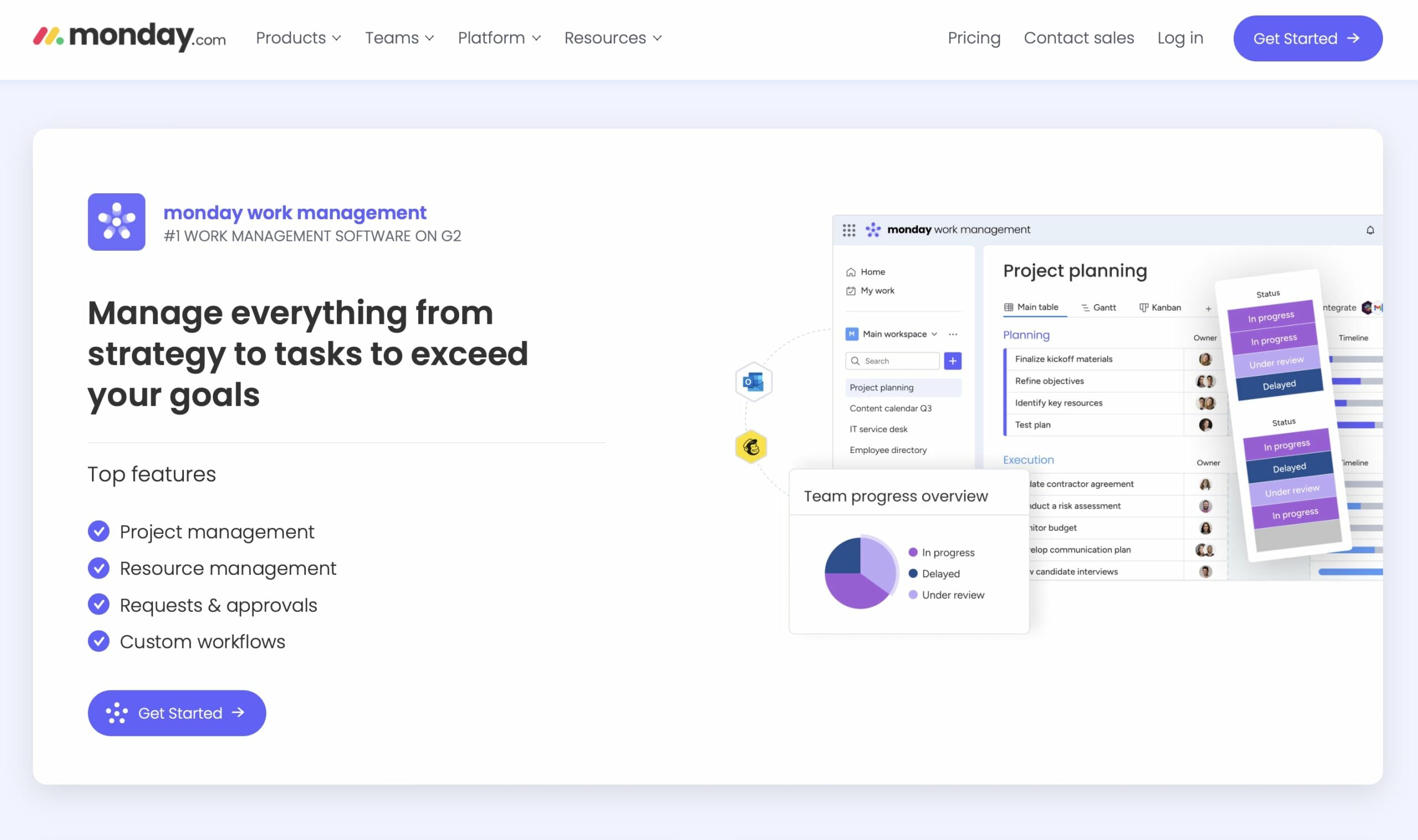
Monday stands as a comprehensive project management platform, integrating AI to provide insights, automation, and customization. It's designed to adapt to various project needs, offering a central hub for collaboration and workflow management
Key Features
Automated Workflows: Streamlines repetitive tasks with customizable automation rules, saving time and reducing human error.
AI Insights: Offers predictive analytics for project timelines and performance, helping teams make data-driven decisions.
Customizable Dashboards: Allows users to create personalized dashboards, tracking key metrics and project progress at a glance.
Use Cases
Workflow Automation: Ideal for automating complex project workflows, ensuring efficiency across all stages of project management.
Data Analysis: Provides valuable insights into project performance, aiding in continuous improvement and strategic planning.
Zapier
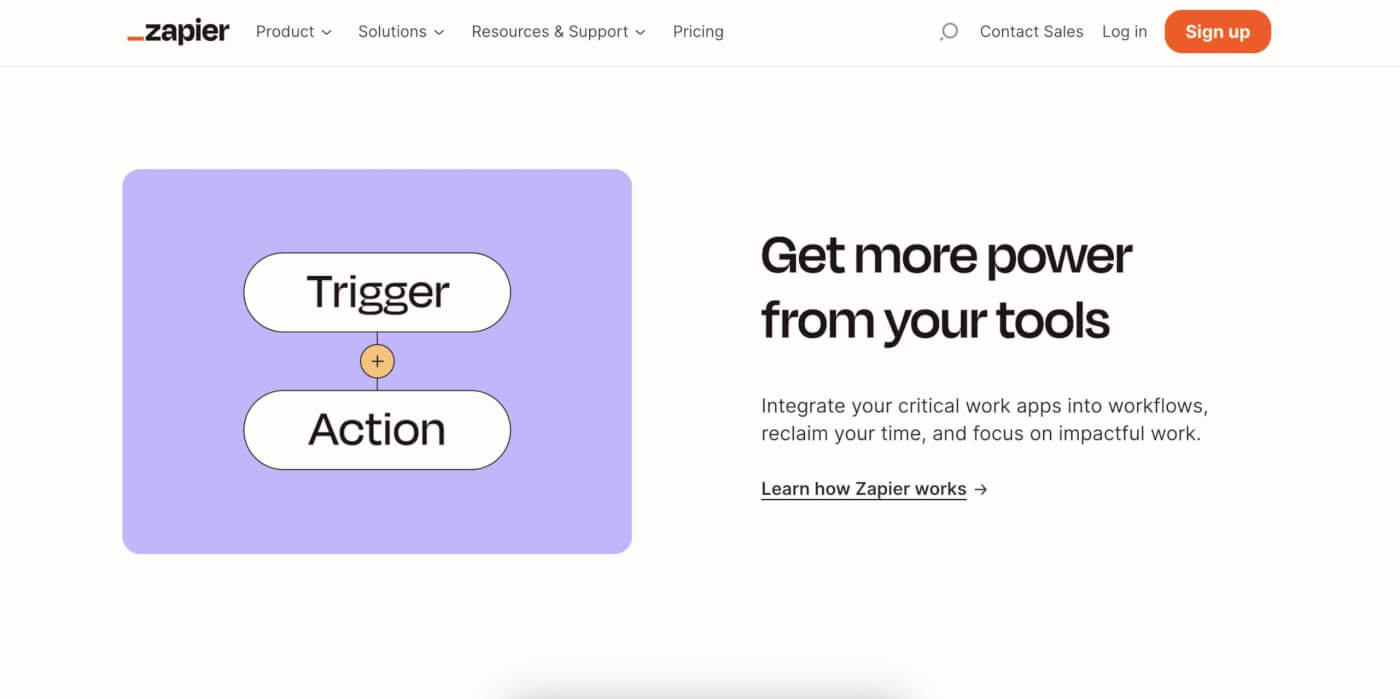
Zapier enables automation across thousands of apps, allowing users to create personalized workflows without a single line of code. Its user-friendly platform makes it a go-to for connecting disparate applications, and enhancing productivity and data consistency.
Key Features
Wide Range of Integrations: Connects over 3,000 web services, automating tasks between apps without manual intervention.
Multi-Step Zaps: Supports the creation of workflows that involve multiple steps and conditions, offering complex automation capabilities.
Easy Automation Creation: Features a straightforward interface for setting up triggers and actions, making automation accessible to all skill levels.
Use Cases
Cross-Application Workflows: Perfect for businesses needing to synchronize data across different platforms, such as CRM, email marketing, and customer support tools.
Process Automation: Automates routine tasks like data entry, lead assignment, and notification sending, streamlining operations.
n8n

n8n (pronounced "n-eight-n") is an AI-powered workflow automation tool that empowers users to connect their applications and services with customizable workflows. Designed with flexibility in mind, it enables both technical and non-technical users to create complex automation processes through a visual interface, making workflow automation accessible and efficient.
Key Features of n8n
Visual Workflow Editor: Offers a drag-and-drop interface for easy workflow creation and visualization, allowing users to design and connect nodes representing different services and actions.
Extensive Integrations: Supports a wide array of apps and services across categories like CRM, marketing, databases, and more, facilitating seamless data flow between disparate tools.
Custom Function Nodes: Enables the addition of custom JavaScript code within workflows for tailored processing logic, providing flexibility to meet specific automation needs.
Use Cases for n8n
Automating Data Synchronization: Ideal for businesses looking to keep their CRM and email marketing tools in sync, n8n can automate the transfer of new contact details and engagement data between platforms.
Streamlining Content Publishing: n8n can automate the process of publishing content across multiple platforms, such as social media, blogs, and email newsletters, ensuring consistent and timely distribution.
Enhancing Notification Systems: With n8n, companies can set up custom workflows to send notifications through various channels like email, SMS, or messaging apps, based on triggers like new sales, customer feedback, or system alerts.
Make
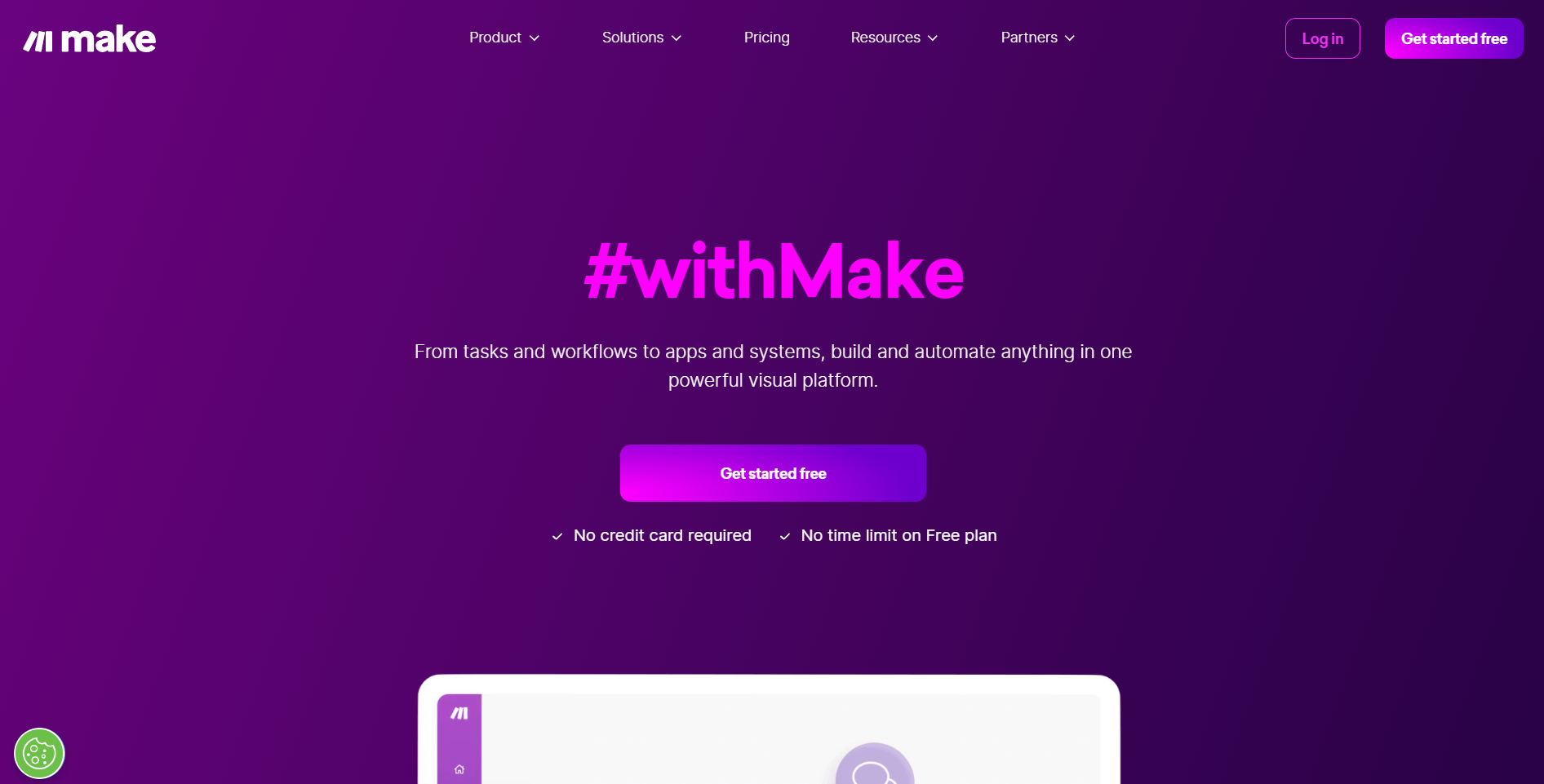
Make is a powerful automation tool that enables users to create and design intricate workflows visually, without needing to write any code. Its drag-and-drop interface simplifies the process of connecting various apps and setting up automation, making it accessible to users of all skill levels. Make stands out by offering unlimited possibilities for workflow automation, thereby not just streamlining tasks but also fostering creativity in solving complex automation challenges.
Key Features
Visual Workflow Creation: Make provides a highly visual and intuitive interface for building workflows, making it easy for users to visualize and design their automation processes.
Unlimited Automation Potential: Unlike many other automation tools, Make does not limit the complexity or number of steps in a workflow, allowing for the creation of highly complex automations tailored to specific needs.
Extensive App Integration: With support for a wide range of applications, Make facilitates seamless connectivity and automation across various services and platforms.
Use Cases
Comprehensive Task Automation: Make excels in automating a wide variety of tasks, from simple actions like data transfer between apps to more complex processes involving multiple steps and conditions.
Custom Workflow Solutions: Users can leverage Make to design custom solutions for their specific operational challenges, such as managing CRM updates, automating marketing campaigns, and streamlining project management tasks.
For more detailed information, visit Make's official website and explore their product and use case sections for insights into how Make can serve your automation needs (Make) (Make) (Make).
IFTTT
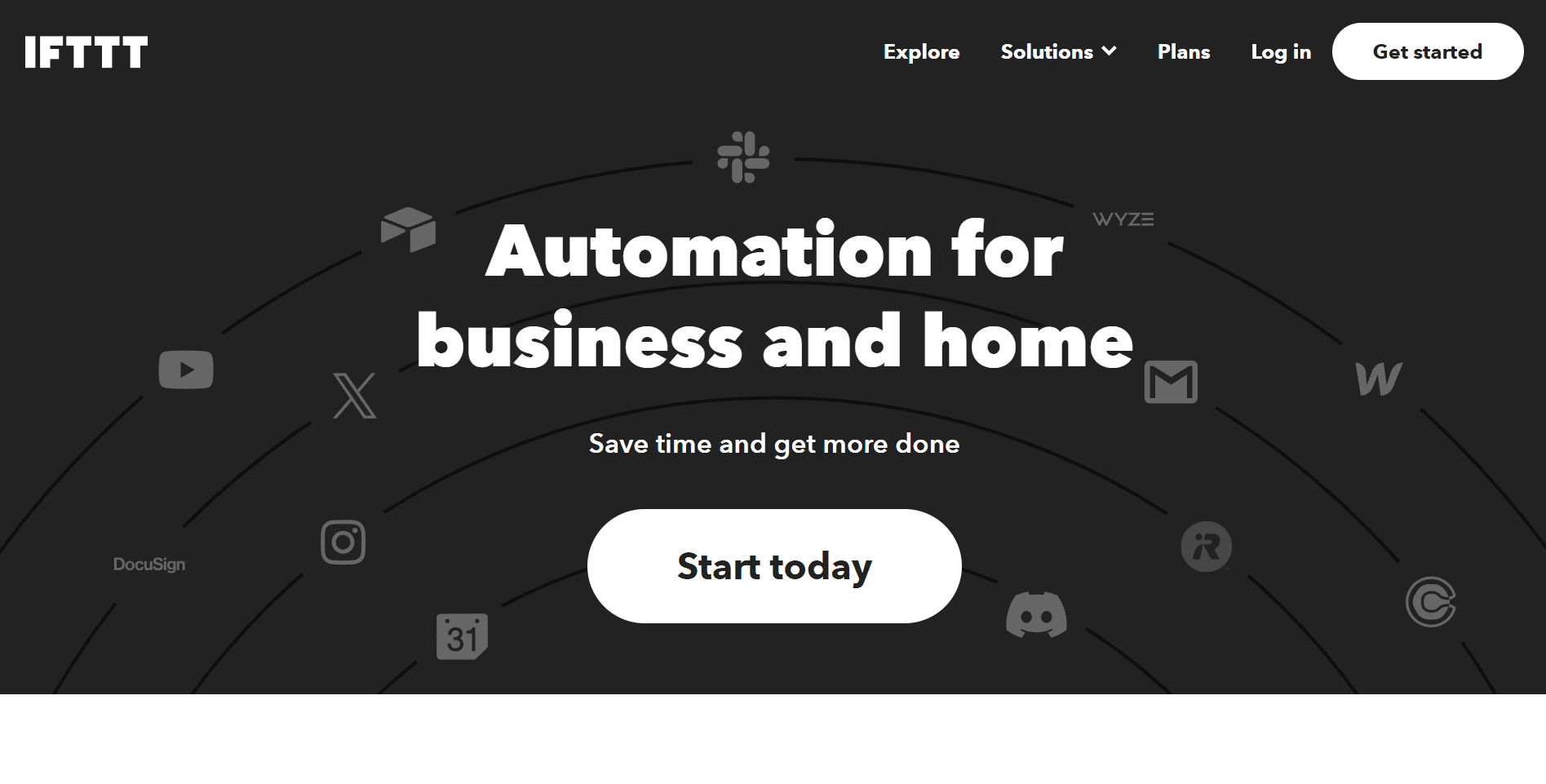
IFTTT empowers users to create connections between their favorite apps, devices, and services through simple conditional statements known as "Applets." These Applets automate tasks by defining a trigger and the action that should follow, hence the name "If This Then That." It's designed to work across a wide range of platforms, making it incredibly versatile for personal and professional use.
Key Features
Simple Conditional Automation: IFTTT utilizes a straightforward principle of triggers and actions, allowing users to set up automation with ease.
Wide Compatibility: With support for hundreds of services, including social media, smart home devices, and various apps, IFTTT bridges the gaps between different ecosystems.
User-Friendly Interface: The platform is accessible to all, requiring no technical knowledge to create or activate Applets.
Use Cases
Smart Home Automation: IFTTT is widely used to automate smart home devices, like adjusting the thermostat based on the weather or turning on lights at sunset.
Social Media Management: Users can automate posts across platforms, or save new received attachments in cloud storage automatically.
Personal Productivity: From setting reminders based on location to syncing calendars with other apps, IFTTT helps users streamline their personal and professional tasks.
HubSpot
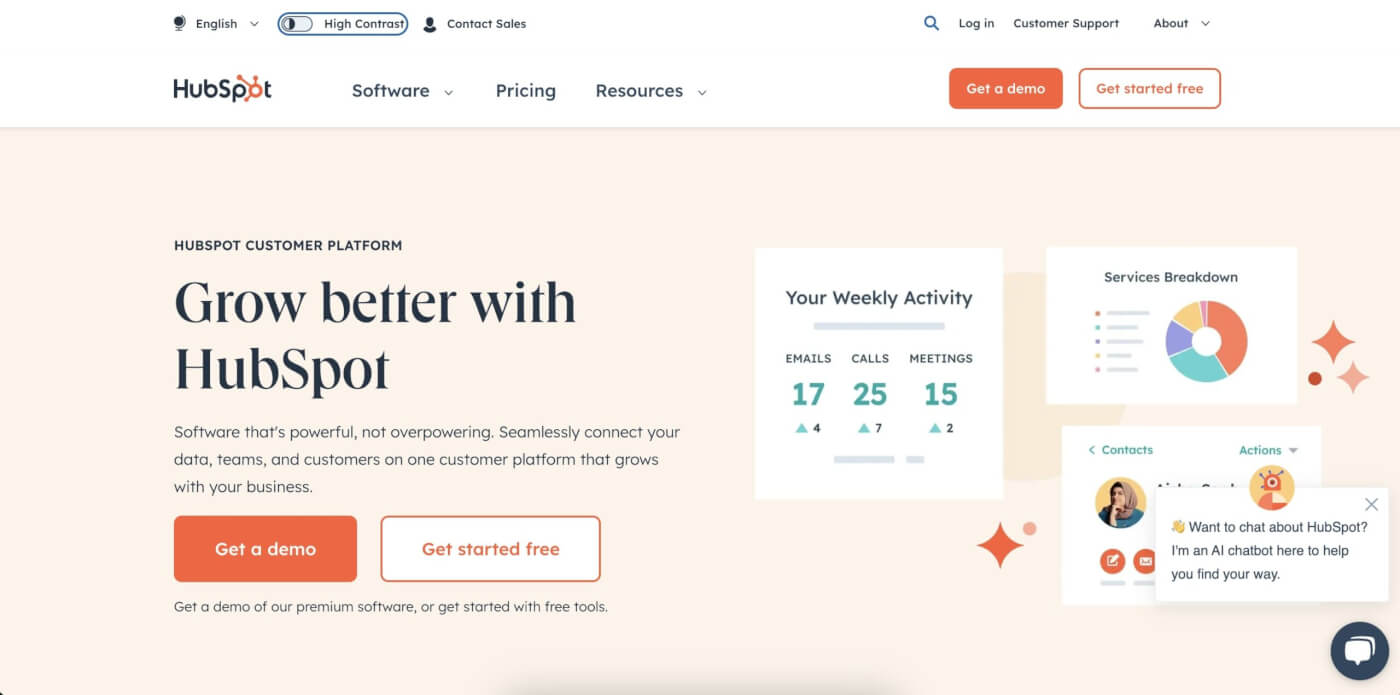
HubSpot offers a suite of AI-powered tools designed to enhance inbound marketing, sales, and customer service. Its comprehensive CRM platform provides businesses with the tools they need to attract, engage, and delight customers.
Key Features
AI-Driven Insights: Delivers actionable insights on customer behavior and campaign performance, enabling data-driven strategies.
Automated Marketing Workflows: Allows for the creation of personalized customer journeys, improving engagement and conversion rates.
Sales Automation: Streamlines sales processes with AI-enhanced lead scoring, email sequencing, and deal forecasting.
Use Cases
Customer Relationship Management: Perfect for businesses looking to automate and optimize their marketing, sales, and service efforts.
Lead Generation and Nurturing: Empowers teams to attract quality leads and nurture them efficiently through personalized interactions.
RoboTask
RoboTask automates a wide range of computer tasks, from simple file operations to complex workflows, using AI to create flexible and powerful automation solutions. It caters to both personal and professional needs, improving efficiency without requiring programming knowledge.
Key Features
Broad Task Automation: Automates diverse computer tasks, including file management, data backups, and system monitoring.
Customizable Triggers and Actions: Offers a variety of triggers and actions, enabling users to design tailored automation scenarios.
Easy Scripting: Includes options for adding custom scripts, enhancing the tool’s flexibility for complex automation needs.
Use Cases
System Administration: Streamlines routine administrative tasks, improving system efficiency and reliability.
Personal Productivity: Automates repetitive computer tasks, such as organizing files or running backups, saving time and effort.
Automating file management and backups.
Monitoring system performance and executing maintenance tasks.
Conclusion
Each tool has its own unique merits and limitations. At the end of the day, it’s up to you to decide which tool fits you best.
However, let us offer a perspective on why Taskade could be the right fit for you.
With its blend of AI-driven features, from customizable workflows to AI-powered templates and built-in chat, Taskade streamlines collaboration and project tracking in a way that's both innovative and user-friendly.
Taskade enhances efficiency and teamwork without overwhelming you with complexity. Give Taskade a try today and take your workflow to the next level.
Frequently Asked Questions About Automation
Does Taskade have automation?
Yes, Taskade has robust automation features powered by advanced AI.
Is Taskade automation good?
Yes, Taskade's automation is highly effective, improving workflow efficiency and productivity with advanced AI tools.
What is an AI automation tool?
An AI automation tool uses artificial intelligence to perform tasks automatically, improving efficiency and accuracy.
Is there a free AI tool?
Yes, there are free AI tools available. Taskade offers a free plan with powerful AI and automation features.
Which is better, AI or automation?
AI enhances automation by making it more intelligent and adaptable. With Taskade, you can create custom automation flows that combine AI and automation, achieving synergy and boosting productivity.
🧬 AI Automation Apps Built with Genesis
See AI automation in action with these ready-to-clone apps:
| App | What It Does | Clone |
|---|---|---|
| Smart Feedback Form | Automated feedback collection and analysis | Clone → |
| Support Rating Dashboard | Automated customer support analytics | Clone → |
| Neon CRM Dashboard | Automated customer relationship tracking | Clone → |
| Invoice Generator | Automated invoice creation | Clone → |
🔍 Explore All Community Apps →
Build your own AI automation system with Taskade Genesis — describe what you need, and watch it come to life.
Your living workspace includes:
- 🤖 Custom AI Agents — The intelligence layer
- 🧠 Projects & Memory — The database layer
- ⚡️ 100+ Integrations — The automation layer
Get started:
- Create Your First App → — Step-by-step tutorial
- Learn Workspace DNA → — Understand the architecture
Read more:
Explore Taskade Automation Hubs:
- AI Agentic Workflows — Self-running systems
- AI Business Automations — End-to-end business flows
- AI Email Automations — Inbox workflows
- AI Sales Automations — Pipeline automation
- AI Task Automation Agents — Autonomous agents
