






Hi Taskaders 🎉
We have an exciting update to help you kick-start your week. Enjoy!
TL;DR: Project emoji icons and Monday calendar formatting shipped in 2021 set the foundation for today's Taskade — now with multiple project views, 15+ frontier AI models, and 100+ integrations. Taskade Genesis turns any prompt into a living app powered by your workspace, with AI Agents handling the busywork.
Then → Now: In 2021 we let you pick an emoji and tweak date formats. Today, natural-language dates and slash commands live across multiple project views — and Automations trigger workflows the moment a date hits.
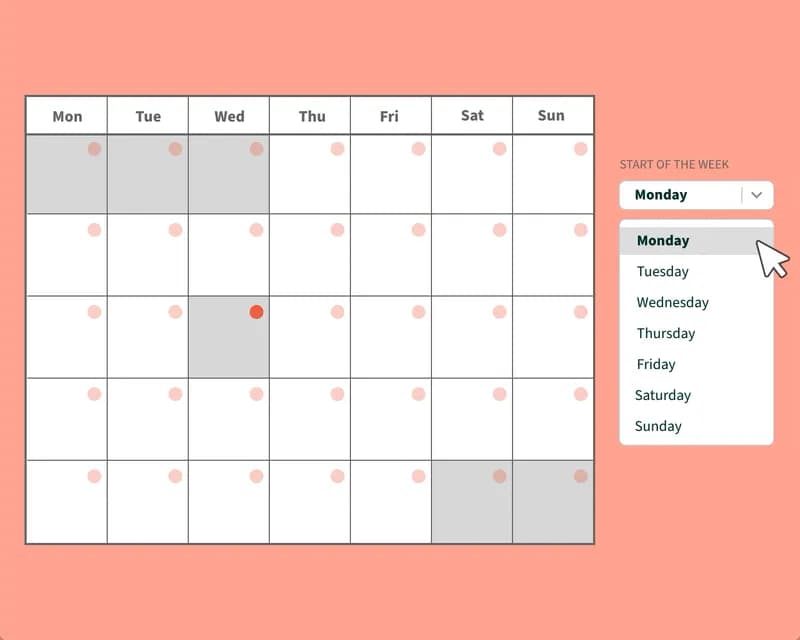
📄 Project Emoji Icon
Each project now has a customizable emoji. Select any you like.
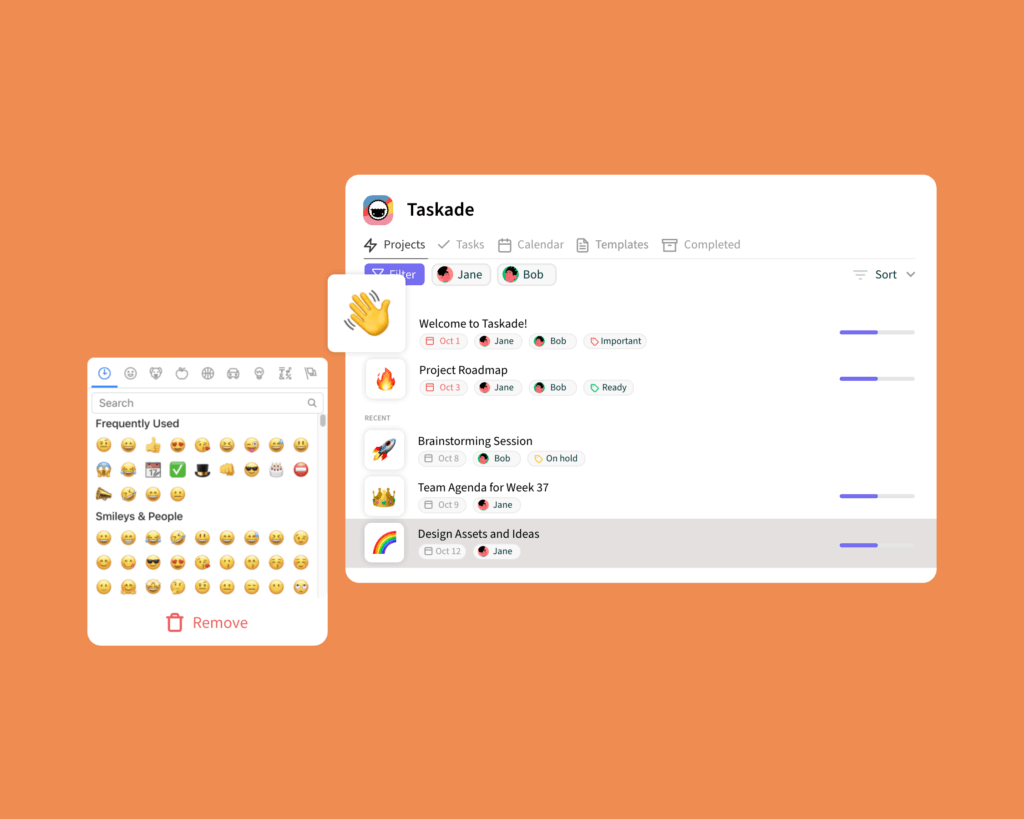
📆 Calendar Formatting
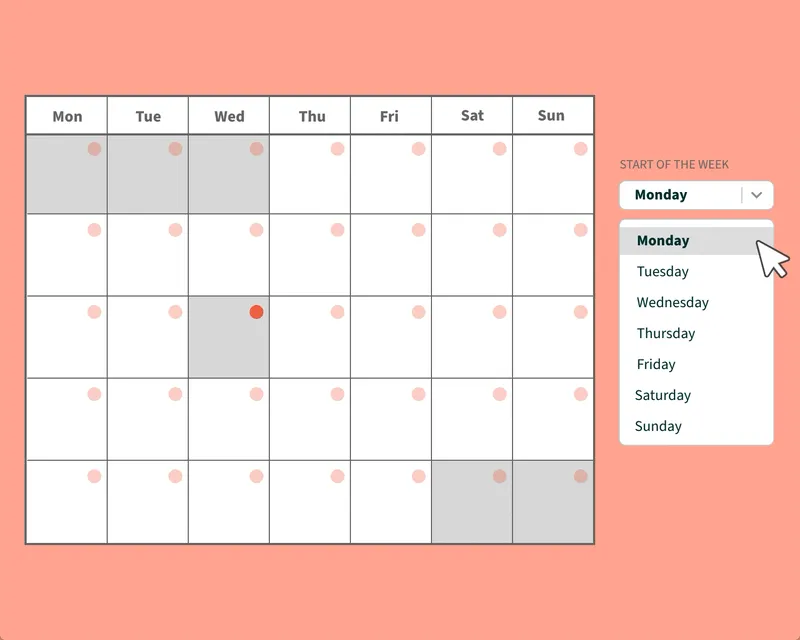
You can now set your calendar to start on Monday or any day of the week in settings.
2021 H1 vs Today (2026)
| Dimension | 2021 H1 | Today (2026) |
|---|---|---|
| Personalization | Project emoji icons + Monday week start + date format toggle | Full project theming, custom fields, custom domains, branded Genesis apps |
| Calendar | Basic calendar + 2-way Google sync | 100+ integrations including Google Calendar, Calendly, calendar feeds |
| Views | List, Action, Mind Map, Calendar, Org Chart (5) | multiple project views — adds Board, Table, Gantt, Timeline |
| Intelligence | None — pure manual configuration | 15+ frontier AI models + AI Agents + Automations |
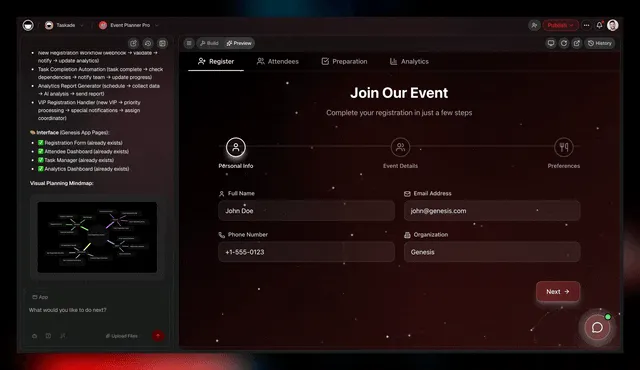
| Output | Static project pages | Taskade Genesis publishes living apps from a prompt |
📅 Calendars then & now — at a glance
In 2021 a calendar was a pane. In 2026 your calendar is a trigger: any event can fire an Automation, wake up an AI Agent, or update a Genesis app page.
Date-format toggle, visualized
 ┌────────────────────── DATE FORMAT SETTINGS (2021) ──────────────────────┐
 │                                                                         │
 │   ☐  MM/DD/YYYY   →   01/18/2021      ←  US default                     │
 │   ☑  DD/MM/YYYY   →   18/01/2021      ←  EU / ISO-friendly              │
 │   ☐  YYYY-MM-DD   →   2021-01-18      ←  ISO 8601 (added later)         │
 │                                                                         │
 │   Week starts on:  ( ) Sunday   (•) Monday   ( ) Saturday               │
 │                                                                         │
 │   ─────────────────────────────────────────────────────────────────     │
 │   2026 adds: natural language ("next Tuesday 3pm"), AI parsing,         │
 │   recurring schedules, and Automation triggers on every date field.     │
 └─────────────────────────────────────────────────────────────────────────┘
📚 Related reading — hub & spoke
- Taskade Genesis — prompts to living apps
- AI Agents v2 · Automations · Community Gallery
- All project views · 100+ integrations
- Learn Taskade — Calendar View
- Learn Taskade — Google Calendar
- Learn Taskade — Slash commands
- Learn Taskade — Genesis FAQ
- Best Kanban Board Apps for Organizing Projects
- Best Productivity Tips to Supercharge Your Workflow
- Pricing — Free, $6, $10, $25, Enterprise
Thanks again for supporting Taskade, and as always, don’t hesitate to reach out if you need help. We’re here for you! 😊
Start 2021 the right way with Taskade!
— Team Taskade 🐑
Frequently Asked Questions
Can I add custom emoji icons to Taskade projects?
Yes. Every Taskade project supports a customizable emoji icon. Click the project icon area and select any emoji to visually represent the project's purpose. Project emojis appear in the workspace view, browser tabs, and navigation sidebar for quick identification.
Can I set my Taskade calendar to start on Monday?
Yes. In Taskade Settings, you can configure your calendar to start on Monday or any other day of the week. This applies to both the global calendar and project-level Calendar View, accommodating different regional and personal scheduling preferences.
Does Taskade support calendar date formatting customization?
Yes. Taskade lets you customize date formatting in your settings to match your regional preferences. Choose between different date display formats (e.g., MM/DD/YYYY vs. DD/MM/YYYY) so dates appear consistently throughout your projects, tasks, and calendar views.
What calendar features does Taskade offer?
Taskade includes a global calendar that aggregates tasks with due dates from all workspaces, a project-level Calendar View for individual project scheduling, Google Calendar 2-way sync, calendar feed integration with Apple and Outlook, and customizable start-of-week and date formatting settings.