






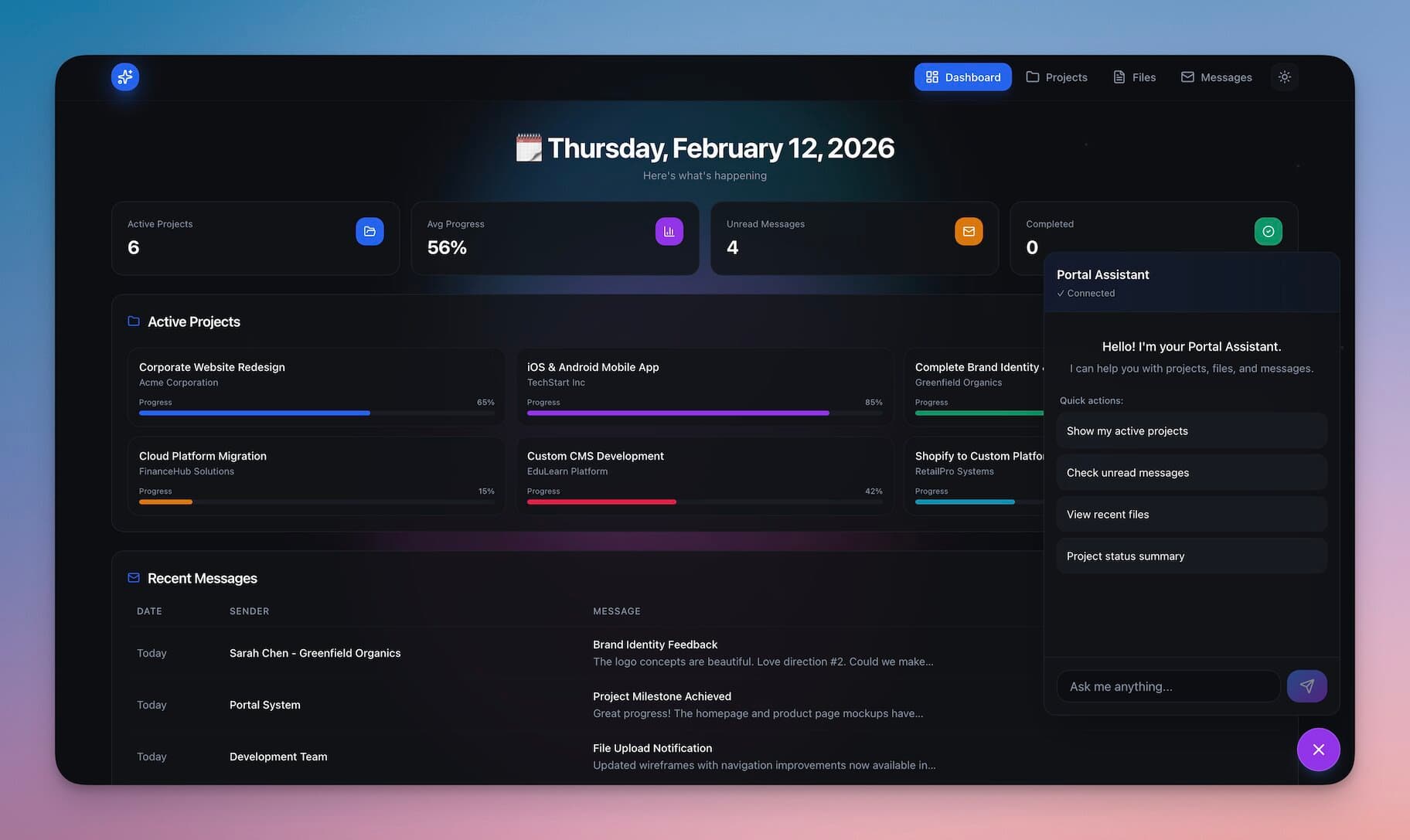
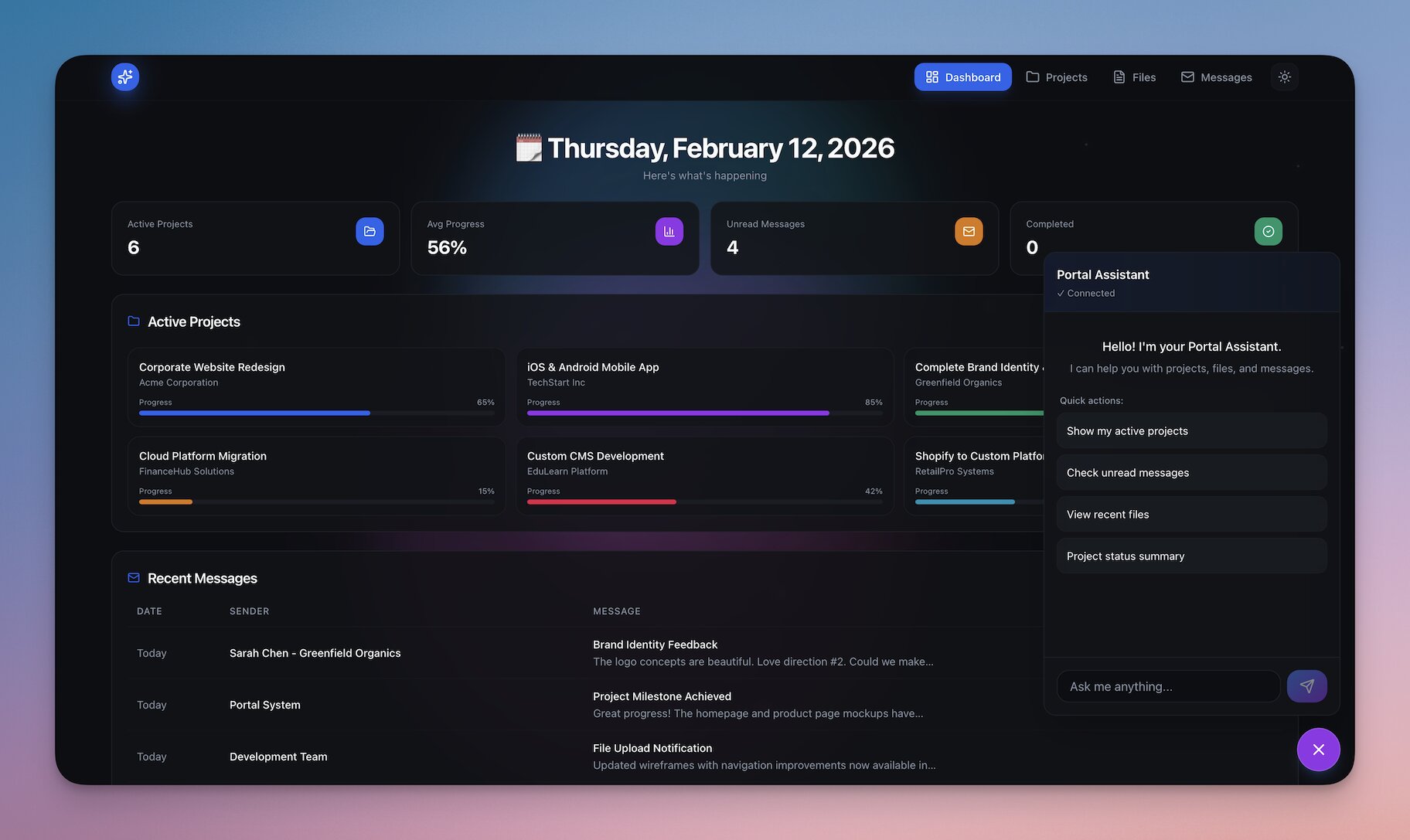
Taskade started as a place to organize your work. Now that work becomes your own app. One prompt in Taskade Genesis builds a client portal, a project tracker, and team views on top of the projects you already keep in Taskade, with AI agents and automations behind them.
TL;DR: Describe your clients, projects, and team in one prompt, and Taskade EVE builds a live app on your workspace: a client portal, project tracker, team capacity, team calendar, onboarding, or team wiki. Client logins work on every plan, Free included. Sign-in confirms who a visitor is — match records to that login before you share. Build yours →
What Does "Your Workspace, Now an App" Mean?
Your workspace becomes the backend of an app you publish. Your client list, project boards, deadlines, and team notes already live in Taskade projects. Taskade EVE reads that structure and builds screens on top of it: a dashboard for you, a portal for clients, and views for the team. When a teammate updates a task in the project, the app shows the change, because the app and the project share the same data.
| What you already run in Taskade | What the app turns it into |
|---|---|
| A client list | A client directory and the portal home screen |
| Project boards with owners and due dates | A project tracker with status and deadlines |
| Task assignments | A capacity view: who is on what, and who has room |
| Due dates and schedules | A team calendar |
| Checklists and docs | An onboarding portal for new hires |
| Notes and how-tos | A searchable team wiki, with an agent that answers from it |
What Does One Prompt Build?
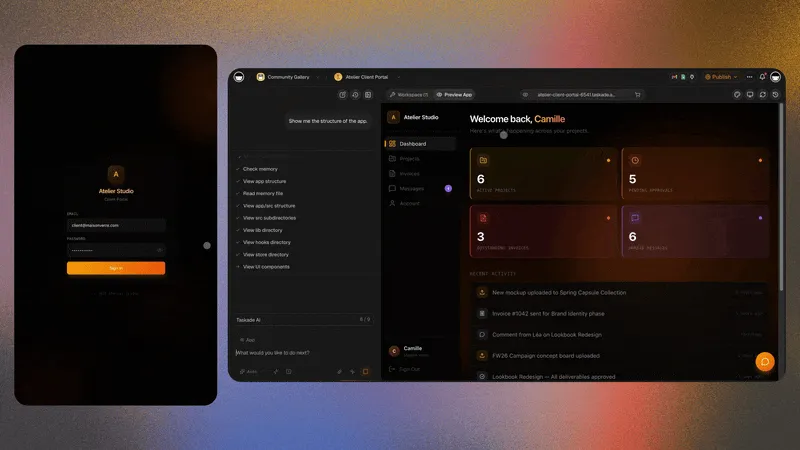
One prompt builds the whole stack together. Here is the prompt from this week's newsletter, with one sentence added that names the matching step:
Build a portal and dashboard to manage my tasks, customers, projects, and team. Each client and teammate signs in, and I match each project to the client's email.
From that prompt, Taskade EVE builds the projects that hold the records, the screens that read and write them, an AI agent that answers status questions, and the automations you ask for. Then keep editing in plain language, and Taskade EVE updates the app. Try this prompt →
More first-prompt ideas live in Learn: App Starter Prompts and Learn: Build an Internal Tool.
Which Six Apps Can You Start From Today?
Each link below opens Taskade Genesis with the prompt filled in. Change the words before you build, because your business is not a template.
| Starter app | What it does | Start |
|---|---|---|
| Client portal | Clients sign in to check project status and progress. You match each project to the client's email. | Build this → |
| Project tracker | Every project, owner, status, and deadline in one place. | Build this → |
| Team capacity | Who is working on what, who has room, and where the team needs help. | Build this → |
| Team calendar | Project deadlines, team shifts, and schedules together in one view. | Build this → |
| Onboarding | Every new hire gets a checklist, docs, and first projects from day one. | Build this → |
| Team wiki | Every process, how-to, and answer in one place your team can search. | Build this → |
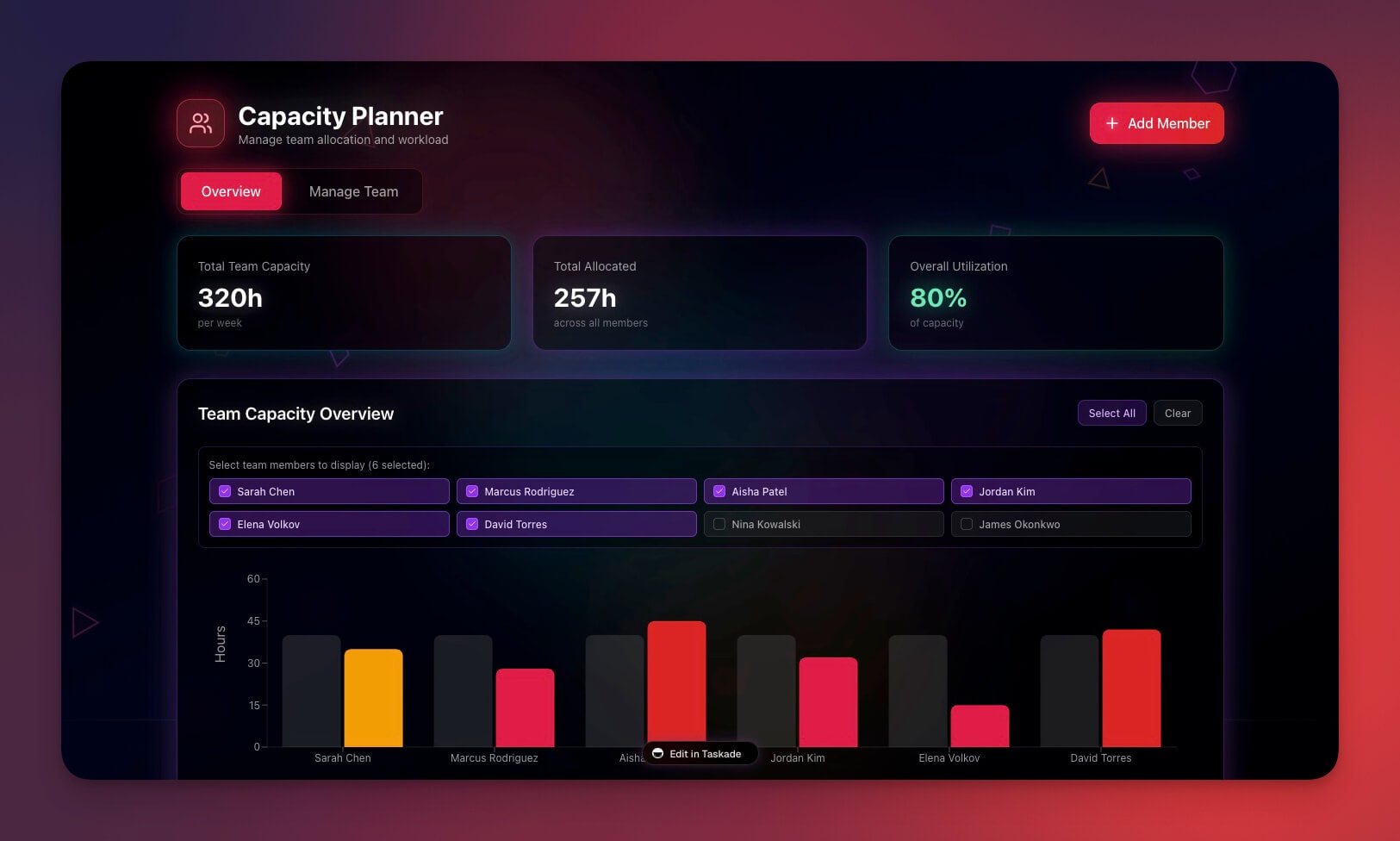
The six apps work best together. The tracker and the capacity view read the same assignments, so a task you reassign in one shows up in the other. The Free plan includes 3 Taskade Genesis apps per workspace, and paid plans have no app limit.
How Do Client Logins Work?
Client logins work on every plan, including Free. Add sign-in to your published app with GenesisAuth, and clients sign in with their email on the app's URL. Each person who signs in appears in the App Users list, where you can search, disable, re-enable, or remove an account. App Users are separate from workspace members, so a client login does not take a workspace seat.
Sign-in confirms identity. It does not decide which records a client sees. That part is a configuration step, and it takes three moves:
- Confirm who the visitor is. GenesisAuth handles the sign-in.
- Match records to the login. Store each client's email on their project rows, then ask Taskade EVE to filter by the signed-in email. Row scoping is opt-in and off by default.
- Test with a second account. Sign in as a second client, and as an email with no records, and check what each one sees before you share the link.
Want the portal on your own address? A custom domain is available on Business and above. See Learn: Custom Domains, and walk the full setup in Learn: Build a Customer Portal.
How Does Your Team Fit In?
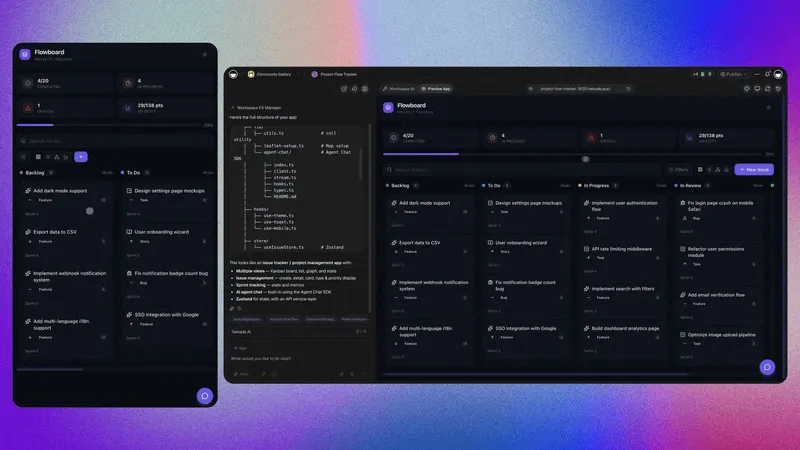
Teammates join the workspace, where the projects behind the app live. Invite them as workspace members with role-based access from Owner to Viewer, so each person edits, checks, or views the work that fits their role. The Free plan includes 2 workspace members, and Pro includes up to 10. See Learn: Invite People to Your Workspace and Learn: Roles and Permissions.
The team views in the app read those same projects. A deadline set in a project appears on the team calendar and in the project's Calendar View. Add an automation trigger, and the next step starts on its own.
What Can One Operator Build?
"What I built with Taskade in a few weeks would have taken a team of 40+ people 18 months to build the traditional way."
One operator, Fortune 500 IT team
The pattern is the one in this post: start from the projects you already run, describe the app in one prompt, and keep editing until it fits. Browse live apps in the Community Gallery, and clone one to start from a working system.
What Is Workspace DNA?
Workspace DNA is the loop that keeps your clients, projects, team, and app in one workspace. Memory holds your records, Intelligence reasons over them, and Execution moves the work along, so the result of one task becomes the memory the next task uses.
- Projects remember. Clients, deadlines, assignments, and notes in one memory.
- Agents reason. AI agents trained on your knowledge answer questions and update records.
- Workflows run. Automations connect email, calendars, and the tools you use.
- Apps serve. Portals, trackers, and team views for the people who need them.
Taskade EVE builds all four together. Learn: Workspace DNA explains how the parts feed each other.
Build Your Next App
Clients, projects, and your team. One prompt, one app, powered by your Taskade workspace. Pick a starter prompt, match your client records, test with a second account, and share the link.
Build your next app → or clone a live one →
Frequently Asked Questions
Can I turn my Taskade projects into an app?
Yes. Describe the app in one prompt at taskade.com/create, and Taskade EVE builds it on top of your workspace.
Do client logins need a paid plan?
No. Client logins work on every plan, including Free. A custom domain is a separate feature on Business and above. See Learn: GenesisAuth.
Does signing in keep each client's records apart?
Not by itself. Sign-in confirms who the visitor is. You match records to the login, for example by filtering on the signed-in email. Row scoping is opt-in and off by default. Test with a second account before you share the portal.
Does a client login take a workspace seat?
No. App Users are separate from workspace members. See Learn: App Users.
How many apps can I build on the Free plan?
Three per workspace. Paid plans have no app limit. Compare plans on the pricing page.
How do teammates get access to the projects behind the app?
Invite them as workspace members with role-based access from Owner to Viewer. Free includes 2 members, and Pro up to 10.
What is Workspace DNA?
Projects remember, agents reason, workflows run, and apps serve, in one workspace.
Read Next
- Paste Your Website, Clone an App Kit, Launch It Live
- How to Build a Client Portal Without Code
- Run Your CRM, Track Deals, Manage Clients
- Best Free AI App Builders
- Run Your Business in One Living System
▲ ■ ● Memory holds your clients and projects. Intelligence reasons over them. Execution keeps the work moving.