







In 1997, IBM's Deep Blue made history by defeating Garry Kasparov. Fast forward to 2026, and AI has become an integral part of the freelance economy, transforming how independent professionals manage projects, create content, and grow their businesses.
Whether you are a writer, designer, developer, or consultant, the AI apps on this list will give you the productivity edge that separates thriving freelancers from overworked ones.
TL;DR: The best AI app for freelancers in 2026 is Taskade, an all-in-one workspace combining AI agents with built-in tools, multiple project views, and 100+ integrations starting at Free. It replaces 5-6 separate tools with a single platform that handles project management, content creation, client communication, and workflow automation. Try Taskade free.

What Is the Role of AI in the Freelance Landscape?

AI has leaped from research curiosity to essential business tool. According to Upwork's 2025 Freelance Economy Report, 73% of freelancers now use AI tools regularly, up from 44% in 2024. Those who adopt AI tools report earning 22% more per hour on average.
Here is how AI transforms the freelance workflow:
Automating routine tasks: Scheduling, invoicing, email management, and data entry can all be handled by AI. That is hours back in your day for billable client work and creative projects.
Enhanced data analysis: AI-powered tools give you insights into market trends, customer preferences, and your own business performance. It is like having a business analyst on your team without the overhead.
Content creation and optimization: Generative AI helps you write and edit text, generate visuals, brainstorm ideas, and optimize content for search engines while you focus on strategic tasks.
Innovative problem-solving: Working alone means you face daily challenges without a sounding board. AI brings creative solutions, fresh perspectives, and new approaches when you hit a wall.
Cost reduction and revenue growth: A comprehensive AI solution gives you more output for less input. It also allows you to invest more in your skills and business growth.
The True Cost of Tool Sprawl for Freelancers
Most freelancers juggle 5-8 separate tools. Here is what that actually costs:
| Expense | Separate Tools | All-in-One (Taskade) |
|---|---|---|
| Project Management | $10-25/mo | Included |
| AI Writing Assistant | $20-30/mo | Included (AI agents) |
| Automation Platform | $20-50/mo | Included (100+ integrations) |
| Video Conferencing | $15/mo | Included (built-in calls) |
| Team Chat | $7-15/mo | Included |
| Monthly Total | $72-135/mo | $0-10/mo |
| Context Switching | 5-8 apps daily | 1 workspace |
| Data Silos | Disconnected information | Unified workspace |

Best AI Apps for Freelancers to Amplify Your Productivity
1. Taskade (Best All-in-One AI Workspace)
Taskade is a Y-Combinator company that has been transforming team and personal productivity since 2017. The platform combines project and task management features with powerful AI agents, wrapped in a minimalist, cross-platform package.
It is everything you need to stay on top of your freelance projects, and nothing you do not.
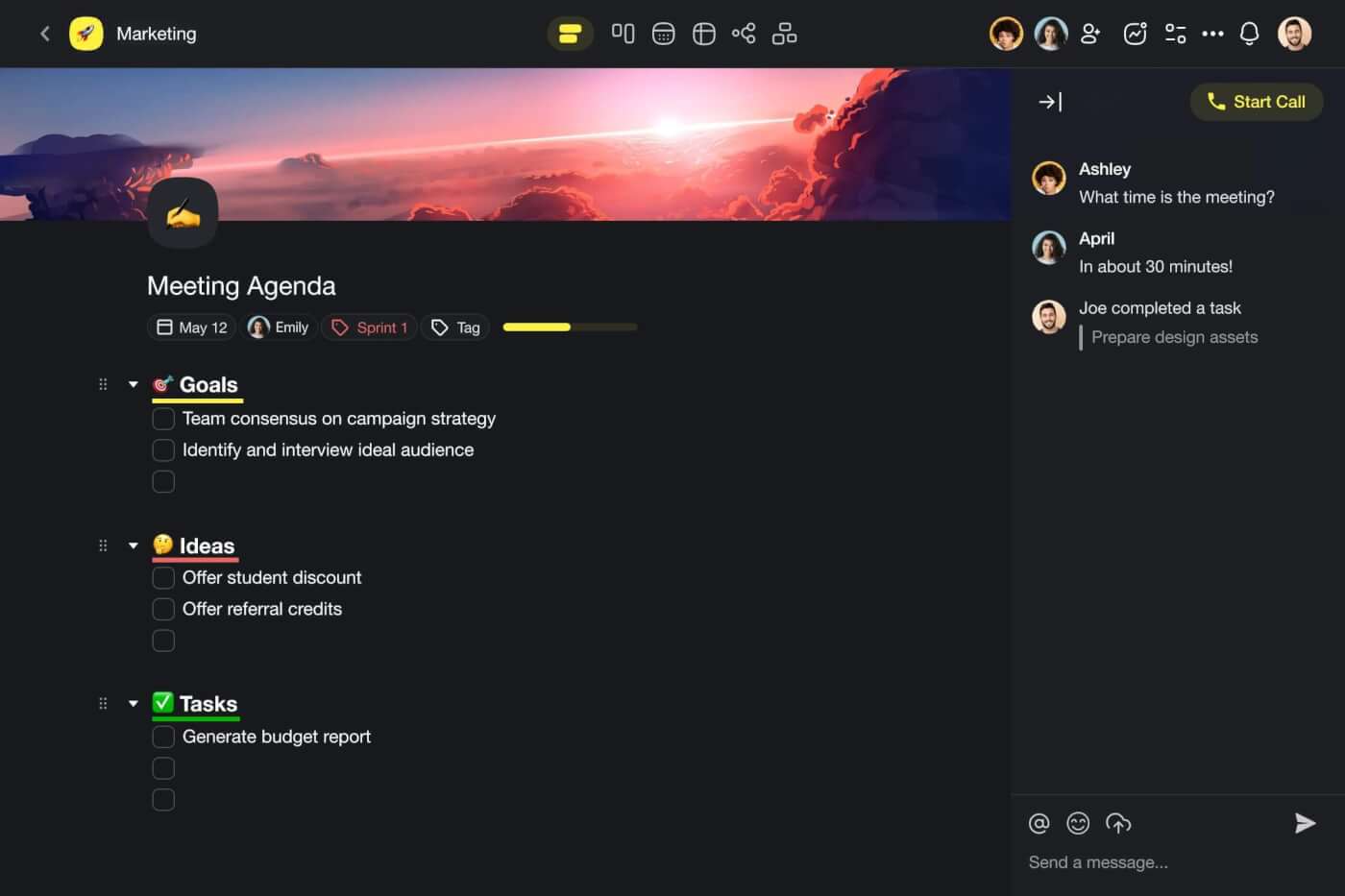
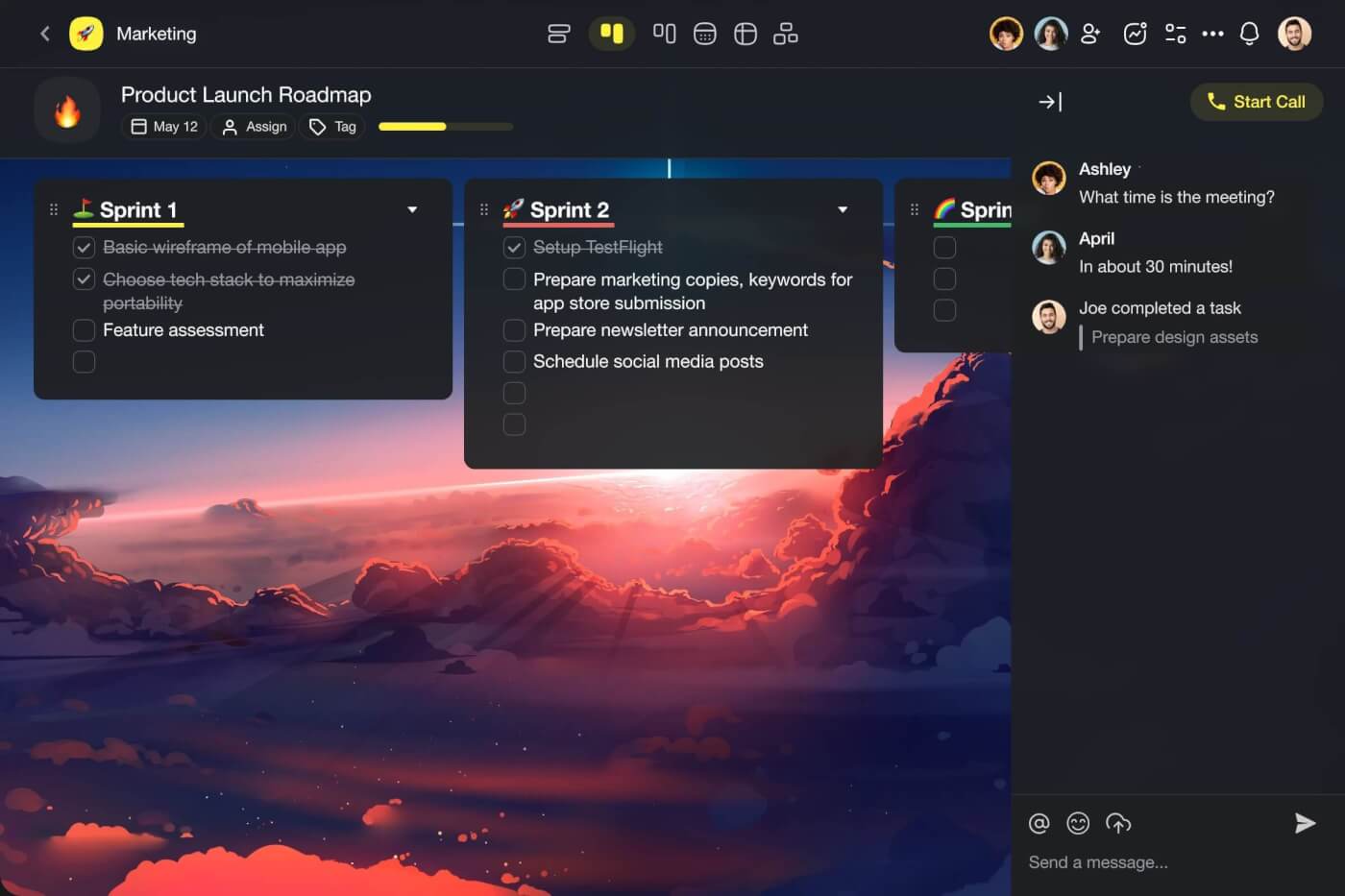
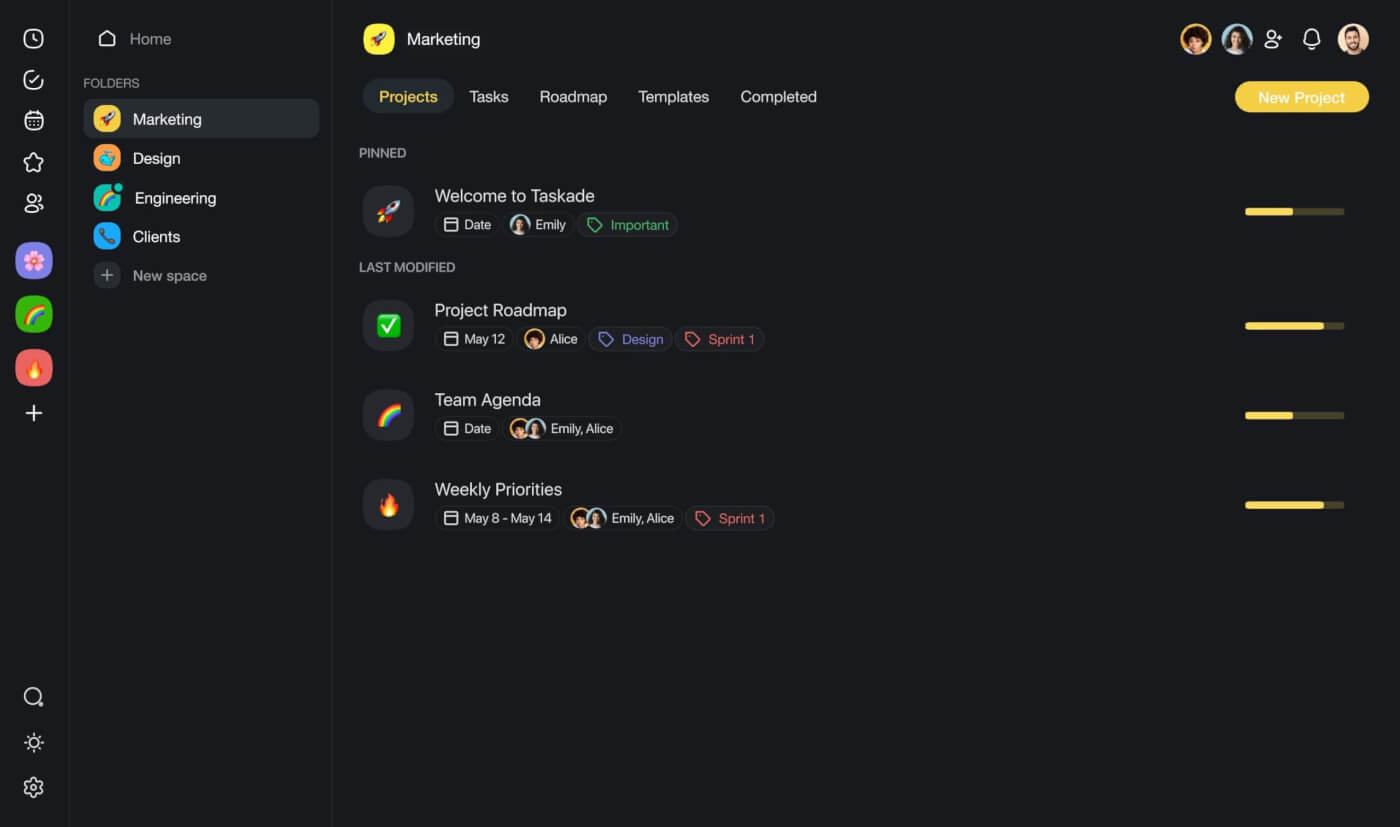
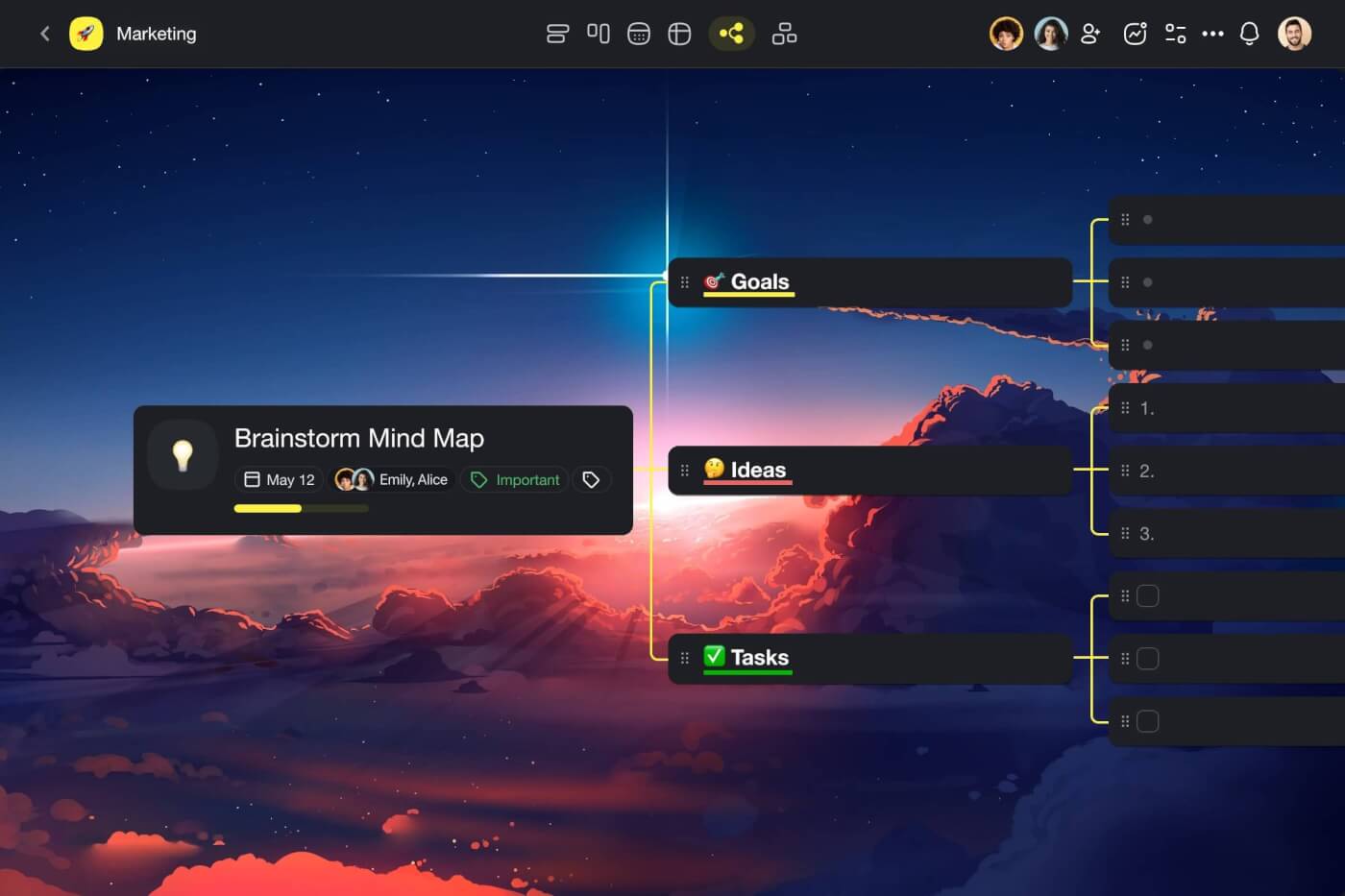
Work in Taskade revolves around workspaces, folders, and projects, each designed to hold your tasks, notes, documents, mind maps, attachments, and more. You can view any project across multiple views: List, Board, Calendar, Table, Mind Map, Gantt, and Org Chart.
On top of project management, Taskade offers a full range of collaboration and communication tools, including chat, comments, and video calls. Every level of a Taskade workspace supports AI tools that include:
Custom AI Agents: Think of AI agents as digital team members tailored to your preferences. They can automate tasks, organize data, and offer suggestions to improve your workflows. You can train agents using documents and external resources, assign custom commands, and deploy them with built-in tools.
AI Assistant: Juggling multiple tasks is part of a freelancer's life. But it does not have to be hard. Taskade AI helps you streamline your workflow with /AI commands in the project editor. Generate content, write emails, outline documents, edit articles, and prioritize tasks without juggling multiple apps.
Workflow Generator: Every project starts with an idea. Before you get from concept to execution, you need planning. Or, you can describe what you are working on, and the Workflow Generator creates a comprehensive project structure from natural-language prompts.
Workflow Automation: Taskade Automations let you connect your projects to popular platforms like Gmail, WordPress, Slack, and 100+ other tools, with Taskade AI coordinating the flow of information.
Taskade Genesis: Build complete AI-powered applications from a single prompt. Create client portals, invoicing tools, booking systems, and custom dashboards without writing code. Build your first app.
Pricing: Free plan available. Pro plan at $10/month (annual billing) includes unlimited AI agents, 100+ integrations, and multiple project views. Visit pricing for full details.
Sign up for free and work smarter with Taskade AI!
2. ChatGPT (Best General-Purpose AI Assistant)
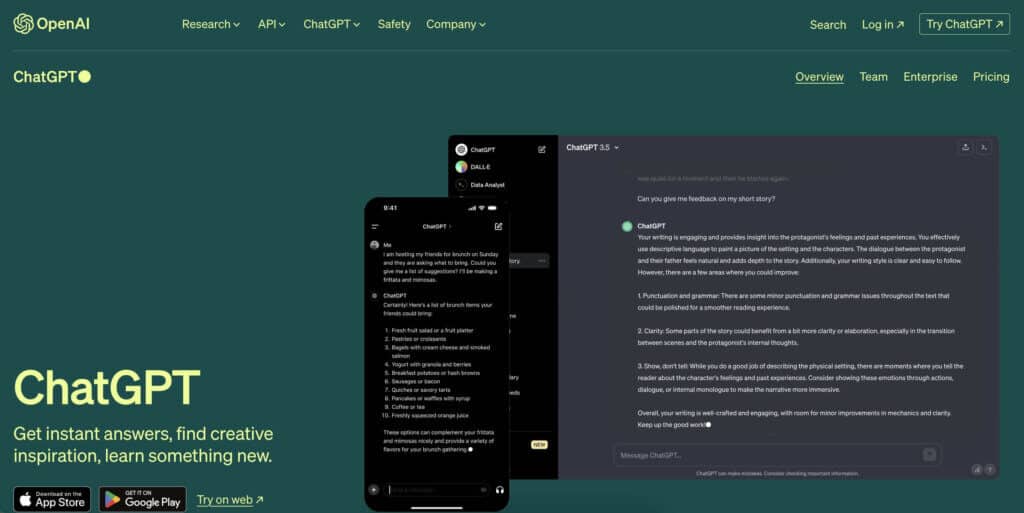
ChatGPT, developed by OpenAI, is a chat-based AI tool designed to simulate human-like conversation. It leverages the GPT architecture trained on a diverse range of internet text. ChatGPT can answer questions, provide explanations, and hold conversations on a wide array of topics.
For freelancers, ChatGPT excels at research, brainstorming, and first-draft content generation. Paid users also get access to plugins, custom GPTs, image generation, and advanced reasoning capabilities.
Key AI Features:
- Text and image generation
- Integrations with external tools and plugins
- Conversation history and memory
- Access to the web for real-time research
- Programming assistance and code generation
Limitation for freelancers: ChatGPT is a standalone chat tool, not a project management platform. You still need separate tools for task management, team collaboration, and workflow automation.
3. Canva (Best AI-Powered Design Tool)
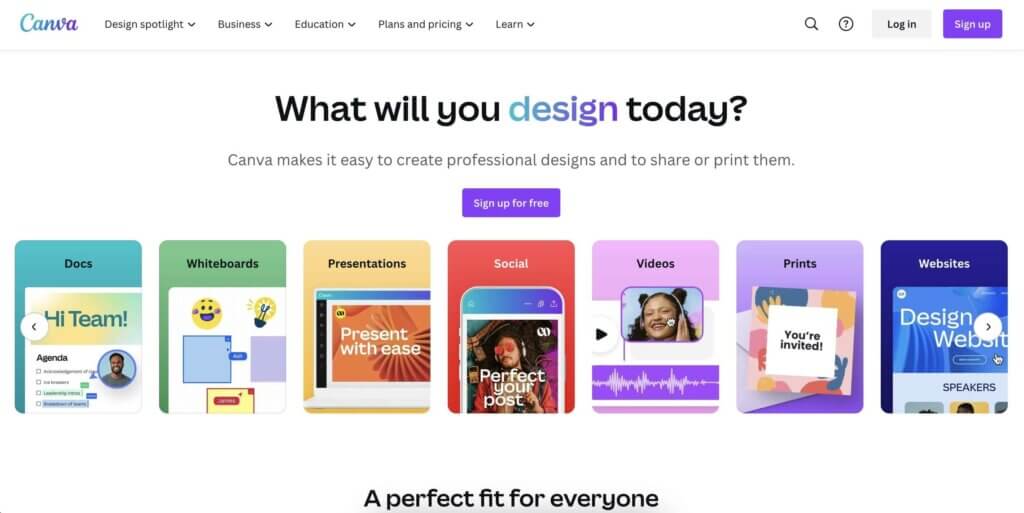
Canva blends simplicity and creativity, designed to cater to anyone's design needs. Even without design experience, Canva helps you create stunning visuals for social media, presentations, and marketing materials. It is the most user-friendly tool for transforming ideas into professional designs.
Canva's AI integration provides automated photo editing, intelligent content generation, and design suggestions that act as a creative partner.
Key AI Features:
- AI-powered writing assistant (Magic Write)
- Tools for adding and removing elements in images (Magic Eraser)
- Image generation powered by text-to-image AI
- AI translation feature for multilingual content
- Generating designs from uploaded images
- Automatic content editing to match background music
4. Notion (Best for Knowledge Management)
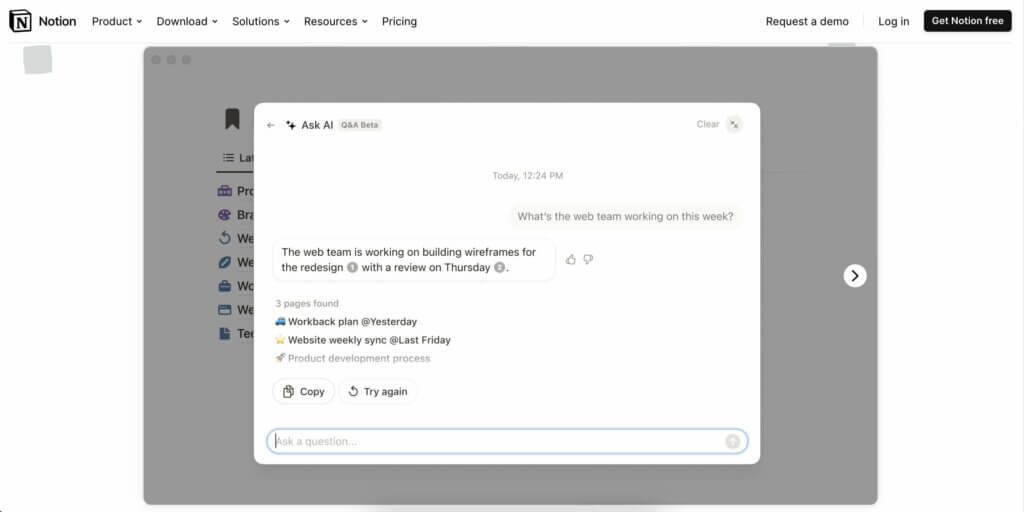
Notion is a unified platform that brings together notes, tasks, and projects. Think of it as a centralized hub where you can write, keep track of to-dos, and collaborate with contractors and clients. The app is known for its flexibility as it allows you to design your workflow from scratch using "blocks."
The AI integration in Notion focuses on content creation and data organization, making it a solid all-rounder for knowledge-heavy freelancers.
Key AI Features:
- Content creation and editing
- Document summarization
- Idea generation and brainstorming
- Language translation
- Grammar and spelling checks
Limitation for freelancers: Notion's AI is primarily content-focused. For workflow automation, AI agents, and deep integrations, you need additional tools.
5. Zapier (Best for Workflow Automation)
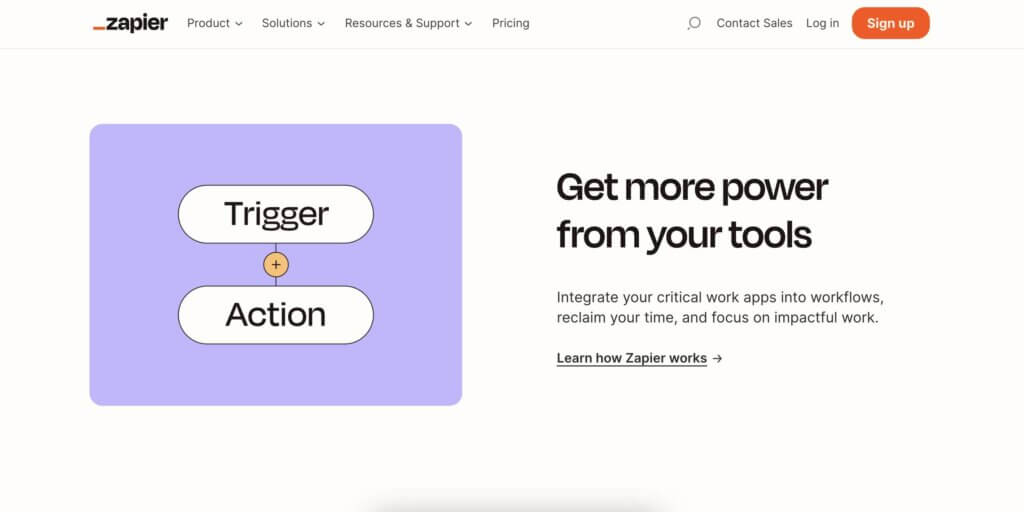
As a freelancer, you probably juggle dozens of different tools. Zapier acts as a digital bridge connecting over 7,000 apps to streamline your workflow without writing code. It connects tools for marketing, project management, CRM, and more.
Key AI Features:
- Automated workflow creation with natural language
- Intelligent task routing between apps
- Smart recommendations for workflow optimization
- Error handling and predictions
- Data parsing and processing
How Taskade compares: Taskade includes 100+ native integrations and AI-powered automations built directly into your workspace, eliminating the need for a separate automation platform.
6. DocuSign (Best for Contract Management)
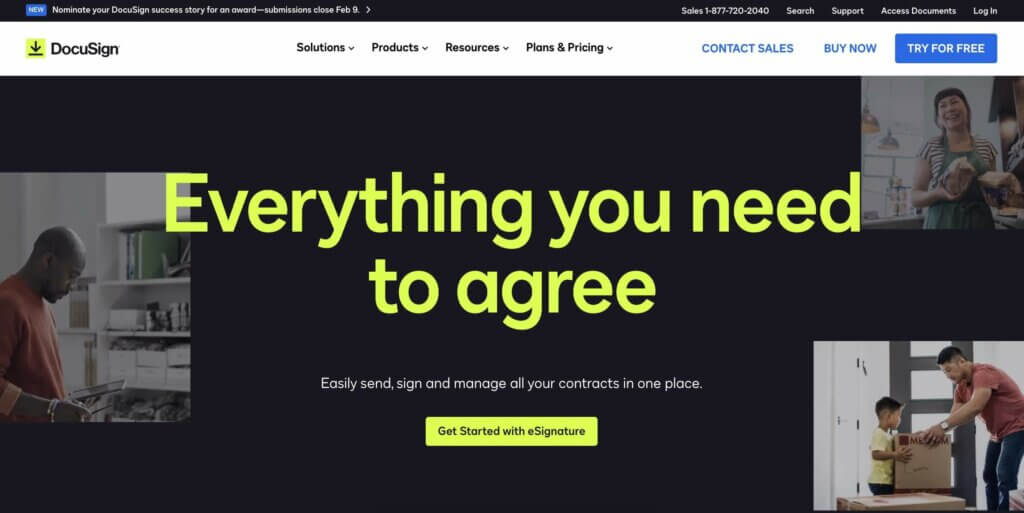
DocuSign is an AI-powered electronic signature service for signing documents digitally. This is particularly useful for freelancers who deal with contracts and agreements from multiple clients. DocuSign uses NLP and machine learning to summarize agreements and verify identities.
Key AI Features:
- Agreement summarization and key terms extraction
- eSignature assistance with intelligent fields
- Contract lifecycle management
- Identity verification for secure signing
- Risk scoring and compliance analytics
7. Grammarly (Best AI Writing Assistant)
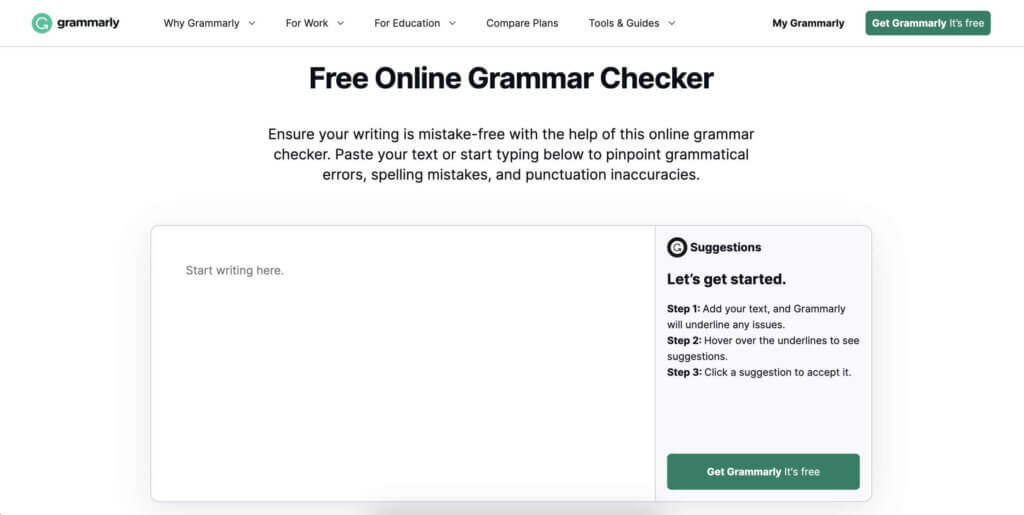
Grammarly is an advanced AI writing assistant tailored to enhance the writing process. It adapts to different writing contexts and styles, making it valuable for freelancers who write across multiple domains. The tool learns your writing style and creates a voice profile that enhances rather than overwrites your natural voice.
Key AI Features:
- Grammar and spelling check with context awareness
- Tone detection and adjustment
- Style suggestions based on audience
- Plagiarism detection
- Clarity and conciseness recommendations
- Personalized voice detection and consistency
8. Midjourney (Best AI Image Generator)
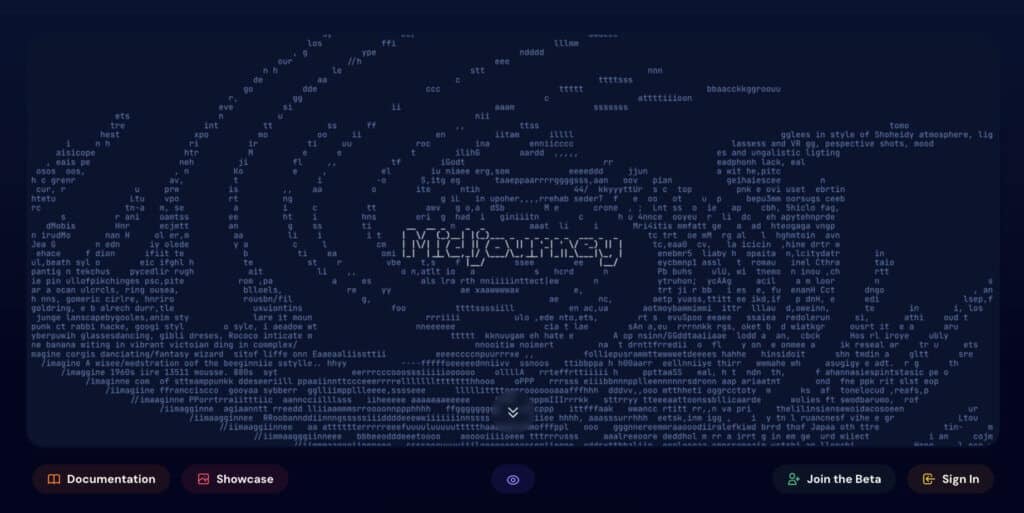
Midjourney is a text-to-image generator created by an SF-based research lab. The ease of use and ability to produce high-quality results make it invaluable for freelancers who need visual content without the overhead of a graphic designer. Whether drafting design concepts, creating artwork, or visualizing data for clients, Midjourney brings ideas to life.
Key AI Features:
- Image generation from textual descriptions
- Iterative input system for refining results
- Support for a variety of creative tasks
- Collaboration via Discord channels
- Image editing and upscaling capabilities
- Style transfer and consistency controls
How to Build Your Ideal Freelancer AI Stack
Instead of adopting every tool at once, build your stack strategically:
Step 1: Establish Your Core Platform
Start with an all-in-one workspace like Taskade that handles project management, AI assistance, and team collaboration. This eliminates 60-70% of tool sprawl immediately.
Step 2: Add Specialized Tools
Supplement your core platform with category-best tools for specific needs: Canva for design, Grammarly for writing polish, DocuSign for contracts. Only add tools that solve problems your core platform does not.
Step 3: Build Advanced Workflows
Once your foundation is solid, create custom AI agents trained on your specific clients and workflows. Set up automations that connect your tools. Build client portals and dashboards with Taskade Genesis.
Quick Comparison: All 8 AI Apps for Freelancers
| App | Best For | AI Depth | Free Tier | Pro Price |
|---|---|---|---|---|
| Taskade | All-in-one workspace | Deep (agents, automation, genesis) | Yes | $10/mo |
| ChatGPT | Research and drafting | Deep (general purpose) | Yes (limited) | $20/mo |
| Canva | Visual design | Medium (design-focused) | Yes | $13/mo |
| Notion | Knowledge management | Medium (content-focused) | Yes | $10/mo |
| Zapier | Workflow automation | Medium (connector) | Yes (limited) | $20/mo |
| DocuSign | Contract management | Medium (document-focused) | Trial only | $15/mo |
| Grammarly | Writing assistance | Deep (writing-focused) | Yes | $12/mo |
| Midjourney | Image generation | Deep (image-focused) | No | $10/mo |
Parting Words
Integrating AI tools into your freelancing workflow opens up a world of possibilities. They streamline your work process, automate repetitive tasks, enhance creative capabilities, enable quick scalability, and reduce operational costs.
But you do not have to sample everything on the first pass. Build your workflow step by step. Choose integrated solutions that play well with your existing processes and complement your unique work style.
The freelancers who thrive in 2026 are not the ones with the most tools. They are the ones with the most integrated, efficient stack. One workspace that handles projects, AI, and automation beats ten disconnected apps every time.
Create a free Taskade AI account today!
Explore Taskade for Freelancers:
- Custom AI Agents — Build per-client specialists
- Workflow Automations — Automate repetitive tasks
- 100+ Integrations — Connect your existing tools
- Multiple Project Views — List, Board, Calendar, Table, Mind Map, Gantt, Org Chart
- Taskade Genesis — Build client portals and tools
- Downloads — Work on any device
Related Guides:
- Best AI Productivity Tools for Teams — Full toolkit comparison
- Best AI Tools for Consultants — Consulting-specific recommendations
- How to Build Your First AI Agent — Step-by-step tutorial
- 10 Best AI App Builders — Build custom tools
- What Are AI Agents? — Understanding AI assistants
- Agentic Workflows for Startups — Automate your business
- How to Reduce Context Switching — Stay focused and productive
- Getting Things Done (GTD) — The productivity methodology
- Best Mind Mapping Apps — Visual brainstorming tools
- AI Prompt Engineering Guide — Write better prompts
- How to Stop Procrastinating — Productivity habits
- Distraction-Free Writing — Focus tools for writers
Explore More:
- AI Agents — Browse agent templates for every use case
- Automate — See all automation capabilities
- Community — Clone templates from other freelancers
- AI Apps — Build custom apps without code
- Pricing — Plans starting at Free, Pro at $10/mo

Frequently Asked Questions
What are the best AI apps for freelancers in 2026?
Top AI apps for freelancers include Taskade (all-in-one workspace combining AI agents, project management, and automation with 100+ integrations), ChatGPT (versatile AI assistant for research and drafting), Canva (AI-powered design), FreshBooks (AI invoicing and accounting), and Grammarly (AI writing and editing). The best stack combines a core productivity platform with specialized tools.
How can freelancers use AI to be more productive?
Freelancers can use AI to automate routine tasks (scheduling, invoicing, email management), generate content drafts, analyze market trends, manage client communications, and organize projects. AI tools act as a virtual team, handling time-consuming work so freelancers can focus on billable client work and business development.
Is AI worth the investment for solo freelancers?
Yes. AI tools offer freelancers the biggest ROI because solopreneurs handle every business function themselves. Automating administrative tasks, content creation, and data analysis can save several hours per week, translating directly into more billable work. Many AI tools including Taskade offer free tiers that provide substantial value, with Pro plans starting at $10/month.
What tasks should freelancers automate with AI first?
Start with your biggest time drains: email management and client communication, invoicing and bookkeeping, social media scheduling, content drafting and editing, and project planning. These routine tasks consume disproportionate time relative to their revenue impact. Automating them first frees you to focus on high-value client deliverables.
How does Taskade compare to using multiple separate AI tools?
Using separate tools for project management, AI writing, automation, and communication creates context-switching overhead and data silos. Taskade combines all of these in one workspace with AI agents that have built-in tools, multiple project views, and 100+ integrations. This unified approach eliminates the need to juggle 5-6 separate subscriptions.
Can AI apps replace a virtual assistant for freelancers?
AI apps handle many virtual assistant tasks: scheduling, email drafting, document organization, data entry, and report generation. For complex decisions requiring human judgment, client relationship management, and creative strategy, human support remains valuable. Many freelancers use AI as a first layer that handles 80% of routine work.
What is the most cost-effective AI stack for freelancers?
The most cost-effective stack centers on a platform like Taskade (Free or $10/month Pro) that handles project management, AI agents, and automation. Supplement with free tiers of Canva for design and Grammarly for writing. This gives you comprehensive AI coverage for under $20/month, compared to $100+ for separate specialized tools.
How do AI agents help freelancers manage multiple clients?
AI agents can be configured per client with custom knowledge bases, communication styles, and project templates. In Taskade, you can create separate workspaces for each client, deploy specialized agents trained on client-specific data, and use automations to keep deliverables and deadlines tracked across all projects simultaneously.
What should freelancers look for in an AI productivity app?
Key criteria include: AI that works within your existing workflow (not a separate tool), multi-device access for working anywhere, real-time collaboration for client projects, automation capabilities for repetitive tasks, secure data handling for client confidentiality, and flexible pricing that scales with your business. Integration count matters since freelancers use many specialized tools.
How is the freelancer AI tool landscape changing in 2026?
The 2026 landscape has shifted from standalone AI chatbots to integrated workspace platforms where AI is embedded in every feature. Key trends include multi-agent systems that handle complex workflows, workspace-native AI that understands your project context, and automation platforms that connect 100+ tools without code. Freelancers who adopt integrated platforms gain 5-10 hours per week.