






Hi Taskaders 🎉
We are back with another exciting update for Taskade!
TL;DR: Project history, video chat, and richer comments shipped in 2021 — today they've evolved into real-time multiplayer plus AI Agents joining your project chat. Taskade Genesis builds living apps from a prompt, with 15+ frontier models and 100+ integrations available across multiple project views.
Then → Now: Static history + a video pane in 2021. Now: real-time multiplayer collaboration with AI Agents inside chat, Automations reacting to comments, and full learn how to collaborate walkthroughs.
📝 Project History
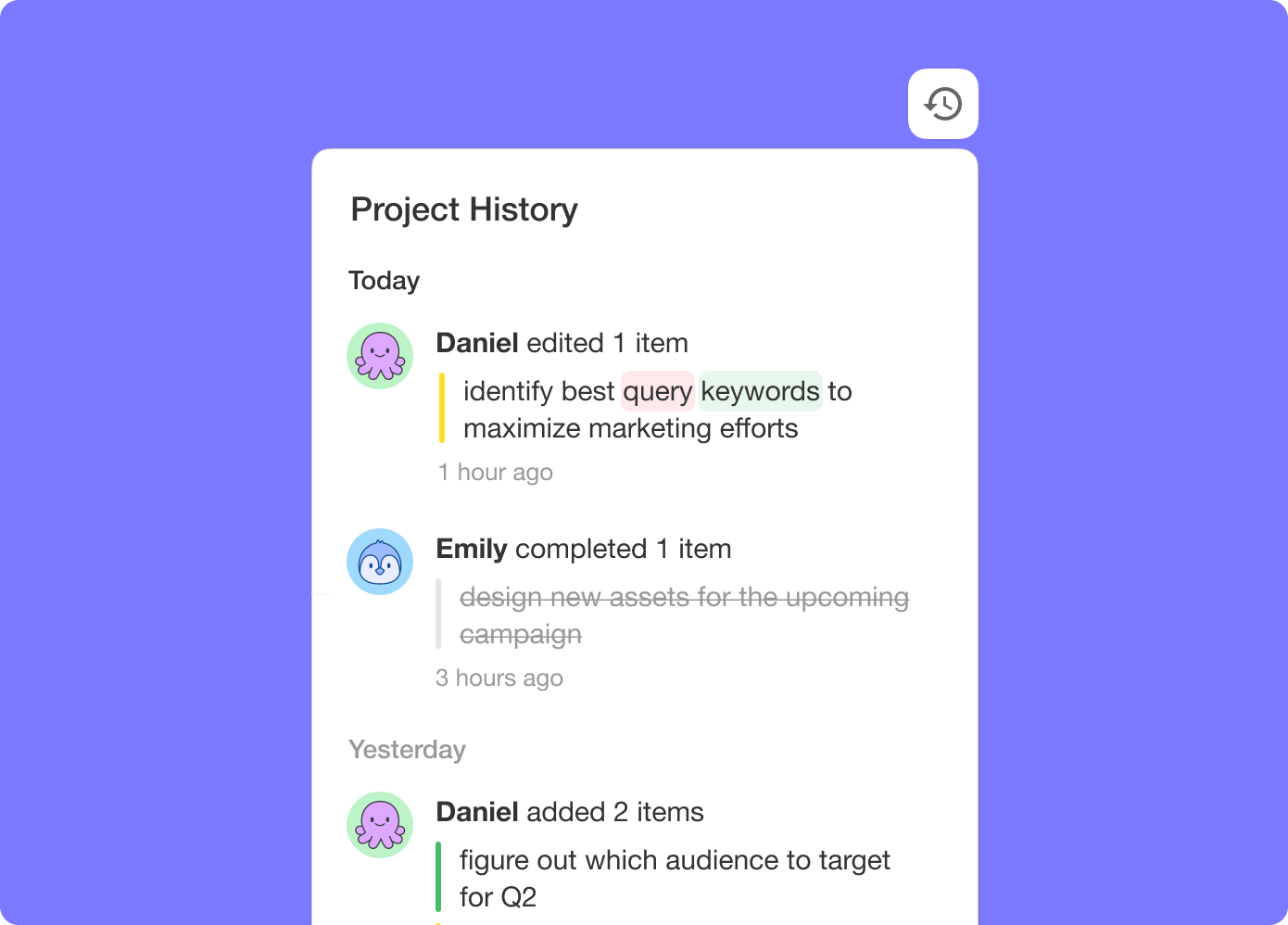
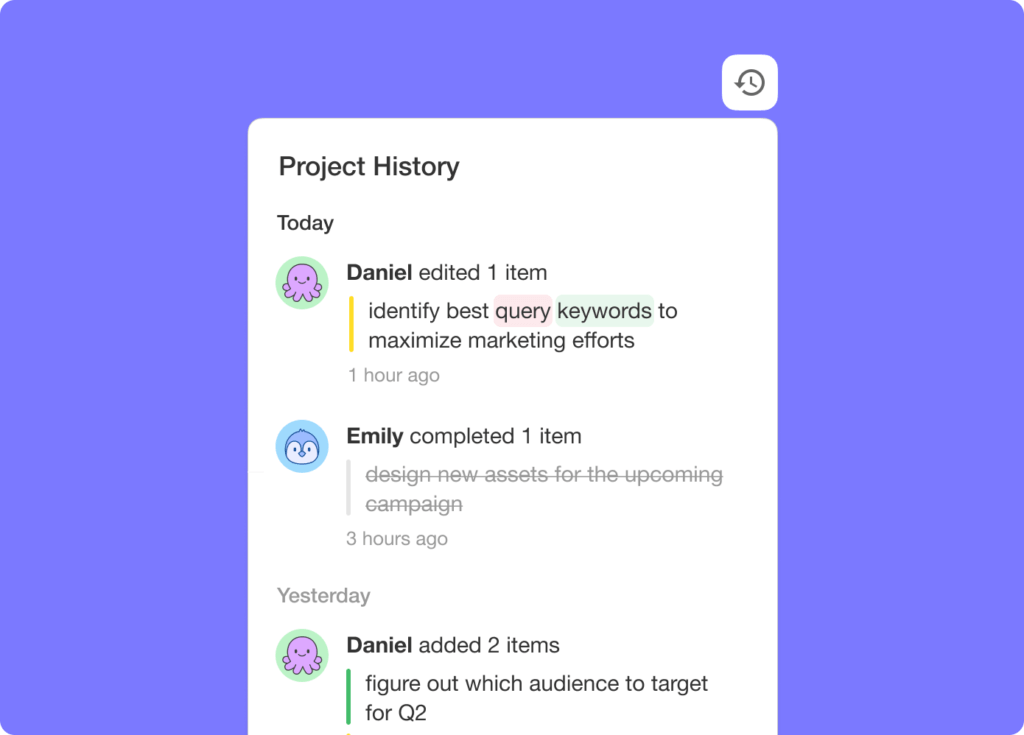
Introducing project history, a quick glance at all the changes made by you or your team. See who did what, when, and where. You can jump to the edited items within the project when you click on them.
✋ Video Chat
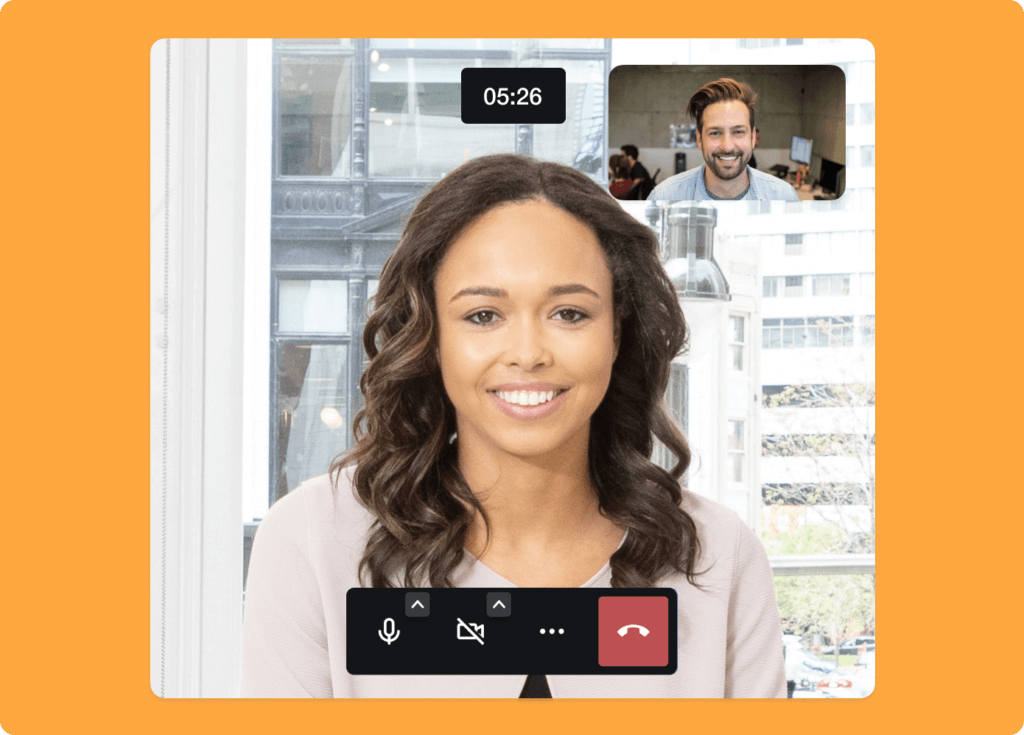
We've improved video chat and screen sharing with a faster and smoother conferencing experience. Collaborate together on the same page.
💬 Comments
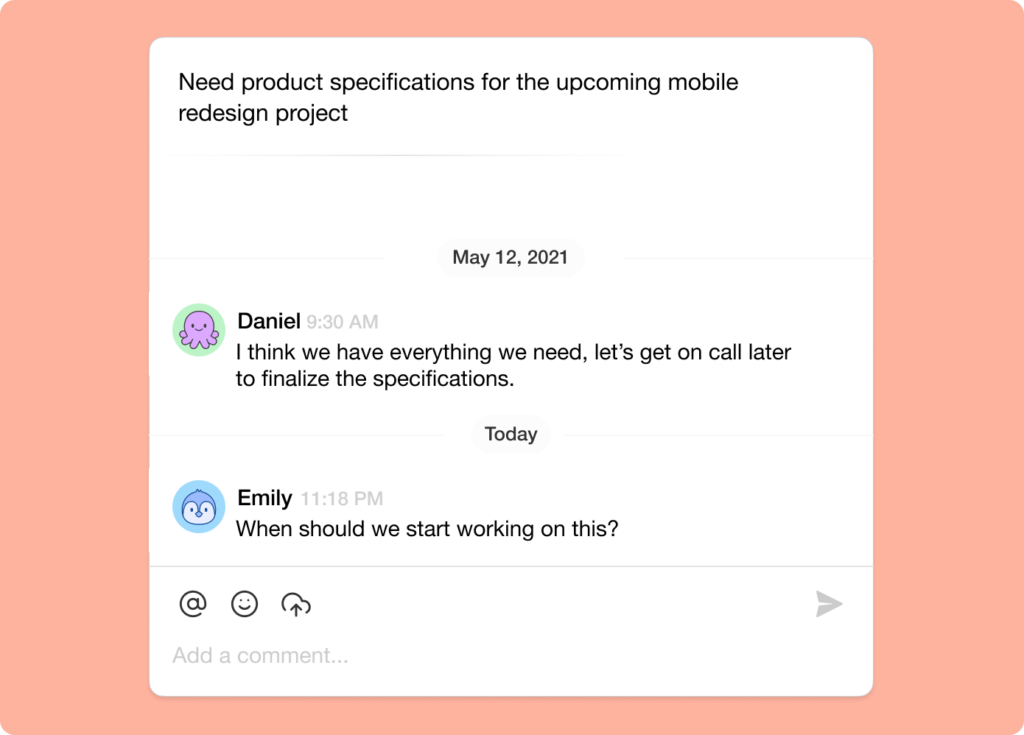
We now support longer task comments and replies with improved legibility.
2021 H1 vs Today (2026)
| Dimension | 2021 H1 | Today (2026) |
|---|---|---|
| Collaboration | Project history v3.10, enhanced video chat, threaded comments | Full version history + AI agents in chat + Community Gallery |
| Audit trail | Project history feed | Full version history + activity feed |
| Video | Built-in video chat + 30 FPS screen share (Jun 2021) | Same + Zoom integration + enable camera guide |
| Comments | Longer comments + replies | Same + project comments + comment-trigger automations |
| Intelligence | None | 15+ frontier AI models + agents that summarize + react in chat |
🎥 Multiplayer collaboration, then and now
Project history, video, and comments were the three pillars of "remote-first" Taskade in 2021. They're still here — but now AI Agents join the chat, Automations react to comments, and Genesis lets entire apps be co-edited live.
Activity feed, sketched
 ┌──────────── PROJECT HISTORY (2021) ────────────┐
 │  10:14  @john     edited  "Launch checklist"   │
 │  10:13  @sarah    ☑ checked  "QA Apple M1"     │
 │  10:11  @alex     +comment  "looks good!"      │
 │  10:09  @kim      moved task → Sprint 4        │
 │  10:02  @john     created project              │
 │ ────────────────────────────────────────────── │
 │  2026: + AI agent actions, automation runs,    │
 │  Genesis app commits, version restore points   │
 └────────────────────────────────────────────────┘
📚 Related reading — hub & spoke
- Taskade Genesis · AI Agents v2 · Automations · Community Gallery
- All project views · 100+ integrations · Pricing
- Learn — Version history
- Learn — Activity feed
- Learn — AI chat in projects
- Learn — Comment-trigger automations
- Learn — Multi-Agent Teams
| Thanks again for supporting Taskade, and as always, don’t hesitate to reach out if you need help. We’re here for you! 😊 — Team Taskade 🐑 P.S. We are hiring! Join us to shape the future of remote collaboration. 🚀 |
|---|
Frequently Asked Questions
What is Project History in Taskade?
Project History shows a chronological feed of all changes made to a project — who did what, when, and where. Click on any history entry to jump directly to the edited item within the project. This provides full transparency and accountability for team collaboration.
Does Taskade have built-in video conferencing?
Yes. Every Taskade project includes built-in video chat with screen sharing. Start a call directly from the project chat panel to collaborate with your team in real-time while viewing and editing the same project — no need for a separate conferencing tool.
Can I add comments to individual tasks in Taskade?
Yes. Taskade supports threaded comments on any task. Click the comment add-on to start a discussion, reply to existing comments, or leave feedback. Comments support longer text, emoji reactions, and file attachments for rich team communication.
Does Taskade support screen sharing during video calls?
Yes. Taskade's video chat includes screen sharing at up to 30 FPS for a smooth conferencing experience. Share your entire screen or a specific window while collaborating on a project, making it easy to present work, demo features, or walk through documents together.