







Back in the '50s, Alan Turing introduced the idea of thinking machines. Moving from theory to practice took a while, but here we are — AI is creeping into our workspaces. If your team isn’t using it yet, you're missing out, so we reviewed the latest, freshest AI tools for team productivity so you can catch up.
🤖 Is AI Your New Team Member?

Imagine team members who don’t need coffee breaks, work around the clock, and always deliver top-notch work. Ok, don’t do that. That would be one depressive and boring workplace.
But an AI that can help your team with routine tasks so they can focus on strategic work?
That’s the future of team productivity in the age of AI. The emerging synergy between human teams and AIs is already reshaping how we work. And there are numbers to back that up.
A study by Tech.co found that 72% of organizations using AI extensively report high productivity levels, compared to only 55% of those who use AI sparingly. A different study by Morning Consult survey, 75% of team leaders who’ve adopted AI say their teams collaborate more effectively.
The only problem? There must be a million AI tools in the wild. Some help automate repetitive tasks, others enhance team communication, and others still provide data analytics. 🤷♂️
The good news is we did the heavy lifting for you and compiled a list of the best AI tools to boost your team's productivity. So sit back, relax, and get ready to meet your new team members. 👇
👀 Best AI Tools For Team Productivity at a Glance
Don’t have time for the nitty-gritty? Here’s a table that will give you a quick overview of the tools we discuss in this article. Scroll down for detailed descriptions and a breakdown of key features.
| Tool | Overview | AI Features | Best For | Plans and Pricing |
|---|---|---|---|---|
| Taskade | Collaboration platform and an AI agent builder combining smart task lists, mind maps, and video chats | Custom AI Agents, AI chat, smart editing, content generation, and task management , AI-powered automation, smart integrations with external tools | Project management, real-time collaboration, and knowledge management | Free, Pro $10/month billed annually (flat, up to 10 members), Business $25/month billed annually (unlimited members), Enterprise $250/month billed annually |
| Trello | Visual task management with boards, lists, and cards | Butler for task automation, integrations with Google Drive, Slack, and Jira | Project management | Free, Standard $5/user/month, Premium $10/user/month, Enterprise $17.50/user/month |
| Google Workspace | Suite of productivity apps | Gemini AI for drafting emails, smart scheduling, and meeting summaries | Collaborative work | Starter $6/user/month, Standard $12/user/month, Plus $18/user/month, Enterprise custom pricing |
| Slack | Team communication with channels, file sharing, and calls | AI for task automation, conversation summaries, and AI-powered search | Communication | Free, Pro $8.75/user/month, Business+ $15/user/month, Enterprise Grid custom pricing |
| Notion | Note-taking, project management, and collaboration | AI assistant for drafting content and data insights | Knowledge management | Free, Plus $10/user/month, Business $18/user/month, Enterprise custom pricing |
| Grammarly | Writing enhancement tool for grammar, spelling, and style | Grammar and spell check, style adjustments, plagiarism checker | Writing and editing | Free, Premium $12/month, Business $15/user/month |
| AudioPen | Converts voice notes into text | AI for transcribing voice notes to text | Quick note-taking | Free tier, Prime subscription with longer recordings and extra storage |
| Lumen5 | AI-powered video creation | AI for suggesting visuals, music, and templates | Video content creation | Free, Starter $19/month, Professional $79/month, Business $199/month |
| Canva | Graphic design platform with customizable templates | Magic Design, Magic Write, Magic Eraser | Graphic design | Free, Pro $12.99/user/month, Teams $14.99/user/month, Enterprise custom pricing |
Taskade
Overview
Picture this: you're tackling a big project and need to map out your ideas, draft a document, jump on a call with your team, and then pull everything together into a seamless workflow.
Sound familiar?
Switching between different tools for each task can be such a hassle — disconnected platforms, lost time, wasted productivity, and a whole lot of frustration. It sucks. 😤
Taskade is a holistic, AI-powered collaboration platform designed to enhance productivity for teams. It combines powerful AI features, task lists, mind maps, video chats, and dynamic workflows.
It’s everything you need to get work done together, and nothing you don't.
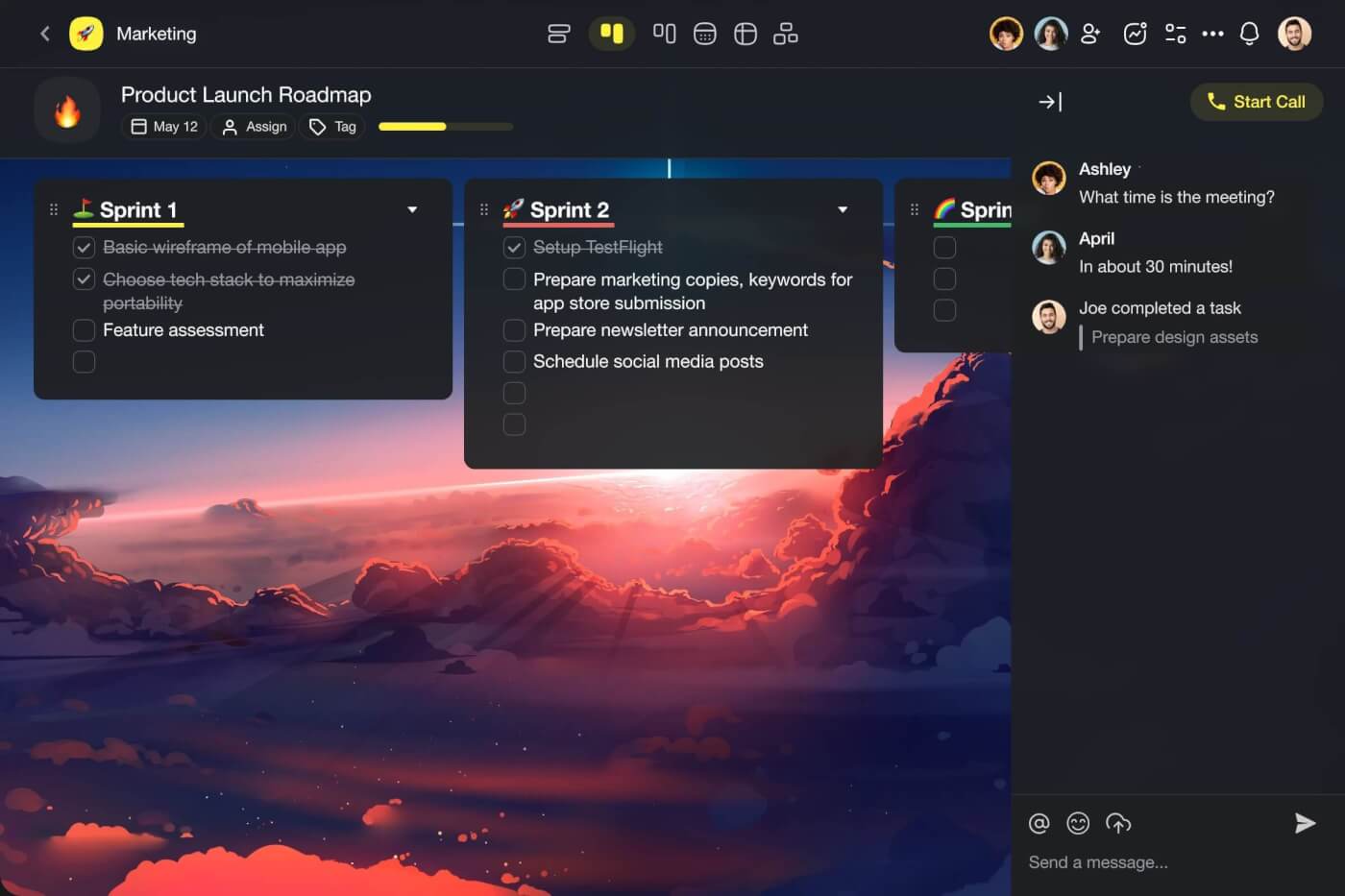
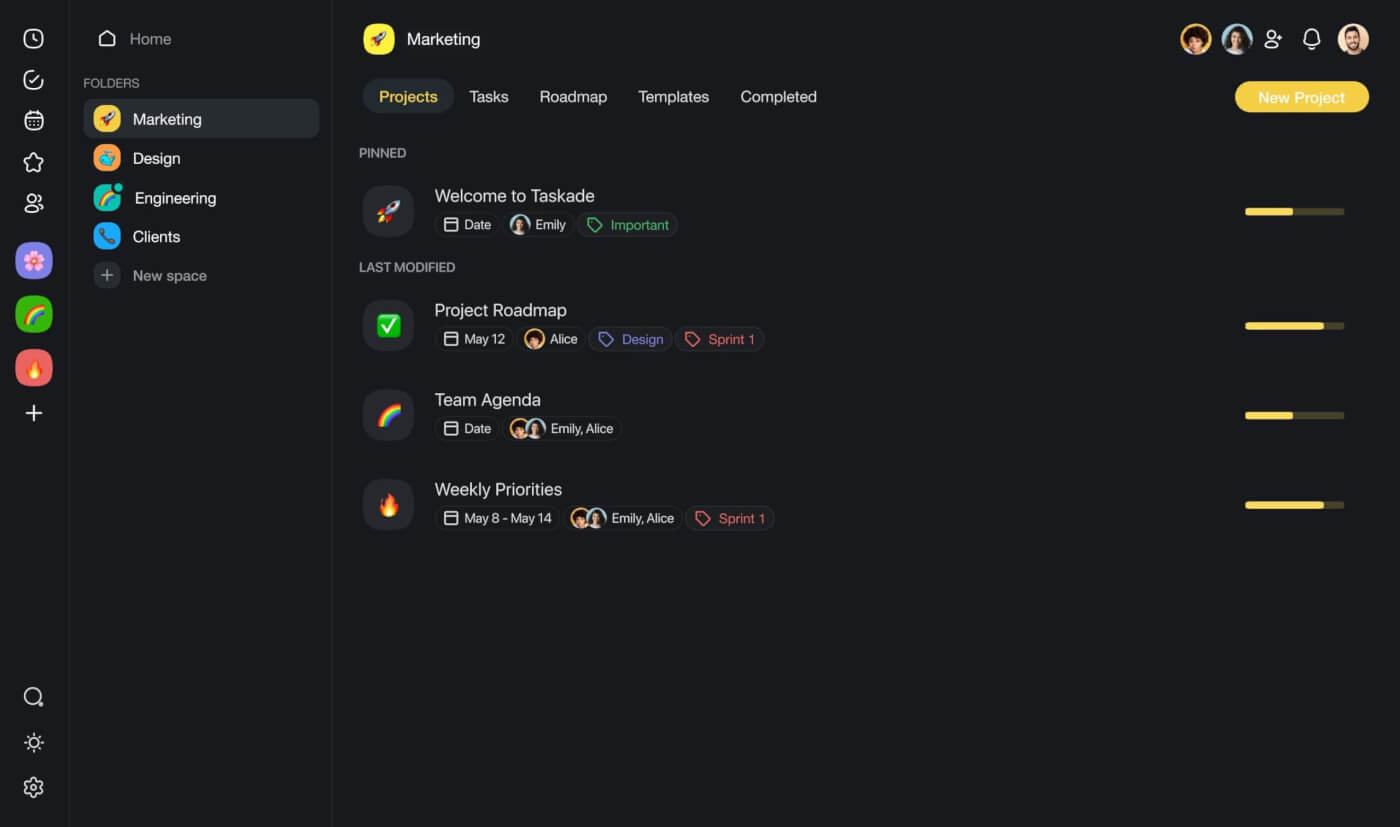
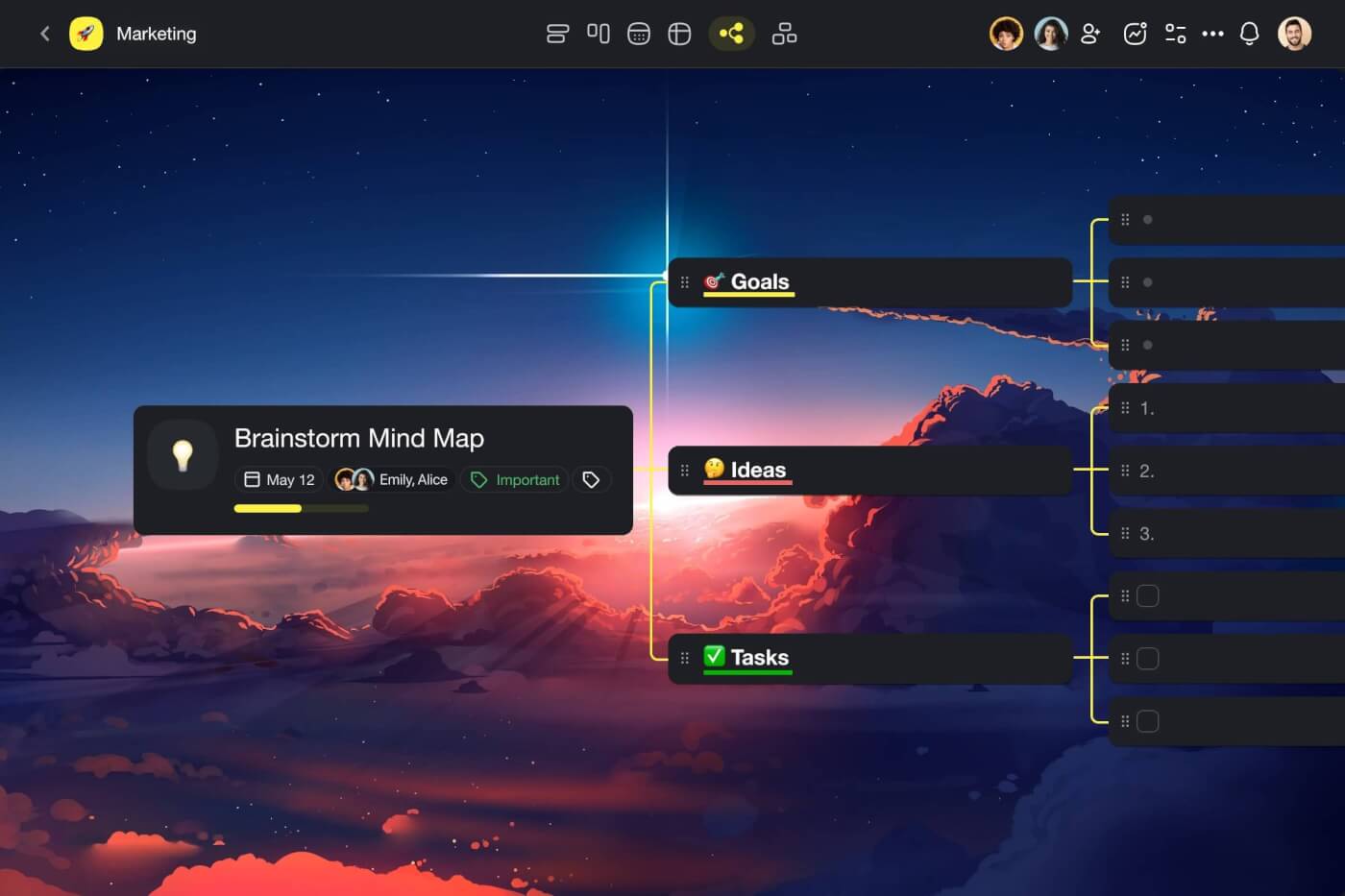
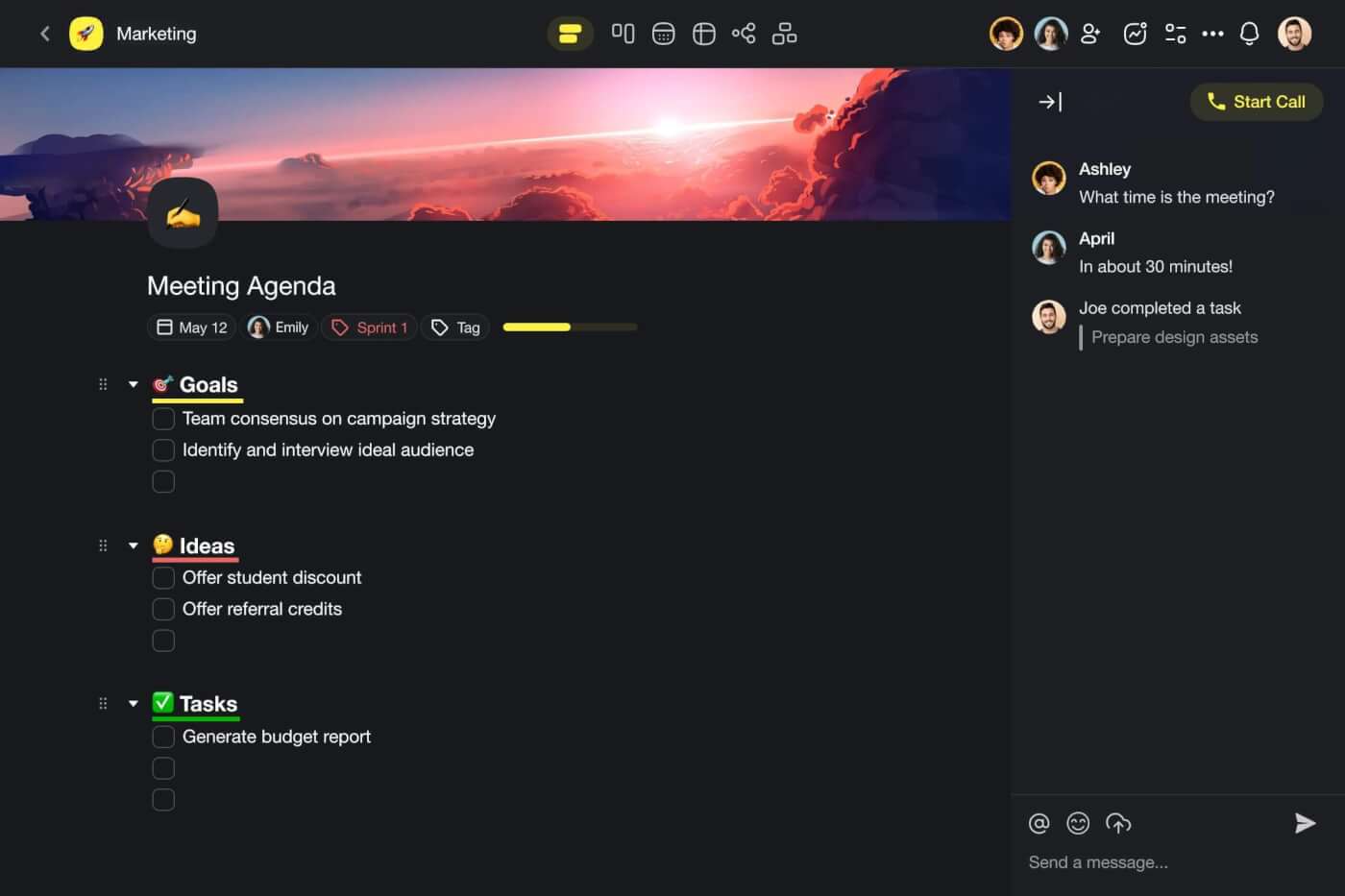
Every Taskade project is a digital canvas for your thoughts, tasks, ideas, chats, and docs, each with full integration with artificial intelligence tools that support your team every step of the way.
Imagine having the power to brainstorm, draft, discuss, and organize all in one place. You can even offload all that to a smart agent to do the heavy lifting. Taskade centralizes your team's workflow so you can focus on what truly matters: getting things done efficiently and effectively.
Let's dig a little deeper. 👇
AI Features in Taskade
🤖 Custom AI Agents: Build a team of AI agents to support your team's efforts. Automate and streamline anything from day-to-day tasks like content creation and data analysis to complex workflows. Give agents unique knowledge, skills, and personality to fit your team's unique needs.
🪄 AI Project Studio: Bring your team projects to life in an instant. Describe your project, and Taskade will generate a detailed plan tailored to your needs, complete with tasks, timelines, and resources. Upload seed documents and spreadsheets to provide additional context.
🔄 AI Automation: Streamline your workflows with automation flows. Connect Taskade to external tools and platforms like Slack, Gmail, Google Sheets, and more to put routine activities on autopilot. Automatically schedule meetings, curate and send out updates, generate action items, and keep your entire team in the loop.
✏️ Smart Assistant: Enhance team collaboration with smart in-project support. Use handy /AI commands inside the project editor to flesh out ideas, summarize discussion points, organize tasks, and generate content. Whether you're brainstorming, planning, or running meetings, Taskdae AI will help your move faster.
Naturally, Taskade includes top-notch collaboration features that you'll need:
Template library: Select from hundreds of pre-designed templates and generators.
Versatile project views: Instantly switch between lists, boards, mind maps, and more.
Cross-platform accessibility: Use Taskade AI on all your devices, anytime and anywhere.
Unified calendar: Consolidate all your calendars and manage everything in one place.
Knowledge management: Store, connect, and share notes and documents with your team.
Visit Taskade's pricing page for a full breakdown of AI features and plans.
Supercharge your meetings with Taskade AI 🐑
Taskade Plans and Pricing
Trello
Overview
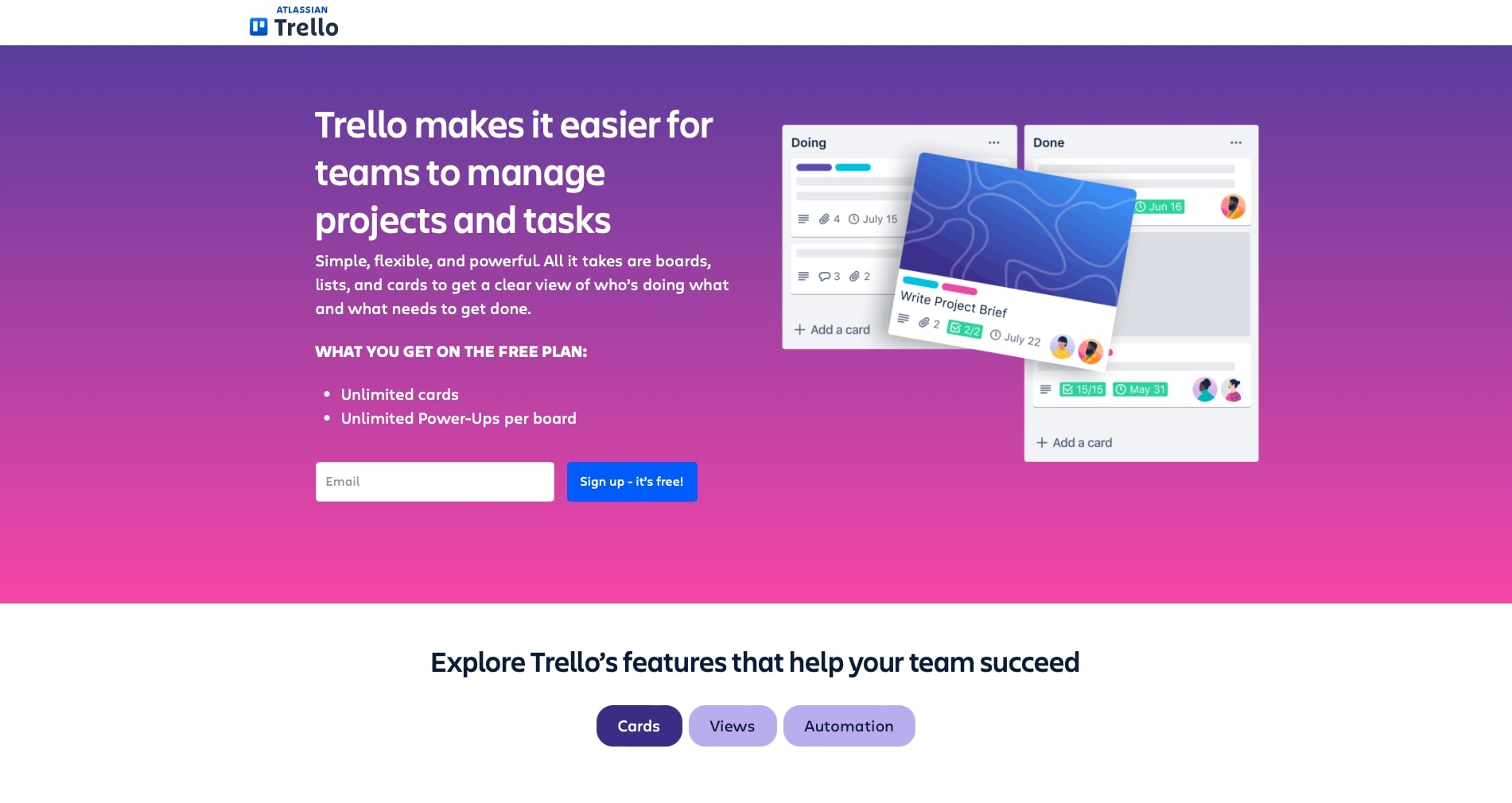
If you're looking for a straightforward way to keep your team organized, Trello is a solid choice. Designed like a digital bulletin board, Trello uses boards, lists, and cards to help you map out your projects visually. This setup makes it easy to see who’s working on what and track the progress of various tasks. Whether you're a small team or a large organization, Trello's flexibility makes it suitable for managing anything from daily tasks to complex projects.
AI Features in Trello
One of the things you'll appreciate about Trello is its AI-driven feature called Butler. If you're tired of repetitive tasks like moving cards or setting due dates, Butler has you covered. It automates these actions based on the rules you set, freeing up your time for more important work. Plus, Trello integrates with other tools like Google Drive, Slack, and Jira through its Power-Ups. These integrations bring additional AI capabilities like smart scheduling and enhanced collaboration, making your workflow even smoother.
Plans and Pricing
When it comes to pricing, Trello offers a variety of plans to fit your needs. If you're just starting out, the free plan gives you access to unlimited cards and basic Power-Ups. For more features like advanced checklists and custom fields, the Standard plan is priced at $5 per user/month (billed annually). If your team needs additional project tracking tools like timelines and dashboards, the Premium plan is available for $10 per user/month (billed annually). And for larger organizations requiring more robust security and administrative controls, the Enterprise plan is $17.50 per user/month (billed annually).
Google Workspace
Overview
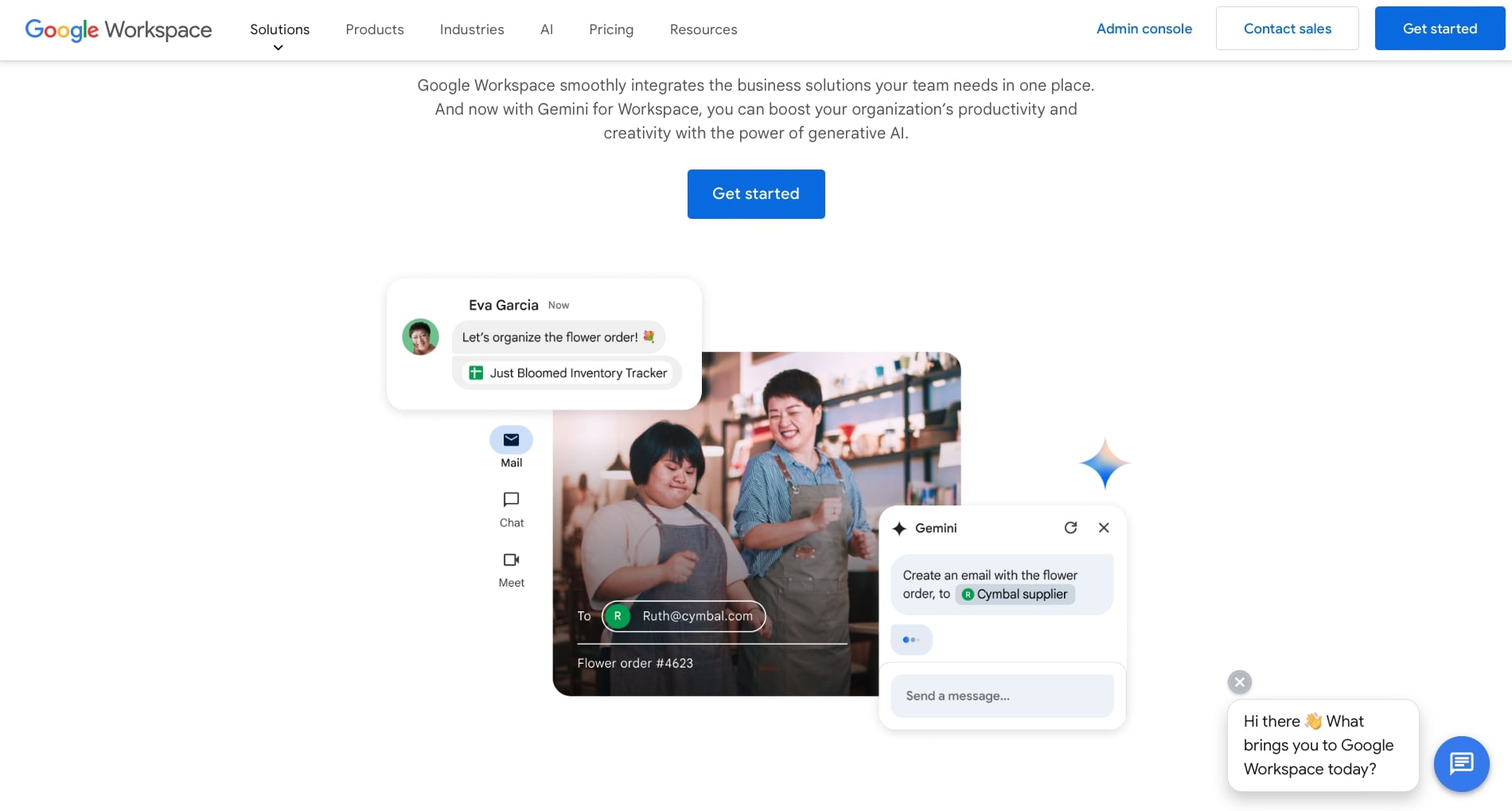
Looking for a way to bring your team’s work tools together? Google Workspace might be what you need. Previously called G Suite, it bundles apps like Gmail, Calendar, Drive, Meet, Docs, Sheets, and Slides. These tools are designed to work seamlessly, making it easy for your team to collaborate and communicate. Whether you're a small team or a big organization, Google Workspace aims to keep everyone connected and productive.
AI Features
Google Workspace leverages AI to make tasks easier. The standout feature here is Gemini, an AI assistant built into apps like Gmail, Docs, and Sheets. Gemini can help you draft emails, create documents, and generate data insights. The AI also assists with smart scheduling in Calendar, real-time collaboration in Docs and Sheets, and automated meeting summaries in Meet. These features are designed to save you time and reduce manual effort.
Plans and Pricing
Google Workspace offers various pricing plans. The Business Starter plan costs $6 per user/month and includes custom business email, 100-participant video meetings, and 30 GB of storage per user. The Business Standard plan is $12 per user/month and adds features like 150-participant video meetings and 2 TB of storage per user. The Business Plus plan, at $18 per user/month, includes 500-participant video meetings and 5 TB of storage per user, along with advanced security features. For larger needs, the Enterprise plan offers additional capabilities and security, with pricing available upon request.
Slack
Overview
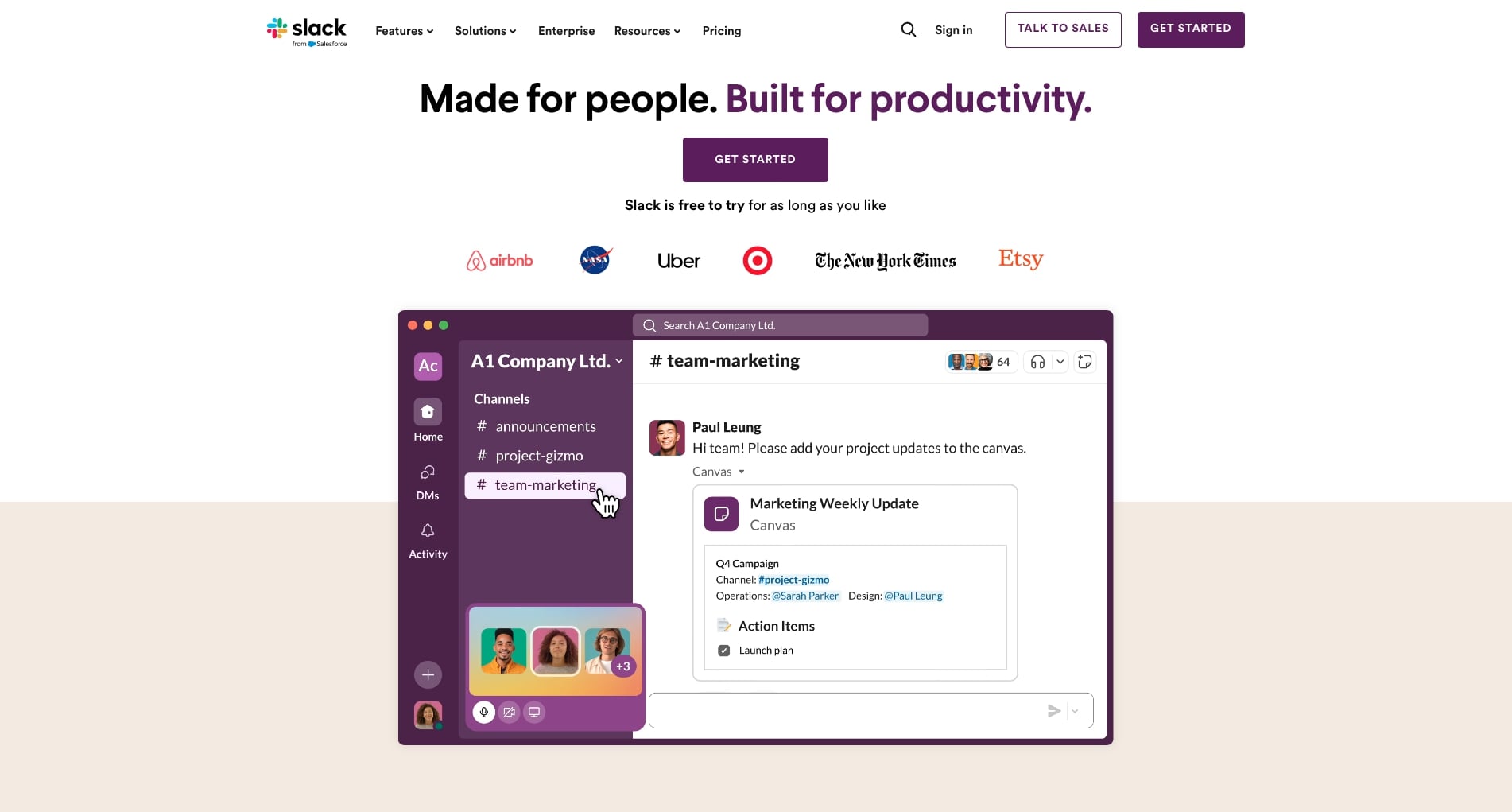
Alright, if you're tired of juggling multiple communication tools, Slack might be just what you need. It's designed to bring all your team chats, file sharing, and quick calls into one place. You’ve got channels for different topics or projects, which makes keeping track of conversations a breeze. Whether you’re working from different offices or different time zones, Slack helps everyone stay on the same page.
AI Features
Let's talk about the AI magic in Slack. It uses AI to make your life easier by automating routine tasks. You know how it can be a pain to dig through long chat threads? Slack's AI can summarize those conversations for you. Plus, there's AI-powered search to help you find answers quickly and daily recaps to keep you in the loop. Combine this with integrations from Google Drive to Salesforce, and you've got a powerhouse of productivity.
Plans and Pricing
Now, let's get down to brass tacks: pricing. Slack's Free plan gives you 90 days of message history and up to 10 app integrations. Not bad for starters, right? The Pro plan, at $8.75 per user/month (billed monthly) or $7.25 (billed annually), offers unlimited message history, integrations, and group video calls with up to 50 participants. The Business+ plan, costing $15 per user/month (billed monthly) or $12.50 (billed annually), adds advanced security features and a 99.99% uptime guarantee. For the big players, there's the Enterprise Grid plan with custom pricing and extra capabilities.
Notion
Overview
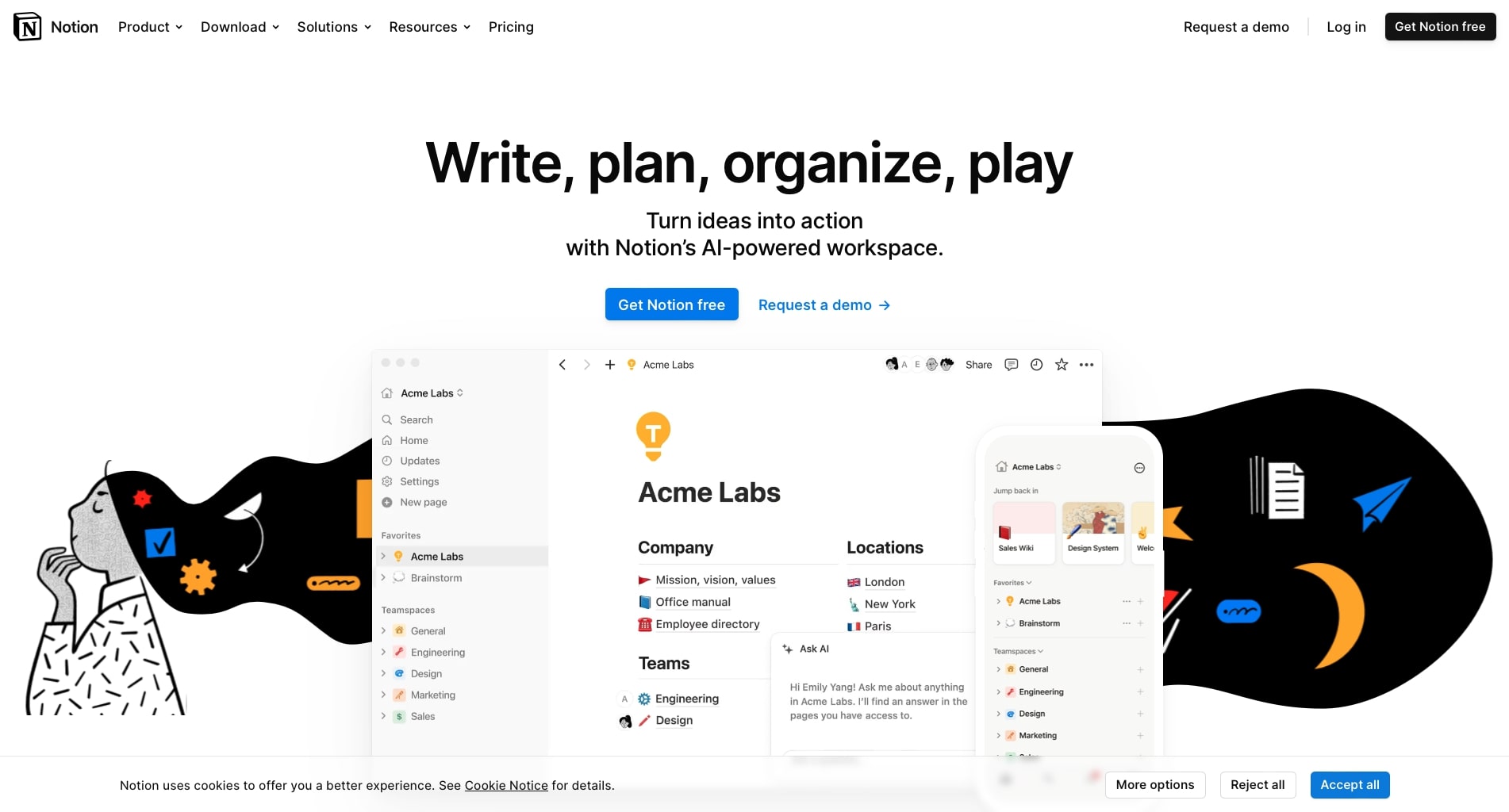
Ever feel like you have too many tools and not enough organization? Notion might be the answer. It's a versatile platform that combines note-taking, project management, and collaboration into one. You can create pages for different projects, tasks, or even personal notes. It's designed to be as simple or as complex as you need it to be, making it adaptable for both individuals and teams.
AI Features
Notion uses AI to make your life easier. The platform includes an AI assistant that can help draft content, answer questions, and provide insights. This assistant can take the hassle out of documentation and data entry. The AI features are integrated into various parts of Notion, like notes and project management, to help streamline your workflow and keep everything organized.
Plans and Pricing
Notion offers several pricing plans. The Free plan gives you access to basic features with some limitations on storage and integrations. The Plus plan costs $10 per member/month (or $96 per member/year) and offers additional features like more version history and larger file uploads. The Business plan is priced at $18 per member/month (or $180 per member/year) and includes advanced collaboration tools and security features. For large organizations, the Enterprise plan offers custom solutions with enhanced security and compliance features.
Grammarly
Overview
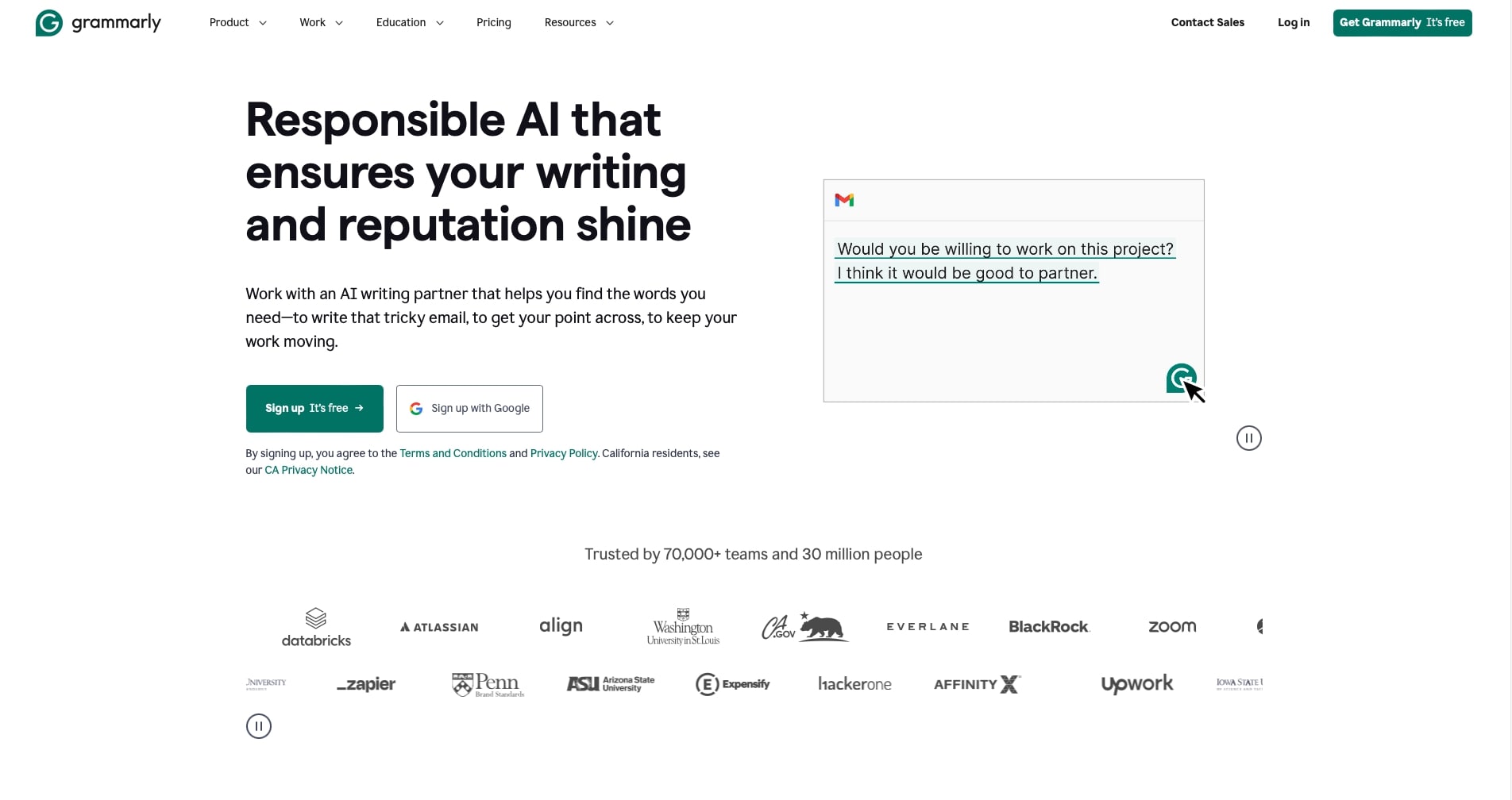
Struggling to polish your writing? Grammarly can help. It's an AI-powered tool designed to improve grammar, spelling, punctuation, and style in your writing. Whether you're drafting an email, writing a report, or creating content, Grammarly offers real-time suggestions to enhance clarity and readability. From students to professionals, it's used by millions to ensure their writing is clear and mistake-free.
AI Features
Grammarly uses advanced AI to provide a range of writing assistance features. It offers grammar and spell check, style and tone adjustments, and even full-sentence rewrites. The AI can detect the context and intent behind your writing, offering suggestions that make your text more engaging and effective. Grammarly also includes a plagiarism checker, which scans your text against billions of web pages to ensure originality.
Plans and Pricing
Grammarly offers different plans to meet various needs. The Free plan provides basic writing suggestions, including grammar, spelling, and punctuation checks. The Premium plan, at $12 per month when billed annually, adds advanced features like style improvements, tone adjustments, and a plagiarism detector. For businesses, the Business plan costs $15 per user/month and includes all Premium features, along with team management tools and centralized billing.
Audiopen
Overview
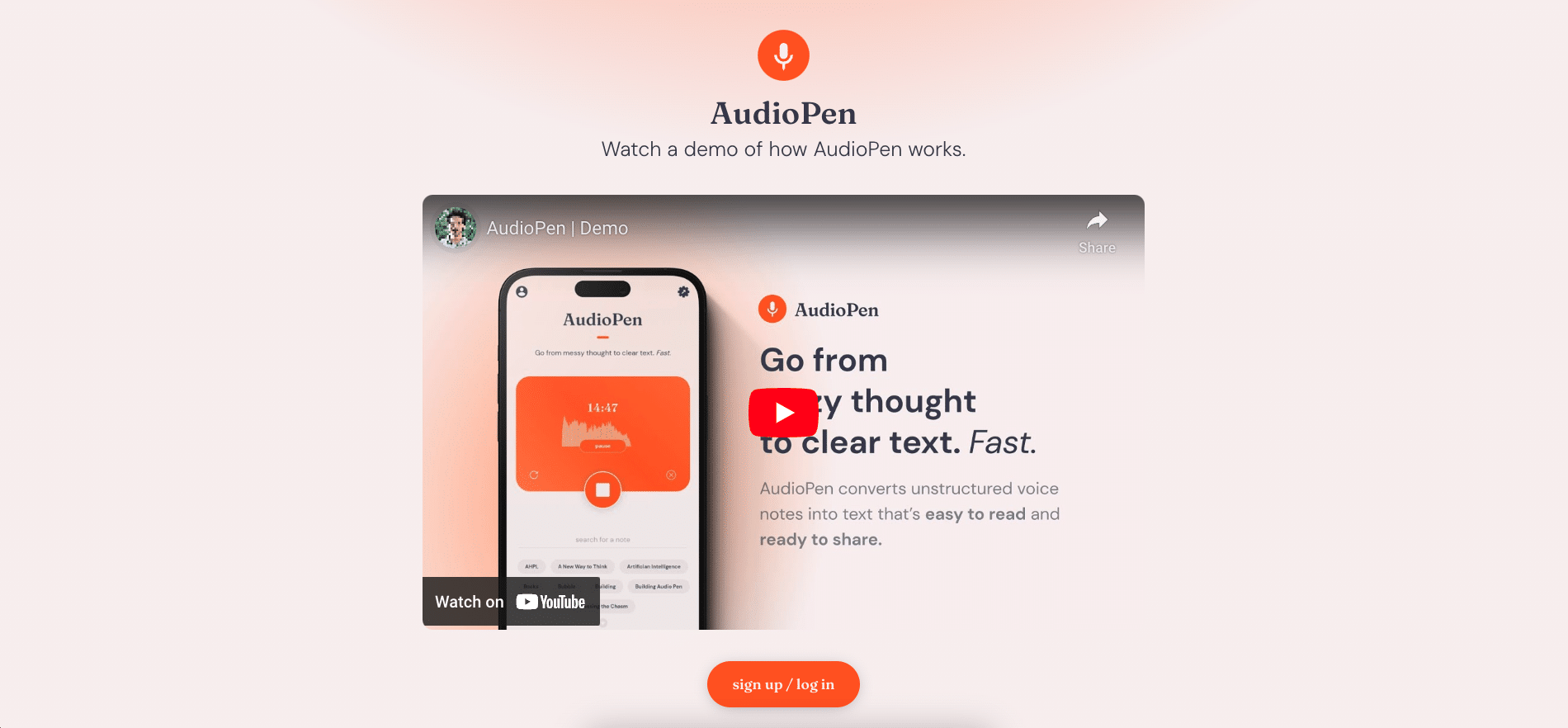
If you often find yourself needing to jot down ideas or notes quickly, AudioPen could be a game-changer. This AI-driven tool converts voice notes into neatly organized text, making it perfect for creating meeting notes, memos, emails, and even articles. All you have to do is speak, and AudioPen takes care of the rest. It's designed to help busy professionals and creatives capture their thoughts effortlessly.
AI Features
AudioPen leverages advanced AI to transcribe unstructured voice notes into coherent, easy-to-read text. It uses natural language processing to understand and organize your spoken words, ensuring that the transcriptions are clear and ready to share. The tool is particularly useful for those who prefer thinking out loud and need a quick way to capture and structure their ideas.
Plans and Pricing
AudioPen offers a free tier that allows you to record up to three minutes per session and store up to 10 notes. If you need more, the AudioPen Prime subscription provides unlimited access to all features, including longer recording times and additional storage. Pricing details for premium plans are typically available upon request or through the platform's website.
Lumen5
Overview
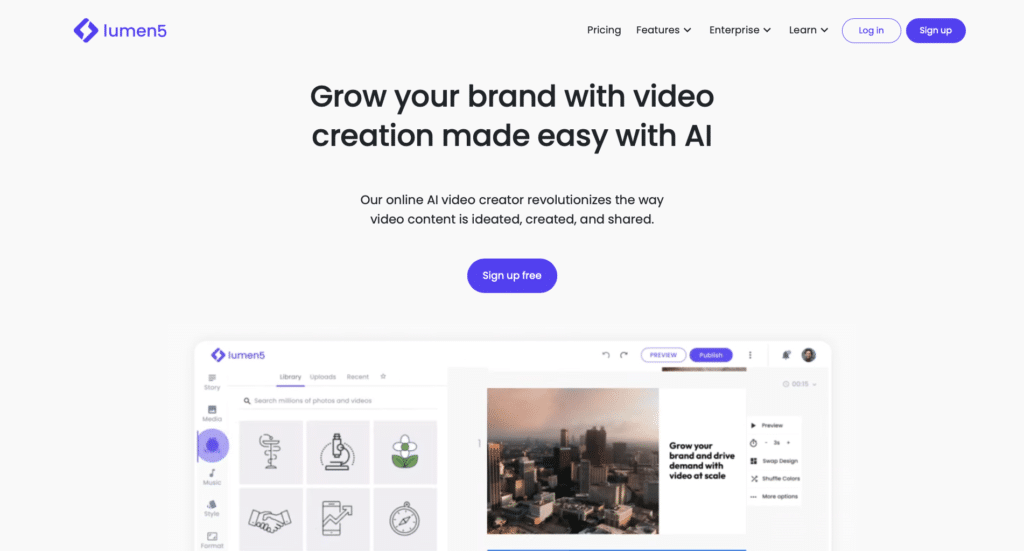
If you're looking to create engaging video content without any prior experience, Lumen5 might be the perfect tool for you. It's an AI-powered video creation platform that turns your text into professional-looking videos in minutes. Whether you’re a marketer, publisher, or content creator, Lumen5 makes it easy to produce videos that capture attention and tell your story effectively.
AI Features
Lumen5 leverages advanced AI to simplify the video creation process. It starts by analyzing your text and automatically suggesting relevant visuals, music, and templates. The AI handles the heavy lifting by placing text and images in preset layouts and styles, allowing you to create compelling videos with just a few clicks. The tool also offers branded templates to ensure that your videos stay on brand and look professional.
Plans and Pricing
Lumen5 offers a range of pricing plans to cater to different needs. The Free plan provides access to basic features and allows you to create videos with Lumen5 branding. The Starter plan costs $19 per month (billed annually) and removes Lumen5 branding, offering more customization options. The Professional plan, at $79 per month (billed annually), includes advanced features like 1080p video resolution and access to premium media libraries. For businesses, the Business plan at $199 per month (billed annually) offers team collaboration tools and enhanced support.
Canva
Overview
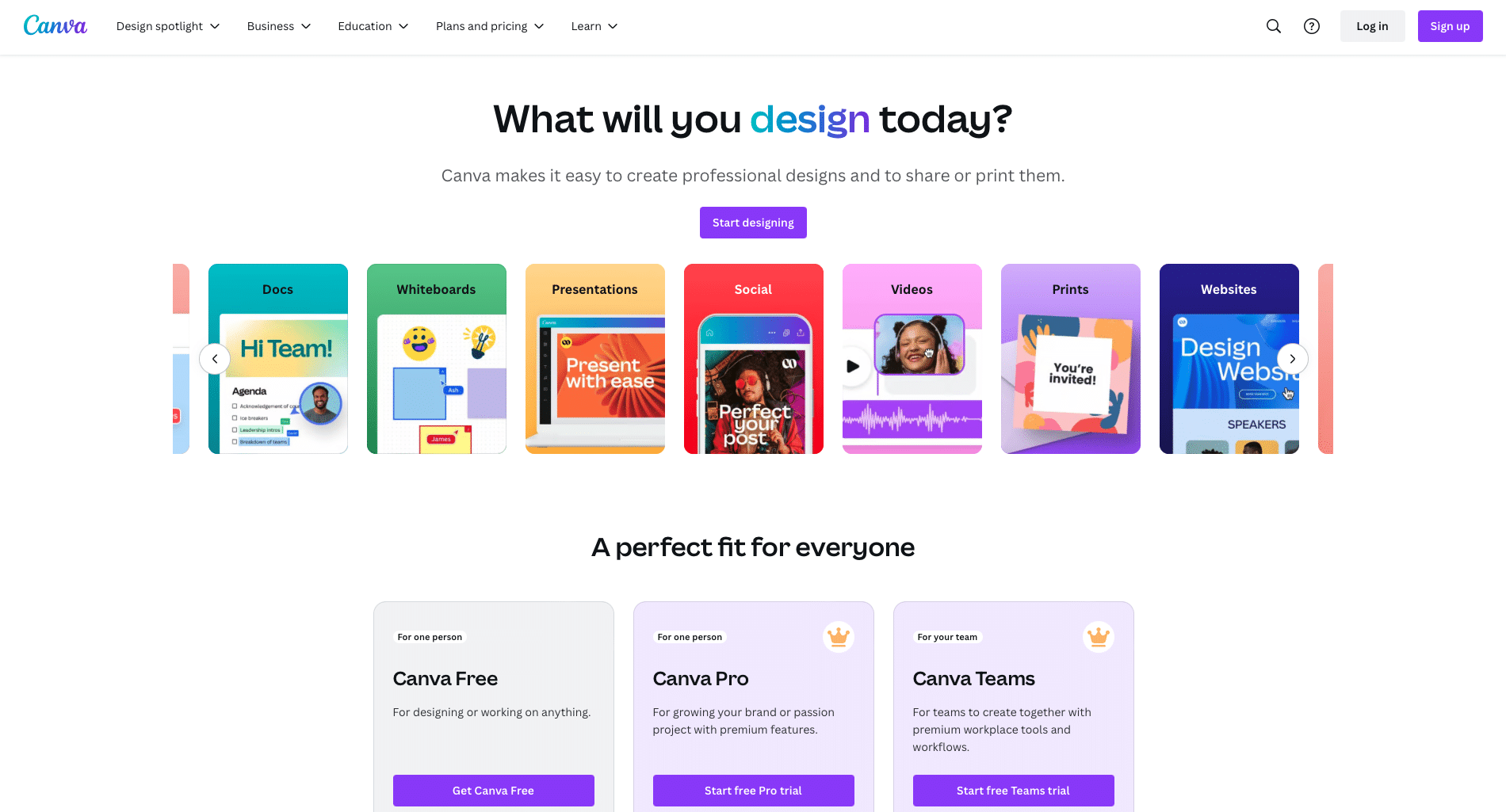
Canva is a highly popular graphic design platform that simplifies the creation of visual content. From social media graphics to presentations and posters, Canva offers a wide range of templates and customization options. Its user-friendly interface makes it accessible to both novices and experienced designers, allowing anyone to create professional-looking designs with ease. Canva's mission is to democratize design, making it simple and enjoyable for everyone.
AI Features
Canva leverages AI to supercharge the design process. Within its "Magic Studio" section, Canva offers tools like Magic Design, Magic Write, and Magic Eraser. Magic Design uses AI to generate design templates based on your input, whether it's a text query or a photo. Magic Write assists in creating compelling text content, while Magic Eraser helps remove unwanted objects from images. These features significantly speed up the design process, making it more efficient and fun.
Plans and Pricing
Canva's pricing plans are designed to fit different needs. The Free plan offers essential design tools and limited access to AI features. The Pro plan, at $12.99 per user/month, provides advanced tools, including the full suite of AI features like Magic Design and Magic Write. The Teams plan, at $14.99 per user/month, adds collaborative capabilities and enhanced support. For large organizations, custom Enterprise plans are also available.
Parting Words
Phew, that's a lot to take in, but don't let the multitude of options overwhelm you.
Taskade offers a comprehensive suite of tools that can help your team collaborate, organize, and get things done more efficiently. Check out Taskade and see how it can revolutionize your workflow.
🧬 Beyond Tools: Build Your Own AI-Powered Workspace
Want to go further than using existing AI tools? Taskade Genesis lets you create custom AI applications for your team with a single prompt. Build live dashboards, portals, and tools that combine AI agents, workflows, and automations into living software that grows with your business. It's vibe coding for teams.
Happy collaborating!
Supercharge team productivity with Taskade AI 🐑
🧬 Ready-to-Clone Team Productivity Apps
See AI-powered team tools in action. Clone these Genesis apps and customize for your workflow:
| App | What It Does | Clone |
|---|---|---|
| Team Capacity Planner | AI-powered workload balancing | Clone → |
| Neon Task Dashboard | Visual task management for teams | Clone → |
| Neon CRM Dashboard | Customer relationship management | Clone → |
| Client Portal Dashboard | AI-powered client collaboration | Clone → |
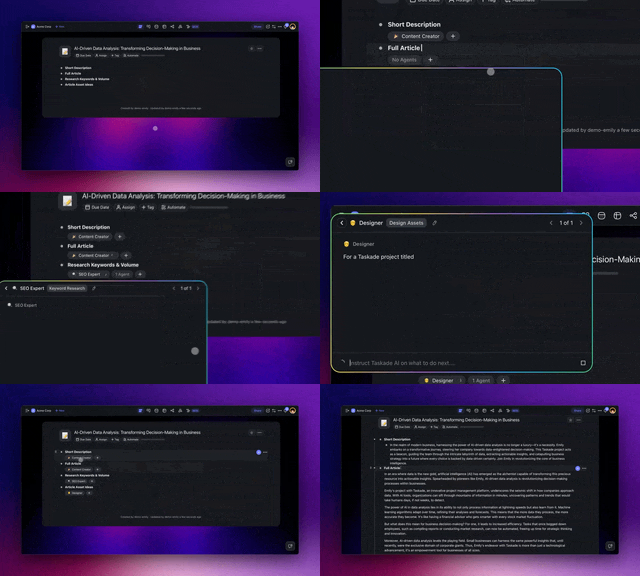
Team AI Tools vs Taskade Genesis
| Feature | Traditional Team AI | Taskade Genesis |
|---|---|---|
| AI writing assistance | ✅ | ✅ |
| Real-time collaboration | Some | ✅ Native |
| Custom AI agents per team | ❌ | ✅ |
| Multi-agent roundtables | ❌ | ✅ |
| Shared knowledge base | Manual | ✅ Workspace DNA |
| Team automations | Basic | ✅ 100+ integrations |
| Custom dashboards | ❌ | ✅ Build your own |
🔍 Explore All Community Apps →
Build your own team productivity tools with Taskade Genesis — describe what you need, and watch living software come to life.
Your living workspace includes:
- 🤖 Custom AI Agents — The intelligence layer
- 🧠 Projects & Memory — The database layer
- ⚡️ 100+ Integrations — The automation layer
Get started:
- Create Your First App → — Step-by-step tutorial
- Learn Workspace DNA → — Understand the architecture
Read more:

Frequently Asked Questions
What are the best AI tools for team productivity?
Top AI productivity tools for teams include Taskade (AI agents, real-time collaboration, and automation), Notion (AI-powered docs and databases), ClickUp (AI task management), and Otter.ai (AI meeting transcription). The best choice depends on whether you need project management, documentation, or communication features.
How does AI improve team productivity?
AI improves team productivity by automating repetitive work (status updates, meeting summaries, task routing), generating content drafts, analyzing project data for insights, and enabling real-time collaboration with intelligent suggestions. Teams using AI tools report significant time savings on administrative overhead.
Can AI replace team members?
No. AI tools augment team capabilities rather than replacing people. They handle routine tasks — data entry, scheduling, report generation — so team members can focus on creative work, strategy, and relationship building. The most effective teams use AI as a productivity multiplier, not a headcount replacement.
What AI features should I look for in a team productivity tool?
Essential AI features for teams: AI-powered task creation and prioritization, automated workflow triggers, content generation assistance, smart search across workspaces, real-time collaboration, and integration with existing tools. Taskade offers all of these through customizable AI agents.