






You do not need to code to build software anymore.
With Taskade Genesis, you describe what you want in plain language, and a fully functional AI app appears. But if you have never built an app before, where do you start?
TL;DR: This guide provides 12 beginner-friendly AI apps you can clone today, a 4-stage learning path from static apps to multi-agent systems, and a prompt writing framework for generating better apps. All apps run on Workspace DNA (Memory + Intelligence + Execution) and require zero coding. Clone your first app ->

Here are 12 beginner-friendly apps that are simple to understand, easy to customize, and immediately useful. Clone any of them, play around, and learn how Genesis works.
The Beginner Learning Path
Before diving into examples, understand the progression. Building AI apps is a skill that develops in stages. Each stage introduces new concepts while building on what you already know.
| Stage | Focus | Concepts Learned | Examples in This Guide |
|---|---|---|---|
| Stage 1 | Static apps | Data storage, UI layout, project structure | ToDo App, Time Tracker, Mood Tracker, Expense Splitter, Book Tracker |
| Stage 2 | AI generation | Agent content creation, prompt chaining | Flash Deck Maker, Cover Letter Generator, D&D Generator |
| Stage 3 | Automations | Triggers, integrations, background tasks | QR Code Studio, Study Timer, Retro Form |
| Stage 4 | Multi-agent | Connected workflows, agent collaboration | Pet Sitter App (and beyond) |
Start at Stage 1 even if you are experienced. Understanding how projects store data is the foundation for everything that follows.
What Makes a Good Beginner App?
The best starter apps share these traits:
- Single purpose -- Does one thing well
- Simple interface -- Easy to understand at a glance
- Immediate value -- Useful from day one
- Modular design -- Easy to extend later
- No integrations required -- Works standalone
All 12 apps below meet these criteria. Start with any of them.
Stage 1: Static Apps (Data + UI)
These apps teach you how projects store and display data. No AI agents, no automations, just clean data management.
1. Minimalistic ToDo App
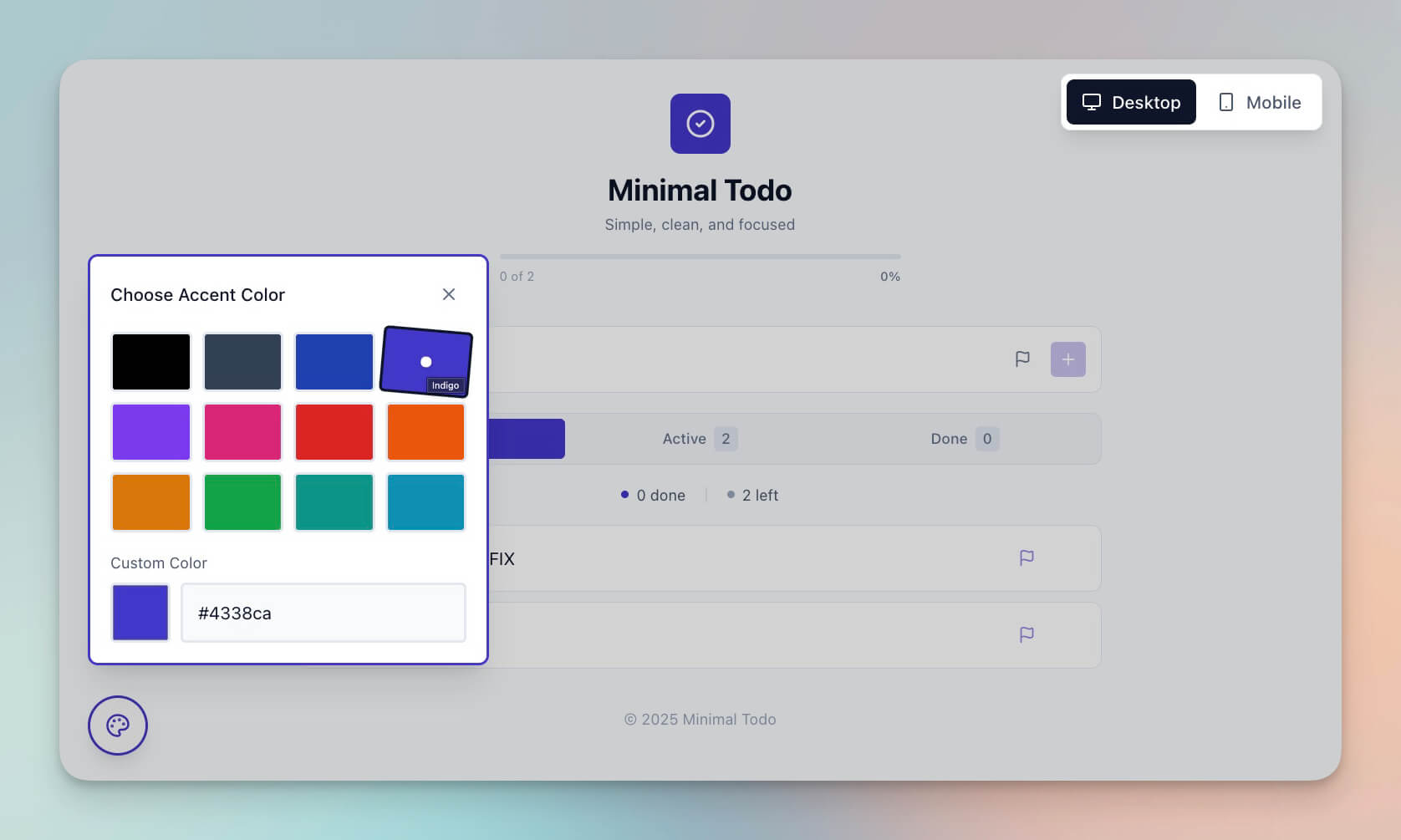
The classic starter. Add tasks, check them off, stay organized.
Why it is great for beginners: Pure simplicity. Learn how Projects store data.
What you learn: Task creation, status tracking, list management, basic UI layout.
2. Time Tracker
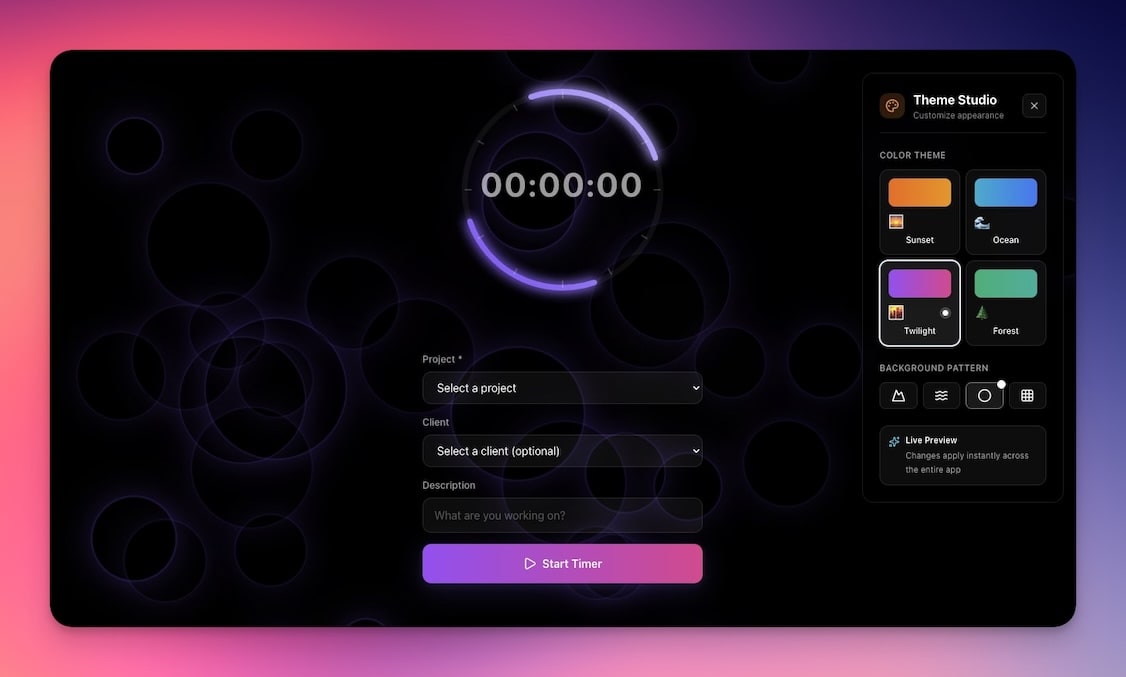
Log how you spend your time. See where hours go.
Why it is great for beginners: Teaches data logging and basic calculations.
What you learn: Time-based data entry, running totals, category grouping.
3. Mood Tracker
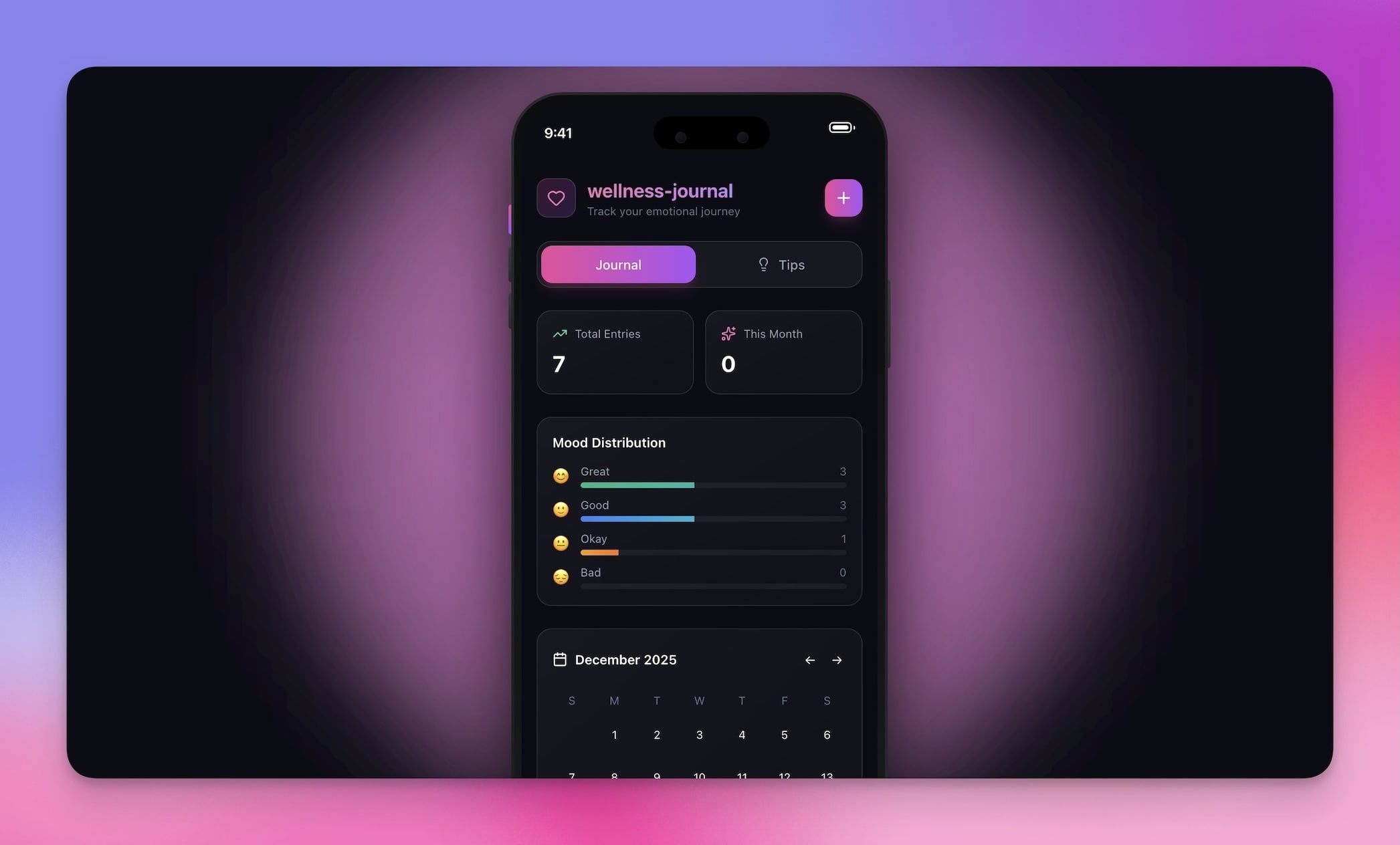
Log your mood daily. Spot emotional patterns over time.
Why it is great for beginners: Simple input, visual output, personal value.
What you learn: Date-indexed entries, pattern visualization, personal data tracking.
4. Expense Splitter
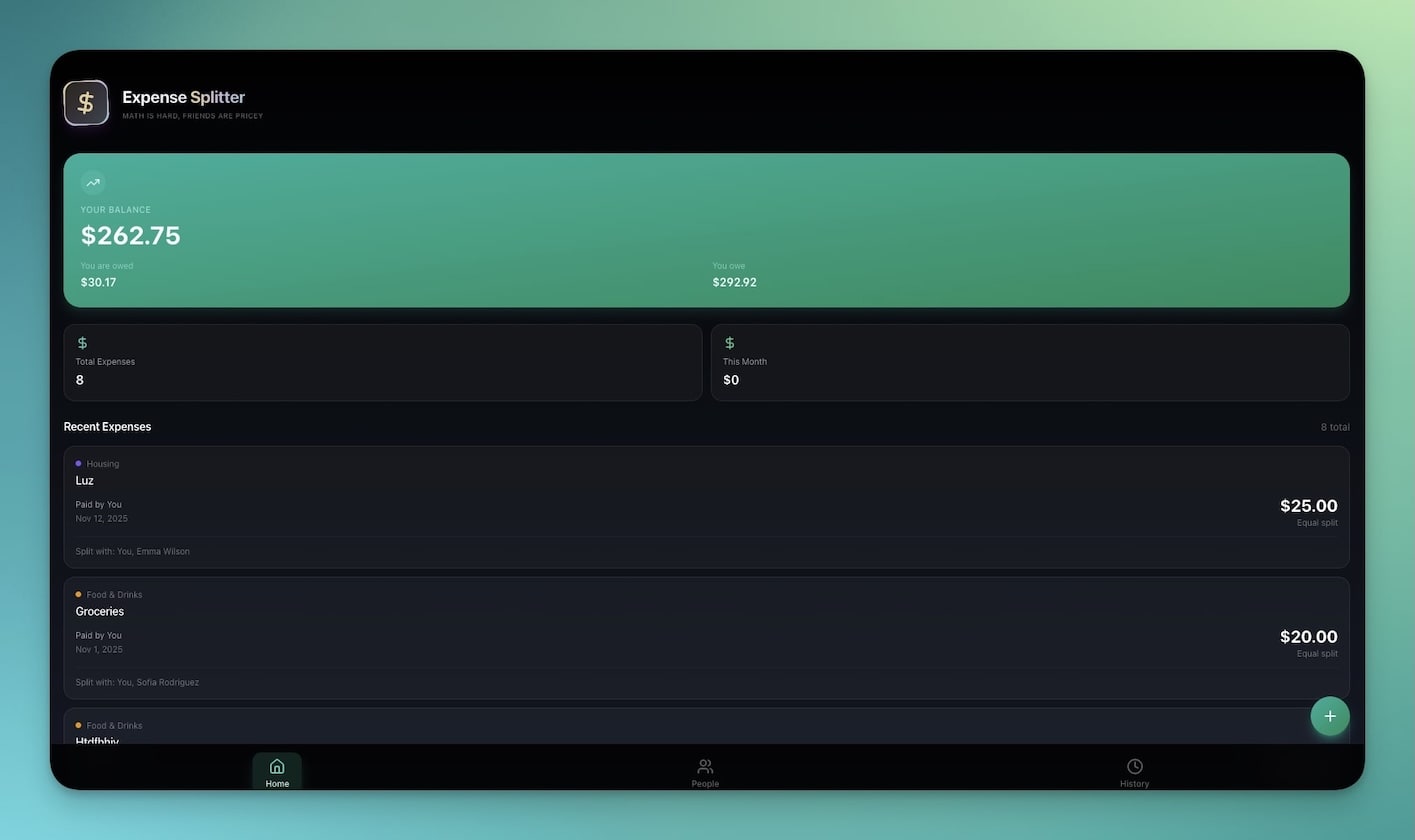
Split bills with friends. Fair math, no arguments.
Why it is great for beginners: Practical calculations, immediate usefulness.
What you learn: Multi-user data, computed fields, balance tracking.
5. Book Reading Tracker
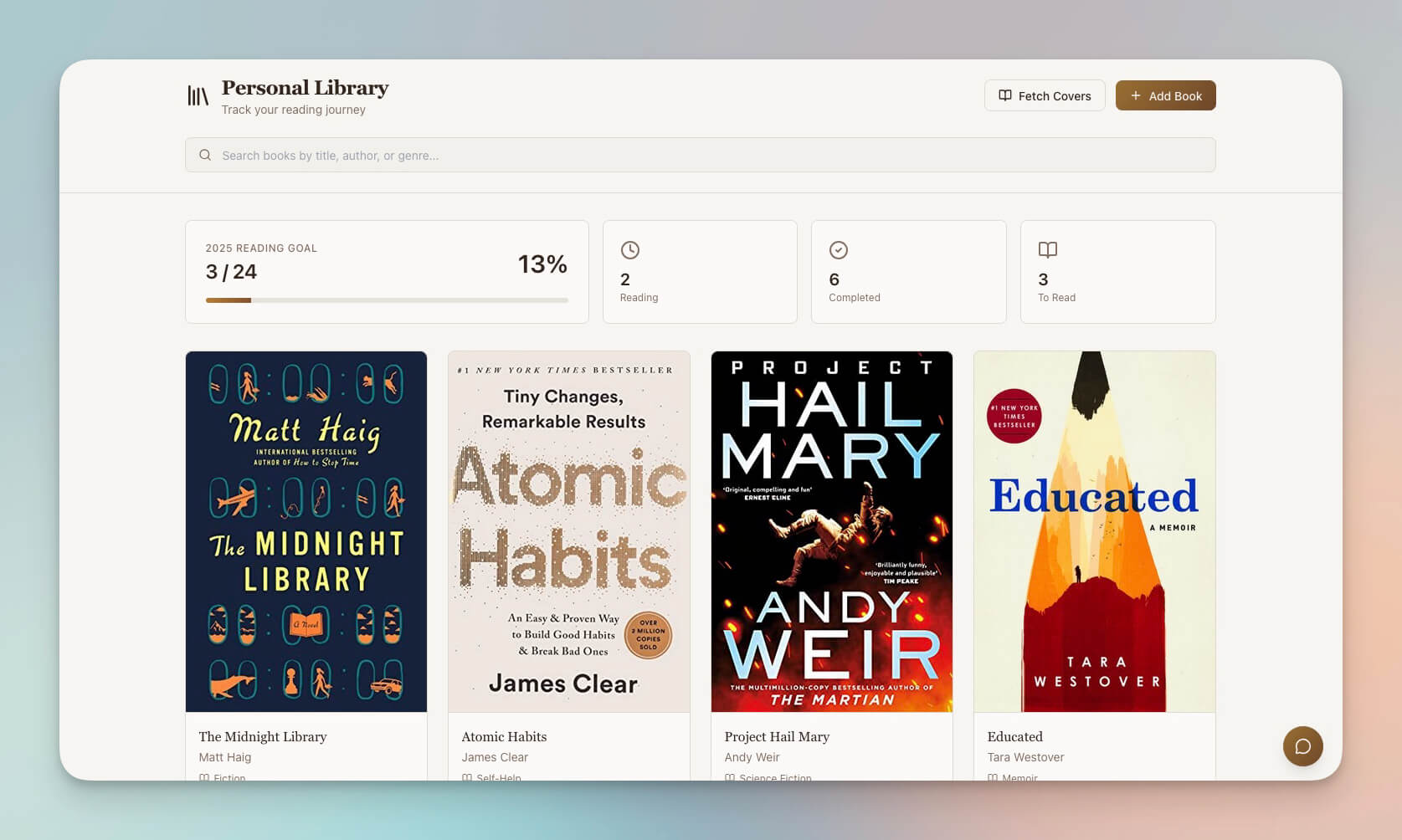
Track what you have read, what is next, and reading progress.
Why it is great for beginners: List management with visual progress.
What you learn: Status categories (reading, finished, want to read), progress indicators, simple sorting.
Stage 2: AI-Powered Apps (Agents Create Content)
These apps introduce AI agents. The agent generates, transforms, or creates content based on your input. This is where apps stop being static and start being intelligent.
6. Flash Deck Maker

Create study flashcards. Test yourself. Learn better.
Why it is great for beginners: AI content generation in action. You provide a topic, the agent creates cards.
What you learn: Agent-generated content, input-to-output patterns, knowledge structuring.
7. Cover Letter Generator
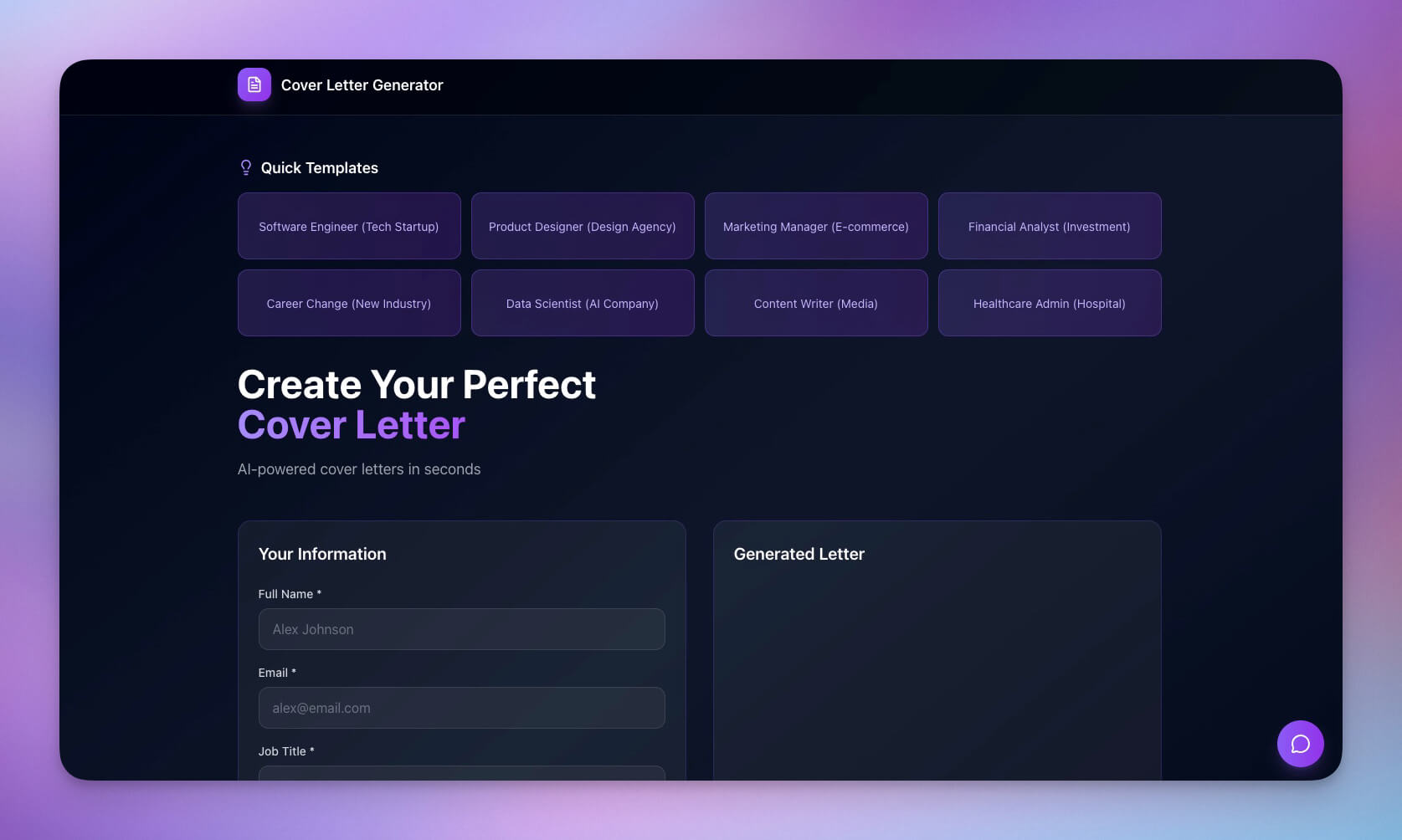
Input job details, get a tailored cover letter.
Why it is great for beginners: See AI Agents generate personalized, context-aware content.
What you learn: Structured prompts, personalization from input data, agent tone and style.
Clone Cover Letter Generator ->
8. D&D Mockery Generator
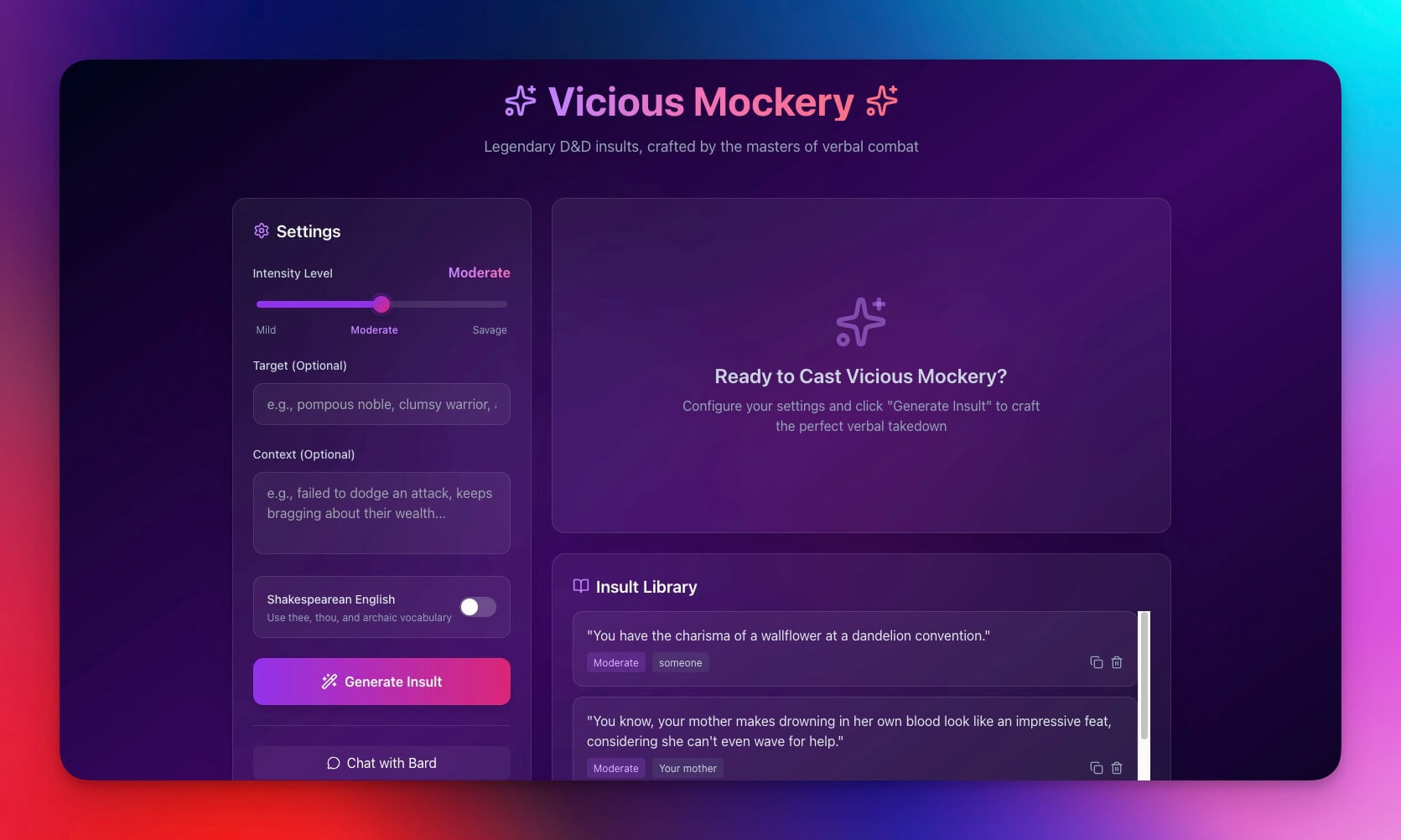
Generate creative insults for tabletop games.
Why it is great for beginners: Fun way to see AI creativity and learn about agent personality.
What you learn: Agent persona configuration, creative content generation, randomization.
Stage 3: Apps With Automations (Triggers + Integrations)
These apps introduce automations. Something happens automatically: a notification fires, a QR code generates, a timer triggers an action.
9. QR Code Studio
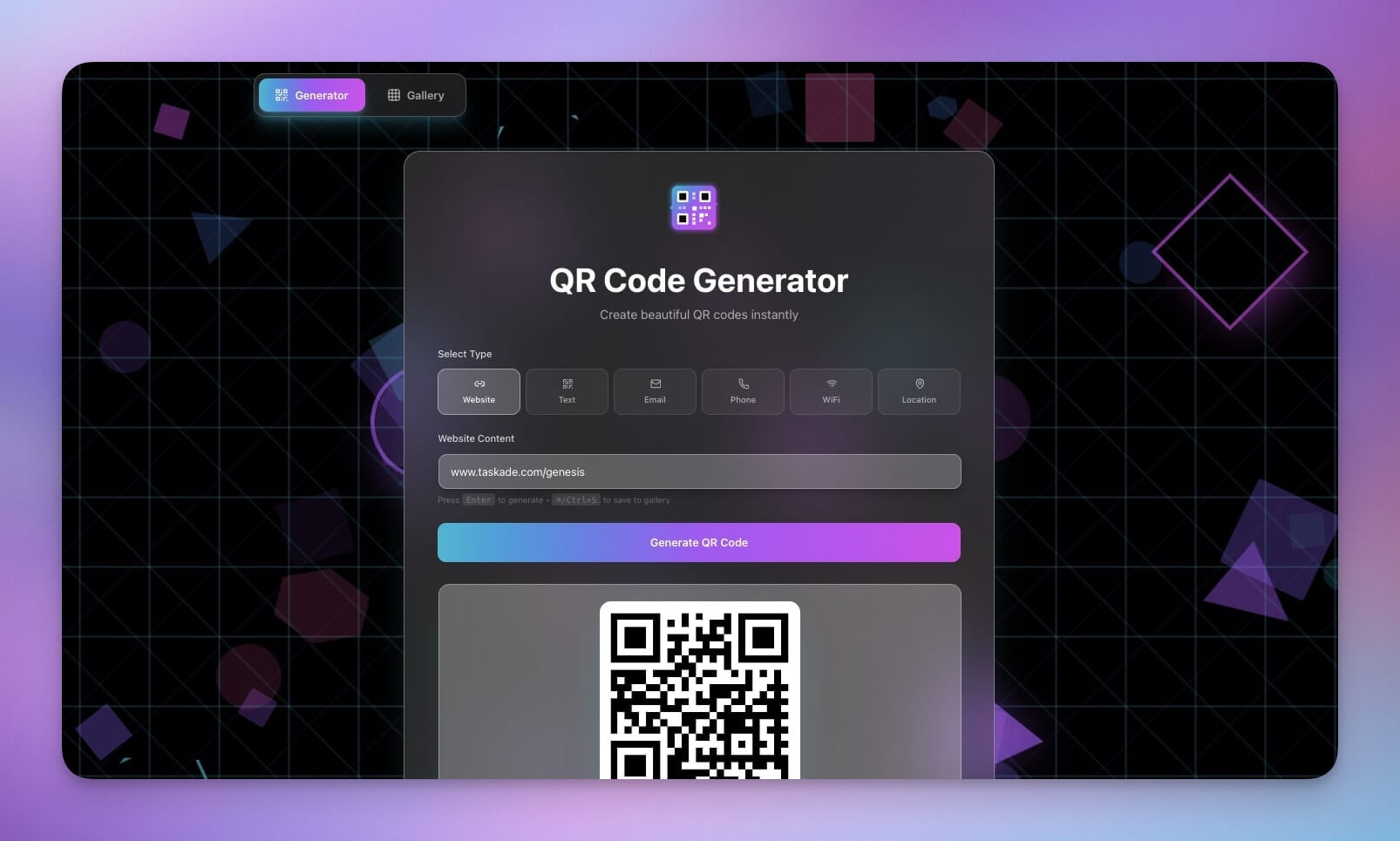
Generate QR codes for any link or text.
Why it is great for beginners: Input to output, immediate result. Clean automation pattern.
What you learn: Input processing, automated generation, output formatting.
10. Study/Work Timer

Pomodoro-style timer with music for focus sessions.
Why it is great for beginners: Simple tool with time-based triggers and notifications.
What you learn: Timer events, notification triggers, state management (work vs. break).
11. Retro Themed Form
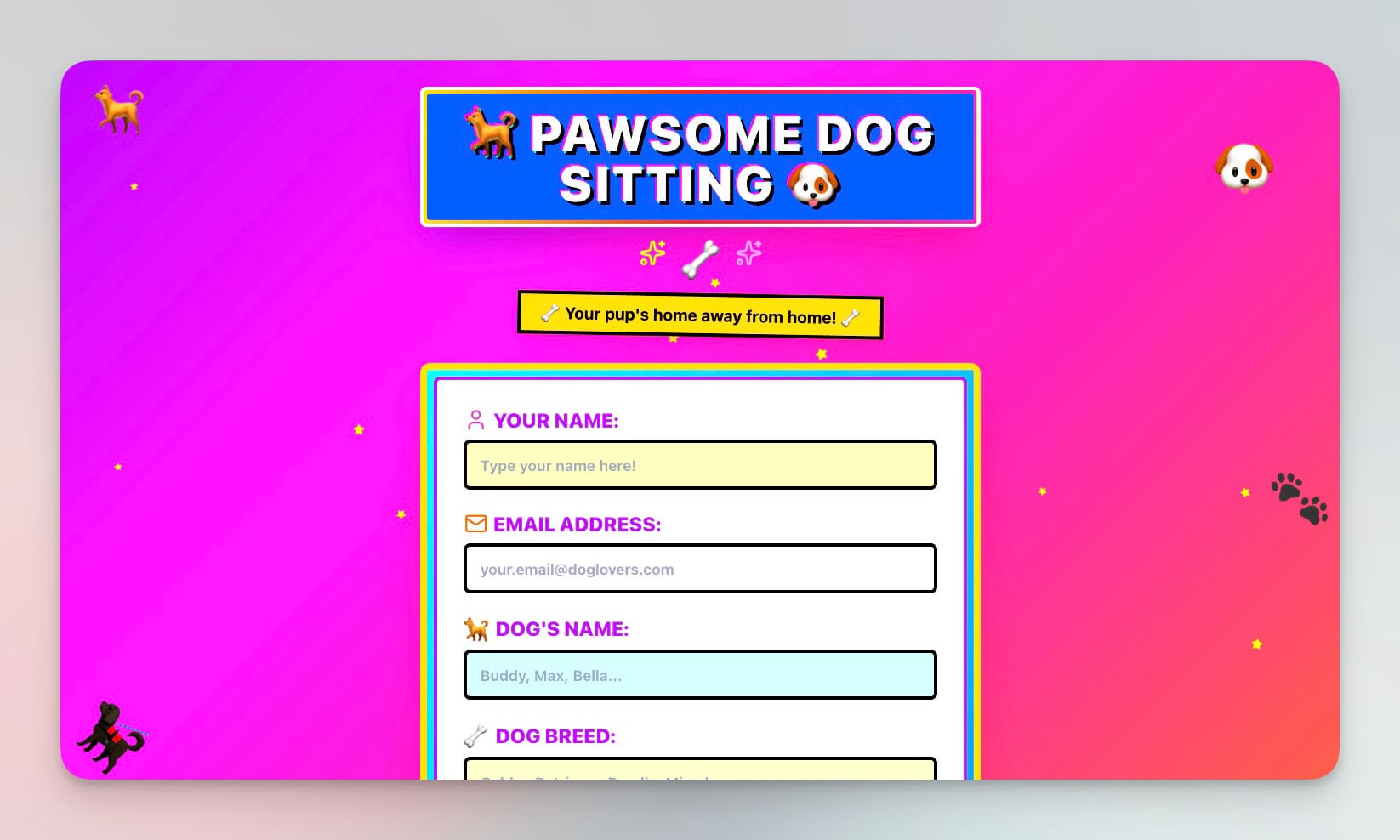
A simple intake form with retro styling.
Why it is great for beginners: Learn form building, data collection, and submission handling.
What you learn: Form fields, validation, data storage on submission, visual theming.
Stage 4: Multi-Agent Systems (Connected Workflows)

This app combines multiple data types, agent intelligence, and interconnected workflows. It is the bridge to building production-grade systems.
12. Pet Sitter App
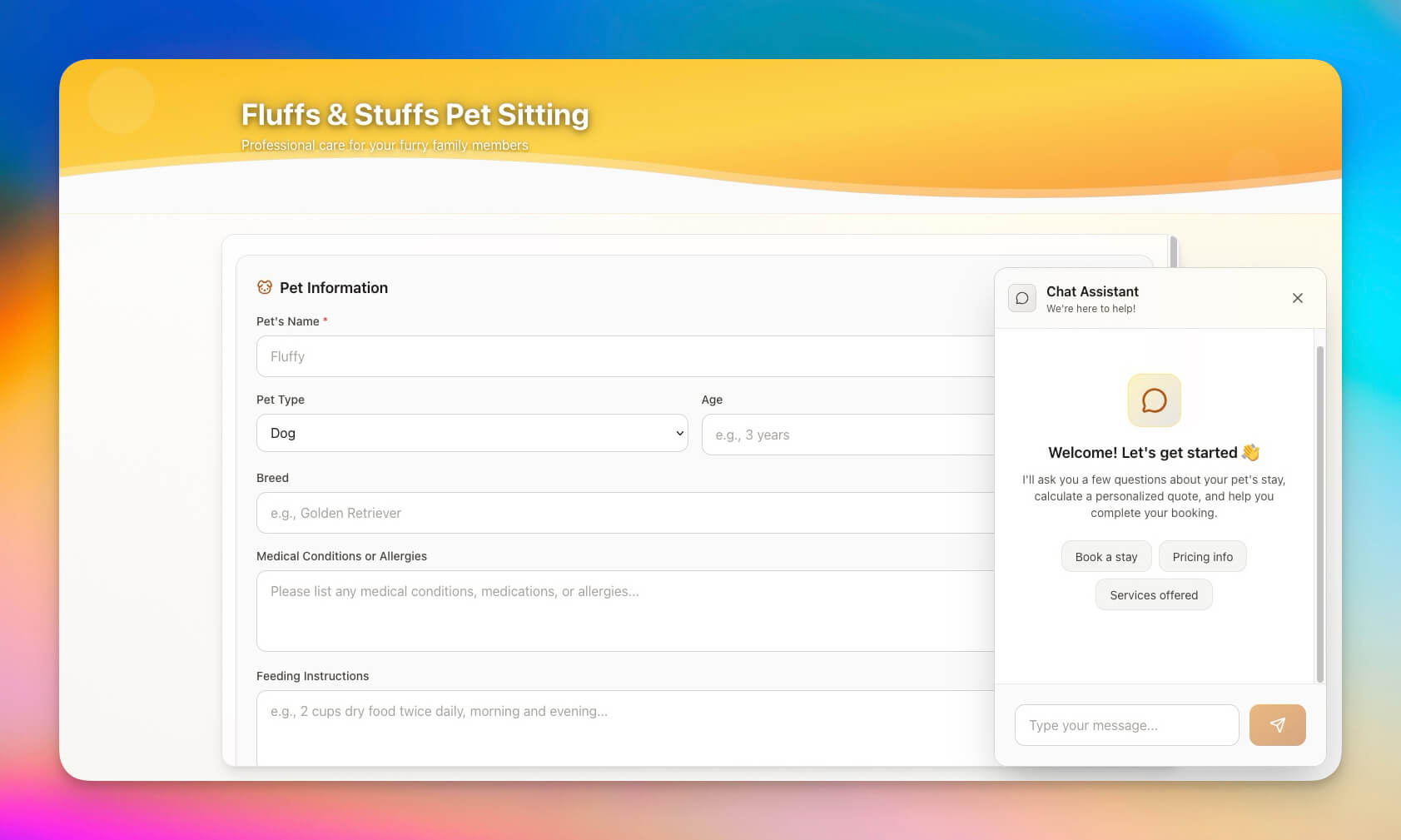
A complete app for pet sitting with schedules, contacts, feeding logs, and notes.
Why it is great for beginners: Multiple related data types working together in one coherent system.
What you learn: Multi-entity relationships, scheduling, contact management, activity logging.
The Prompt Writing Guide
The quality of your generated app depends on the quality of your prompt. Here is a framework for writing prompts that produce better results.
The SDFA Framework
| Element | What It Means | Example |
|---|---|---|
| S -- Scope | What the app does (single sentence) | "A workout tracker for personal use" |
| D -- Data | What information the app stores | "Exercise name, sets, reps, weight, date" |
| F -- Features | What the app can do | "Weekly summary, personal records, rest timer" |
| A -- Audience | Who uses it | "Just me, personal use, mobile-friendly" |
Prompt Quality Comparison
| Quality | Prompt | Result |
|---|---|---|
| Poor | "Make me a fitness app" | Generic, unfocused, missing key features |
| Average | "Build a workout tracker" | Basic tracker, but misses your specific needs |
| Good | "Build a workout tracker with exercise name, sets, reps, and date" | Functional tracker with the right data fields |
| Excellent | "Build a personal workout tracker. Store exercise name, sets, reps, weight, and date. Add a weekly summary view, personal record highlights, and a rest timer between sets. Mobile-friendly layout." | Complete app matching your exact workflow |
Five Prompt Patterns That Work
| Pattern | Template | Best For |
|---|---|---|
| Tracker | "Build a [thing] tracker with [fields]. Show [summary]." | Personal data logging (workouts, habits, reading) |
| Generator | "Input [details], generate [output]. Style: [tone]." | Content creation (letters, flashcards, social posts) |
| Dashboard | "Show [metrics] from [source]. Alert when [condition]." | Business intelligence, KPI monitoring |
| Portal | "[Users] can view [data]. Includes [features]." | Client-facing apps, team knowledge bases |
| Workflow | "When [trigger], do [action]. Then [next step]." | Lead capture, booking, onboarding sequences |
The 4 Steps to Build Any App
Once you have cloned a few examples, try building from scratch:
Step 1: Start with Your Idea
Think of a problem you want to solve. Keep it simple. "Track my workouts" is better than "Build a complete fitness empire."
Step 2: Let Genesis Build It
Describe your app using the SDFA framework. Be specific about Scope, Data, Features, and Audience. Open Taskade Genesis and paste your prompt.
Step 3: Test and Iterate
Use the app. Notice what is missing. Tell Genesis to add features through the chat. "Add a weekly summary" or "Include a rest timer." Each iteration makes the app smarter.
Step 4: Share It
Publish your app to the Community Gallery, share the link with friends, or deploy it on a custom domain. Get feedback and improve.
Full tutorial: Create Your First App ->
Understanding the Three Pillars
Every Genesis app runs on Workspace DNA, three pillars working together:
| Pillar | What It Does | Beginner Example | Learn More |
|---|---|---|---|
| Memory (Projects) | Stores your data across sessions | ToDo app stores tasks | Project views guide |
| Intelligence (Agents) | Thinks, generates, and reasons | Cover letter creates personalized content | Custom agents guide |
| Execution (Automations) | Takes action on triggers | Timer sends notifications | Automation triggers guide |
As you get comfortable, you will combine all three to build more powerful apps. The self-reinforcing loop (Execution creates Memory, Memory feeds Intelligence, Intelligence triggers Execution) is what makes Genesis apps "living."
Complexity Progression: What to Build Next
Once you have mastered each stage, use this table to find your next challenge:
| Your Current Level | Next Challenge | Key Skill Unlocked | Example Prompt |
|---|---|---|---|
| Cloned first app | Customize a cloned app | Chat-based iteration | "Add a priority field and sort tasks by urgency" |
| Customized an app | Build from scratch (Stage 1) | SDFA prompt writing | "Build a habit tracker with daily check-ins and a 30-day streak view" |
| Built a static app | Add an AI agent (Stage 2) | Agent configuration | "Add an AI agent that suggests related books based on my reading history" |
| Built with agents | Add automations (Stage 3) | Trigger-action workflows | "When a new task is added, notify me on Slack and set a due date" |
| Built with automations | Multi-agent system (Stage 4) | Agent collaboration | "Create a content calendar where one agent drafts posts, another reviews for SEO, and a third schedules to social media" |
| Built multi-agent | Connected app ecosystem | Cross-app workflows | "Connect my lead form to my CRM dashboard and booking system" |
Level Up: Next Steps
Once you have mastered beginner apps, try these:
- Add an AI Agent -- Clone the ToDo app, add an Agent that prioritizes tasks
- Connect an Automation -- Add email notifications when tasks are due using automation triggers
- Build a Dashboard -- Combine multiple data sources into one dashboard view
- Publish to Community -- Share your creation in the Community Gallery and get feedback
- Add Custom Domains -- Deploy your app on your own domain with automatic SSL
- Set Up Team Access -- Configure role-based permissions with access control (Owner to Viewer)
Start Building
Ready to build your first app?
Resources:
- Explore Community Apps -- Clone and learn from 150,000+ apps
- Create Your First App -- Step-by-step tutorial
- Learn Workspace DNA -- Understand the architecture
- Set Up Custom Agents -- The intelligence layer
- Configure Automations -- The execution layer
- View Your Data Many Ways -- List, Board, Calendar, Table, Mind Map, Gantt, Org Chart
Pricing: Free to start. Pro $10/month, Business $25/month (annual billing).
Frequently Asked Questions About Building AI Apps
How do I build my first AI app with no coding experience?
Open Taskade Genesis, click "Create App," describe what you want in plain English, and click generate. Genesis builds a complete working app with databases, AI agents, and automations. No coding required, just natural language descriptions.
How long does it take to build an AI app with Genesis?
Most simple apps generate in under 60 seconds. More complex apps with multiple agents and automations may take a few minutes. Once generated, you can immediately use, share, or customize your app.
Can I clone an existing app instead of building from scratch?
Yes. The Taskade Community Gallery has over 150,000 ready-to-use apps you can clone with one click. Cloning gives you a working foundation you can customize to your needs.
What types of AI apps can beginners build?
Start simple: personal dashboards, ToDo apps, note-taking tools, timers, calculators, or chatbots. As you get comfortable, add AI agents for intelligent responses and automations for background tasks. The examples in this article are all beginner-friendly.
What is the difference between an AI app and a regular app?
Regular apps follow fixed logic. AI apps include intelligent agents that can understand context, generate content, make decisions, and learn from interactions. Genesis apps combine traditional app features (databases, UI) with AI capabilities (built-in agent tools, 100+ automations).
Do I need to pay to build AI apps?
You can start building for free. Taskade offers a free tier with access to Genesis and basic app creation. Pro plans at $10/month unlock more AI agent capacity, storage, and advanced features.
What makes a good prompt for AI app generation?
Use the SDFA framework: Scope (what it does), Data (what it stores), Features (what it can do), and Audience (who uses it). Specific prompts produce better apps than vague ones.
How do I add AI agents to a beginner app?
After generating your base app, use the chat to describe what intelligence you want. For example: "Add an AI agent that prioritizes tasks by deadline." The agent is created with access to your app data automatically.
Genesis Deep Dives:
- The Origin of Living Software -- Where it all began
- How Workspace DNA Works -- The architecture
- The Anatomy of a Genesis App -- Memory, Agents, Automation
- Build Without Permission -- The Genesis Manifesto
- The End of the App Store -- Why living software changes everything
Genesis Showcase:
- 12 AI Tools Built with Taskade Genesis
- 10 AI Dashboards You Can Clone
- 10 AI Client Portals
- 20 AI App Ideas
- 5 Genesis Apps in 10 Minutes
AI Agent Deep Dives:
- What Are AI Agents? -- Complete guide
- How to Build Your First AI Agent -- 60-second tutorial
- What is Vibe Coding? -- The new era of app creation
- Chatbots Are Demos, Agents Are Execution -- Why agents win
Explore Taskade AI:
- AI App Builder -- Build complete apps from one prompt
- AI Agent Builder -- Create intelligent AI teammates
- Vibe Coding -- Build apps with natural language
Explore the Vibe Apps series:
- Vibe Calculator Apps -- 10 AI calculators you can build without code
- Vibe Apps Directory -- The complete guide to no-code AI app categories
