






Hi Taskaders 🎉
We are back with another exciting update. Let us know what you think!
TL;DR: Action View, workspace emojis, and a snappier roadmap shipped in 2021 — today they've grown into multiple project views, 15+ frontier AI models, and AI-driven roadmap generation. Taskade Genesis turns any prompt into a living app, and AI Agents plan and execute work across 100+ integrations.
Then → Now: Action View was our first table-style task manager. Now multiple project views — List, Board, Calendar, Table, Mind Map, Gantt, Org Chart — work in lockstep with AI Agents that draft entire roadmaps from a prompt and Automations that execute them.
⚡️ Action View
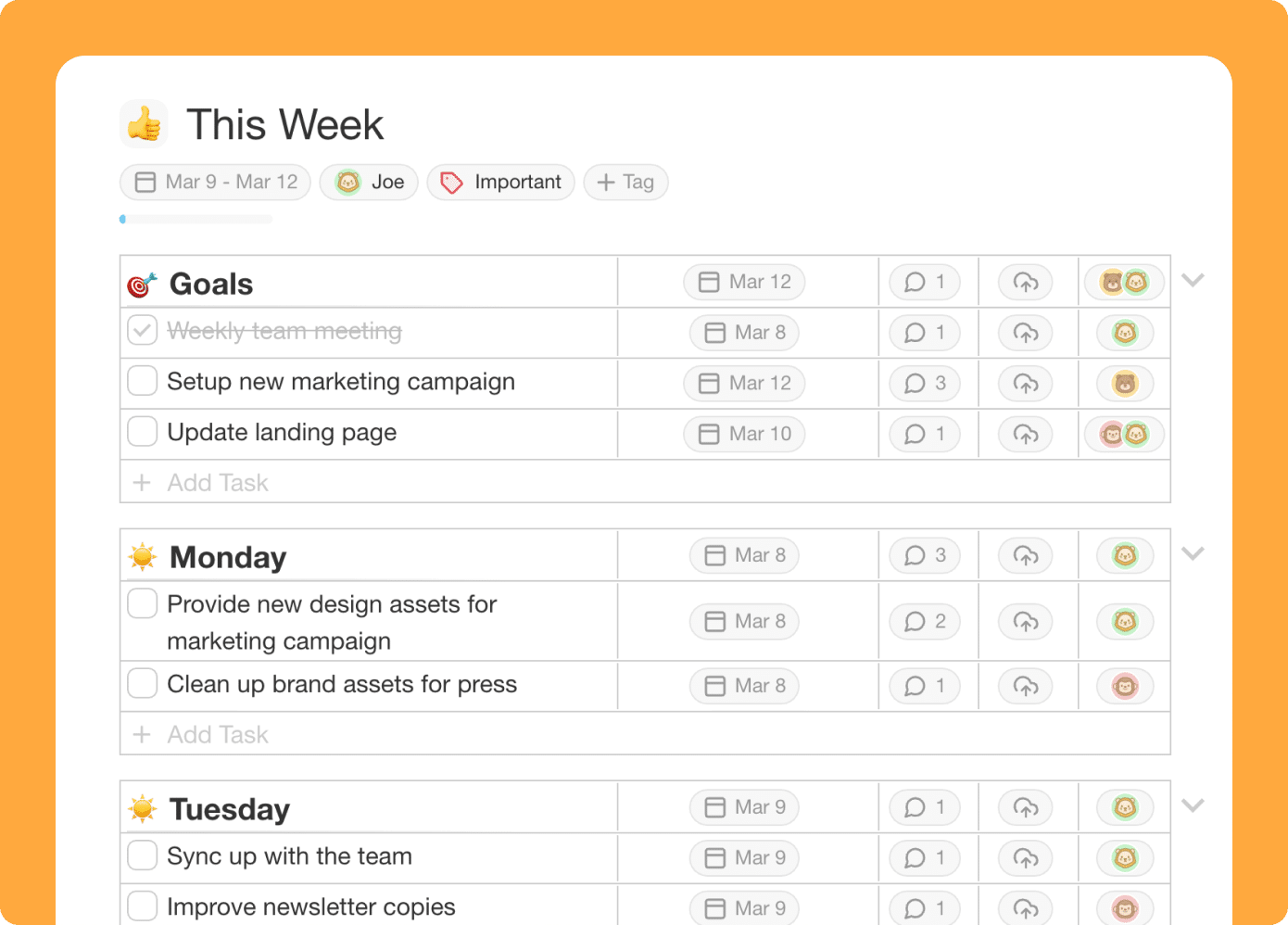
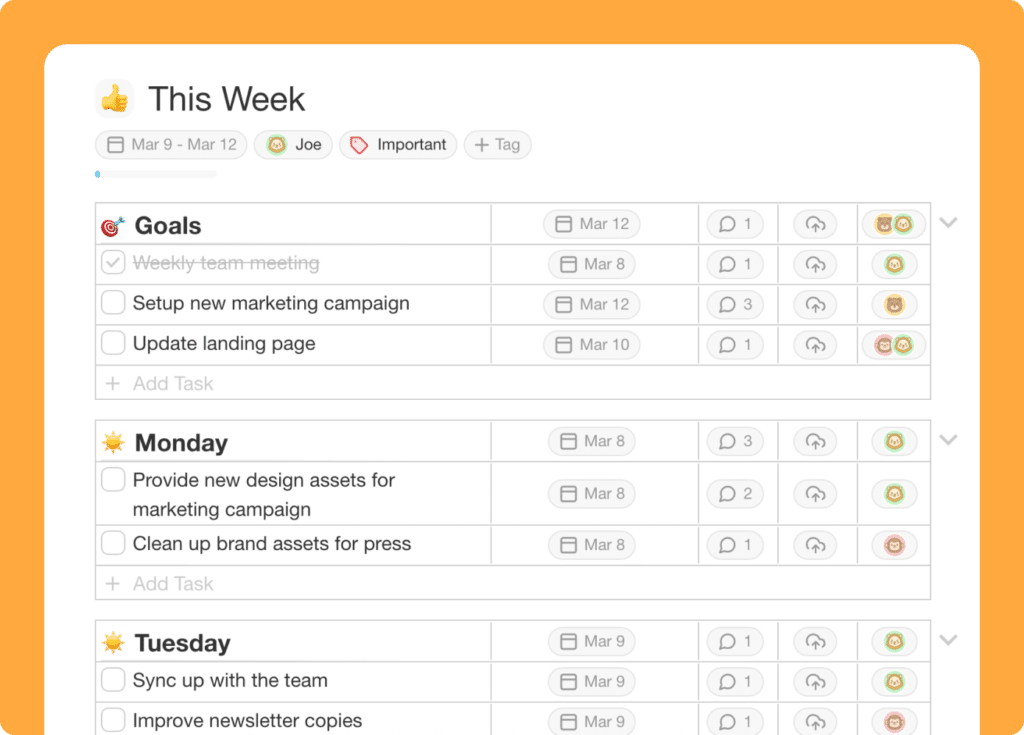
We've updated the action view to help you quickly manage due dates and assignments alongside tasks.
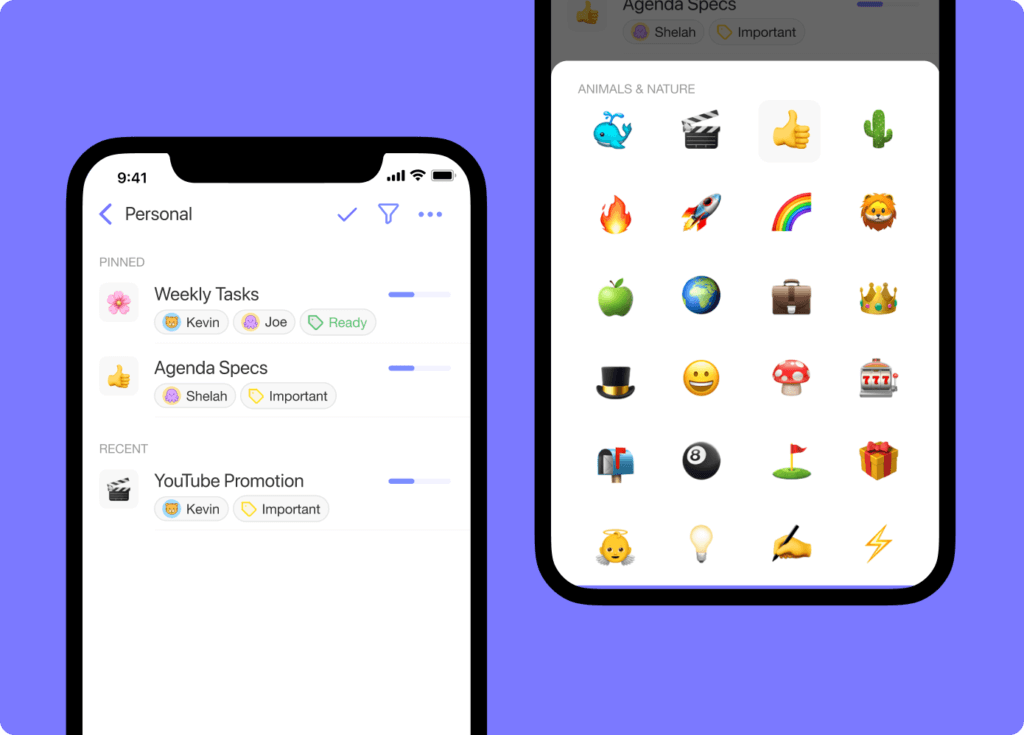
😀 Workspace Emojis
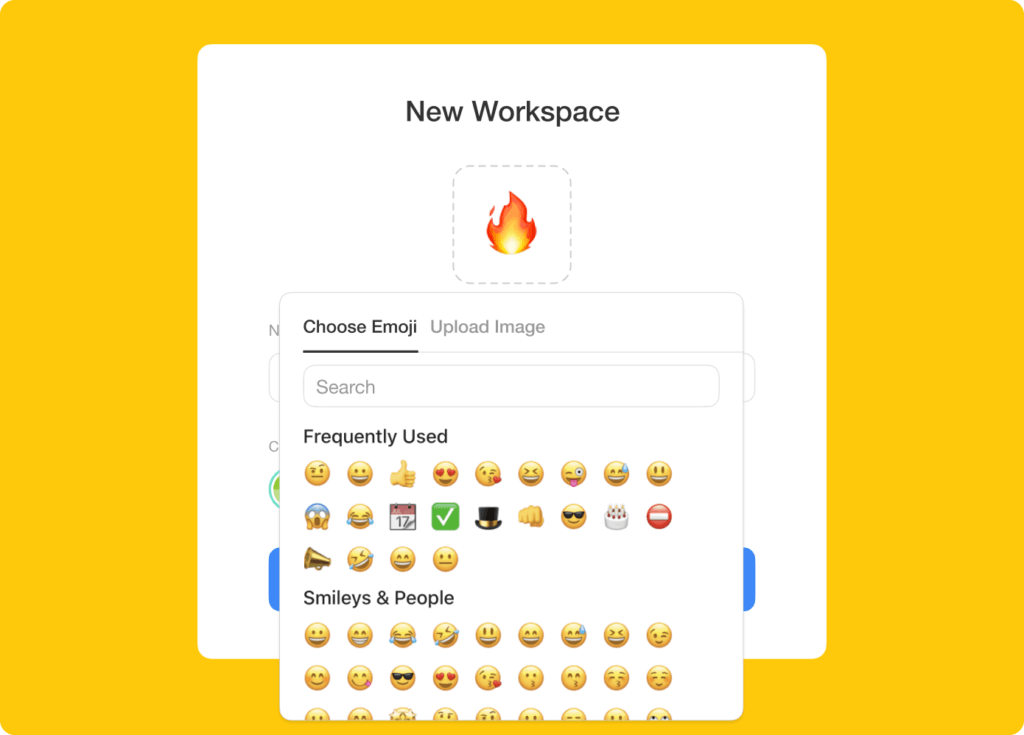
Lighten up the mood by selecting an icon for each workspace and subspace.
⚡️ Workspace Roadmap
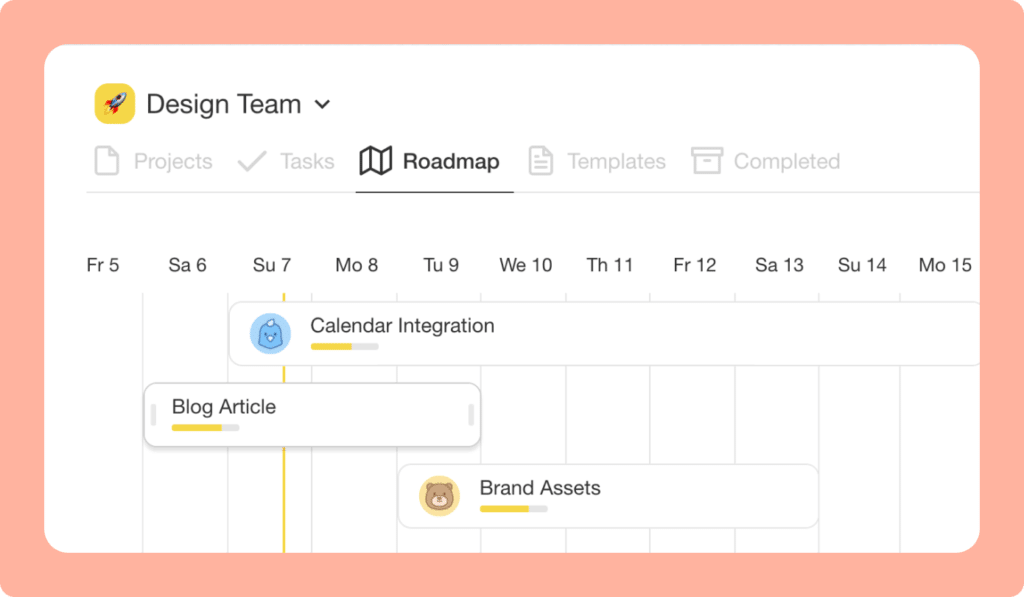
Moving and reordering projects in your workspace Roadmap is now faster and snappier. To populate the roadmap, simply add a date to any project instantly.
😎 Mobile Update
Add emojis to your projects on the mobile app. Download today!
🎉 Other Improvements
- Play MP4 videos uploaded in chat, comments, and tasks.
- Upload multiple files at once in project chat, comments, and tasks.
- Regenerate project links and added security when sharing project links.
- Taskade for Mac now supports Apple M1 Laptops.
- Performance improvements on Web, Mobile, and Desktop.
2021 H1 vs Today (2026)
| Dimension | 2021 H1 | Today (2026) |
|---|---|---|
| Planning view | Action View launched (precursor to Table) | Table View + Gantt View + Timeline View |
| Workspace personality | Emoji icons for workspaces & subspaces | Full theming + custom domains + branded Genesis apps |
| Roadmap | Manual drag/reorder by date | AI Agents draft full roadmaps + Automations execute |
| Desktop apps | Apple M1 native support added | Cross-platform apps + web + mobile + Genesis apps publishable to any device |
| Intelligence | None | 15+ frontier AI models from OpenAI, Anthropic, Google |
🗺️ Action View → Table View → AI Roadmap
The Action View was Taskade's first attempt at a "tasks-with-metadata-columns" surface — a direct ancestor of today's Table View, Gantt View, and AI-generated roadmaps.
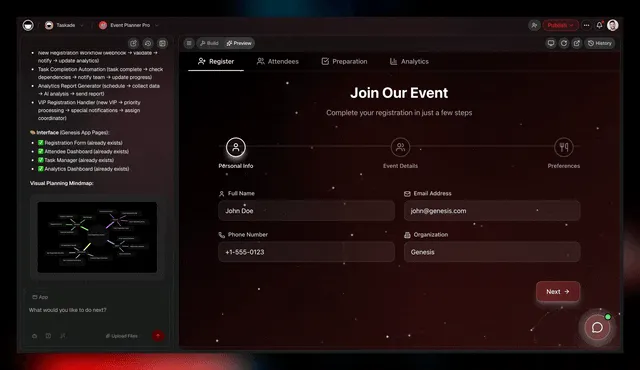
Action View, sketched
 ┌────────────────────────── ACTION VIEW (Mar 2021) ──────────────────────────┐
 │  ☐  TASK                              │ ASSIGNEE  │ DUE       │ STATUS    │
 │ ─── │ ──────────────────────────────  │ ────────  │ ────────  │ ───────── │
 │  ☐  │ Draft launch post               │ @john     │ Mar 12    │  ●        │
 │  ☐  │ Record Loom walkthrough         │ @sarah    │ Mar 13    │  ●        │
 │  ☑  │ Ship workspace emoji picker     │ @alex     │ Mar 08    │  ✓ done   │
 │  ☐  │ QA Apple M1 build               │ @kim      │ Mar 14    │  ●        │
 │ ──────────────────────────────────────────────────────────────────────────│
 │  2026: same row + AI columns + agent auto-assign + automation triggers    │
 └────────────────────────────────────────────────────────────────────────────┘
📚 Related reading — hub & spoke
- Taskade Genesis · AI Agents v2 · Automations · Community Gallery
- All project views · 100+ integrations · Pricing
- Learn — Table View
- Learn — Gantt View
- Learn — Org Chart View
- Learn — Multi-Agent Teams
- Learn — Automation triggers
- Learn — Custom domains for Genesis apps
| Thanks again for supporting Taskade, and as always, don’t hesitate to reach out if you need help. We’re here for you! 😊 — Team Taskade 🐑 P.S. We are hiring! Join us to shape the future of remote collaboration. 🚀 |
|---|
Frequently Asked Questions
What is the Action View in Taskade?
The Action View displays tasks alongside their due dates and assignees in a table format, making it easy to manage deadlines and track who's responsible for what. It's designed for quickly updating task status, rescheduling due dates, and reassigning work across your team.
Can I add emoji icons to Taskade workspaces?
Yes. Customize each workspace and folder with an emoji icon to make navigation more visual and fun. Select any emoji to represent the workspace's purpose — like a rocket for product launches or a book for documentation — helping you identify spaces at a glance.
What is the Workspace Roadmap in Taskade?
The Workspace Roadmap is a timeline view that visualizes all projects with due dates across a workspace. Add a date to any project to populate the roadmap, then drag to reorder and reschedule. It provides a high-level overview of project timelines for strategic planning.
Does Taskade for Mac support Apple M1?
Yes. The Taskade desktop app for Mac supports Apple M1 and later Apple Silicon processors with native performance optimizations. This ensures smooth operation, faster rendering, and better battery efficiency on modern Mac hardware.