






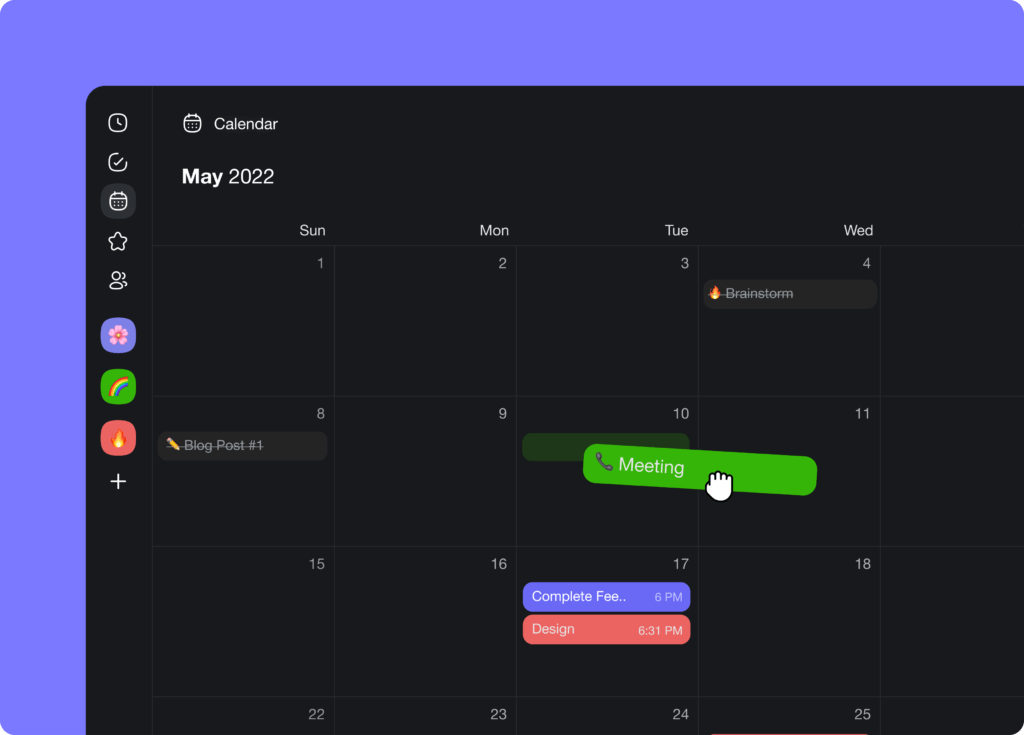
Hi Taskaders 🎉
We've worked hard to make Taskade work better for you! Here's what's new:
TL;DR: May 2022 added calendar drag-and-drop scheduling, faceted search filters, and the in-app template browser. Today, Taskade's multi-layer search blends full-text + semantic ranking + file-content OCR, and the Community Gallery hosts 150,000+ live apps to clone into Taskade Genesis with one click.
Then → Now: Browsable templates in 2022 → thousands of curated templates and 150,000+ Community Gallery apps you can clone today.
| Discover | 2022 | 2026 |
|---|---|---|
| Template Library | v4.10 (May 2022) launch | Curated templates + Community Gallery |
| Search filters | Basic filter chips | Multi-layer search (full-text + semantic + file content OCR) |
| Calendar | Drag-and-drop scheduling | Drag-and-drop + agent automations |
| Discovery model | Browse by hand | Describe goal → Genesis builds it |
Three layers of 2026 search
   query: "Q3 churn data"
        │
        ▼
   ┌────────────────────────────┐
   │ Layer 1: full-text         │ ← matches title / body
   ├────────────────────────────┤
   │ Layer 2: semantic HNSW     │ ← embeddings, 1536 dim
   ├────────────────────────────┤
   │ Layer 3: file content OCR  │ ← inside PDFs, images
   └────────────┬───────────────┘
                ▼
        ranked results across
        every project · agent · file
Hub & spoke
- Hubs: Templates · Community Gallery · Taskade Genesis · AI Agents · Automations
- Spokes: Learn — calendar view · Learn — search · Learn — agent automation · Learn — clone community apps
- Related: Slash command + Calendar view · Quick Add + mobile widget
⚡️Calendar Drag & Drop
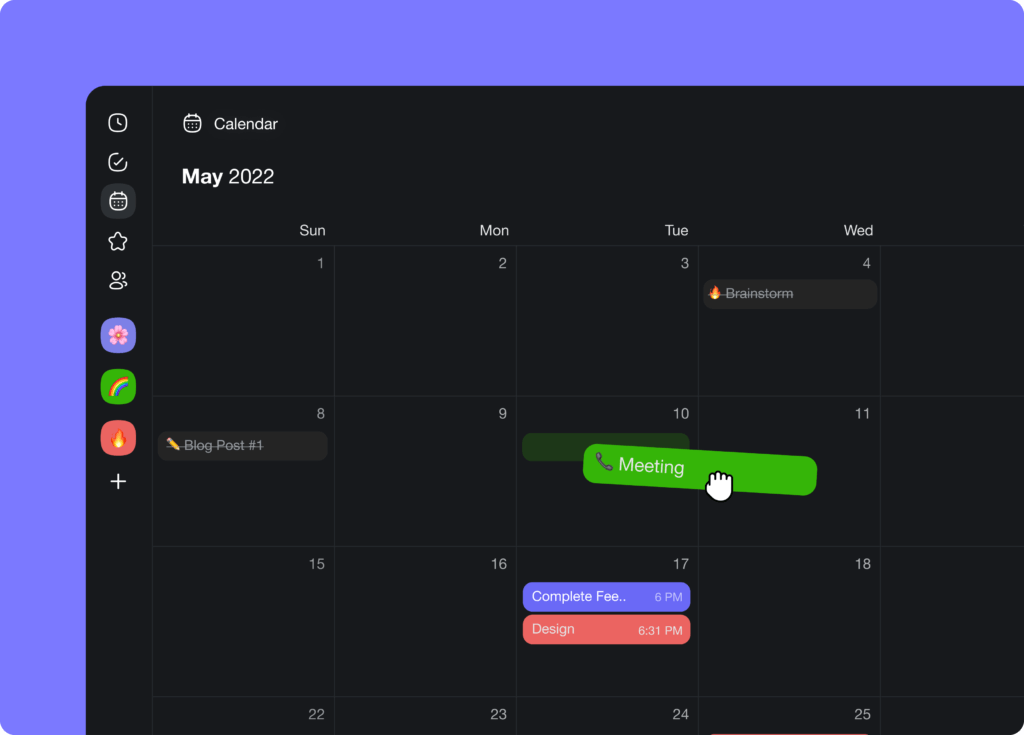
You can now drag and drop calendar items to change task deadlines and ranges across all your projects and workspaces. Learn more.
taskade calendar
⚡️ Search Filters
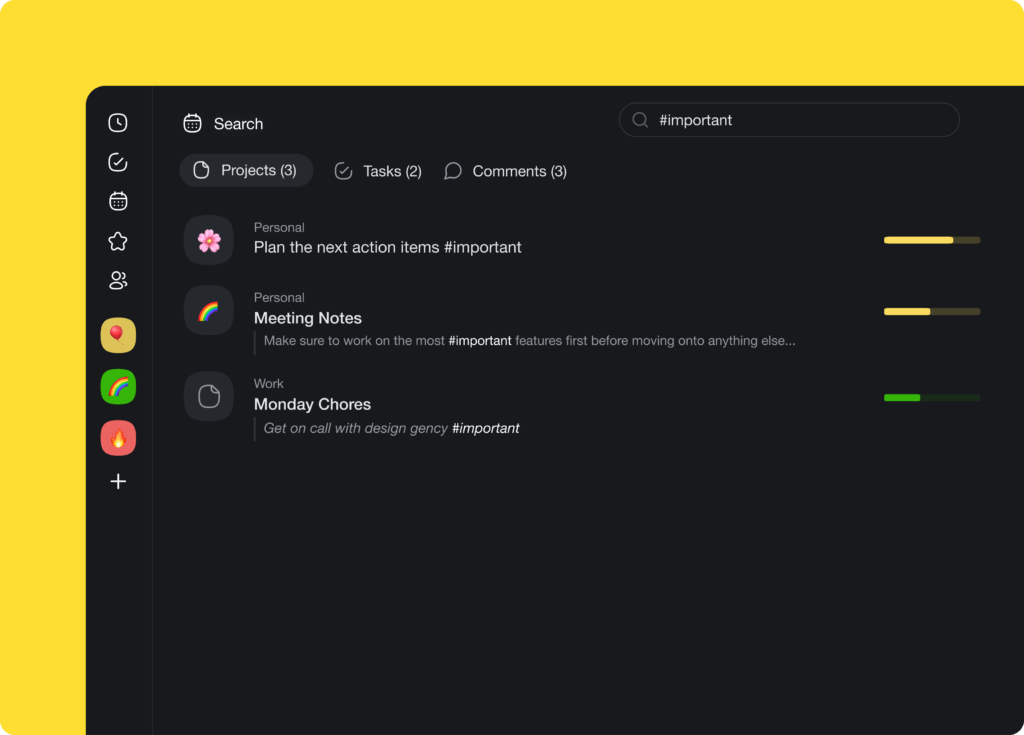
Filter search results by projects, tasks, and comments. Find what you are looking for across all your projects, folders, and workspaces. Learn more.
taskade search
⚡️ Browse Templates
Select the perfect template for your next project in the new project sidebar. Browse and search over 300 pre-made templates instantly.
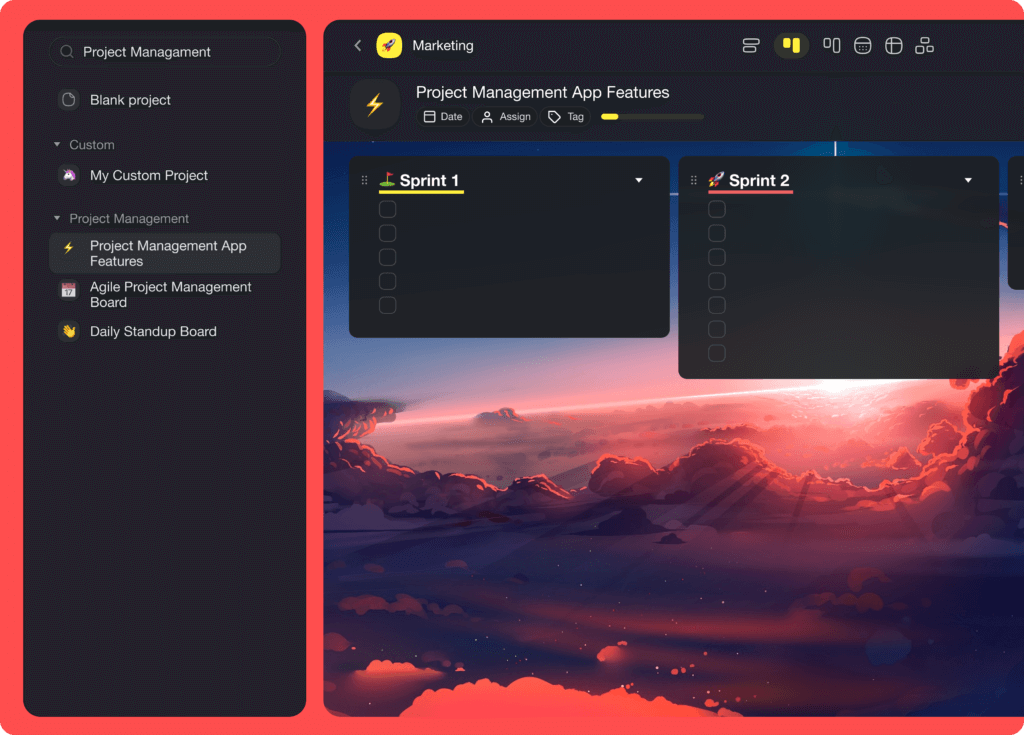
taskade templates
🎉 Other Improvements
- Taskade for Desktop v4.2.2 Update:
- Screen sharing during video chat fixed
- Open a new tab with CMD + Left-click (Mac)
- General performance improvements and bug fixes
- Taskade for Mobile v3.3.30 Update:
- Fixed My Tasks and task dates being out of sync
- Fixed due dates automatically and incorrectly adding time
- Shared projects are now displayed for iPads and tablets
- Bug fixes and performance improvements
- New: Assignment menu for faster task and project assignment
- New: Added options for timer & reactions to /slash command
- Workspace admins can edit project settings regardless of project role
- Improved My Tasks and Calendar display of tasks
- Download Apps sidebar menu is now closeable
- Bug fixes and performance improvements
| Thanks again for supporting Taskade, and as always, don’t hesitate to reach out or visit our help center if you need help. We’re here for you! 😊 — Team Taskade 🐑 P.S. Want to help us improve Taskade? You can also suggest a feature. |
|---|
Frequently Asked Questions
Can I reschedule tasks by dragging them in Taskade's calendar?
Yes. Taskade's calendar supports drag-and-drop rescheduling across month, week, and day views. Simply drag a task to a new date or time slot to update its deadline instantly. This works across all projects and workspaces visible in the global calendar.
How do I filter search results in Taskade?
Use the search filter options to narrow results by type — projects, tasks, or comments. You can search across all workspaces, folders, and projects simultaneously, then filter to find exactly what you need. Filters for assignees and tags are also available.
Where can I browse project templates in Taskade?
Open the new project sidebar or visit the Templates page to browse and search over 300 pre-made templates organized by category. Select any template to instantly create a new project pre-populated with structure, tasks, and formatting for your workflow.
Does Taskade's calendar support drag-and-drop across workspaces?
Yes. The global calendar aggregates tasks with due dates from all your workspaces and projects. You can drag items to change deadlines and date ranges regardless of which workspace or project the task belongs to, giving you a unified scheduling view.