






Hi Taskaders 🎉
We've worked hard to make Taskade work better for you! Here's what's new:
TL;DR: This September 2022 update brought one-click "Add to Calendar," a Multi-Select Toolbar for bulk operations, the
/assignslash command, and Template Add-ons that preserved attachments and due dates. Today, Automations handle calendar sync and bulk provisioning automatically, AI Agents v2 auto-assign work across projects, and you can spin up a fully-configured workspace in seconds with Taskade Genesis.
┌─────────────── Multi-Select Toolbar (2022) ───────────────┐
│  ☑ task  ☑ task  ☑ task                                   │
│  ─────────────────────────────────────                    │
│  [ format ] [ /assign ] [ due ] [ ✓ ] [ 🗓 add to cal ]   │
└────────────────────────────────────────────────────────────┘
                          │
                          ▼  2026
┌─────────────── Agent + Automation Bulk (2026) ────────────┐
│  Selection ─► AI command ─► Automation ─► Calendar sync   │
│              ─► Agent auto-assign ─► Notify members       │
└────────────────────────────────────────────────────────────┘
| Bulk ops | 2022 | 2026 |
|---|---|---|
| Add to calendar | Insert a task on a date in Calendar view | Same + schedule trigger auto-creates tasks |
| Multi-select toolbar | New bulk-action bar | Multi-select bulk operations + AI bulk commands |
| /assign slash | Assign via slash | Same + agent auto-assignment via Automations |
| Template add-ons | New per-template extras | Curated templates + Genesis prompt-to-app |
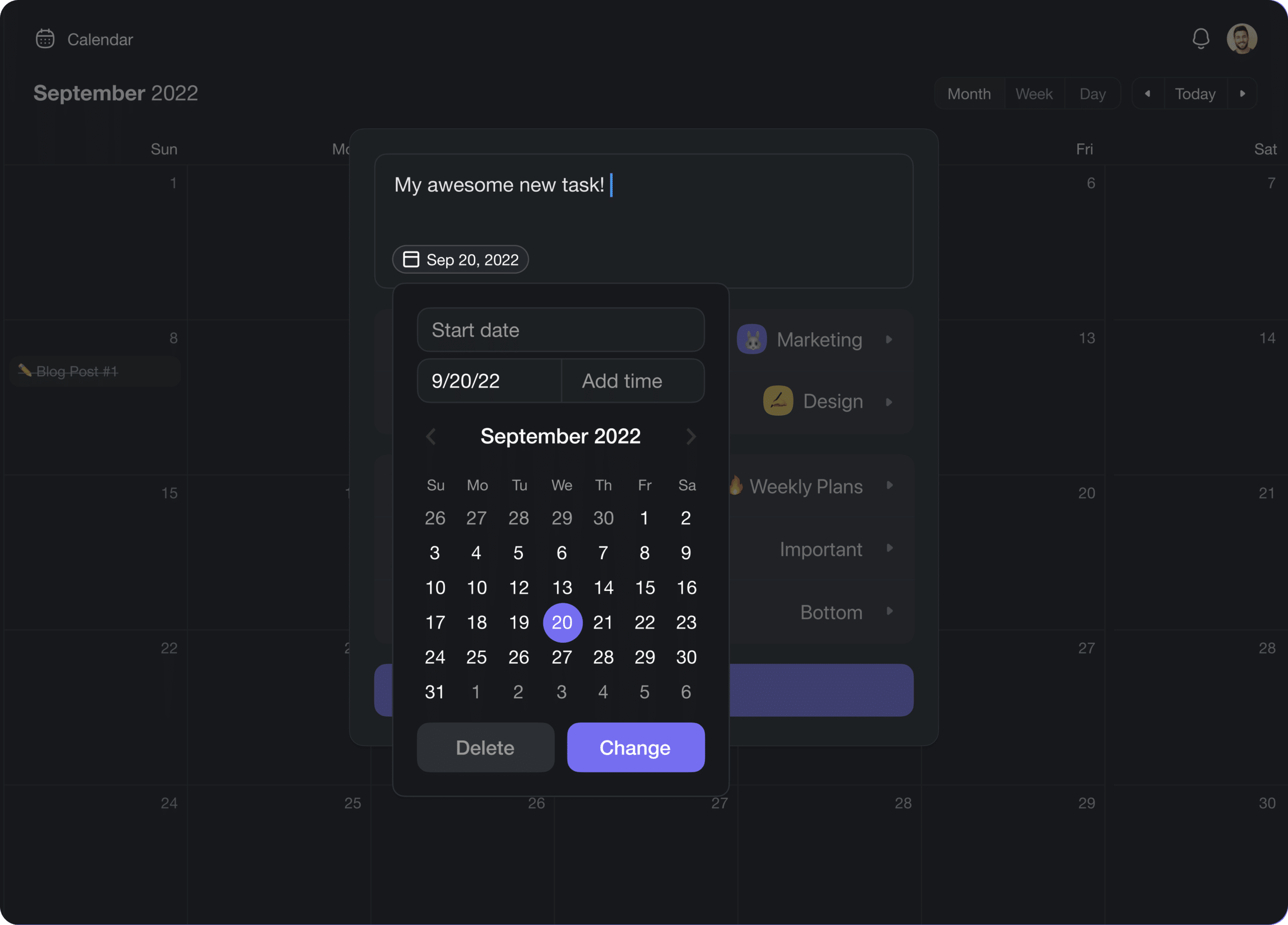
⚡️ Add to Calendar
You can now add tasks with due dates in the global Calendar View. Open your Workspace or Folder, select the calendar icon 🗓 from the navigation menu on the left, and click the day where you want to add your task. Learn more.
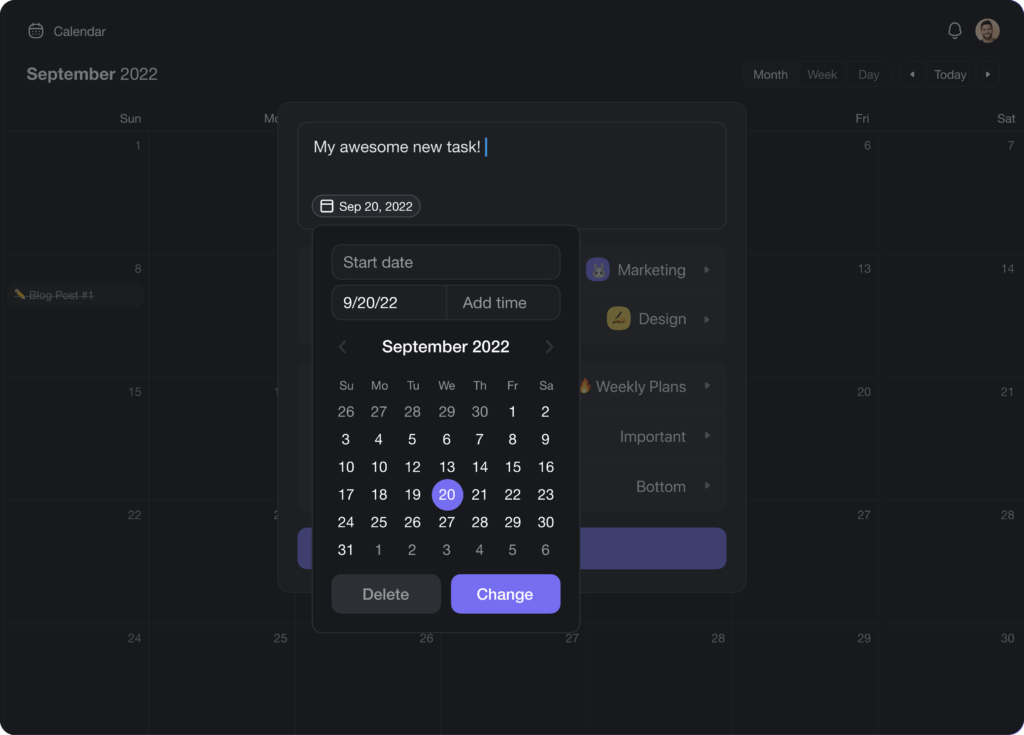
calendar add tasks
⚡️ Multi-select Toolbar
Edit Projects faster with the new Multi-Select Toolbar. Format blocks, add due dates, assign items, and check off multiple tasks with a single click. Learn more.
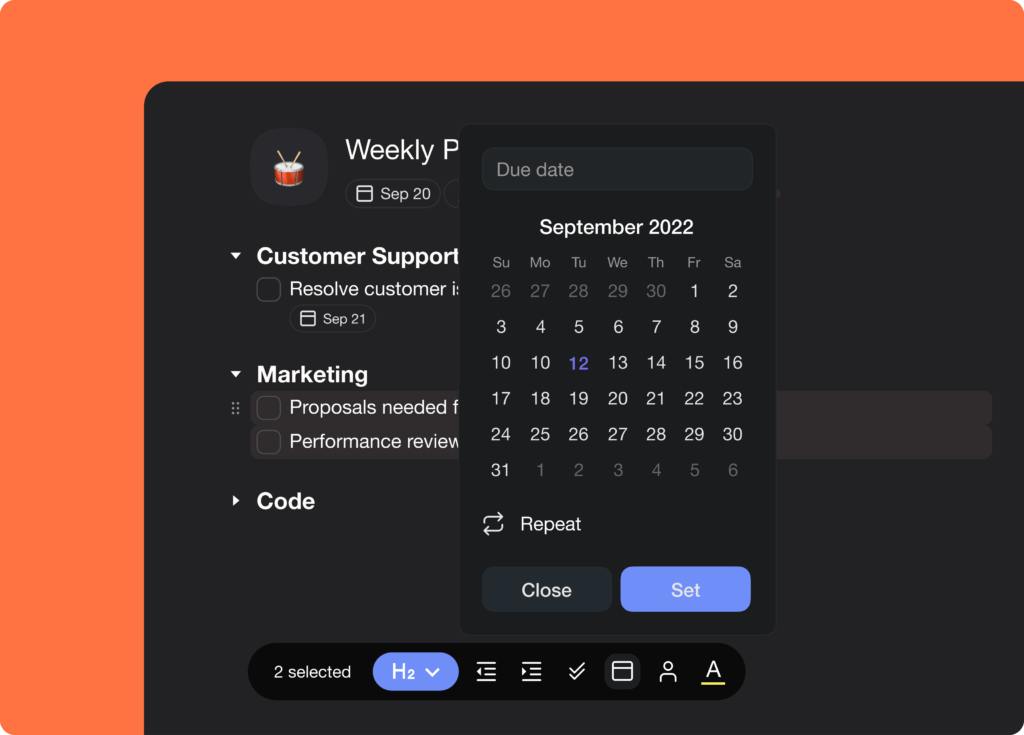
multiselect bulk toolbar
⚡️ /Assign in Slash Command
You can now assign tasks by simply typing /assign and selecting a member. The assignee will be notified instantly that there’s a task waiting for them. Learn more.
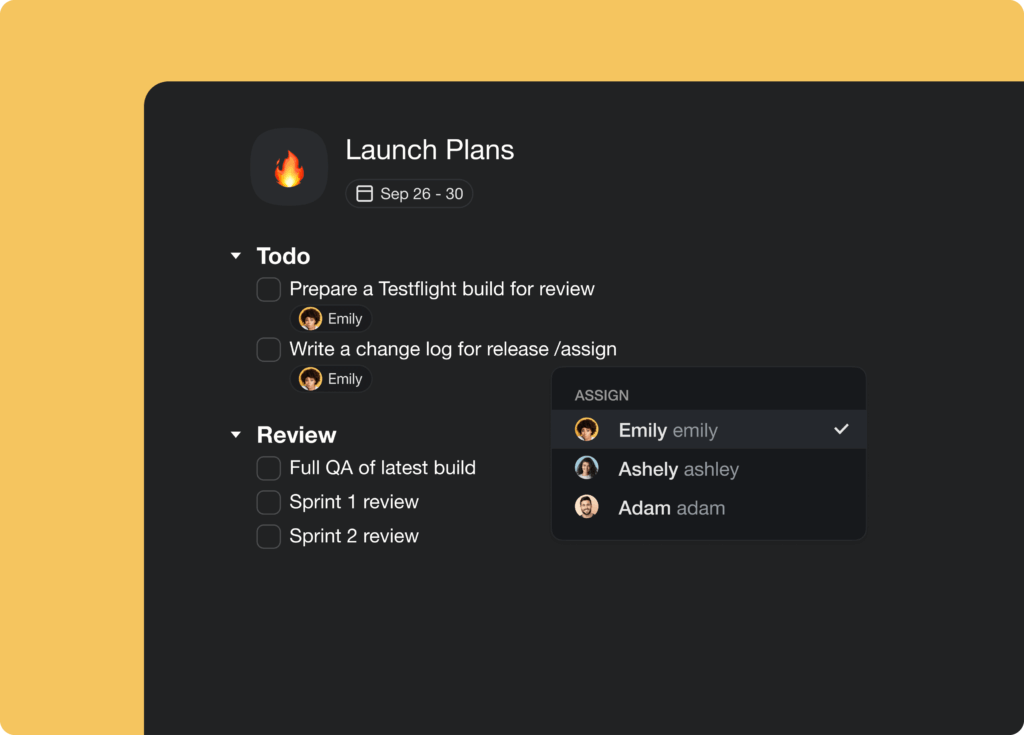
slash command assign
⚡️ Template Add-ons
Our all-new Project Templates introduce an Add-ons support. Speed up repetitive workflows with attachments, due dates, and more. Projects created from templates will retain all add-ons and attachments. Learn more.
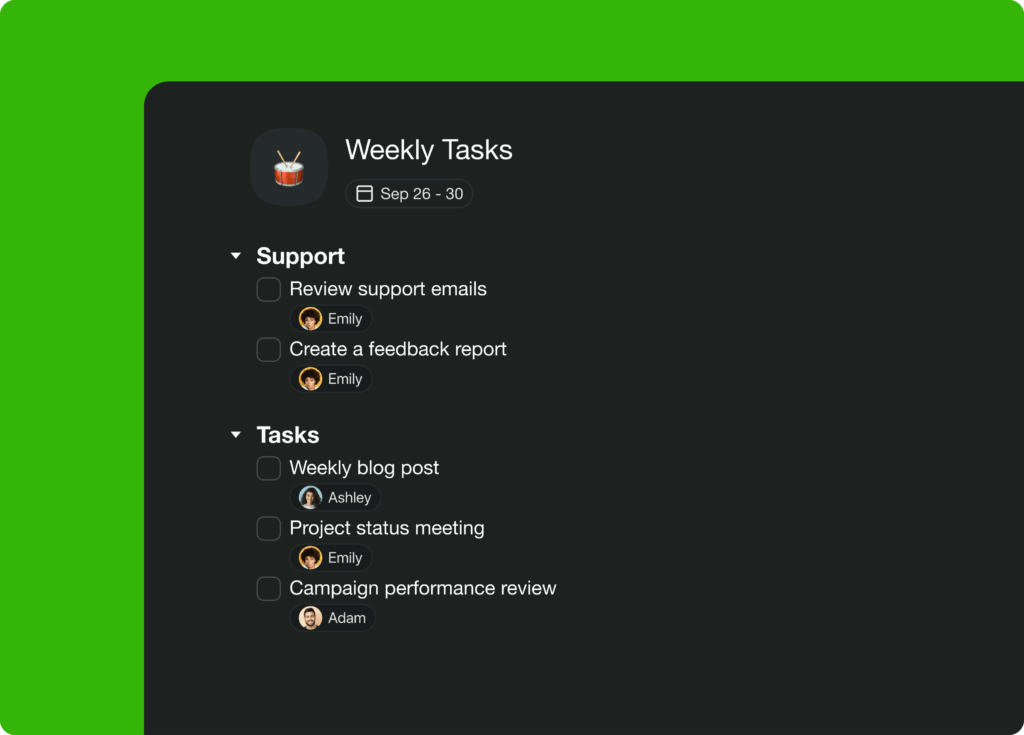
template addons
🎉 Other Improvements
-
New: Multi-select formatting
New: Quick capture offline support
Improved: Offline project view workflows
New: Updated and fully redesigned Integrations page
New: Enabled Add-ons menu in Custom Templates editor
Zapier: Add start and end date in Zapier (“Create Task” action)
New: Assign anyone using the /slash command
Fix: Display Comment icon and tooltip when disabled in Project Settings
Fix: Show Chat icon and tooltip when disabled in Project Settings
Fix: Completed projects show up in the Cmd/Ctrl + K menu
Fix: Lower CPU usage in web and desktop apps
Fix: Project field in Zapier now loads all Projects when searching
Fix: Add Task in the Board view now copies the last node formatting
Fix: Return focus back on the editor after Drag Menu is closed
Fix: Notifications are disabled by default for Template Add-ons
Fix: Template tasks are hidden from My Tasks and Global Calendar
Fix: Notifications distinguish between Workspace and Folder
Fix: Added support for longer Project tags
Fix: Various performance improvements and bug fixes
Thanks again for supporting Taskade, and as always, don’t hesitate to reach out or visit our Help Center if you need help. We’re here for you! 😊
— Team Taskade 🐑
P.S. Want to help us improve Taskade? You can also suggest a feature. Follow us and join the discussion on Twitter and Reddit.
Frequently Asked Questions
Can I add tasks directly from Taskade's global calendar?
Yes. Open your Workspace or Folder, select the calendar icon from the left navigation menu, and click on any day to create a new task with a due date. The task is automatically added to the selected project and appears across all calendar views (month, week, and day).
What is the Multi-Select Toolbar in Taskade?
The Multi-Select Toolbar lets you select multiple tasks or content blocks and apply bulk actions — format text, add due dates, assign members, or check off tasks — all with a single click. Select items using Shift+Click or Cmd/Ctrl+Click to activate the toolbar.
How do I assign a task using a slash command in Taskade?
Type /assign in the project editor and select a team member from the dropdown list. The assignee receives an instant notification about the new task. This is faster than using the right-click menu and keeps you in the keyboard-driven workflow.
Do Taskade templates preserve add-ons like due dates and attachments?
Yes. Projects created from templates retain all add-ons including file attachments, due dates, comments, embeds, and timers. This means you can set up a template once with all the details and spin up fully configured projects for recurring workflows.