






Hi Taskaders 🎉
We've worked hard to make Taskade work better for you! Here's what's new:
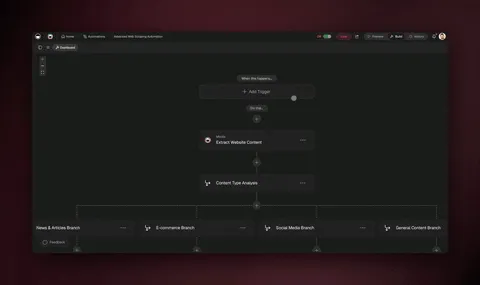
TL;DR: March 2022 added end-dates and repeat counts to recurring tasks plus cross-app copy/paste — early scheduling primitives. Today, Taskade Automations run durable workflows with branching and looping, AI Agents execute the recurring work, and 100+ integrations move data automatically.
Then → Now: Repeat tasks in 2022 evolved into durable scheduled Automations and recurring AI Agent jobs powering Taskade Genesis apps today.
| Repetition | 2022 | 2026 |
|---|---|---|
| Recurring tasks | v4.6 (Feb 2022) end-date support | Schedule trigger inside Automations |
| Branching logic | None | Branch action + Loop action + Filter |
| Copy & paste | Cleaner duplication | Multi-select bulk operations + AI bulk commands |
| Reliability | Best-effort browser scheduler | Durable workflow engine across 100+ integrations |
How a 2026 recurring job actually runs
   trigger: cron "every Mon 09:00"
        │
        ▼
   ┌─────────────────────────────────┐
   │  Automation                     │
   │   ├─ filter: stage = "active"   │
   │   ├─ branch: by team owner      │
   │   ├─ loop: each project         │
   │   │    └─ agent: summarize      │
   │   └─ slack: post digest         │
   └─────────────────────────────────┘
        │
        ▼
   end-date: 2026-12-31  (auto-stop)
Hub & spoke
- Hubs: Automations · AI Agents · Taskade Genesis · Integrations · Templates
- Spokes: Learn — recurring tasks · Learn — schedule trigger · Learn — branch action · Learn — loop action · Learn — bulk assign
- Related: Slash command + Calendar view · Cloud upload + repeating tasks
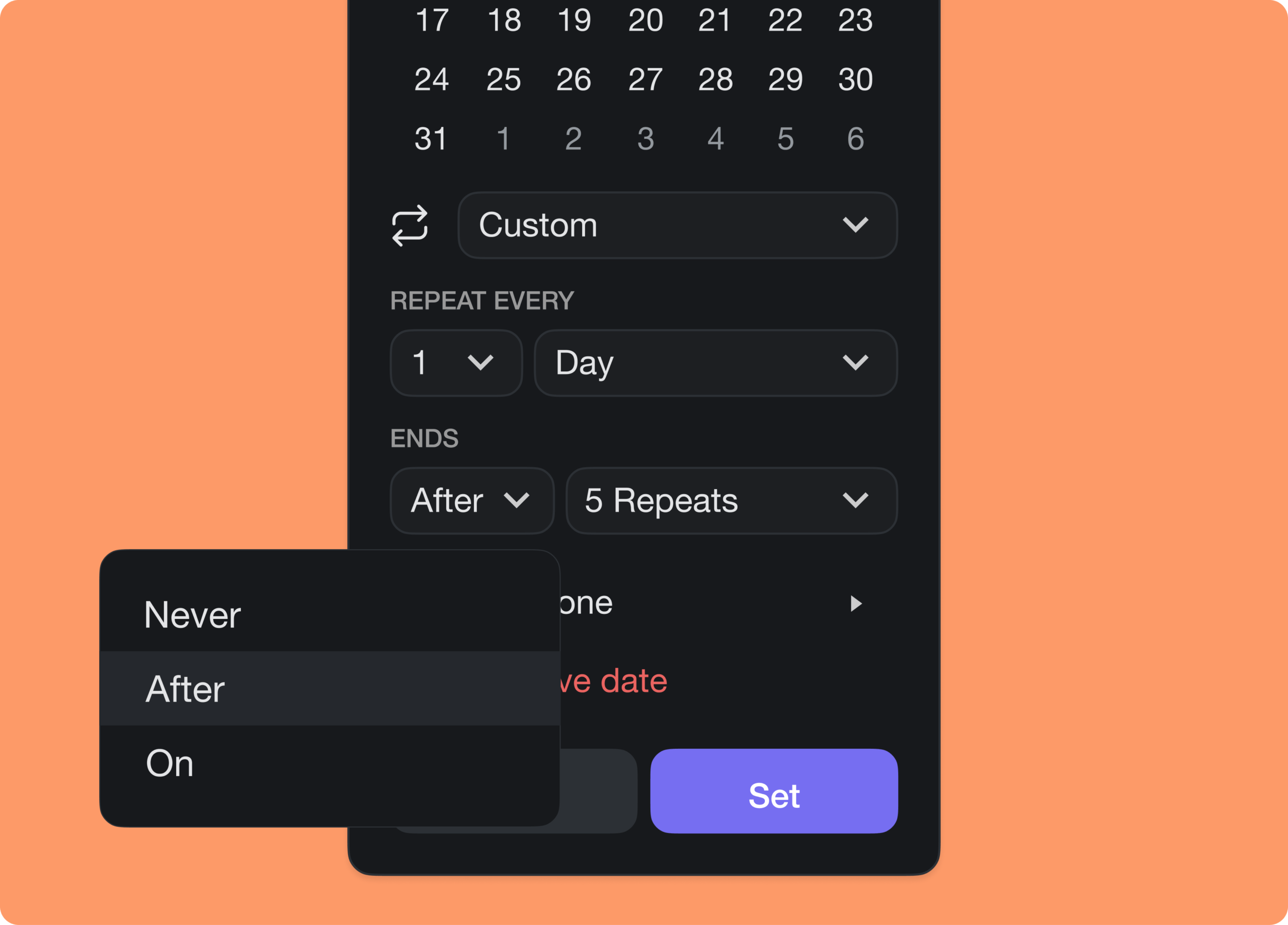
⚡️ End Date for Repeat Tasks
You can now end repeating tasks on a specific date or after a number of repeats. Best of all, the feature is now free to use for everyone! Learn more.
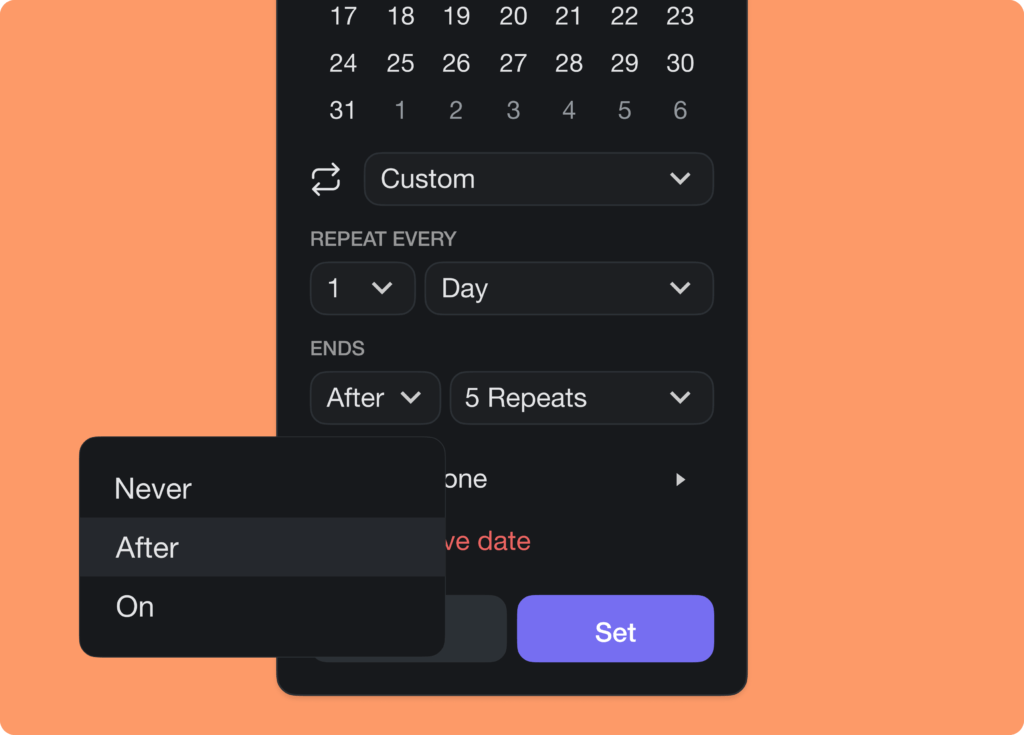
taskade repeating tasks end date
✍️ Better Copy & Paste
We've improved the text editing experience when copying and pasting. The new system widens support across other apps and platforms.
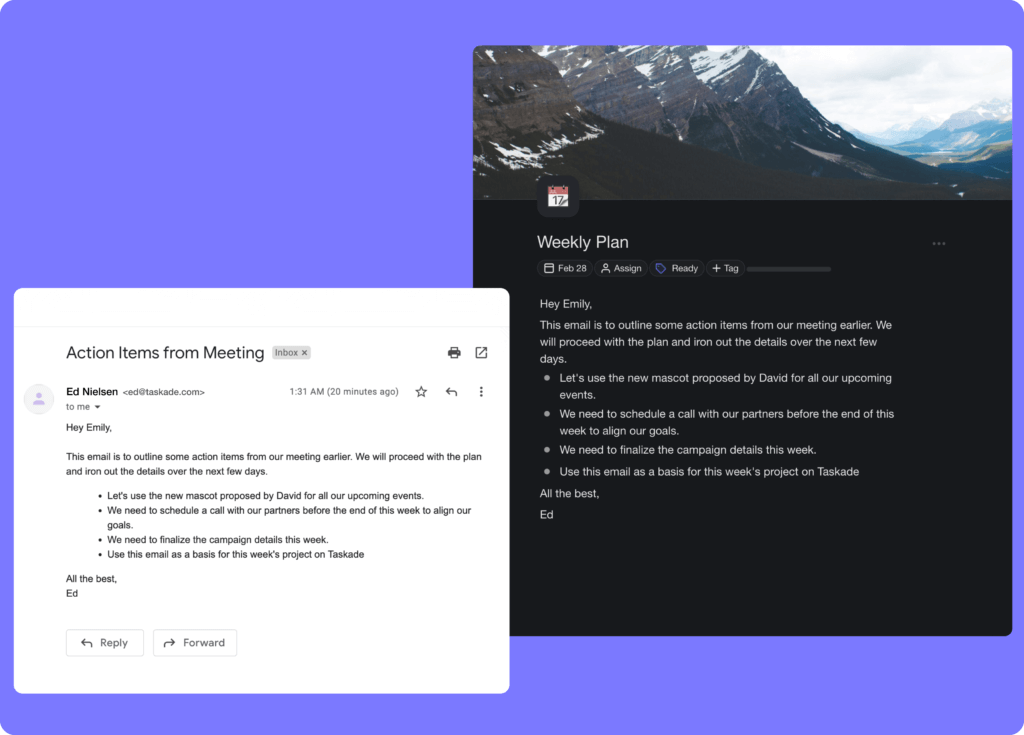
taskade copy paste
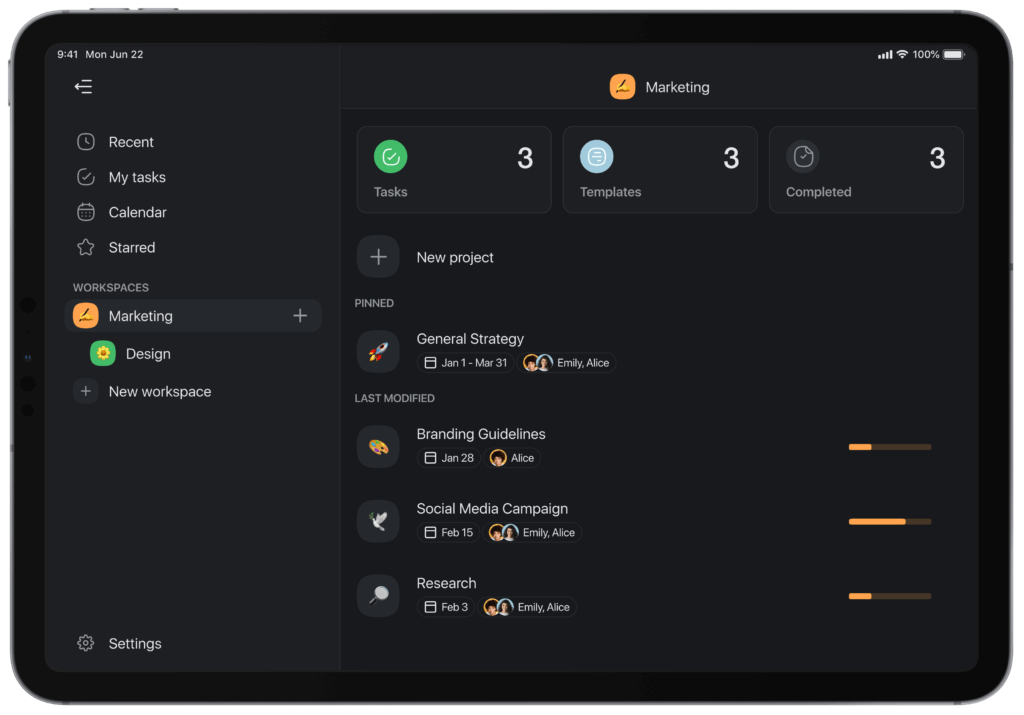
🚀 iPad & Tablet Update
Taskade on iPad and tablet now supports quick access to team tasks, templates, and completed projects in each workspace and folder.
taskade ipad update
🎉 Other Improvements
- New: Project setting now includes the option to set default view.
- Shared with me displays all external projects and folders.
- Mobile widgets have been improved on iOS & Android.
- Sign in with Apple is now available on all platforms.
- Bug fixes and performance improvements.
| Thanks again for supporting Taskade, and as always, don’t hesitate to reach out or visit our help center if you need help. We’re here for you! 😊 — Team Taskade 🐑 P.S. Want to help us improve Taskade? You can also suggest a feature. |
|---|
Frequently Asked Questions
Can I set an end date for recurring tasks in Taskade?
Yes. When creating a recurring task, you can configure it to stop repeating on a specific date or after a set number of repeats. This prevents recurring tasks from running indefinitely and keeps your project clean once a recurring workflow is complete.
Does Taskade support recurring tasks?
Yes. Taskade supports recurring tasks with flexible scheduling — daily, weekly, monthly, or custom intervals. Set a repeat pattern and optional end condition, and Taskade automatically recreates the task on each recurrence. This feature is free for all users.
Can I copy and paste content between Taskade and other apps?
Yes. Taskade supports cross-platform copy and paste that preserves formatting, task completion status, and hierarchy. Content copied from apps like Google Docs, Notion, or web pages maintains its structure when pasted into a Taskade project.
Can I set a default project view in Taskade?
Yes. Open Project Settings and choose a default view (List, Board, Mind Map, Calendar, etc.) for the project. When team members or guests open the project, they'll see it in the default view you've selected, ensuring a consistent experience.