






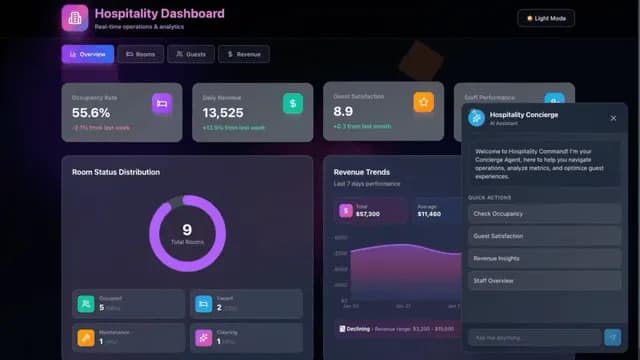
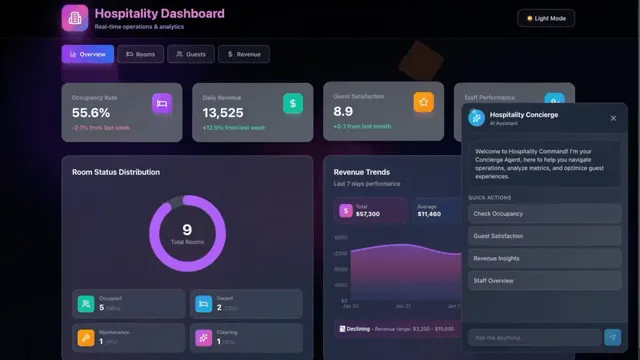
Describe what you want to run. Taskade Genesis builds you the complete system: CRMs, portals, forms, and dashboards. Your apps can now trigger workflows, run automations, and go live on your own custom domain. No code. No setup.
TL;DR: A Taskade Genesis app is four connected parts: projects remember, agents think, automations act, and the app serves. Apps show live data and trigger workflows on every visit. On Business and above, publish under your own domain, with a sitemap, robots.txt, and llms.txt created for every indexed app. Build your next app →
What Makes a Taskade Genesis App a Complete System?
Four connected parts sit behind one screen. Live data, AI agents, and automations all run from the same workspace, so the app is never a front end waiting for a back end. It is the whole business in one place.
| Glyph | Part | What it does |
|---|---|---|
| ▲ | Remember | Projects hold your clients, deals, orders, and jobs |
| ■ | Think | Agents read that memory, answer, and decide |
| ● | Act | Automations send, update, and move the next step |
| ▷ | Serve | The app puts it all in front of your customers |
How Does Your App Stay Live and Connected?
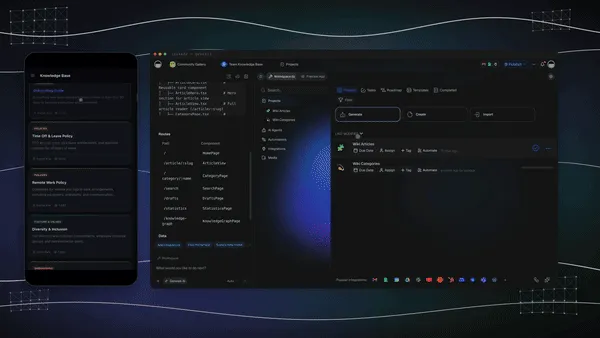
Your app reads straight from your projects and workspace. It shows the latest data on every visit, so there is no export and no sync job to babysit. Change a record in the project and the app shows it the next time someone looks.
Connected action is the other half. A form, a booking, or a schedule can trigger a workflow at the right moment, and the workflow can email the client, update the record, and start the next step.
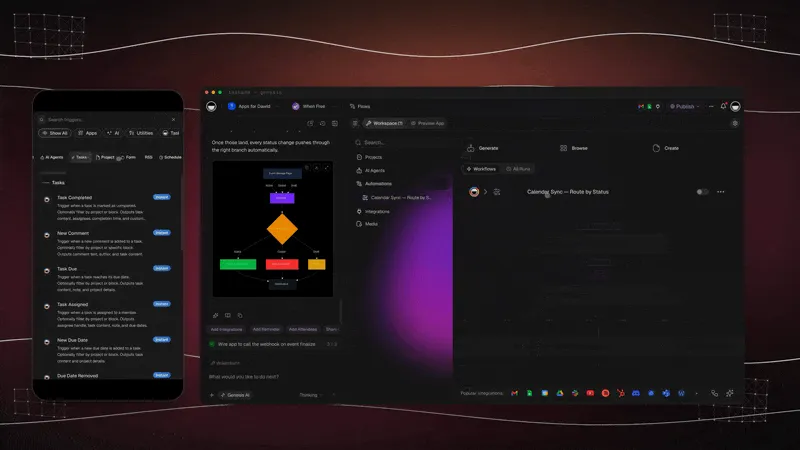
| What starts it | What it does next |
|---|---|
| A form submission | Saves the record and sends the confirmation |
| A booking | Adds the reminder and notifies the team |
| A schedule | Runs the weekly report in the time zone you choose |
| A payment | Updates the order and thanks the customer |
Schedules and Taskade steps run on every plan, and Free includes 10 automation runs a month. Premium tool steps such as Gmail, Slack, and Stripe need a paid plan. Learn: Schedule and Learn: Automation Triggers show the setup, and the Integrations page lists all 100+ tools you can connect.
What Can One Prompt Build?

Four businesses. One prompt each. Serve clients, close deals, sell online, and run operations. Each of these App Kits is a live app in the Community Gallery, with its projects, agents, and automations already connected.
| Job | App Kit | What it runs | Clone |
|---|---|---|---|
| Serve clients | Appointment Booking | Bookings, reminders, and confirmations | Clone → |
| Close deals | Neon CRM Dashboard | Clients, deals, and pipeline | Clone → |
| Sell online | Store Manager | Orders, revenue, and top buyers | Clone → |
| Run operations | Maintenance Tracker | Assets, schedules, and service | Clone → |
You can open and preview every kit for free. Cloning a kit that carries automations needs a paid plan. Learn: Builder Community & App Kits explains how kits work.
How Do You Put Your App on Your Own Domain?
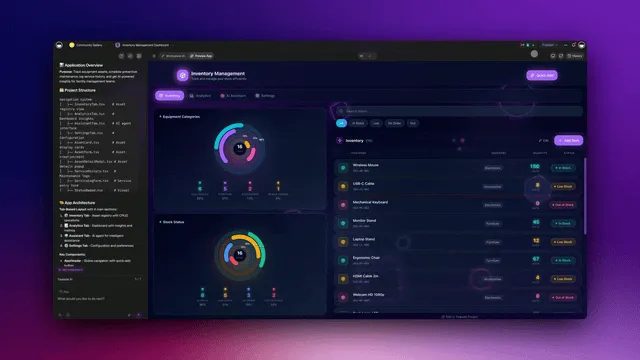
Bring your domain or buy one in Taskade, then publish under your own brand. Custom domains are available on Business and above. Taskade sets up the secure certificate for you, and the setup panel checks on its own and switches to your live app the moment the address is ready.
A domain you buy through Taskade renews every year on its own, with a switch if you would rather renew by hand. Learn: Buy a Custom Domain and Learn: Custom Domains cover both paths.
Before you publish, the built-in SEO checklist shows what is ready and what still needs attention:
| Go-live item | What you get | Plan |
|---|---|---|
| Social sharing | Title, description, and social image, checked before you publish | Business and above |
| SEO sitemap | sitemap.xml, created for every indexed app |
Every plan, automatic |
| AEO discovery | robots.txt and llms.txt, guidance for search and AI |
Every plan, automatic |
| SEO verification | Google verification from the checklist | Every plan |
Learn: Get Your Published App Found in Search walks through every item.
What Else Shipped This Week?
Five upgrades you can use today:
- Real sign-in, built in. Clients sign in to your app with an email and a password, on every plan. Sign-in confirms who they are. To limit a client to their own records, turn on row scoping for that project, match the records to the login, and test it with a second account. See Learn: App Users.
- Look inside any App Kit. Switch between the live preview and the setup behind it, at desktop or phone size, before you clone.
- Bring your own AI. Dedicated OpenAI, Anthropic, and Google Gemini automation steps run on your own provider key. Running AI agents on your own key is an Enterprise feature.
- Let your app learn from use. Ask Taskade EVE to improve a published app, and it reads the questions visitors ask that app and shapes its changes around them.
- Put your agent on your website. The greeting, suggestions, and look you set on the public agent page carry into the embedded chat. See Learn: Embed AI Agents as Website Widgets.
The full list lives on the changelog.
What Is Workspace DNA?
Workspace DNA is the loop behind every Taskade Genesis app. Projects remember, agents think, automations act, and the app serves the result. Because each part feeds the next, every visit and every run adds to the memory the next one uses.
Learn: Workspace DNA explains how the three parts feed each other.
Imagine It. Run It Live.
Start with an idea, a task, or a flow. Taskade Genesis builds the rest. Projects remember, agents think, automations act, and your app deploys. Paid plans start at $10 per month billed annually, and the pricing page shows what each plan adds.
Build it with Taskade Genesis → or clone a live app →
Frequently Asked Questions
What does a Taskade Genesis app include?
Four connected parts: projects remember, AI agents think, automations act, and the app serves. One prompt builds all four.
Can my app trigger workflows?
Yes. A form, a booking, or a schedule can start an automation. Free includes 10 automation runs a month, and premium tool steps such as Gmail and Stripe need a paid plan.
Which plan do I need for a custom domain?
Business and above. Bring your own domain or buy one inside Taskade.
Does my published app get a sitemap and llms.txt?
Yes. Every indexed app serves robots.txt, sitemap.xml, and llms.txt automatically, on every plan. See Learn: App SEO.
Can people sign in to my Taskade Genesis app?
Yes, on every plan. Sign-in confirms identity. To limit someone to their own records, turn on row scoping for the project, match records to the login, and test with a second account. See Learn: App Users.
Can I use my own OpenAI or Anthropic account?
Yes, in automations, through dedicated provider steps that run on your own key. Running AI agents on your own key is an Enterprise feature.
Can I see inside an App Kit before I clone it?
Yes. Switch between the live preview and the setup behind it, then clone from the Community Gallery.
What is Workspace DNA?
The loop behind every Taskade Genesis app: projects remember, agents think, automations act, and the app serves. See Learn: Workspace DNA.
Read Next
- Agents Think, Automations Execute: Run It Live
- Paste Your Website, Clone an App Kit, Launch It Live
- One Prompt, a Working System: Twelve App Kits on TSK-1
- Learn: Custom Domains for Your Apps
▲ ■ ● Projects remember. Agents think. Automations act. Your app goes live.