






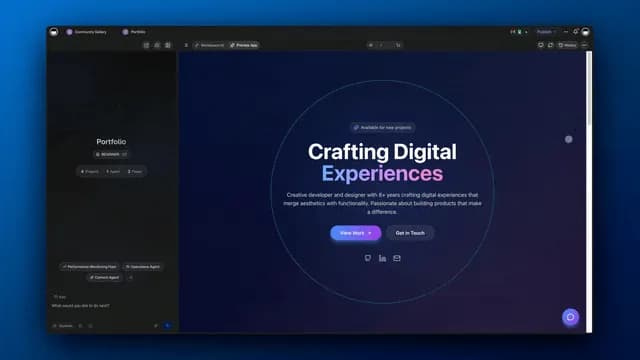
Hey there 👋
Two things you've been asking for are here:
Image generation. Agent preview.
Create visuals from a simple description. See exactly how your agents look before sharing them. Plus a few more upgrades to explore.
TL;DR: Taskade Genesis now generates images directly in chat, lets you preview and customize AI agents before sharing, and gives EVE tool-calling powers across 100+ integrations. Plus: a smarter Media tab and mobile app building on the go. Try it free →
Generate Images in Chat
Describe what you need. Watch it appear. Create visuals for your apps, portals, dashboards, and more, right inside your workspace. Learn more →
- Describe it: Type what you want, get an image instantly
- Auto-saved: Every image goes straight to your media library
- Share anywhere: Drop images into any Taskade project or app
Feature Highlight: AI Image Generation
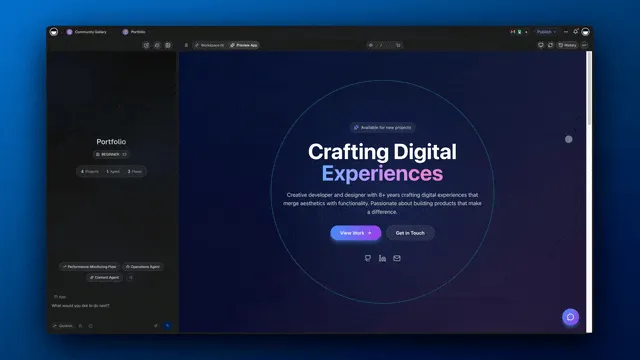
Preview and Customize Agents
See exactly what others will see. Customize branding, themes, and chat modes. Train and test your agents before they go live. Learn more →
- Live preview: See changes as you make them
- Custom branding: Your colors, your logo, your style
- Test before sharing: Chat with your agent like others will
Feature Highlight: Agent Directory
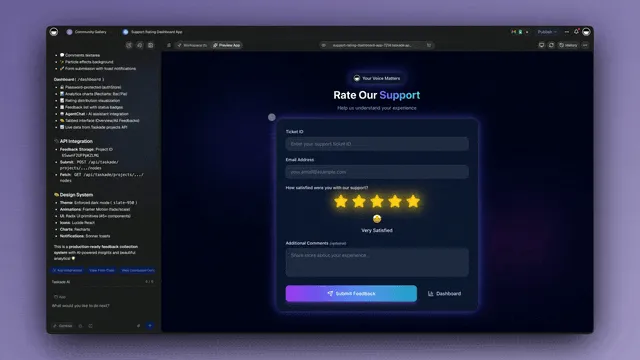
Taskade AI Takes Action
Your Taskade AI assistant EVE can now send emails, post to Slack, and update your calendar. Just ask in chat. Learn more →
- Tool calling: Describe what you need, AI picks the right tool
- 100+ integrations: Gmail, Slack, Calendar, and more
- Agent-level power: Same capabilities as custom agents
Feature Highlight: AI Agents & Assistants
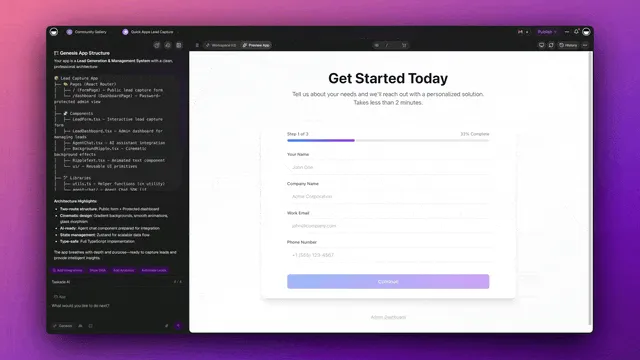
Media Tab, Reimagined
The Media tab got a fresh look. Find files faster, Ask AI about your documents, and get smart suggestions and insights. Explore it →
- Refreshed UI: Cleaner layout, better organization, modern design
- Ask AI integration: Get insights about images, PDFs, and text files
- Smart suggestions: Ask AI about your media files directly in chat
Feature Highlight: Media Library
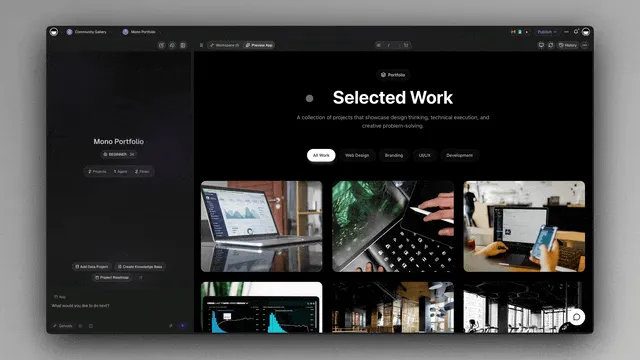
Build Apps on Your Phone
Build and edit full Taskade Genesis apps from your phone. Same power as desktop, wherever you are. Get the app →
- Build apps on the go: Create and customize apps from any device
- Touch-optimized: Easy navigation, fully responsive
- Instant sync: Start on phone, continue on desktop
Feature Highlight: Mobile Apps
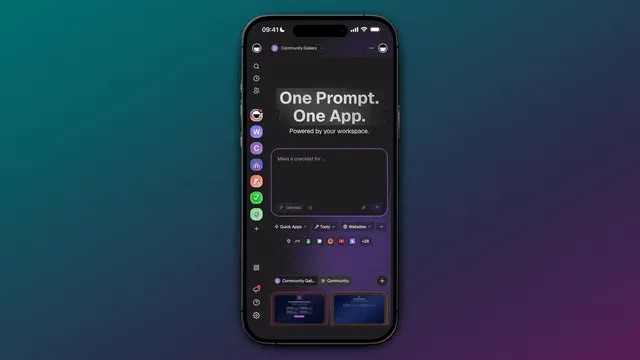
Your Workspace, Alive
Every update makes your apps more powerful.
Every project you build teaches your workspace what matters.
- 🤖 Built-in intelligence (AI Agents)
- 🧠 Built-in memory (Projects)
- ⚡ Built-in execution (Automations)
No code. No setup. Just creation.
Try Taskade Genesis and explore Community Apps now
— John Xie, Co-founder & CEO, Taskade
One prompt. One app. One living workspace.
Stay connected: Reddit | FB Group | Tutorials | YouTube | Taskade Blog
Frequently Asked Questions
Can Taskade Genesis generate images?
Yes. Taskade Genesis now supports image generation directly in chat. Describe what you want — a logo, diagram, illustration, or visual asset — and AI generates it within your conversation. Generated images can be used in projects, apps, and shared with your team, all without leaving the workspace.
What is AI agent preview in Taskade?
Agent preview lets you see exactly how your custom AI agent looks and behaves before sharing it publicly. You can test the agent's responses, review its appearance, and make adjustments — ensuring a polished experience for anyone who interacts with your agent through shared links or embedded apps.
Can I build mobile apps with Taskade Genesis?
Yes. Taskade Genesis lets you build and manage apps from any device, including mobile phones and tablets. The mobile app builder supports the same no-code functionality as the desktop version, so you can create, edit, and publish Genesis apps on the go.
What is EVE tool calling in Taskade?
EVE is Taskade's AI assistant with tool calling capabilities, meaning it can take real actions — not just generate text. EVE can create projects, update tasks, run automations, search your workspace, and interact with connected integrations, turning conversations into executed workflows automatically.