






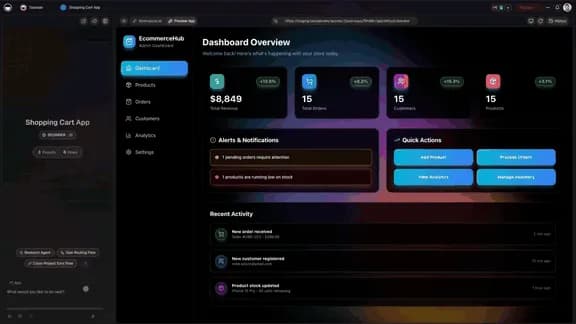
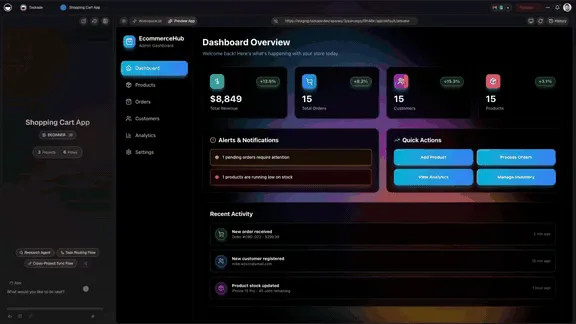
Every app that runs itself on Taskade has two halves. AI agents think. Automations execute. This release made both faster and smarter: invoices send themselves, agent teams build in one pass, and your tools run as one flow.
TL;DR: One Stripe step now creates an invoice, emails it, and returns the payment link. Build a whole agent team in one pass, with every agent starting from your workspace knowledge. Connect Gmail, Jira, and Stripe in one flow across 100+ integrations. Or say it once to Taskade EVE and it builds the flow for you. Build yours with AI →
How Do Agents and Automations Split the Work?
Agents decide and automations do. An AI agent reads your projects, answers the customer, and chooses the next step. An automation starts on a trigger and runs every step in order, every time. Put them together in one Taskade Genesis app and the work gets decided, then gets done, without you in the middle.
| Half | What it does | Example |
|---|---|---|
| Agents think | Read context, answer, decide | A support agent reads the ticket and drafts the reply |
| Automations execute | Trigger, act, update | A flow sends the invoice and marks the job paid |
| Projects remember | Hold every record both halves use | The client, the job, and the payment live in one place |
How Do You Send a Stripe Invoice From an Automation?
Add one Stripe step. It creates the invoice, emails it to your client, and hands back a payment link that the next step can text, post, or save. A service business can bill any amount, send the link, and keep working. Stripe actions also guard against a double charge when a step is retried.
The Stripe connector covers the rest of billing too:
| Stripe step | What it does |
|---|---|
| Create & Send Invoice | Build the invoice and email it to the customer |
| Create Payment Link | Return a link you can share anywhere |
| Create Checkout Session | Run a full checkout, end to end |
| Update Subscription | Change an existing customer's plan |
| Create Refund | Send money back without opening Stripe |
Triggers work in the other direction. New Payment, Checkout Completed, and Invoice Payment Failed can start a flow, so the follow-up runs the moment money moves. See the Stripe integration and Learn: Stripe Checkout Session for the setup. Stripe is a premium automation step, so it needs a paid plan.
How Do You Build a Team of Agents From One Prompt?
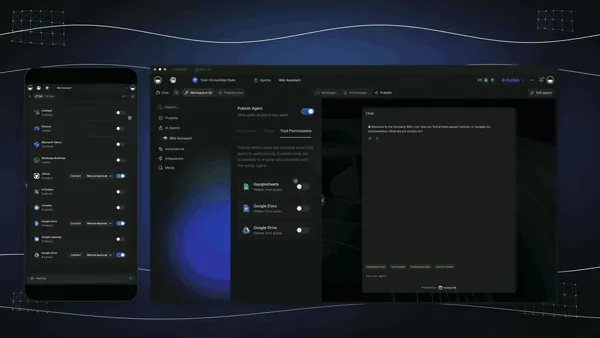
Describe the team and Taskade builds it. Sales, Support, and Billing agents arrive together in one pass, connected to your workspace. Pick the team avatar on the create screen, read a caption on every starting tile, and see the real agent names on each roster before you choose.
- Build the team. Create every agent you need at once, from the AI Team Generator or by asking Taskade EVE.
- Give them context. Every agent in the team starts with your workspace knowledge switched on.
- Put them to work. One system. Multiple agents. Shared context.
Learn: AI Teams covers how teams share work. AI Teams are available on Pro and above. For the bigger picture of how agent builders compare, read AI Agent Builders, Explained.
How Do Gmail, Jira, and Stripe Run as One Flow?
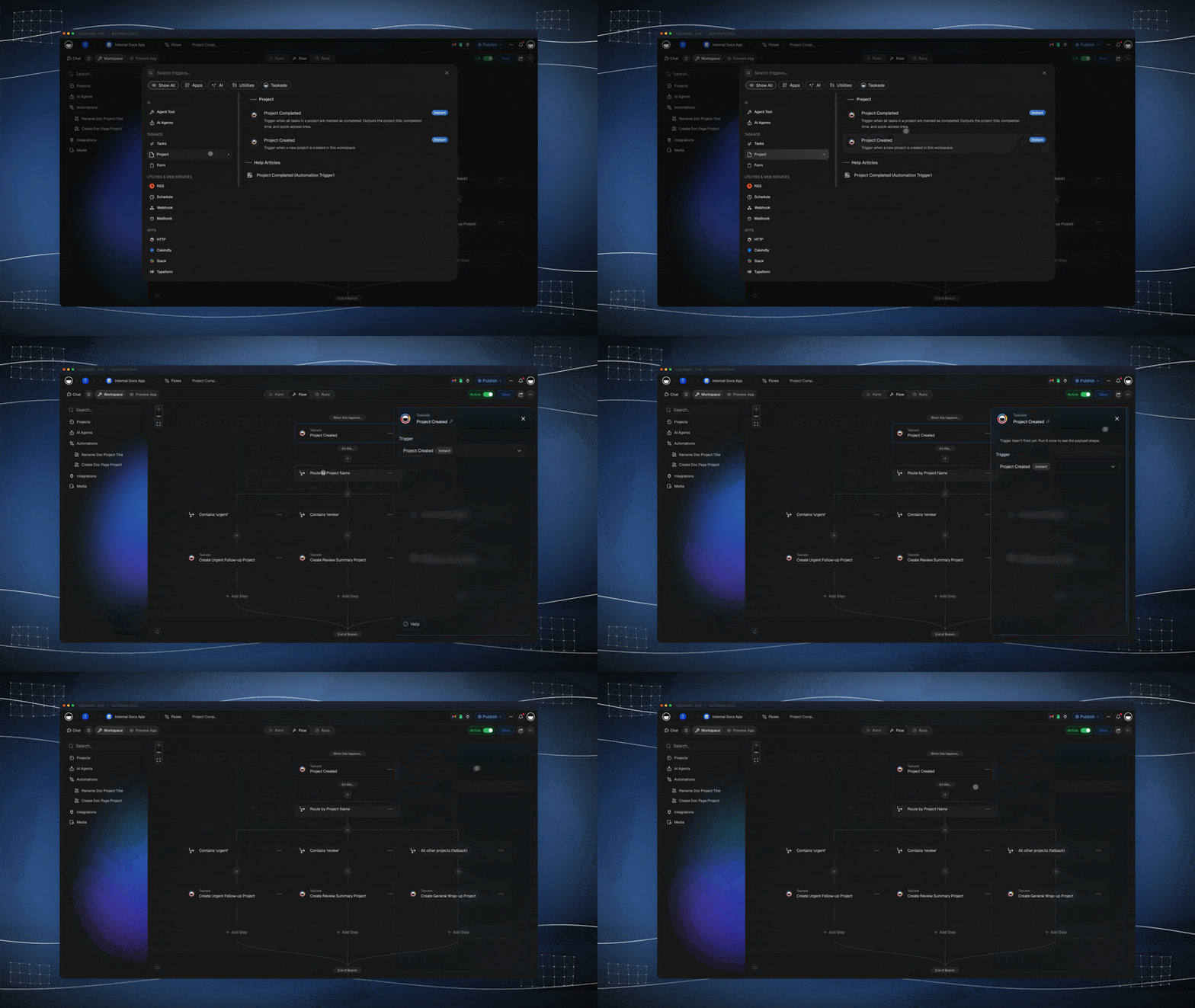
Chain them in one automation. Work moves between your inbox, your tickets, and your payments without you moving it. Each step passes its result to the next, so the email that arrives is the ticket that updates is the payment that goes out.
| Step | Tool | What happens |
|---|---|---|
| Forward the email | Gmail | The flow sends or forwards from your inbox |
| Update the ticket | Jira and Taskade | The work moves forward on both sides |
| Tell the team | Slack | The right channel hears about it |
| Close the loop | Stripe | The next payment step runs |
Every flow begins with a trigger. Learn: Automation Triggers lists what can start one, and the Integrations page shows all 100+ tools you can wire together. Gmail, Slack, Jira, and Stripe are premium steps on paid plans. On Free, you can build your own automations and run them 10 times a month.
What Happens When You Ask Taskade EVE for an Automation?
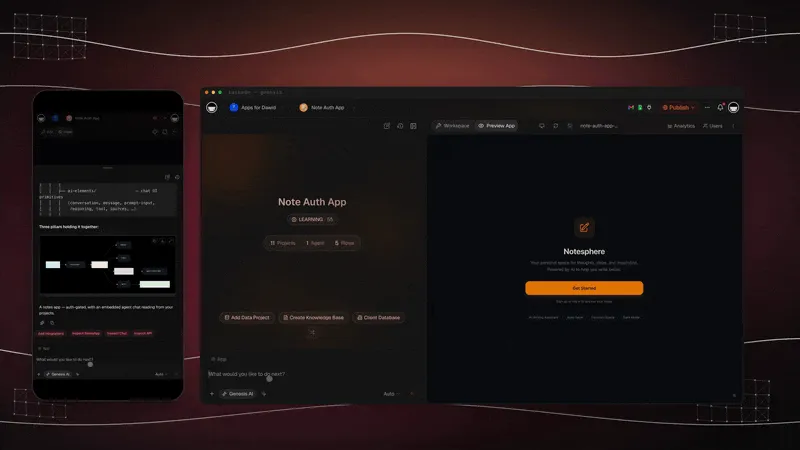
Say it once and Taskade EVE builds the whole flow. Try: "Every Monday at 9am, summarize open jobs and email the team. Also show it in the app." Taskade EVE reads your projects, sets the schedule, writes the summary step, and connects the email.
- Understands the schedule. The Schedule trigger runs weekly in the time zone you choose, so 9 means your 9.
- Connects the work. Projects, agents, and tools become one flow.
- Runs it safely. Taskade EVE asks for your go-ahead in chat before it deletes an automation.
Read Learn: Taskade EVE for what else it can build from a sentence.
Which Live App Kits Can You Clone?
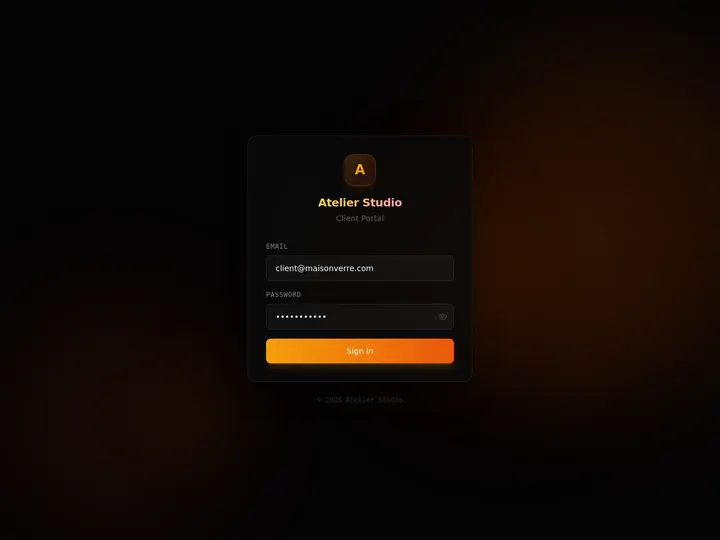
Four App Kits from the Community Gallery put both halves to work. Each one is live. Clone it, connect your data, and run it.
| App Kit | What it runs | Clone |
|---|---|---|
| Client Portal | Clients sign in and see progress | Clone → |
| Maintenance Tracker | Jobs, assets, and status | Clone → |
| Invoice Generator | Bill it, and track who paid | Clone → |
| Store Manager | Stock, orders, and follow-ups | Clone → |
Cloning brings the app, its projects, its agents, and its automations over together. You can open and preview any kit for free. Cloning a kit that carries automations needs a paid plan. Learn: Publish and Clone Your Apps walks through it.
What Is Workspace DNA?
Workspace DNA is the loop behind every Taskade Genesis app. Projects remember, agents think, and automations execute. Because each part feeds the next, the result of one run becomes the memory the next run uses.
Describe the business you run, and Taskade Genesis builds the system, fully wired. Learn: Workspace DNA explains how the three parts feed each other.
Start With One Job That Repeats
Pick one thing you do every week. Sending invoices, answering the same support question, or chasing a ticket across three tools. Describe it to Taskade Genesis and you get the project, the agent, and the automation together. Paid plans start at $10 per month billed annually, and the pricing page shows what each plan adds.
Build with AI → or browse live apps →
Frequently Asked Questions
What is the difference between an agent and an automation in Taskade?
An AI agent thinks: it reads your workspace, answers, and decides. An automation executes: it starts on a trigger and runs each step in order. A Taskade Genesis app uses both.
Can a Taskade automation send a Stripe invoice?
Yes. One Stripe step creates the invoice, emails it, and returns a payment link. Other steps create checkout sessions, update subscriptions, and issue refunds. Stripe needs a paid plan.
How do I build a team of AI agents in one pass?
Use the AI Team Generator or ask Taskade EVE. Every agent starts with your workspace knowledge. AI Teams are available on Pro and above.
Which tools can one automation connect?
Any of the 100+ integrations. One flow can forward a Gmail message, update a Jira ticket, post to Slack, and run a Stripe step. Those four are premium steps on paid plans.
Can Taskade EVE build an automation from one sentence?
Yes. Describe the job and the schedule, and Taskade EVE builds the flow. The Schedule trigger runs in the time zone you choose.
Can I clone these App Kits for free?
You can open and preview every kit for free. Cloning a kit that carries automations needs a paid plan. On Free you can build your own automations and run them 10 times a month.
What is Workspace DNA?
The loop behind every Taskade Genesis app: projects remember, agents think, and automations execute. See Learn: Workspace DNA.
Read Next
- Collect Files, Scan Receipts, and Automate the Paperwork
- Run Your Business in One Living System
- Remember, Reason, Run: Inside One Living Workspace
- Learn: AI Teams
▲ ■ ● Projects remember. Agents think. Automations execute.