






Hi Taskaders 🎉
New features and improvements are here. Let us know what you think!
TL;DR: Project export to image, markdown, and plaintext shipped in 2021 — today Taskade Genesis goes far beyond export, publishing live, hosted apps from a single prompt. With multiple project views, AI Agents, and 100+ integrations, every project is shareable, embeddable, and executable.
Then → Now: Export gave you a static snapshot. Now Taskade Genesis publishes live apps — not just exports — with custom domains, Automations, and AI teammates baked in.
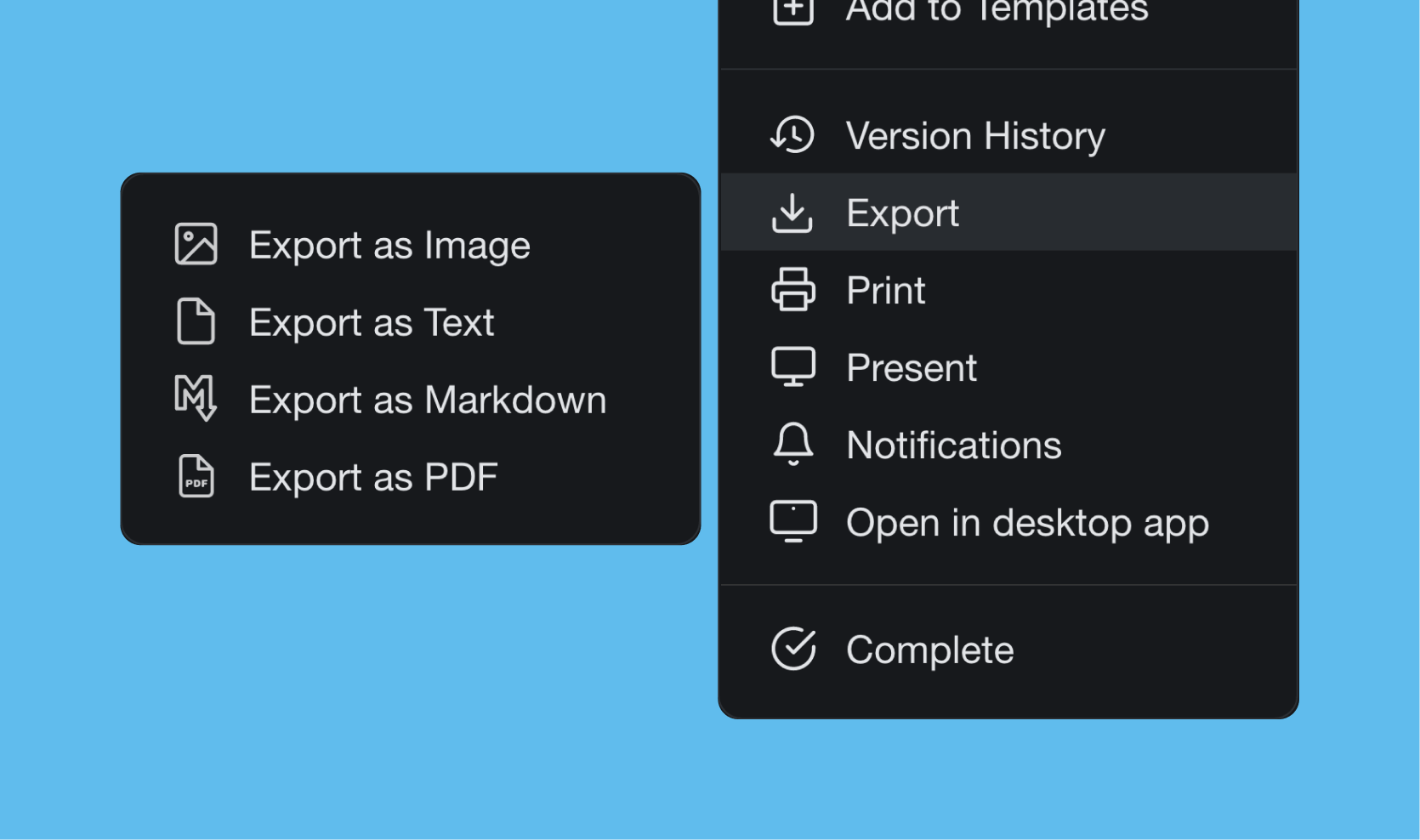
🖨 Export Project
You can now export your projects as an image, plaintext, and markdown (check our article on the best text editors). Attach them to emails, presentations, or for print. Export as Image supports all views, so you can export boards and mindmaps.
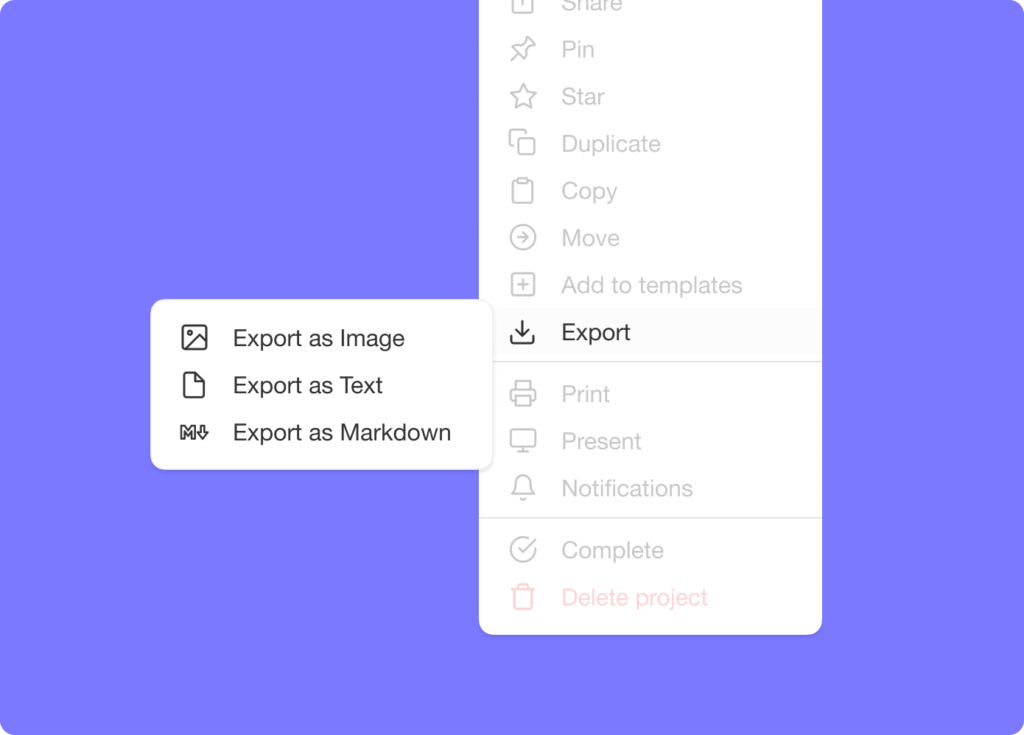
✅ Check All Tasks
Check all nested tasks with a single click to save time in your daily workflow. Use the shortcut ⌘+Shift+Enter (Mac) or Ctrl+Shift+Enter (Windows).
🎉 Other Improvements
- Fixed issue when trying to delete a project.
- Fixed highlight legibility for deep links in dark mode.
- Real-time syncing performance improvements and bug fixes.
2021 H1 vs Today (2026)
| Dimension | 2021 H1 | Today (2026) |
|---|---|---|
| Export | Image / markdown / plaintext + check-all-tasks | Taskade Genesis publishes live, hosted apps — not just exports |
| Sharing | Static export files | Publish a project + share with password + custom domains |
| Bulk ops | Cmd+Shift+Enter to check all nested | Bulk assign + AI multi-select |
| Output formats | Image, MD, TXT (5 views supported) | Living apps + GitHub export + multiple views + Markdown + image |
| Intelligence | None | Frontier AI models + AI Agents generate full apps |
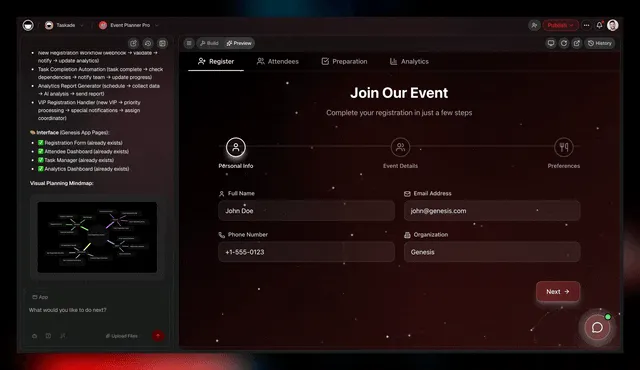
📤 From file export to live, hosted apps
In 2021, the answer to "how do I share this?" was a PNG, an .md, or a .txt. In 2026, the answer is a Genesis app on a custom domain — powered by Workspace DNA.
Check-all keyboard map
 ┌──────────────────────────────────────────────────────────┐
 │  CHECK ALL NESTED TASKS                                  │
 ├──────────────────────────────────────────────────────────┤
 │   Mac:     ⌘  +  ⇧  +  ⏎                                 │
 │   Windows: Ctrl + Shift + Enter                          │
 │                                                          │
 │   ▸ Parent task                                          │
 │      ☑ subtask 1   ◀── all flip to ☑                     │
 │      ☑ subtask 2                                         │
 │      ☑ subtask 3                                         │
 │         ☑ deep child   ◀── nested too                    │
 └──────────────────────────────────────────────────────────┘
📚 Related reading — hub & spoke
- Taskade Genesis · AI Agents v2 · Automations · Community Gallery
- All project views · 100+ integrations · Pricing
- Learn — Publishing projects
- Learn — Custom domains
- Learn — Bulk assign
- Learn — Keyboard shortcuts
- Learn — Genesis FAQ
| Thanks again for supporting Taskade, and as always, don’t hesitate to reach out if you need help. We’re here for you! 😊 — Team Taskade 🐑 P.S. We are hiring! Join us to shape the future of remote collaboration. 🚀 |
|---|
Frequently Asked Questions
Can I export Taskade projects as images?
Yes. Taskade lets you export any project as an image file. Export as Image supports multiple views — List, Board, Mind Map, and Org Chart — so you can capture visual snapshots of your project for presentations, emails, social media, or print.
Can I export Taskade projects to Markdown or plaintext?
Yes. Taskade supports exporting projects as Markdown (.md) or plaintext (.txt) files. This preserves your task hierarchy and formatting in a portable format, making it easy to share project content with tools or platforms outside Taskade.
Is there a shortcut to check all tasks at once in Taskade?
Yes. Use Cmd+Shift+Enter (Mac) or Ctrl+Shift+Enter (Windows) to check all nested tasks under a parent item with a single action. This saves time when completing an entire task group or marking a project section as done.
Does Taskade support exporting mind maps and boards as images?
Yes. The Export as Image feature works across all project views including Board (Kanban) and Mind Map. This lets you capture a visual snapshot of your Kanban workflow or mind map diagram for sharing, documentation, or embedding in external presentations.