






Hi Taskaders 🎉
We've worked hard to make Taskade work better for you! Here's what's new:
TL;DR: November 2021 added emoji task reactions, an auto-aggregating My Tasks view, and refreshed Mac/Windows/Linux desktop apps — primitives that today route into Agent Inbox, agent tools, and bulk AI commands across Taskade Genesis.
Then → Now: 2021's task reactions, My Tasks, and desktop apps evolved into today's Agent Inbox plus downloads for every platform and Agents that triage notifications across your entire workspace.
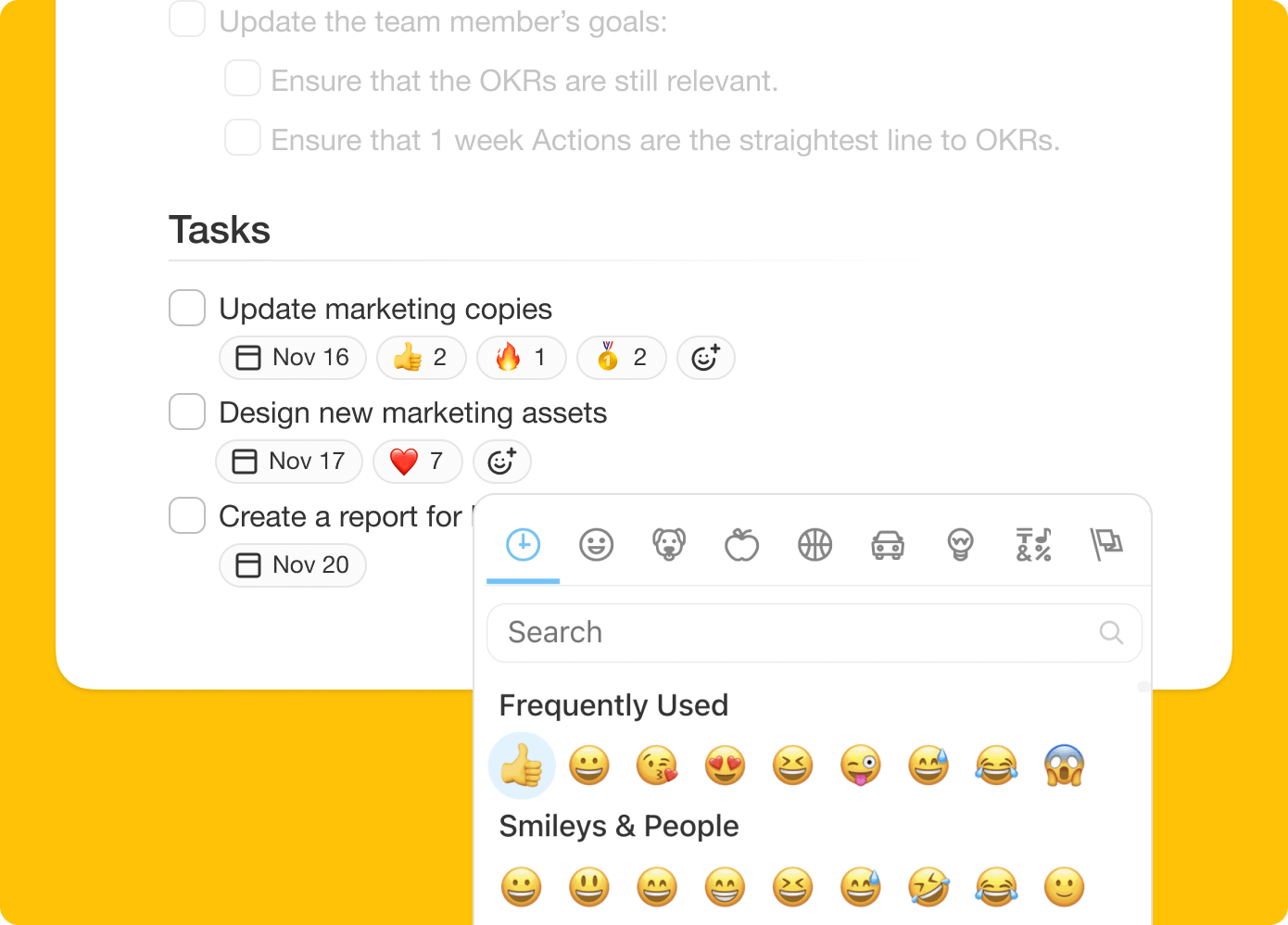
⚡️ Task Reactions
Add emoji reactions to any tasks and collaborate together. Learn more.

taskade task reactions
⚡️ My Tasks Upgrade
All of your tasks with due dates will now show up automatically in My Tasks. Filter tasks created by you or tasks you assigned to others.

taskade my tasks
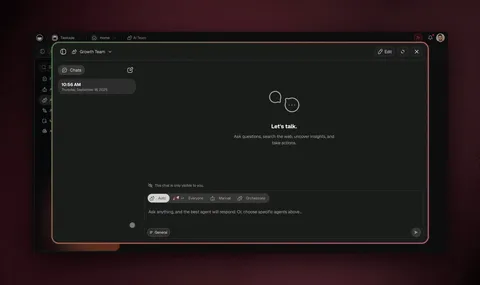
⚡️ Desktop App Upgrade
Our Mac, PC, and Linux apps have all been updated and improved. Try it out!

taskade desktop electron new
📊 Personal Workflow: 2021 H2 vs Today
| Personal | 2021 H2 | Today (2026) |
|---|---|---|
| Reactions | Emoji reactions on tasks | Reactions + task comments |
| My Tasks | Auto-aggregated due dates | My Tasks + Agent Inbox |
| Desktop apps | Mac, Windows, Linux | All three + Chrome extension and mobile apps |
| Bulk select | Shift+arrow selection | Bulk assign + bulk AI commands |
A task's life — 2021 vs 2026
   2021                           2026
   ┌──────────┐                   ┌──────────┐
   │ Created  │                   │ Created  │
   └────┬─────┘                   └────┬─────┘
        │                              │
        ▼                              ▼
   manual @mention             agent reads context
        │                              │
        ▼                              ▼
   waits in My Tasks           Agent Inbox triages
        │                       (priority + suggested next action)
        ▼                              │
   user marks done                     ▼
                                  agent runs subtask
                                  marks done · posts result
Hub & spoke
- Hubs: Taskade Genesis · AI Agents · Automations · Downloads · Community Gallery
- Spokes: Learn — task reactions · Learn — My Tasks · Learn — Chrome extension · Learn — bulk assign
- Related: Project background + sidebar · Beginner's guide
🎉 Other Improvements
- New: Keyboard Shortcut SHIFT + ↑ + ↓ to select multiple tasks.
- New: Sort sub-tasks by @mention or #hashtags in task menu.
- New: Search now supports @mention and #hashtags.
- Get Started with Taskade tutorial guide improved.
- Bug fixes and performance improvements.
| Thanks again for supporting Taskade, and as always, don’t hesitate to reach out or visit our help center if you need help. We’re here for you! 😊 — Team Taskade 🐑 P.S. Want to help us improve Taskade? You can also suggest a feature. |
|---|
Frequently Asked Questions
Can I add emoji reactions to tasks in Taskade?
Yes. Taskade supports emoji reactions on any task. Click the reaction button on a task to add an emoji — team members can see and add their own reactions. This provides quick, non-verbal feedback for voting, acknowledgment, or prioritization without cluttering comments.
What is My Tasks in Taskade?
My Tasks is a centralized view that automatically aggregates all tasks with due dates assigned to you across every workspace and project. Filter by tasks you created or tasks assigned to others, and click any task to view details or reschedule directly from the My Tasks screen.
Does Taskade have desktop apps for Mac, Windows, and Linux?
Yes. Taskade offers native desktop apps for Mac, Windows, and Linux with tab management, keyboard shortcuts, and full feature parity with the web app. Desktop apps include improved tab UI, persistent window positioning, and offline support for uninterrupted productivity.
Can I select multiple tasks at once in Taskade?
Yes. Use Shift + Up/Down arrow keys to select multiple consecutive tasks, or Cmd/Ctrl + Click for non-consecutive selection. Once selected, you can apply bulk actions like formatting, adding due dates, assigning members, or checking off tasks simultaneously.