






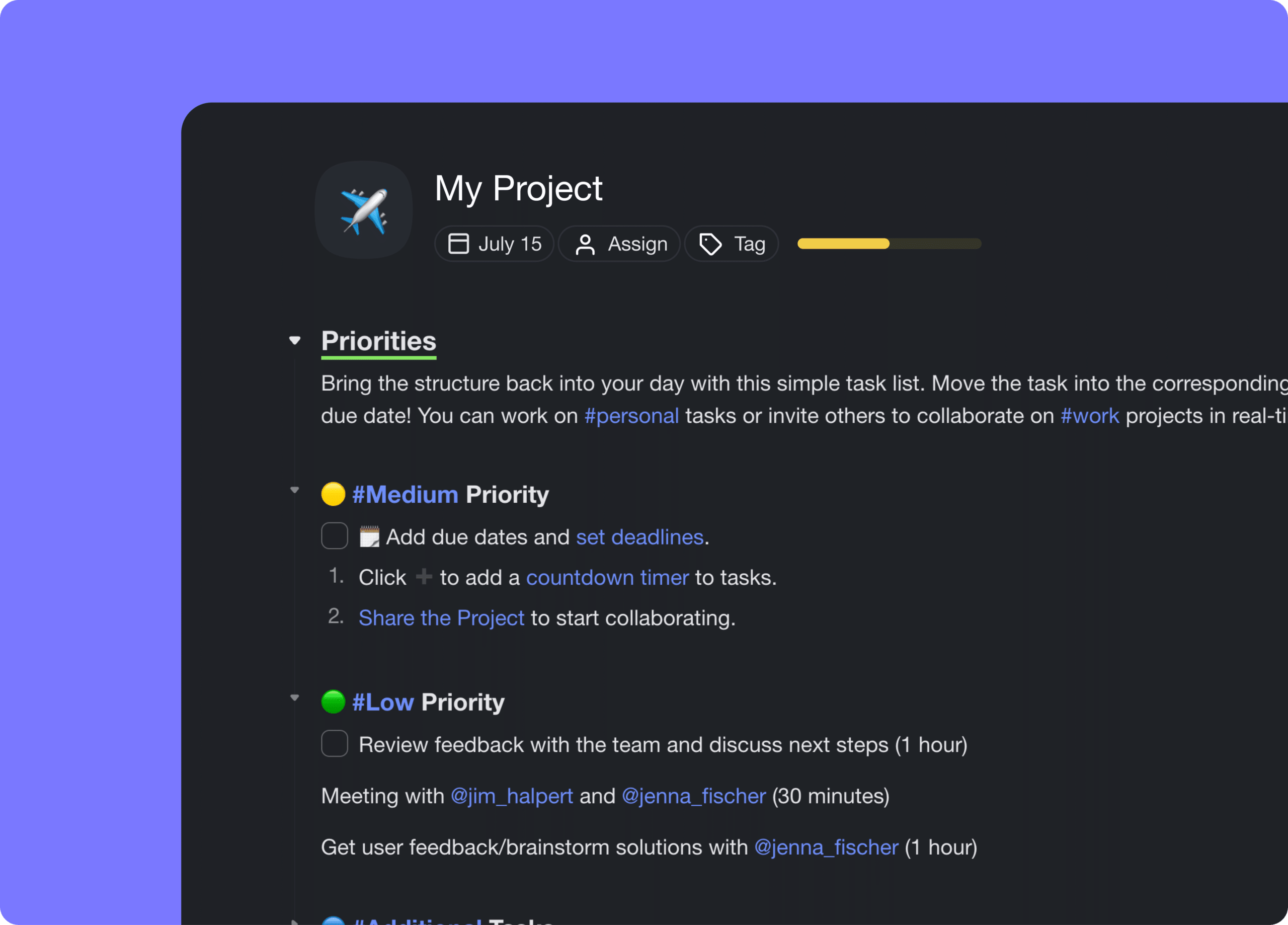
Hi Taskaders 🎉
We've worked hard to make Taskade work better for you! Here's what's new:
TL;DR: This July 2022 update brought mixed formatting (tasks + notes + paragraphs on the same indent) and natural-language due dates (type "next Friday" → real date, v4.13). That same intent-parsing now powers Taskade Genesis, where you describe an entire app in plain English and watch it build.
Then → Now: 2022 H1 capped with smart date suggestions and the new mixed-format outliner. Today, the same editor runs AI commands and connects to agent tools and Automations.
| Editor | 2022 H1 | 2026 |
|---|---|---|
| Formatting | Mixed tasks + notes + paragraphs | Same + AI rewrite/expand inline |
| Dates | v4.13 natural-language ("next Friday") | NL dates + AI scheduling via Automations |
| Quick Add | Block selection inside Quick Add | Same + voice + AI structuring |
| AI | None (arrives v4.22 Dec 2022) | 15+ frontier models via Genesis |
  type:  "Call Maria next Friday 8am"
                  │
                  ▼  NLP date parser (v4.13)
  ┌──────────────────────────────────────┐
  │  due_at: 2022-07-15T08:00:00         │
  │  title:  "Call Maria"                │
  │  format: ☐ task                      │
  └──────────────────────────────────────┘
                  │
                  ▼  2026
  ┌──────────────────────────────────────┐
  │  + AI agent: schedule reminder       │
  │  + Automation: sync to Calendar      │
  │  + Genesis: build a CRM around it    │
  └──────────────────────────────────────┘
That same intent-parsing now drives AI Agents and Taskade Genesis — your phrase becomes a task, then an Automation, then a whole living app. Browse real examples in the Community Gallery or grab a starter template.
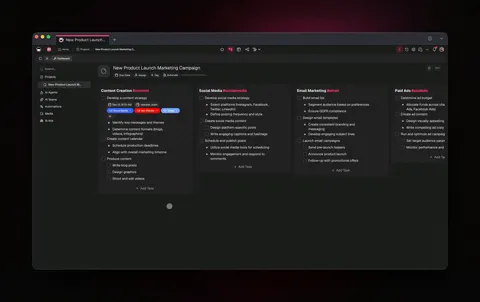
⚡️ Mixed Formatting in New Outliner
The new outlining experience is finally here! You can select multiple formats on the same indent level, with tasks, notes, and paragraphs in the same block. We moved the 🔽 Fold / ▶️ Unfold button to the left, next to the Drag Icon (⋮⋮). Learn more.
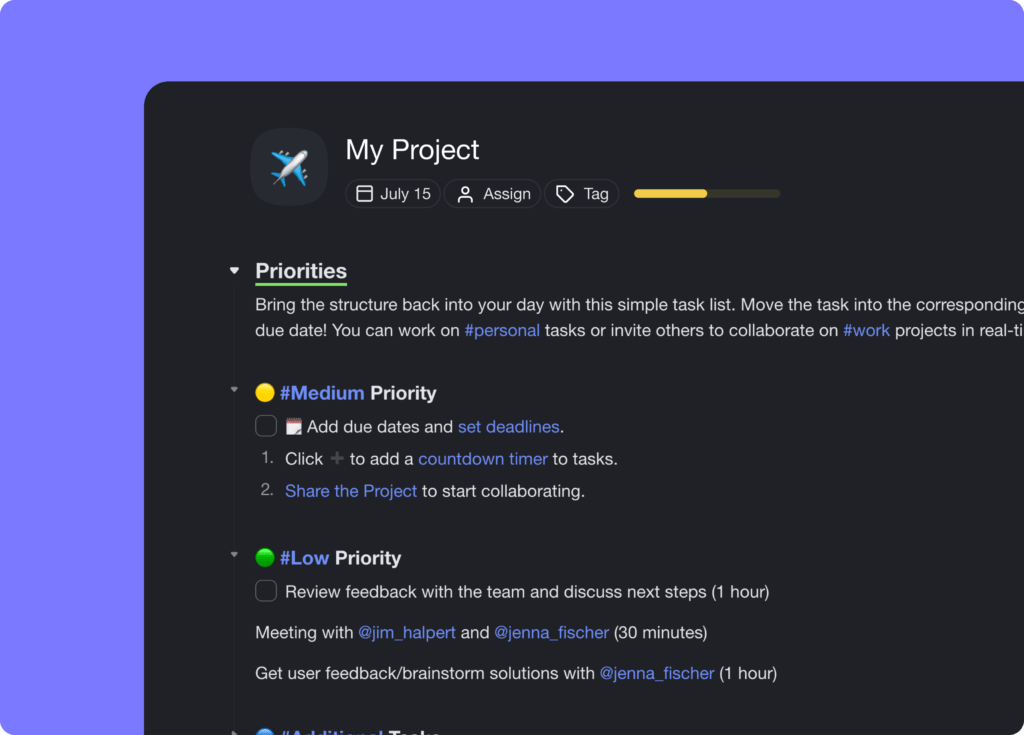
⚡️ Natural Language Due Dates
Taskade now supports Natural Language Processing (NLP) for task due dates. Simply add a task and start typing /slash 'Friday 8 am," and Taskade will automatically convert the natural language input to a due date. Learn more.
You can also use natural language in the new Drag Icon (⋮⋮) menu. Click (⋮⋮) to the left of your task and type a date/time combination to see a due date suggestion based on your input. Hit Enter to confirm, and you’re good to go! 🥳 Learn more.
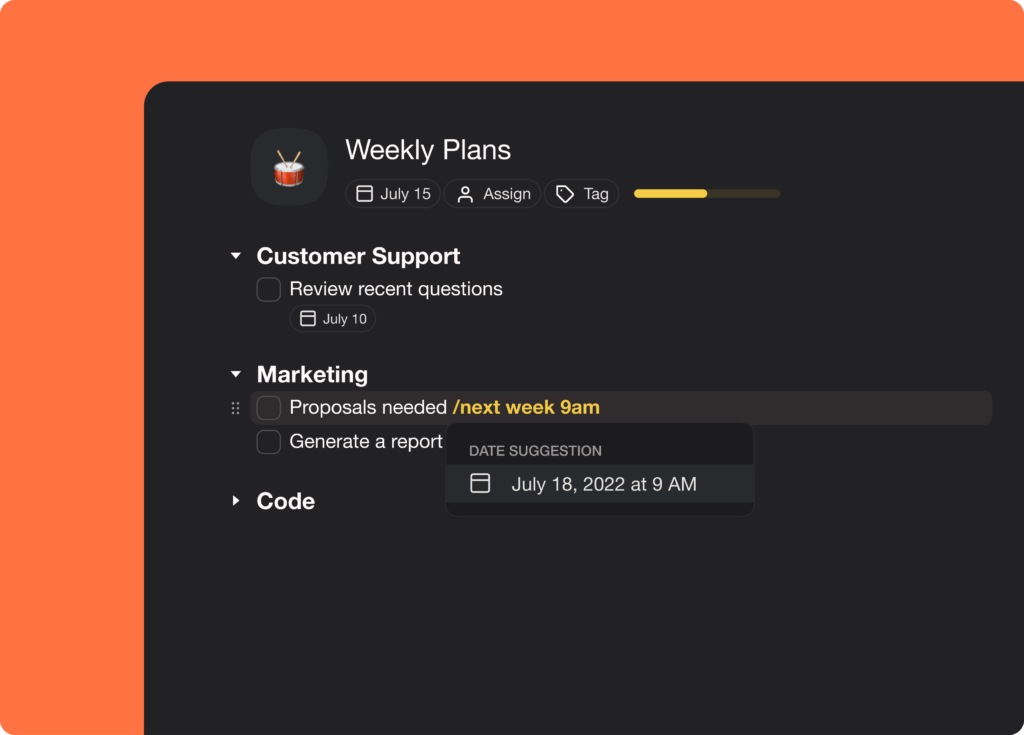
⚡️ Quick Add → Block Selection
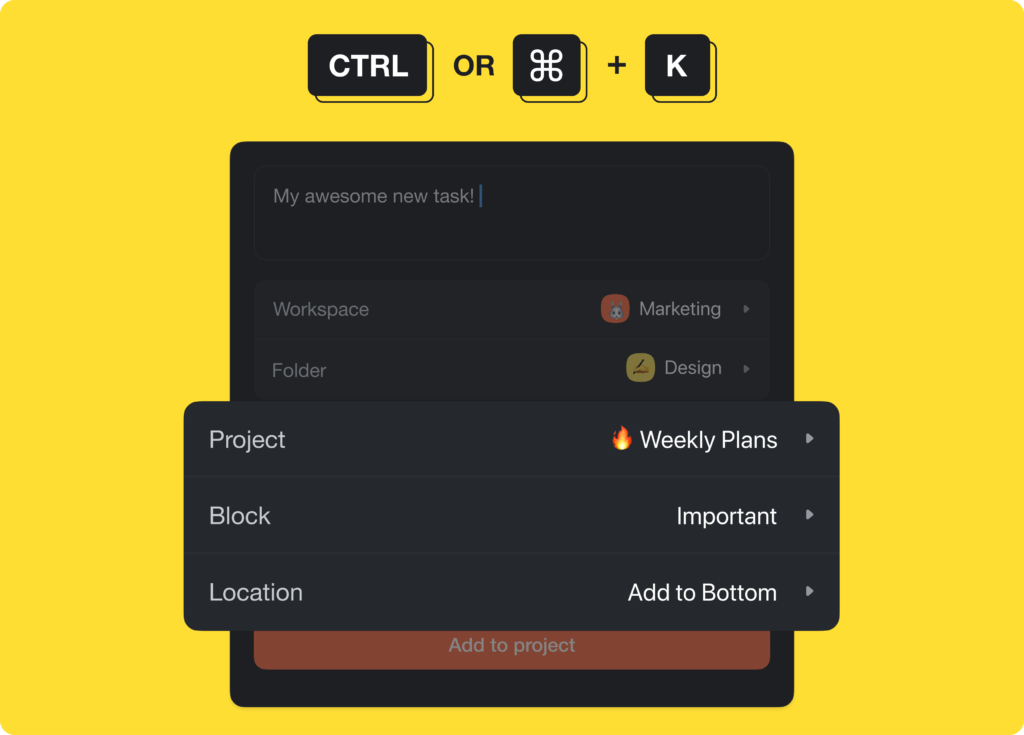
The Quick Add shortcut now supports block selection, so you can choose where exactly you want to add your tasks and notes. Press ⌨️ ⌘ + K (Mac) or CTRL + K (Windows) to open Quick Add and add tasks in seconds. Learn more.
🎉 Other Improvements
- Quick Add: Introduced new Folder and Location selectors
- Quick Add: Success alert on new task creation
- Editor: Highlight color indicator added to text highlight menu
- Editor: Improved drag & drop behavior in Mind Map view
- Editor: Improved Board view styling and user interface
- Editor: Fixed sorting in the new (⋮⋮) Drag Icon menu
- Editor: Added notes no longer change format
- Templates: Instant creation and redirection new Project
- Templates: Get started menu can now be closed in empty spaces
- Calendar: Various bug fixes and improvements
- Board View: Automatically create a child node on Enter
- Add-ons: Improved recurring tasks and repeat stability
- Add-ons: Embeds now open for any bookmarked links
- Mobile: Notifications fetch and display high-quality images
- Mobile: Notification messages now open correctly into chat
- Bug fixes and performance improvements
| Thanks again for supporting Taskade, and as always, don’t hesitate to reach out or visit our Help Center if you need help. We’re here for you! 😊 — Team Taskade 🐑 P.S. Want to help us improve Taskade? You can also suggest a feature. Follow us and join the discussion on Twitter and Reddit. |
|---|
Frequently Asked Questions
Can I mix task types and note formats in a single Taskade project?
Yes. Taskade's mixed formatting lets you combine tasks (checkboxes), notes (bullets), and paragraphs on the same indent level within a single project. This gives you full flexibility to create documents that blend actionable to-dos with reference notes and long-form content.
What are natural language due dates in Taskade?
Natural language due dates let you type human-readable date expressions like 'Friday 8am' or 'next Monday' using the /slash command or Drag Icon menu. Taskade's NLP engine automatically converts your input into a structured due date with the correct date and time — no manual date picker needed.
How does Quick Add block selection work in Taskade?
Press Cmd+K (Mac) or Ctrl+K (Windows) to open Quick Add, then select the specific block position where you want to insert your new task or note. This lets you add items at a precise location within a project instead of appending them to the end.
Can I combine tasks, notes, and paragraphs on the same indent level?
Yes. With mixed formatting, each line in a project can independently be a task (checkbox), note (bullet), or paragraph — even at the same hierarchy level. This eliminates the need for separate projects or sections when your workflow requires different content types together.