







Staring at your project, wondering where to start? Whether you're a project management ninja or just learning the ropes, the first steps can be intimidating. Let's learn how to write a project plan to make things a tad easier.
In this guide, we outline the core steps for writing bulletproof project plans. You'll learn how to define objectives, manage resources, and much more.
Let's get started. 👇
📐 Understanding Project Plans
Definition of a Project Plan
A project plan is a formal document that details the project’s goals, scope, and deliverables, as well as the resources, budget, and timeline to accomplish these objectives. It's essentially a blueprint for your project's success.
Without it, projects can lose direction and focus.
With it, teams navigate challenges and stay on course.

Project plans are not set in stone; they can grow and adapt. If something doesn't work out as planned, a project manager can course-correct. This way, the team can handle surprises and still make sure everything gets done right.
Importance of Project Planning
So, why do you need a project plan?
Does every project, regardless of size or complexity, require one?
The short answer: Absolutely. Here's why.
An effective project plan sets the stage with clear goals and objectives. It gives everyone a target to aim for. With that on the table, every action has a purpose.
Project planning also helps optimize the use of time and resources.
We're all working with limited assets — time, money, people. A project plan helps secure the essential ingredients and ensures they are used wisely.
Moving on, a project plan helps navigate bumps in the road. It allows teams to tackle challenges head-on so that the project stays agile and adaptable.
Finally, a solid project plan creates a shared understanding of the objectives and how each role contributes to the big picture. It fosters a sense of purpose, something you can't ignore if you want the project to succeed.
Here's everything you need to write one.
✅ Before You Start: Pre-Planning Considerations
Gathering Initial Requirements
Let's take a quick trip down memory lane.
Did you know that the Empire State Building was completed ahead of the project schedule and under budget? This feat was possible not just because of the engineering prowess but also thanks to meticulous planning.
So, where do we start?
Think of it as your project's first date.
You want to ask all the right questions: What are we trying to achieve? Who's going to benefit from this? What do we need to get there?
On a more serious note, this initial stage of gathering requirements is your groundwork for success. It's where you define the scope, set realistic expectations, and identify potential challenges.
Defining Project Scope and Objectives
"Without a goal, you can't score."
In project management, this means clearly laying out what you're planning to achieve — what you will deliver at the end of the day and what you won't.
A project scope should include the work required to deliver a product, service, or result. This includes defining and documenting the deliverables and the boundaries of what is and isn't included.
Objectives, on the other hand, will include specific, concrete goals that guide the project toward successful completion.
For instance, if you're launching a new website, an objective might be to have 10,000 unique visitors within the first month. Or, if you're creating a new product, an objective could be to sell 500 units by the end of the quarter.
Getting this down on paper requires key players — your stakeholders.
Stakeholder Identification and Communication
So, who do you talk to first?
Start with the people who have a direct stake in the project's outcome.
This includes anyone who will be affected by the project, contribute to it, or have a say in its execution and completion. Think team members, clients, suppliers providing essential materials, investors, or even end-users.
It's a good idea to categorize stakeholders by their level of involvement. The additional legwork will ensure that you're engaging with the right people.
✏️ Writing the Project Plan: The Core Components
Executive Summary
An executive summary is a concise overview of the entire project plan. It's designed to give readers a quick glimpse of what the project entails.
Here's what it should include:
Project Purpose and Justification: Why the project is necessary.
Project Objectives: The main goals the project aims to achieve.
Scope Overview: A snapshot of the project scope.
Key Deliverables: Major outputs the project will produce.
Assumptions and Constraints: Conditions and project limitations.
Brief Overview of Methodology: How to achieve project objectives.
Summary of Costs and Benefits: Project budget and expected ROI.
Key Stakeholders: Stakeholders involved in or affected by the project.
Project Timeline: High-level timeline of the project's major milestones.
💡 Pro Tip: Writing a project plan can take days or even weeks. You can cut that time by up to 50% with Taskade's AI features.
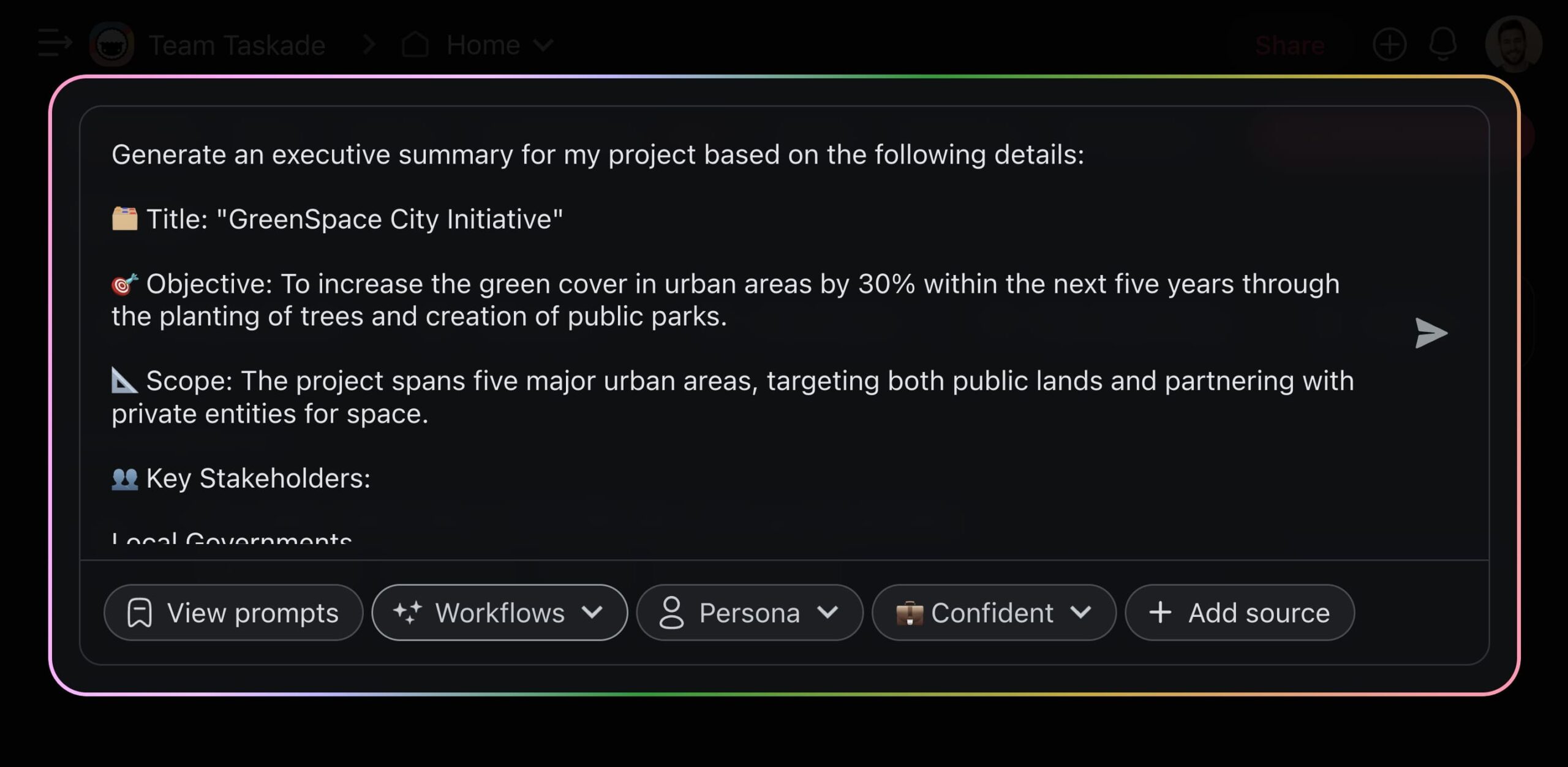
The 🤖 AI Project Studio can generate notes, projects, documents, or complete workflows from natural-language descriptions. You can even upload seed documents for more tailored results.
Project Goals and Objectives
Alright, let's zero in on what you’re aiming for in a project. This is where you lay down the markers, the "what" and "why" that'll keep the project on track.
First things first, project goals are the big-picture targets you're trying to reach. These are the overarching aims that give our project purpose and direction.
Whether it's boosting revenue, enhancing customer satisfaction, or launching products, goals set the stage for everything you will do during the project.
Now, let's talk about objectives, the building blocks that will help your team reach the project goals. They're the specific steps you and your team will take.
Here's what you'll need to do next:
Define Project Goals: Start with broad goals that encapsulate the project’s purpose, like increasing market share or organic traffic.
Set Specific Objectives: Break down goals into clear objectives using the SMART criteria, such as "boost sales by 20% in six months."
Link Objectives to Strategies: Describe how you plan to achieve each objective, like mapping out a marketing campaign to boost sales.
Prioritize Objectives: Identify which objectives are most critical to the project's success. This could mean securing funding or finalizing designs.
Establish Metrics for Success: Define how success will be measured for each objective. Number of new subscribers? Satisfaction rating?
Review and Adjust Objectives: Be prepared to revisit and refine objectives as needed. Stay flexible to adapt to changes in scope.
Scope and Deliverables
What exactly is the project aiming to achieve?
How do we define its success?
Outlining the boundaries helps your team understand what's in play and what's out. It also helps prevent the dreaded scope creep, which is just a fancy way of saying "biting off more than we can chew."
Next up, deliverables.
These are the milestones, the tangible outcomes that you're committing to deliver at various stages of the project. This can be a new software feature, a marketing campaign, or a construction project.
Timeline and Milestones
Why bother with figuring out a project timeline early on?
Well, for starters, it will keep you and your team sane. A timeline lays out the "when" for the project, a key ingredient necessary for tracking progress and adjusting the sails when the wind changes direction.
While it may be tempting to pack the timeline with back-to-back milestones, breathing room is crucial. Projects, like people, need space to breathe, adapt, and grow. Plot your milestones wisely, leaving room for the unexpected.
💡 Pro Tip: Still trying to piece it together? Set up a custom AI agent in Taskade and train it with historical project data to set realistic deadlines. Follow the link or watch this video guide to start.
Resource Allocation
Every project needs adequate resources to lift off. If you've done your lesson and applied what we discussed in the stakeholders section, this should be easy.
Start with your crew.
Who's on board? Evaluate team members' strengths and match them with project tasks that not only need those skills but will also keep people engaged.
Once you have the "who" figured out, it's time to discuss the "what."
The first step is a thorough inventory. What do we have? What do we need? This includes personnel, technology, financials, and physical spaces.
Next on, financial resources. This step involves creating a project budget that reflects the project's scope, allocating funds across project tasks, and setting up monitoring mechanisms to ensure adherence to the budget.
And let's not forget about technology. The right selection of tools can make a significant difference in the success of your project.
Check our article on Best AI Project Management Tools to learn more.
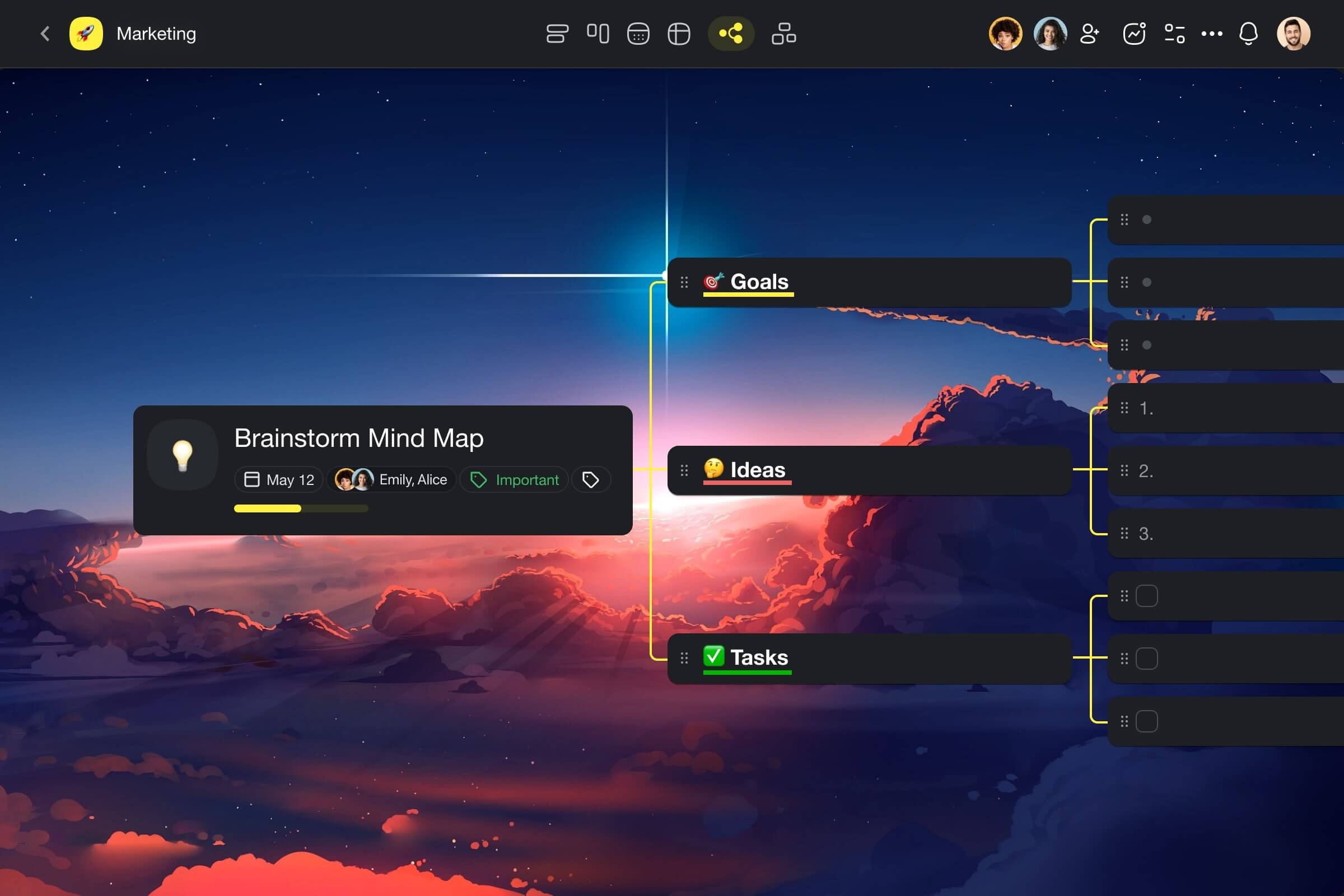
💡 Pro Tip: Taskade's Mind Map view allows you to visualize different aspects of your project, including resources, tasks, and dependencies.
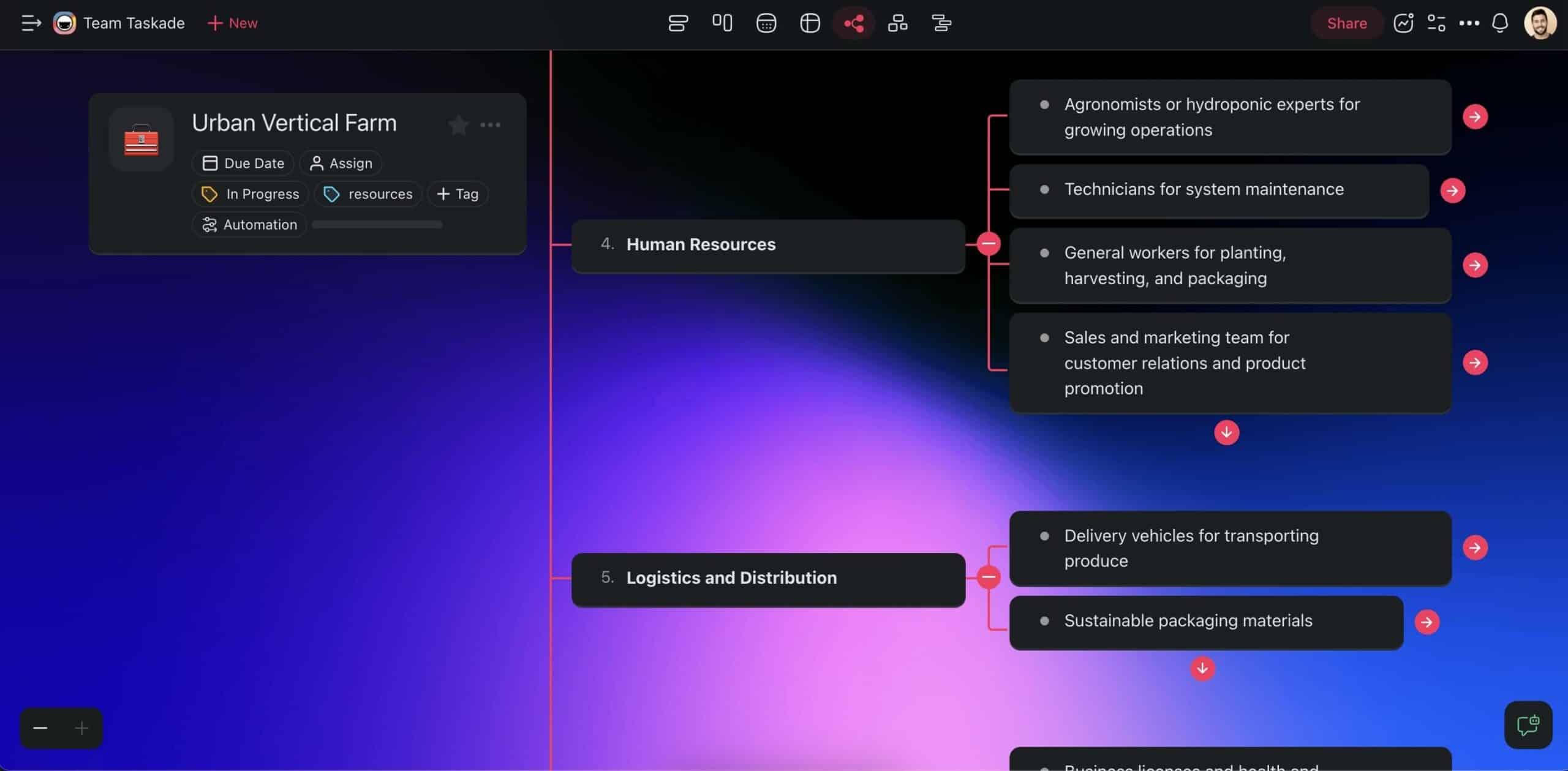
The 👁️ Mind Map view is one of six unique workflows you can use in Taskade. Project data is persistent, which means that you can switch between views without losing context.
Risk Management Plan
Imagine your project is progressing smoothly, and suddenly, a critical supplier fails. Ok, you don't have to imagine it. These things happen all the time, and poor risk management is at the heart of most project failures.
A risk management plan is a document designed to identify, assess, and manage potential risks that could impact the project's objectives. What's included? At the very minimum, it should discuss:
Potential Risks: From financials to operational challenges.
Analysis: An evaluation of risks to understand their impact.
Risk Mitigation Strategies: Actions to prevent or reduce the risk.
Monitoring: A process for ongoing monitoring of risks.
Roles and Responsibilities: A clear breakdown of who does what.
Communication Plan
Communication silos, undercommunication, overcommunication, using wrong channels — a lot of things can go wrong when it comes to project chatter.
You've already identified key stakeholders — from team members and managers to clients and vendors. That was step one. Step two is to specify the frequency of communications, the level of detail, and preferred channels.
Drafting a formal document may seem excessive, but it's well worth it. It lays everything out on the table — who talks to whom, about what, and how often — and sets the rules for a game everyone's playing.
💡 Pro Tip: Lost in emails, chats, and calls? Taskade centralizes communication so you can work and chat in the same space.
✨ Best Practices in Project Planning
Flexibility and Adaptability
Does our little exercise give you an urge to get everything right? It shouldn't.
No plan survives contact with the real world entirely unscathed. That's why you need to leave some wiggle room from a Plan B, C, and even D.
Why?
Because circumstances change, new information comes to light, and what seemed like a solid idea yesterday might not hold water today.
So, when the unexpected hits, view it as a chance to refine, not just react. Your plans will shift, and that's okay. It's this readiness to adjust that keeps your project resilient and forward-moving.
Stakeholder Engagement
We're making a full circle back to where it all started — the people.
Stakeholders may have a stake in the project, but getting them fully engaged can be tricky. It requires a blend of clear communication, mutual respect, and genuine collaboration. Check all three boxes, and you're good to go.
You have come up with a future-proof communication plan. Now, you need to encourage feedback and actively listen to what stakeholders have to say.
Demonstrate that their engagement has a real impact, strengthening their commitment to the project's success. And when the time is right, don't forget to celebrate milestones together and address challenges openly.
Continuous Monitoring and Adjustment
Think of this point as the project's pulse check.
Regular reviews of timelines, budgets, and deliverables allow you to catch potential issues before they escalate. Let's break it down then.
First, use project management software.
A solid digital toolbox gives you the scoop on everything, in real time — progress tracking, seeing where resources are tight, and spotting hold-ups.
The real magic happens when you start adjusting based on what you've monitored. Changes in scope, timelines, and resources should be made thoughtfully, with a clear understanding of their impact on the project.
But it's not all about tech. Regular team check-ins matter, too. They're your chance to catch up, tackle problems together, and keep everyone in the loop.
🏁 Finalizing and Implementing the Project Plan
Review and Approval Process
So, you've got your plan all mapped out. But before you hit the ground running, there's a crucial step: getting the thumbs-up from those who hold the reins.

First up, the presentation. This is your opportunity to demonstrate the strategic alignment of your project and articulate its relevance to overarching organizational objectives. Present the key milestones, resource distribution, and strategic alignment in a manner that is both detailed and succinct.
Now, brace yourself for feedback. It's inevitable and invaluable.
Whether it's a question about your timeline or a suggestion to reallocate resources, each piece of feedback is a gem. Active listening and a willingness to adapt your plan based on stakeholder input are essential.
Implementation Strategy
With vetted project plan in place, it's time to bring the project to life.
Break down the project into manageable segments with specific milestones. Segmentation makes it easier to track progress and make adjustments along the way. You can use a Gantt chart or similar project management tools to visualize the timeline and dependencies between tasks.
Once the project is in motion, it's all about smart moves.
Resources? We've already mapped that out, as well as risks, key stakeholders, and deliverables. Make sure every dollar, person, and minute counts. Spot those potential hiccups early and react as soon as possible.
Monitoring Progress and Making Adjustments
Maintaining project momentum requires constant attention.
Keep an eye on how things are moving and course-correct as needed. Use key performance indicators (KPIs) and regular status meetings to gauge progress against the project schedule and objectives. Implementing a feedback loop from team members and stakeholders adds extra context and value.
Remember — monitoring is an ongoing strategy.
With the right tools and a responsive approach, you will help your project team thrive, meet challenges head-on, and make more informed decisions.
🐑 Wrapping It Up: Key Takeaways for Successful Project Planning
Time to wrap this up.
We've covered the essentials of crafting a comprehensive project plan. You should now understand foundational project elements and implement the plan in real time. You also have the knowledge and tools n to navigate the complexities of project planning successfully.
But before you go, let's recap what we've learned today:
Planning is Gold: Good planning sets the stage for success.
Solid Foundations First: Nail the basics — needs, goals, and who's in.
Stay Flexible: Be ready to pivot; perfection is not the goal, progress is.
Communicate: Dialog is key; keep everyone in the loop.
Eyes on the Prize: Run regular checks and adjust to keep things on track.
Seal the Deal: Get that final nod through a solid approval process.
Action Time: Break it down, use the right tools, and get moving.
And speaking of tools, why don't you try Taskade? 🐑
Taskade is an AI-powered project and task management platform that streamlines collaboration and helps teams keep a clear view of projects.
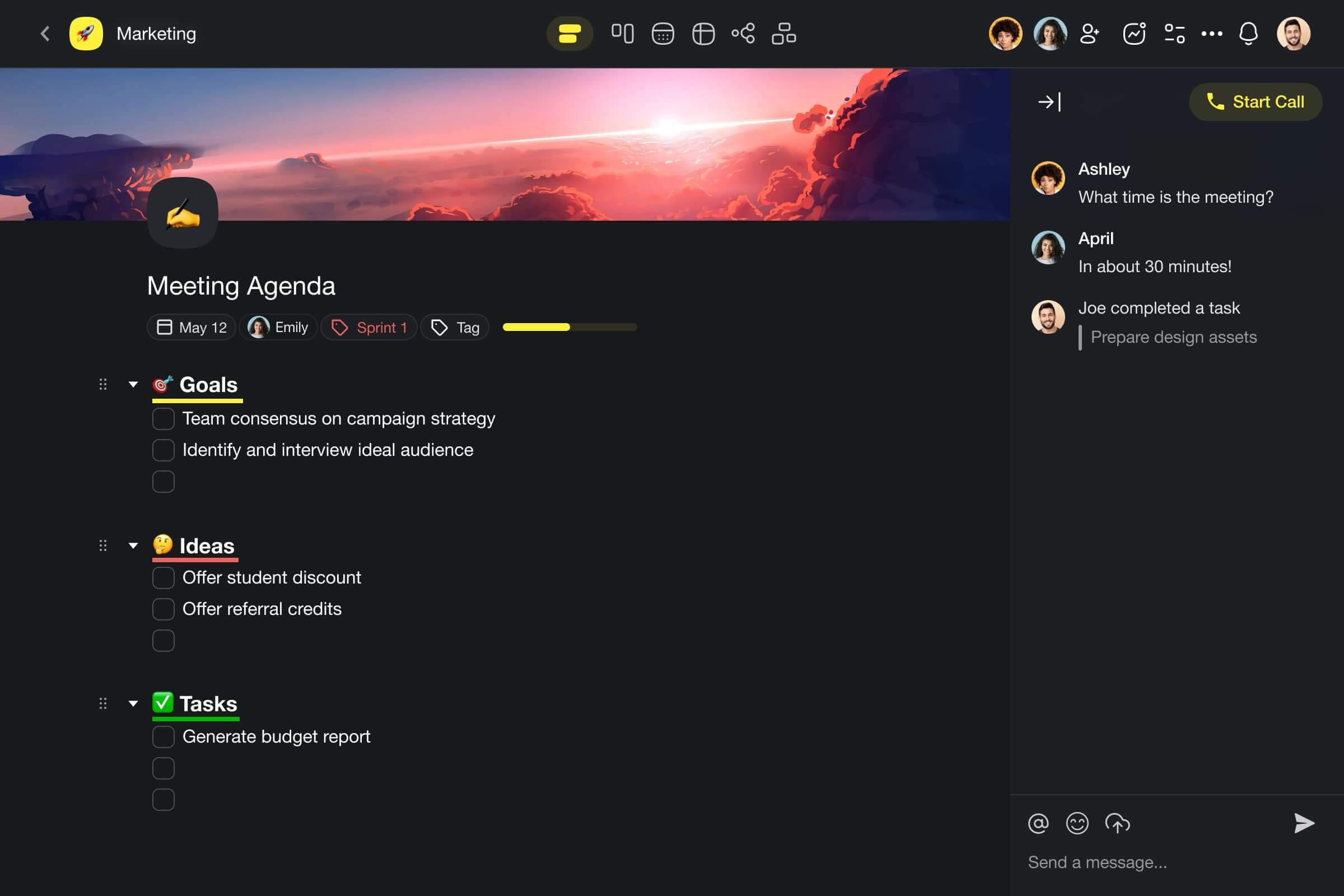
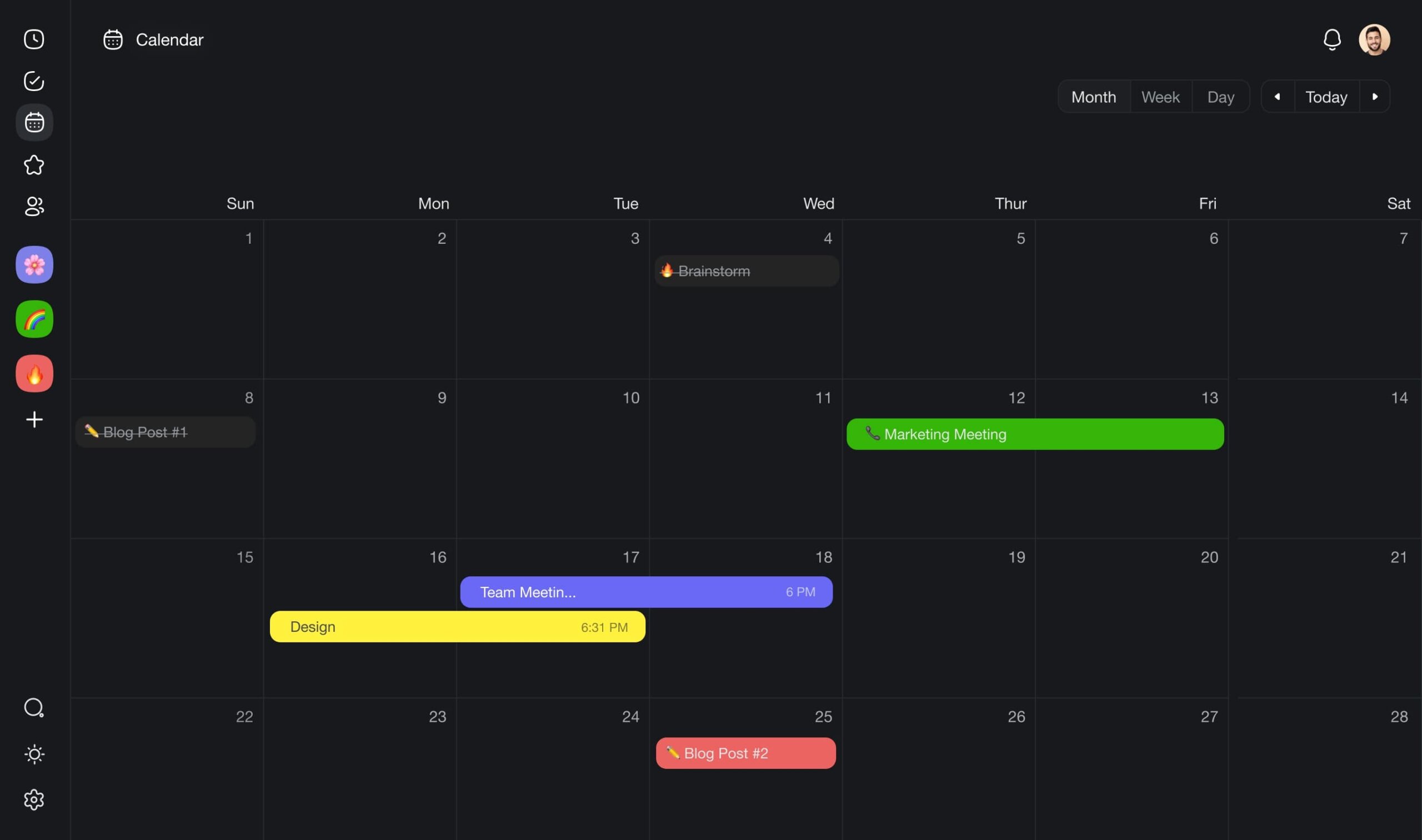
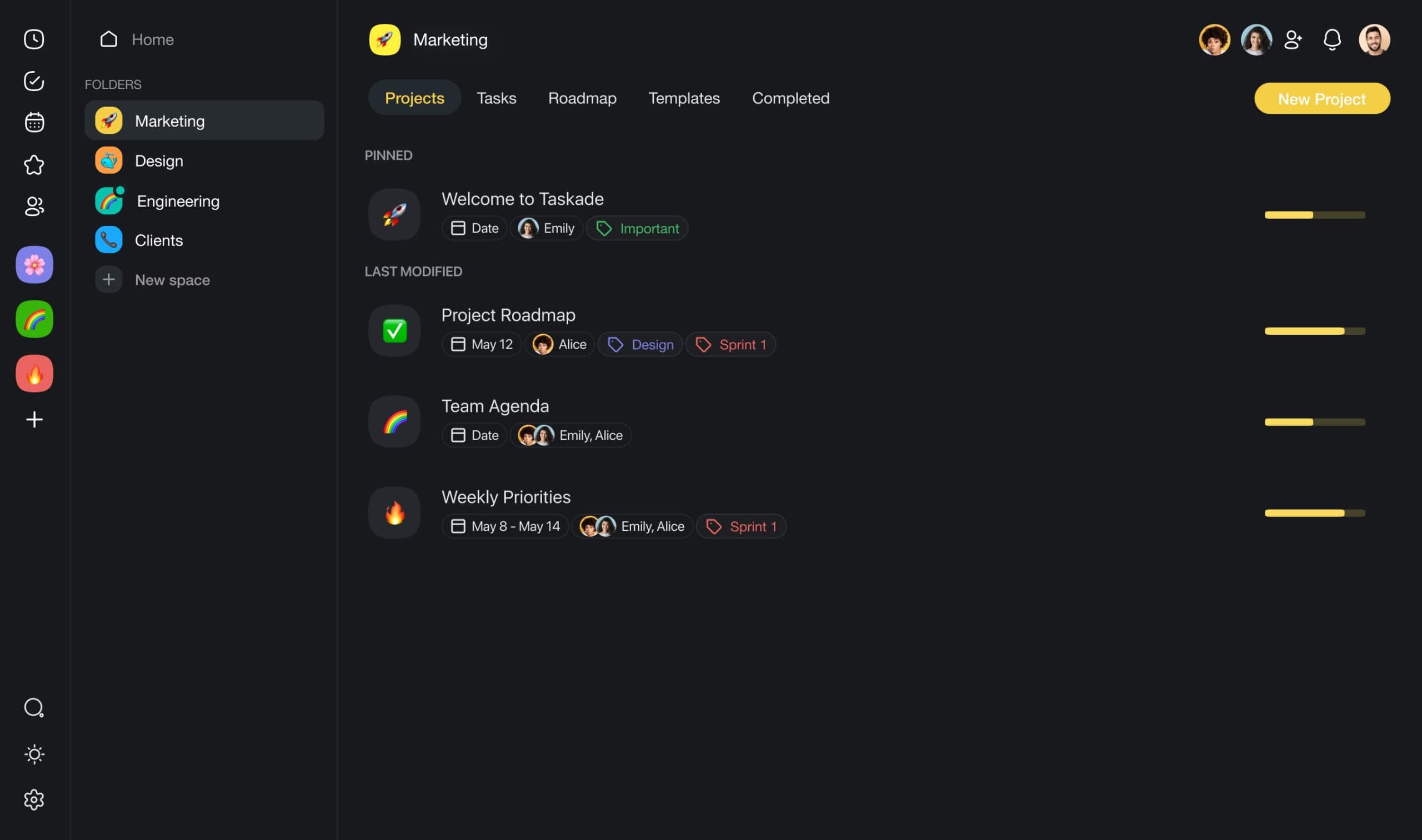
🪄 AI Project Studio: Describe what you're working on or upload seed documents, and Taskade will generate projects, lists of tasks, and even entire workflows.
📚 AI Prompt Templates: New to generative AI? Taskade features hundreds of AI prompt templates to help you start. Pick a prompt, customize it, and you're ready to go.
Sign up to 10x team performance with Taskade AI! 🐑
✏️ AI Assistant: Plan and organize projects faster with smart insights powered by OpenAI GPT (frontier models). Use dozens of handy AI commands in the project editor or add your own.
🤖 Custom AI Agents: Create a squad of custom AI agents. Deploy then within projects to automate routine tasks and supercharge your workflow.
Visit Taskade’s pricing page for for a full list of AI features.
Need help? Want to learn more? Check these resources next:

Frequently Asked Questions
What are the 7 core components of a project plan?
The seven core components are: 1) Project objectives and success criteria (what you're achieving and how you'll measure it), 2) Scope statement (what's included and excluded), 3) Work Breakdown Structure (task decomposition), 4) Schedule and milestones (timeline with key dates), 5) Resource plan (people, budget, tools), 6) Risk management plan (identified risks and mitigation strategies), and 7) Communication plan (reporting cadences, stakeholder updates, escalation paths).
How do you define clear project objectives?
Use the SMART framework: Specific (precisely what will be delivered), Measurable (quantifiable success criteria), Achievable (realistic given constraints), Relevant (aligned with business goals), and Time-bound (clear deadline). Example: instead of 'improve the website,' write 'redesign the checkout flow to reduce cart abandonment rate from 68% to 45% by Q3 2026.' Good objectives answer: what will change, by how much, by when, and why it matters.
What is a Work Breakdown Structure (WBS)?
A WBS is a hierarchical decomposition of a project into smaller, manageable work packages. Start with the final deliverable, break it into major phases, decompose phases into tasks, and break tasks into subtasks until each item is small enough to estimate and assign (typically 1-5 days of work). The WBS ensures nothing is overlooked and provides the foundation for scheduling, budgeting, and resource allocation. Taskade's Mind Map and List views are natural formats for building WBS hierarchies.
How can AI help write a project plan?
AI accelerates project planning by: generating initial WBS structures from project descriptions, estimating task durations based on similar historical projects, identifying potential risks and suggesting mitigation strategies, creating communication plans tailored to stakeholder groups, and producing schedule drafts with dependency mapping. In Taskade, AI agents can generate complete project plans from a natural language prompt, which teams then refine and customize — cutting planning time from days to hours.