






Mind mapping software is the Swiss Army knife of creative work. It makes brainstorming, planning, note-taking, and problem-solving a breeze. In today's article, we take you for a ride through the best mind mapping software you can get your hands on in 2026. 🧠
TL;DR: The best mind mapping apps in 2026 are Taskade (AI mind maps across multiple project views), MindMeister (web-based mapping), XMind (desktop templates), Miro (visual whiteboarding), and Coggle (simple and free). We review 11 tools on features, pricing, and collaboration below. Generate a mind map from a prompt free in Taskade.
👨💻 What Is Mind Mapping Software?
“You can’t wait for inspiration; you have to go after it with a club.”
Jack London
The concept of mind mapping rose to popularity in the 70s thanks to British author and TV host Tony Buzan. Buzan lauded the mind map as a wonderful tool for generating ideas and learning new things the visual way.
When done right, mind mapping can help you:
⚡️ Clarify and organize thoughts.
⚡️ See the bigger picture.
⚡️ Boost the learning potential.
⚡️ Improve collaboration.
⚡️ Manage large volumes of data.
⚡️ Perform a refreshing brain dump.
⚡️ Deal with information overload.
⚡️ Deconstruct complex problems.
⚡️ And much more...
Mind mapping software is a step up from traditional pen & paper data viz. It removes the creativity-stifling space limitations and makes use of powerful features like cross-linking, multimedia file uploads, and real-time sync.
And that’s just an appetizer.
Some of the best mind mapping tools combine the benefits of deep, focused work with collaborative features like video conferencing and real-time editing. All that stacks up to a highly creative digital environment where teams and individuals get stuff done.
⚡ Quick Comparison: All Mind Mapping Apps at a Glance
| Tool | Best For | AI Features | Starting Price | Collaboration | Views |
|---|---|---|---|---|---|
| Taskade | AI-powered mind maps + multiple views | ✅ AI agents, mind map generation, Genesis | Free / $10/mo | ✅ Real-time + video | Multiple views |
| Miro | Visual whiteboarding | ⚠️ AI Sidekicks (add-on) | Free / $10/mo | ✅ Real-time | Whiteboard |
| ClickUp | Project management + mind maps | ⚠️ ClickUp Brain | Free / $7/mo | ✅ Real-time | 15+ views |
| MindMeister | Web-based mind mapping | ⚠️ AI suggestions | Free / $6.99/mo | ✅ Real-time | Mind map only |
| XMind | Desktop mind mapping | ⚠️ XMind Copilot | Free / $59.99/yr | ❌ Limited | Mind map + org chart |
| Whimsical | Designer-friendly diagrams | ⚠️ Whimsical AI | Free / $12/mo | ✅ Real-time | Docs + diagrams |
| Coggle | Simple, free mind maps | ❌ | Free / $5/mo | ✅ Real-time | Mind map only |
| MindMup | Google Drive integration | ❌ | Free / $3/mo | ⚠️ Basic | Mind map only |
| SimpleMind | Mobile mind mapping | ❌ | $9.99 (one-time) | ❌ | Mind map only |
| Mindomo | Education + business | ❌ | Free / $5.5/mo | ✅ Real-time | Mind map + outline |
| MindManager | Enterprise mind mapping | ❌ | $169/yr | ⚠️ Basic | Multiple |
What sets Taskade apart: It’s the only mind mapping tool with AI agents, multiple project views (Mind Map, List, Board, Calendar, Table, Gantt, Org Chart), and the ability to transform mind maps into full applications via Taskade Genesis. Your mind map nodes automatically sync across all views — brainstorm in mind map view, execute in board view, track in Gantt view.
🏆 The Best Mind Mapping Software for 2026
It doesn’t matter if you want to brainstorm ideas alone or in a team. We put together a fine selection of the best mind mapping software for a wide range of use cases.
Taskade
Taskade is an AI-powered productivity tool for teams and individuals. It lets you chat, plan, manage projects, assign tasks, and, of course, create beautiful mind maps! 🧠
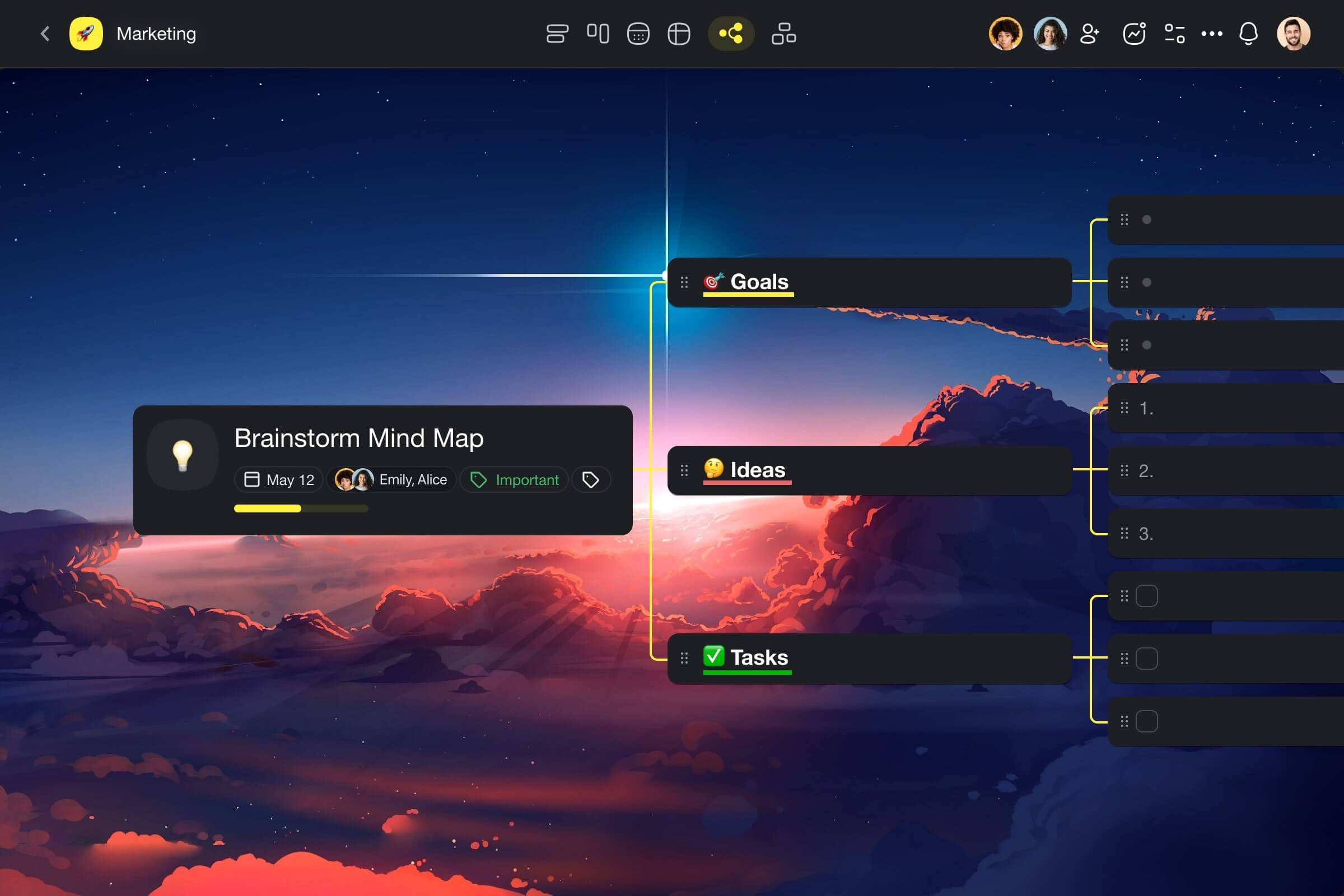
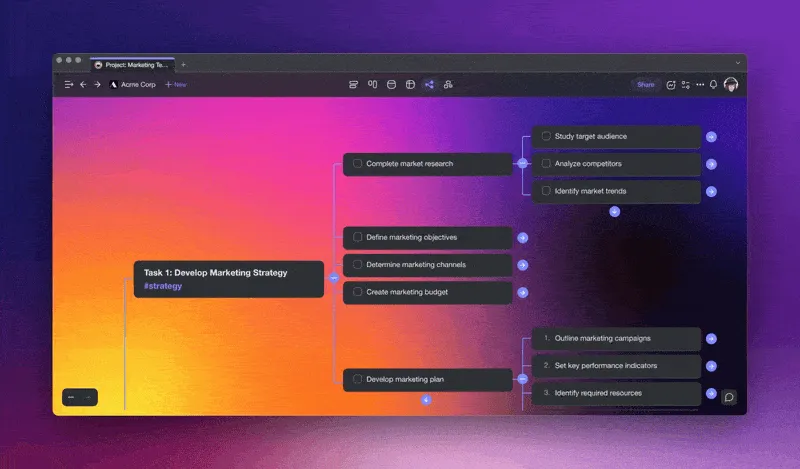
You can use Taskade’s mind mapping component to engage in non-linear, out-of-the-box thinking, explore connections between ideas, deal with information overload, and organize knowledge in an effective way. Now with the power of AI! 🤖
But there’s a twist.
Everything you do in Taskade is stored in a hierarchical tree-structured database. And that means every project, be it a mind map, kanban board, outline, or an ordinary list, can be reshaped and transformed according to your needs.
Two (or more) heads are better than one so mind maps in Taskade are wired for collaboration. You and your team can work and chat in the same window, without having to patch several apps together. Taskade is a complete creative stack!
Supercharge your mind maps with Taskade AI 🤖
Taskade Select Features 🌟
Comprehensive AI Features. Generate and edit content with the AI Assistant, engage in discussions with the AI Chat, automate tasks with Custom AI Agents, and much more. Taskade packs the most complete set of AI-powered features on the market.
AI Mind Map Generator. Taskade uses the latest frontier AI models from top AI labs to help you generate spanning mind maps or add nodes in a few clicks. Type the topic of your mind map and use one of the available AI commands to get started.
AI Flowchart Generator. Powered by frontier AI models from top AI labs, this feature simplifies flowchart creation. Input your idea, use AI commands, and quickly develop structured flowcharts for any project.
Multiple Project Views. Switch between Mind Map, List, Board, Calendar, Table, Gantt, and Org Chart views to visualize projects in multiple ways without losing context. Mind map nodes sync seamlessly across all views.
Deep Linking. Add hyperlinks, link projects using @mention, and establish connections between mind maps in your workspace in an instant.
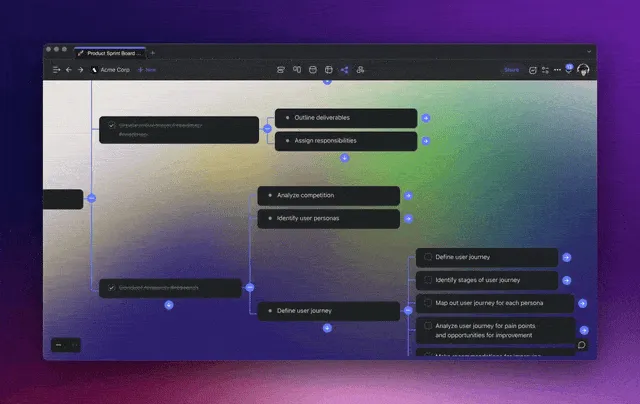
1000+ Templates. Choose from hundreds of templates and mind map generators. Customize existing templates or create new ones inside your workspaces.
Communication. Chat and videoconference with your team while collaborating in real-time on the same page. Add comments to mind map nodes to keep your team in the know.
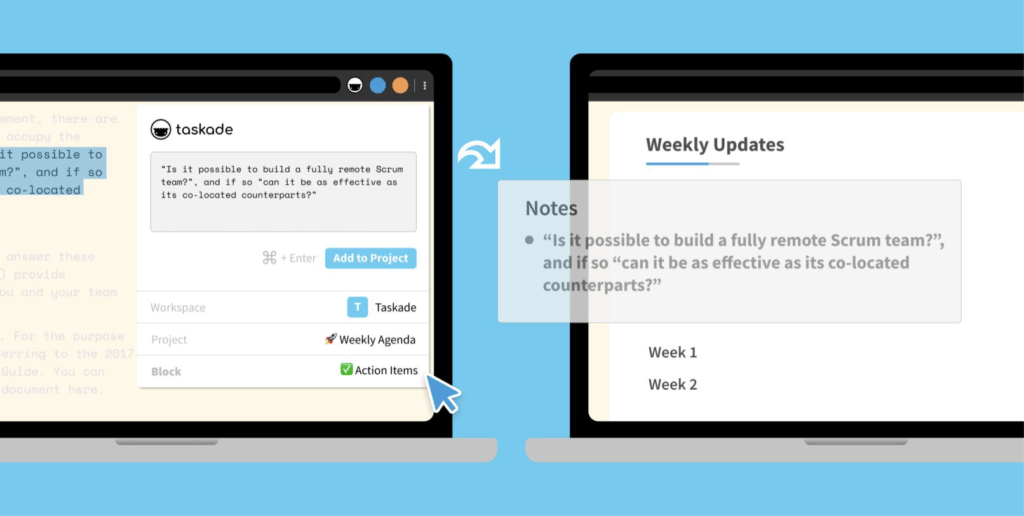
Clip Web Pages. Capture text and bookmark links with our Firefox, Edge, and Chrome extensions. You can also embed web content directly in mind map nodes.
Keyboard Shortcuts. Navigate projects, create content blocks, reorder elements, and modify mind maps using handy keyboard shortcuts.
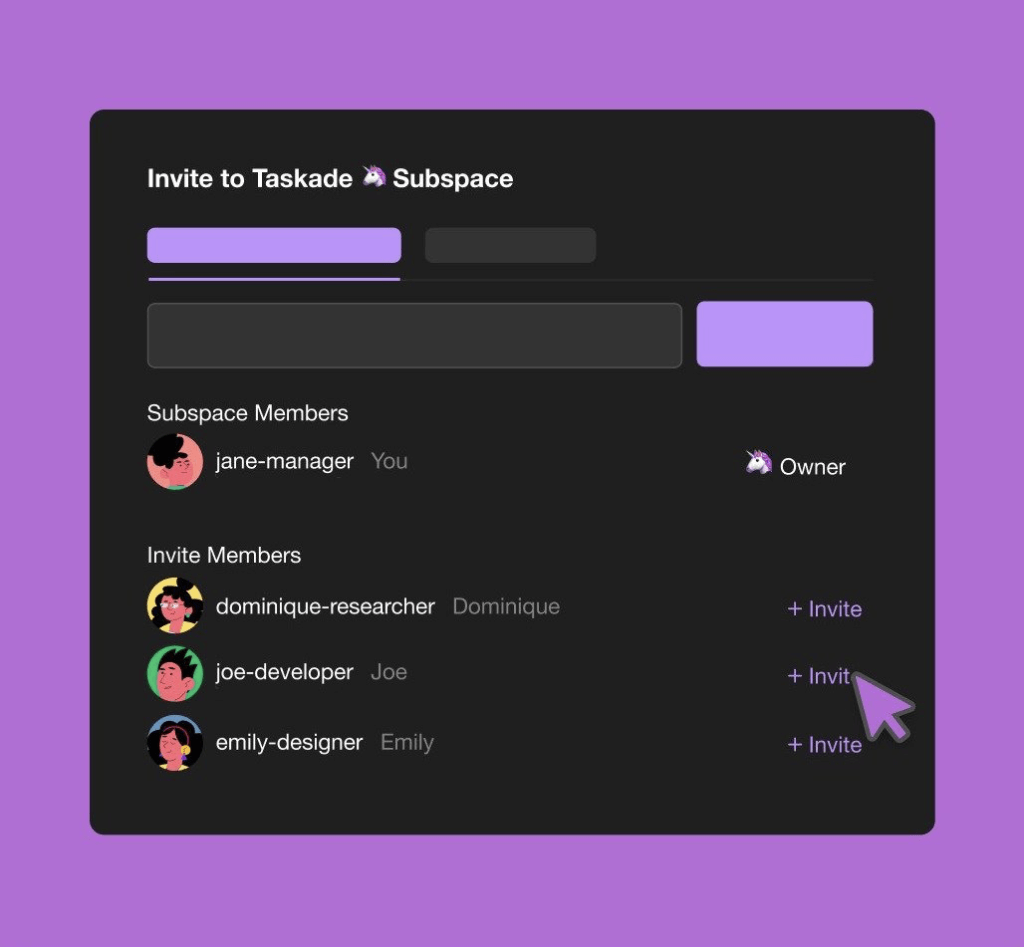
User Roles & Permissions. Manage workspace members with role-based access control (Owner to Viewer).
Project Changelog. Get changelog emails that show what your team members have changed in a project. View all edits in the Project History.
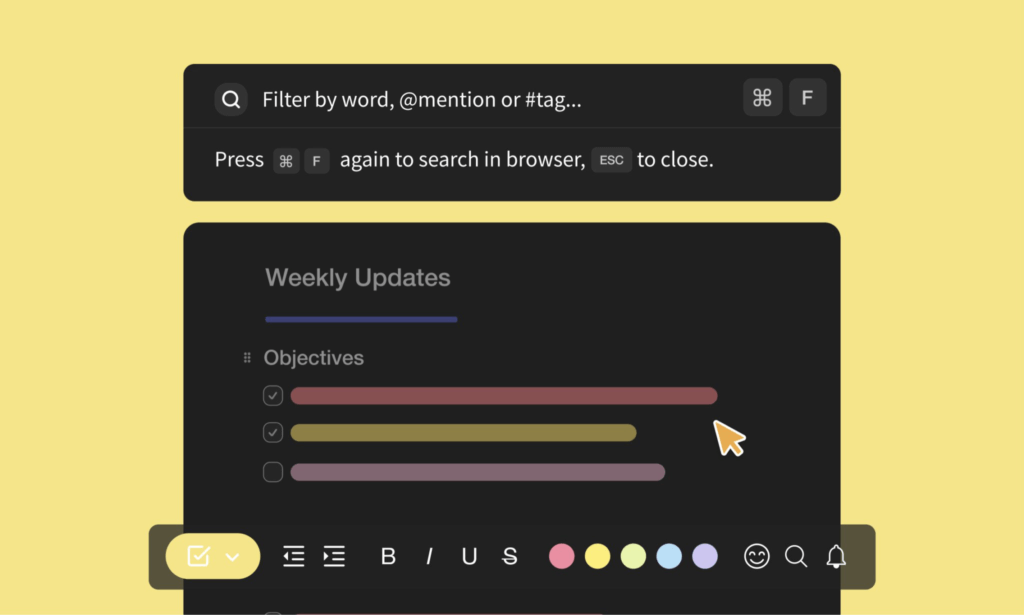
Search. Search within projects or globally across workspaces and subspaces. Browse and jump between projects anywhere in Taskade.
Mobile and Desktop Apps. Sync between Mac, Linux, and Windows or work from anywhere with Android and iOS mobile apps.
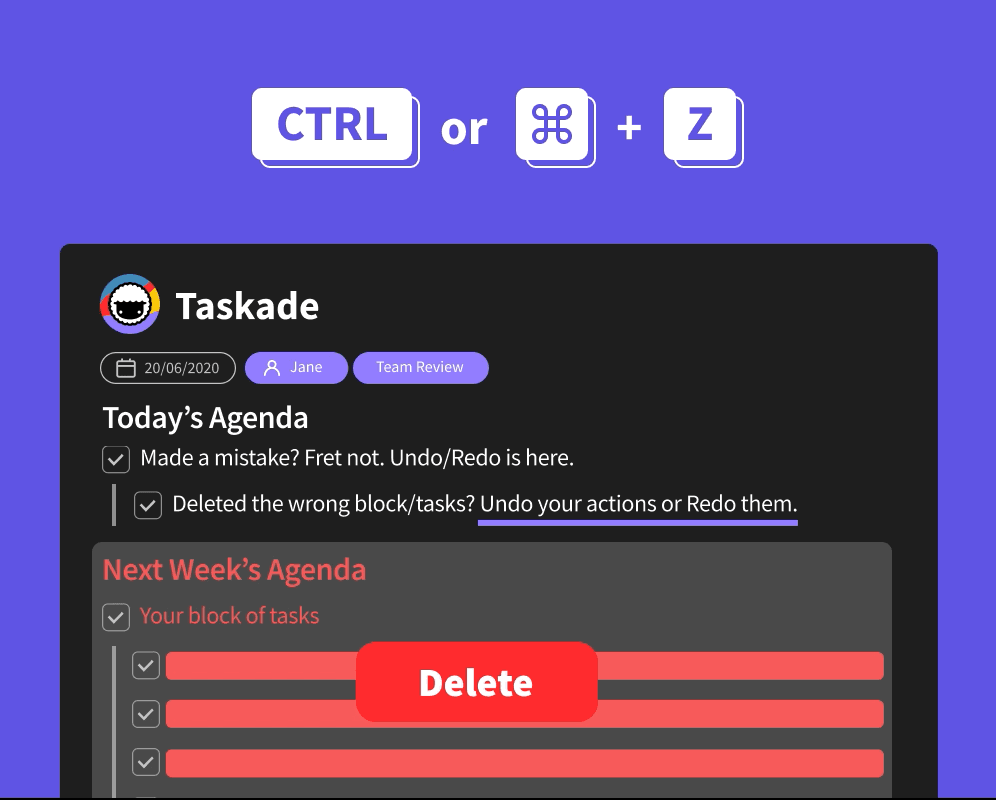
Undo/Redo. Revert any changes to your mind maps safely, even when editing a project or collaborating with others in real-time.
Custom Backgrounds and Dark Mode. Select from a variety of themes or upload your own backgrounds. Match it all up with a sleek dark mode!
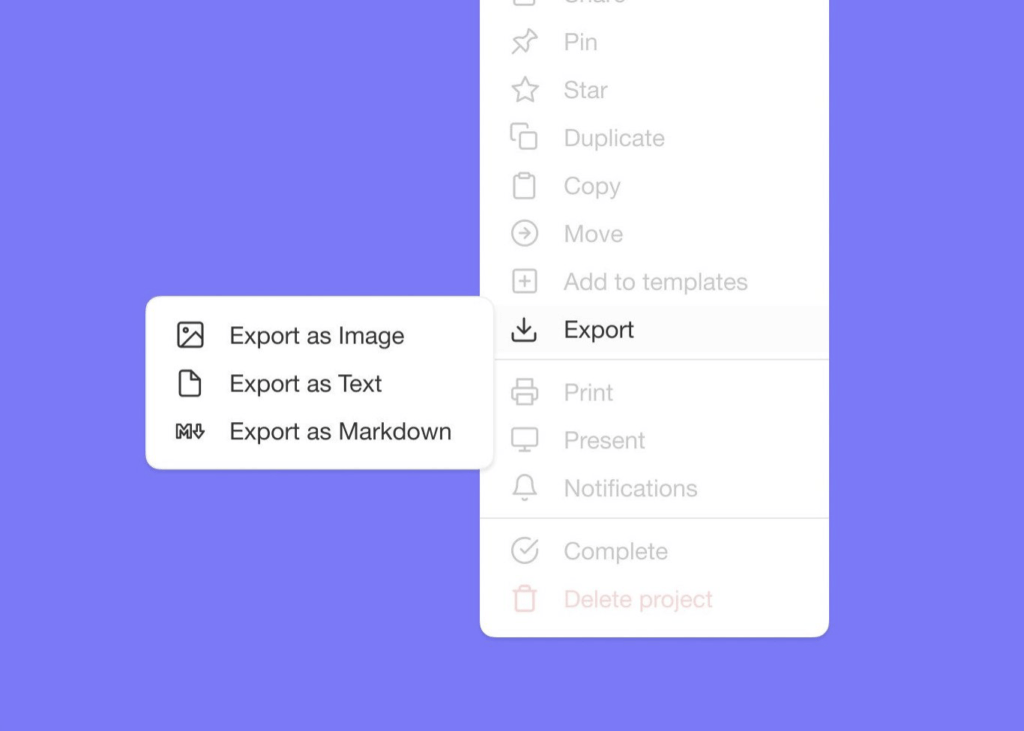
Print and Export. Print or export your mind maps as an image. Attach mind maps to emails, annotate on paper, or use for presentations.
Taskade Pricing 💸
Visit Taskade's pricing page for a full breakdown of plans and AI features.
Miro
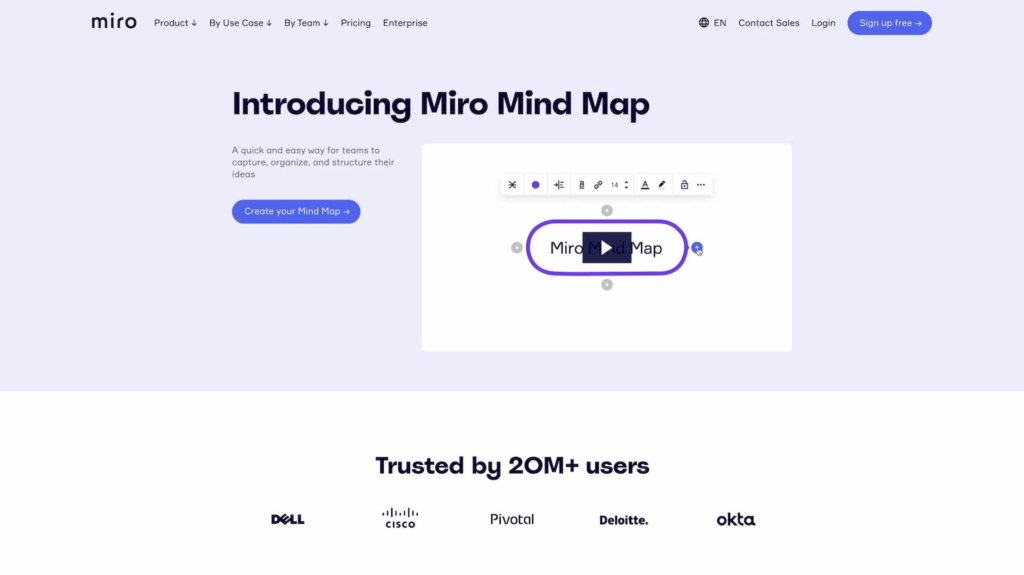
Miro is a collaborative digital whiteboard with mind-mapping capabilities. The platform comes with a complete set of collaboration features like video chat, screen sharing, real-time editing, and more. Miro is a solid match for all kinds of creative projects.
Miro Select Features 🌟
Customizable templates & frameworks
Infinite canvas for unlimited design space
Screen sharing and presentation features
Visual cues like sticky notes, shapes, arrows, and more
Integrations with Google Drive, Zapier, and others
Real-time collaboration features
Video conferencing, chat, and comments
High-resolution mind map export
See how Miro compares to Taskade (click). 👈
Miro Pricing 💸
🟢 Free
Unlimited team members
3 active editable boards
Access to premade templates
A set of core integrations
🔵 Team ($20/month billed annually)
Everything in the Free plan +
Unlimited boards and editors
Video chat, meeting timer, and voting
High-resolution mind map exports
Access to custom templates
Additional integrations
🟣 Business ($16/month per user billed annually)
Everything in the Team plan +
Single Sign-On (SSO)
Adding external editors
🟡 Enterprise (custom pricing)
Everything in the Business plan +
Multi-team management features
Data governance and advanced security
Personalized onboarding and premium support
🟤 Consultant ($12/month per user billed annually)
Everything in the Team plan +
Private workspaces for clients
Control accesses
ClickUp
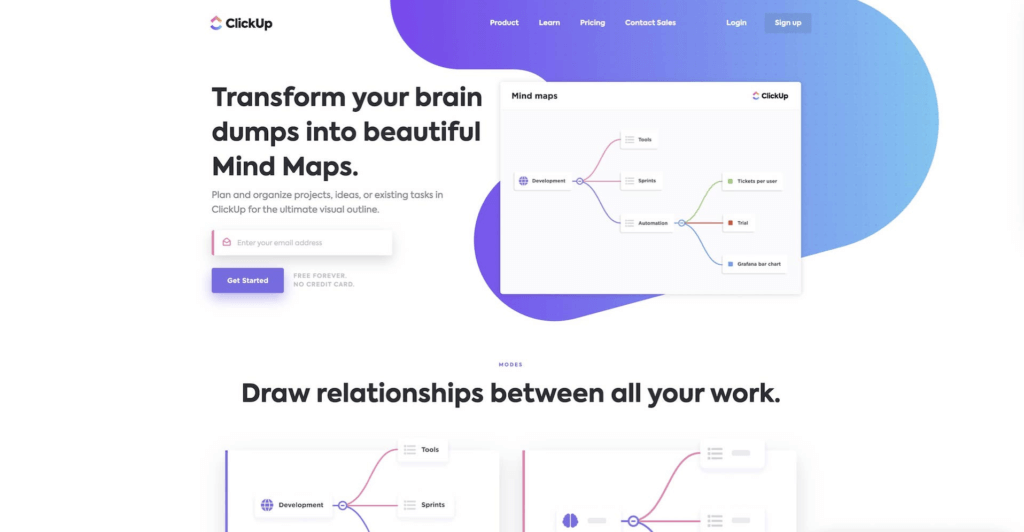
ClickUp is a unified project management and productivity platform that combines to-do lists, wikis, spreadsheets, a CRM, and team communication. ClickUp lets you build mind maps from scratch or visualize existing workflows in a mind map view.
ClickUp Select Features 🌟
To-do list and task management
Mind map search and filtering options
Several project views/workflows
Communication, chat, and direct emails
Calendar, reminders, and scheduling
Goal and progress tracking
Screen recording and sharing
See how ClickUp compares to Taskade (click). 👈
ClickUp Pricing 💸
🟢 Free
100MB for file storage
5 spaces and 100 views
Two-factor authentication
50+ integrations and time tracking
Real-time collaboration
100 automations/month
🔵 Unlimited ($5/month per user billed annually)
Everything in the Free plan +
Unlimited storage, tasks, views, and spaces
Guest accounts and editing permissions
7-day activity view
Time tracking and additional views
1,000 automations/month
🟣 Business ($9/month per user billed annually)
Everything in the Unlimited plan +
Branding & customization
10,000 automations/month
Mind mapping and unlimited activity view
Google Single Sign-On (SSO)
🟡 Enterprise (custom)
Everything in the Business plan +
More Single Sign-On (SSO) options
Custom roles and permissions
Priority support and onboarding
Ayoa
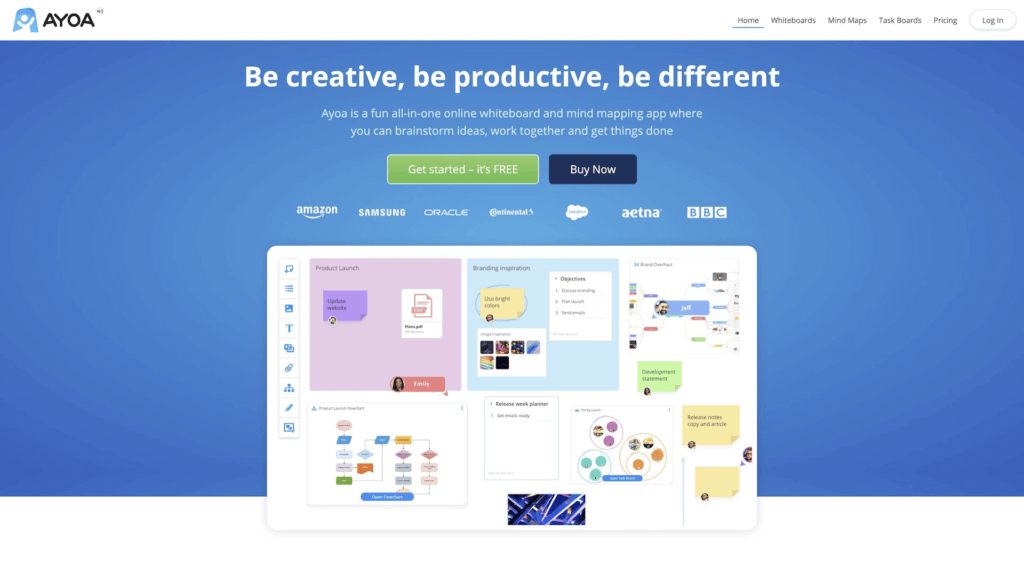
Ayoa is a visual-first online workspace and mind mapping software for teams and individuals. The app offers a user-friendly UI, collaboration features, and several visual workflows, including mind maps, radial maps, boards, and flowcharts.
Ayoa Select Features 🌟
A range of mind mapping templates
Video chat and instant messaging
Public mind map sharing
Sync via Google, Evernote, and Dropbox
Calendar and progress tracking
Multi-device sync for desktop and mobile
Due dates and filtering options
Ayoa Pricing 💸
🟢 Free/Basic
5 boards/50 elements per board
Real-time collaboration and chat
Personal planner and whiteboards
🔵 Pro ($10/month per user annually)
Everything in the Basic plan +
Unlimited boards and elements
File storage (20MB per file)
Gantt timeline view
Task assignment, tags, and filters
Priority support
🟣 Ultimate ($13/month per user annually)
Everything in the Pro plan +
File storage (60MB per file)
Team pulse/live share
User groups and Zoom integration
XMind
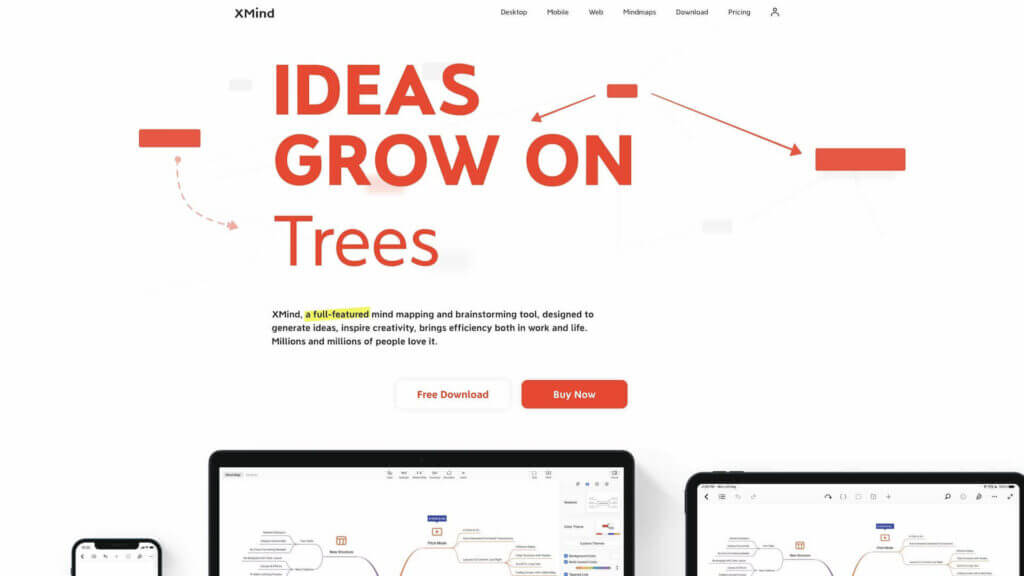
XMind is a dedicated mind mapping tool. It packs essential mind-mapping features like folding/unfolding branches, free-positioning, color coding, hyperlinking, stickers, icons, and more. XMind lets you mind map solo or collaborate with others.
XMind Select Features 🌟
Color themes and custom graphics
Outlining, distraction-free mode, and dark UI
Projects views including a timeline and an org chart
Import/export functionality
Sync across desktop and mobile devices
See how XMind compares to Taskade (click). 👈
XMind Pricing 💸
🟢 Free Trial
For personal use
Limited to 2 devices (Mac, PC)
Most features included in the Full version
Export images and PDFs are watermarked
🔵 Full Version ($39.99/6 months or $59.99/year)
All Trial features +
5 desktop (Mac, PC) + 5 mobile devices (iOS, Android)
Filter and show branch only
Password-protected mind maps
Insert links, attachments, audio, and images
Access to customizable themes
More export options
For commercial use
Scapple
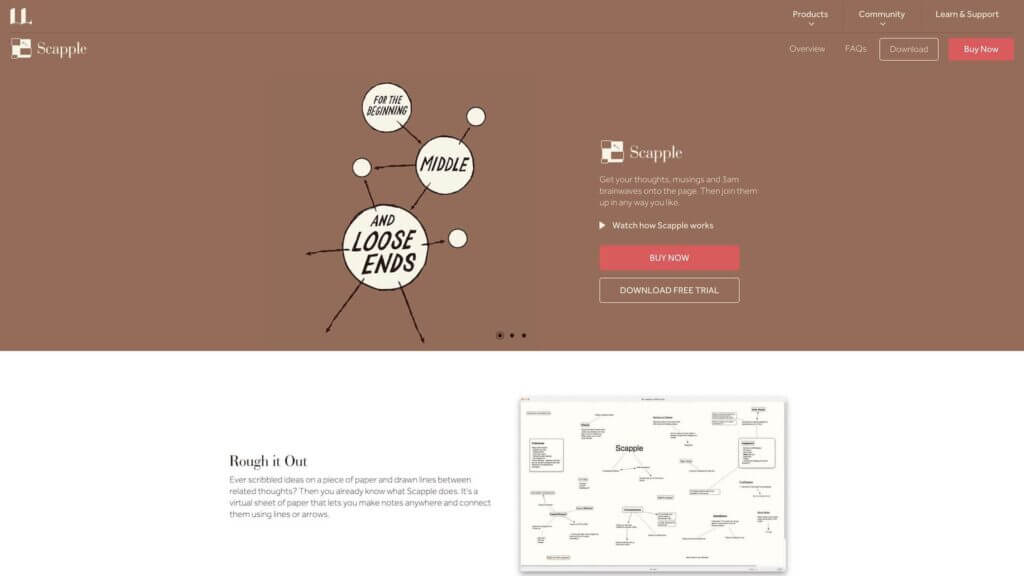
Scapple is an artsy take on mind mapping from the creators of Scrivener. The idea behind scapple is simple: to recreate the feel of pen & paper note-taking and organize thoughts in a visual way. It’s a good choice for planning, ideation, and note-taking.
Scapple Select Features 🌟
Freeform drag-and-drop mind mapping
Stacking and grouping notes
Customizable visuals
Export and print features
Synchronization with Scrivener
Drag-and-drop file import
Scapple Pricing 💸
- 🟢 Standard license ($18 one-time purchase)
Free 30-day trial (all features)
Educational license for $14
Works on Mac and Windows
MindMeister
MindMeister is web-based visual ideation and mind mapping software. The app helps with planning projects, managing knowledge, brainstorming ideas, taking notes, and running meetings. MindMeister has a built-in collaboration component for teams.
MindMeister Select Features 🌟
Chat, commenting, and voting
Change history, sharing, and sync
Presentation mode and embed
A library of mind map templates
Customization and formatting options
File upload (images, videos, documents)
Import & export functionality
MindMeister Pricing 💸
🟢 Free/Basic
Create up to 3 mind maps
Real-time collaboration
Email customer support
🔵 Personal ($4.99/month)
Everything in the Basic plan +
Create unlimited mind maps
File upload and attachments
Mind map export and printing
🟣 Pro ($8.25/month)
Everything in the Personal plan +
Word and PowerPoint export
Admin account and multiple collaborators
GSuite domain and sign-on
Custom styles and themes
🟡 Business ($12.45/month)
Everything in the Pro plan +
Team groups and custom team domain
Compliance export and backups
Multiple administrators
Priority support
Lucidchart
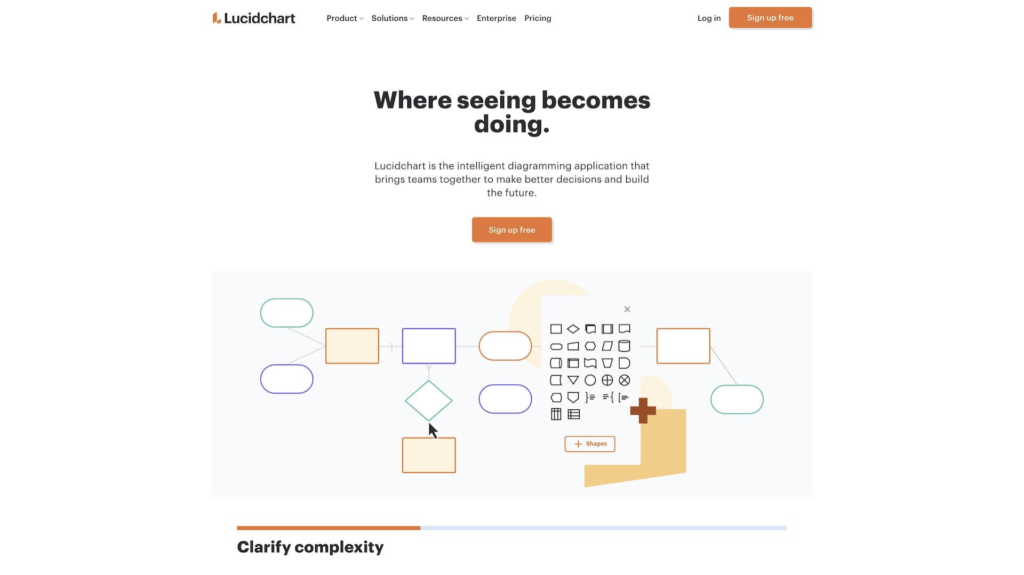
LucidChart is an “intelligent diagramming” tool for teams and individuals. The app lets you tackle work using diagrams, charts, mind maps, and other visual formats. LucidChart should be a fit for engineering, IT, sales, operations, and education.
LucidChart Select Features 🌟
Shapes for visual mapping
Drag-and-drop navigation
Keyboard shortcuts
Integrations GSuite and others
Real-time, collaborative editing
Chat and commenting features
Pre-made templates
LucidChart Pricing 💸
🟢 Free
Up to 3 editable documents
100 pre-made templates
Basic collaboration features
Basic integration services
🔵 Individual (starting at $7.95)
Everything in the Free plan +
Unlimited editable documents
1000 + pre-made templates
🟣 Team (starting at $9.00 per user)
Everything in the Individual plan +
Advanced collaboration features
Chat, commenting, and revision history
Password-protected sharing
Advanced integrations
🟡 Enterprise (custom)
Everything in the Team plan +
Advanced data and automation
Single Sign-On (SSO)
MindNode
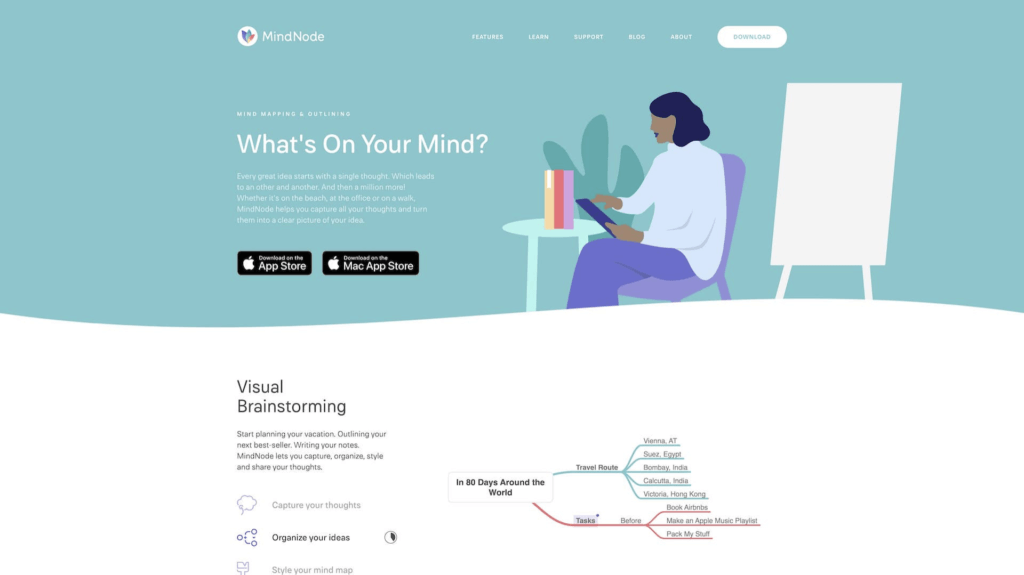
MindNode lets you create mind maps, brainstorm ideas, and solve problems visually. A user-friendly UI, customization options, and distraction-free mode make for a compelling mind mapping software candidate. Mind map alone or in a team.
MindNode Select Features 🌟
Task management features
Side-by-side outlining
Stickers, themes, and visual tags
Distraction-free and dark mode
Multiformat mind map export
Quick Entry widgets
Customizable themes
Synchronization via iCloud
MindNode Pricing 💸
🟢 Free Editor
Create and edit nodes
Fold and reorganize
Import and export
Apple Watch support
🔵 MindNode Plus ($2.49/month or $19.99/year)
Everything in the Free plan +
Outlining, visual tags, and Focus Mode
Quick entry and multiple layout options
Images, stickers, themes, and styling
Mindomo
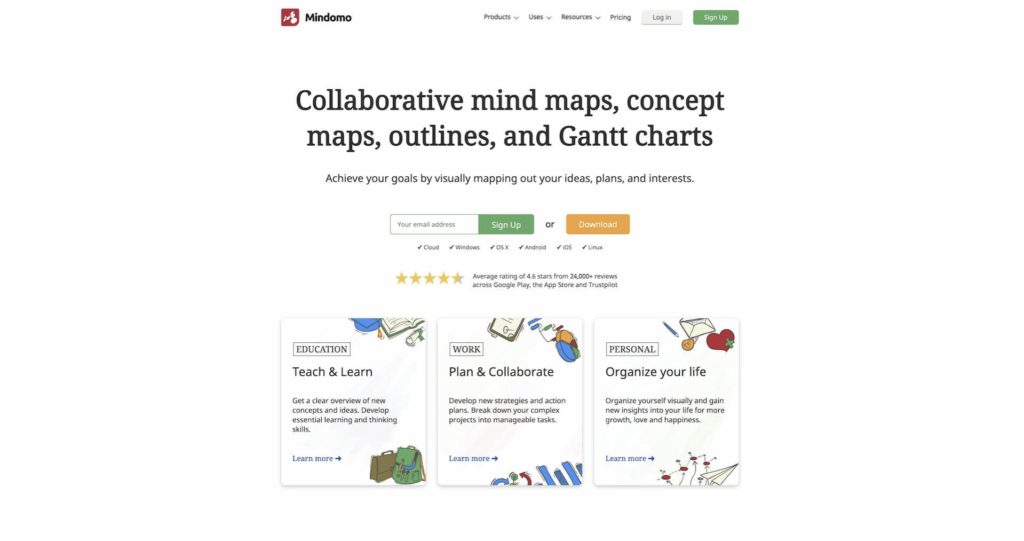
Mindomo is another dedicated mind mapping software for work, education, and personal use. The app helps with brainstorming ideas, organizing information, and managing projects and is a solid choice for businesses, teachers, and academics.
Mindomo Select Features 🌟
Support for hyperlinks and attachments
Upload videos, icons, documents, and images
Printing and presentation mode
Undo/redo and keyboard shortcuts
Import and export features
A catalog of templates and layouts
Mindomo Pricing 💸
🟢 Free
Up to 3 mind maps
Sharing and publishing
Collaboration features
🔵 Premium ($5.5/month, one user)
Cloud, mobile, and desktop access
Unlimited mind maps, outlines, and charts
Business mind map templates
Mind map printing and export
File uploads and attachments
Password protection
🟣 Professional ($13.5/month, one user + guests)
Everything in the Premium plan +
Invite up to 5 guests with editing privileges
Mind map sharing with all features
Google, Dropbox, and OneDrive backup
12 mind map export formats
🟡 Team ($16.6/month per user)
Everything in the Professional plan +
3+ team members
Admin interface
Shared team folder
MindManager
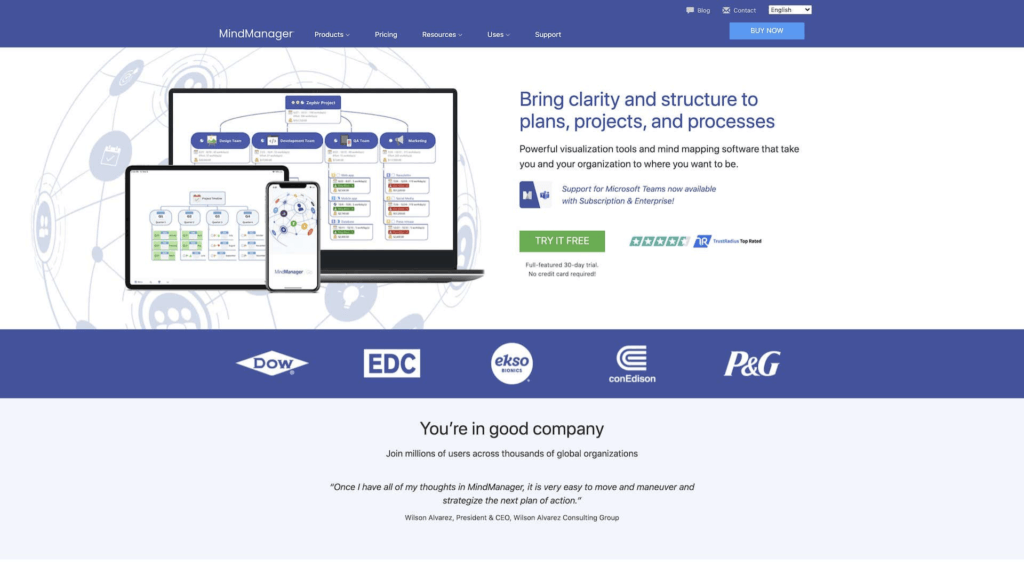
MindManager is mind mapping software cut out for the corporate world. The platform offers a professional set of brainstorming, data visualization, and problem-solving tools. MindManager apps come in several flavors depending on your needs.
MindManager Select Features 🌟
Project cost tracking
Mobile mind map preview
iCloud synchronization
Flowchart and Gantt workflows
Task management and tracking
25+ pre-made templates
Sharing and online publishing
MindManager Pricing 💸
🟢 $169 annual plan
🔵 $349 one-time purchase
🚀 The Bottom Line
Finding the best mind mapping software can be a daunting task. We hope that our list will make your job easier so you can reap the cool benefits of mind mapping tools.
⚡️ Unlimited space for creativity
⚡️ Collaborative brainstorming
⚡️ A-class knowledge management
⚡️ Intuitive drag-and-drop mapping
⚡️ Quick and user-friendly navigation
⚡️ Hundreds of templates to choose from
⚡️ And much more!
🧬 The Future of Mind Mapping: AI-Powered Visual Thinking
Mind mapping is just the beginning. With Taskade Genesis, you can transform your mind maps into complete AI-powered applications. Describe your idea and Taskade generates interconnected projects, AI agents trained on your knowledge, and workflows that bring your visual thinking to life. It's vibe coding — from concept to living software in minutes.
What makes Taskade's approach unique in 2026:
- AI Mind Map Generation: Describe a topic and get a complete mind map with branches and sub-branches in seconds
- Multi-View Flexibility: Switch between Mind Map, List, Board, Calendar, Table, Gantt, and Org Chart without losing data
- AI Agents: Train agents on your workspace data to brainstorm with context-aware intelligence
- Genesis Apps: Transform your brainstorming mind maps into complete, deployed applications
- 100+ Integrations: Connect mind maps to Slack, Google Workspace, HubSpot, and more via automations
- MCP v2: Programmatic access to your workspace from any AI tool via Model Context Protocol
So, what are you waiting for?
👉 Create your first AI mind map →
👉 Browse 150,000+ community apps →
👉 Explore mind map templates →
Related Reading:
- Best AI Productivity Tools 2026 — 20 tools ranked by category
- Best AI App Builders 2026 — 20 platforms compared
- What is Vibe Coding? — Build apps from natural language
- Best Kanban Board Apps 2026 — Project management tools compared

Frequently Asked Questions
What are the best mind mapping apps available?
Top mind mapping apps include Taskade (AI-powered mind maps with multi-view collaboration), MindMeister (web-based mind mapping), XMind (desktop-focused with templates), Miro (visual whiteboarding), and Coggle (simple and free). Taskade stands out by combining mind maps with multiple other project views, AI agents, and real-time team collaboration.
What should I look for in a mind mapping tool?
Key features to evaluate include ease of use, real-time collaboration, export options, integration with other tools, AI-powered brainstorming, mobile support, template libraries, and the ability to convert mind map nodes into actionable tasks. Price-to-value ratio matters too — some tools offer generous free tiers.
Can mind mapping apps be used for team projects?
Absolutely. Collaborative mind mapping apps let teams brainstorm together in real time, organize ideas visually, plan project structures, and then convert those visual plans into actionable task lists. Taskade excels here because mind map nodes automatically sync with board, list, and timeline views.
Are there free mind mapping tools worth using?
Yes. Several tools offer capable free tiers including Taskade, Coggle, and MindMup. Free plans typically cover basic mind mapping with limited collaboration features. For teams and AI-powered brainstorming, upgrading to a paid plan usually provides significantly more value.
Which mind mapping app has the best AI features?
Taskade leads with the most comprehensive AI integration — AI mind map generation, AI agents that can brainstorm and expand ideas, and the ability to transform mind maps into full applications via Genesis. Miro has AI Sidekicks for diagram generation, XMind has XMind Copilot for AI-assisted mapping, and ClickUp has ClickUp Brain for AI-powered productivity. Taskade is the only tool that combines AI mind mapping with multiple project views, automations, and 100+ integrations.
Can I turn a mind map into a working project plan?
Yes. Taskade uniquely lets you switch between multiple project views — Mind Map, List, Board, Calendar, Table, Gantt, and Org Chart — without losing any data. A mind map created during brainstorming can instantly become a kanban board for execution, a Gantt chart for timeline planning, or a table for tracking. No other mind mapping tool offers this level of view flexibility.
What is the best mind mapping app for remote teams?
Taskade is the best choice for remote teams because it combines mind mapping with real-time collaboration, built-in video conferencing, AI agents, and 100+ integrations. Miro is a strong alternative for visual whiteboarding. For enterprise teams in the Microsoft ecosystem, Visio offers mind mapping with Office 365 integration.
Can AI generate entire mind maps from a topic?
Yes. Taskade AI can generate complete mind maps from a single topic or prompt, including branches, sub-branches, and related concepts. You can also use AI agents trained on your workspace data to create context-aware mind maps that incorporate your existing projects and knowledge. With Taskade Genesis, you can even transform mind maps into complete applications.