






Research shows that up to 72% of meetings are ineffective. That’s a terrible ROI considering how much time we spend in meeting rooms and in front of webcams. 🤷 In this article, we take a look at the best AI tools for planning and running meetings that will make your moots way more productive.
🤔 What Makes a Good AI Meeting Tool?
Good meetings are the heartbeat of any organization. But let's be honest, they come with their own nuisances. Just think about it — how often do you scramble to find a meeting note you just know you took? How many meetings have you sat through that could have been simple emails?
(we've all been there)
Good AI meeting tools can solve these issues and help you focus on what really matters — delivering results, building great products & service, and fostering collaboration.
But what exactly makes a “good” AI meeting tool? Here are a few clear indicators:
⭐ Ease of use: A good tool should be user-friendly. If it takes weeks to learn, it’s not helping. You want something that fits seamlessly into your processes, so your team can jump right in.
⭐ Automated note-taking: A good AI meeting tool can either automatically transcribe conversations or help draft agendas and capture key points without too much hassle.
⭐ Integration with other tools: No one wants to juggle a dozen apps. The best AI meeting tools will integrate with your calendar, email, project management software, and more.
⭐ Actionable insights: Beyond just facilitating meetings, a good AI tool will analyze your meeting notes, learn from them, and provide insights before you ask.
⭐ Security and privacy: In the age of data breaches, security is paramount. Look for tools that offer robust encryption and compliance with data protection regulations.
⭐ Scalability: You don’t want to invest into a new platform only to watch it get idiomatic “growing pains” the moment you bring additional people on board or need advanced features..
Of course, there are other quality-of-life perks to think about.
Customization options let you tailor the tool to your needs. Real-time collaboration features make team interactions more dynamic. Good user support and training help you get the most out of the tool. All these elements can boost your team's productivity and make meetings more enjoyable.
And now, let's meet the tools that check those boxes.
🏅 Top Tools for Planning and Running Meetings
✏️ AI Tools for Smarter Meeting Notes
Taskade
Agendas, notes, and meetings should coexist in the same space. But that's rarely the case.
Chances are you're using two, three, or even four (!) different tools to host your meetings, jot down notes, and track action items. This not only complicates your workflow but also bumps costs.
Taskade takes a different approach — it's a unified, AI-powered platform that lets you generate agendas, take notes, track action items, and chat with your team, all within a single environment.
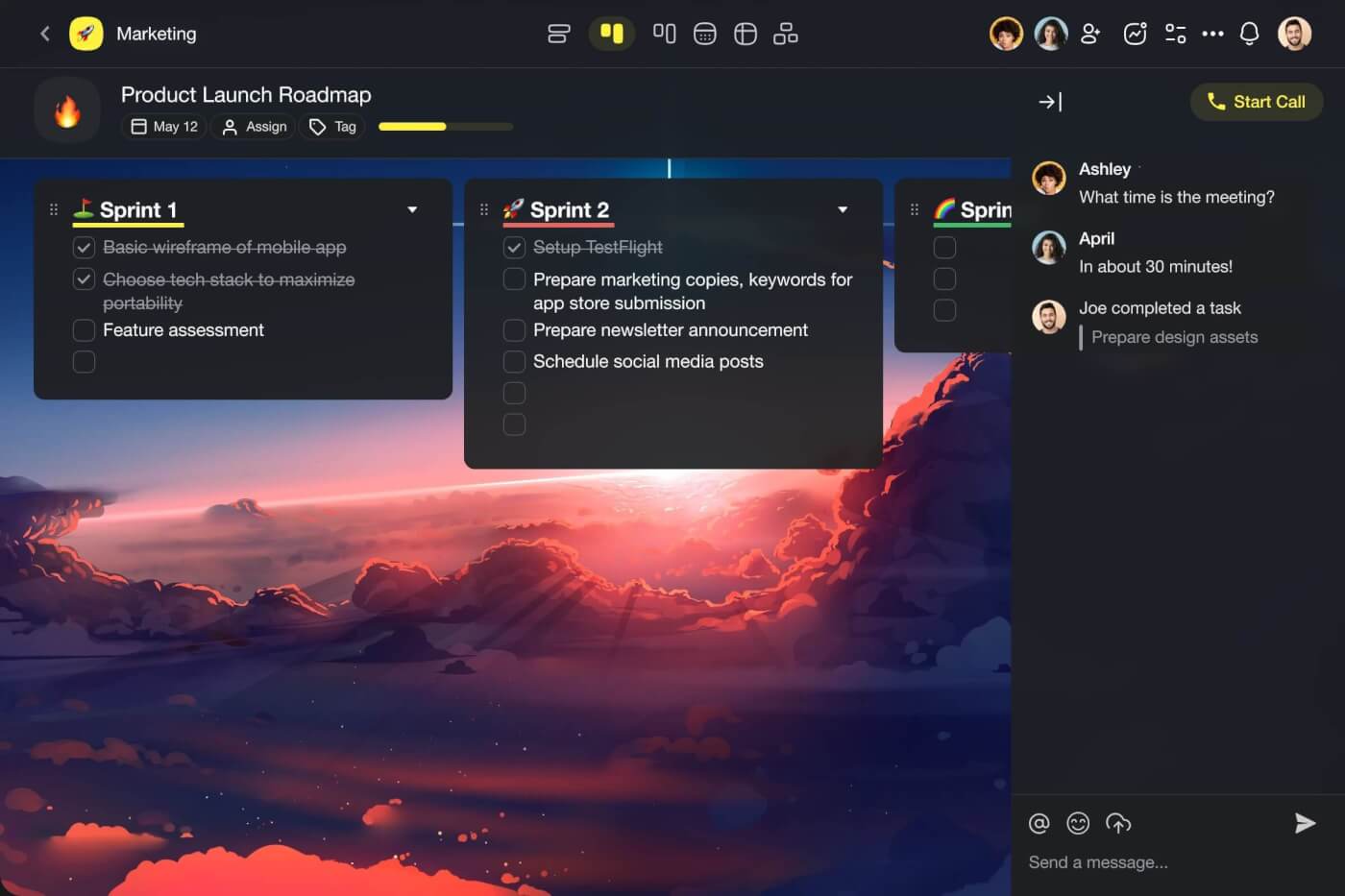
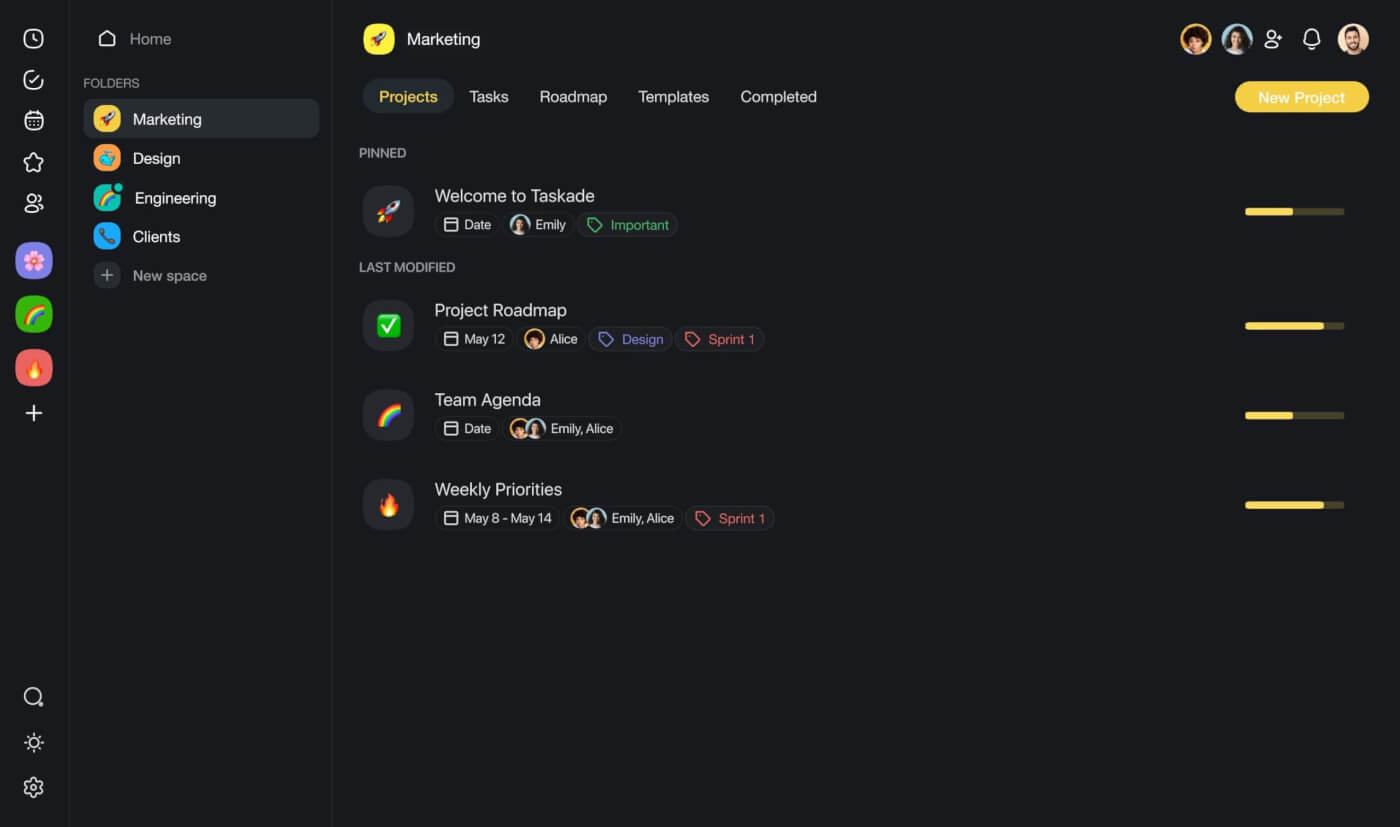
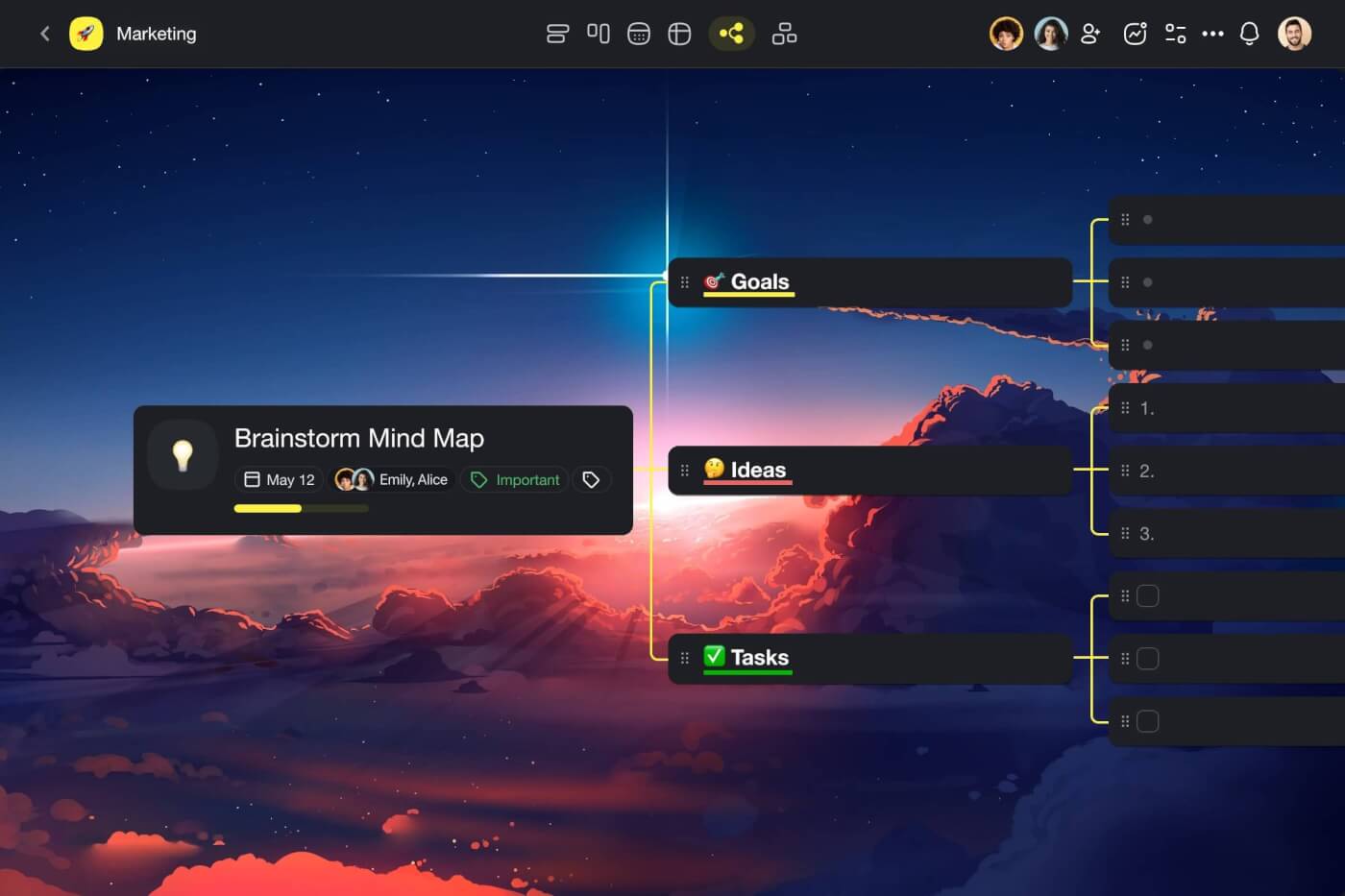
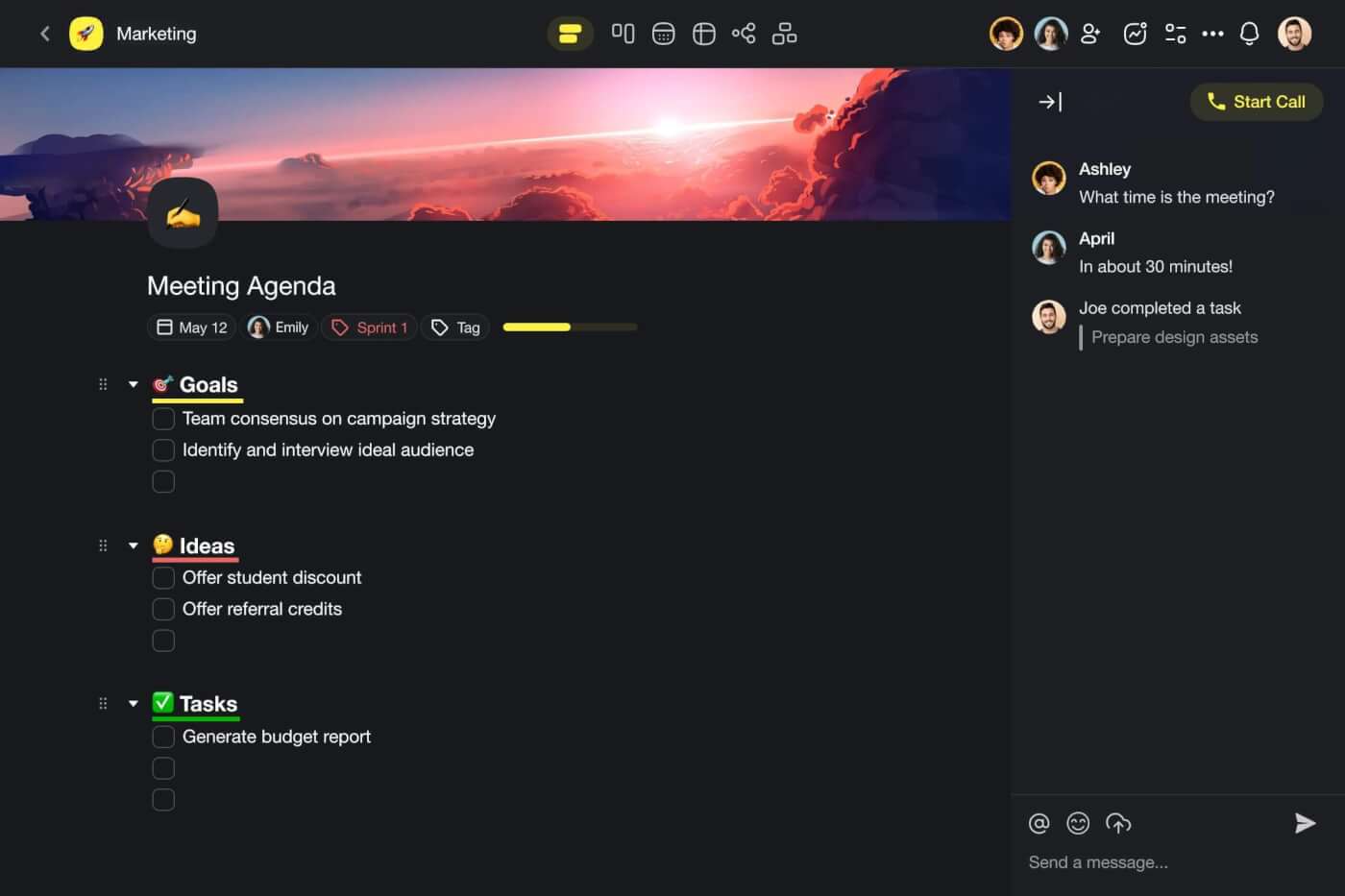
So, how can Taskade make your meetings more productive?
🤖 Custom AI Agents: Build a team of AI agents to support you and your team during meetings. Agents understand the context of what you're working on and can help you capture key points, summarize discussions, and generate insights.
🪄 AI Project Studio: Generate agendas in seconds based on simple prompts. Describe what you're working on, and Taskade will plan your talking points to the minute. Upload seed documents and spreadsheets for context.
🔄 Meeting Automation: Connect Taskade AI to popular apps and services to put your meetings on autopilot. Automatically schedule meetings, curate and send out meeting minutes, generate action items for participants, and keep your entire team in the loop at all time.
✏️ Smart Assistant: Make sure your meeting minutes make sense with smart summarization and organization features. Use handy /AI commands inside the project editor to flesh out ideas, summarize key points, and generate action items in an instant.
Of course, Taskade also comes with best-in-class collaboration features you will need:
Real-time collaboration: Work and chat in the same project, at the same time.
Template!: Choose from hundreds of pre-built templates and generators to get started quickly.
Dynamic project views: Switch between lists, boards, mind maps, and more in an instant.
Cross-platform support: Access Taskade AI on all your devices, anytime, anywhere.
Calendar and scheduling: Ditch all your calendars and track everything in one place.
Knowledge management: Store, manage, and share notes and docs with your team.
Visit Taskade's pricing page for a full breakdown of AI features and plans.
Supercharge your meetings with Taskade AI 🐑
Notion
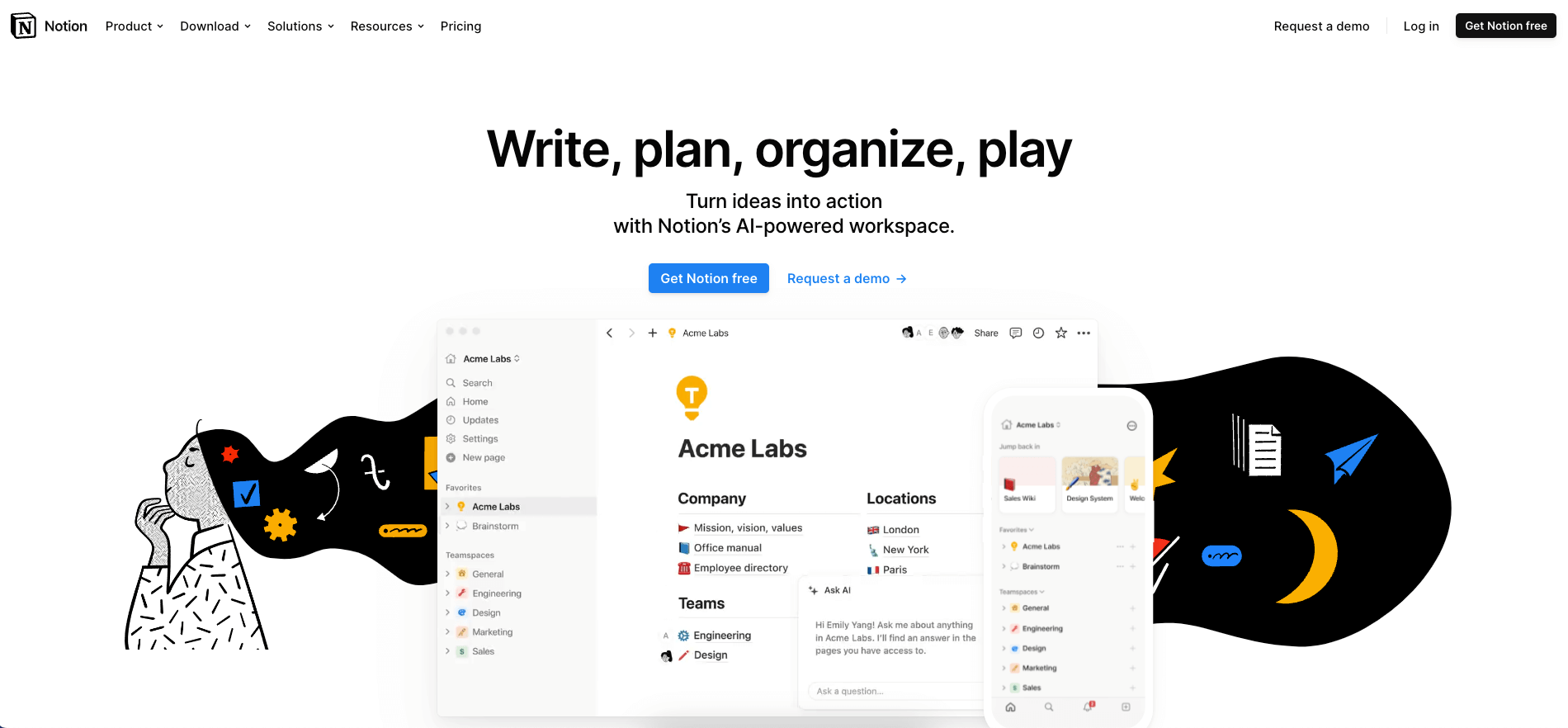
Notion is an all-in-one productivity platform that combines AI-powered note-taking, task management, and collaboration features. The tool offers a customizable interface and allows you to create your own workflows and templates. Notion’s AI Assistant helps streamline taking meeting notes with a range of features including automatic agenda drafting, summarization, and action-item generation.
🧰 Key Features of Notion
AI Assistant for content generation
Highly customizable interface
Real-time collaboration
Powerful search functionality
Integration with various apps
Databases, kanban boards, and calendars
OneNote
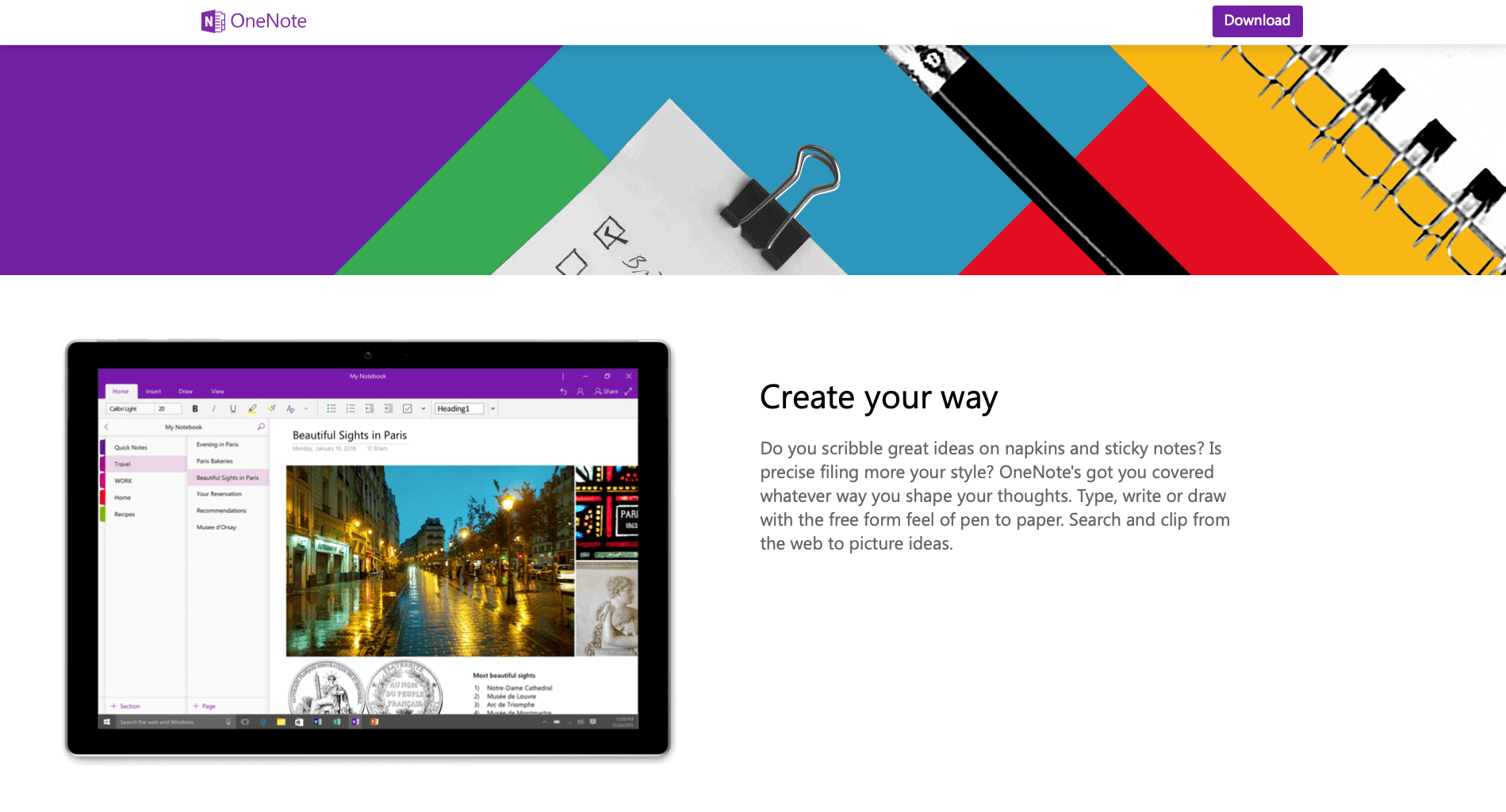
Microsoft’s OneNote is a versatile note-taking tool that integrates seamlessly with other Microsoft Office apps. It offers a range of features, including the ability to capture notes in text, image, and audio formats. OneNote supports real-time collaboration and integrates both with Microsoft Teams and Microsoft Copilot for a smart and holistic meeting and note-taking experience.
🧰 Key Features
Integration with Microsoft Teams
Generating summaries and agendas with Copilot
Capturing meeting notes in a variety of formats
Real-time collaboration
Variety of templates for meeting notes
Handwriting recognition and smart tags
📅 AI Tools for Scheduling Meetings
Motion
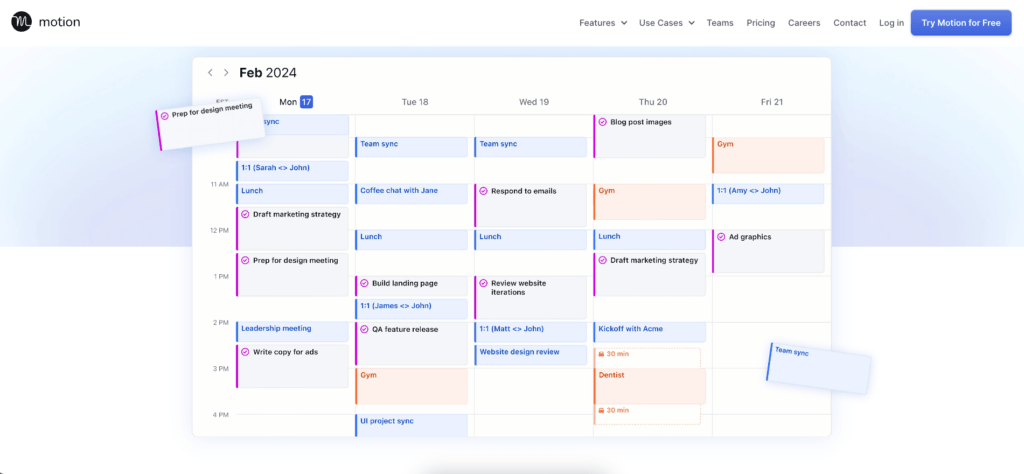
Motion is an AI-driven scheduling assistant designed for individuals and teams. It uses advanced algorithms to optimize your calendar and ensure that meetings are planned in the most efficient manner. The tool integrates seamlessly with many calendar apps and provides a unified view of your daily agenda. A user-friendly interface makes it easy to get started.
🧰 Key Features of Motion
Intelligent rescheduling
Real-time collaboration
Calendar integrations
User-friendly interface
Smart task optimization
Clockwise
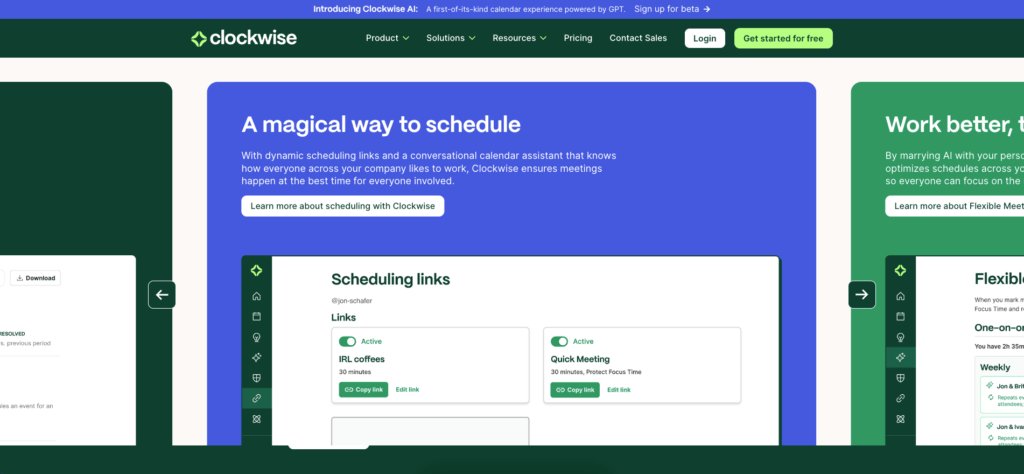
Clockwise is a smart scheduling tool that will help you find the best time to hold your meetings. The platform minimizes scheduling conflicts and optimizes meeting times, which makes it easier to to focus on work without interruptions. Clockwise also integrates with popular calendar apps like Google Calendar to allow you and your team to stay in sync without having to change your existing setup.
🧰 Key Features of Clockwise
Minimizes schedule conflicts
Integration with Zoom and Google meet
Flexible scheduling options
Work habit insights
Smart meeting suggestions
Shared calendar views
Clara
Clara is an AI assistant designed to handle meeting scheduling through email. The platform uses natural language processing to understand and respond to scheduling requests. Clara can also manage multiple participants, time zones, and meeting preferences. The platform is especially useful for individuals and small teams who rely heavily on email for communication in their workflows.
🧰 Key Features of Clara
Manages multiple participants and time zones
Handles cancellations and rescheduling
Learns from previous interactions
Email-first smart workflow
Provides detailed activity summaries
Trevor
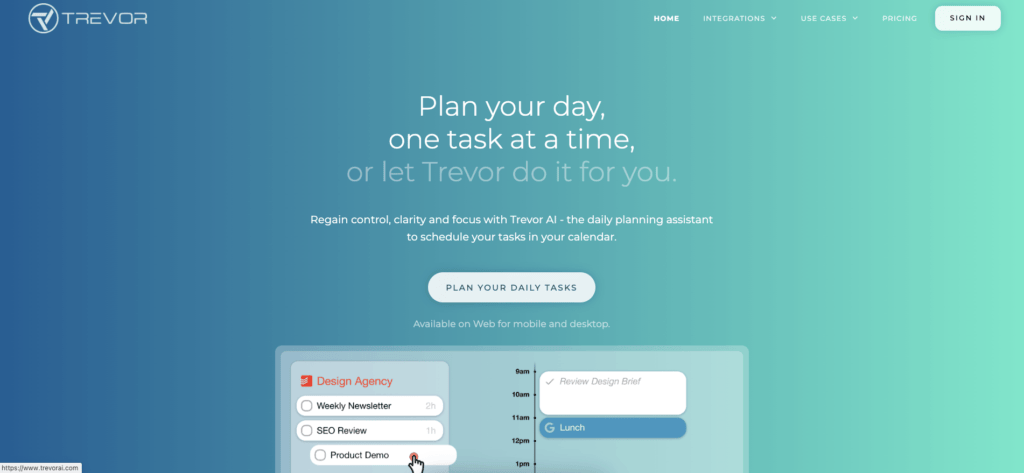
Trevor is another smart tool for managing daily meetings and task lists with a simple yet effective interface. The platform helps you organize your day by prioritizing tasks and scheduling meetings in a way that maximizes productivity. Trevor syncs with popular calendar apps, which is a must if you want to keep all your appointments and tasks in one place. A solid, flexible meeting companion.
🧰 Key Features of Trevor
Task prioritization
Calendar synchronization
Reminders and notifications
AI-driven suggestions
Customization options
Integration with other productivity tools
TimeHero
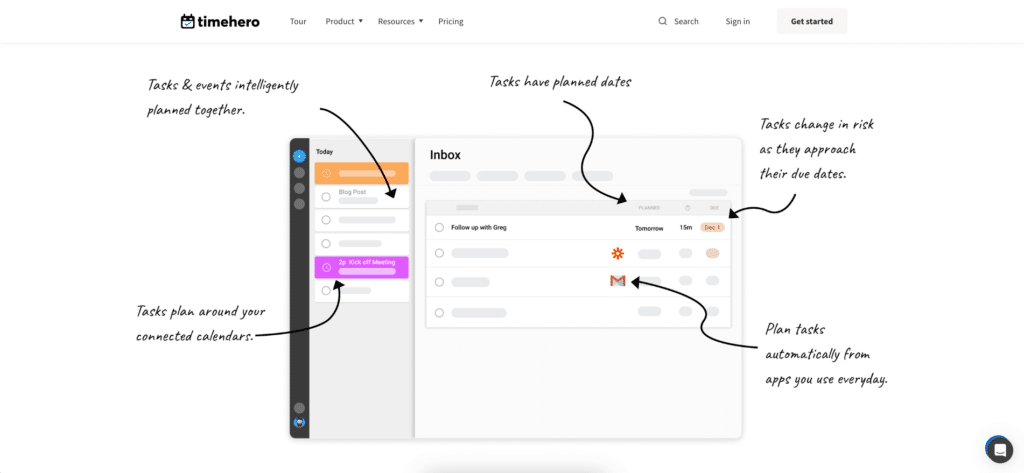
TimeHero is an AI-powered scheduling tool that enhances day-to-day planning by scheduling tasks around meetings and events. The app adapts to changes in real-time and integrates with popular calendars like Google Calendar and Outlook. TimeHero can also predict the time required for tasks based on historical data, which makes planning short, action-packed meetings a breeze.
🧰 Key Features of TimeHero
Real-time schedule adaptation
Integration with Google Calendar and Outlook
Predictive task time estimation
Collaborative planning
Real-time notifications
Reclaim AI
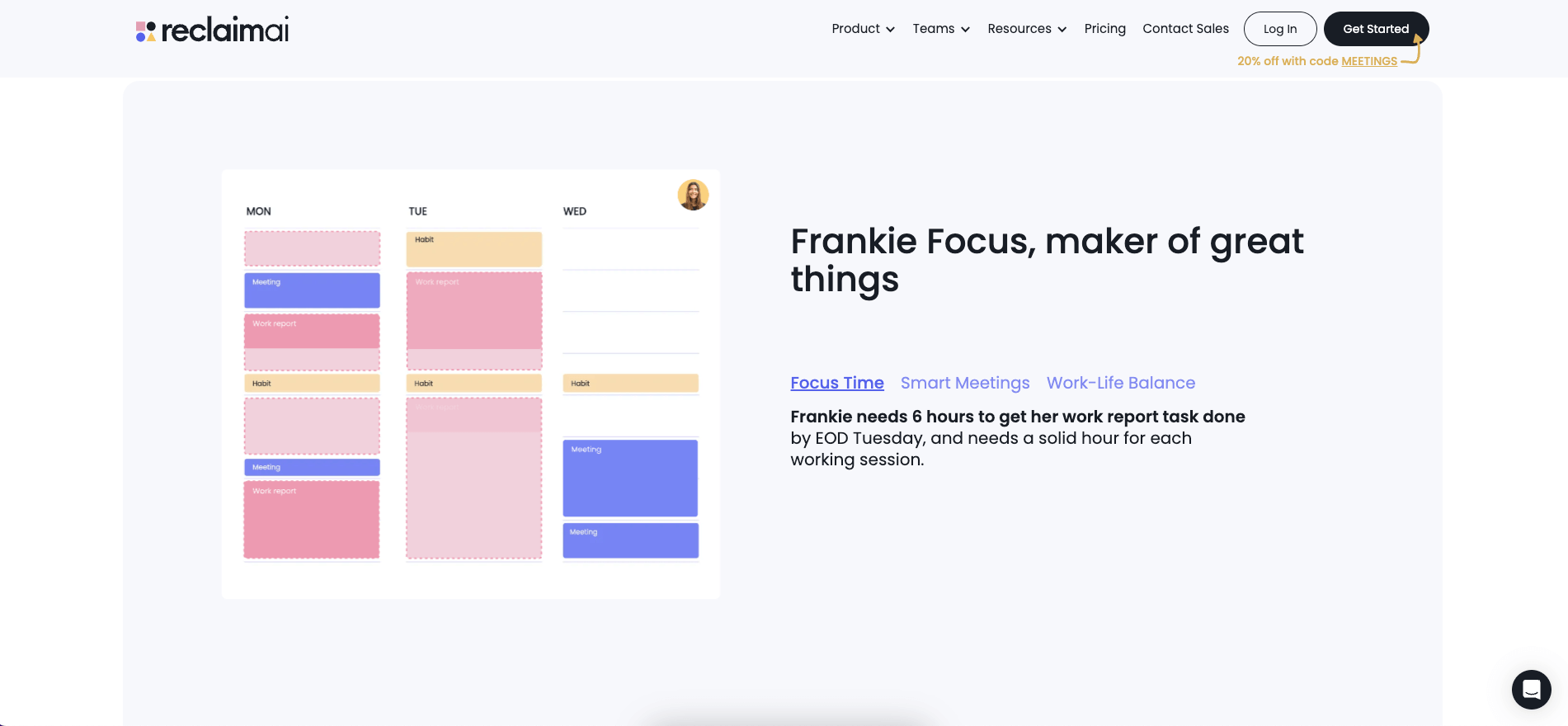
Reclaim AI is a smart scheduling assistant that optimizes your calendar by automatically blocking time for tasks, meetings, and breaks. The tool uses AI to understand your work patterns and create a balanced schedule that maximizes productivity. Reclaim AI integrates seamlessly with Google Calendar and offers features like smart time blocking, goal-setting, and task prioritization.
🧰 Key Features of Reclaim AI
Smart time blocking
Google Calendar integration
Task prioritization
Personal and professional goal setting
Productivity analytics
🔀 AI Tools for Transcribing Meetings
Otter.ai
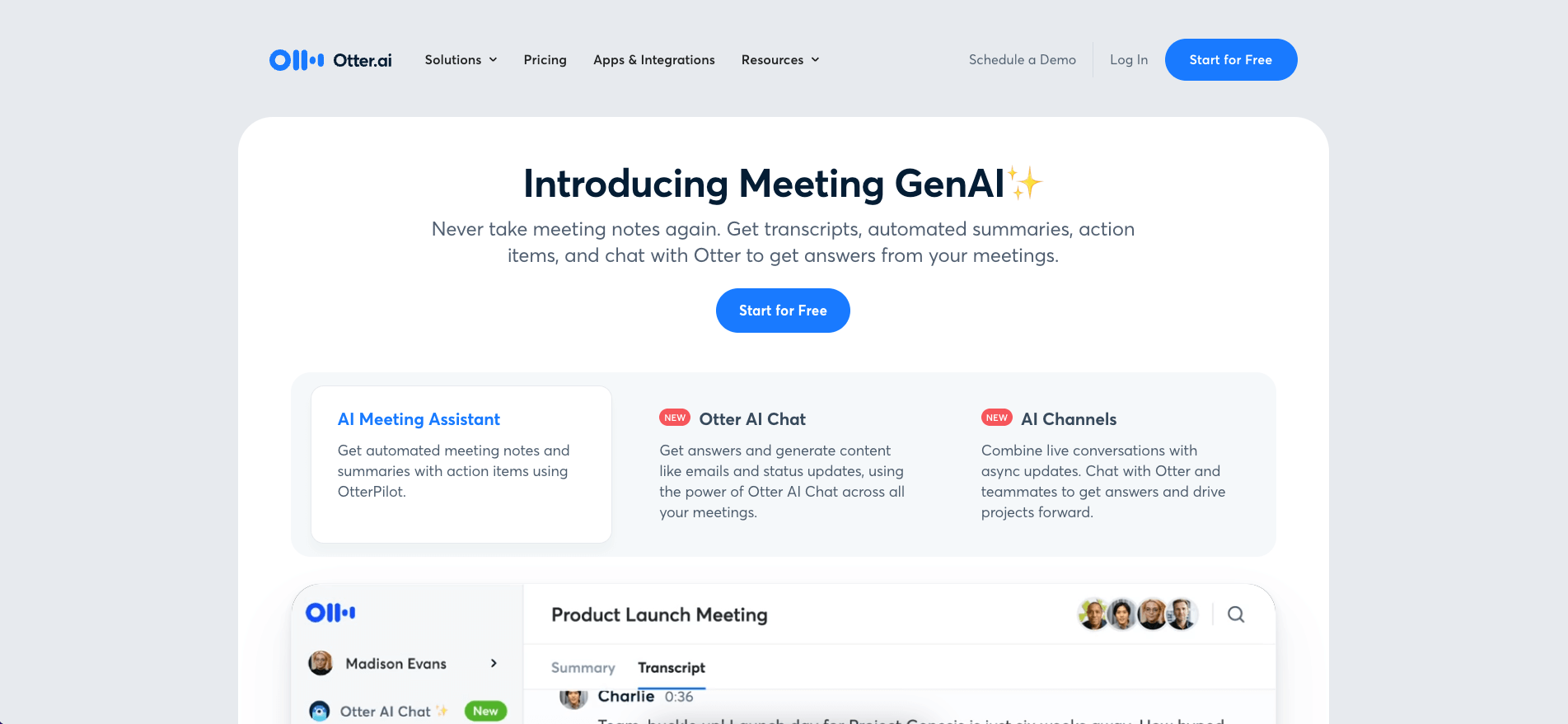
Otter.ai is a meeting transcription service that converts speech into text in real-time. The app supports multiple languages and can transcribe both live conversations and recorded audio. Otter also offers features like speaker identification, which makes it easy to distinguish between participants. A user-friendly interface and robust feature set make Otter a popular choice for teams.
🧰 Key Features
Real-time transcription
Supports multiple languages
Speaker identification
Collaborative workspace
Integration with video conferencing platforms
Searchable transcripts
Sonix

Sonix is an AI-powered transcription tool that offers transcriptions for a variety of audio and video files. The tool supports over 30 languages, which makes it a versatile option for international teams. Sonix provides features like speaker identification and time-stamped transcripts. It also offers a range of editing and collaboration options which allow teams to co-edit the output docs.
🧰 Key Features
Fast and accurate transcriptions
Supports over 30 languages
Speaker identification
Time-stamped transcripts
Integration with video conferencing platforms
Detailed analytics
Trint
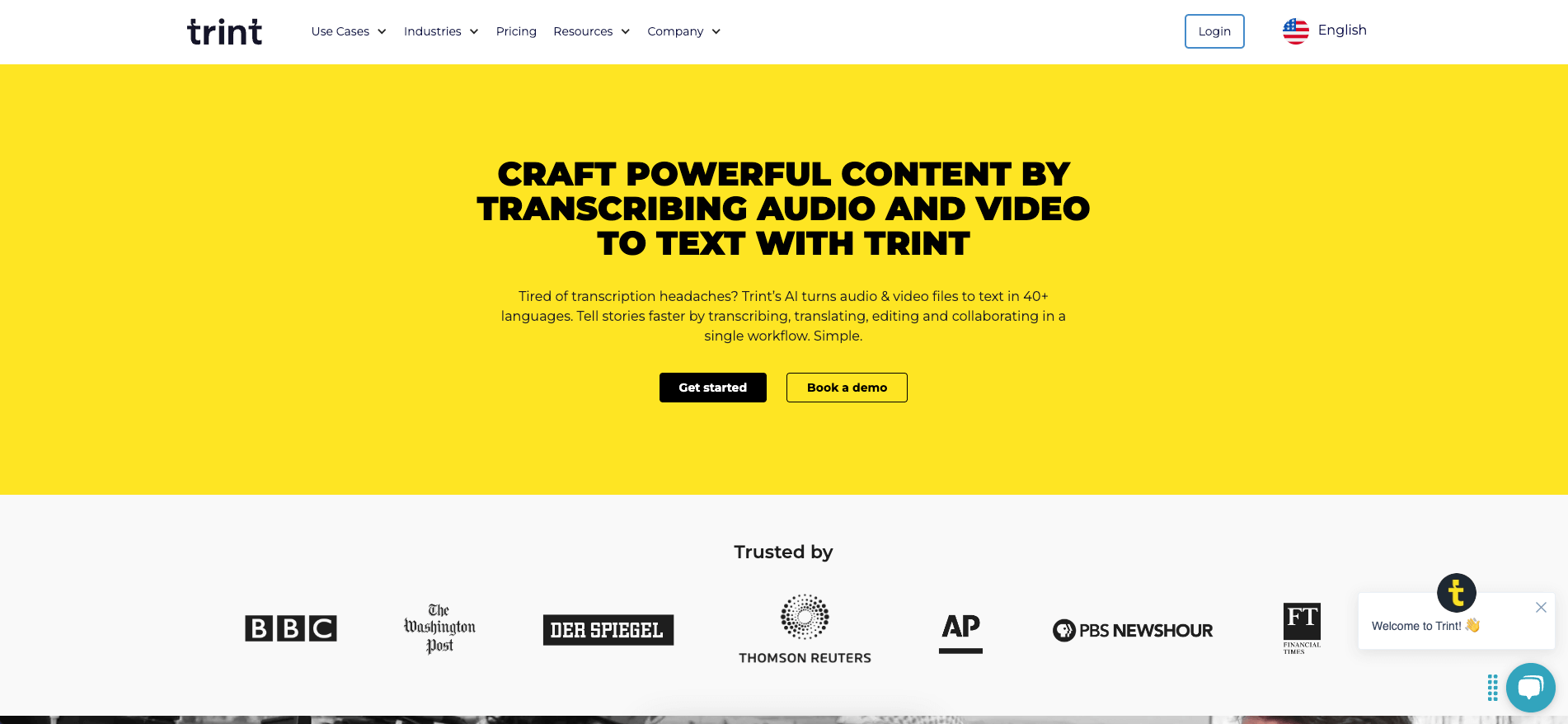
Trint is another transcription tool on our list that uses AI to convert audio and video files. Like Sonix, Trint supports multiple languages, complete with speaker identification and time-stamped transcripts in the available languages. The platform also integrates with various platforms, including Dropbox and Google Drive, to make it easier to fetch and manage files in a centralized way.
🧰 Key Features
Fast and accurate transcriptions
Supports multiple languages
Speaker identification
Time-stamped transcripts
Integration with Dropbox and Google Drive
Automatic punctuation and formatting
Fireflies.ai
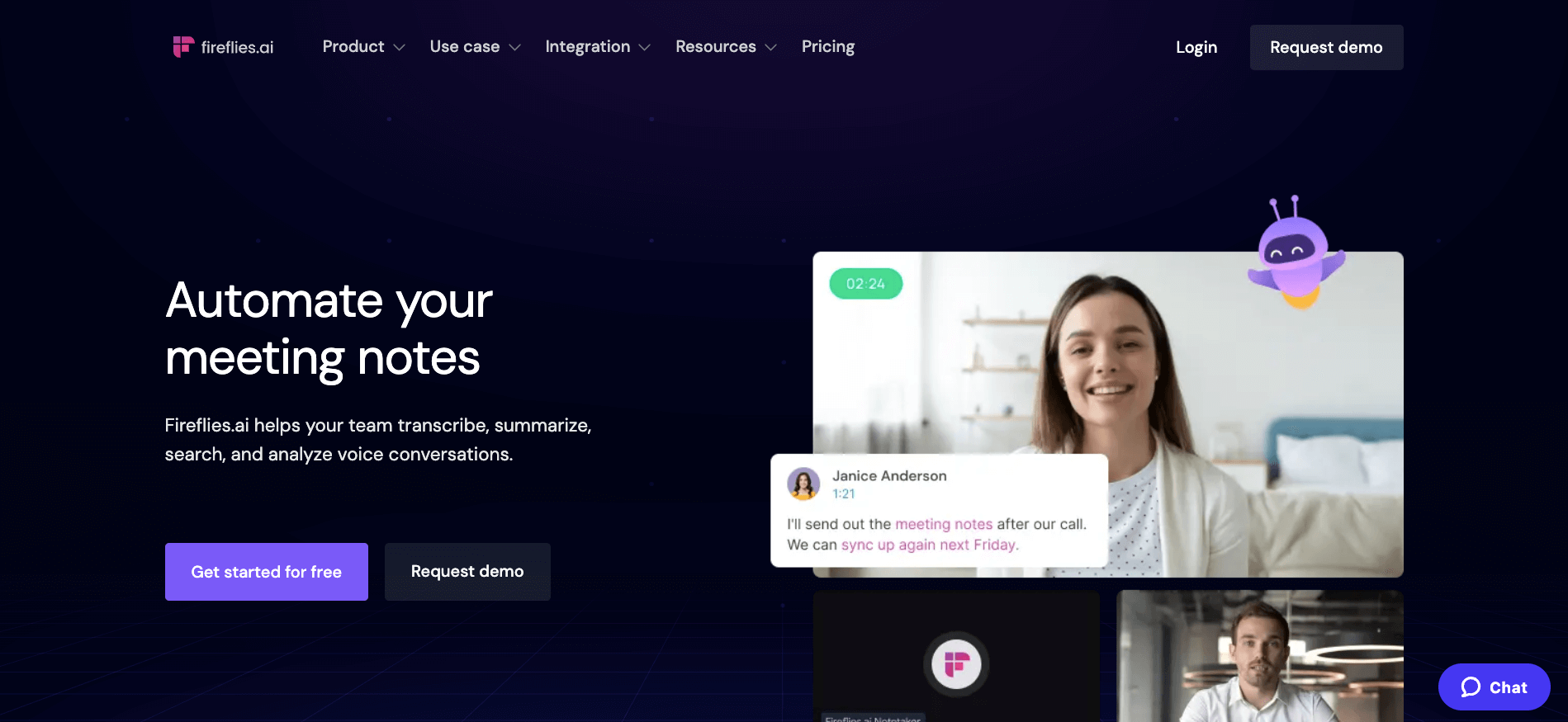
Fireflies.ai is an AI-driven tool designed to automate meeting notes, action items, and transcripts. The platform integrates with your calendar to invite the Fireflies.ai Notetaker to meetings. You can upload audio files, capture in-person meetings, and even transcribe phone calls made using dialers. This makes Fireflies.ai a versatile tool for maintaining accurate records of various meeting formats.
🧰 Key Features
Automatically captures important points from meetings
Identifies and tracks actionable tasks discussed during meetings
Provides accurate transcriptions of audio and video recordings
Integrates with calendar applications to schedule the Notetaker
Supports audio, video, and phone call transcriptions
Generates concise summaries of meeting discussions
Avoma
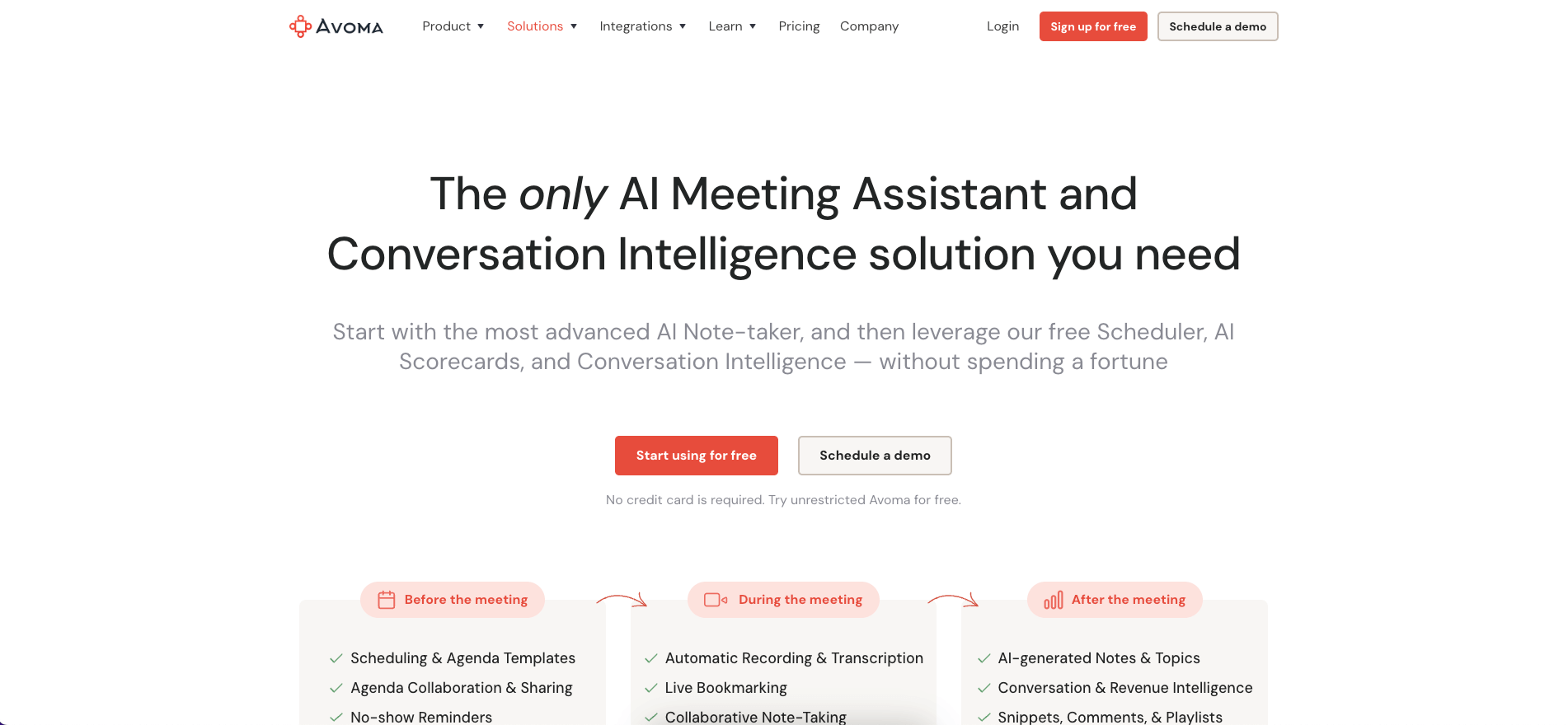
Avoma is an AI meeting assistant that integrates deeply with various communication tools to enhance productivity and collaboration. It offers automated meeting recording and transcription, which makes it super simple to capture and review discussions. Avoma also provides intelligent meeting summaries and actionable insights, which help teams to focus on key takeaways and next steps.
🧰 Key Features
Automated meeting recording and transcription
Intelligent meeting summaries and insights
Agenda management and collaborative note-taking
Conversation intelligence
Seamless integration with popular communication tools
Customizable templates for agendas and notes
👋 Parting Words
Alright, you now know the best AI tools for planning and running meetings. You know what they can do and how they can help you make your meeting brief, effective, and a tad more interesting.
Now comes the hard part — which tool should you use?
It all depends what you’re looking for. Some of the platforms complement each other to give you a holistic meeting experience but with a bit of extra work needed to put it all together. Others offer an integrative approach that provides you with everything you need to get stuff done.
Don't want to juggle multiple apps and spend hours setting things up?
Try Taskade AI for free today! 🐑
🧬 Build Custom Meeting Systems with AI
Need something more tailored? Taskade Genesis creates complete meeting systems from a single prompt:
| What You Describe | What Genesis Creates |
|---|---|
| "Build a meeting scheduler" | Booking system + calendar sync + reminders |
| "Create a board meeting portal" | Agenda builder + document sharing + voting |
| "Design a standup tracker" | Daily check-ins + AI summaries + trends |
Clone these meeting apps:
- Room Booking Dashboard — Schedule meeting rooms
- Event Management Portal — End-to-end event planning
- Team Capacity Planner — Resource scheduling
Your living meeting system includes:
- 🤖 Custom AI Agents — AI note-taker and summarizer
- 🧠 Projects & Memory — Meeting history database
- ⚡️ 100+ Integrations — Auto-schedule follow-ups
Read more:
- 10 AI Booking Systems — Full Genesis showcase
- 10 AI Ops Dashboards — Team coordination
Explore Taskade Hubs:
- AI Calendar Automations — Meeting scheduling workflows
- AI Booking Automations — Appointment systems
- AI Meeting Generators — Meeting agenda tools
- AI Project Management Agents — Team coordination
- AI Reports Automations — Meeting summaries
- Browse Community Apps — Clone and customize

Frequently Asked Questions
What are the best AI tools for planning meetings?
Top AI meeting planning tools include Taskade (combines meeting agendas with project management and AI agents), Otter.ai (AI transcription and summaries), Fireflies.ai (meeting recording and insights), and Reclaim.ai (AI scheduling). The best choice depends on whether you need standalone meeting support or integrated workspace collaboration.
How can AI make meetings more productive?
AI improves meetings by auto-generating agendas from project context, transcribing discussions in real time, extracting action items and decisions automatically, scheduling follow-ups, and providing post-meeting summaries. This eliminates the busywork around meetings so participants can focus on discussion and decision-making.
What features should an AI meeting tool have?
Essential features include AI agenda generation, real-time transcription, automatic action item extraction, integration with your project management workspace, meeting recording, smart scheduling, and the ability to search across past meeting notes. The best tools connect meeting outcomes directly to tasks and projects.
Can AI tools replace notetakers in meetings?
Yes, for most routine meetings. AI tools can transcribe conversations, identify speakers, highlight key decisions, and generate structured meeting minutes automatically. This frees everyone to participate fully instead of splitting attention between listening and writing. However, human review of AI-generated notes is still recommended for accuracy.